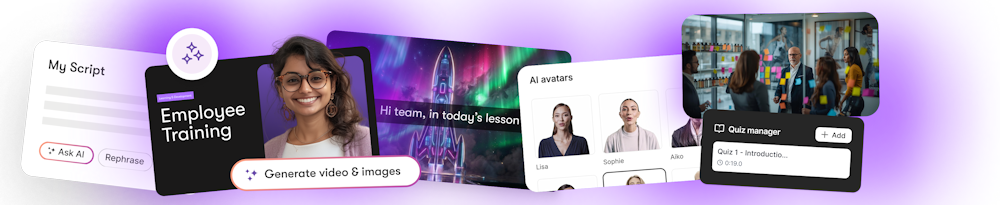
Turn your training slides into engaging videos in minutes
Built to help L&D teams turn dense presentations into learning content that keeps attention, improves retention, and saves hours of production time — all without expensive tools or studio setups
Trusted by learning teams at




Pictory handles video production so you can focus on designing impactful learning experiences
Supporting every stage of ADDIE for teams producing training across all use cases
Sales & Partner Enablement
"Our return rate went from 40% to 81% after switching to video-based training."
David Landsberger
AppDirect
Compliance Training
"We went from dreaded compliance modules to content that gets 5-star reviews."
Curtis Whitfill
VRC Investigations
Scenario-Based Training
"Finally, a way to escape death by PowerPoint. Our learners are actually engaged."
Jason Hoss
Whirlybird Labs
Tour the PowerPoint-to-Video workflow yourself
Go from raw slides to high-quality training video in minutes.
See what teams create with Pictory
Compliance
Cybersecurity Awareness Training
Everything you need to turn slides into learner-ready video — in minutes
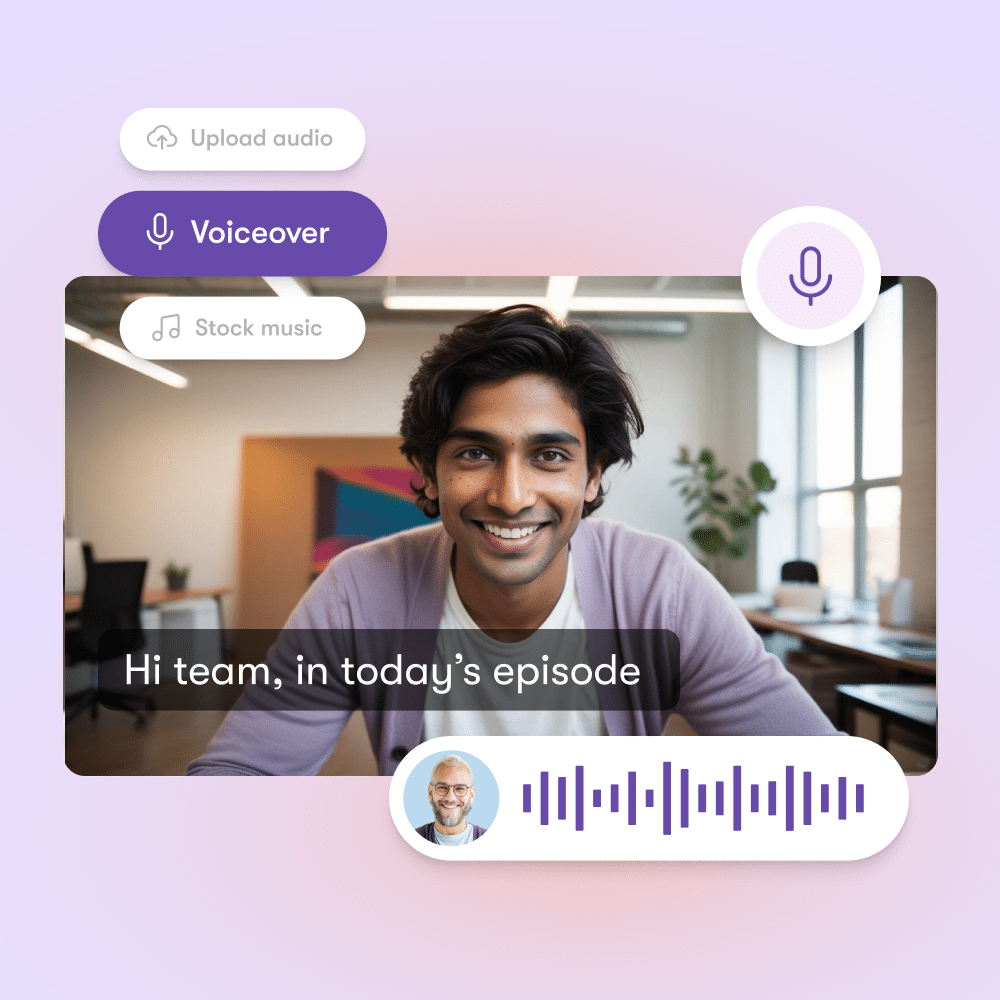
Instant narration using speaker notes + ElevenLabs
Your speaker notes become professional voiceovers instantly. No recording sessions, no retakes, no external tools needed.
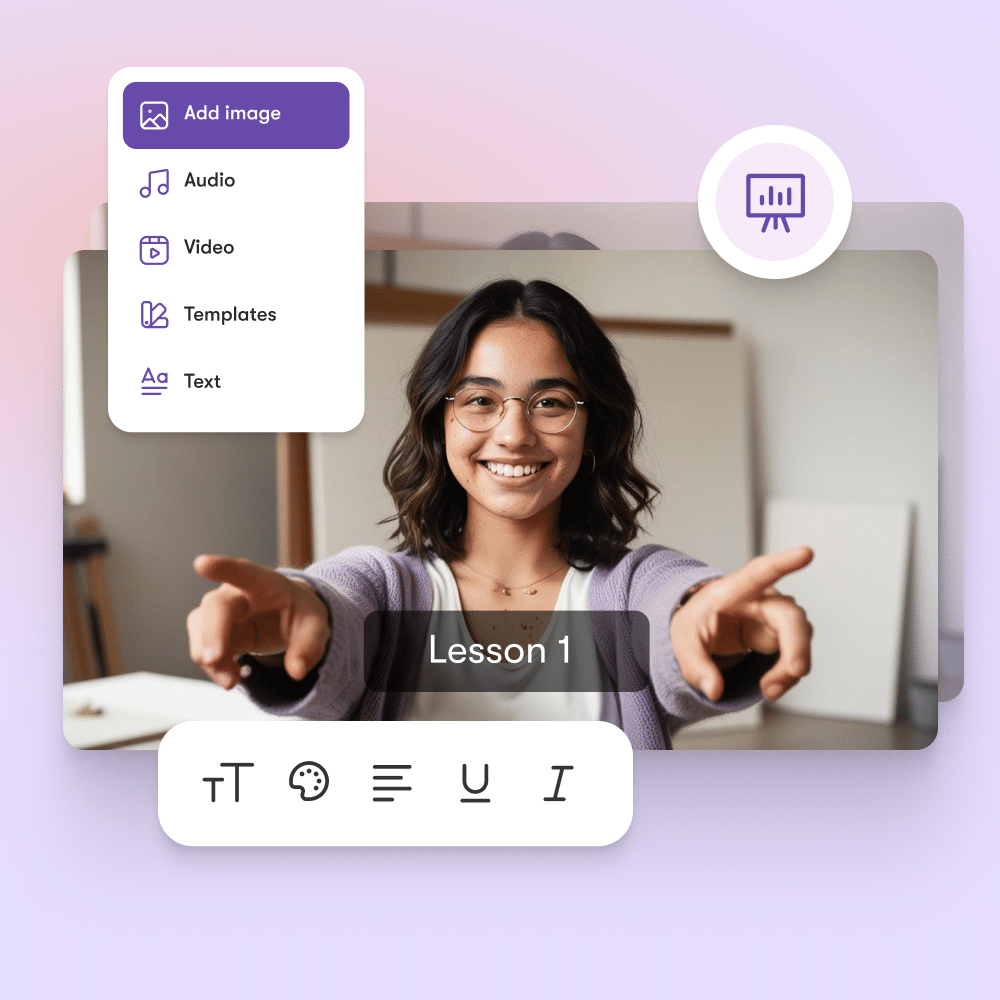
Edit videos like presentations
Scene-based editing lets you refine content the way you already work — by slide, not timeline. Update one scene without re-rendering everything.
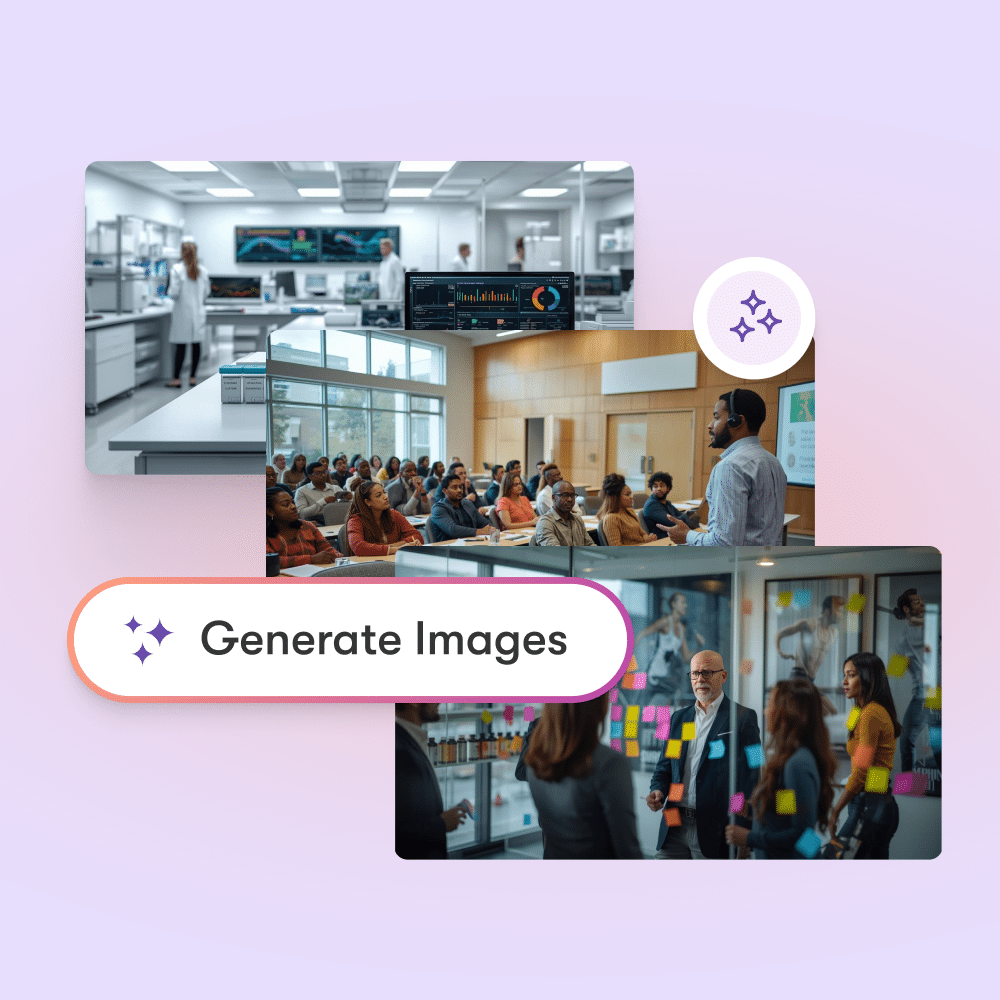
Stock + AI visuals applied automatically
Pictory adds relevant visuals to your content automatically. Search and swap from millions of stock images and videos.
Rapid SME review with instant previews
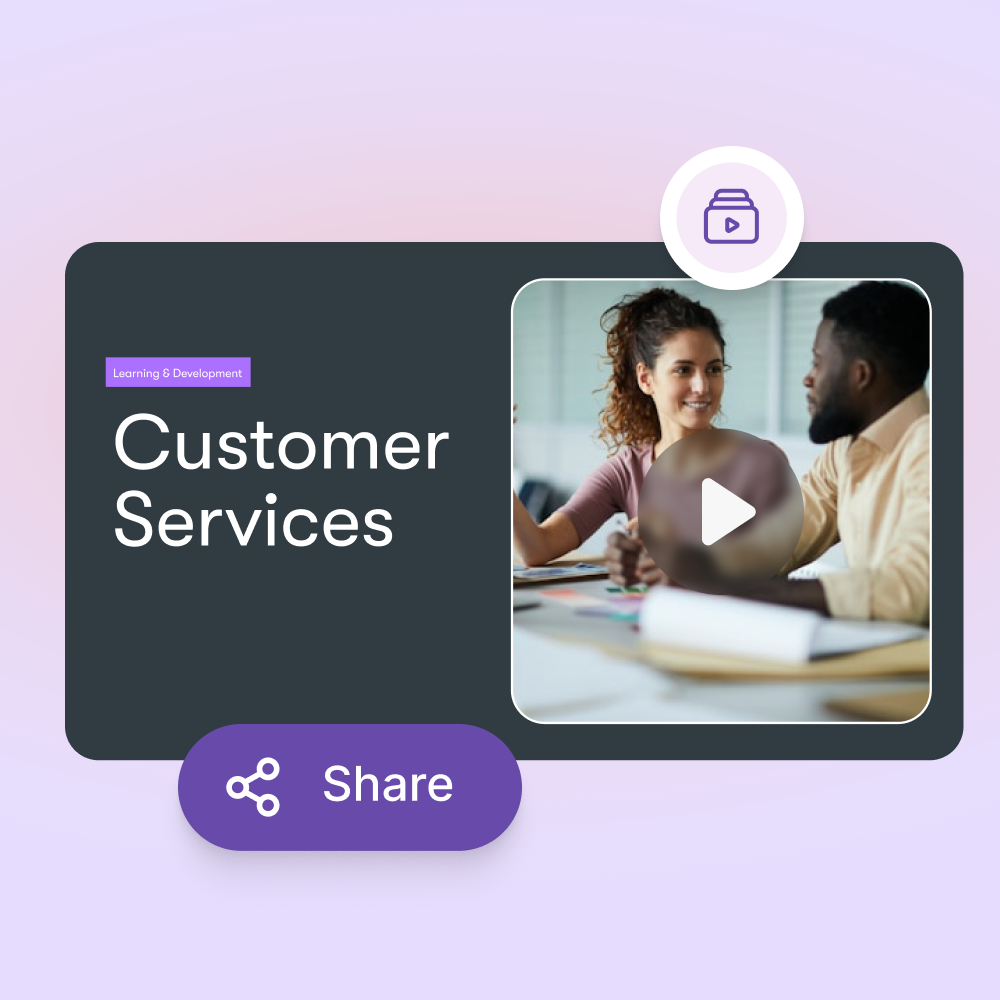
Share near-final previews instantly for faster feedback loops. Perfect for ADDIE-aligned workflows where iteration is key.
Ready to turn your first PowerPoint into video in 5 minutes?
In partnership with




FAQ
Everything L&D Teams Need to Know
AI video creation helps L&D teams save time, reduce costs, and deliver more engaging content. Instead of spending weeks working with video editors or outsourcing production, you can turn presentations, scripts, and recorded lectures into polished training videos within hours.
This means your team can focus on improving learning outcomes instead of getting stuck in production. AI also ensures consistency in style and branding across all training materials, making it easier to scale learning programs across different departments or regions.
You can upload PowerPoint slides, text documents, recorded lectures, audio files and other digital assets. The platform uses AI to transform these inputs into structured professional video lessons.
For example, you might upload a slide deck with bullet points and the AI will pair it with voiceovers, visuals and captions automatically. This flexibility allows you to repurpose content you already have into fresh learning assets without starting from scratch which saves your subject matter experts significant time.
Yes. Every video can be customized to reflect your organization’s brand identity. You can add logos, choose brand colors, select preferred fonts and apply templates that maintain a consistent look and feel across all training content.
This is especially important for enterprises and L&D teams that need to deliver a professional learner experience. Branded content also improves learner trust and recognition ensuring employees know the training is coming directly from your organization rather than an external source.
Yes. The platform was designed with subject matter experts (SMEs) in mind. SMEs often do not have the time or skills to create videos and this tool makes the process simple.
They can upload their raw materials like slide decks, lecture notes or recordings and the AI automatically produces training-ready videos. This reduces the effort SMEs need to invest while still capturing their expertise.
For L&D teams this means you can engage SMEs more effectively and produce high-quality learning assets faster.
Video-based learning improves engagement and knowledge retention compared to text-only formats. By combining visuals, narration and captions AI-generated videos make lessons easier to follow and more interactive for learners.
Shorter more dynamic video content also matches modern learning preferences where employees prefer bite-sized microlearning over long documents. This leads to higher course completion rates, stronger learner satisfaction and better knowledge transfer across your organization.
Yes. You can add AI-generated voiceovers in multiple accents and languages or upload your own recorded narration.
Automatic captions are also generated making videos accessible to a wider audience and compliant with accessibility standards.
Captions help learners follow along in noisy environments or when they prefer to read instead of listen.
Voiceovers allow you to deliver a natural and engaging experience without requiring professional recording equipment or voice actors.
Yes. You can export videos in widely supported formats such as MP4 and upload them directly into your Learning Management System (LMS). The platform’s flexibility ensures compatibility with most modern LMS platforms including Moodle, Cornerstone, Workday and many others.
This means you can continue using your existing workflows while upgrading your training delivery. Integration also helps track learner progress since video lessons sit alongside other training modules in your LMS.
PICTORY API
The most advanced API for automated video generation, at scale.
Experience AI powered video creation in your own tech stack with our API.
Rated 4.7/5 on Capterra




SOC 2 & GDPR compliant
Copyright 2026 Pictory.ai - Privacy Policy / Terms of Service / Copyright Policy / Sitemap