
Enterprise teams need to communicate clearly, consistently, and at scale. Text based communication alone often fails to engage employees, customers, or partners. Pictory AI’s Text to Video workflow allows enterprise teams to turn written content into professional videos quickly, without relying on complex production processes.
This guide shows how enterprise teams use Text to Video in Pictory AI to scale both internal and external communications.
Why Text to Video Works for Enterprise Teams
Text to Video helps enterprise teams communicate faster and more effectively. It allows teams to transform existing written materials into engaging video content without starting from scratch.
Enterprise teams use Text to Video to:
- Increase engagement compared to emails or documents
- Standardize messaging across departments
- Reduce production time and costs
- Scale content creation across regions and teams
- Maintain brand and message consistency
Video improves clarity while saving time.
Step 1: Start With Existing Text Content
Enterprise teams often already have the content they need.
Common starting points include:
- Internal announcements
- Policy updates
- Training documents
- Product briefs
- Press releases
- Blog posts
- Customer emails
Using Text to Video, teams paste this content directly into Pictory to begin video creation.
Step 2: Use the Text to Video Workflow
To begin:
- Select the Text to Video workflow
- Paste your written content into the editor
- Review and edit the text for clarity and tone
- Proceed to generate scenes
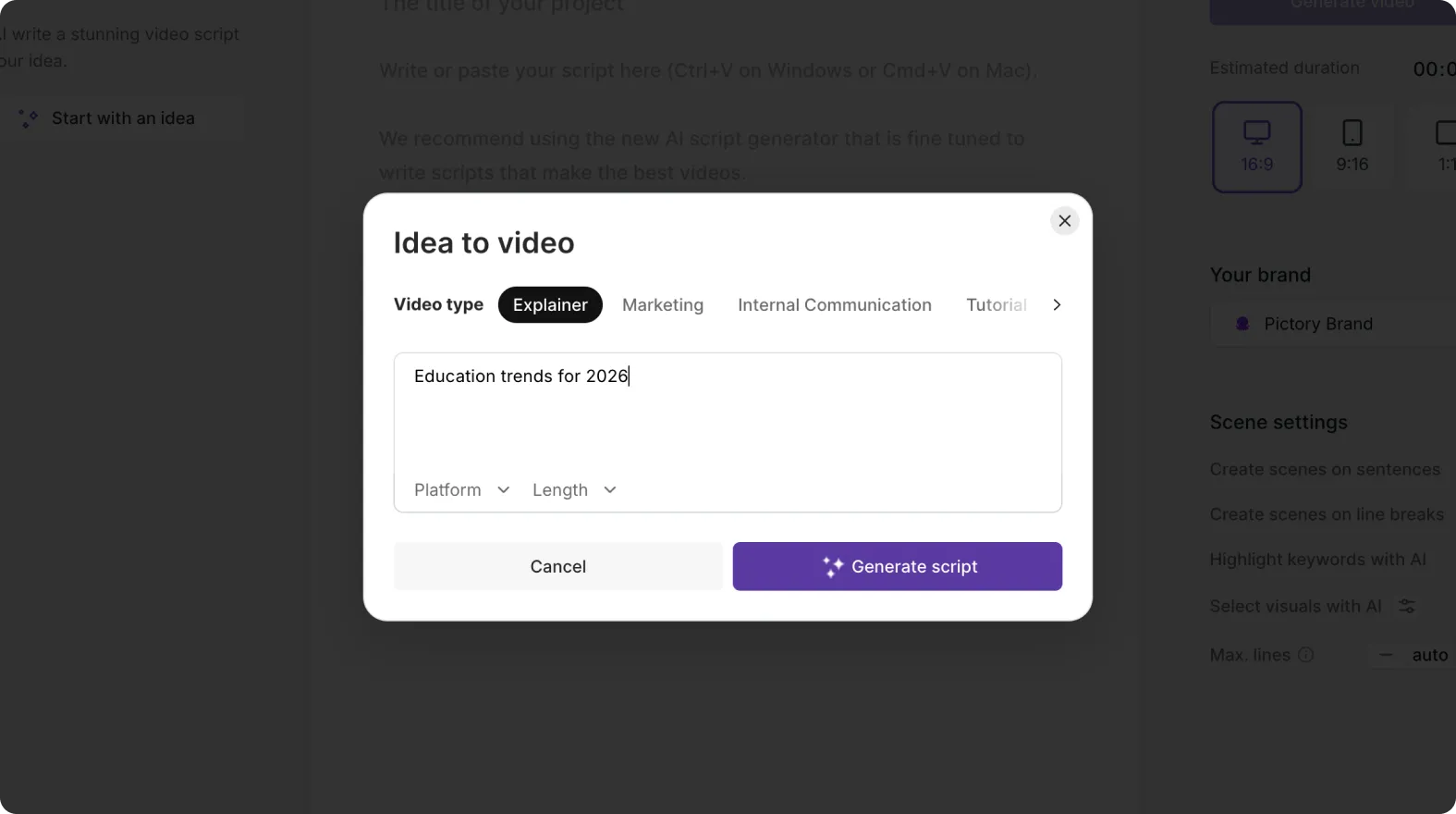
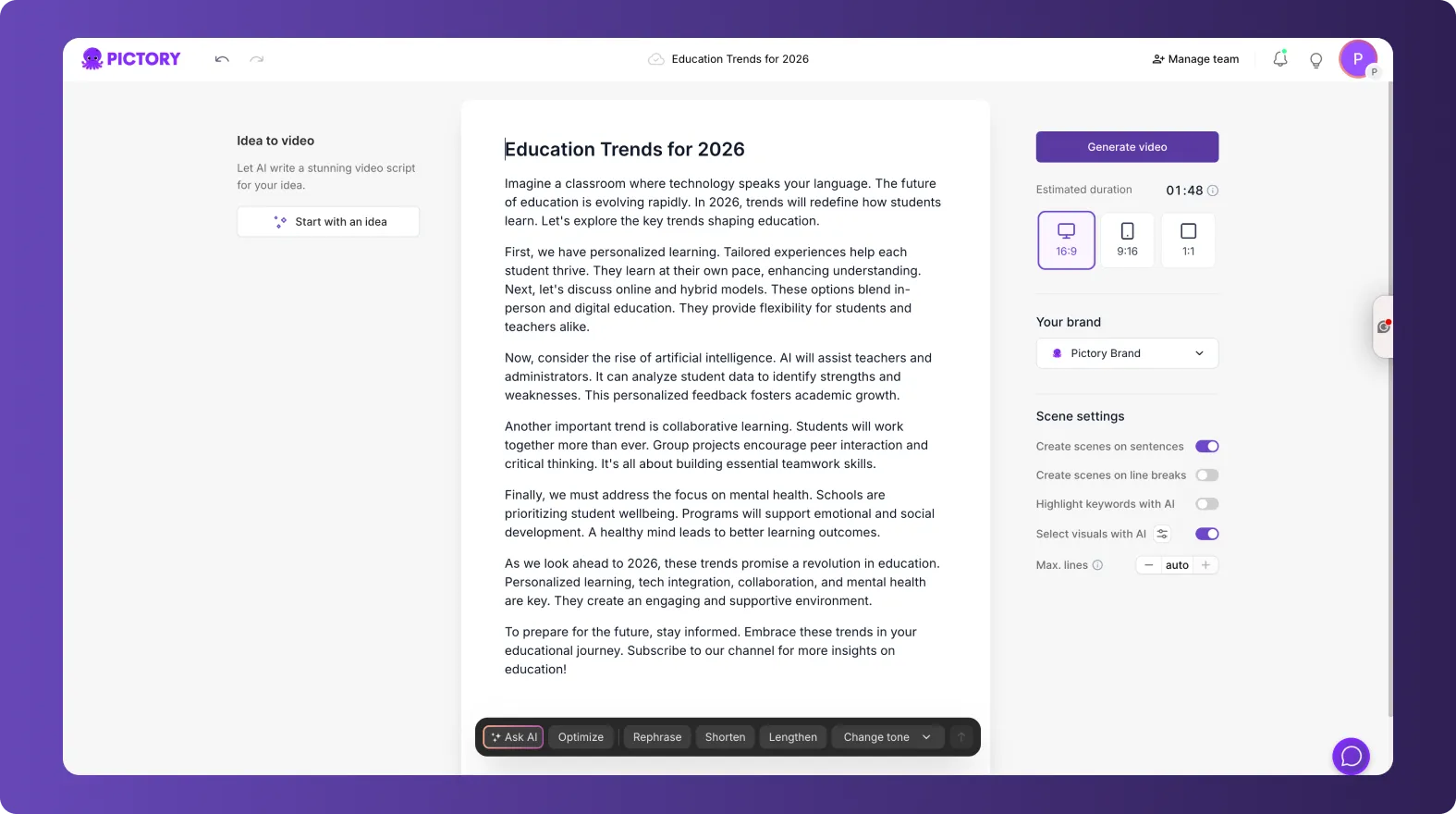
Pictory automatically breaks the text into scenes and assigns visuals.
Step 3: Apply a Consistent Brand Kit
Brand consistency is critical at the enterprise level.
After generating scenes:
- Open the Branding tab
- Apply the approved Brand Kit
- Ensure logos, fonts, and colors match brand guidelines
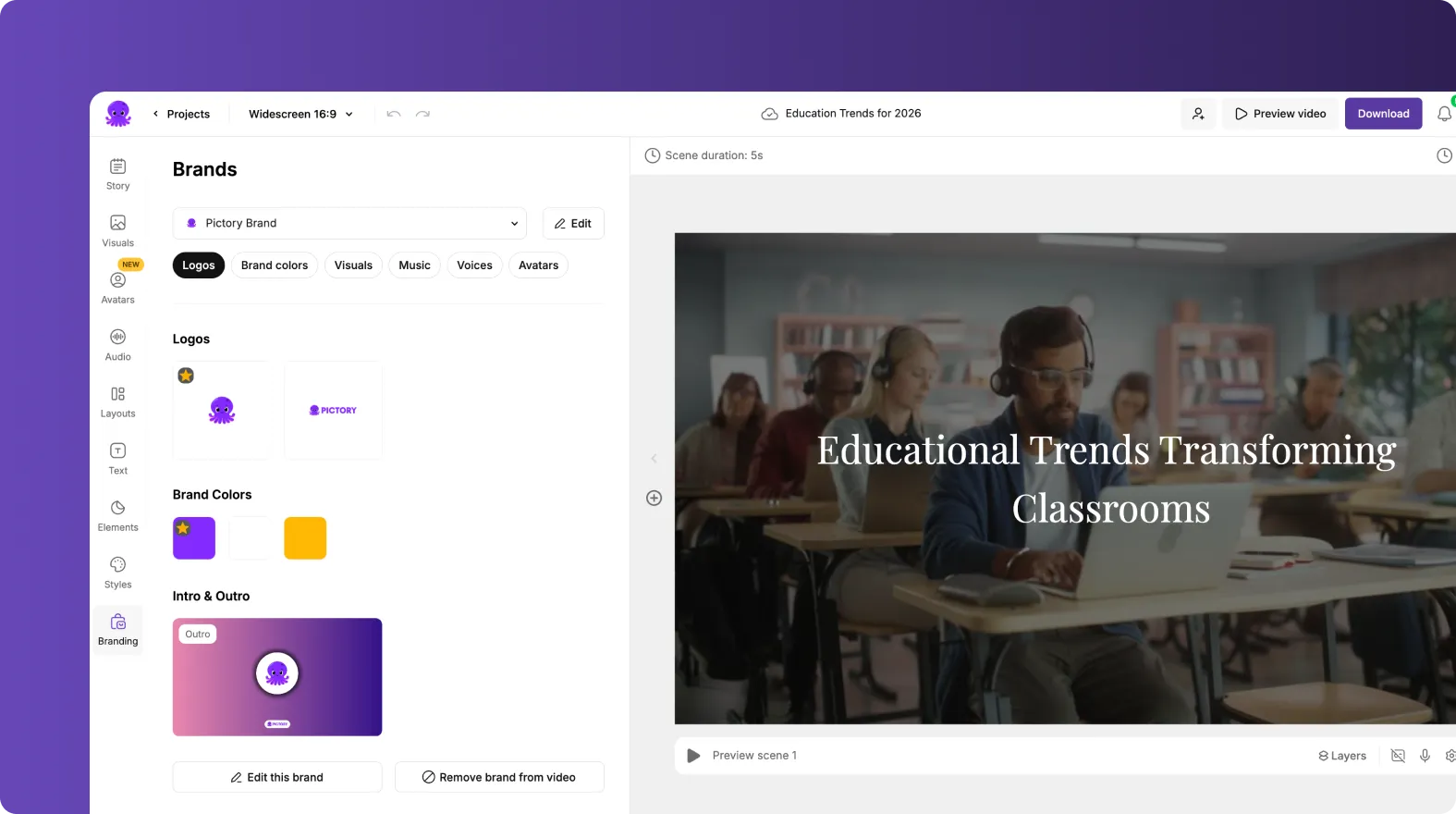
This ensures every video reflects the organization’s identity, regardless of who created it.
Step 4: Customize Visuals for Internal or External Use
Enterprise teams often need different visuals for different audiences.
For internal communications:
- Clean layouts
- Minimal animations
- Clear instructional visuals

For external communications:
- More dynamic visuals
- Strong visual storytelling
- Polished presentation
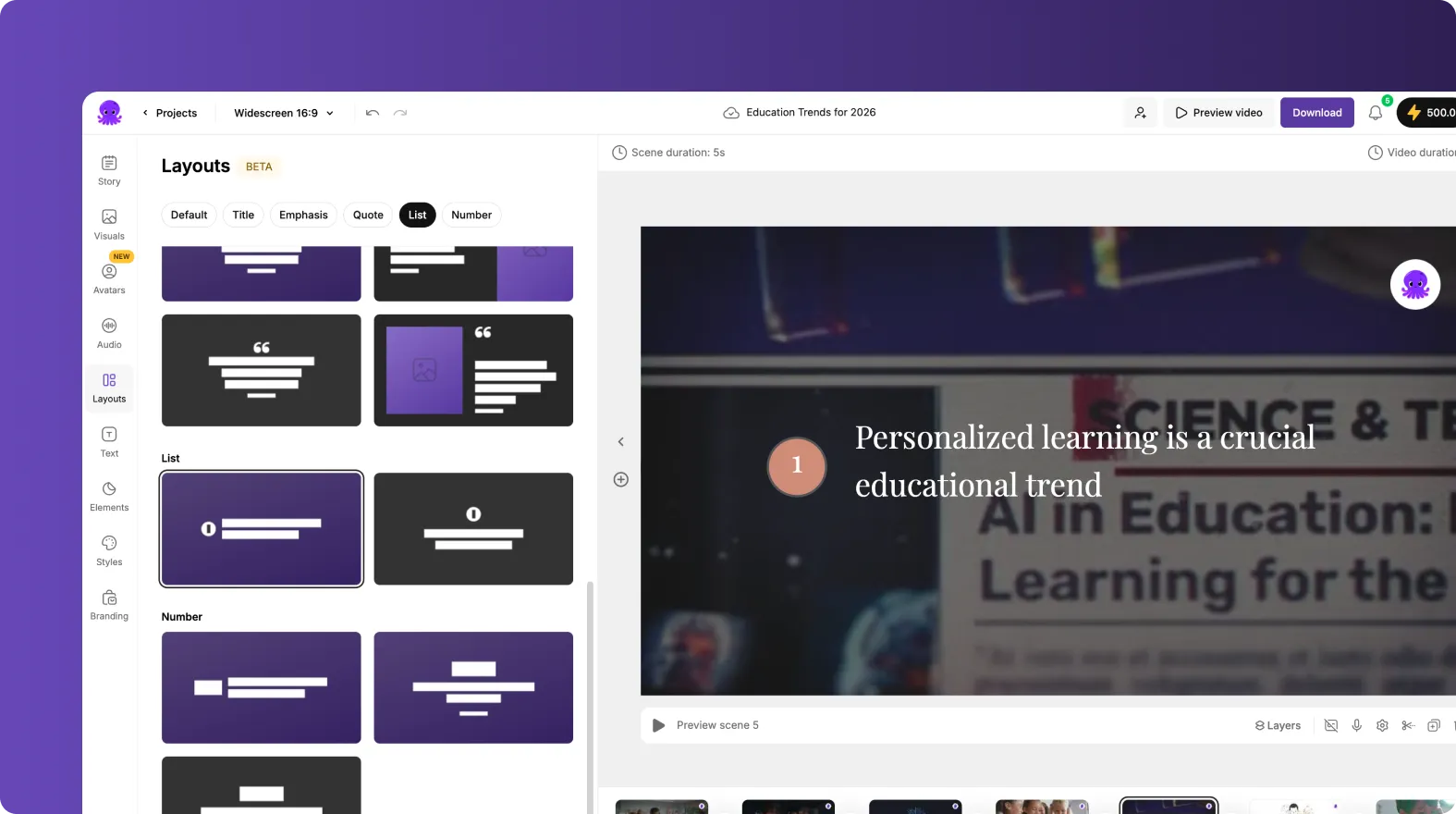
Teams can quickly swap visuals using stock footage, uploads, or AI generated visuals.
Step 5: Adjust Tone for Different Audiences
Tone matters when communicating across teams and markets.
Using Pictory, enterprise teams can:
- Keep internal videos clear and direct
- Make customer videos friendly and engaging
- Use professional tone for executive updates
- Adapt messaging for regional audiences
Text can be edited before or after video generation to match the audience.
Step 6: Add Voiceovers and Subtitles at Scale
Text to Video works well with automated audio tools.
Enterprise teams often:
- Add AI voiceovers for fast narration
- Use multilingual voiceovers for global teams
- Enable subtitles for accessibility
- Create silent friendly videos for mobile viewing
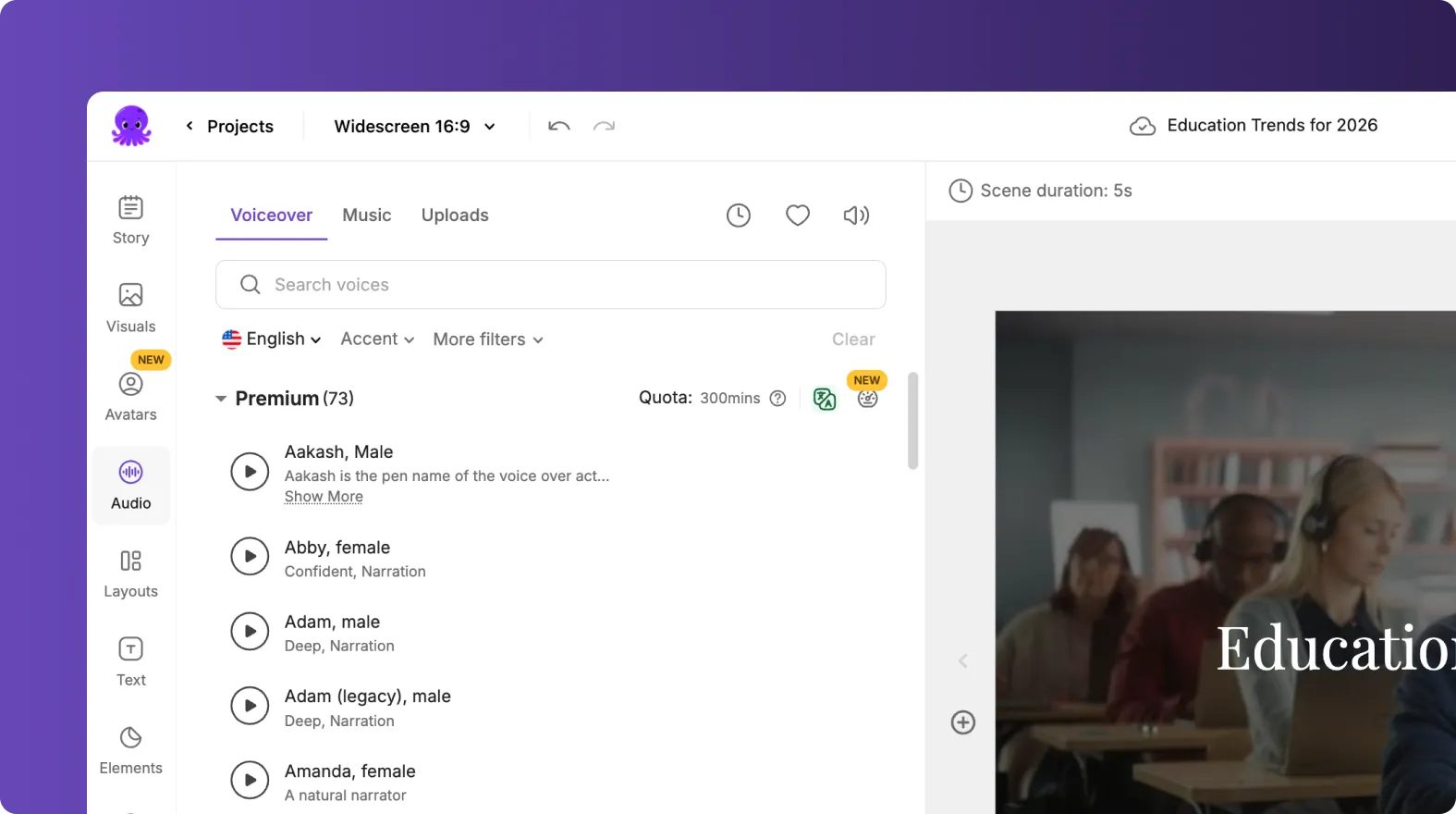
This helps content reach more people with minimal effort.
Step 7: Duplicate and Localize Videos Across Regions
Once a base video is created:
- Duplicate the project
- Translate the script
- Apply multilingual voiceovers or subtitles
- Export region specific versions
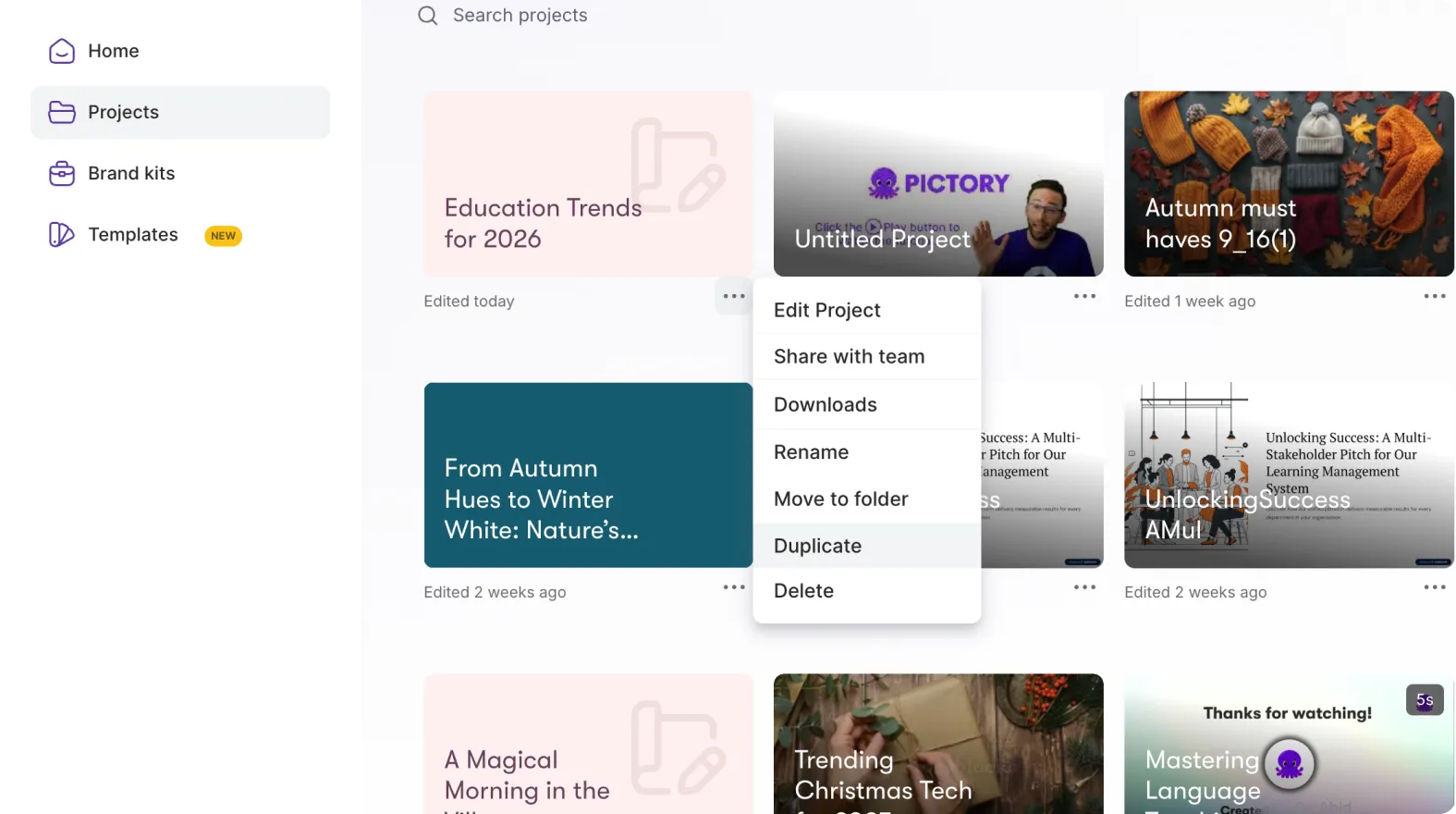
This allows global teams to stay aligned while respecting local language needs.
Step 8: Collaborate Across Departments
Text to Video supports collaboration across large teams.
Common workflows include:
- HR creating onboarding videos
- Internal comms sharing leadership updates
- Marketing producing external explainers
- Sales teams creating product overview videos
Shared Brand Kits and project duplication keep everything consistent.
Step 9: Export Videos for Multiple Channels
Enterprise communications often live in many places.
Teams export videos for:
- Internal portals
- LMS platforms
- Email campaigns
- Company intranets
- Social media
- Websites
One Text to Video project can support all these channels.
Step 10: Maintain Speed and Consistency Over Time
Text to Video allows enterprise teams to respond quickly to change.
They can:
- Update scripts and regenerate videos
- Refresh visuals without re filming
- Reuse templates and styles
- Scale content creation without bottlenecks
This keeps communication agile and consistent.
Scale Enterprise Communication With Text to Video in Pictory AI
Text to Video helps enterprise teams turn written content into engaging video at scale. By combining automation, brand control, and collaboration tools, Pictory AI enables faster communication without sacrificing quality. Whether used for internal updates or external messaging, Text to Video simplifies enterprise video production.
Start scaling your enterprise communications today using Text to Video in Pictory AI.


