
Enterprise teams often need to create high quality video content quickly, even when there is no finished script. Idea to Video in Pictory AI helps teams turn a simple concept or prompt into a complete video in minutes. This workflow is especially useful for executive updates, leadership messages, and fast moving marketing content.
This guide explains how enterprises use Idea to Video in Pictory AI to produce content rapidly and consistently.
Why Idea to Video Works for Enterprise Teams
Idea to Video removes friction from the video creation process. Instead of starting with a full script, teams can begin with a short idea and let Pictory handle structure and visuals.
Enterprises use Idea to Video to:
- Respond quickly to announcements or changes
- Create executive updates without long scripting cycles
- Launch marketing messages faster
- Reduce dependency on video production teams
- Scale content creation across departments
Speed and consistency are critical at the enterprise level.
Step 1: Start With a Clear Idea or Prompt
Enterprise content often begins with a simple concept.
Common examples include:
- Leadership updates
- Quarterly highlights
- Product announcements
- Campaign ideas
- Event promotions
- Vision or strategy messages
Using Idea to Video, teams enter a short description instead of a full script.
Step 2: Open the Idea to Video Workflow
To begin:
- Select the Idea to Video workflow
- Enter your idea or topic into the prompt field
- Add any key points or instructions if needed
- Proceed to generate the video
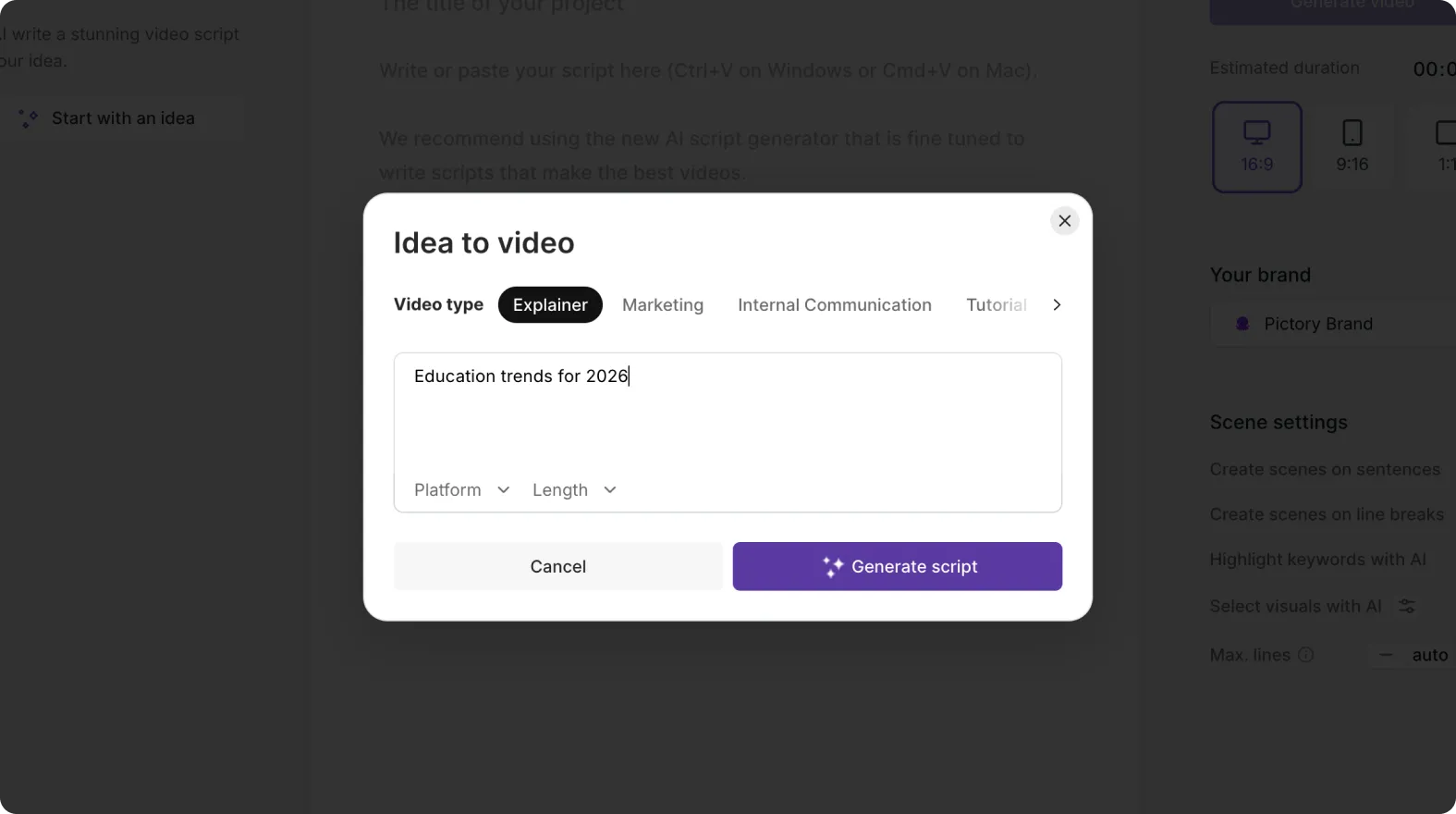
Pictory automatically creates a structured script and scenes based on the idea.
Step 3: Review and Refine the Generated Script
After generation, review the script created by Pictory.
Enterprise teams often:
- Adjust tone for executive or customer audiences
- Refine messaging for clarity
- Align language with brand guidelines
- Remove unnecessary details
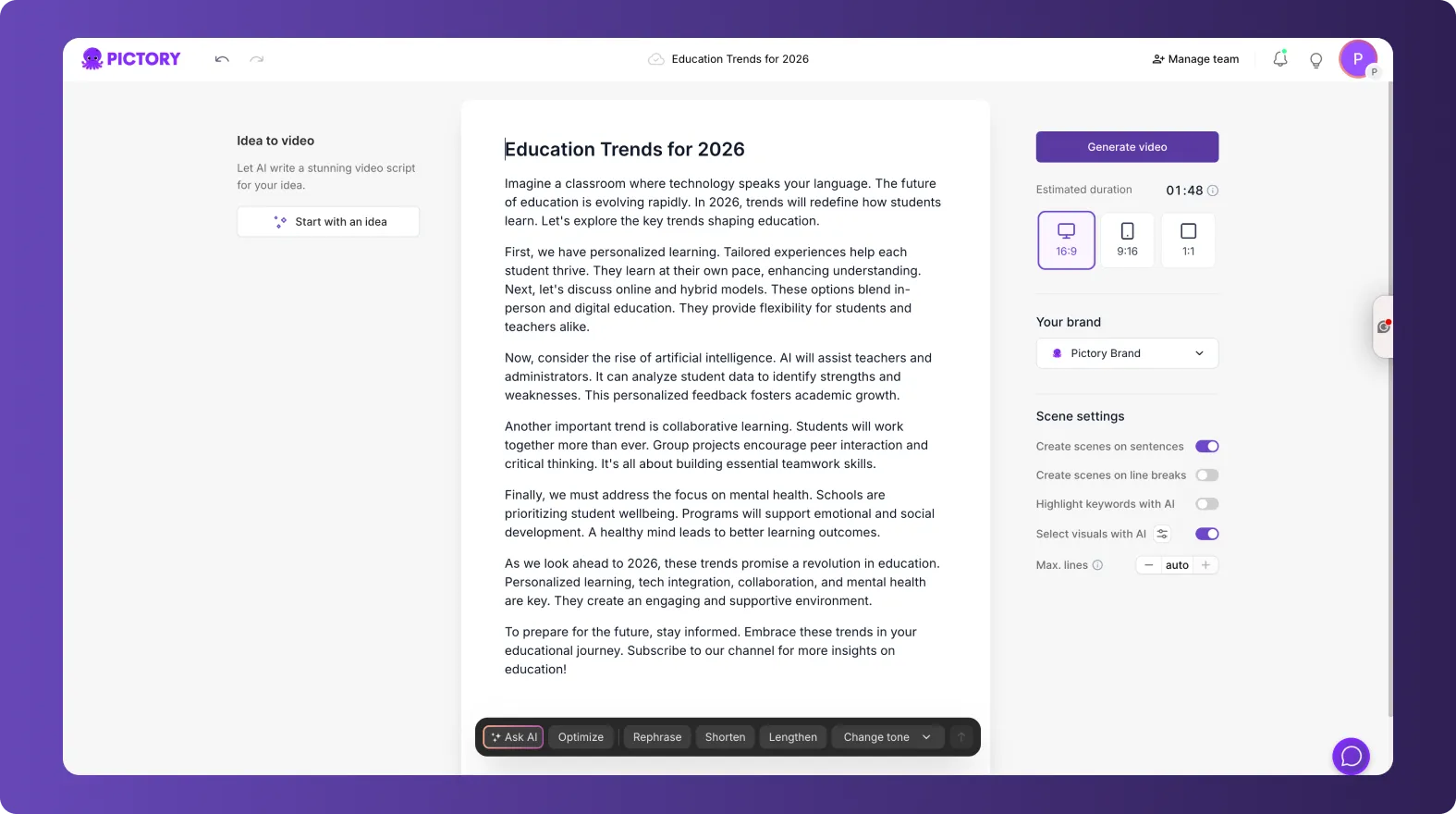
The script remains fully editable before finalizing the video.
Step 4: Apply Brand Kits for Consistent Identity
Brand consistency is essential for enterprise communications.
After scenes are created:
- Open the Branding tab
- Apply the approved Brand Kit
- Confirm logos, fonts, and colors are correct
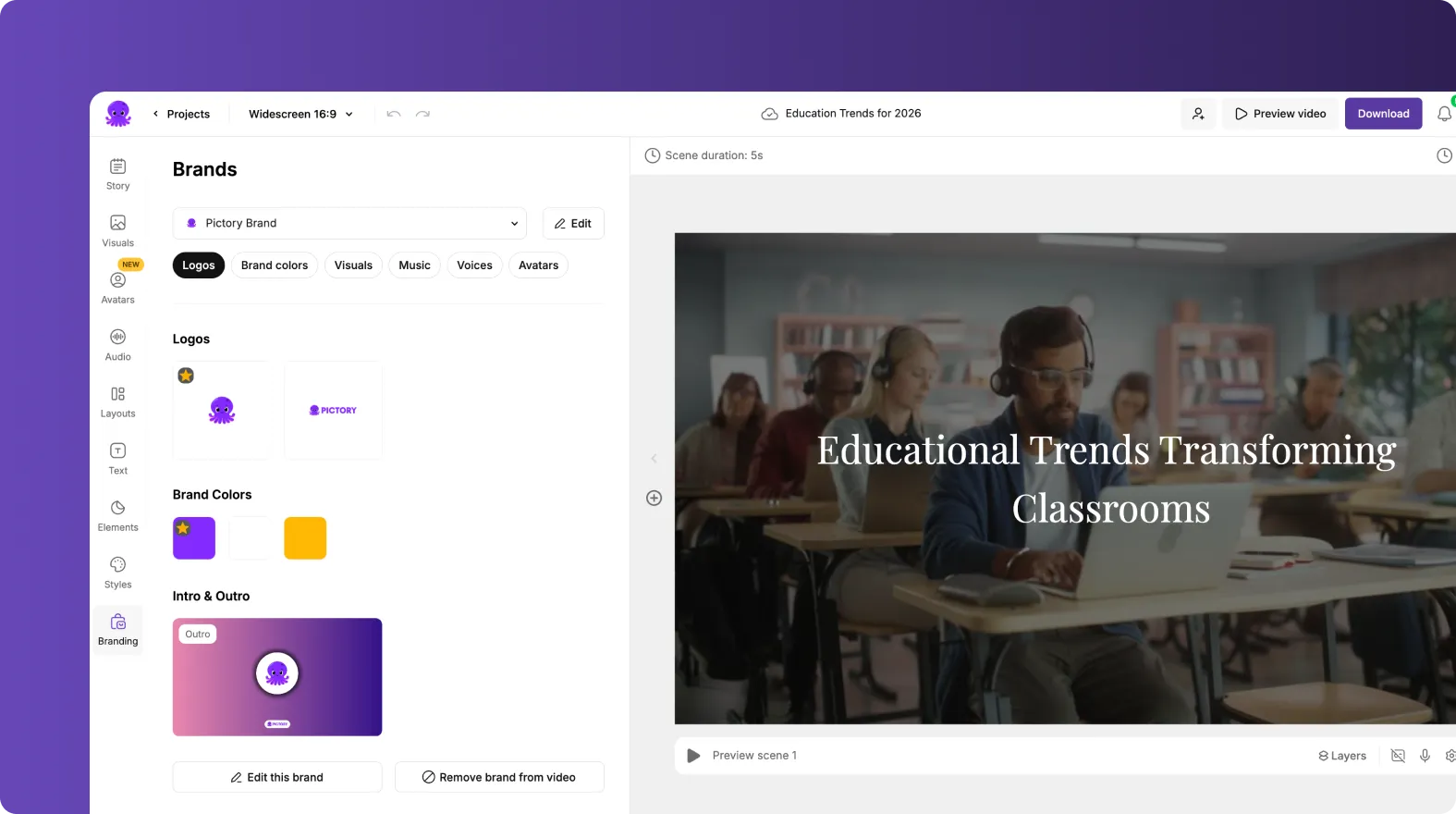
This ensures all executive and marketing videos follow the same visual standards.
Step 5: Customize Visuals for Executive or Marketing Use
Idea to Video assigns visuals automatically, but teams can refine them.
For executive content:
- Clean layouts
- Minimal motion
- Professional visuals

For marketing content:
- More dynamic visuals
- Strong imagery
- Eye catching motion
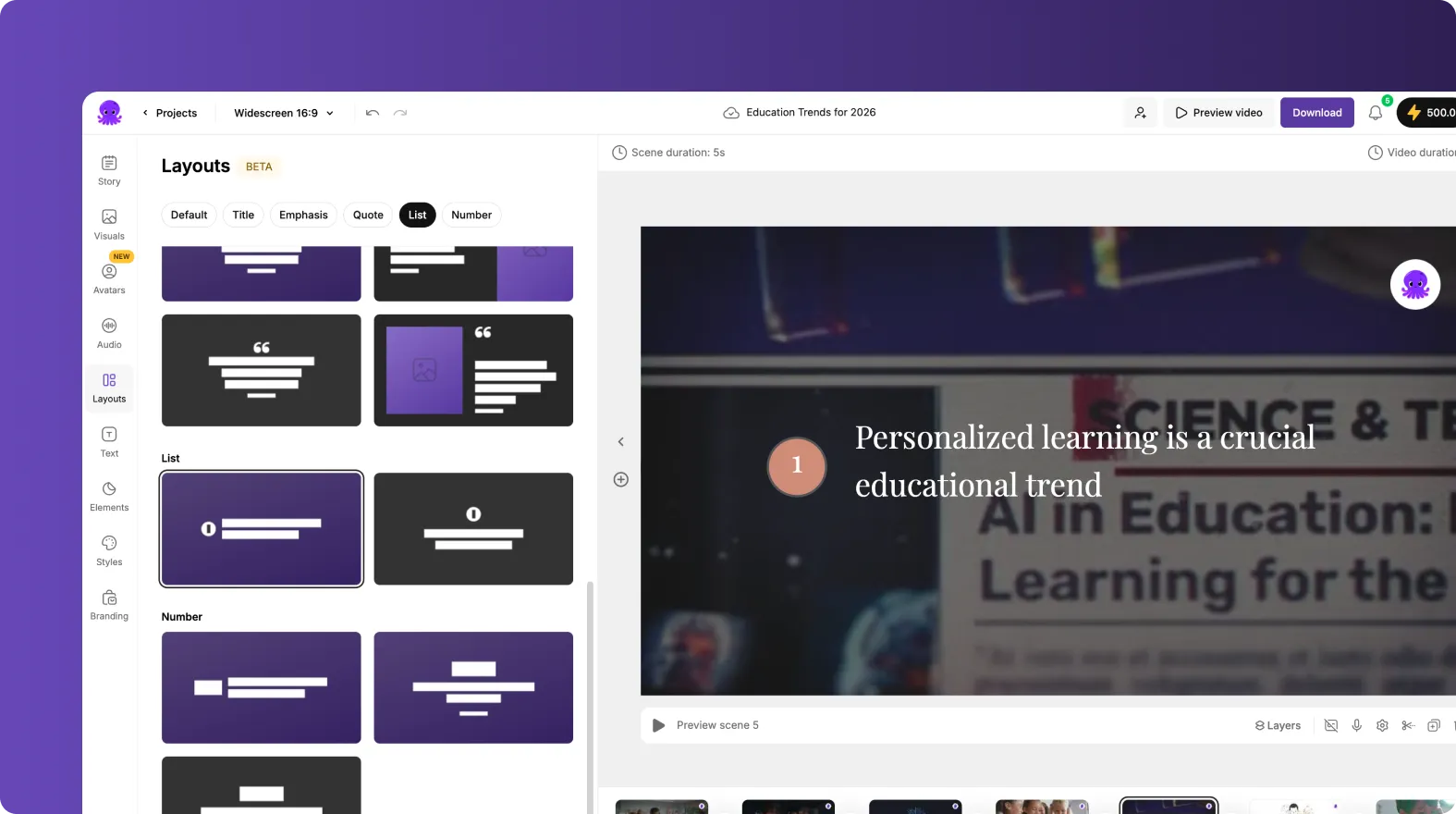
Visuals can be replaced using stock media, uploads, or AI generated visuals.
Step 6: Add Voiceovers and Subtitles
Enterprises often need fast narration without recording sessions.
Teams can:
- Apply AI voiceovers for executive updates
- Choose neutral or professional voice styles
- Add subtitles for accessibility and mobile viewing
- Create silent friendly videos for internal platforms
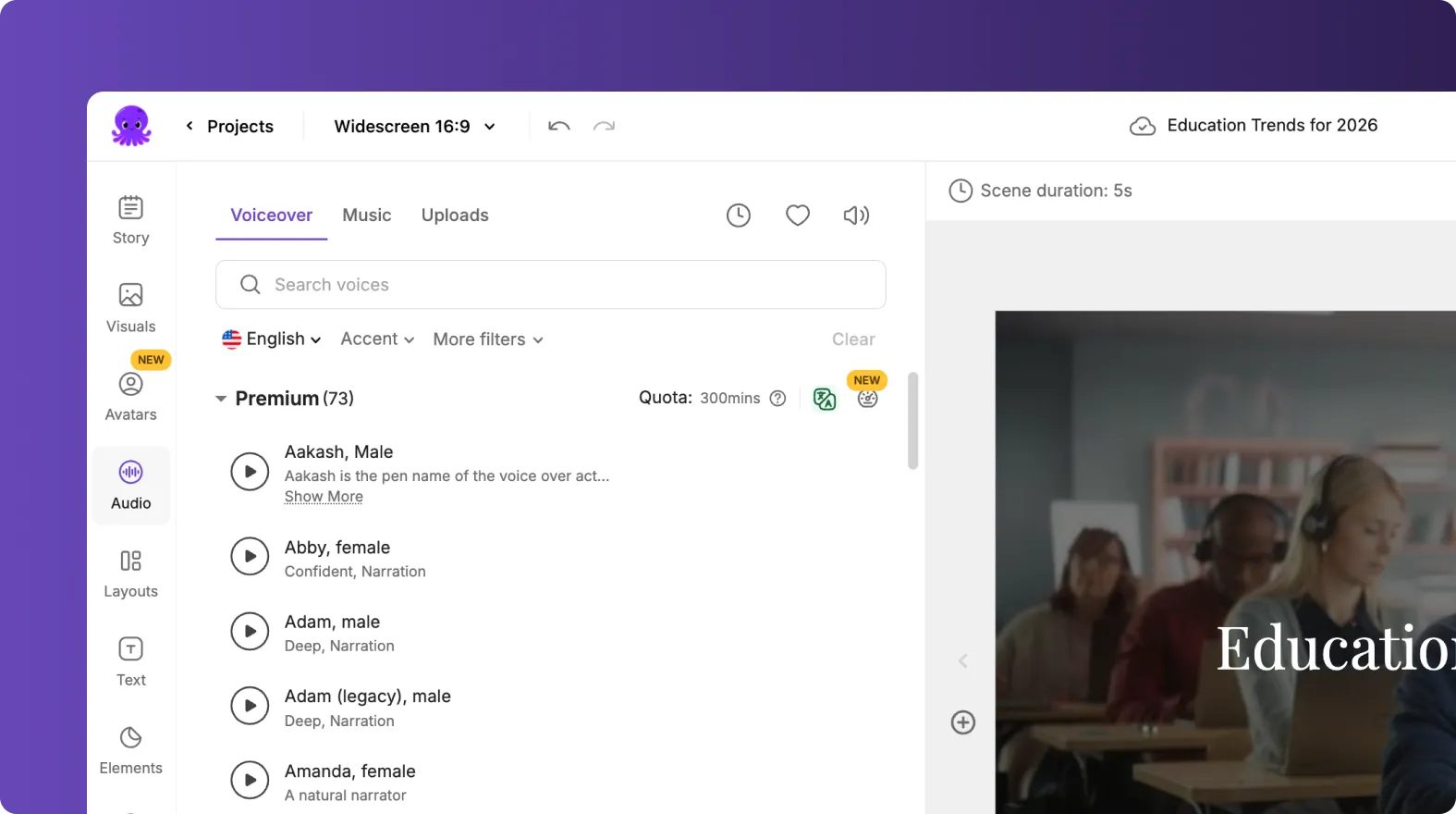
This speeds up production while maintaining clarity.
Step 7: Duplicate and Adapt Content for Multiple Audiences
Idea to Video supports rapid content reuse.
Teams can:
- Duplicate the project
- Adjust tone or messaging
- Swap visuals
- Create versions for internal and external audiences
This allows one idea to power multiple communications.
Step 8: Collaborate Across Teams
Idea to Video works well in collaborative environments.
Common use cases include:
- Executives approving messaging
- Marketing teams refining visuals
- Internal communications teams distributing content
- Regional teams localizing videos
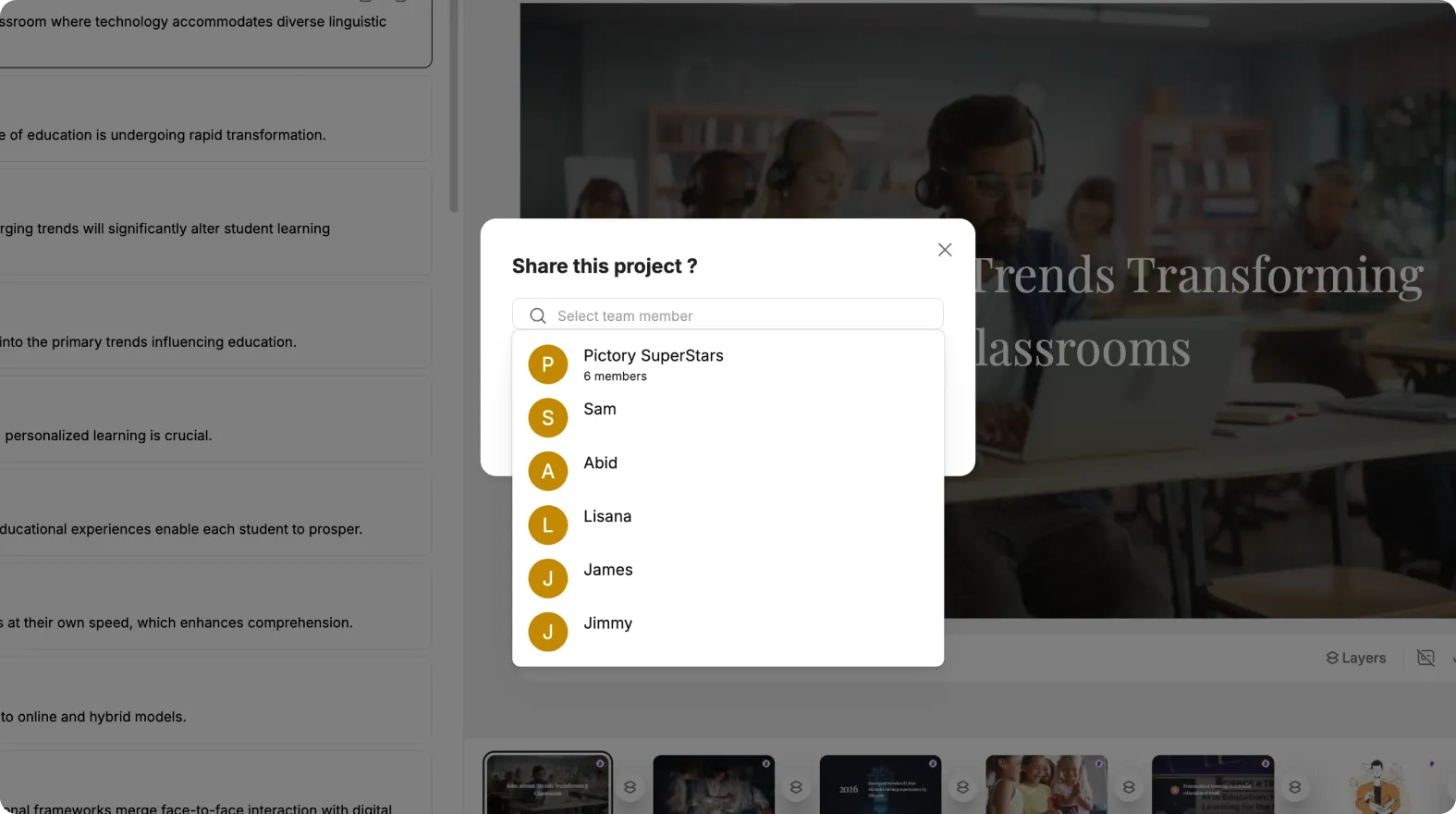
Shared Brand Kits and project duplication keep everything aligned.
Step 9: Export for Multiple Channels
Enterprise teams publish videos across many platforms.
Common destinations include:
- Internal portals
- Email communications
- Websites
- Social media
- Sales enablement tools
One Idea to Video project can support all channels with minimal changes.
Step 10: Maintain Speed Without Sacrificing Quality
Idea to Video helps enterprises move quickly while staying on brand.
Teams can:
- Create videos without full scripts
- Reduce review cycles
- Respond to leadership or market needs fast
- Maintain professional quality at scale
This balance is key for modern enterprise communication.
Power Rapid Executive and Marketing Videos With Idea to Video in Pictory AI
Idea to Video enables enterprises to turn ideas into polished videos in minutes. By combining AI generated structure, brand control, and collaboration tools, Pictory AI helps teams deliver executive and marketing content quickly and consistently. Whether sharing leadership updates or launching campaigns, Idea to Video keeps enterprise communication agile.
Start creating rapid enterprise videos today using Idea to Video in Pictory AI.


