Login

ENTERPRISE READY 4.7 Capterra

Turn slides, recordings, and documents into course videos

Pictory helps professors and instructional designers repurpose slides, recordings, and documents into course-ready video lessons.  

Trusted by over 20,000 institutions and teams worldwide


Give faculty, student success, and learning technology teams a faster way to create videos.

Turn existing assets into course video content

Online and hybrid courses

Faculty can turn existing course material into clear learning videos students can rewatch between classes.

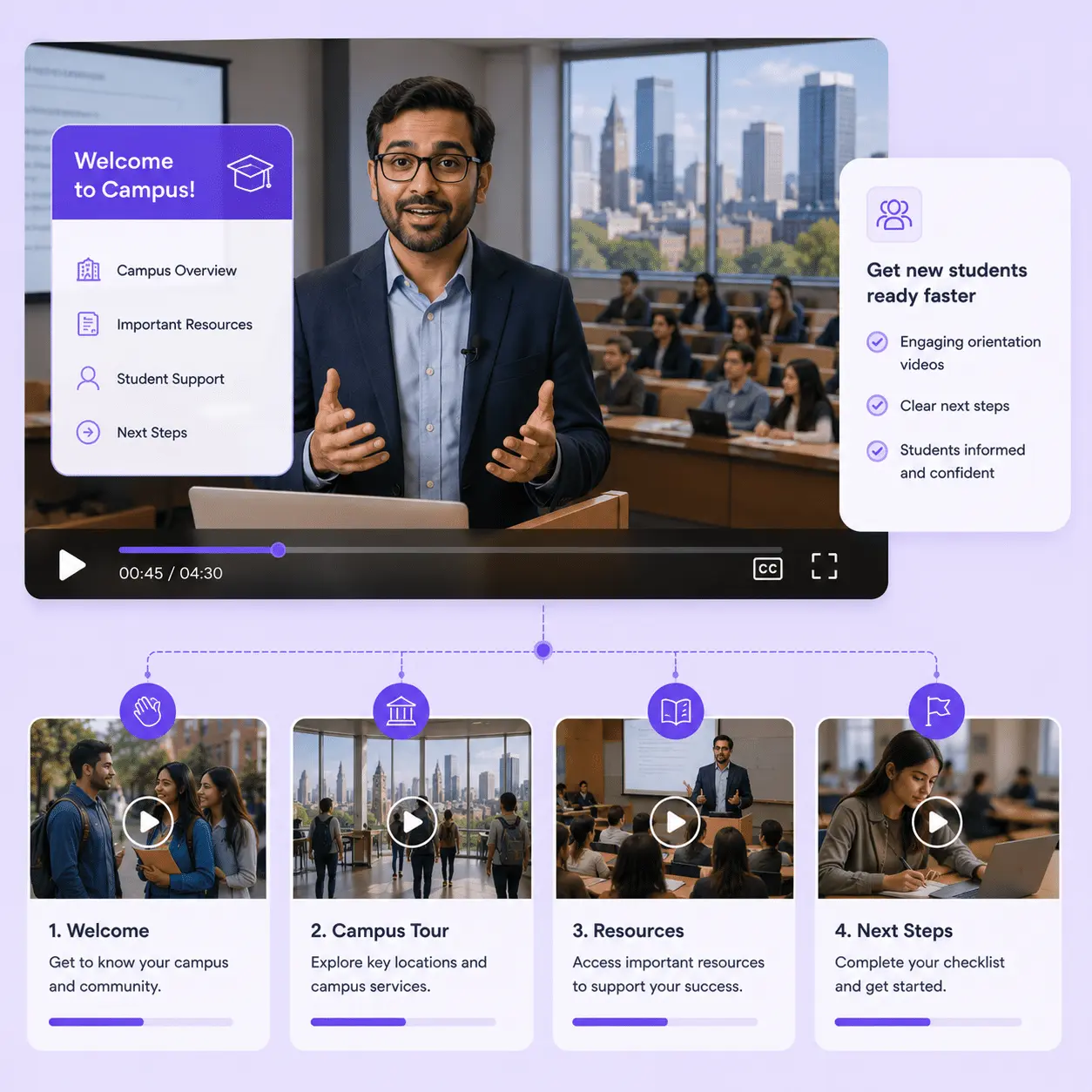
Create effective student onboarding videos

Student onboarding

Student success teams build welcome and orientation videos so new students know what to expect before day one.

Compliance-SCORM_Pictory

Compliance and SCORM

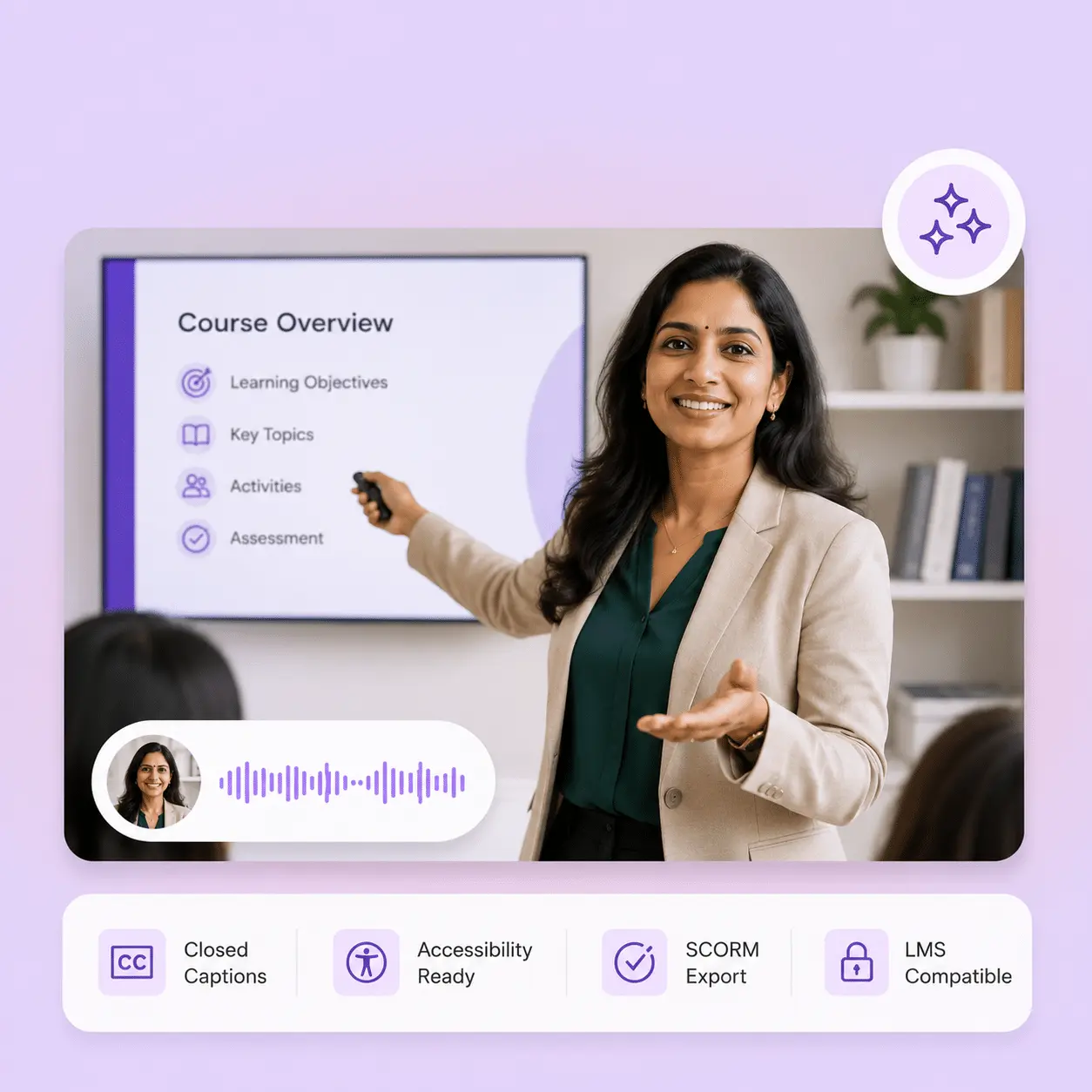
Learning technology teams publish SCORM-ready, accessible videos that plug straight into the LMS.

Certified for enterprise-grade security and global compliance.

Help learning teams produce more video with less editing time

Pictory makes it easy to produce high quality video at scale. Here are the outcomes institutions value most:

80%

voluntary training completion rate

AppDirect

$1500

monthly savings in video creation costs

Online Super Tutors

7x

faster video creation time

Golden Business Group LLC

Pictory works with your course design process, not against it

Course design already means juggling faculty, CTEs, outside subject matter experts, and students. Pictory fits into that process instead of adding another tool to manage.

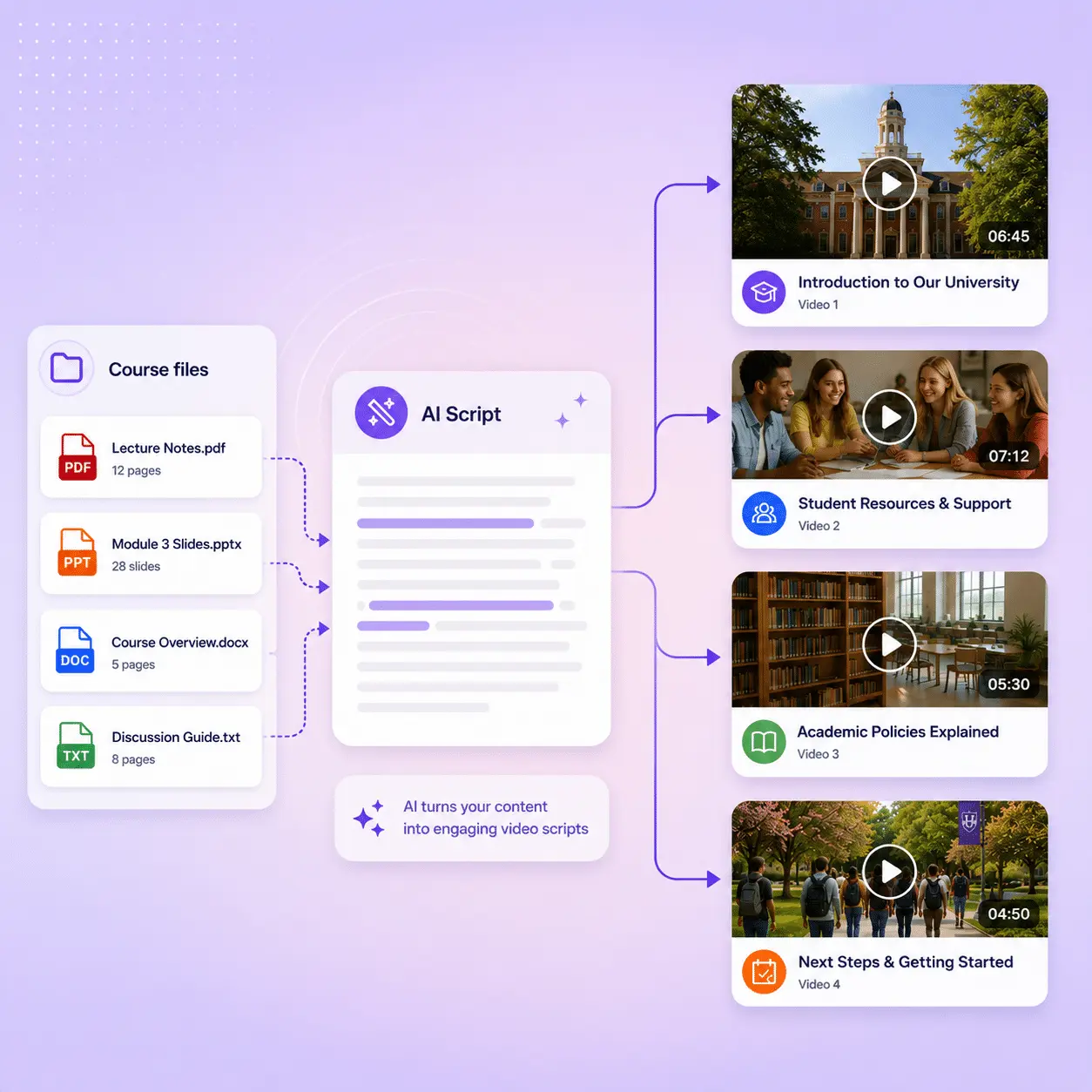
Create AI scripts from existing course files

Pictory turns messy inputs into a structured storyboard you can edit as easily as text. Start with what faculty already have:

  • PowerPoint files: Pictory analyzes the text and visual content to form the basis of your lecture storyboard.
  • Half-baked scripts: Take initial concepts, rough outlines, or partial scripts and use them as the foundation. Pictory will structure and visualize even fragmented course ideas.
  • Docs, URLs, or existing videos: Add a web page link (URL), or upload an existing recording. Pictory analyzes the content, pulls out the key points, and turns it into an editable storyboard.
Create AI scripts from documents and then convert them to video
Easy to edit presentation style videos for Instructional designers

Generate relevant visuals without the hunt

Pictory combines elements from three sources to create an editable presentation style video interface your faculty already understands:

  • Existing slides, images, and institutional brand assets from your source material, including logos, diagrams, and course photos.
  • Relevant Stock Footage and Video Clips: AI selects and integrates high-resolution, contextually appropriate stock video and images from our extensive library for visual appeal and depth.
  • Custom AI visuals and Avatars: professional, customizable avatars and prompt-based AI-generated visuals serve as on-screen presenters with natural-sounding voices.

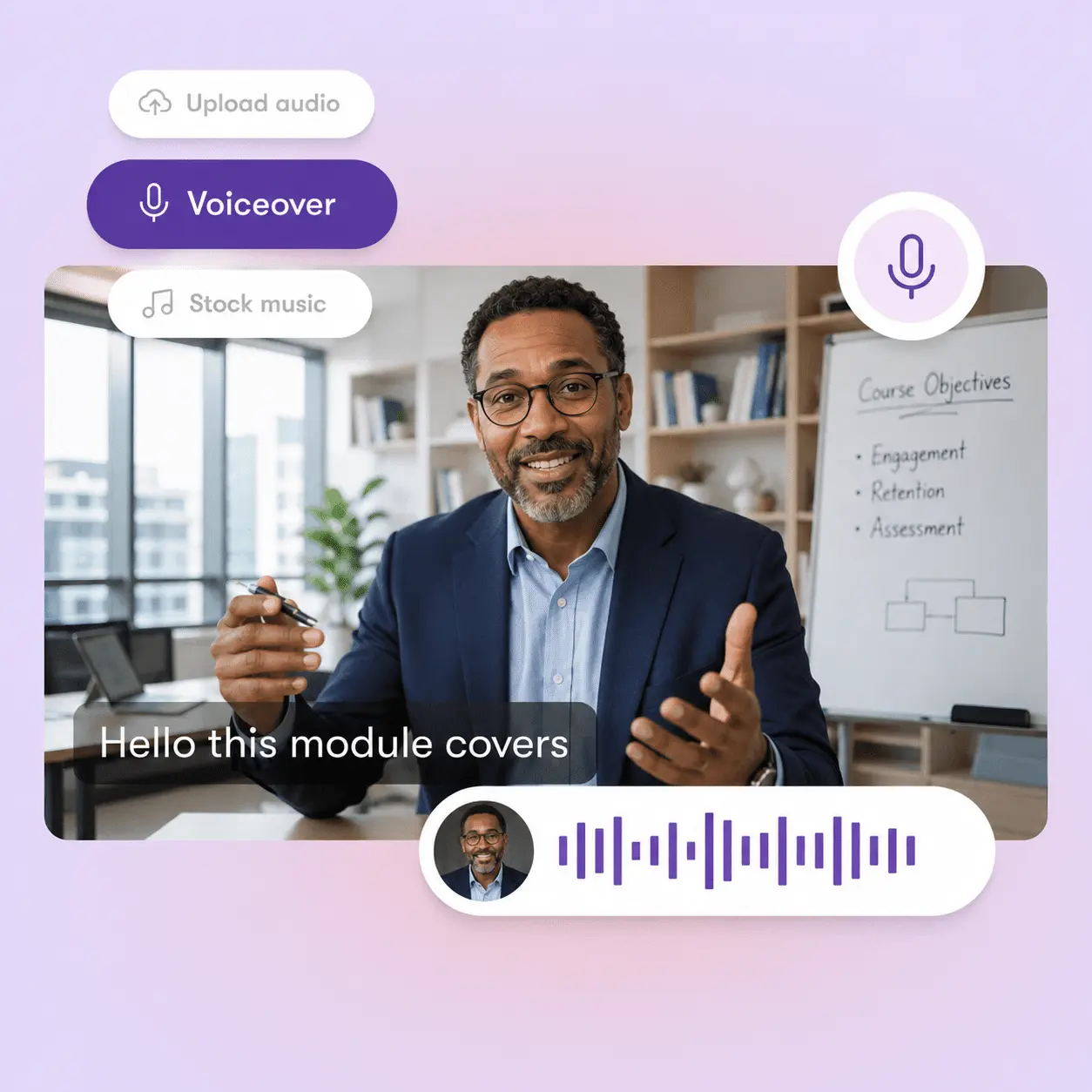
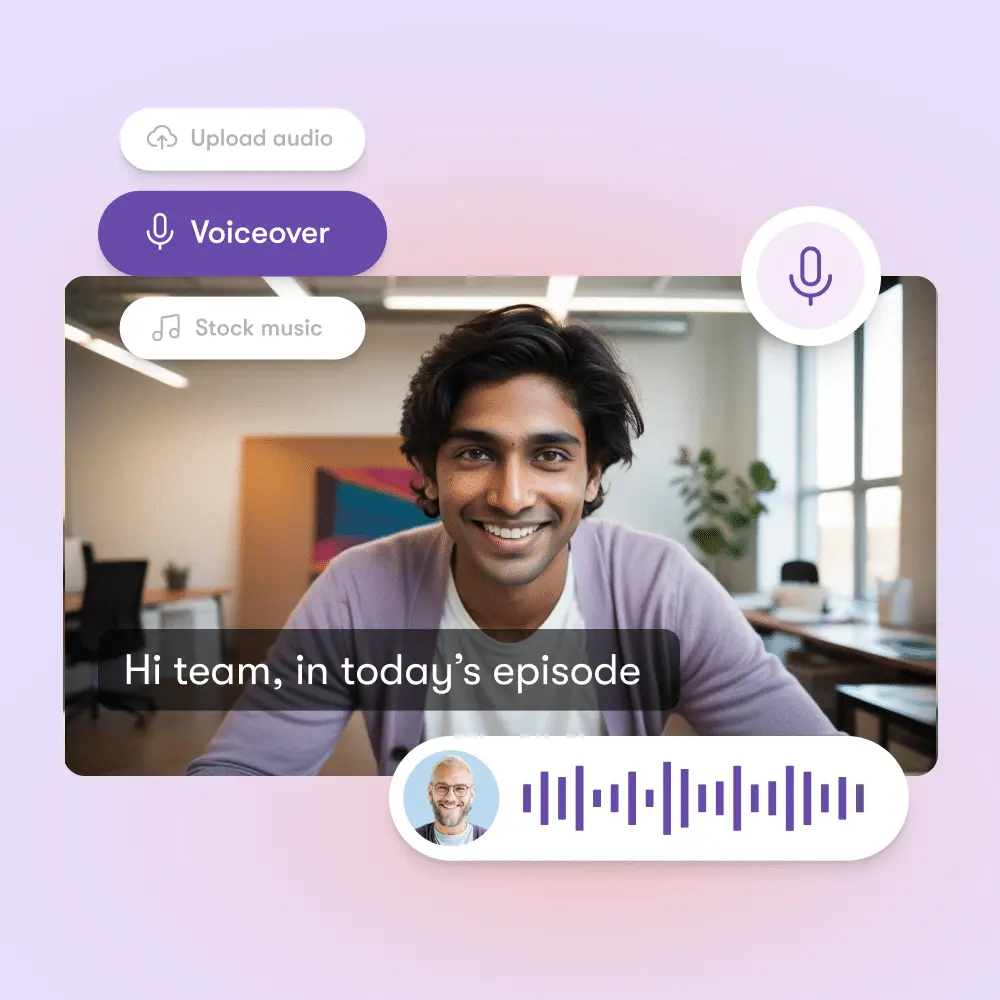
Professional voiceovers (No studio required)

Access thousands of premium, natural-sounding AI voices from ElevenLabs.

  • Seamless Background Narration: Generate clear, consistently paced voiceovers for asynchronous lessons.
  • Synced with Lifelike AI Avatars: Avatars deliver a personal, familiar teaching experience.
  • No Microphones Required: Eliminate expensive equipment and studio time. Zero retakes: automatic audio generation saves faculty hours.
  • Zero Retakes: Flawless, automatic audio generation saves hours.
Professional Voiceovers - AI Avatars - AI Video Editor
From lecture video to graded coursework with questions

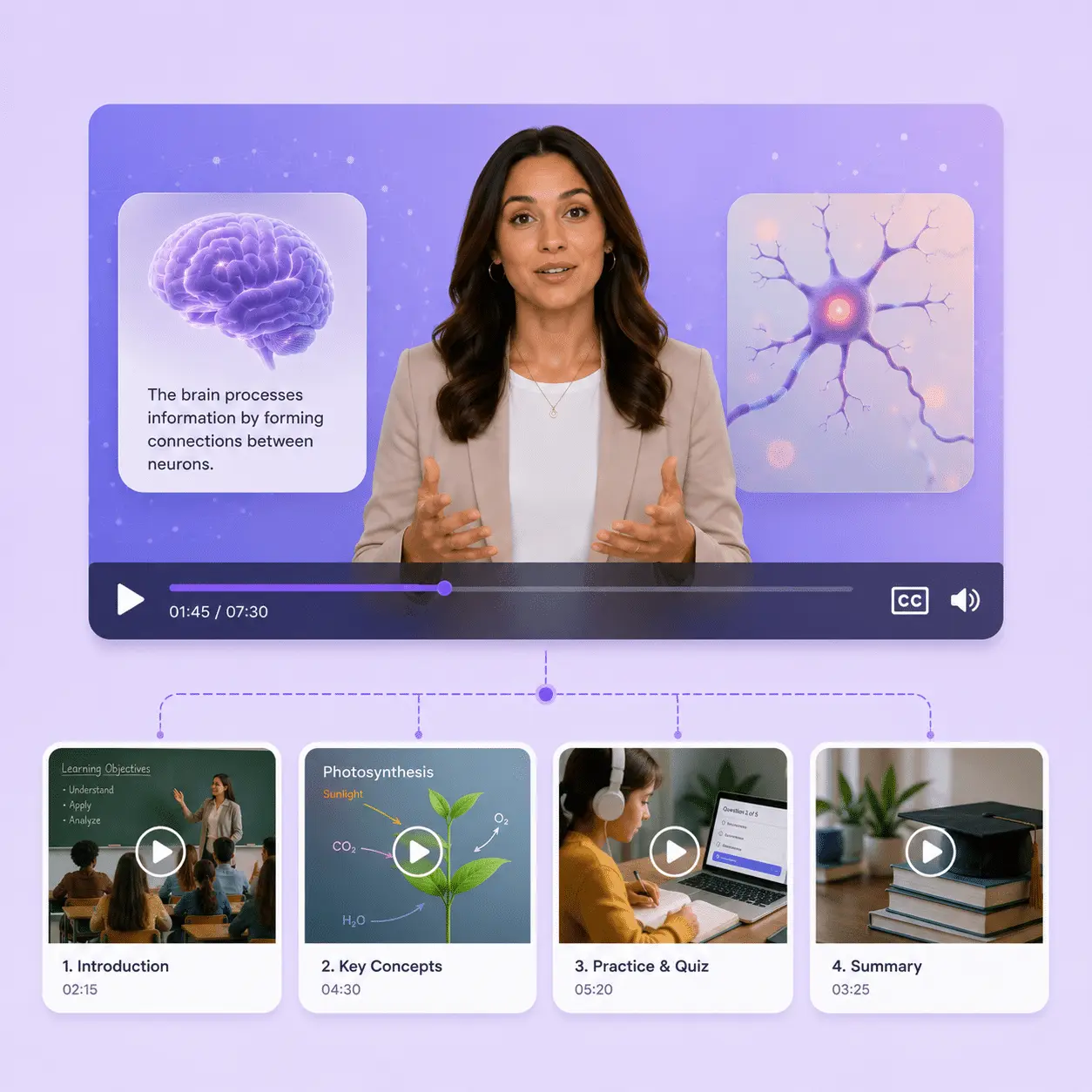
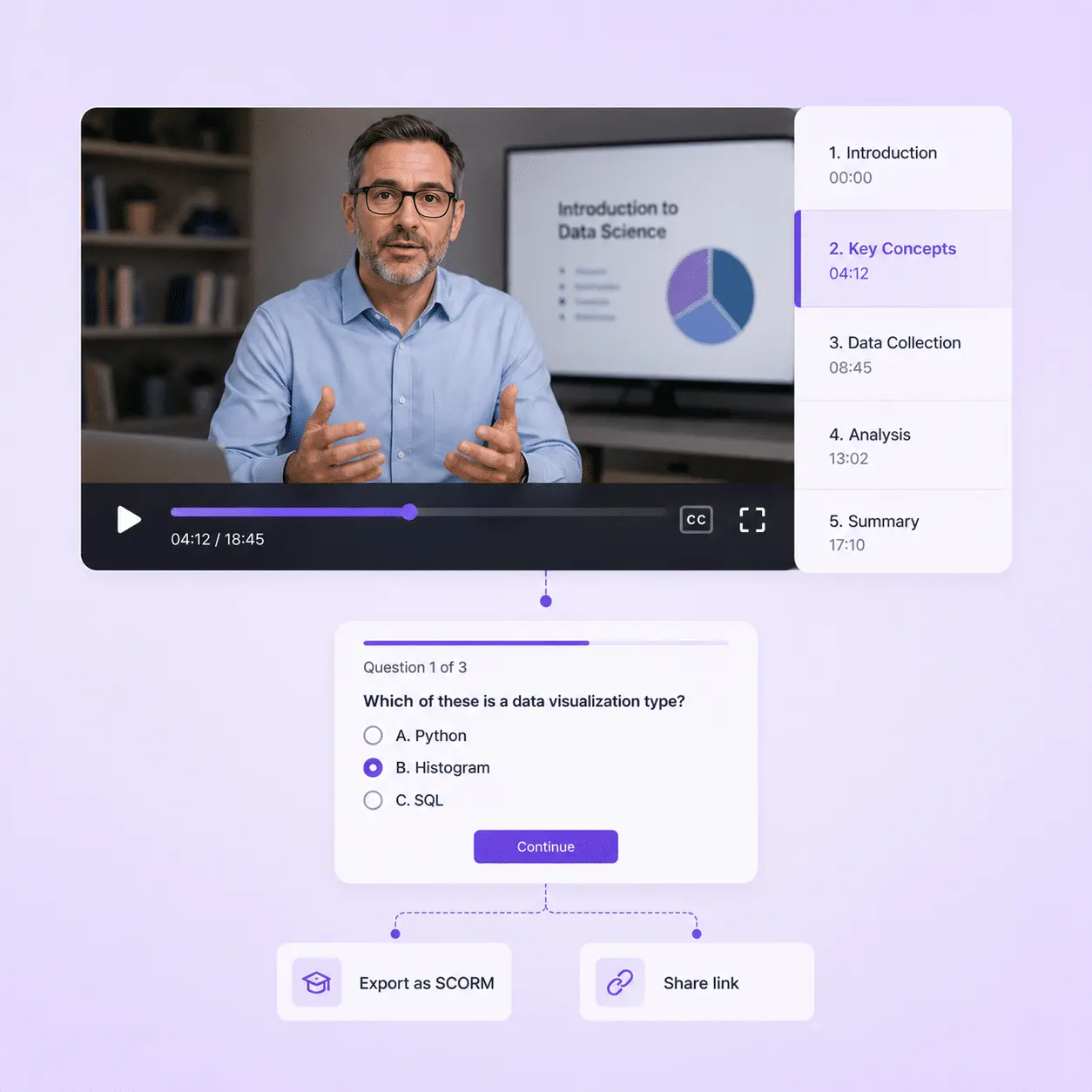
Turn a lecture video into graded coursework with Pictory Central

Add quizzes, chapters, and branching paths right inside the video. You won't need a separate authoring tool. Students navigate by topic and check their own understanding as they go. Export as SCORM or share a link, either way your LMS gets watch time, completion, and quiz scores automatically.

case studies

Institutions that trust Pictory to scale their video creation

"Pictory is the easiest, most efficient way to get from an idea in text to multimedia imagery on the screen. It’s the critical component to get us out of death by PowerPoint”
Jason Hoss, Founder & CEO
Case Study
“Pictory helps us consistently deliver the high-quality videos we’re known for—content we’re proud of and our clients are proud to use. They always get a five-star response.”
Curtis Whitfill, VP of Continuing Education
Case Study
"82% of our 10,000+ partners keep coming back to our training videos even though they aren't mandatory courses. That's how we know the content's working."
David Landsberger, Director of Partner Enablement
Case Study
“It increased subscriber growth by 78% and cut my video creation time from a couple of hours to a few minutes. It's been a godsend.”
Christian Wentz: Owner
Case Study
“Through Pictory videos, leads up by 500% – video production costs are down 90%.”
Andrew Reid, Founder
Case Study
“We only launched our new app a few months ago — and already have over 500 subscribers. People come back regularly to watch more videos made with Pictory.”
Dr. Yuri Kotik: Founder
Case Study

Tour the PowerPoint-to-Video workflow yourself

Go from raw lecture slides to a polished, quiz-ready course video in minutes.

The #1 AI video platform for Higher Education teams

Start creating course videos with Pictory

See how institutions like yours scale content creation and improve outcomes.

Book your 30-minute Pictory demo

HOW IT WORKS

  • Understand how Pictory works for your faculty and courses
  • Get custom pricing for institution-wide plans
  • Discover success stories from peer institutions

Trusted by over 20,000 institutions and teams worldwide

Everything Higher Ed teams need to know


How does AI video creation help digital learning teams??

AI video creation helps digital learning teams save time, reduce costs, and deliver more engaging course content. Instead of spending weeks working with media teams or outsourcing production, you can turn lecture slides, notes, and recordings into polished course videos within hours. This means your team can focus on improving learning outcomes instead of getting stuck in a production queue. AI also keeps style and branding consistent across all course materials, so programs scale more easily across departments or campuses

What types of content can I upload?

aculty can upload PowerPoint slides, lecture notes, recorded lectures, audio files, and other course materials. The platform uses AI to transform these inputs into structured, professional video lessons. For example, a professor might upload a slide deck with bullet points and the AI will pair it with narration, visuals, and captions automatically. This flexibility lets faculty repurpose content they already have into fresh course assets without starting from scratch, which saves subject matter experts significant time.


Can I brand the videos to match my institution?

Yes. Every video can be customized to reflect your institution's brand identity. You can add logos, choose brand colors, select preferred fonts, and apply templates that maintain a consistent look and feel across all course content. This is especially important for institutions and digital learning teams that need to deliver a professional student experience. Branded content also improves student trust and recognition. Learners know the material comes directly from your institution, not an outside source.

Is this tool suitable for faculty with limited time?

Yes. The platform was designed with subject matter experts, including faculty, in mind. Professors often do not have the time or editing skills to create video, and this tool makes the process simple. They can upload raw materials like slide decks, lecture notes, or recordings, and the AI automatically produces course-ready videos. This reduces the effort faculty need to invest while still capturing their expertise. For digital learning teams, this means you can engage faculty more effectively and produce high-quality course assets faster.

How does this improve student engagement?

Video-based learning improves engagement and knowledge retention compared to text-only formats. By combining visuals, narration, and captions, AI-generated videos make lessons easier to follow and more interactive for students. Shorter, more dynamic video content also matches modern learning preferences, where students prefer bite-sized modules over long readings. This leads to higher completion rates, stronge

Can the videos be integrated into my LMS?

Yes. Through Pictory Central, you can export videos as SCORM packages or share a link directly into your Learning Management System (LMS). The platform's flexibility ensures compatibility with most modern LMS platforms including Canvas, Moodle, Blackboard, and D2L. SCORM packaging carries completion and quiz data with the video, so grade books update automatically instead of relying on manual tracking. This means you can continue using your existing workflows while upgrading your course delivery.

Are the videos accessible and ADA compliant?

Every video includes auto-generated captions you can edit for accuracy, which supports ADA and Section 508 compliance. Pictory Central's SCORM export carries this caption data into your LMS, so accessibility travels with the course, not just the video file.

Can I create course videos in languages other than English?

Yes. Pictory supports multiple languages for both AI voiceovers and captions, so a single source file, a slide deck or script, can produce videos for international or multilingual student populations without re-recording.

How is this different from just recording a Zoom lecture?

A recorded lecture is a single long take with whatever audio and lighting you got on the day. Pictory turns source material into a structured video with scene breaks, on-screen text, captions, and consistent branding, which tends to hold student attention better than a static recording, and you can add quizzes and chapters through Pictory Central.

In partnership with

Limited Offer: 40% Off Pro Annual + 2X AI Credits

Limited Offer: 40% Off Pro Annual
+ 2X AI Credits