Script To Video Creation In Minutes

Perfect for YouTubers, Marketers and Course Creators


Rated 4.7/5 on Capterra

  • Text to video

  • URL to video

  • Audio to Video

  • AI Avatar Generator

  • AI video editor

  • PPT to Video

  • Image to video

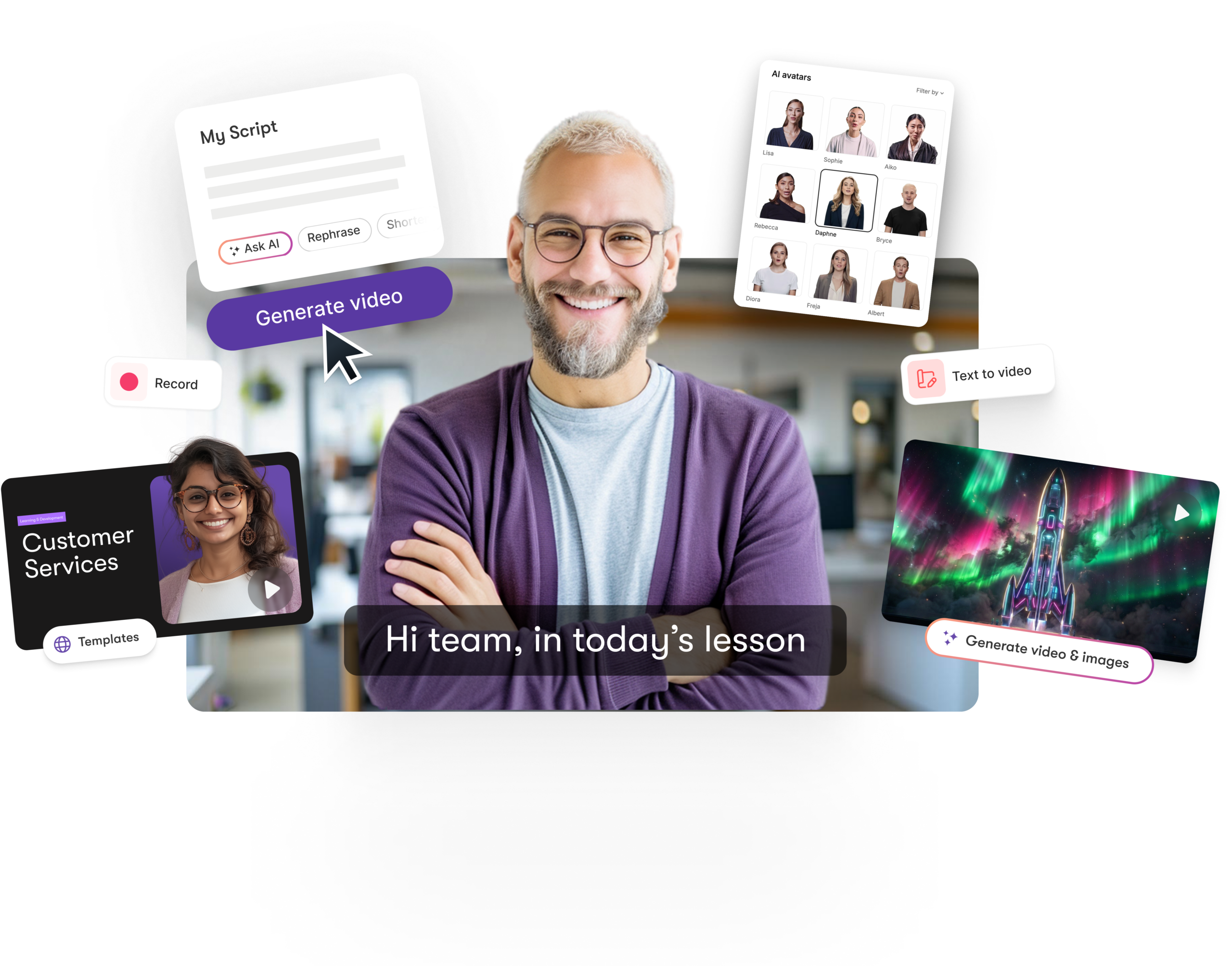
Pictory leverages the latest in AI technology to automatically create videos from your scripts

  • Save Time, create videos in just minutes
  • Simple To Use, powerful A.I. does the work for you
  • Professional Quality, over 3 million video clips
  • Crystal Clear Narration, own voice or A.I
  • Works With Any Computer, runs in the cloud

case studies

Here's what users are saying about Script To Video

"Pictory is the easiest, most efficient way to get from an idea in text to multimedia imagery on the screen. It’s the critical component to get us out of death by PowerPoint”
Jason Hoss, Founder & CEO
Case Study
“Pictory helps us consistently deliver the high-quality videos we’re known for—content we’re proud of and our clients are proud to use. They always get a five-star response.”
Curtis Whitfill, VP of Continuing Education
Case Study
"82% of our 10,000+ partners keep coming back to our training videos even though they aren't mandatory courses. That's how we know the content's working."
David Landsberger, Director of Partner Enablement
Case Study
“It increased subscriber growth by 78% and cut my video creation time from a couple of hours to a few minutes. It's been a godsend.”
Christian Wentz: Owner
Case Study
“Through Pictory videos, leads up by 500% – video production costs are down 90%.”
Andrew Reid, Founder
Case Study
“We only launched our new app a few months ago — and already have over 500 subscribers. People come back regularly to watch more videos made with Pictory.”
Dr. Yuri Kotik: Founder
Case Study

Pictory's Script To Video features at a glance

  • Super-Fast Video Generation. Built from the ground up to work at lightning speed, Pictory's unique ReelFast technology enables you to turn your scripts into stunning videos in minutes instead of hours.
  • AI Assistant. Pictory's powerful A.I. does the hard work for you. Create your first video in less than 10 minutes, no previous video-making experience or technical knowledge required.
  • HUGE Media Library. Automatic selection from over 3 million videos clips and images plus 15,000 music tracks from industry leaders StoryBlocks and Melod.ie - all royalty-free forever meaning you'll never get a copyright claim.
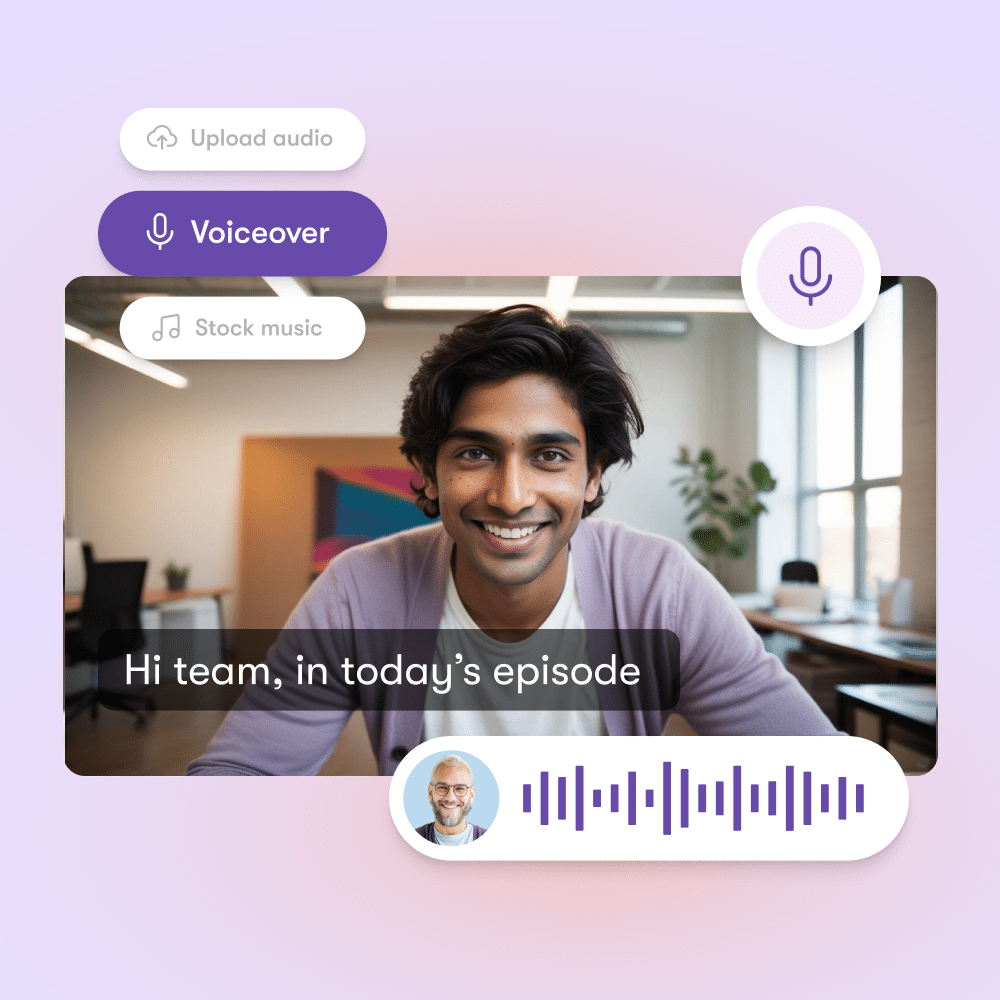
  • Text To Speech. Record your own voice in-app or upload a pre-recorded voiceover OR select one of our incredibly realistic A.I. voices and let Pictory do the talking for you.
  • PC & Mac Compatible. Pictory runs in the cloud meaning there's no software to download and install PLUS your computer won't slow down!

SCRIPT TO VIDEO

Script to video in minutes

Create professional-quality videos from your script, complete with realistic AI voices, automatically matched visuals, and music—all in just a few clicks.

Idea to Video Generator

Idea to Video

Generate engaging video scripts in seconds

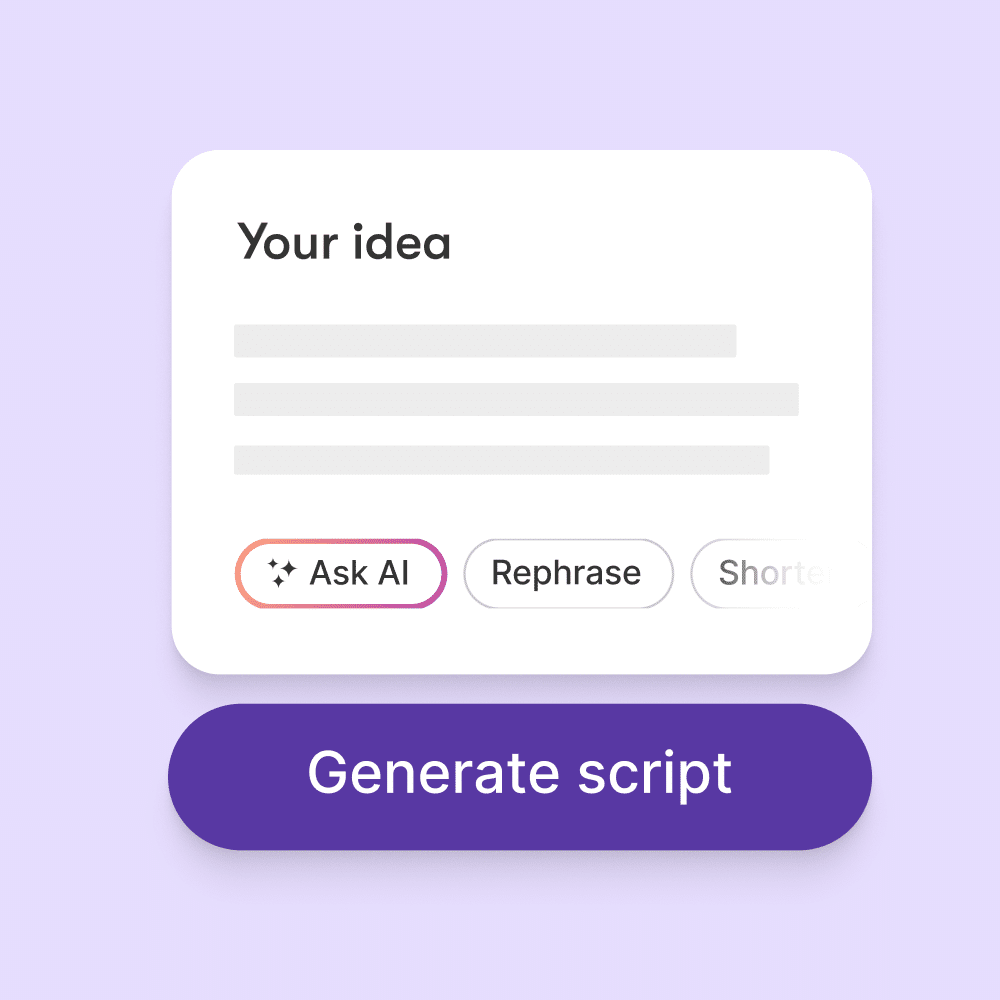
No more staring at a blank page. Just describe your idea, pick a video type and get a video script you can build on in seconds.

How the Pictory Script to Video Generator works

Step 1

Select input source

Start with the article URL or just input the video script.

Idea to Video Script Generator AI

Step 2

View and edit text summary

Pictory’s AI engine automatically selects the best summary sentences for your final video. You can add or remove sentences that you wish to include in your final video.

Step 3

View and edit video storyboard

Pictory's AI engine automatically selects the best images and video footage representing the summary sentences. Pictory offers over 3 million visuals which are royalty-free and licensed from various sources. You can easily change these visuals with a single click and even use your own assets.

Storyboard editor - idea to video
ai video trends

Step 4

Add music and voice-over

Our AI automatically picks a musical soundtrack to accompany your video. Choose another one from our thousands of tracks or upload your own music. Choose an AI-enabled voiceover from a set of naturally sounding voices. You can also record your own voice or upload a professional voiceover.

Step 5

Choose video theme and customize brand settings

We provide a variety of pre-created animations, fonts, and color settings in the form of themes. Choose one of these themes. Also, customize your own brand settings with your logo, intro, outro, fonts, and color schemes.

Storyboard editor - idea to video

Step 6

Preview, generate and share video

Do a quick preview of the video to see how it looks. Generate the video and download it as an MP4 file.

More love for Pictory

In partnership with

FAQs for Script to Video


What is Pictory’s Script-to-Video feature?

Pictory’s Script-to-Video feature allows you to transform written content into engaging videos in just a few clicks. Simply paste your script or text, and Pictory automatically generates professional-quality videos with visuals, background music, and AI voiceovers.

Can Pictory help me write a script if I don’t have one?

Yes! Pictory includes AI script generation tools to help you brainstorm and create engaging video scripts. Whether you need a YouTube video intro, a social media ad, or an educational tutorial, Pictory’s AI can draft the script for you.

Can I customize my script-to-video project?

Absolutely! Pictory lets you customize every aspect of your video:

  • Choose or upload your own footage and images
  • Select from multiple AI voiceovers or record your own
  • Add captions, brand colors, and logos
  • Edit background music and pacing

Is the Script-to-Video feature beginner-friendly?

Yes! Pictory is designed for non-video editors. You don’t need technical skills or editing experience. The AI handles the heavy lifting, and you can fine-tune the final output with easy drag-and-drop editing tools

Can I try the Script-to-Video feature for free?

Yes, Pictory offers a free trial so you can test the Script-to-Video feature and see how quickly you can turn text into professional videos.

How does Pictory generate videos from a script?

When you paste your script into Pictory, the platform uses AI to analyze your text and match it with relevant stock footage, images, and animations. It then adds captions, voiceovers, and background music, creating a polished video that’s ready to share.

What types of videos can I make from a script?

You can use Pictory’s Script-to-Video tool for:

• YouTube videos
• Social media content (Instagram Reels, TikTok, Facebook)
• Marketing ads and product promos
• Training and educational videos
• Explainers and presentations

Does Pictory add captions automatically?

Yes. Every video created with Script-to-Video includes automatically generated captions. This helps viewers follow your content without sound and makes your videos more accessible to global audiences.

How does Script-to-Video help with SEO?

Script-to-Video helps you turn written content into videos that perform well online. You can convert blog posts, articles, or marketing copy into videos that help you:

• Increase watch time and viewer engagement
• Improve click through rates on social platforms
• Reach more people through YouTube and Google search

Can I try the Script-to-Video feature for free?

Yes, Pictory offers a free trial so you can test the Script-to-Video feature and see how quickly you can turn text into professional videos.

Get started now. It's free!