
Knowledge base articles contain valuable information, but many users prefer video over long text.
Enterprise teams use Pictory AI’s URL to Video workflow to convert existing help articles into clear, easy to follow videos without rewriting content or producing videos from scratch.
This guide shows how enterprise teams turn knowledge base articles into videos using URL to Video in Pictory AI.
Why Convert Knowledge Base Articles Into Video
Video based help content improves understanding and reduces support friction. Enterprise teams use video to complement written documentation and support different learning preferences.
Turning knowledge base articles into videos helps teams:
- Improve product adoption
- Reduce support tickets
- Explain complex steps visually
- Support self service learning
- Increase engagement with help content
- Keep documentation accessible
Videos make instructions easier to follow and retain.
Step 1: Select a Knowledge Base Article
Start with an existing article that explains a process or feature clearly.
Common examples include:
- How to guides
- Setup instructions
- Feature walkthroughs
- Troubleshooting steps
- Account management articles
- Product configuration guides
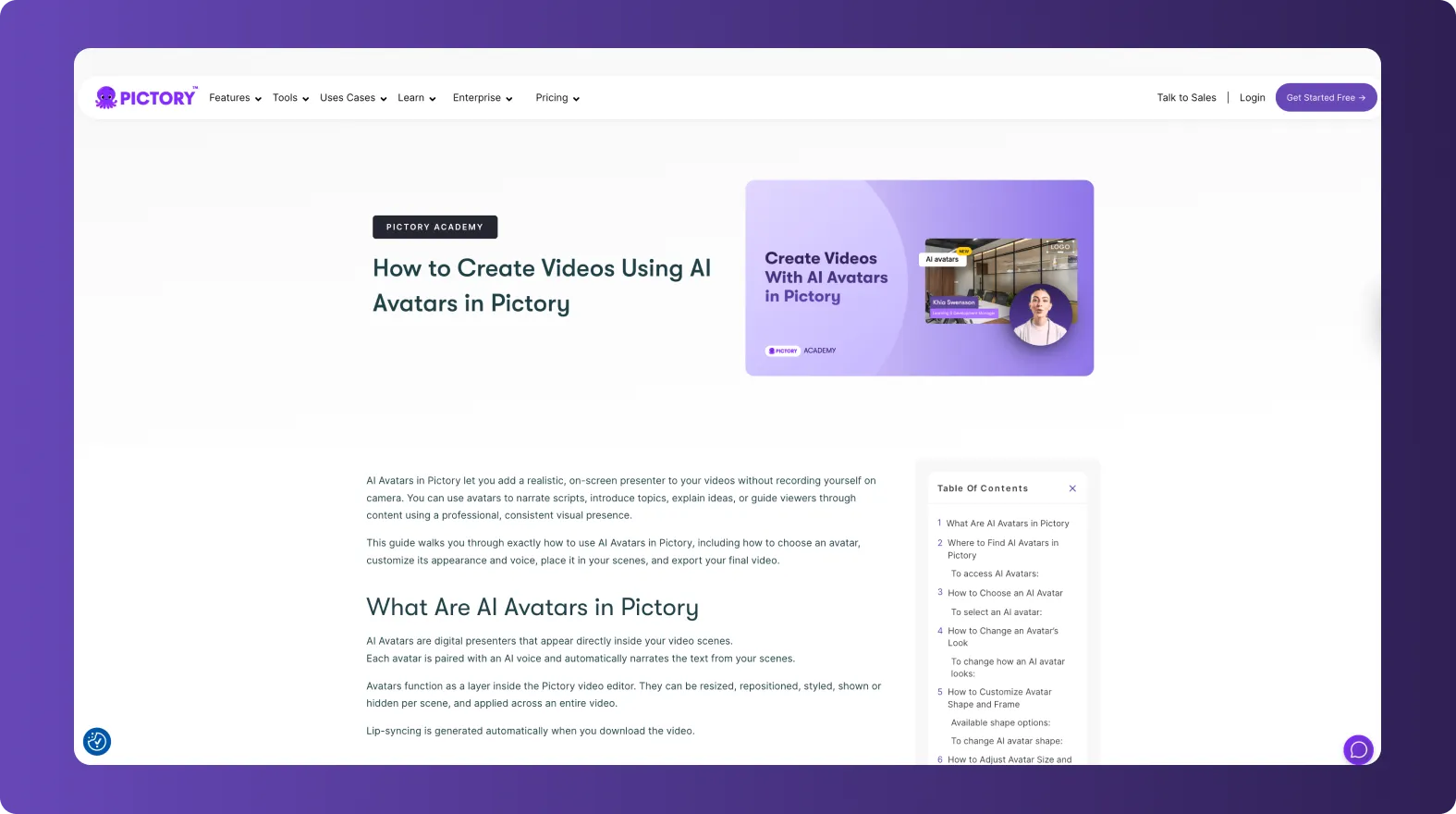
Published and approved articles work best since the content is already validated.
Step 2: Open the URL to Video Workflow
To begin:
- Select the URL to Video workflow
- Paste the full URL of the knowledge base article
- Confirm the page loads correctly
- Proceed to generate the script
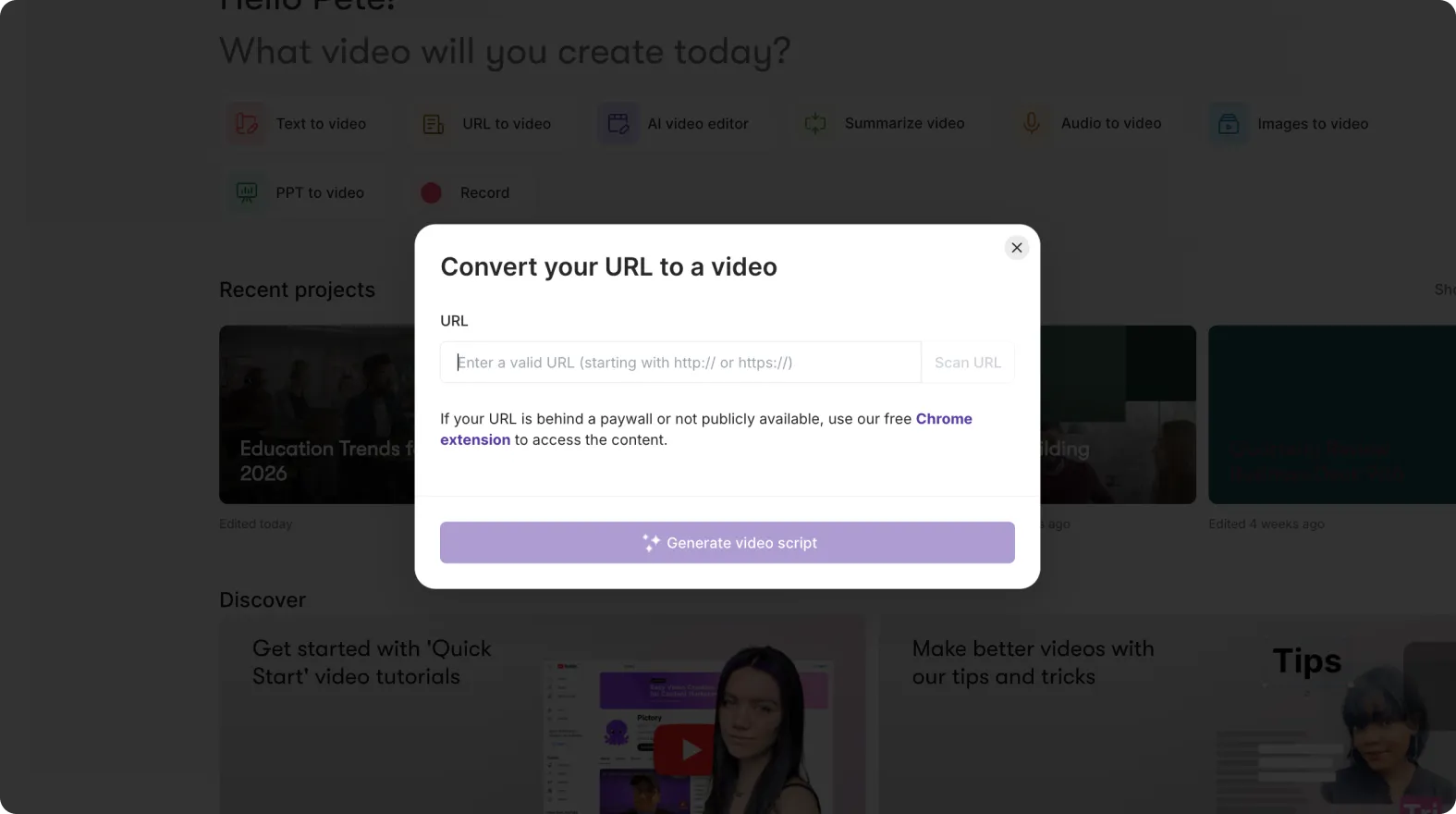
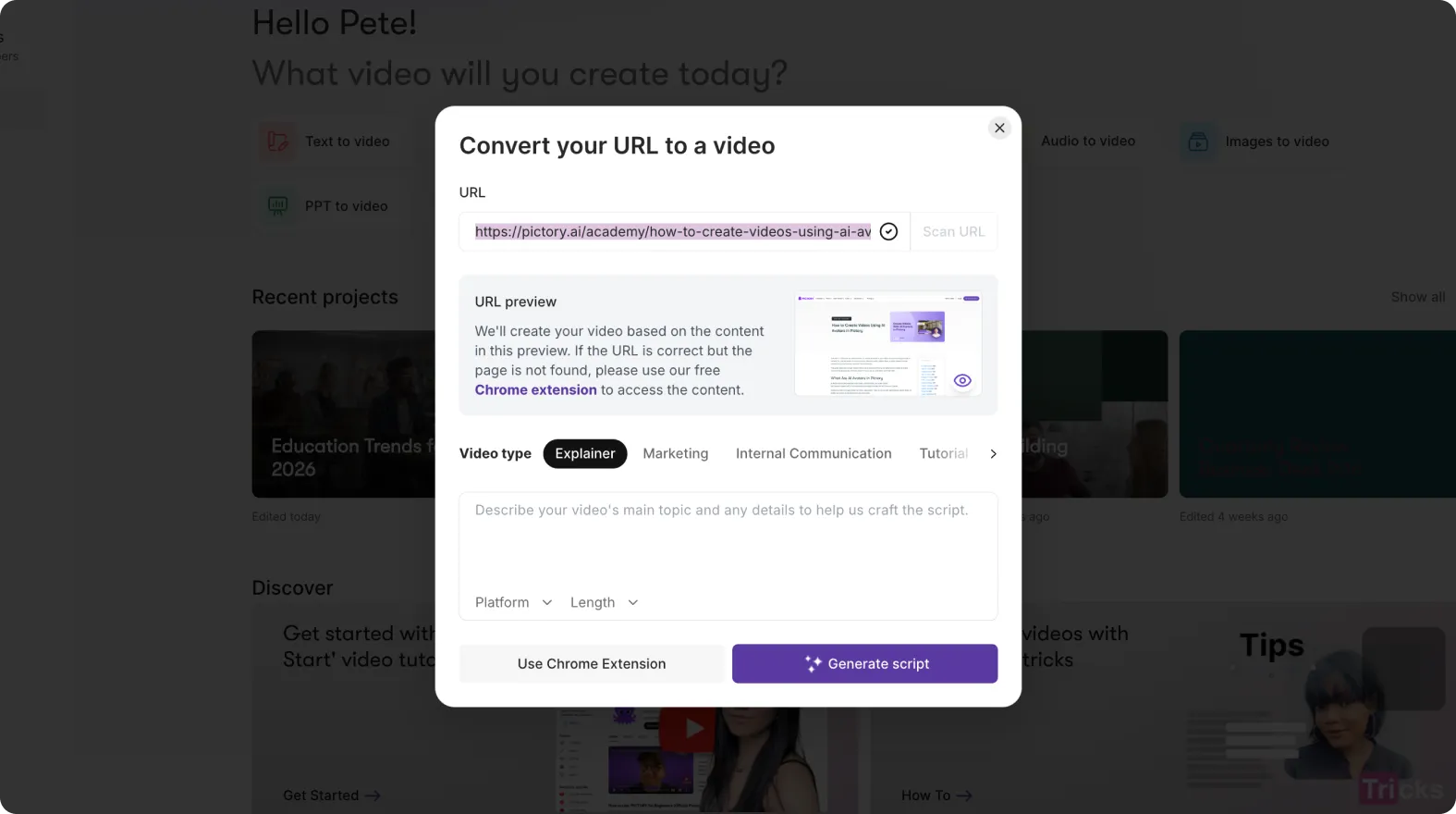
Pictory scans the article and extracts the main text automatically.
Step 3: Review and Simplify the Extracted Script
Knowledge base articles are often detailed. Before generating scenes, enterprise teams typically refine the script.
Common edits include:
- Removing overly technical sections
- Shortening long paragraphs
- Focusing on key steps
- Adjusting tone to sound instructional
- Removing references that do not translate well to video
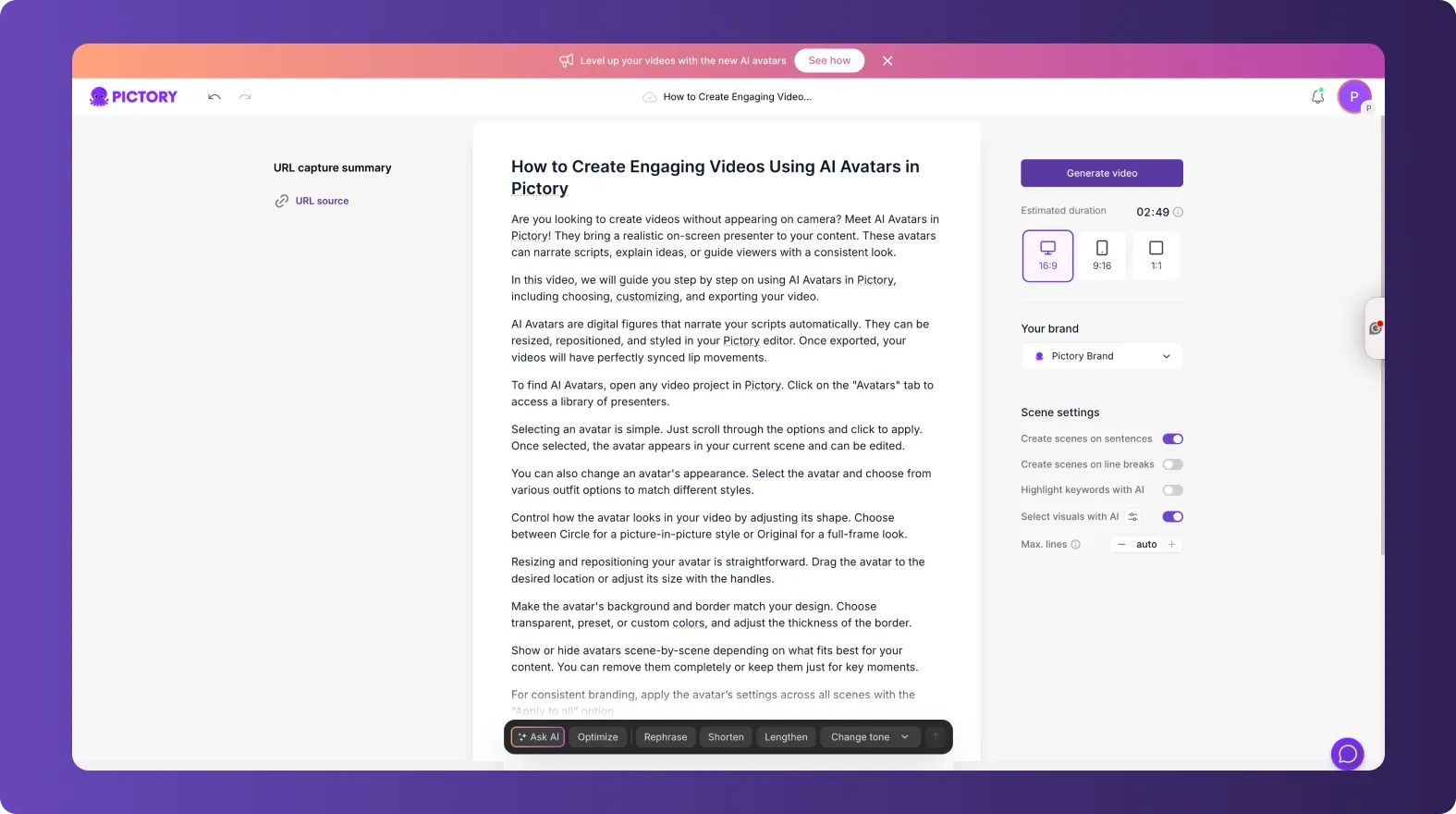
The script remains fully editable at this stage.
Step 4: Generate Video Scenes Automatically
Once the script is ready:
- Proceed to generate scenes
- Pictory breaks the content into logical sections
- Visuals are assigned automatically for each step
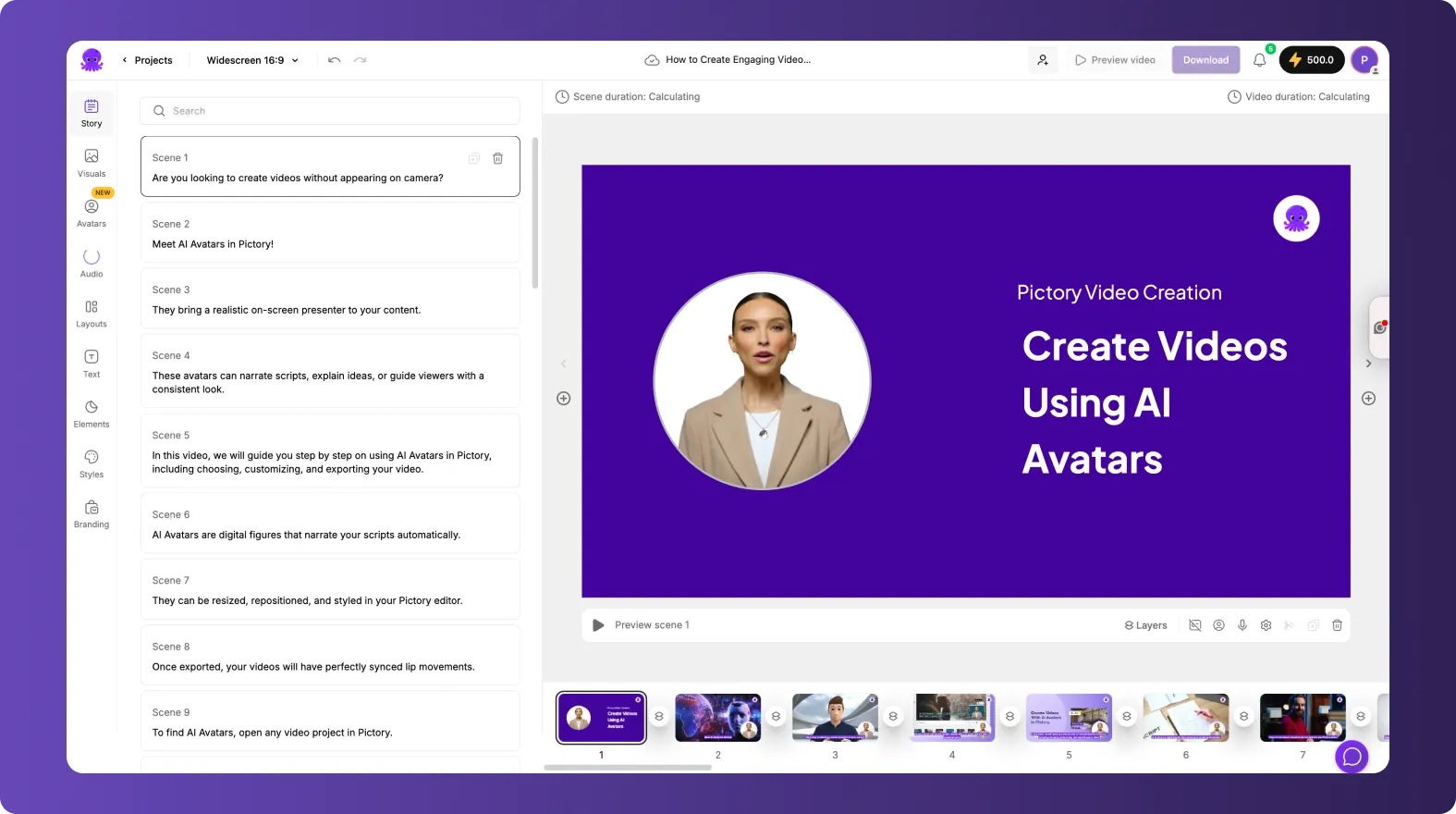
This creates a complete draft video in minutes.
Step 5: Apply Brand Kits for Consistency
Enterprise help content must follow brand guidelines.
After scenes are created:
- Open the Branding tab
- Apply the approved Brand Kit
- Confirm fonts, colors, and logos are correct
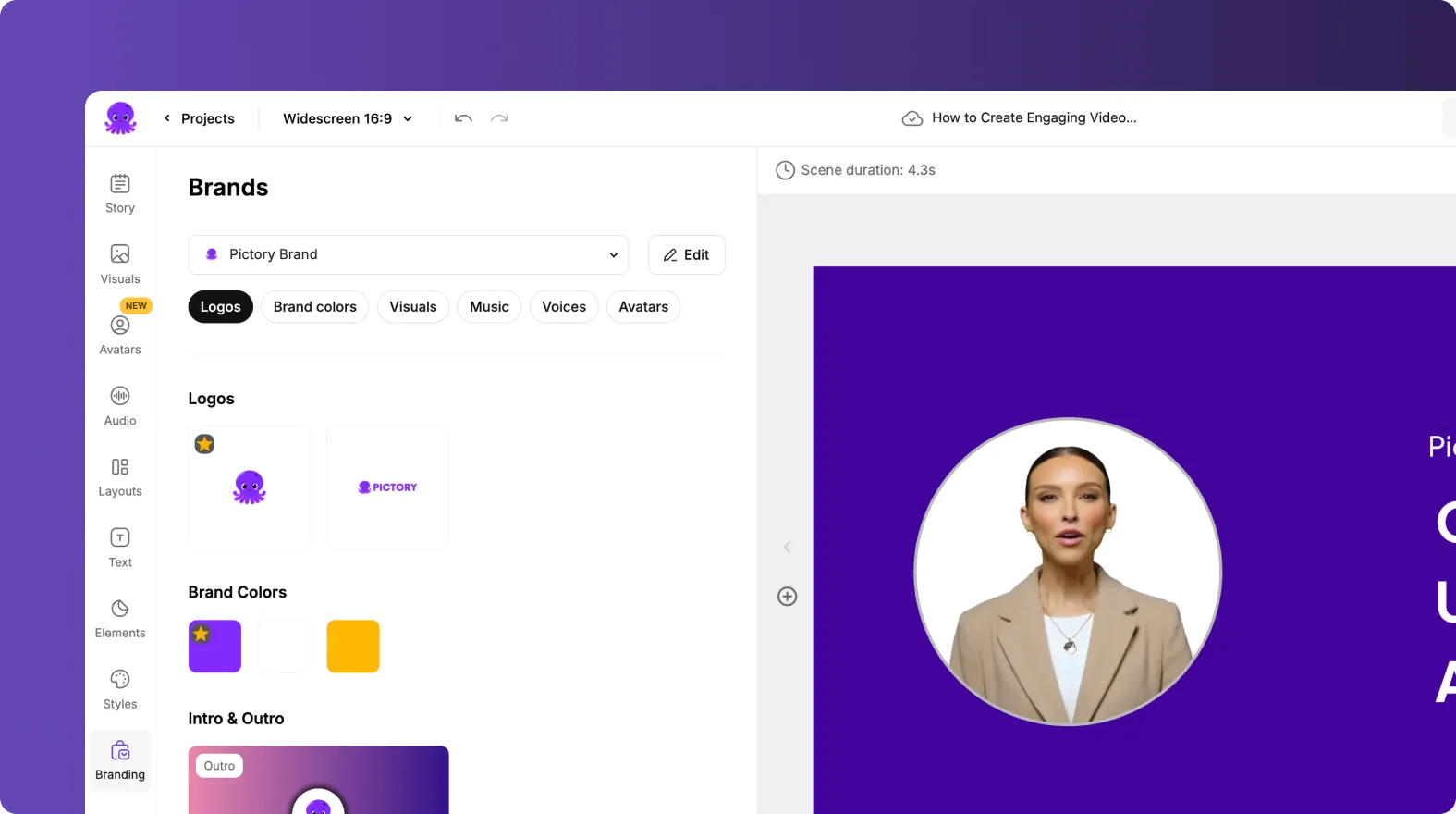
This ensures all support videos look consistent across the knowledge base.
Step 6: Customize Visuals for Instructional Clarity
Help videos should prioritize clarity over decoration.
Enterprise teams often:
- Use clean layouts
- Replace generic visuals with relevant stock clips
- Add icons or shapes to highlight steps
- Keep motion minimal and focused
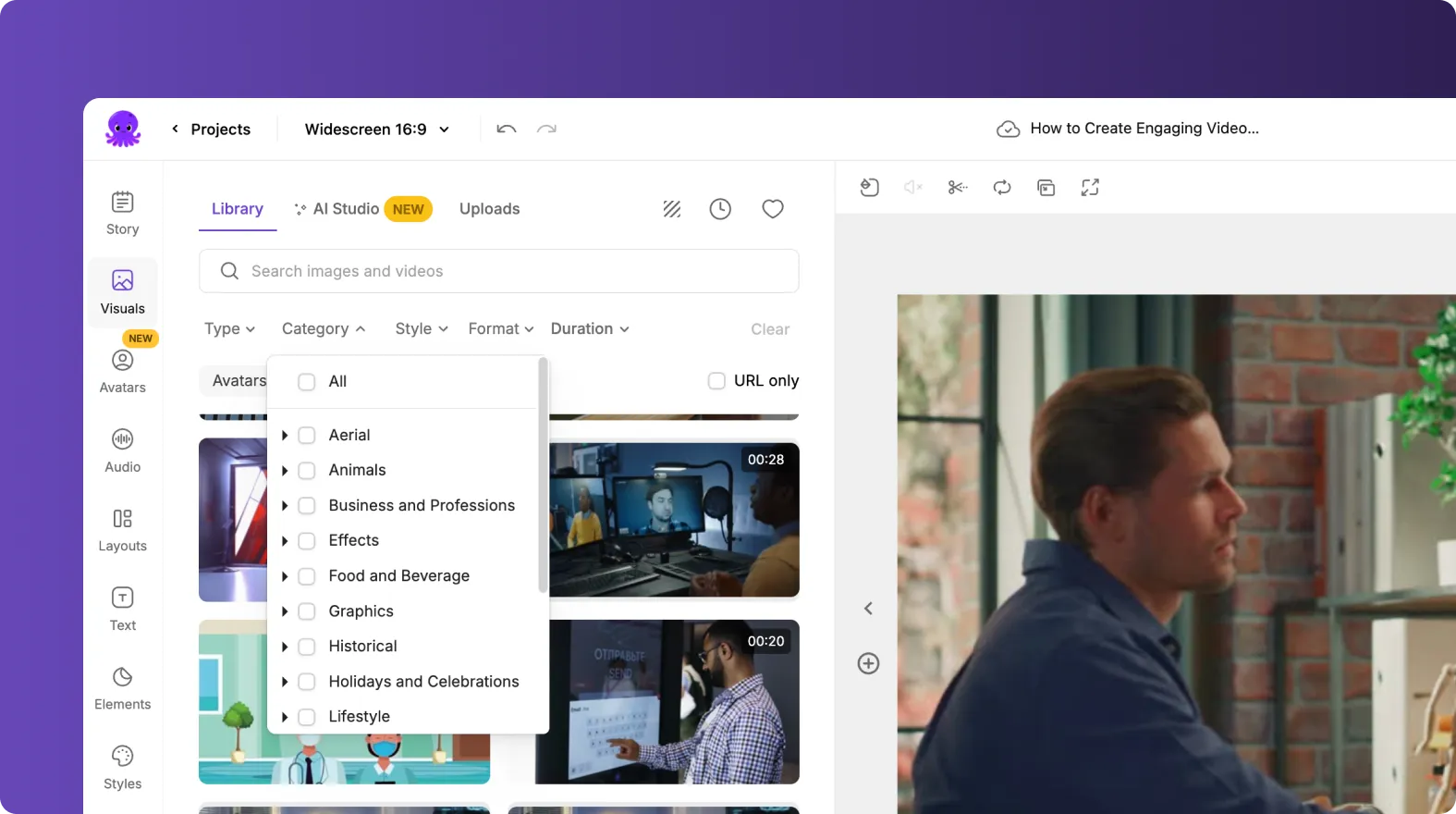
Clear visuals help users follow instructions easily.
Step 7: Add Voiceovers and Subtitles
Narration and subtitles improve accessibility and comprehension.
Teams can:
- Add AI voiceovers for step by step guidance
- Choose neutral and clear voice styles
- Enable subtitles for silent viewing
- Match subtitles exactly to the instructions
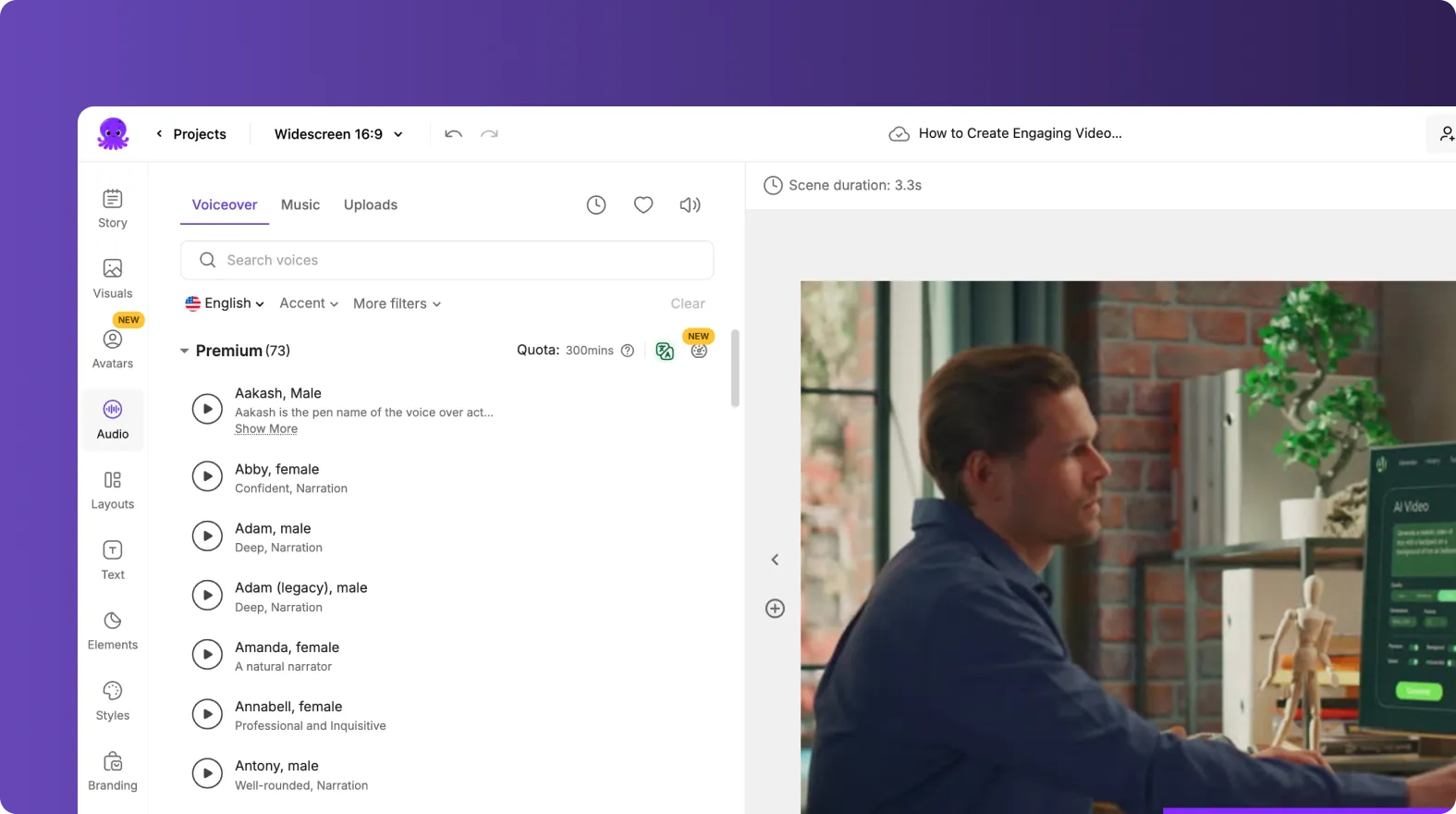
This supports global users and different learning styles.
Step 8: Create Multiple Versions for Different Audiences
One article can support multiple video formats.
Enterprise teams often:
- Duplicate the project
- Create shorter versions for quick help
- Create longer versions for onboarding
- Translate scripts for international users
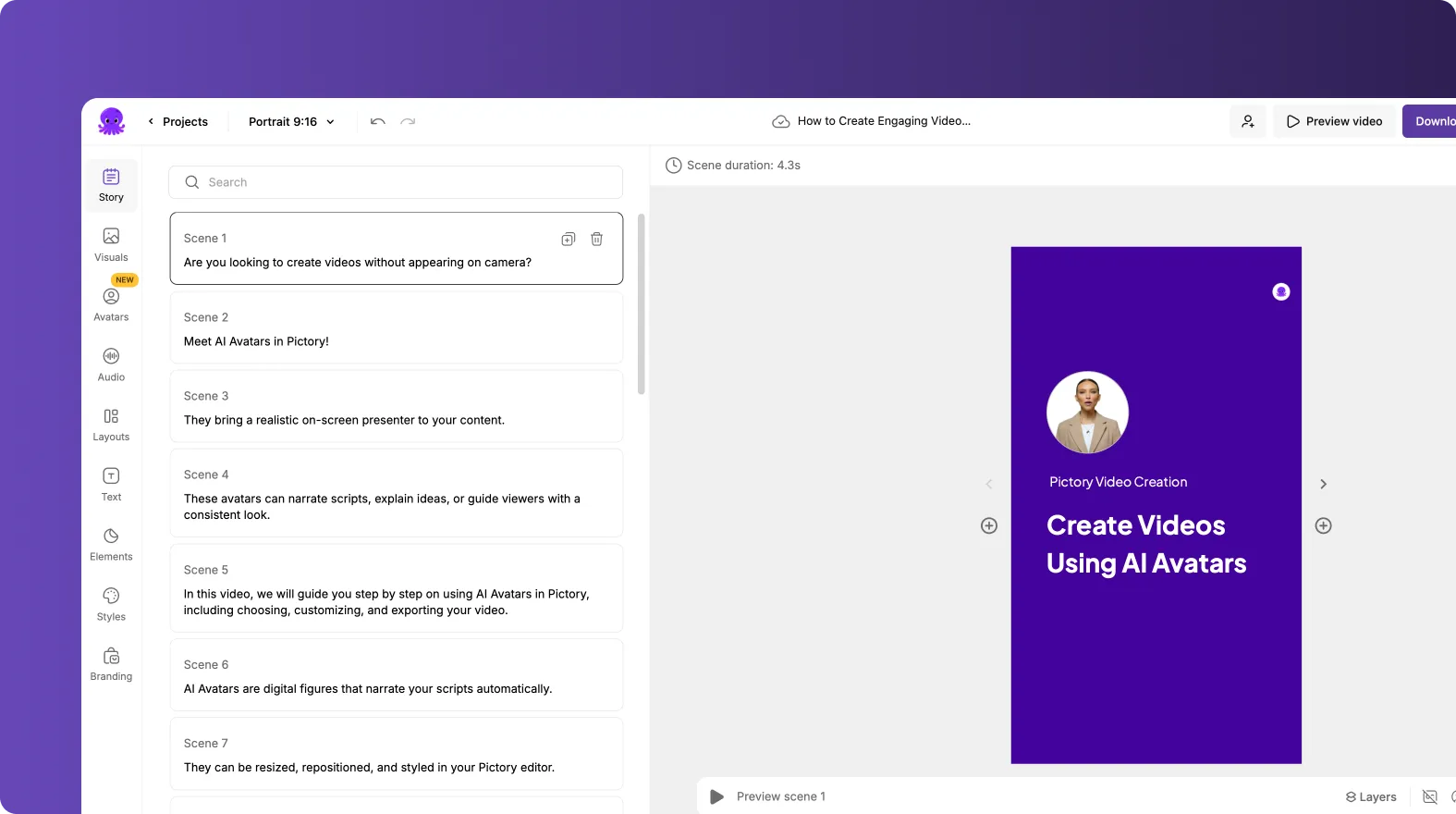
This allows one knowledge base article to support many use cases.
Step 9: Export Videos for Help Centers and Support Channels
Finished videos can be used across many platforms.
Common destinations include:
- Knowledge base pages
- Help center portals
- Product onboarding flows
- Customer support responses
- LMS systems
- Internal training libraries
Videos complement written articles without replacing them.
Step 10: Keep Help Content Updated Over Time
When a knowledge base article changes:
- Update the source article
- Regenerate or edit the video script
- Refresh visuals if needed
- Export an updated version
This keeps video content aligned with documentation updates.
Improve Self Service Support With URL to Video in Pictory AI
URL to Video helps enterprise teams turn knowledge base articles into clear, consistent videos without rebuilding content. By converting existing help documentation into visual walkthroughs, teams can improve user understanding, reduce support demand, and scale customer education efficiently.
Start turning your knowledge base articles into videos today using URL to Video in Pictory AI.


