
Enterprise teams often manage large volumes of long form content such as blog posts, articles, press releases, and knowledge base pages. Converting this content into video helps increase engagement, improve retention, and extend reach across internal and external channels. Pictory AI’s URL to Video workflow makes this process fast and scalable.
This guide shows how enterprises use URL to Video in Pictory AI to turn long form content into professional videos.
Why URL to Video Works for Enterprise Teams
URL to Video removes the need to rewrite or manually edit long documents into scripts. It allows teams to transform existing published content directly into video.
Enterprise teams use URL to Video to:
- Repurpose blogs and articles into video
- Scale content production without extra resources
- Increase engagement across digital channels
- Keep messaging consistent with published content
- Extend the lifespan of long form assets
This workflow helps teams get more value from content they already have.
Step 1: Identify Long Form Content to Convert
Enterprises typically start with content that is already approved and published.
Common sources include:
- Blog posts
- Product pages
- Press releases
- Help center articles
- Knowledge base documentation
- Thought leadership articles
These pages already contain structured information, making them ideal for video conversion.
Step 2: Open the URL to Video Workflow
To begin:
- Select the URL to Video workflow
- Paste the full URL of your content into the input field
- Confirm the page loads correctly
- Proceed to generate the video
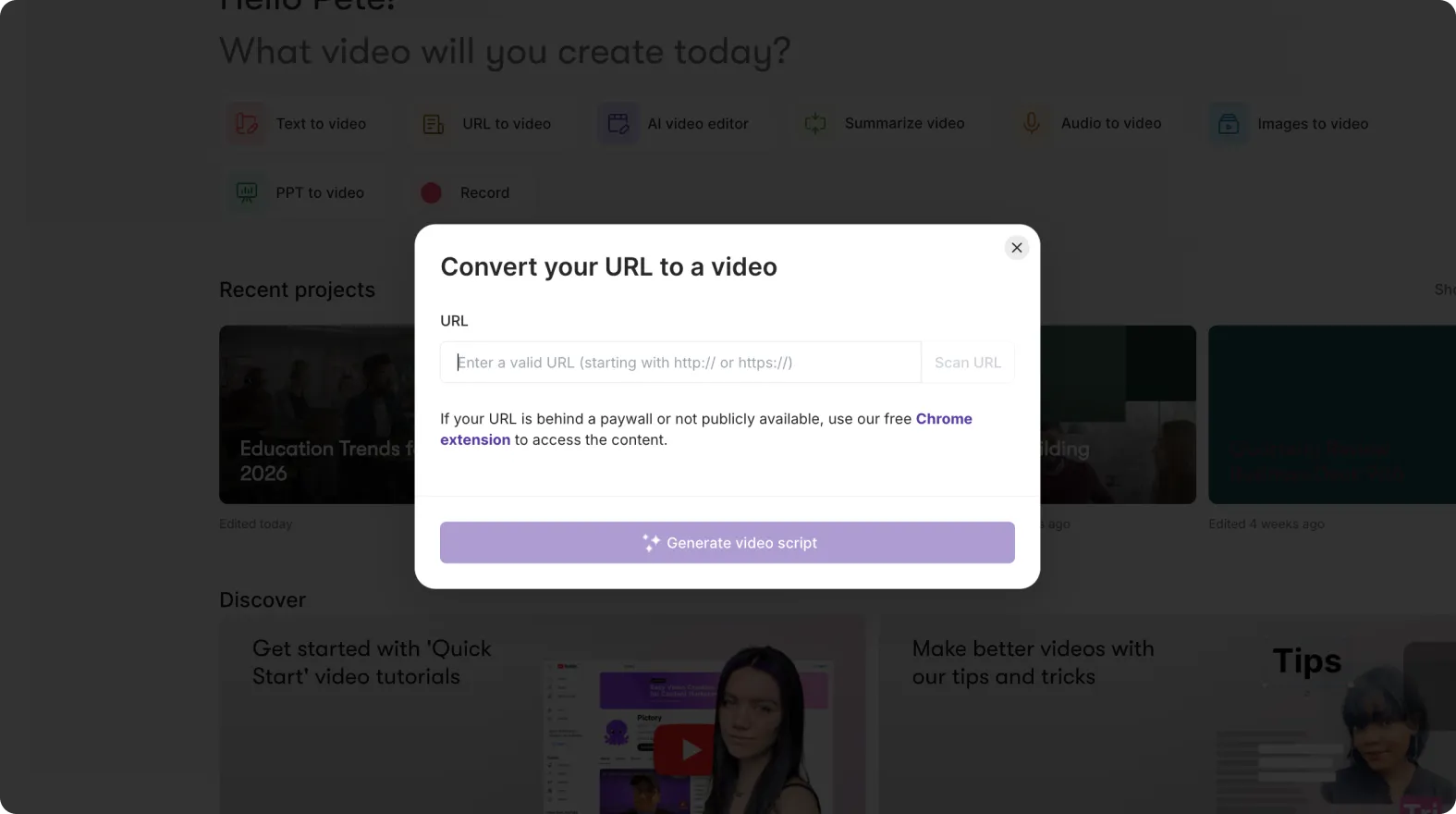
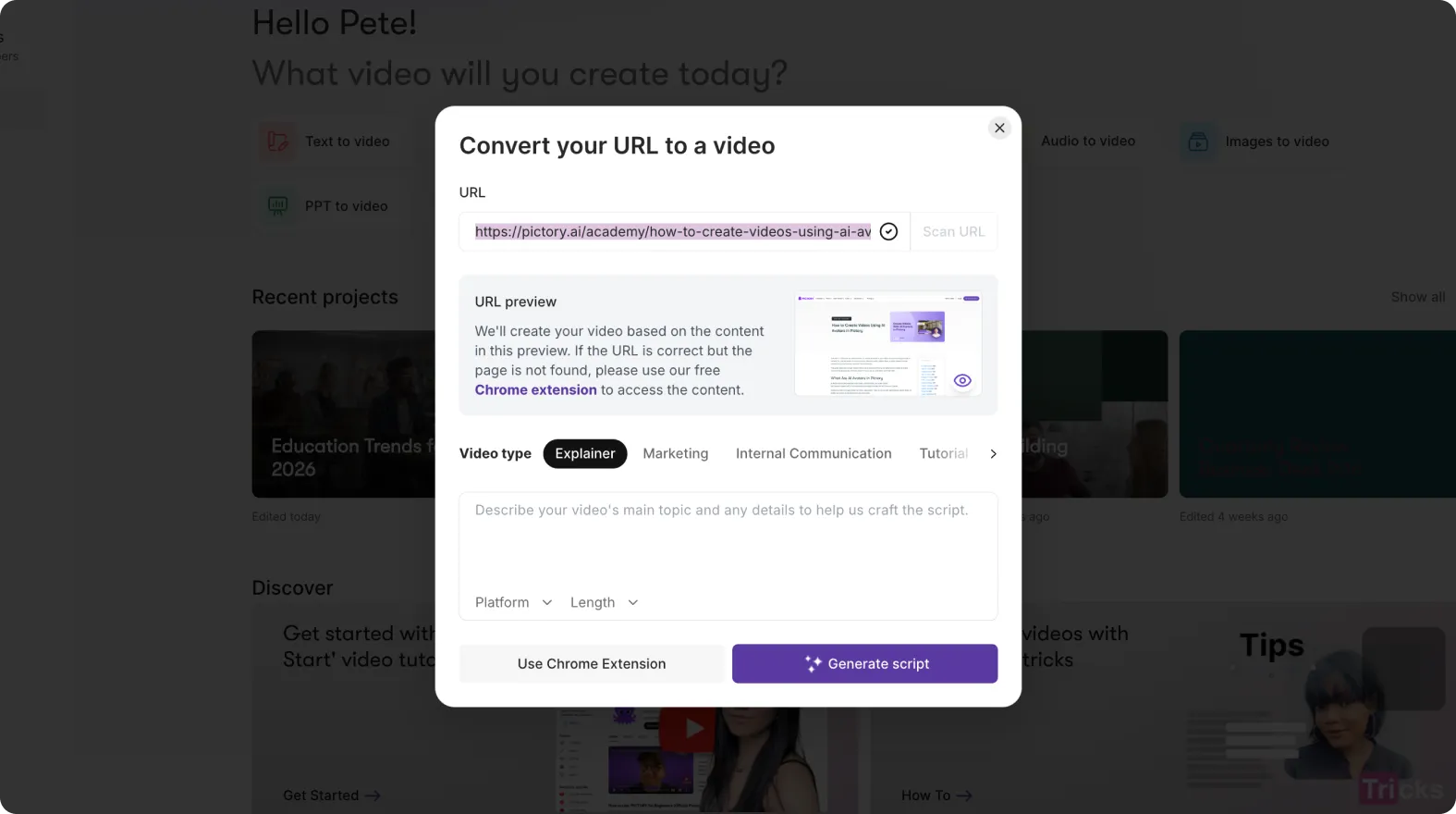
Pictory scans the page and extracts the key text automatically.
Step 3: Review and Refine the Extracted Script
After processing the URL, Pictory generates a script based on the page content.
Enterprise teams typically:
- Remove unnecessary sections
- Shorten long paragraphs
- Adjust tone for video delivery
- Focus on the most important points
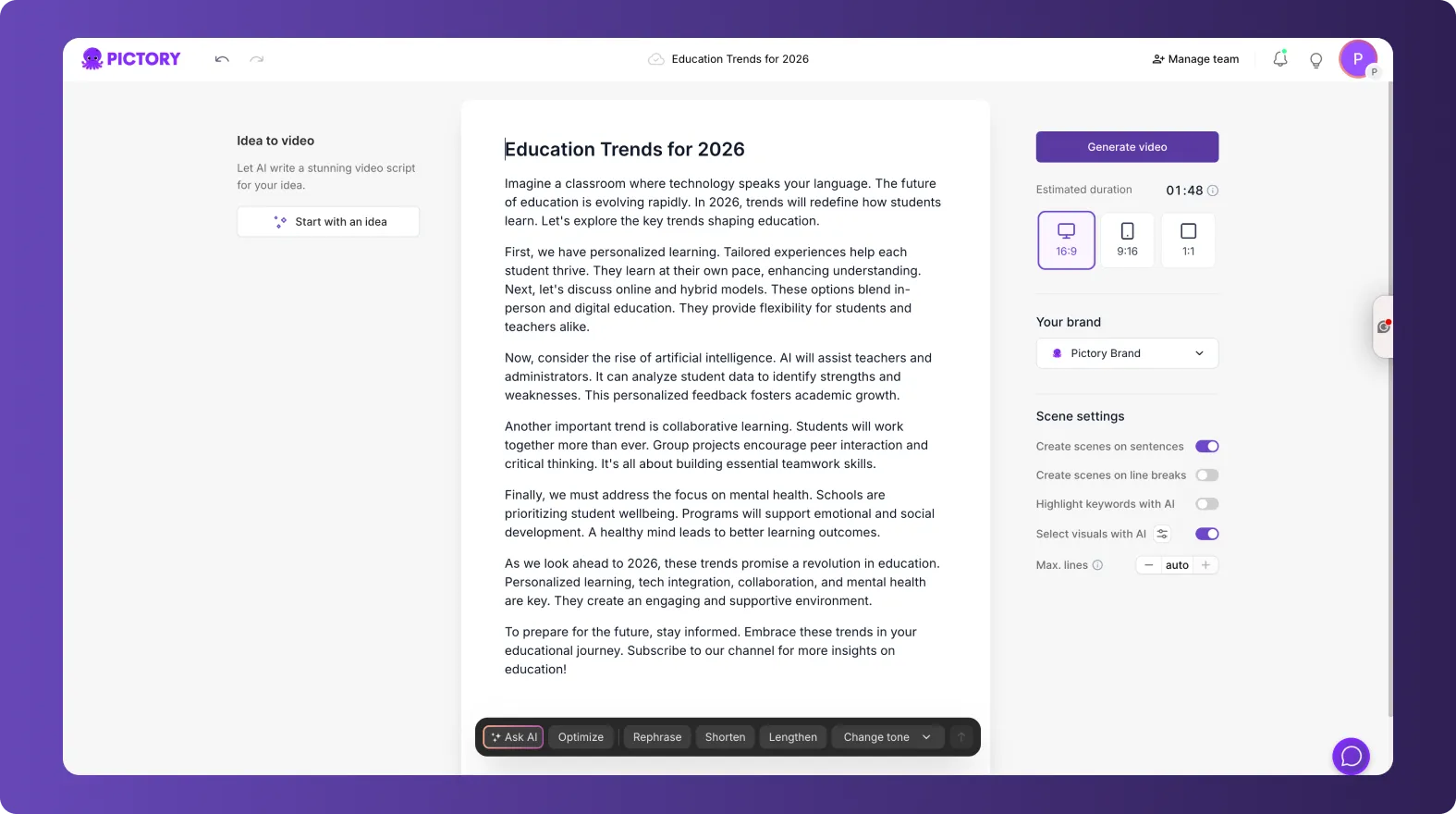
The script remains fully editable before scene creation.
Step 4: Generate Scenes Automatically
Once the script is ready:
- Proceed to generate scenes
- Pictory breaks the content into logical sections
- Visuals are automatically assigned to each scene
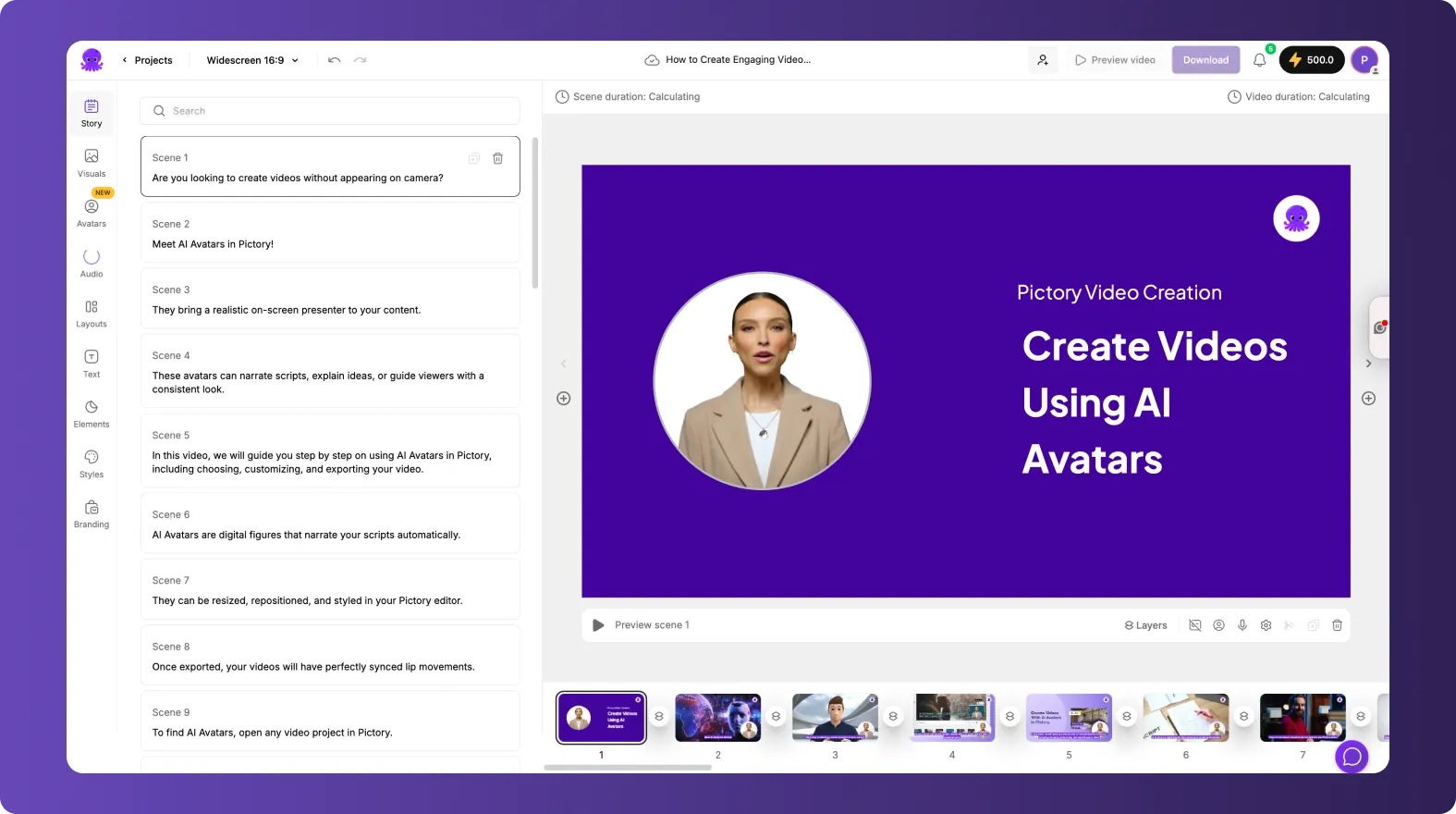
This creates a complete video draft in minutes.
Step 5: Apply Brand Kits for Consistency
Brand consistency is critical across enterprise communications.
After scene generation:
- Open the Branding tab
- Apply the approved Brand Kit
- Ensure fonts, colors, and logos match brand guidelines
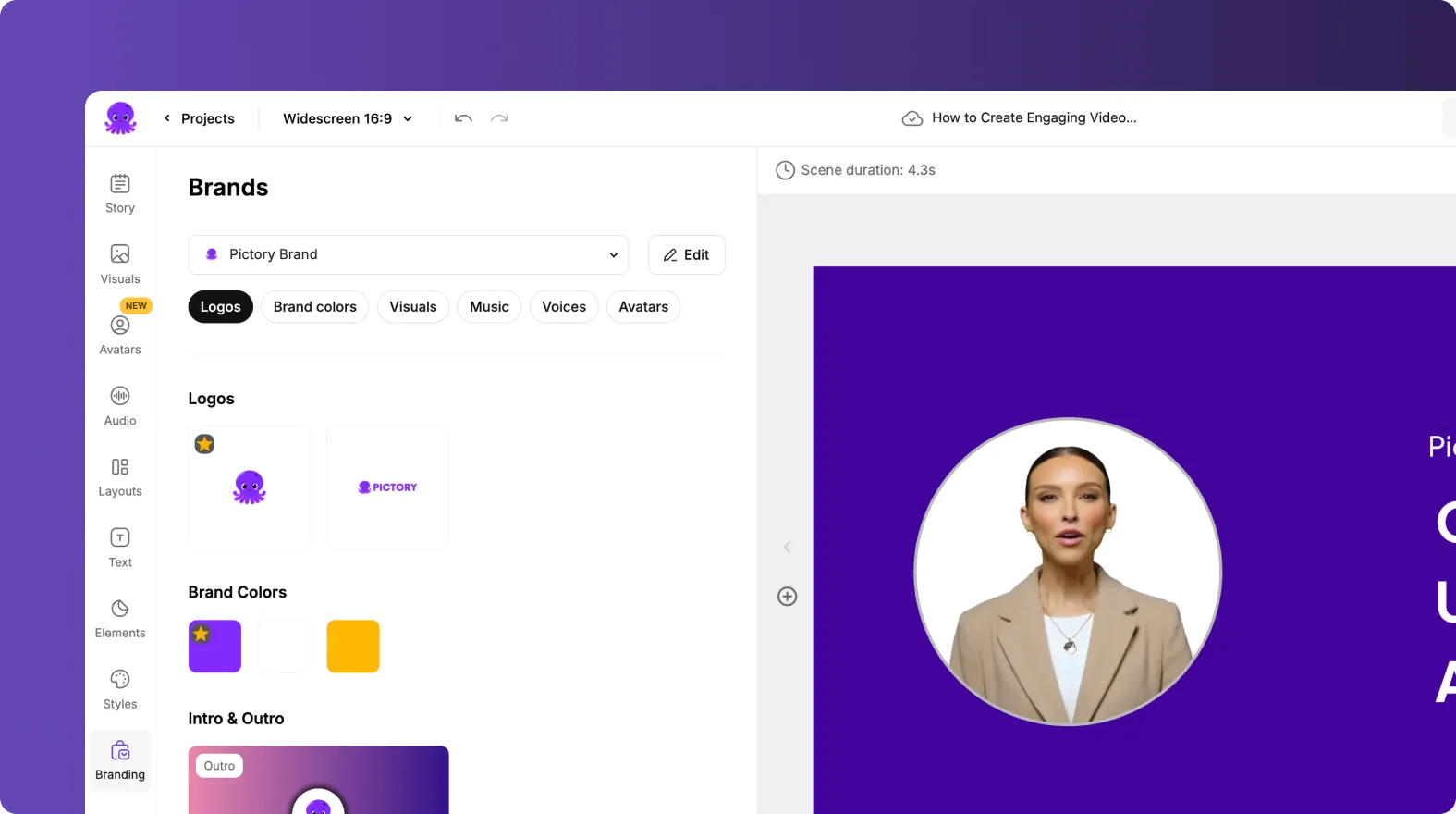
This ensures every video aligns with corporate identity.
Step 6: Customize Visuals for Internal or External Use
URL based videos can serve different audiences.
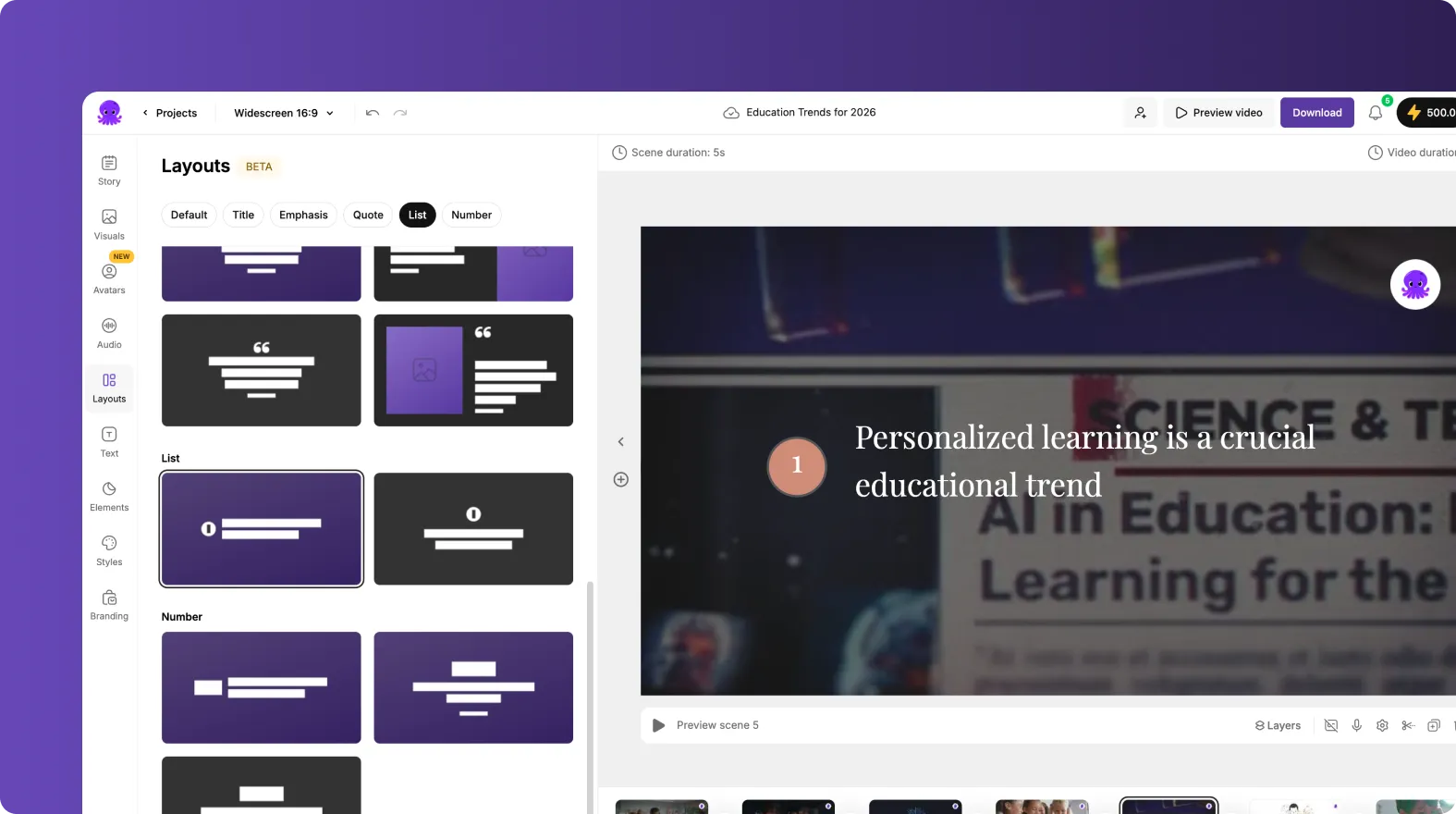
For internal audiences:
- Clear layouts
- Minimal motion
- Instructional visuals
For external audiences:
- More engaging visuals
- Dynamic stock footage
- Strong visual storytelling
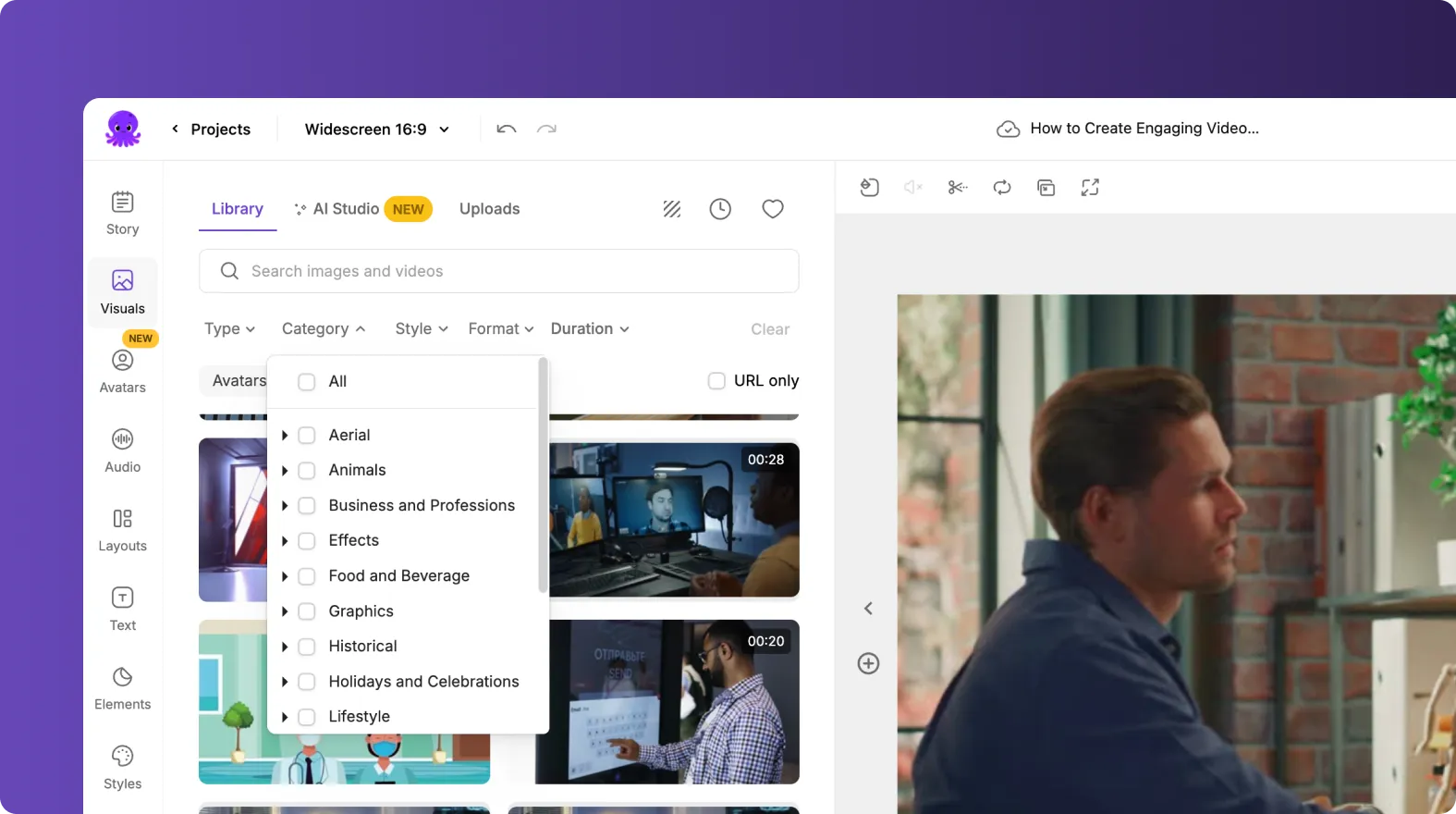
Teams can replace visuals easily using stock media, uploads, or AI generated visuals.
Step 7: Add Voiceovers and Subtitles at Scale
Enterprises often need fast narration and accessibility support.
Teams commonly:
- Apply AI voiceovers for speed
- Use professional voice styles
- Enable subtitles for silent viewing
- Create multilingual versions for global audiences
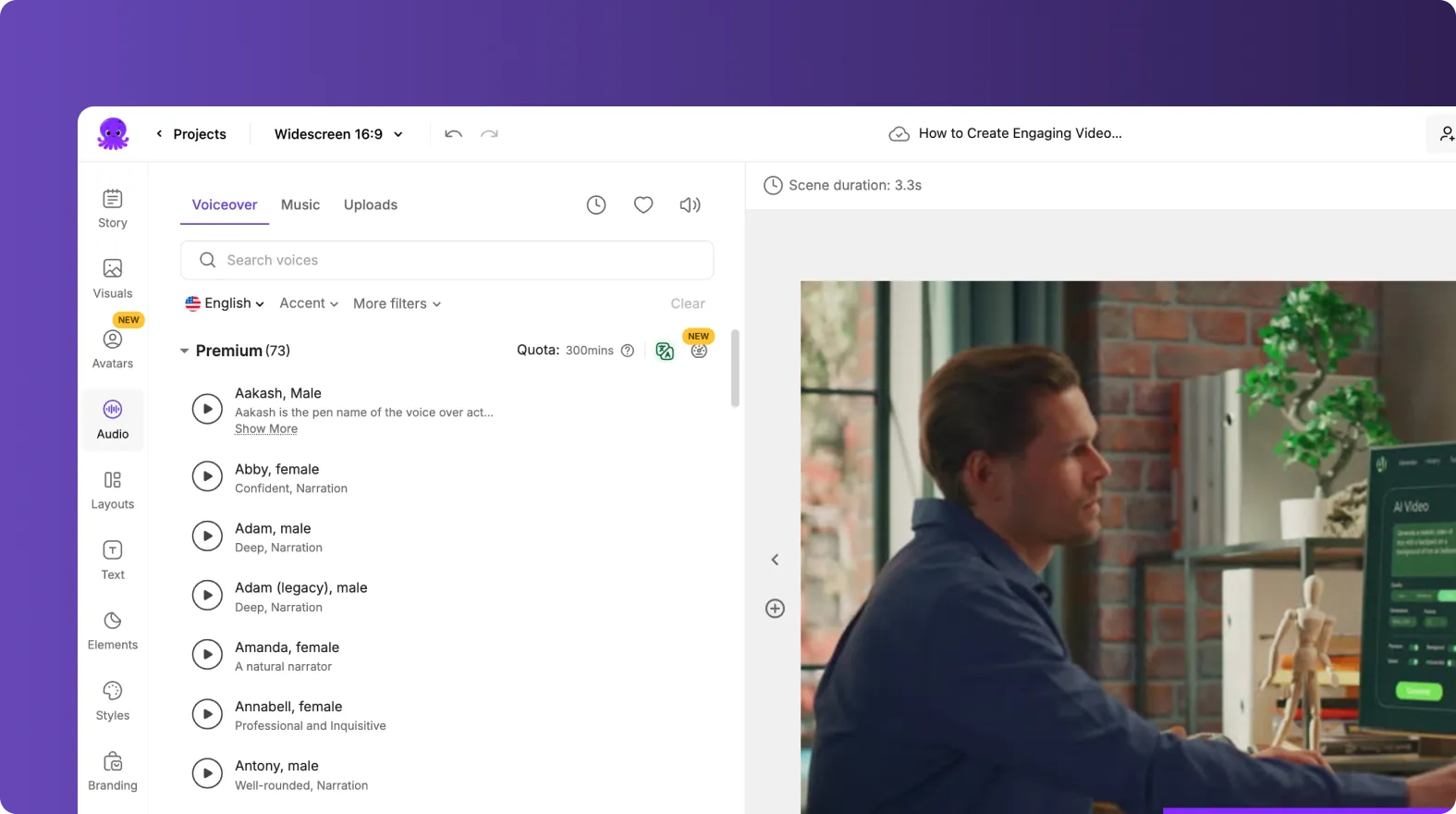
This makes content accessible across regions and platforms.
Step 8: Maintain Speed and Accuracy Over Time
URL to Video allows enterprises to stay agile.
Teams can:
- Update videos when the source URL changes
- Refresh visuals without rewriting content
- Repurpose new articles quickly
- Scale video creation without bottlenecks
This keeps video content aligned with ongoing content strategy.
Scale Enterprise Video Creation Using URL to Video in Pictory AI
URL to Video helps enterprise teams convert long form written content into engaging video at scale. By using existing URLs, automated scene generation, and brand controls, Pictory AI enables faster production without sacrificing accuracy or consistency. This workflow helps enterprises maximize content value and reach wider audiences efficiently.
Start converting your long form content into video today using URL to Video in Pictory AI.


