
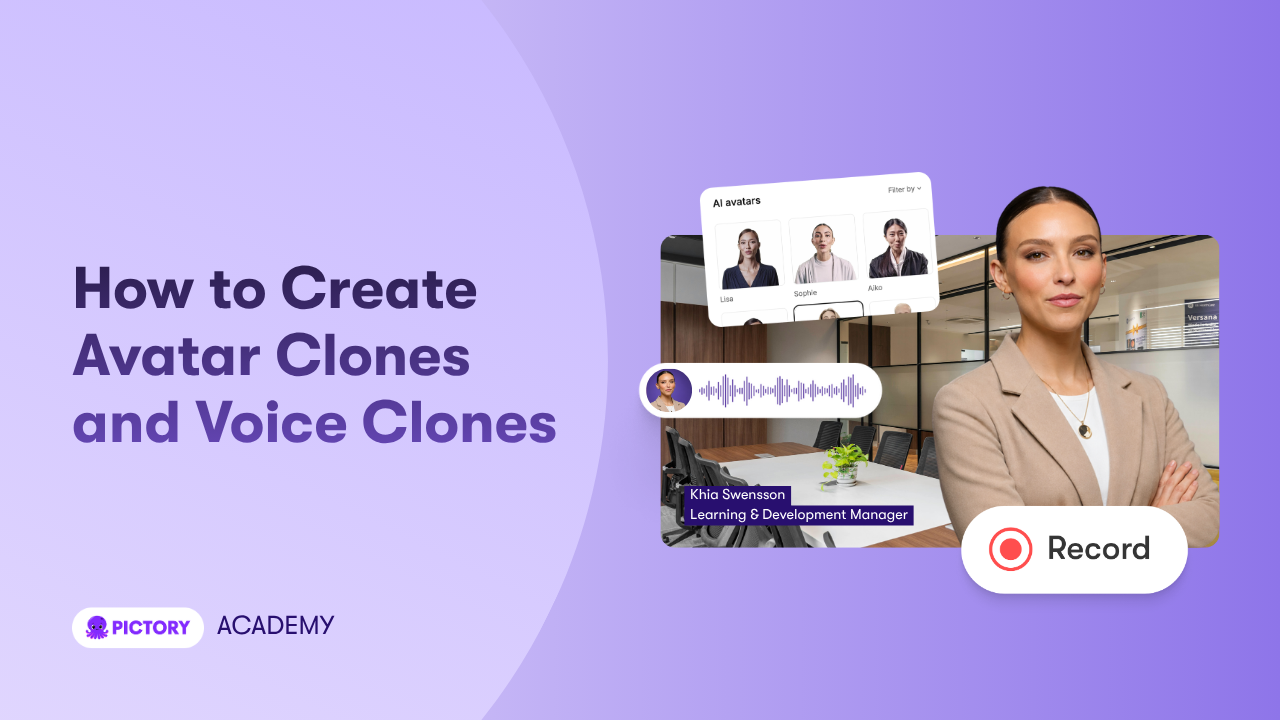
Avatar Clones and Voice Clones in Pictory AI allow you to create a digital version of yourself that can present and narrate videos. This means you can turn scripts, slides, and documents into professional videos using your own likeness and voice, without recording every time.
This guide shows you how to create, manage, and use your personal clones in Pictory AI.
What Are Avatar Clones in Pictory AI
Avatar Clones in Pictory AI are AI-generated digital versions of your appearance and voice that can present videos automatically.
They allow you to:
• Appear in videos without recording
• Narrate content using your own voice
• Maintain consistent delivery across projects
• Scale video creation across teams
What Are Voice Clones in Pictory AI
Voice Clones are AI-generated versions of your voice created from a short audio sample. Once created, they can automatically narrate any script inside your video projects.
Who Can Use Avatar and Voice Clones
Custom Avatars and Instant Voice Clones are available to users on:
• Pro plans
• Teams plans
• Enterprise plans
How Do Avatar Clones Work in Pictory
Avatar Clones are created using training footage and a consent recording. Pictory processes this input to generate a reusable digital presenter with a matching voice clone.
Once created, your avatar appears in the Avatars menu and your voice appears in the Audio menu.
Step 1: Create Your Custom Avatar Clone
To create your avatar:
Go to the Avatars menu
Click Create New
Follow the setup instructions

Upload Training Footage
• Record at least 2 minutes of high-quality video
• Use clear lighting and audio
• Upload in MP4 format

This footage is used to generate your avatar and voice.
Upload Consent Footage
To ensure security and authenticity:
• Record a consent video
• Follow Pictory’s required consent format
• Upload it during setup

This step is required before your clone can be created.
Processing
Once submitted:
• Pictory generates your avatar and voice clone
• Your avatar appears in the Avatars menu
• Your voice appears in the Audio menu

You can also adjust positioning, such as centering your face within the avatar.
Step 2: Create an Instant Voice Clone
If you only need your voice:
Go to the Audio menu
Click Create New
Upload a clear voice sample
Provide consent
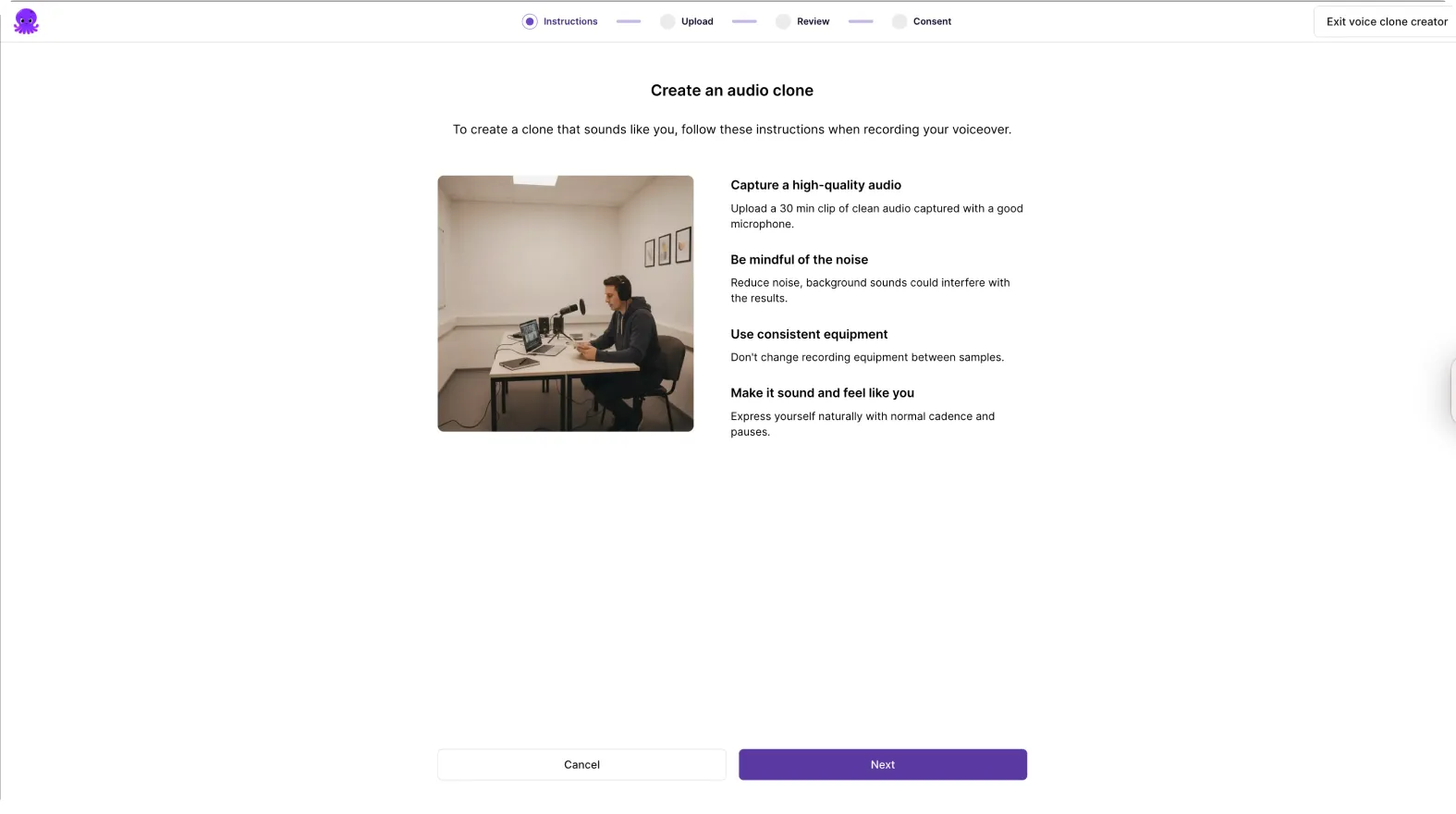
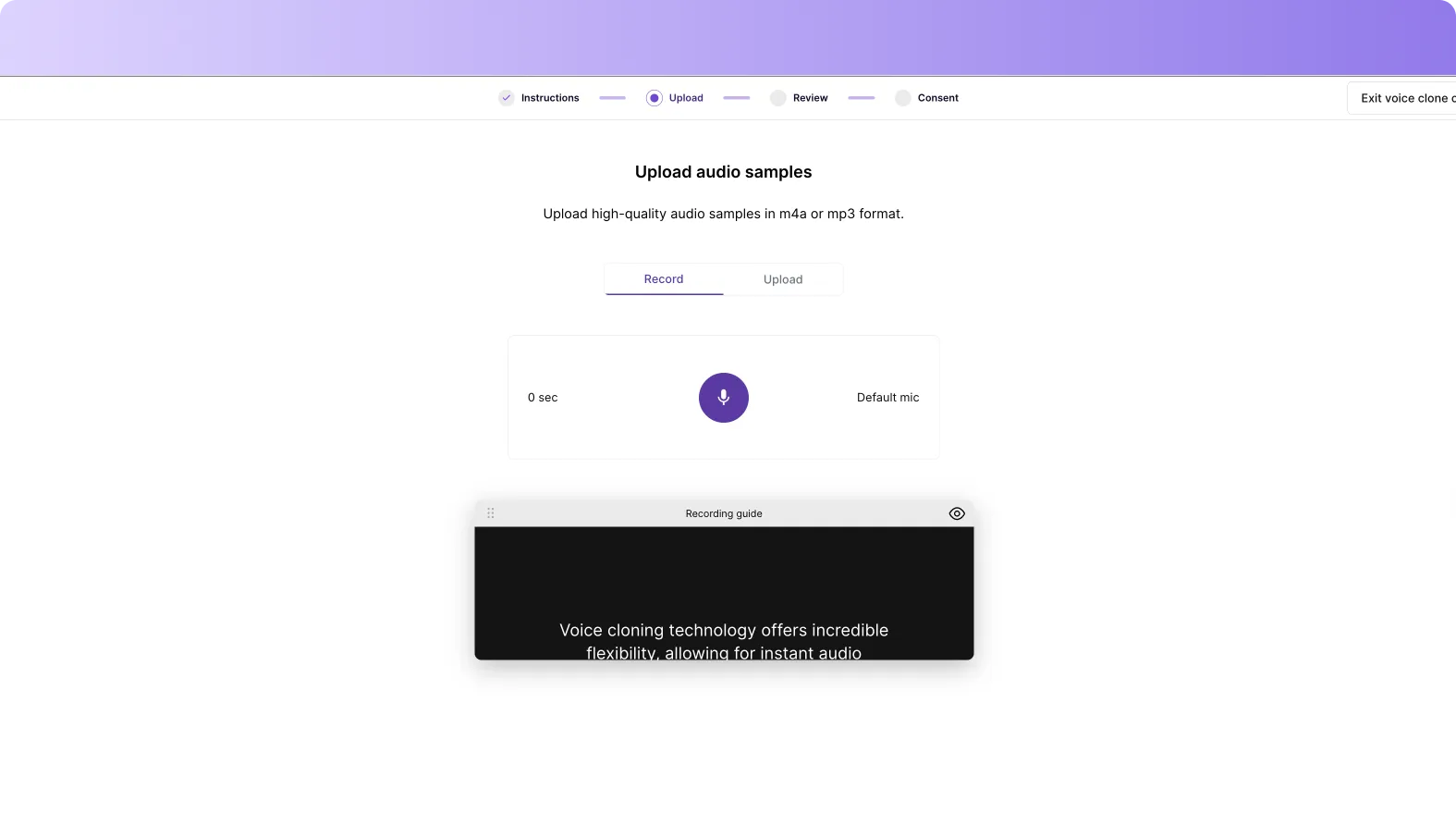
Your cloned voice will be added to your voice library for use in any project.
How Do Voice Clones Work in Video Creation
Voice Clones automatically convert your script into spoken narration using your voice. This removes the need to record voiceovers manually.
Step 3: Add Your Avatar to Video Scenes
To use your avatar:
Open a video project
Go to the Avatars tab
Select your avatar
Add it to your scene
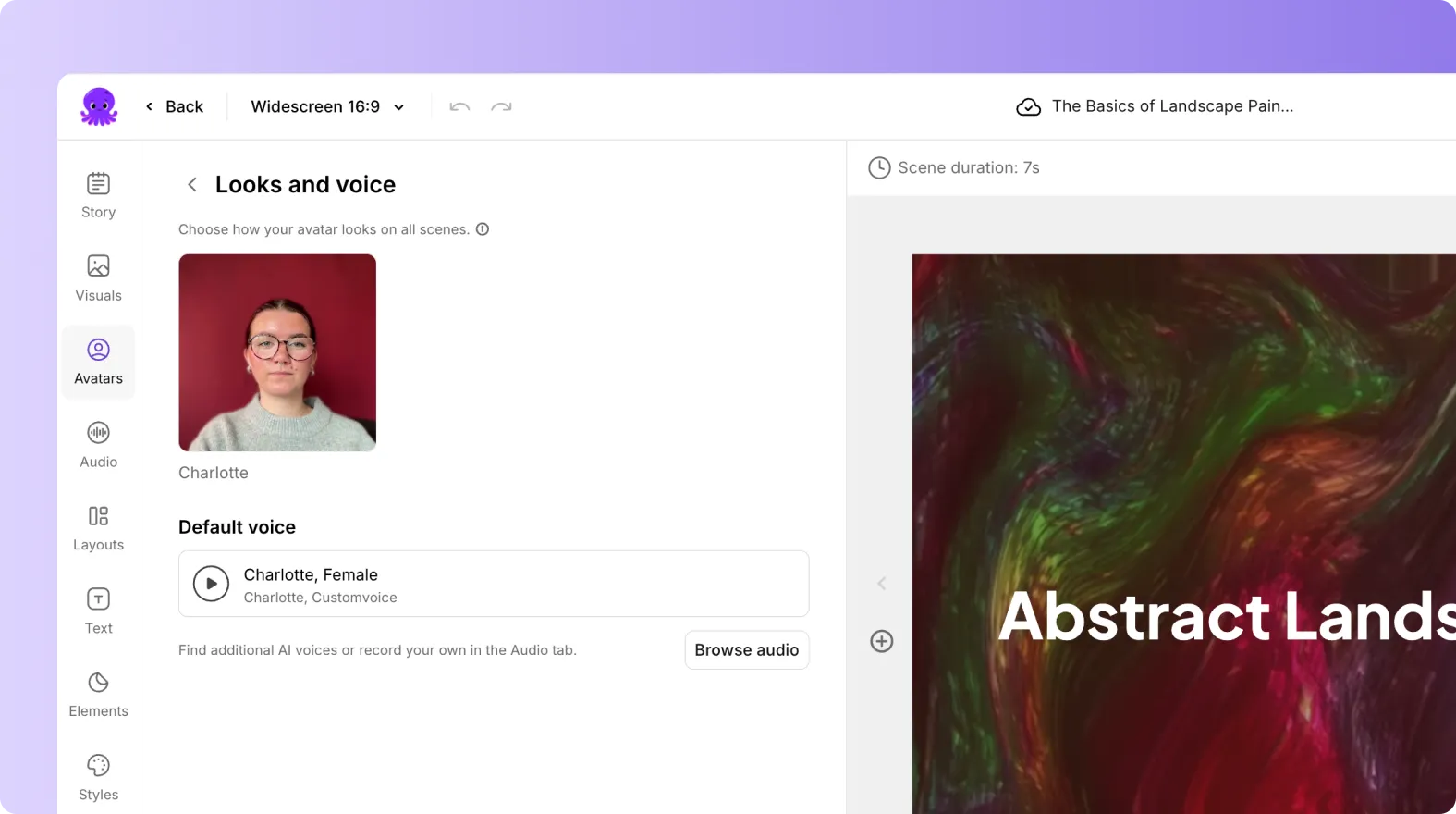

Your avatar appears as a presenter within your video.
Step 4: Control Avatar Placement and Visibility
You can:
• Show or hide the avatar per scene
• Apply it across all scenes
• Resize and reposition it
• Combine it with visuals and text

This gives you full flexibility in presentation.
Step 5: Use Avatar Clones With Pictory Workflows
You can combine avatars with all major workflows:
• Text to video
• URL to video
• PPT to video
• Audio to video

This allows you to turn existing content into presenter-led videos instantly.
When Should You Use Avatar Clones
Use Avatar Clones when you need to:
• Scale training content
• Deliver consistent messaging
• Avoid repeated recording
• Create videos without being on camera
Managing Your Avatar and Voice Clones
Account Limits
Each account includes:
• Up to 5 Custom Avatars
• Up to 5 Instant Voice Clones
Deleting Clones
• Deleting an avatar also deletes its voice clone
• Voice clones linked to avatars cannot be deleted separately
• Deletion removes the clone from all projects
• Exported videos are not affected
• Deletion is permanent
How to Share Avatar Clones Across Teams
Avatar and voice clones can be shared within your workspace.
You can:
• Share clones with team members
• Use shared avatars across projects
• See shared assets marked in menus
Sharing happens automatically when:
• You share a project
• You share a Brand Kit
You can revoke access at any time.
Usage and Credits
Creation Cost
• Creating avatars and voice clones is free
Usage Cost
• Avatar usage costs 35 credits per 30 seconds of video
• Voice clone usage counts against ElevenLabs minutes
Top Use Cases for Avatar Clones
Training and Onboarding Turn slide decks into full courses with a consistent presenter.
Sales Personalization Create personalized video messages using your digital clone.
Compliance Training Update training content without re-recording videos.
Internal Communications Deliver consistent updates across teams with a familiar face.
Key Benefits of Avatar Clones
Avatar and voice clones help teams:
• Reduce video production time
• Eliminate re-recording
• Maintain consistent delivery
• Scale content creation
• Improve engagement
Why Pictory Is Different From Other Avatar Tools
Pictory uses a content-first approach.
It:
• Starts with your existing content • Automates video creation • Adds avatars as a flexible layer • Supports real training and business workflows
This makes it more practical for enterprise use.
Scale Video Creation With Avatar Clones in Pictory AI
Avatar Clones and Voice Clones allow you to turn your expertise into scalable video content. You create once and reuse across projects, removing the need for repeated recording. Pictory AI combines avatars with automated video workflows, helping teams produce high-quality videos faster.
Frequently Asked Questions About Avatar Clones
What is an Avatar Clone in Pictory AI?
An Avatar Clone is an AI-generated digital version of a person that can present and narrate videos.
Do I need to record every video?
No. Once your avatar is created, it can be reused across all projects.
How many avatars can I create?
You can create up to 5 custom avatars per account.
Can I create only a voice clone?
Yes. You can create an Instant Voice Clone without creating an avatar.
What happens if I delete an avatar?
Deleting an avatar also deletes its associated voice clone and removes it from all projects.
Can I share my avatar with my team?
Yes. Avatar and voice clones can be shared across your workspace.
Is there a cost to create avatars?
No. Creation is free, but usage consumes credits.


