
Enterprise organizations produce video content across many teams, regions, and use cases. Without centralized brand control, videos can quickly drift away from approved guidelines. Pictory AI Brand Kits help enterprise teams enforce consistent branding across every project while still allowing teams to work quickly and independently.
This guide shows how enterprise teams use Brand Kits in Pictory AI to maintain brand consistency at scale.
Why Brand Consistency Matters at the Enterprise Level
Consistent branding builds trust and recognition. In enterprise environments, inconsistent visuals can confuse audiences and weaken credibility.
Enterprise teams use Brand Kits to:
• Maintain a unified brand identity
• Enforce approved fonts, colors, and logos
• Reduce design errors across teams
• Speed up video creation without manual styling
• Support global teams and distributed creators
Brand Kits act as a single source of truth.
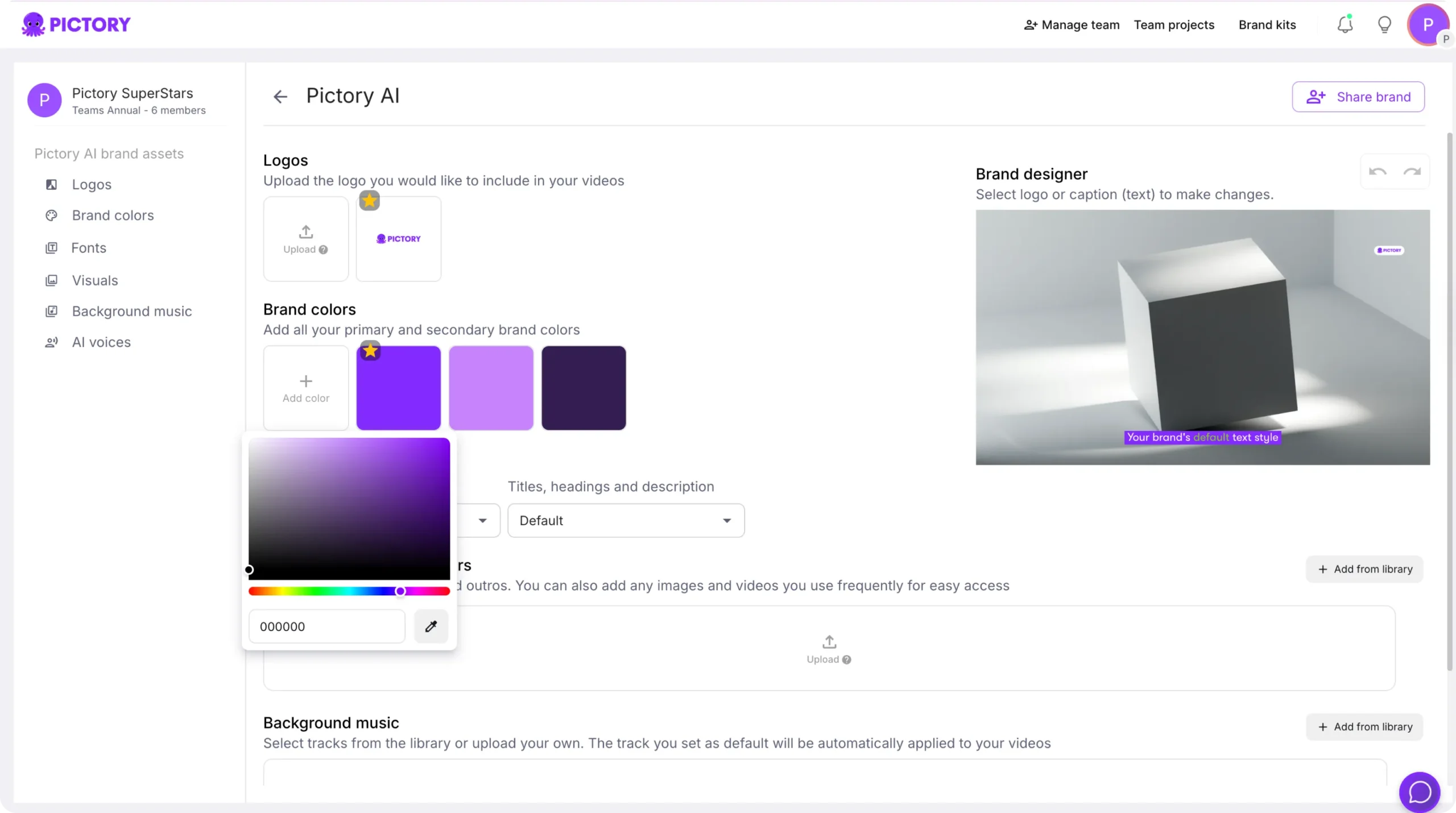
Step 1: Create an Approved Enterprise Brand Kit
Brand consistency starts with a centralized Brand Kit.
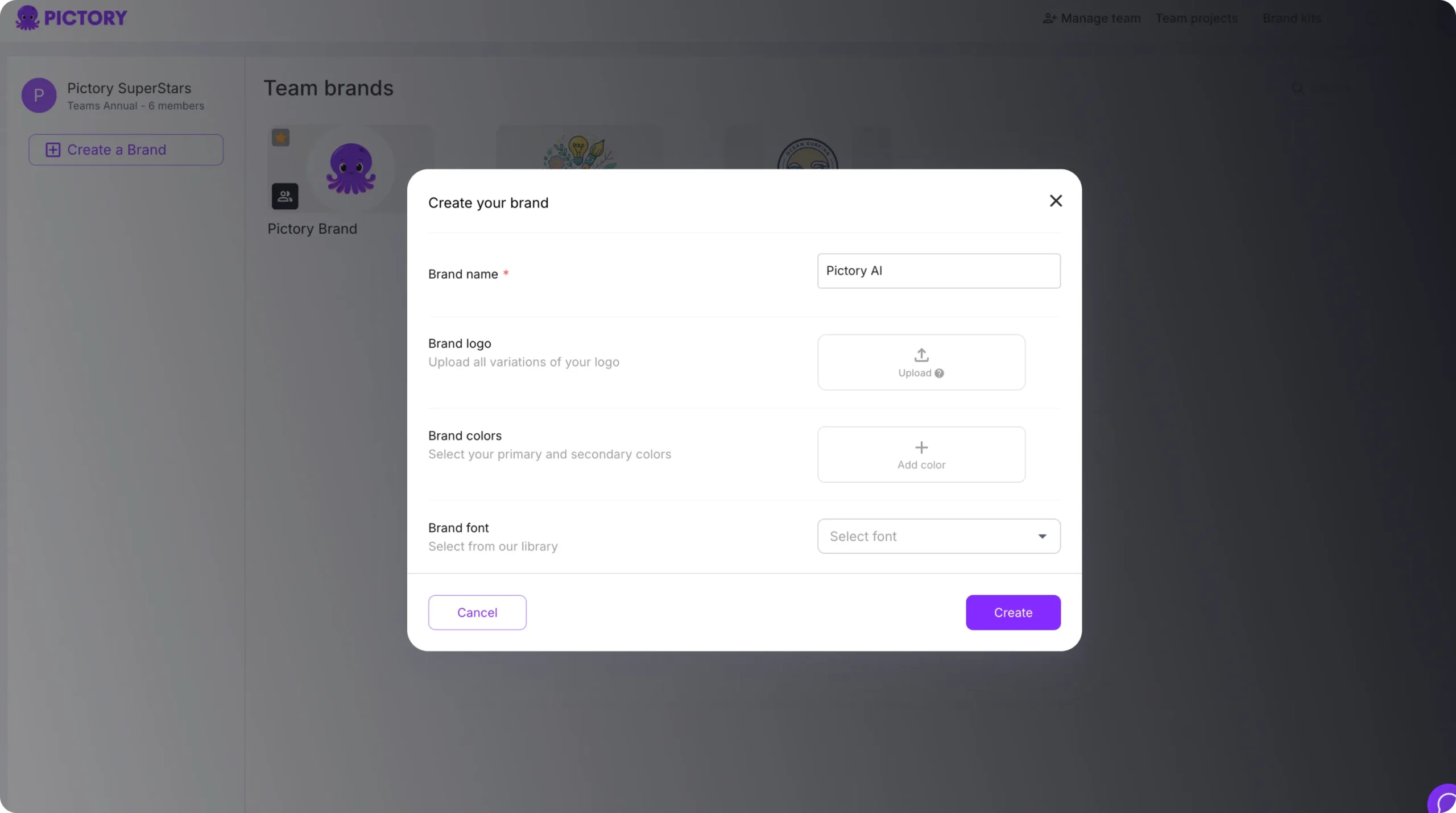
Enterprise brand teams typically:
• Upload official logos
• Define approved brand colors
• Select primary and secondary fonts
• Set default styling preferences
Once saved, the Brand Kit becomes available across the organization.
Step 2: Apply Brand Kits to All New Projects
To enforce consistency from the start:
Open a new project
Go to the Branding tab
Select the approved Brand Kit
Apply it to the project
This ensures every new video follows brand guidelines automatically.
Step 3: Apply Brand Kits to Existing Projects
Brand Kits can also be applied retroactively.
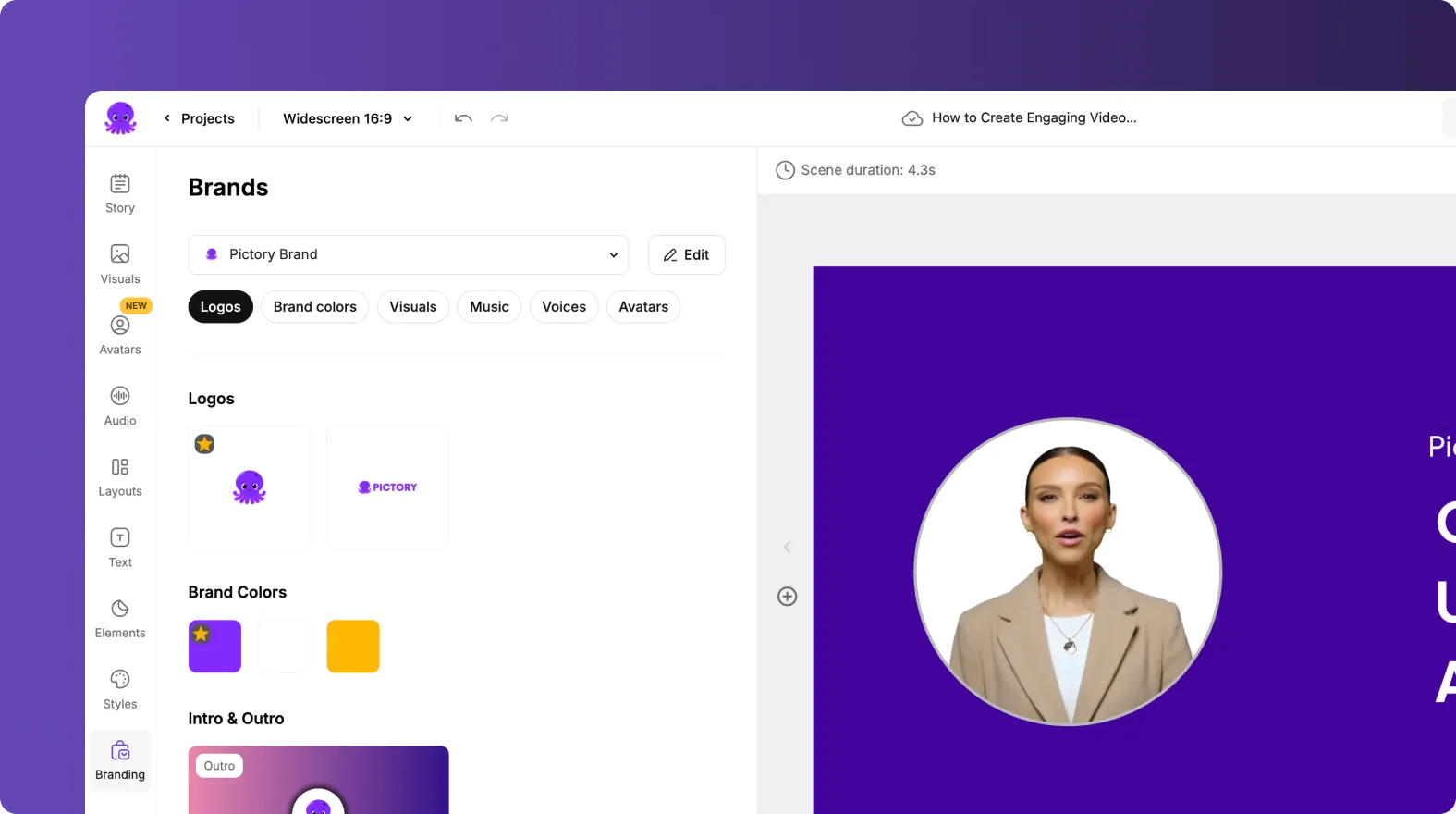
Enterprise teams often:
• Update older videos to match new guidelines
• Apply Brand Kits to legacy content
• Standardize projects created by different teams
Applying a Brand Kit updates fonts, colors, and logos instantly.
Step 4: Use Brand Kits With Templates and Styles
Brand Kits work together with templates and styles.
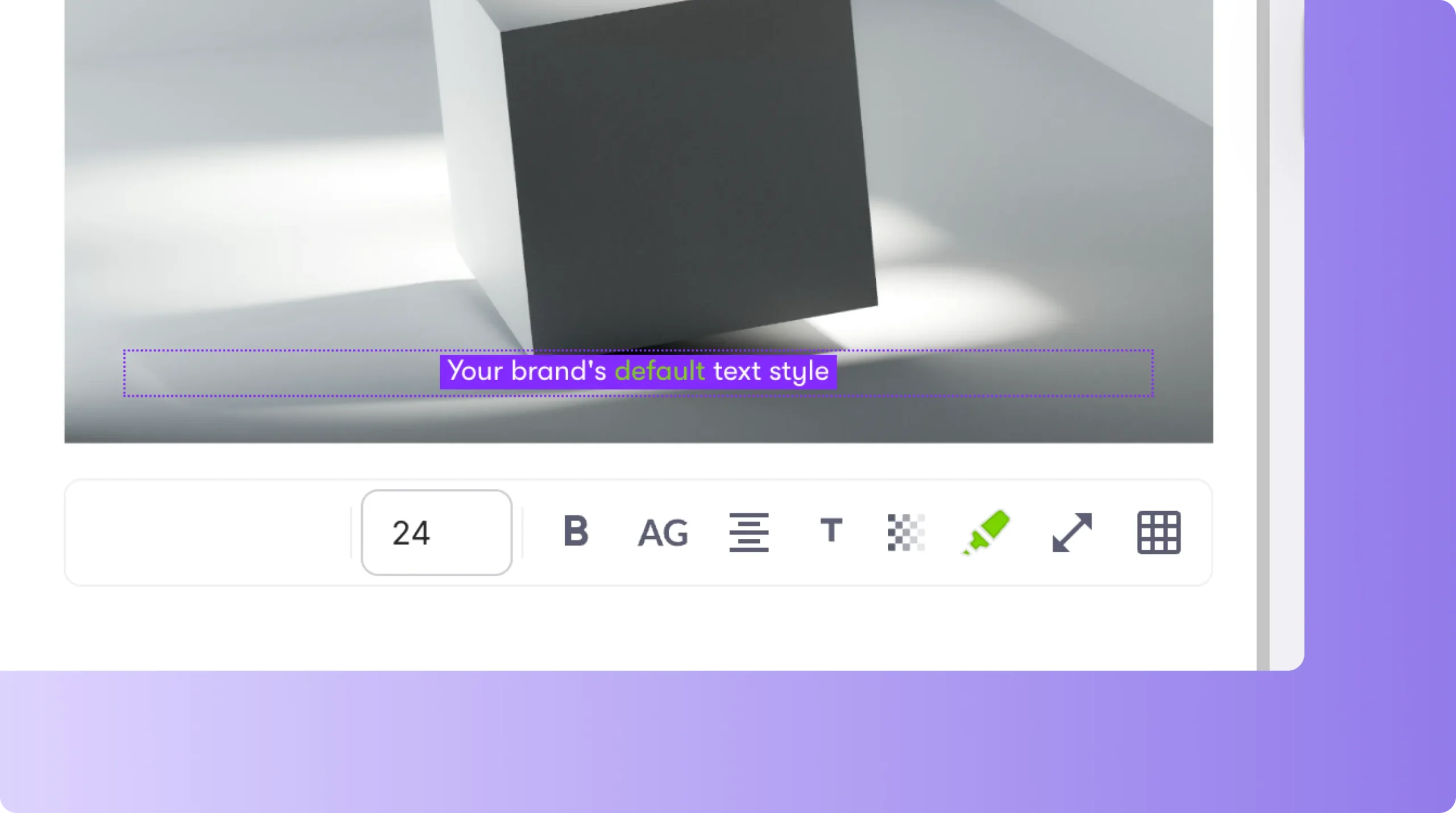
Brand Kits control:
• Colors
• Fonts
• Logos
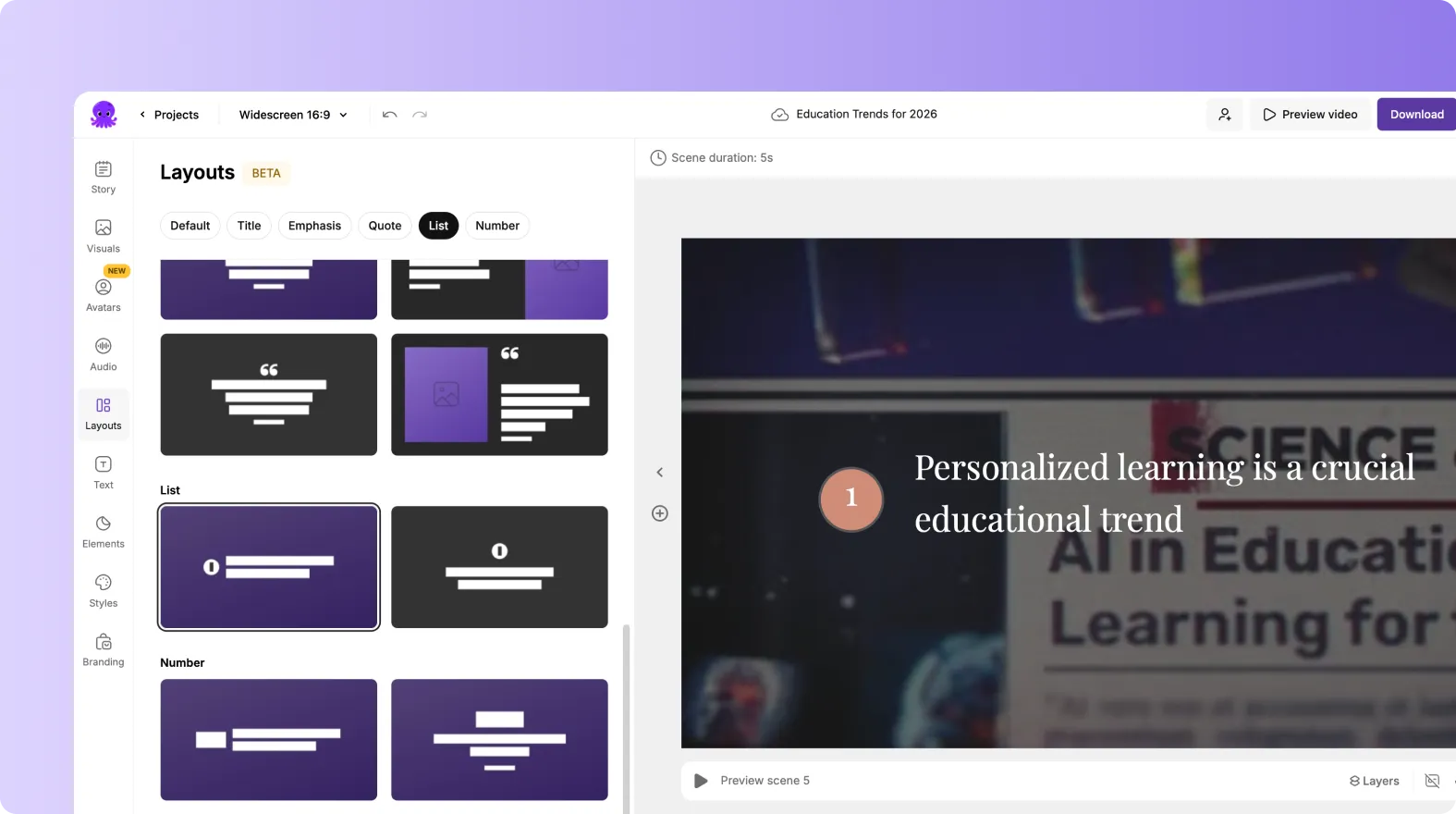
Styles control:
• Layouts
• Animations
• Text movement
• Visual structure
Using both ensures visual consistency without sacrificing design flexibility.
Step 5: Limit Manual Styling to Prevent Brand Drift
Brand Kits reduce the need for manual formatting.
Enterprise teams use Brand Kits to:
• Prevent off brand colors
• Avoid incorrect fonts
• Eliminate inconsistent logo placement
• Reduce design review cycles
This keeps videos aligned even when created by non designers.
Step 6: Share Brand Kits Across Teams and Departments
Brand Kits are accessible to all authorized team members.
This supports:
• Marketing teams creating campaigns
• HR teams producing training content
• Sales teams creating demos
• Internal communications teams sharing updates
Everyone works from the same brand foundation.
Step 7: Create Multiple Brand Kits for Sub Brands or Regions
Large enterprises often manage multiple brands.
Pictory allows teams to:
• Create separate Brand Kits per brand
• Maintain regional variations
• Support co branded campaigns
• Switch Brand Kits per project
This provides flexibility without losing control.
Step 8: Update Brand Kits When Guidelines Change
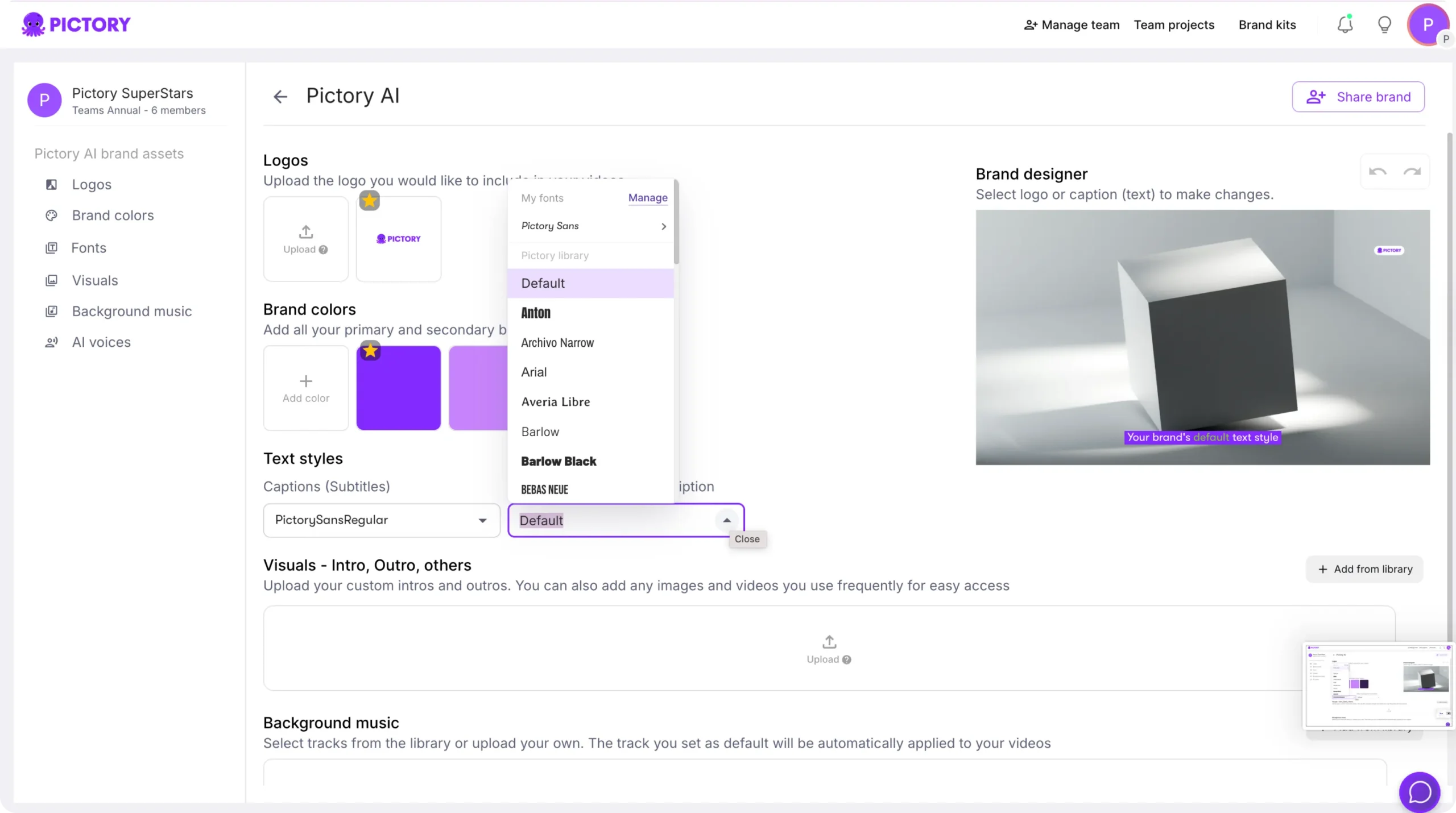
When branding evolves, Brand Kits can be updated.
Enterprise teams can:
• Replace logos
• Update color palettes
• Change fonts
• Refresh styling preferences
Updated Brand Kits can then be reapplied to new or existing projects.
Step 9: Combine Brand Kits With Collaboration Workflows
Brand Kits support collaboration at scale.
Benefits include:
• Faster approvals
• Fewer revisions
• Consistent output across creators
• Reduced dependency on design teams
Teams focus on content while branding stays controlled.
Step 10: Export Consistent Videos Across All Channels
Once branding is applied:
• Export videos in multiple formats
• Publish across internal and external channels
• Maintain visual consistency everywhere
Brand Kits ensure the final output matches brand standards.
Enforce Enterprise Brand Standards With Brand Kits in Pictory AI
Brand Kits help enterprise teams maintain consistent branding across every video project. By centralizing fonts, colors, and logos, Pictory AI ensures that videos created by any team member remain on brand. This reduces errors, saves time, and supports scalable video creation across the organization.
Start enforcing brand consistency today using Brand Kits in Pictory AI.


