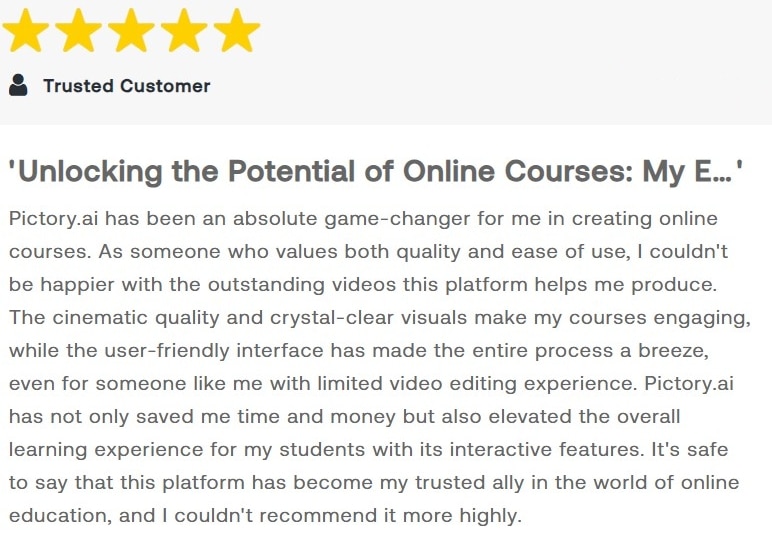
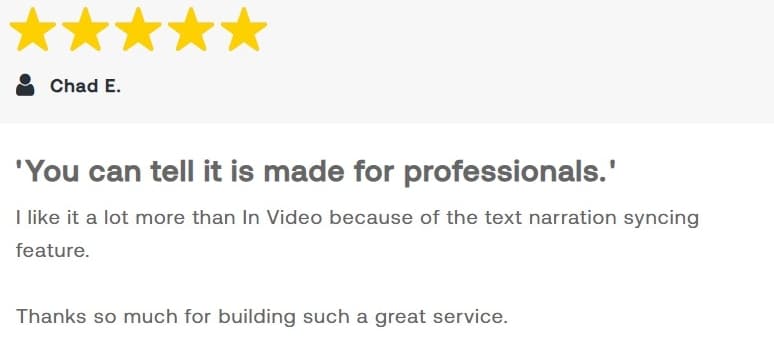
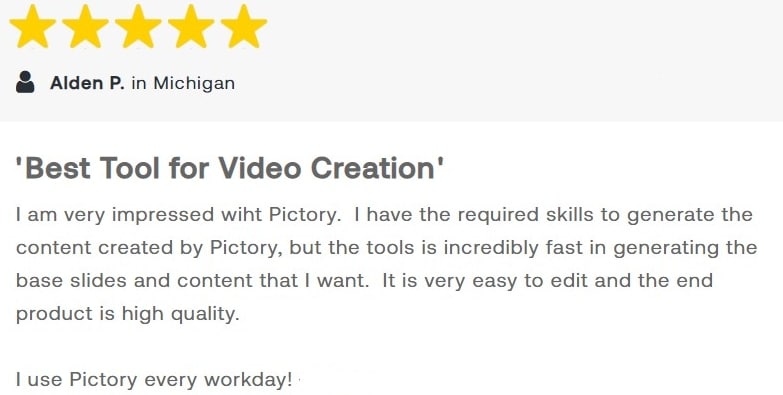
Loved by Creators Worldwide | Rated 4.7/5 on G2
AI YouTube
Shorts Generator
Automatically generate engaging YouTube Shorts videos with AI technology in minutes!
Rated 4.7/5 on Capterra
Loved by Creators Worldwide | Rated 4.7/5 on G2
Automatically generate engaging YouTube Shorts videos with AI technology in minutes!
Rated 4.7/5 on Capterra
Turn text, prompts, scripts, articles, and blog posts into videos using Gen AI visuals, AI avatars, captions, and realistic AI voices.
No need for complex editing tools; Pictory's AI does the work for you.
Step 1
Upload or select your content to generate YouTube Shorts.
Step 2
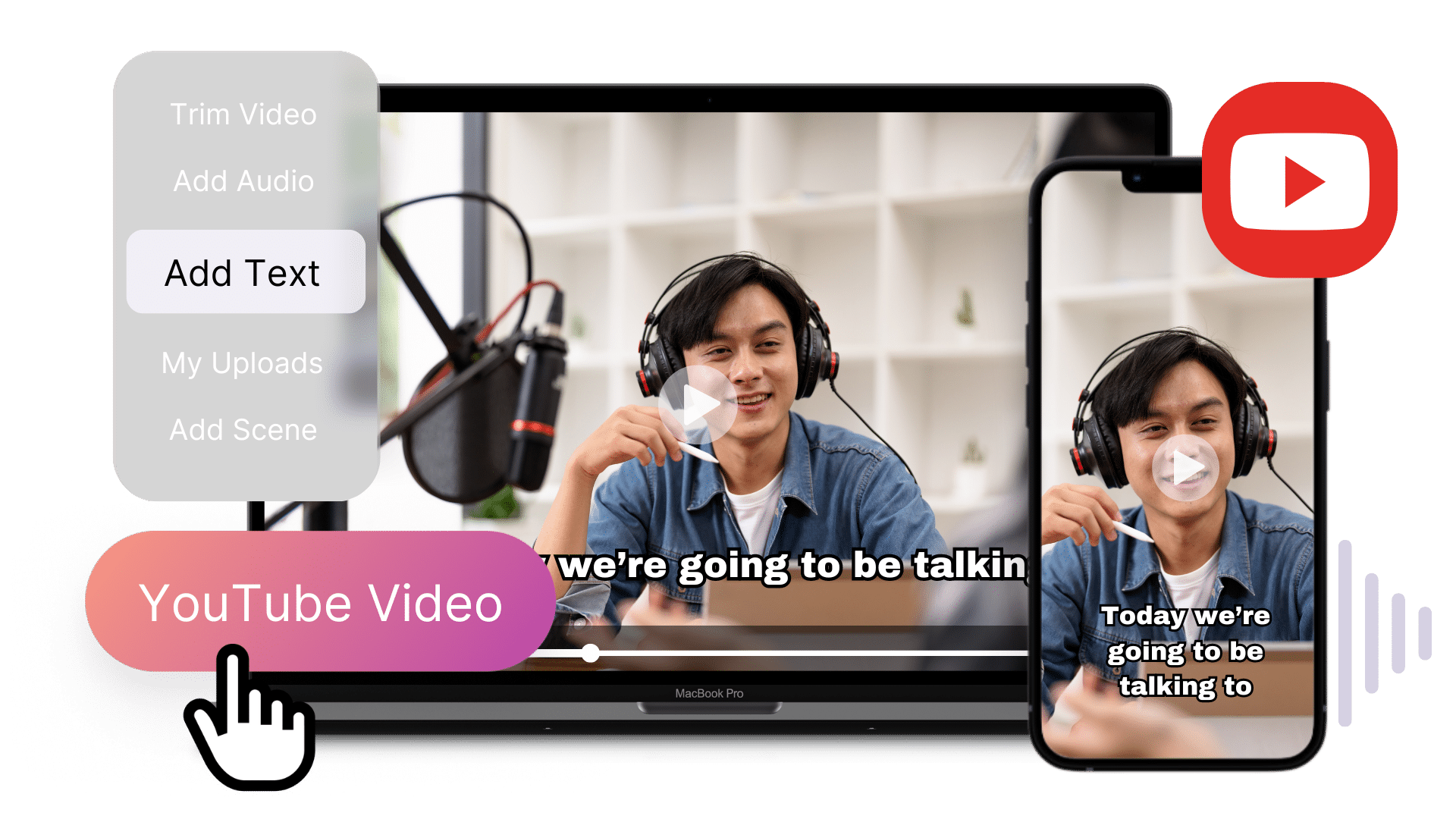
Customize your video with AI-generated enhancements and effects.
Step 3
Preview and finalize your YouTube Short.
Step 4
Download and Share your finished YouTube Short.
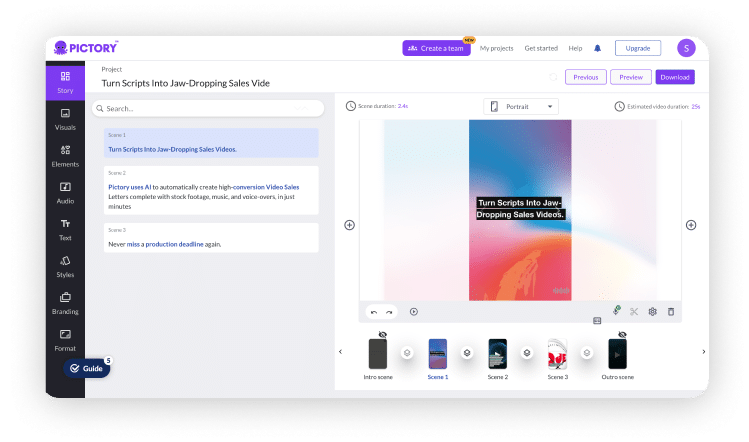
Create professional-quality youtube shorts from your text, complete with realistic AI voices, automatically matched visuals, and music—all in just a few clicks.
Automatically extract highlights from your Zoom, Teams, Webinar and Podcast recordings and convert them into Youtube shorts ideal for posting on social media.


YOUTUBE SHORTS GENERATOR - KEY FEATURES
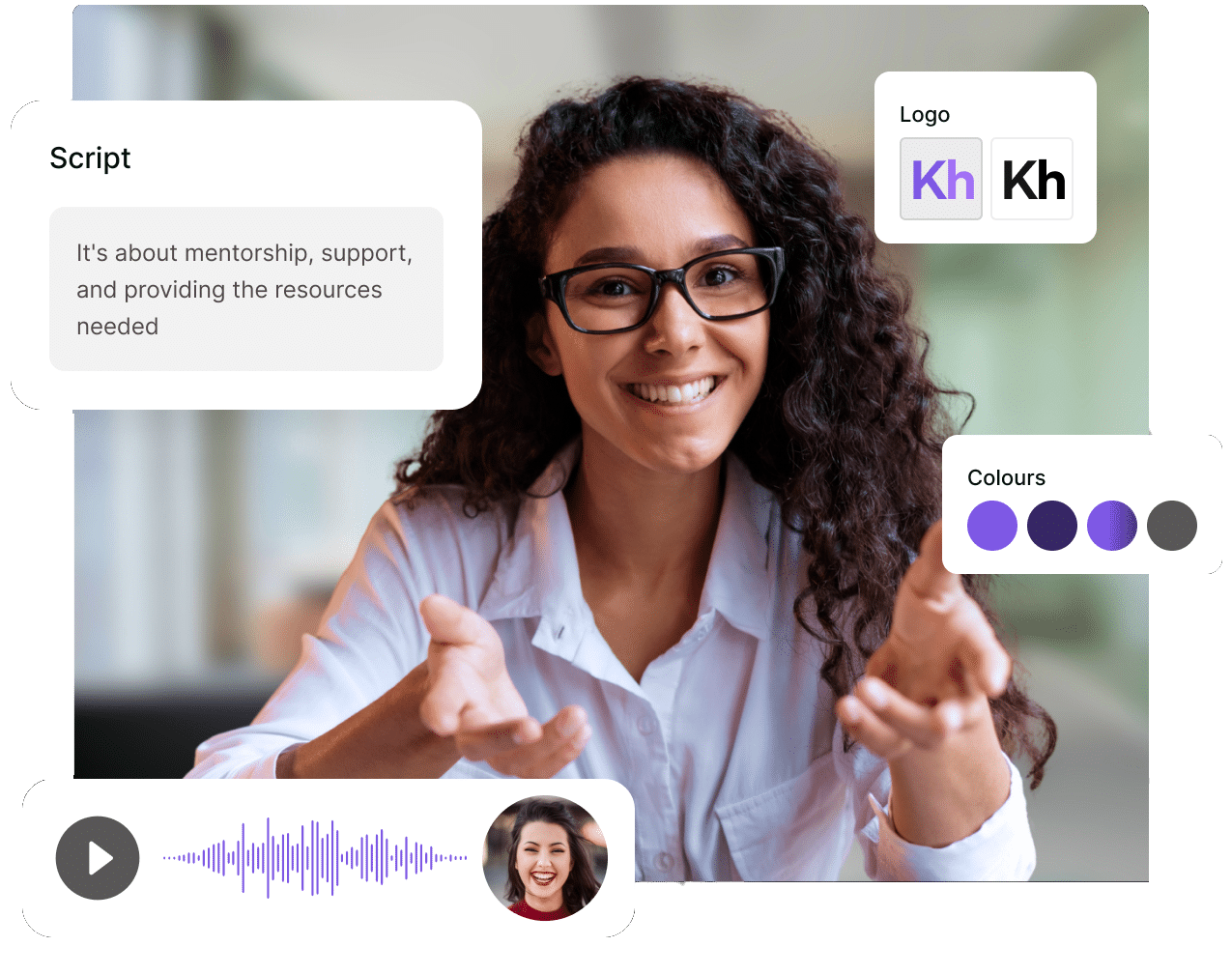
Best Video Creator, create videos in minutes using text, URLs or Media and re-purpose content into bite-sized video
Choose Your Voice, upload your own voiceover or let our realistic AI voices do the talking
Huge Media Library, 10M+ royalty-free videos, images and music tracks
Simple, Powerful AI does the hard work for you
Simple, Powerful AI does the hard work for you

Edit videos with ease using Pictory's AI Video Editor. No complex editing skills required.

Generate videos automatically with Pictory's AI-powered tools. No manual editing required.

Automatically add subtitles and captions to your videos with Pictory's AI-powered tools.

Create professional videos effortlessly with Pictory's AI-driven tools. No video editing skills required.

Create stunning videos quickly with Pictory's pre-designed templates.
You can generate shorts using text to video, or our ai text to video generator. Additionally you can use long form videos upload them to our app and our AI YouTube Shorts Generator does the rest in minutes. You can then customize, preview, and finalize.
Yes, you can customize the videos to fit your style and preferences and download multiple scenes in to shorts. You can add different styles of subtitles, logos, change the color to your branding, add background music and much much more.
The process is quick and efficient, allowing you to generate YouTube video shorts in minutes.
Absolutely! Pictory's intuitive interface makes video creation a breeze. No editing or creating experience necessary.
In Partnership With:











SOC 2 & GDPR compliant
OPE0072201
Copyright 2026 Pictory.ai - Privacy Policy / Terms of Service / NSFW / Copyright Policy / Sitemap
|
|
Default TitleBY PICTORY TEAM Default description text   
|