

Loved by Creators Worldwide | Rated 4.7/5 on G2
Video Creator AI
Use AI-assisted workflows to turn scripts, text, or media into professional videos.
Rated 4.7/5 on Capterra
-
URL to Video
-
Audio to Video
-
AI Avatar Generator
-
AI Video Editor
-
PPT to Video
-
Image to Video
Text to Video Generator
Turn text, prompts, scripts, articles, and blog posts into videos using Gen AI visuals, AI avatars, captions, and realistic AI voices.
URL to Video
Audio to Video
AI Avatar Generator
AI Video Editor
PPT to Video
Image to Video






Trusted by over 20,000 companies of all sizes
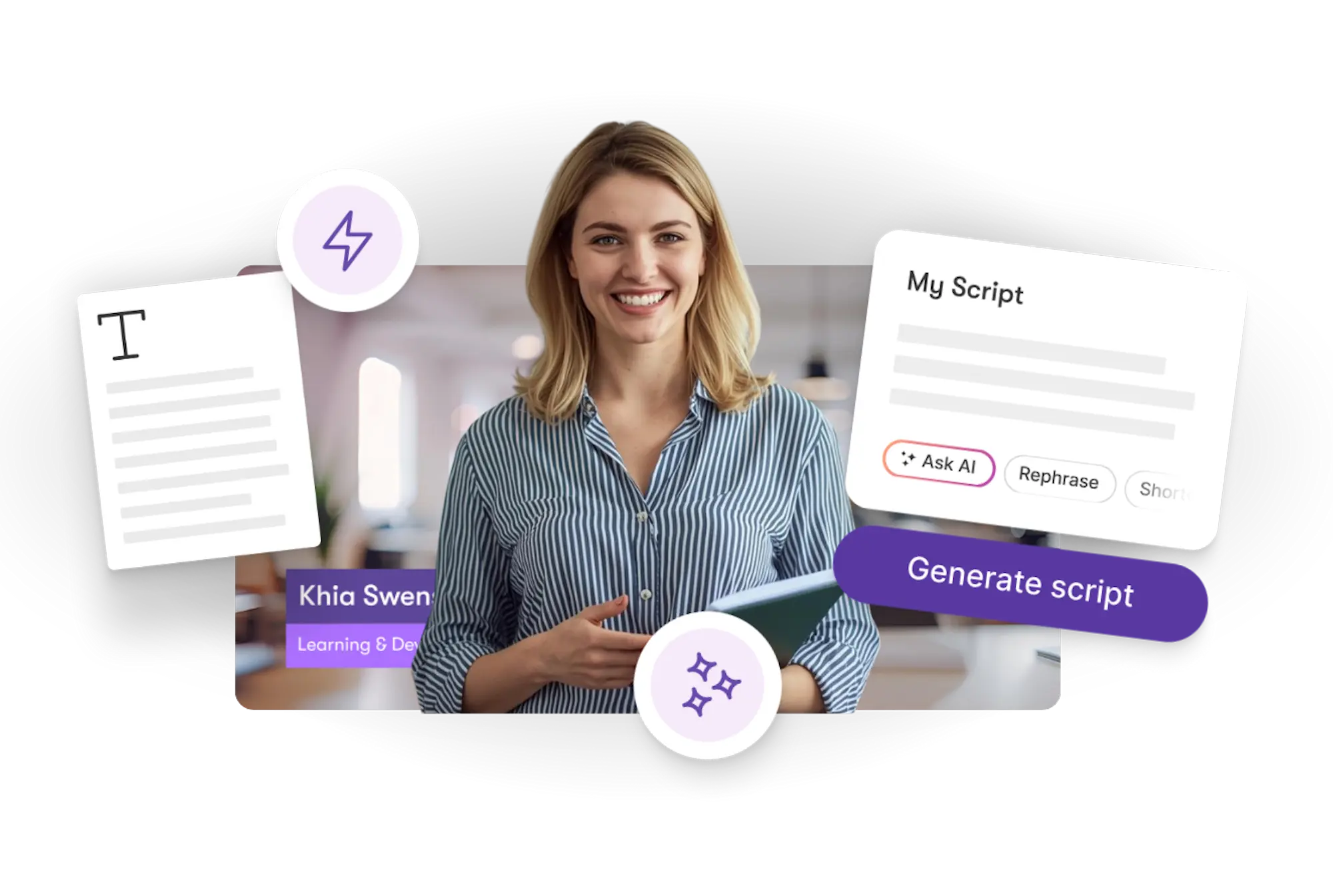
Teams producing content for marketing, training, or communication often need more videos than traditional editing allows. Pictory’s video creator AI turns scripts, written material, slides, or images into videos you can refine from your browser. You can adjust pacing, captions, visuals, and layouts without managing a heavy editing timeline.


AI processes your source content, identifies the key points, applies layout styles, generates captions, and selects relevant visuals. This reduces manual editing and supports scalable video creation for teams and creators working across multiple formats.
Core Features for AI-Driven Video Creation
Tools designed for reliable and efficient video workflows.

Script-to-Video Foundation
Convert scripts or text into an initial video version.

Layout Options
Apply layout styles for organized on-screen presentation.

Narration Tools
Add AI voiceovers or upload your own voice track.

Automated Captions
Captions generated from your text or narration.

Visual Suggestions
AI recommends visuals aligned with your content.

Multi-Format Export
Export vertical, square, or widescreen videos.
Each of these features ensures your idea evolves into a professional video workflow that aligns with your goals and platform strategy.
Add your content—text, scripts, slides, or notes. Pictory creates the first version automatically. You can refine visuals, pacing, narration, or text overlays before exporting your final video.


Switch layouts, modify text overlays, replace visuals, update timing, or apply narration to match brand requirements or communication standards.
How to Create a Video Using AI
Step 1
Add Your Content
Input scripts, text, or upload related materials.


Step 2
Generate a Draft
Pictory builds a video draft using AI analysis.
Step 3
Refine the Video
Adjust visuals, captions, layouts, or pacing.


Step 4
Export Your Video
Download your video in any supported format.
Add captions or narration in multiple languages with auto-formatted text



Marketing Campaigns:
Generate explainer videos or product teasers from your campaign concepts instantly.

Educational Tutorials
Turn lesson ideas into complete teaching videos with narration and visuals.

Corporate Training
Convert internal communication topics into polished instructional videos.
Social Media Content
Create short-form videos tailored for brand awareness and audience engagement.
In partnership with














SOC 2 & GDPR compliant
OPE0072201
Copyright 2026 Pictory.ai - Privacy Policy / Terms of Service / NSFW / Copyright Policy / Sitemap


