

Loved by Creators Worldwide | Rated 4.7/5 on G2
Video Tutorial Maker
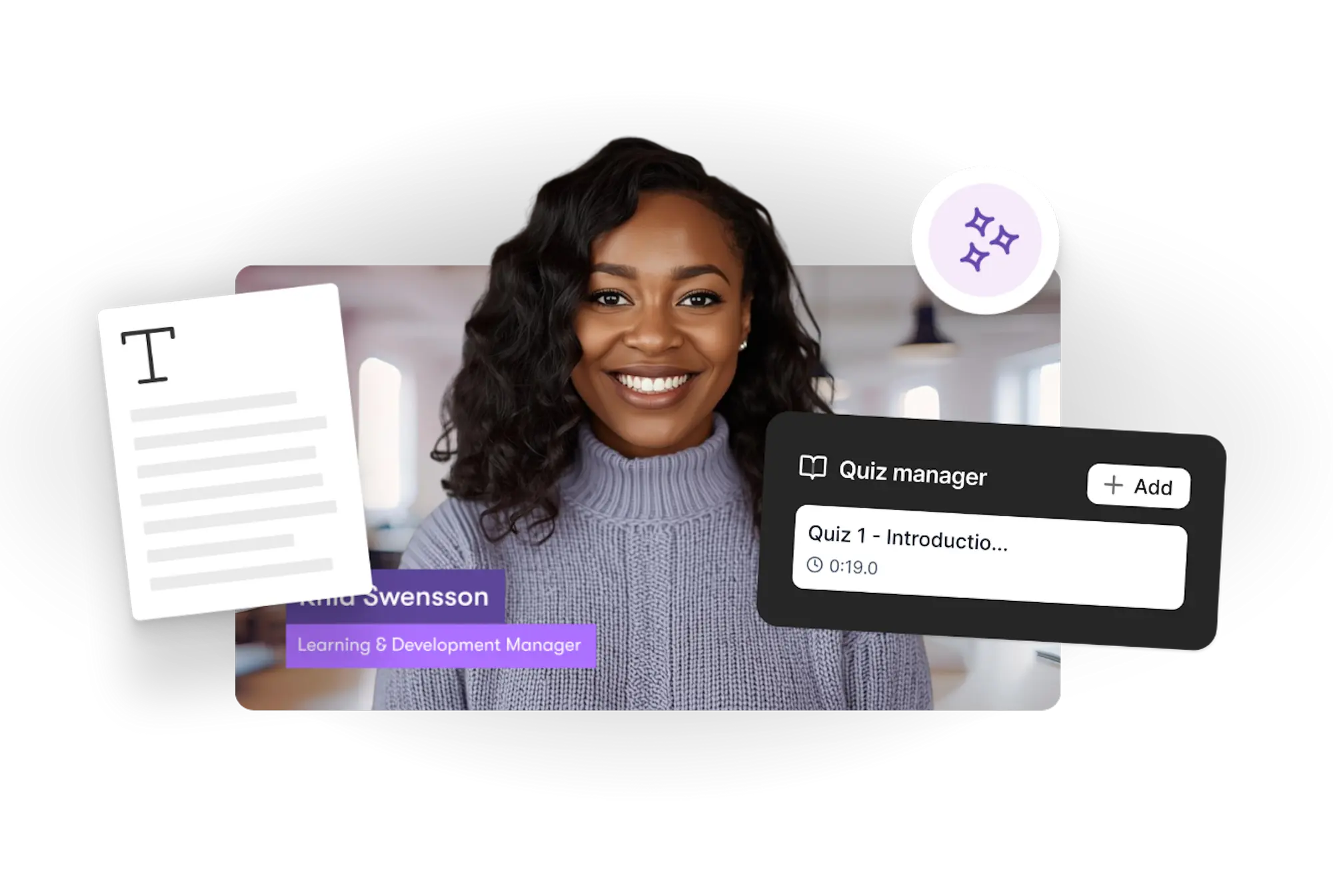
Turn your steps, lessons, or instructions into clear video tutorials. Pictory helps you build structured videos without complex editing.
Rated 4.7/5 on Capterra
-
URL to Video
-
Audio to Video
-
AI Avatar Generator
-
AI Video Editor
-
PPT to Video
-
Image to Video
Text to Video Generator
Turn text, prompts, scripts, articles, and blog posts into videos using Gen AI visuals, AI avatars, captions, and realistic AI voices.
URL to Video
Audio to Video
AI Avatar Generator
AI Video Editor
PPT to Video
Image to Video






Trusted by over 20,000 companies of all sizes
Tutorial videos need clear steps and smooth pacing, but creating them manually takes time. Pictory simplifies the workflow by turning scripts, instructions, or teaching points into a complete video draft. You can refine visuals, add narration, update captions, or adjust timing in a few clicks.


Tutorials work best when the message is clear and the formatting is consistent. Pictory builds this foundation automatically—structuring text, applying layouts, generating captions, and suggesting visuals. You focus on refining the content instead of building everything from scratch.
Tools That Support Tutorial Creation
Explore the features designed to help you make effective video tutorials.

Script-to-Video Creation
Turn written steps or explanations into a full video.

Layout Structuring
Layouts keep each step and explanation easy to follow.

Voiceover Options
Add narrated explanations with AI voices or your own.

Auto Captions
Captions generated automatically to support clarity.

Visual Suggestions
Pictory recommends visuals that match your tutorial content.

Multi-Format Export
Export vertical, square, or widescreen tutorial videos.
Each of these features ensures your idea evolves into a professional video workflow that aligns with your goals and platform strategy.
Add your steps, script, or instructions. Pictory creates a structured tutorial video with captions, visuals, and timing already built in. You can refine the flow, update narration, switch layouts, or edit text before exporting.


Adjust pacing, update text placement, change visuals, switch layouts, or choose different narration options. This keeps your tutorial aligned with your teaching style.
How to Create a Video Tutorial
Step 1
Add Your Instructions
Enter your steps, lesson, or script.


Step 2
Generate a Video Draft
Pictory builds a clear tutorial video automatically.
Step 3
Refine the Tutorial
Edit captions, visuals, layouts, or narration.


Step 4
Export Your Final Tutorial
Download your tutorial in HD.
Add captions or narration in multiple languages. Layouts adjust automatically for readability.


Export tutorials for YouTube, TikTok, LinkedIn, learning platforms, course portals, and onboarding systems. Works with Make, Zapier, and Chrome workflows.
Why People Choose This Tutorial Maker
Use Cases for Video Tutorial Maker

Marketing Campaigns:
Generate explainer videos or product teasers from your campaign concepts instantly.

Educational Tutorials
Turn lesson ideas into complete teaching videos with narration and visuals.

Corporate Training
Convert internal communication topics into polished instructional videos.
Social Media Content
Create short-form videos tailored for brand awareness and audience engagement.
Get Started with the Video Tutorial Maker
Turn your instructions into clear, structured video tutorials using Pictory’s simple AI-assisted workflow.
In partnership with










Video Tutorial Maker FAQs
What can I turn into a tutorial video?
You can use scripts, instructions, lessons, or step-by-step content.
Do I need editing experience?
No. Pictory builds the structure automatically so you only refine.
Can I add narration?
Yes. You can upload narration or use AI voices.
Can I update visuals and captions?
Yes. You can change visuals, edit captions, and switch layout styles.
Is there a free trial?
Yes. You can create and export tutorial videos during the free trial.
What formats can I export?
You can export widescreen, vertical, or square videos depending on your platform.




SOC 2 & GDPR compliant
Copyright 2026 Pictory.ai - Privacy Policy / Terms of Service / Copyright Policy / Sitemap


