The AI video revolution is here.
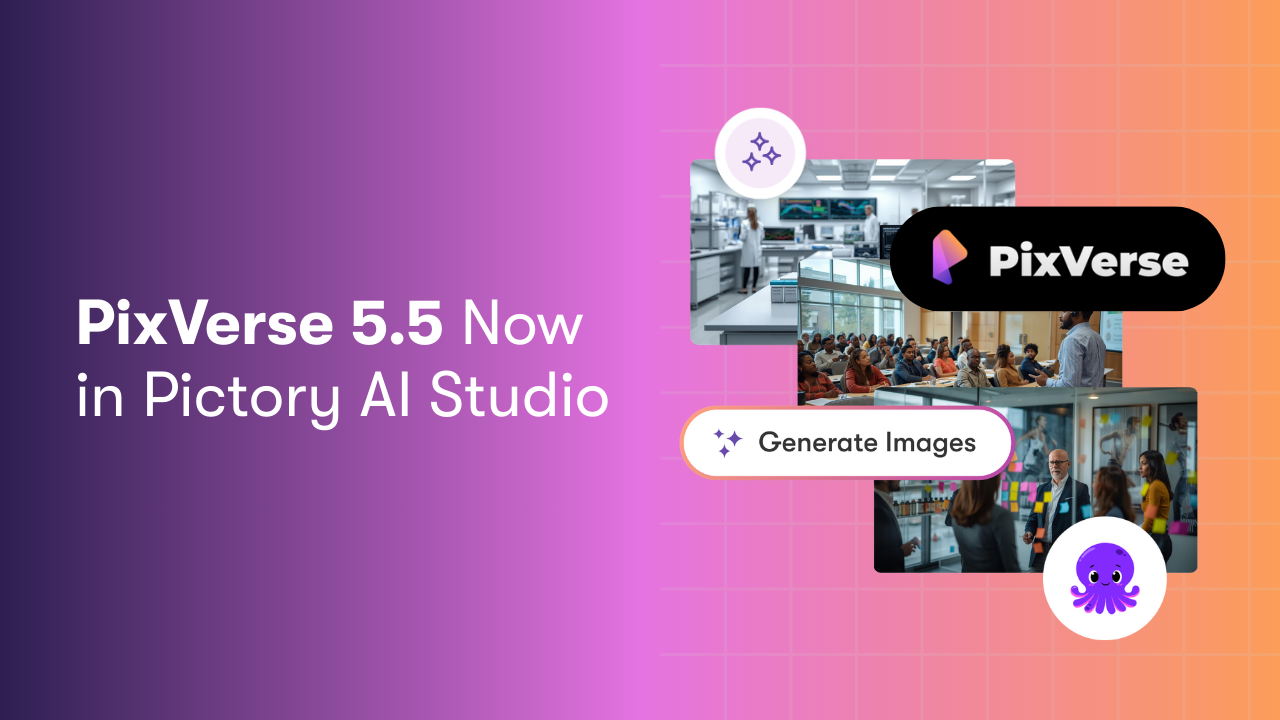
PixVerse 5.5 is now integrated directly inside Pictory AI Studio, bringing powerful new capabilities to creators in one seamless workflow.
With PixVerse 5.5 powering generation inside AI Studio, you can now create complete AI videos then instantly refine, brand, and export them inside Pictory.
As Jaden Xie, Co-founder of PixVerse, explains:
“Pixverse and Pictory together represent the future of content creation, where stunning AI videos meet professional-grade editing in one powerful workflow. We are proud to partner with Pictory on this journey.”
Here is what makes PixVerse 5.5 such a breakthrough, and how to use it inside Pictory.
What Is New in PixVerse 5.5?
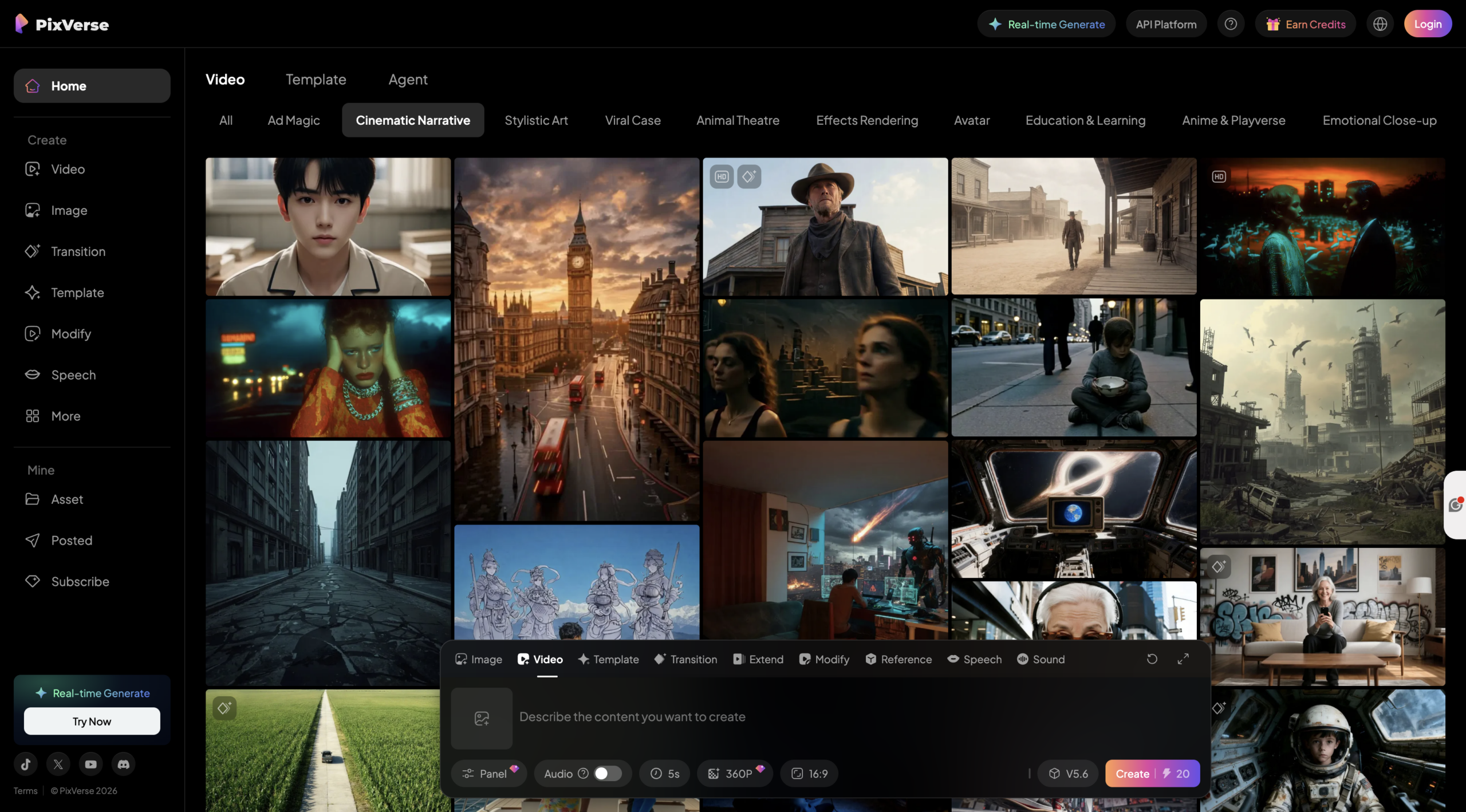
PixVerse V5.5 introduces two major direct-output parameters designed for storytelling:
Audio
Multi-shot
Together, they transform AI video from simple animated clips into cohesive narrative sequences.
Audio: Complete Soundscape Generation
PixVerse 5.5 generates more than background music. It creates a synchronized audio-visual experience directly from your prompt.
This includes:
-
- Ambient environmental sounds
-
- Background music
-
- Character dialogue
-
- Customizable voice tone
-
- Integrated audio synchronized with motion
Instead of generating silent footage and layering sound later, PixVerse now produces a near-complete cinematic scene in one generation.
Multi-shot: Automated Cinematography
PixVerse 5.5 moves beyond single static shots.
With Multi-shot enabled, the model automatically designs professional cinematography, including:
-
- Push-pull camera movements
-
- Smooth pans
-
- Dynamic cuts
-
- Framing variations
-
- Natural pacing
A short generation becomes a structured narrative sequence rather than a simple moving image. This is a major step toward true one-click filmmaking.
Built for Speed, Quality, and Value
PixVerse 5.5 is engineered for performance.
-
- Fast 1080p generation
-
- Rapid iteration cycles
-
- Strong frame-to-frame consistency
-
- Advanced Diffusion + Transformer architecture
You can generate a 5-second video in under a minute, making experimentation and creative refinement significantly faster.
This combination of speed, quality, and accessibility makes PixVerse a powerful practical tool for marketers, content creators, educators, and storytellers.
How to Use PixVerse 5.5 Inside Pictory AI Studio
PixVerse is integrated directly into AI Studio so you can generate and edit within the same environment, however visual audio generation is not available within Pictory AI Studio.
Step 1: Open AI Studio in Pictory
-
- Create a new project or open an existing one
-
- Enter the Video Editor
-
- Navigate to the Visuals tab
-
- Select AI Studio

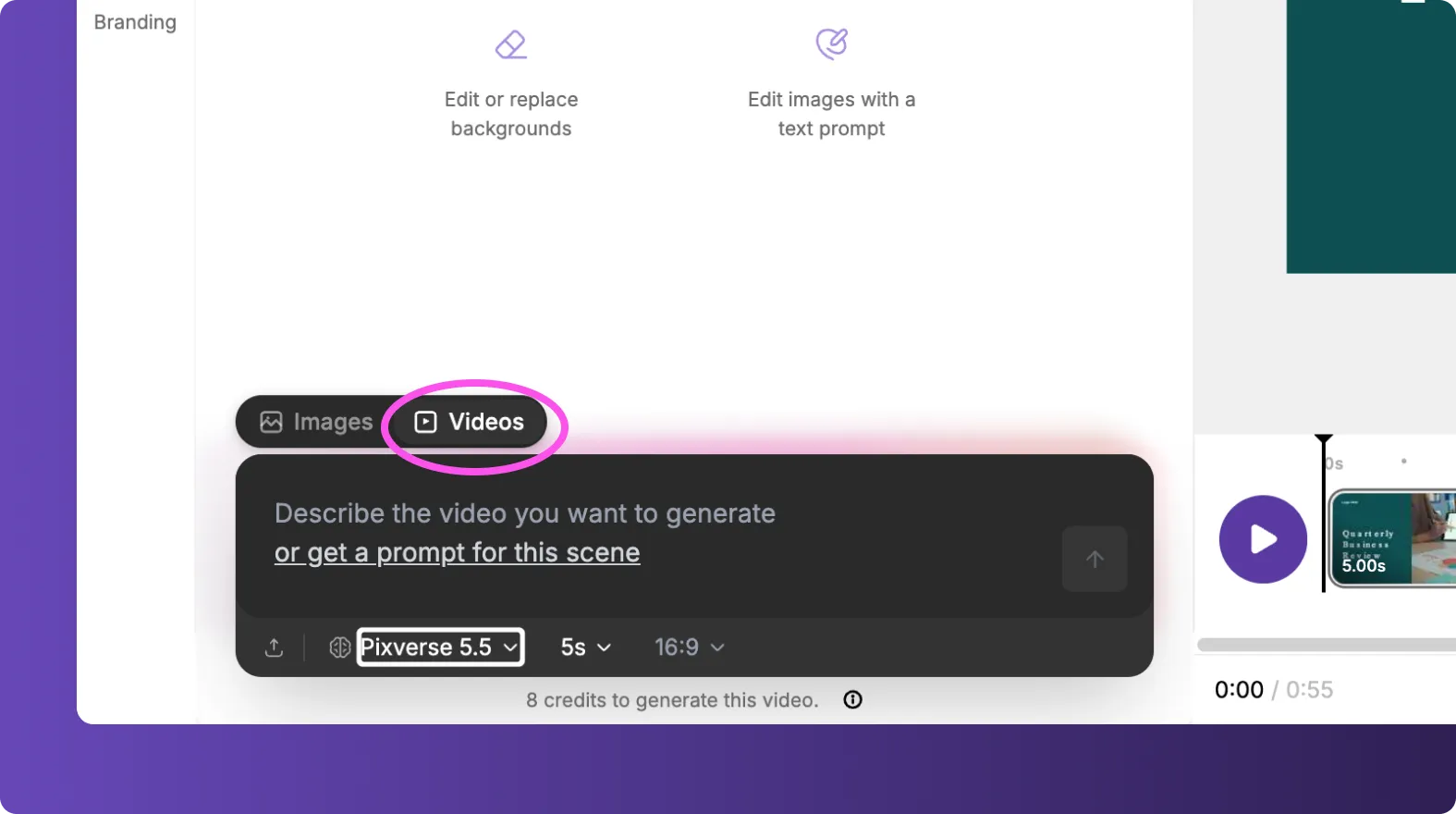
From here, you can generate AI videos using PixVerse 5.5.
Step 2: Write a Detailed Prompt
For best results:
-
- Describe camera movement
-
- Define lighting and mood
-
- Specify character behavior and dialogue
-
- Mention environmental sound cues
-
- Include aspect ratio if needed
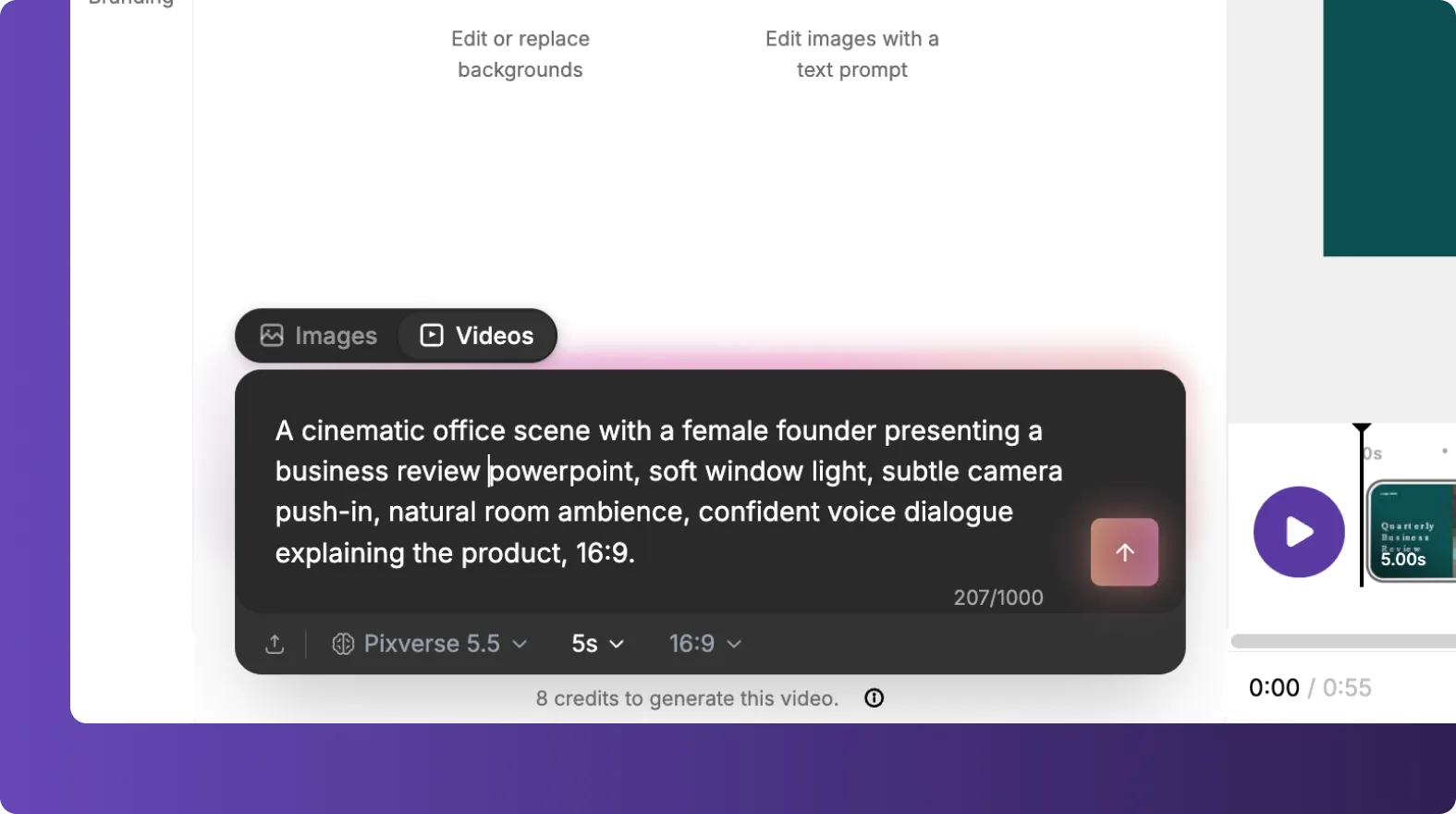
Example:
“A cinematic office scene with a founder presenting a product, soft window light, subtle camera push-in, natural room ambience, confident voice dialogue explaining the product, 16:9.”
PixVerse will generate an ai video directly from this prompt.
Step 3: Insert the Scene Into Your Project
Once generated:
-
- Add the clip to your scene
-
- Adjust timing
-
- Combine multiple AI Studio generations
-
- Build a longer narrative across scenes
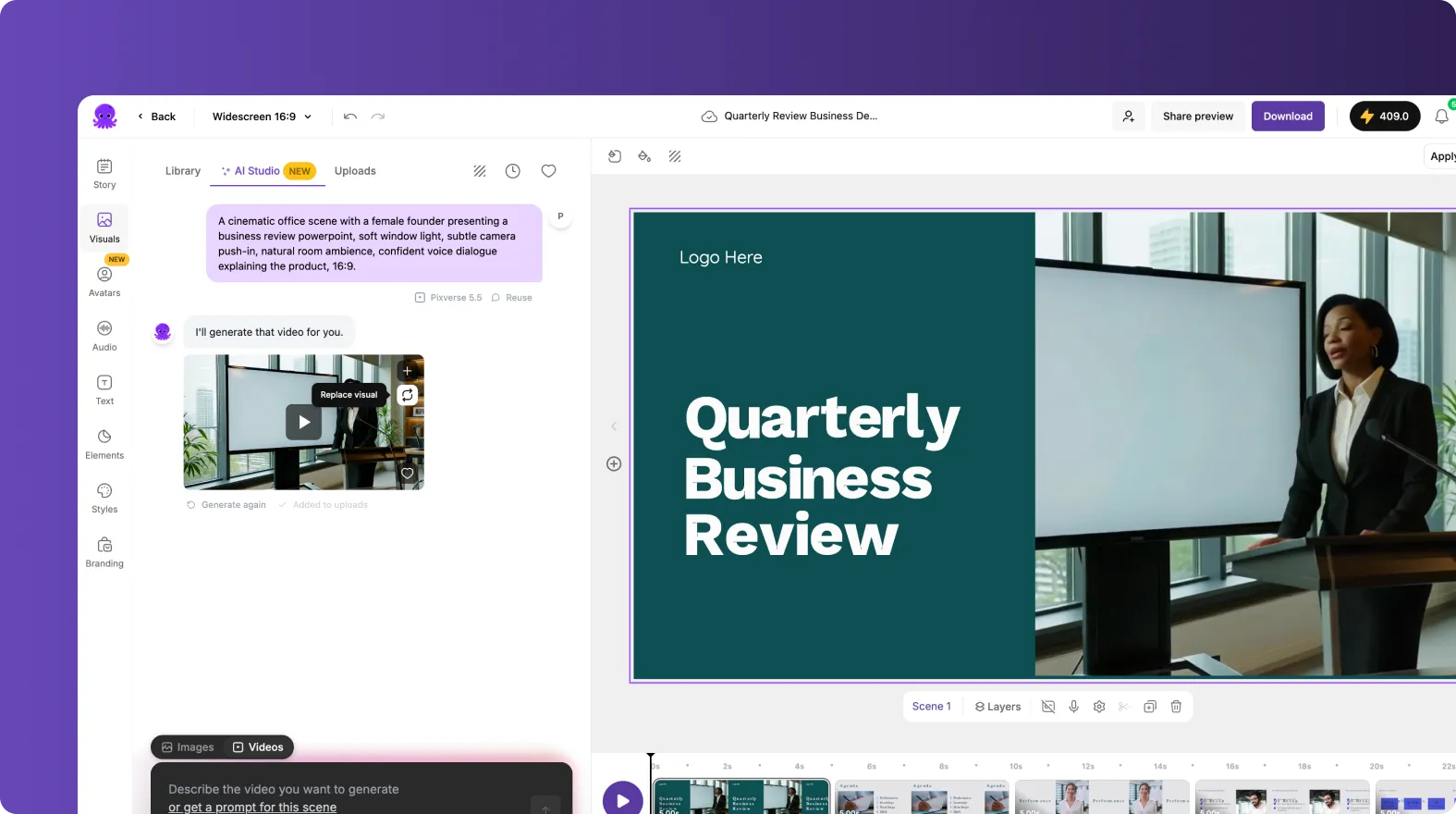
Because everything happens inside Pictory, there is no need to export and re-upload footage.
Enhance with Pictory’s Professional Editing Tools
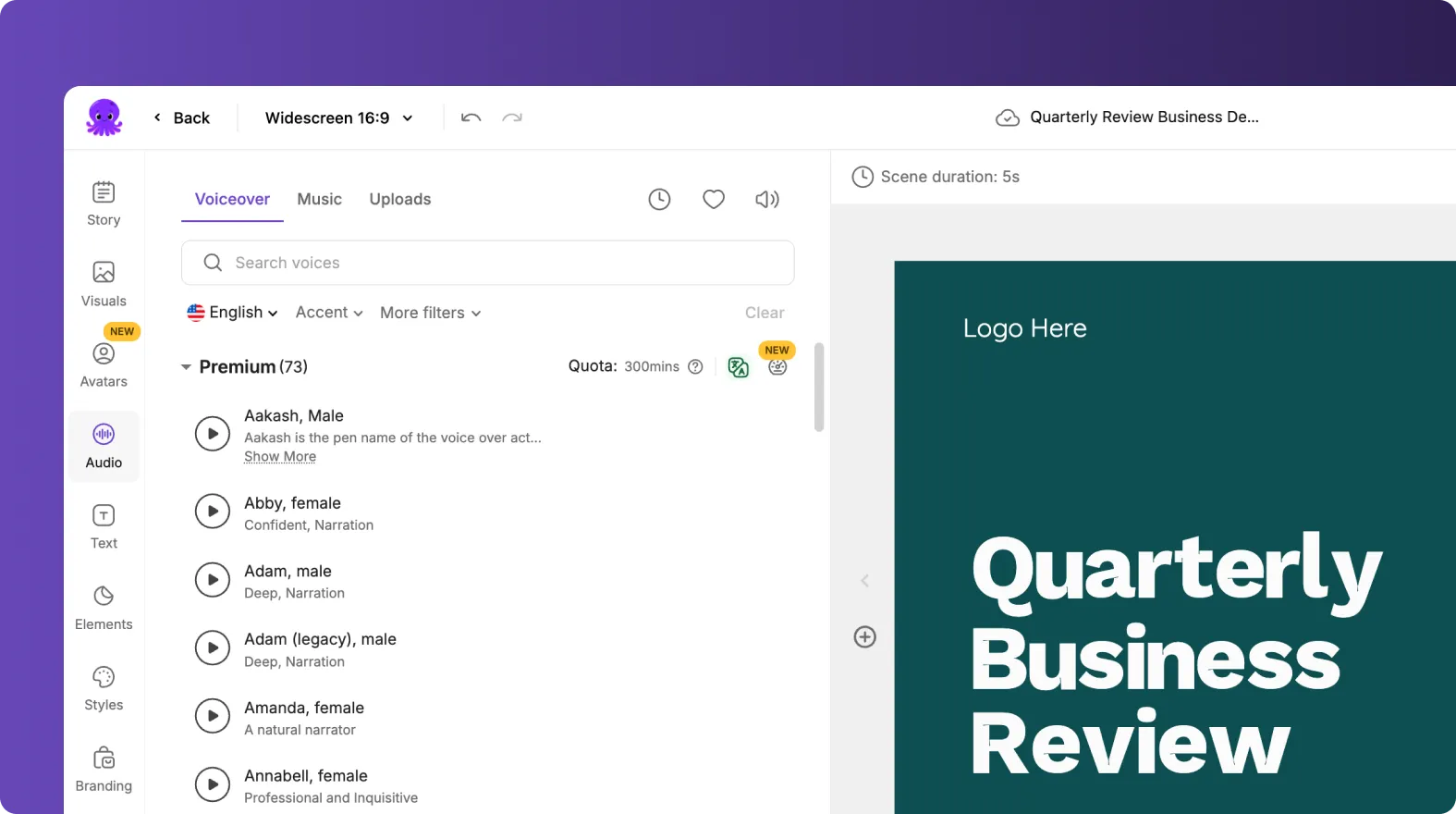
After generation, you can refine and polish your video using Pictory’s built-in features.
Add Structure and Story Flow
-
- Rearrange scenes
-
- Edit transcript text
-
- Trim or extend timing
Refine Audio and Voice
-
- Adjust levels
-
- Replace or enhance narration
-
- Add background music if needed
Apply Text and Animations
-
- Insert headings and captions
-
- Use the Animate Text option in the top toolbar
-
- Apply entry and exit animations such as Fade or Typewriter
Apply Brand Kits
-
- Add logos
-
- Set brand fonts
-
- Apply color palettes
-
- Maintain visual consistency across projects
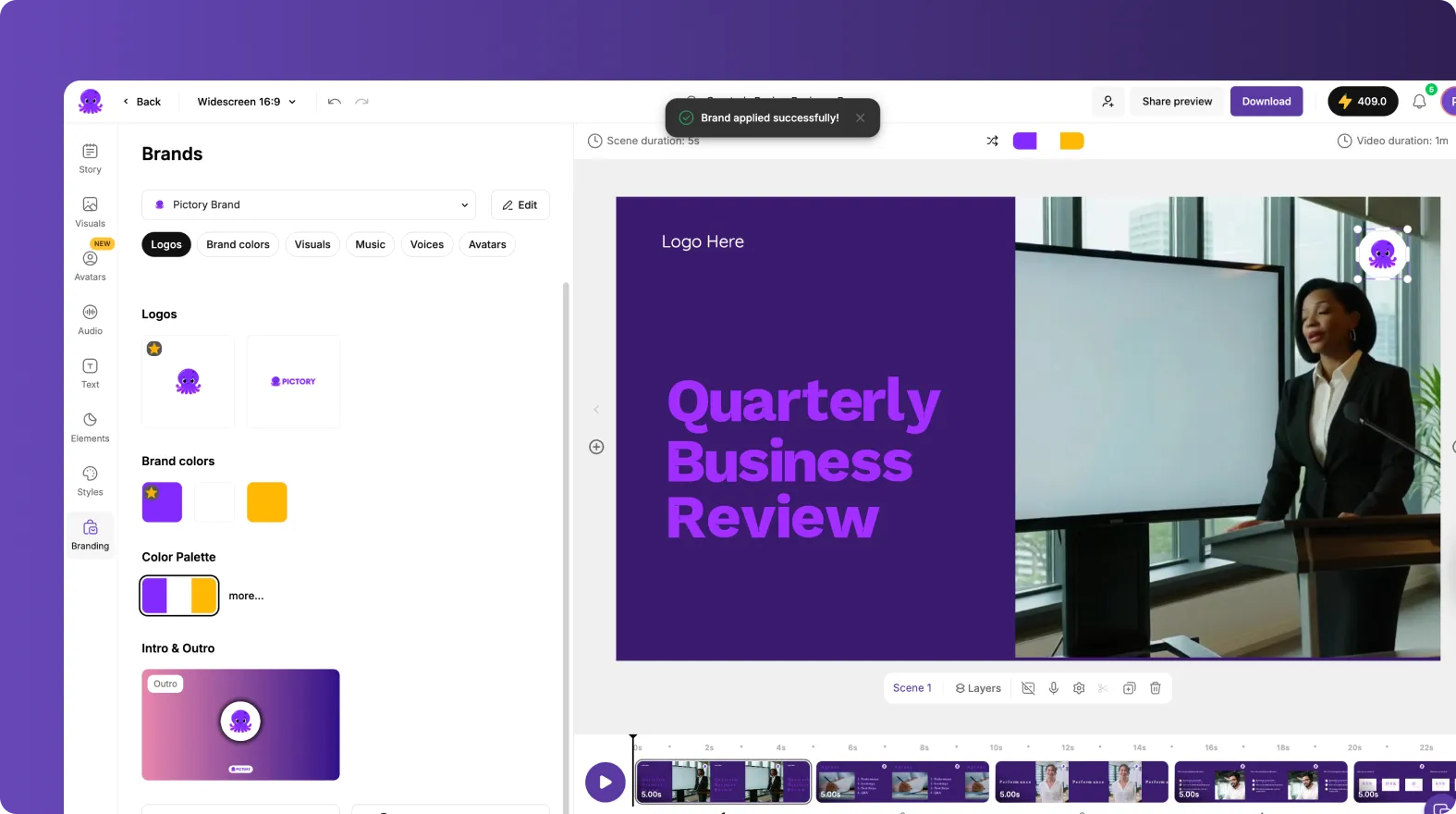
This is where cinematic AI generation becomes fully branded, professional content ready for publishing.
From AI Clips to Complete Storytelling
PixVerse 5.5 represents a shift in AI video creation.
When combined with Pictory AI Studio:
-
- PixVerse generates the cinematic foundation
-
- Pictory provides structure, editing, branding, and export
-
- Creators get a complete end-to-end workflow
No complex editing software. No separate sound design tools. No fragmented process.
Just idea to cinematic short film in one streamlined environment.
The Future of AI Video Creation
PixVerse 5.5 pushes the boundaries of AI video with Audio and Multi-shot storytelling capabilities.
Pictory transforms those outputs into polished, professional, brand-ready content.
Together, they make true one-click AI filmmaking possible inside a single creative workflow.
Ready to experience the AI video revolution?
Open Pictory AI Studio and start creating with PixVerse 5.5 today.
![[Article] Video Marketing Statistics 2026: What the Data Says About AI Video](https://pictory.ai/wp-content/uploads/2026/06/video-marketing-statistics-2026-300x169.webp)