ENTERPRISE READY 4.7 Capterra

Turn dense training documents into engaging videos in minutes

Trainers and IDs don’t need specialized video editing skills to build good videos in 2026. Pictory AI can repurpose your existing training content into training videos that keep learners engaged and learnings retained.

Trusted by over 20,000 companies of all sizes


Your instructional expertise drives  outcomes. Don’t let video production slow you down.

Pictory helps L&D teams turn existing decks, docs, and recordings into training videos, and keep them up to date without re-recording. Teams ship more training, respond to learner needs more effectively, and and hit training KPIs faster.

Sales Enablement

Sales & Partner Enablement teams see faster time to first sale and higher deal velocity.

Operations & Compliance

Operations and Compliance Training teams see their team in compliance faster.

Skills Training 

Skills Training teams see faster time to skill mastery and lower dangerous incidents.

Certified for enterprise-grade security and global compliance.

Training teams using Pictory ship more

Create videos for training, marketing, and more. Pictory makes it easy to produce high quality video at scale. Here are the benefits customers value most:

80%

voluntary training completion rate

AppDirect

$1500

monthly savings in video creation costs

Online Super Tutors

7x

faster video creation time

Golden Business Group LLC

Pictory works with your instructional design process — not against it

We know how much effort you put into designing intentional learning experiences, collaborating with managers, SMEs, and learners. Pictory handles:

AI scripts from existing input files

Pictory turns messy inputs into a structured storyboard you can edit as easily as text. Start with what you already have:

  • PowerPoint files: Pictory analyzes the text and visual content to form the basis of your storyboard.
  • Half-baked scripts: Take your initial concepts, rough outlines, or partial screenplays and use them as the foundation. Pictory will structure and visualize even fragmented text ideas.
  • Docs, URLs, or existing videos: Add a web page link (URL), or upload an existing video. Pictory analyzes the content—extracting key points and context—to produce a structured, editable storyboard.

Relevant visuals without the hunt

Pictory combines elements from three sources to create an editable presentation style video interface your team already understands:

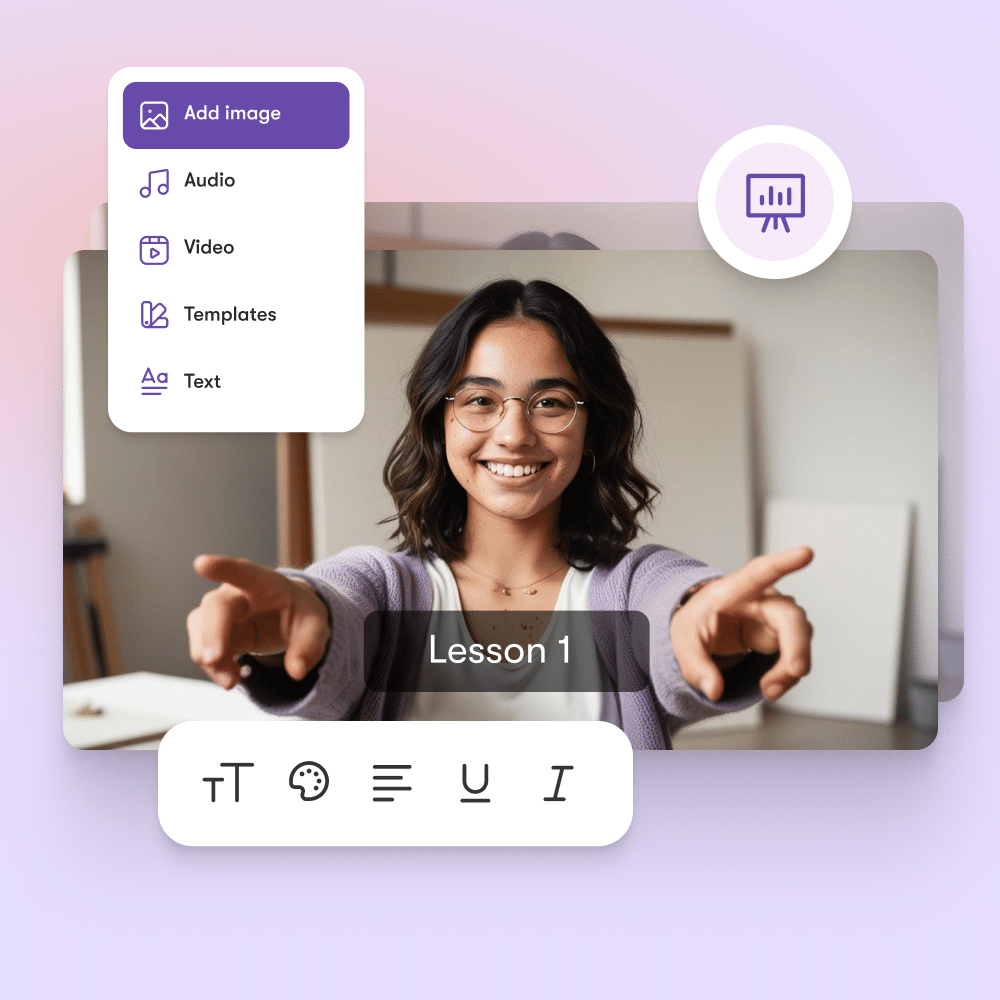
  • Existing Slides, Images and Brand Assets from your source material, including logos, high-quality images, diagrams, and product photos.
  • Relevant Stock Footage and Video Clips: AI selects and integrates high-resolution, contextually appropriate stock video and images from our extensive library for visual appeal and depth.
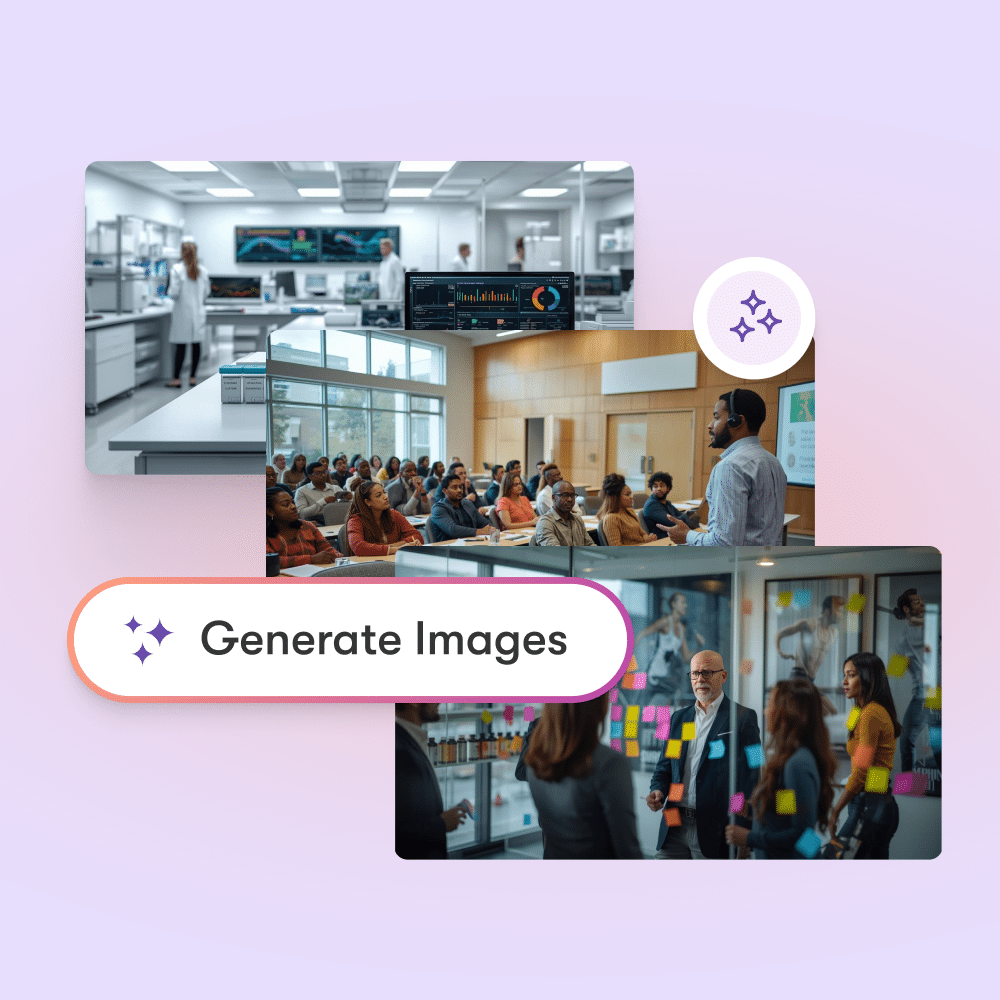
  • Custom AI visuals and Avatars: professional, customizable avatars and prompt based AI-generated visuals to serve as on-screen presenters with natural-sounding voices, boosting engagement.

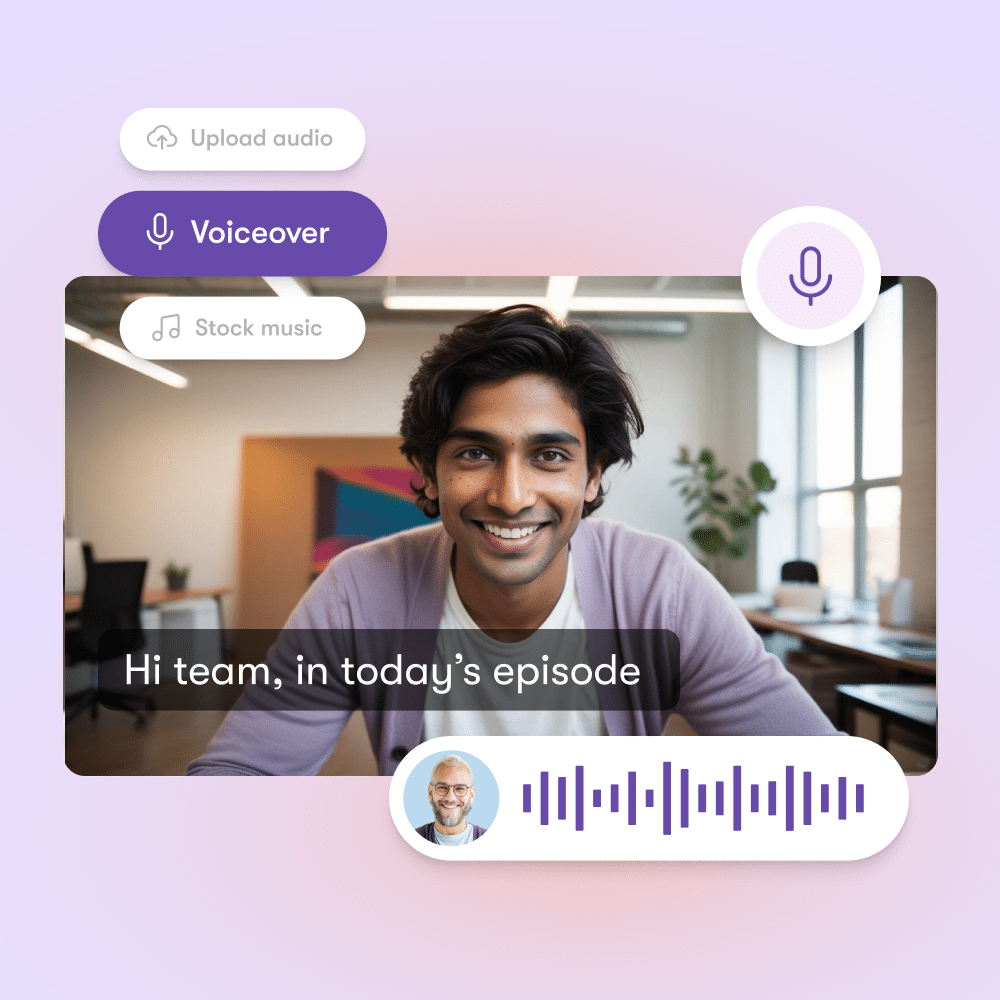
Professional voiceovers (No studio required)

Access thousands of premium, natural-sounding AI voices from ElevenLabs.

  • Seamless Background Narration: Generate clear, consistently paced voiceovers for dynamic learning.
  • Synced with Lifelike AI Avatars: Avatars deliver a personal, approachable educational experience.
  • No Microphones Required: Eliminate expensive equipment and studio time. Zero Retakes: Flawless, automatic audio generation saves hours.
  • Zero Retakes: Flawless, automatic audio generation saves hours.

Collaboration that matches real L&D work

Pictory streamlines complex collaborative workflows for efficient course creation.

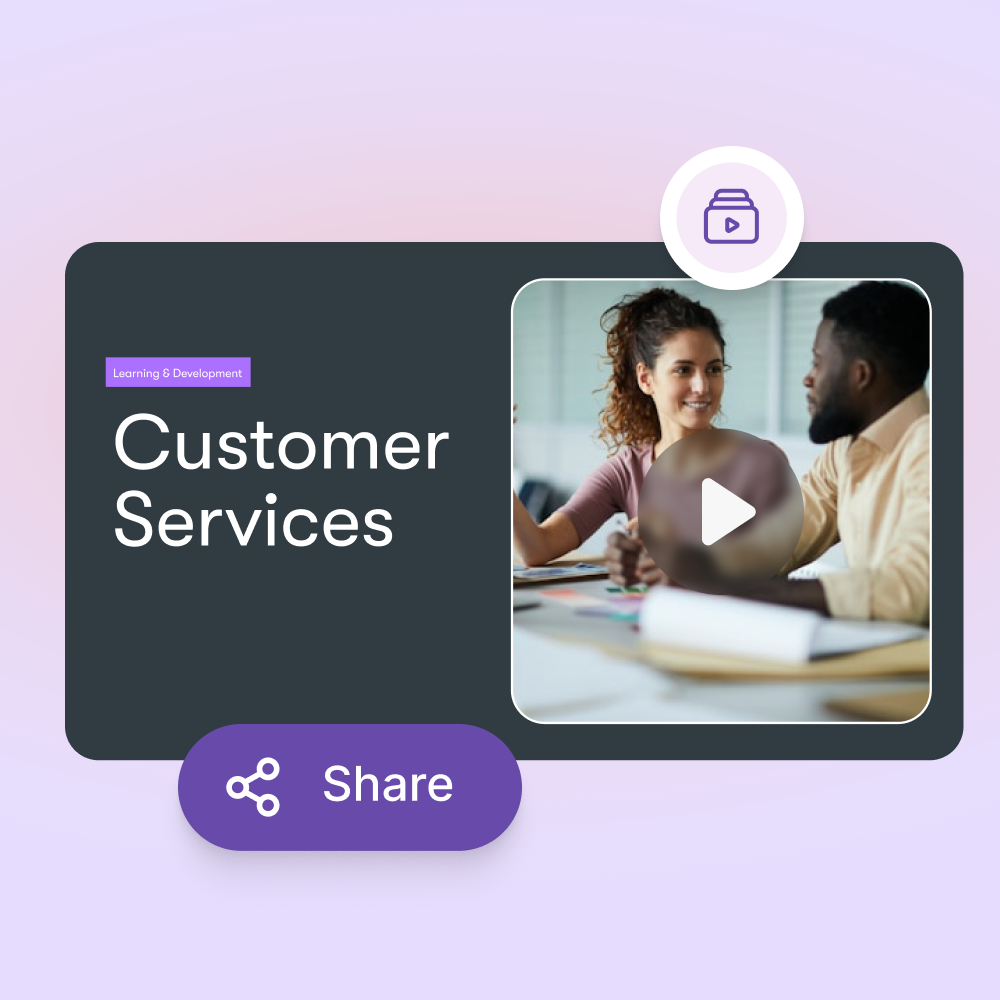
  • Share Near-Final Previews Instantly for SME Feedback: Share previews with SMEs and stakeholders at any stage, allowing them to review flow, visuals, and accuracy without needing the final render.
  • Edit Without Rerecording: Rapidly revise content based on collected feedback and instantly generate updated flows, voiceovers, and visuals.
  • Generate the Final, High-Quality Video Only Once It’s Approved: Protect resources by producing the definitive video file only after all feedback has been incorporated and final, authoritative approval has been granted.

case studies

Companies that trust Pictory to scale their video creation

"Pictory is the easiest, most efficient way to get from an idea in text to multimedia imagery on the screen. It’s the critical component to get us out of death by PowerPoint”
Jason Hoss, Founder & CEO
Case Study
“Pictory helps us consistently deliver the high-quality videos we’re known for—content we’re proud of and our clients are proud to use. They always get a five-star response.”
Curtis Whitfill, VP of Continuing Education
Case Study
"82% of our 10,000+ partners keep coming back to our training videos even though they aren't mandatory courses. That's how we know the content's working."
David Landsberger, Director of Partner Enablement
Case Study
“It increased subscriber growth by 78% and cut my video creation time from a couple of hours to a few minutes. It's been a godsend.”
Christian Wentz: Owner
Case Study
“Through Pictory videos, leads up by 500% – video production costs are down 90%.”
Andrew Reid, Founder
Case Study
“We only launched our new app a few months ago — and already have over 500 subscribers. People come back regularly to watch more videos made with Pictory.”
Dr. Yuri Kotik: Founder
Case Study

Tour the PowerPoint-to-Video workflow yourself

Go from raw slides to high-quality training video in minutes.

The #1 AI video platform for business Enterprises Teams

Start creating videos with AI

See how businesses like yours scale content creation and drive growth.

Book your 30-minute Pictory demo

HOW IT WORKS

  • Understand how Pictory works for your teams
  • Get custom pricing for enterprise plans
  • Discover success stories from our customers

Trusted by over 20,000 companies of all sizes

Everything L&D Teams need to know


How does AI video creation help L&D teams?

AI video creation helps L&D teams save time, reduce costs, and deliver more engaging content. Instead of spending weeks working with video editors or outsourcing production, you can turn presentations, scripts, and recorded lectures into polished training videos within hours.

This means your team can focus on improving learning outcomes instead of getting stuck in production. AI also ensures consistency in style and branding across all training materials, making it easier to scale learning programs across different departments or regions.


What types of content can I upload?

You can upload PowerPoint slides, text documents, recorded lectures, audio files and other digital assets. The platform uses AI to transform these inputs into structured professional video lessons.

For example, you might upload a slide deck with bullet points and the AI will pair it with voiceovers, visuals and captions automatically. This flexibility allows you to repurpose content you already have into fresh learning assets without starting from scratch which saves your subject matter experts significant time.

Can I brand the videos to match my organization?

Yes. Every video can be customized to reflect your organization’s brand identity. You can add logos, choose brand colors, select preferred fonts and apply templates that maintain a consistent look and feel across all training content.

This is especially important for enterprises and L&D teams that need to deliver a professional learner experience. Branded content also improves learner trust and recognition ensuring employees know the training is coming directly from your organization rather than an external source.

Is this tool suitable for SMEs with limited time?

Yes. The platform was designed with subject matter experts (SMEs) in mind. SMEs often do not have the time or skills to create videos and this tool makes the process simple.

They can upload their raw materials like slide decks, lecture notes or recordings and the AI automatically produces training-ready videos. This reduces the effort SMEs need to invest while still capturing their expertise.

For L&D teams this means you can engage SMEs more effectively and produce high-quality learning assets faster.

How does this improve learner engagement?

Video-based learning improves engagement and knowledge retention compared to text-only formats. By combining visuals, narration and captions AI-generated videos make lessons easier to follow and more interactive for learners.

Shorter more dynamic video content also matches modern learning preferences where employees prefer bite-sized microlearning over long documents. This leads to higher course completion rates, stronger learner satisfaction and better knowledge transfer across your organization.

Can the videos be integrated into my LMS?

Yes. You can export videos in widely supported formats such as MP4 and upload them directly into your Learning Management System (LMS). The platform’s flexibility ensures compatibility with most modern LMS platforms including Moodle, Cornerstone, Workday and many others.

This means you can continue using your existing workflows while upgrading your training delivery. Integration also helps track learner progress since video lessons sit alongside other training modules in your LMS.

In partnership with

Level up your videos with new AI avatars

Level up your videos with new AI avatars