









ENTERPRISE READY 4.7 Capterra

Pictory Central will turn any video into an interactive learning experience

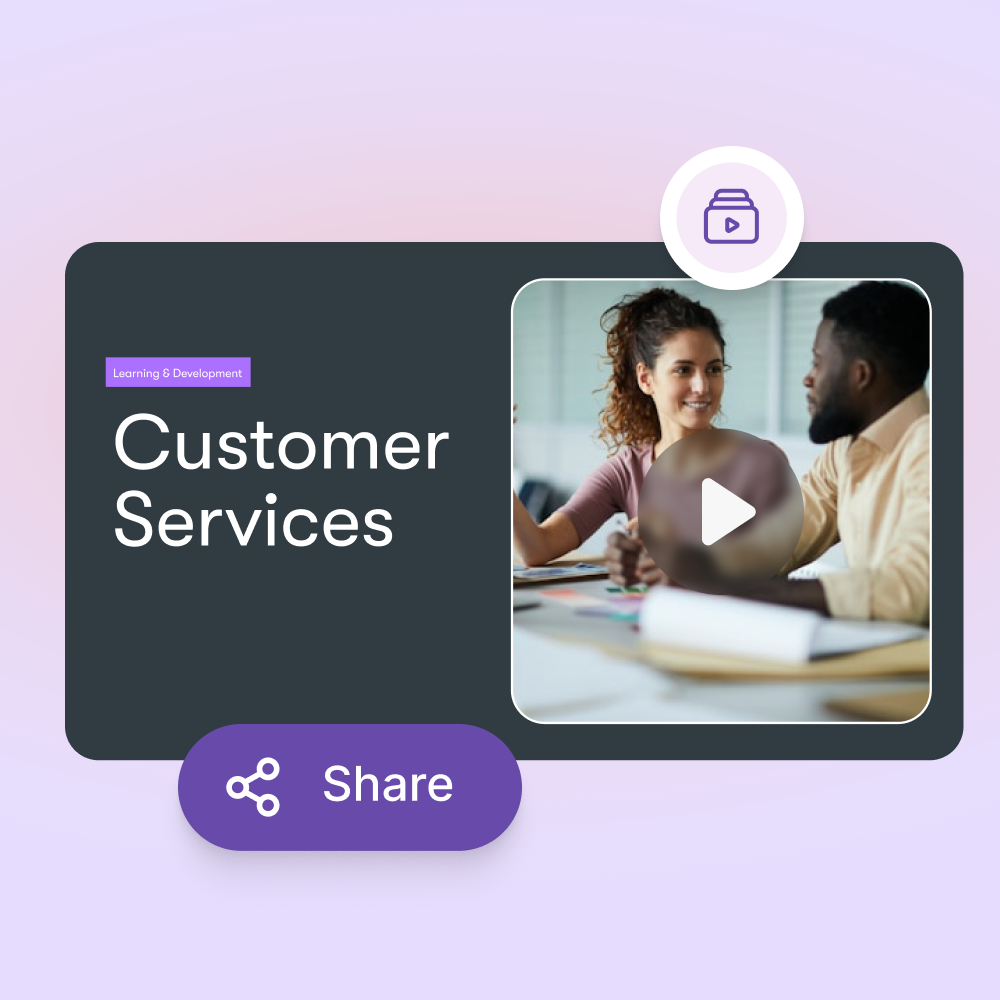
Pictory Central makes your existing videos interactive with chapters, quizzes, and calls to action. You host, stream, and track everything in one place.

Trusted by over 20,000 companies of all sizes


You already use video. Pictory Central adds interactivity  that drives engagement using AI, checks understanding, and captures action without rebuilding your content or relying on complex authoring tools

Upload your video. Get an interactive experiencel with AI.

You upload a video. Pictory analyzes it and creates an interactive layer on top. You publish as a link, embed it anywhere, or export to SCORM for your LMS.

KEY FEATURES

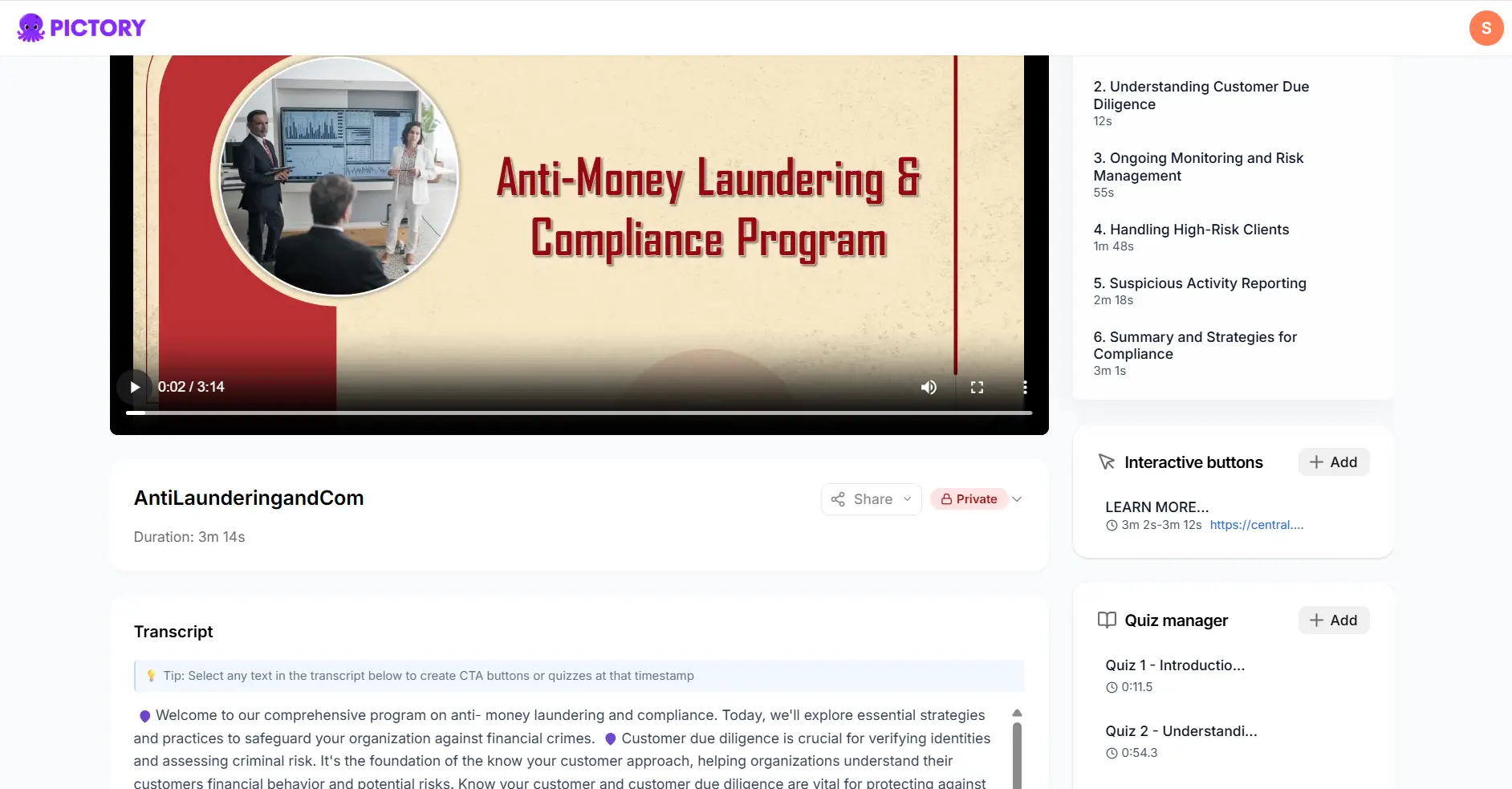
Automatic chapters

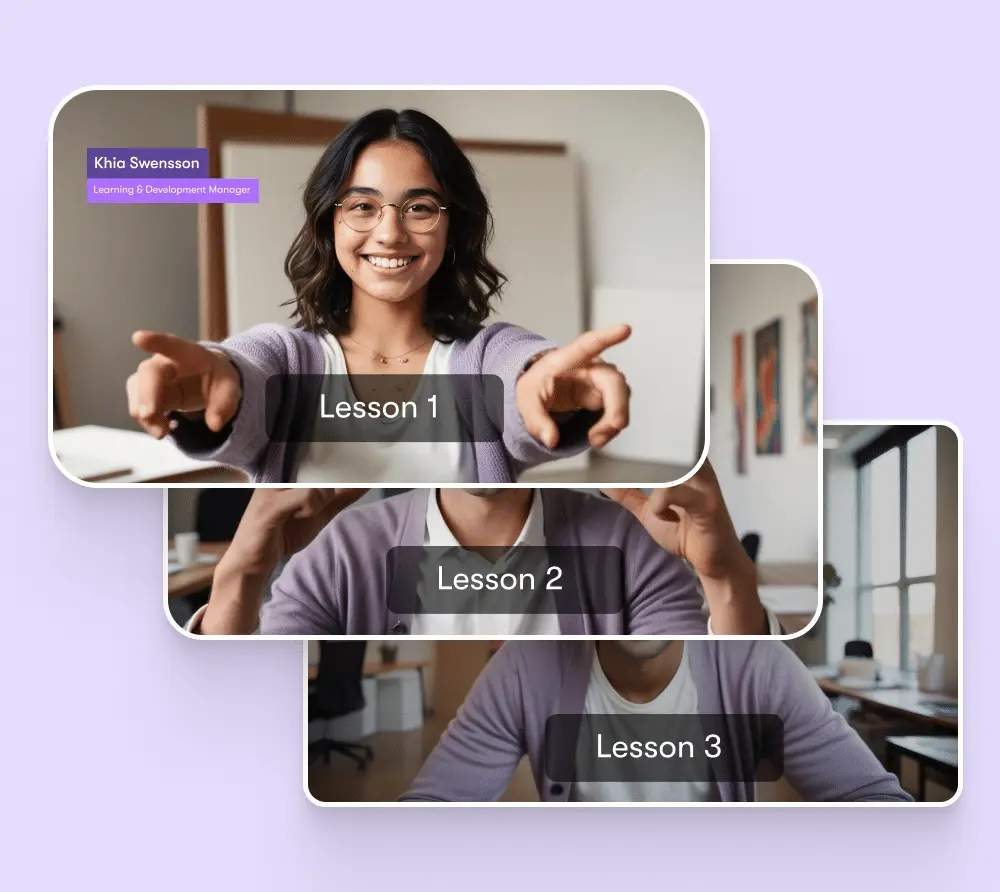
Pictory detects topic changes and creates chapters for you. Viewers can jump to what matters. You can edit or reorder chapters in minutes.

Automatic quizzes

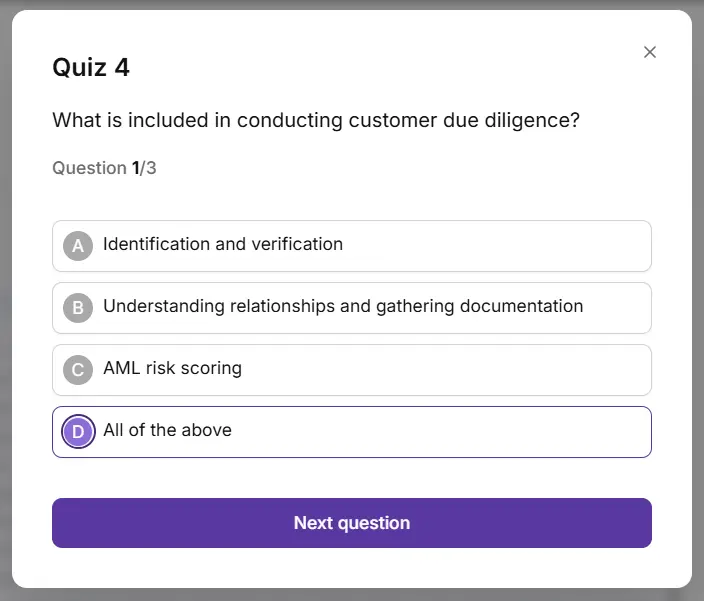
Pictory generates quiz questions based on the video content. You review, adjust, and publish. Use quizzes to confirm understanding.

Call to action buttons

Add clickable calls to action inside the video. Send viewers to a link, prompt a signup, or trigger the next step at the right moment.

Deep video search

Ability to search video by the content that is inside the video.

Hosting & streaming

Add clickable calls to action inside the video. Send viewers to a link, prompt a signup, or trigger the next step at the right moment.

SCORM export

Export interactive videos as SCORM packages. Plug them into your LMS while keeping the heavy video hosting and interactivity in Pictory.


How to Create an AI Interactive Video

Step 1

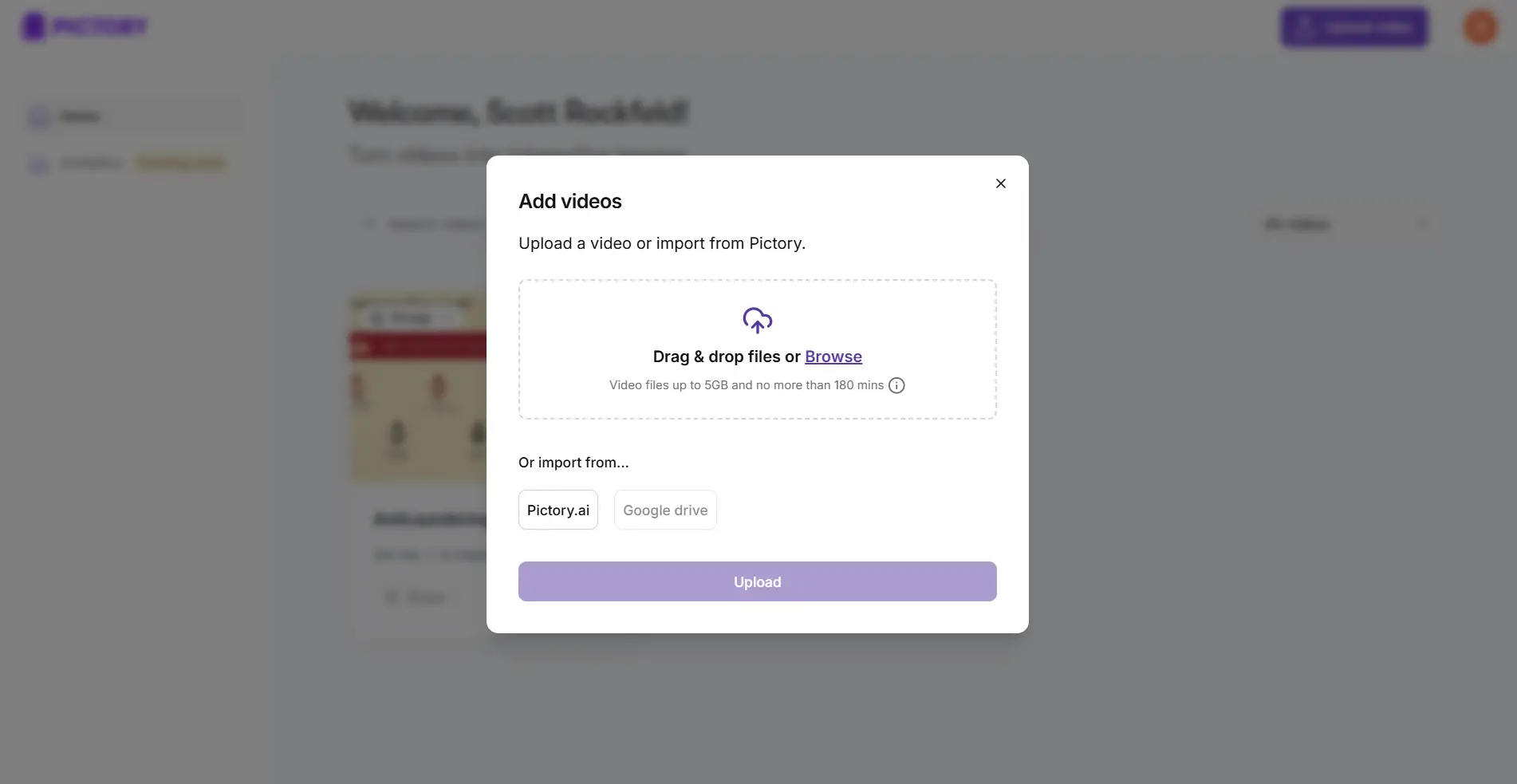
Upload a Video

Upload the video you want to create interactive buttons or quizzes for.

Pictory Central How To
Pictory Central - add button

Step 2

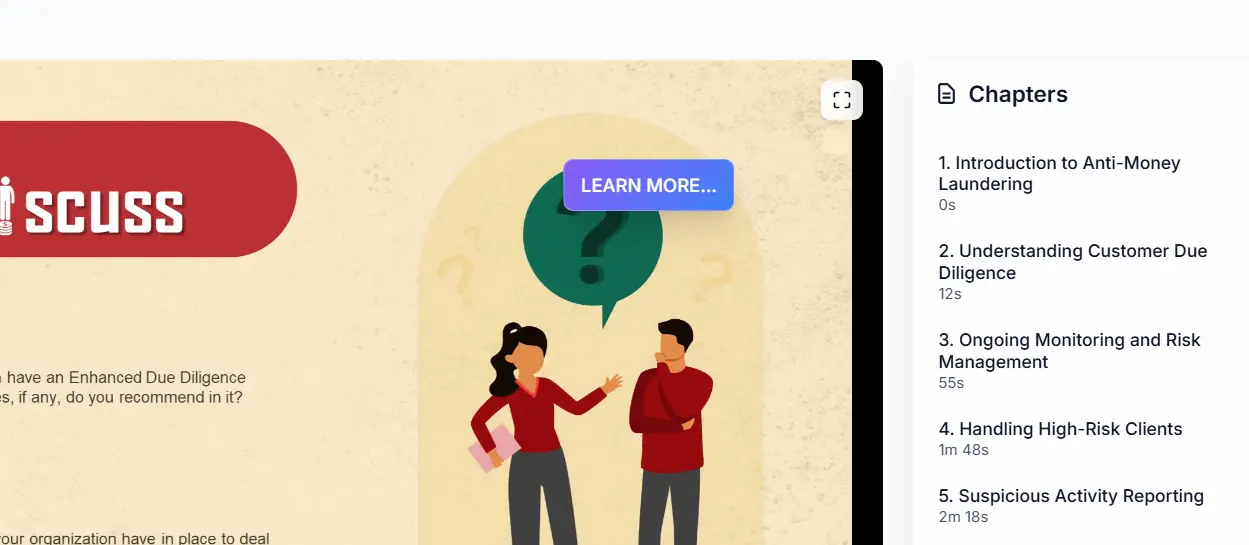
Configure Your Button

Add a button and choose the timings

Step 3

Preview and Complete

Preview the video test your button and complete to get your embed code.

Pictory Central - Preview

Use Quizzes To Give a Full Interactive Experience with AI

With Quizzes in Pictory Central, you can turn a passive “watch and forget” video into an interactive experience that checks understanding and drives action. Drop a question directly into the video (at the exact moment it matters), give viewers multiple-choice options, and guide them to the next step based on their answer.

One interactive video layer for every LMS setup

If you use an LMS

  • Use Pictory as your interactive video layer. Offload video hosting, improve streaming performance, and add richer interactivity without rebuilding courses.
  • Turn existing training videos into interactive content fast. You add quizzes and assessments without buying or learning complex authoring software.

If you do not host video in your LMS

  • Use Pictory as your primary video platform. Host, stream, and track interactive video, then connect it to your LMS with SCORM or simple links.
  • Use Pictory as an LMS light solution for video. Share links or embeds, track engagement, and validate completion without extra infrastructure.

Certified for enterprise-grade security and global compliance.

The #1 AI video platform for business Enterprises Teams

Use AI to Move Faster with auto created interactivity

  • You move faster. Most interactivity is auto created. Your team focuses on review and refinement, not manual setup.
  • You reduce tool sprawl. You do not need separate tools for hosting, streaming, quizzes, and exports.
  • You improve engagement. Interactive video keeps viewers involved and accountable, which improves completion and learning outcomes.

Training teams using Pictory ship more

Create videos for training, marketing, and more. Pictory makes it easy to produce high quality video at scale. Here are the benefits customers value most:

80%

voluntary training completion rate

AppDirect

$1500

monthly savings in video creation costs

Online Super Tutors

7x

faster video creation time

Golden Business Group LLC

case studies

Companies that trust Pictory to scale their AI video creation

"Pictory is the easiest, most efficient way to get from an idea in text to multimedia imagery on the screen. It’s the critical component to get us out of death by PowerPoint”
Jason Hoss, Founder & CEO
Case Study

“Pictory helps us consistently deliver the high-quality videos we’re known for—content we’re proud of and our clients are proud to use. They always get a five-star response.”
Curtis Whitfill, VP of Continuing Education
Case Study
"82% of our 10,000+ partners keep coming back to our training videos even though they aren't mandatory courses. That's how we know the content's working."
David Landsberger, Director of Partner Enablement
Case Study
“It increased subscriber growth by 78% and cut my video creation time from a couple of hours to a few minutes. It's been a godsend.”
Christian Wentz: Owner
Case Study
“Through Pictory videos, leads up by 500% – video production costs are down 90%.”
Andrew Reid, Founder
Case Study
“We only launched our new app a few months ago — and already have over 500 subscribers. People come back regularly to watch more videos made with Pictory.”
Dr. Yuri Kotik: Founder
Case Study

See how Pictory Central turns your videos into interactive learning experiences in minutes.

Book your 30-minute Pictory demo

HOW IT WORKS

  • Understand how Pictory works for your teams
  • Get custom pricing for enterprise plans
  • Discover success stories from our customers

Trusted by over 20,000 companies of all sizes

Everything you need to know about Pictory's Interactive Video hosting


What is Pictory Interactive Video Hosting?

Pictory turns your existing videos into interactive learning experiences. You can add chapters, quizzes, and calls to action. You host, stream, and track everything in one place.

Do I need to rebuild my courses?

No. You upload your current video. Pictory creates an interactive layer on top. You review and refine, then publish.

How does Pictory create interactivity?

Pictory analyzes your video and detects topic changes. It generates chapters and quiz questions based on the content. You can edit everything before publishing.

Can I customize chapters and quizzes?

Yes. You can rename, reorder, or remove chapters. You can edit quiz questions, add your own, and control how they appear in the video.

Can I add calls to action inside the video?

Yes. You can place clickable calls to action at specific moments. Send viewers to a link, prompt a signup, or guide them to the next step.

Where are my videos hosted?

Pictory hosts and streams your videos. This reduces load on your LMS and improves playback performance for your learners.

Can I use Pictory with my LMS?

Yes. You can publish as a shareable link, embed the video, or export as a SCORM package. Upload the SCORM file to your LMS to track progress there.

What if I use Articulate with my LMS?

You can use Pictory as your interactive video layer. Offload video hosting and add richer interactivity without rebuilding your Articulate courses.

What if I use an LMS without Articulate?

You can turn existing training videos into interactive content quickly. Add quizzes and assessments without buying or learning complex authoring tools.

What if I do not host video in my LMS?

Use Pictory as your primary video platform. Host, stream, and track interactive video, then connect it to your LMS with SCORM or simple links.

What if I do not use an LMS at all

You can use Pictory as a lightweight learning solution for video. Share links or embeds, track engagement, and validate completion without extra infrastructure.

How does Pictory help my team move faster?

Most interactivity is created automatically. Your team focuses on reviewing and improving the experience instead of building everything manually.

Can Pictory replace multiple tools?

Yes. You can handle hosting, streaming, quizzes, interactivity, and SCORM exports in one platform. This reduces tool sprawl and simplifies your workflow.

How does Pictory improve engagement?

Interactive elements keep viewers involved. Quizzes check understanding. Calls to action drive the next step. This leads to higher completion and better learning outcomes.

Can I invite team members?

Yes. You can invite team members to your workspace and assign roles. They can collaborate on videos, quizzes, and publishing.

Can I control permissions?

Yes. You decide who can edit, publish, export SCORM files, or manage settings. You can update or remove access at any time.

In partnership with

Level up your videos with new AI avatars

Level up your videos with new AI avatars