

Loved by Creators Worldwide | Rated 4.7/5 on G2
Generate Video from Text
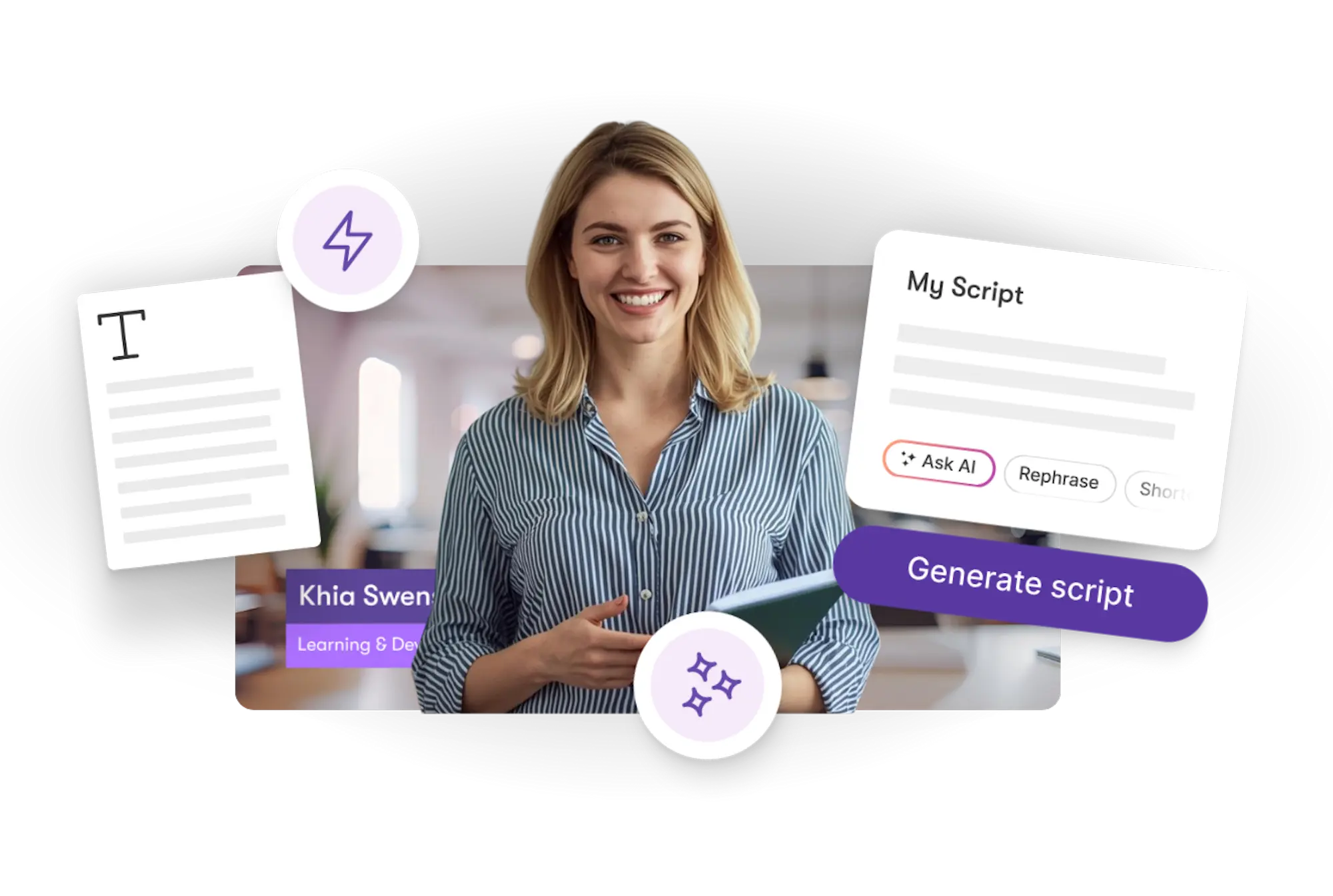
Create videos automatically from your written ideas. Using AI, you can transform text into fully edited, brand-ready videos — with visuals, narration, and captions.
Rated 4.7/5 on Capterra
-
URL to Video
-
Audio to Video
-
AI Avatar Generator
-
AI Video Editor
-
PPT to Video
-
Image to Video
Text to Video Generator
Turn text, prompts, scripts, articles, and blog posts into videos using Gen AI visuals, AI avatars, captions, and realistic AI voices.
URL to Video
Audio to Video
AI Avatar Generator
AI Video Editor
PPT to Video
Image to Video






Trusted by over 20,000 companies of all sizes
With our AI-powered workflows, you can generate videos directly from your text. Whether it’s a script, blog post, or idea outline, the system automatically creates scenes, visuals, captions, and voiceovers using tools like Text to Video, AI Studio, and Audio. It’s the simplest way to turn written content into polished, ready-to-share videos.


Go from text to professional video effortlessly. Generate AI visuals that fit your message, add realistic voiceovers automatically, and maintain consistent branding. Save time with automated editing, captions, and formatting. Perfect for marketers, creators, and educators who want to scale video production quickly.
Key Features of Generate Video from Text
Explore the tools that make text-to-video creation easy and efficient.

Text to Video Workflow
Converts your written content into structured, scene-based video scripts.

AI Voiceovers
Adds natural narration automatically to bring your message to life.

Brand Kit and Styling
Applies your logo, colors, and fonts automatically for brand consistency.

AI Studio Visual Creation
Generates images and short clips that visually match your story or topic.

Scene Timing and Captions
AI syncs captions, pacing, and scene duration perfectly to your text.

Preview and Export
Instantly preview your video and export in your preferred format.
Each of these features ensures your idea evolves into a polished video workflow that aligns with your goals and platform strategy.
Simply paste your text into the Text to Video workflow. AI Studio creates relevant visuals, the Audio workflow adds voiceovers, and the system builds your video timeline automatically. Within minutes, your text becomes a complete, shareable video.


Customize each scene, adjust visuals, and edit narration to suit your tone. Replace AI visuals or add your own images and clips. Apply templates and music to create a style that fits your brand or audience.
How to Use Generate Video from Text in 4 Easy Steps
Step 1
Add Your Text
Paste your article, script, or idea into the Text to Video workflow.


Step 2
Generate Visuals
AI Studio creates matching visuals and motion scenes from your text.
Step 3
Add Narration and Branding
Use the Audio and Brand Kit tools to add voiceovers, colors, and logos.


Step 4
Export Your Video
Review, refine, and export your AI-generated video instantly.
Easily localize your videos with multilingual captions and AI narration. Generate visuals that align with cultural styles and languages for global audiences.


Export optimized videos for YouTube, TikTok, LinkedIn, and Instagram. Every format maintains crisp visuals and perfect audio sync across platforms.
Reasons to Use Generate Video from Text
Use Cases for Generate Video from Text

Marketing Campaigns:
Generate explainer videos or product teasers from your campaign concepts instantly.

Educational Tutorials
Turn lesson ideas into complete teaching videos with narration and visuals.

Corporate Training
Convert internal communication topics into polished instructional videos.
Social Media Content
Create short-form videos tailored for brand awareness and audience engagement.
Get Started with Generate Video from Text
Turn your text into a finished video effortlessly. Use our AI-powered workflows to create visuals, narration, and captions — all automatically generated from your written ideas.
In partnership with










Generate Video from Text FAQs
How does Generate Video from Text work?
AI workflows combine Text to Video, AI Studio, and Audio tools to automatically generate scenes, visuals, and narration from your written content.
Do I need to record my own audio?
No — the AI generates natural-sounding voiceovers automatically.
Can I edit the visuals or captions?
Yes, you can edit or replace visuals, text, and audio in the video editor.
Does it include branding tools?
Absolutely — add your logo, brand colors, and fonts automatically using Brand Kit.
What types of text work best?
Articles, blog posts, product descriptions, and scripts are all great starting points.
What platforms can I export to?
Export in 16:9, 9:16, or 1:1 formats optimized for every major platform.



SOC 2 & GDPR compliant
Copyright 2026 Pictory.ai - Privacy Policy / Terms of Service / Copyright Policy / Sitemap


