

Loved by Creators Worldwide | Rated 4.7/5 on G2
YouTube Video Maker
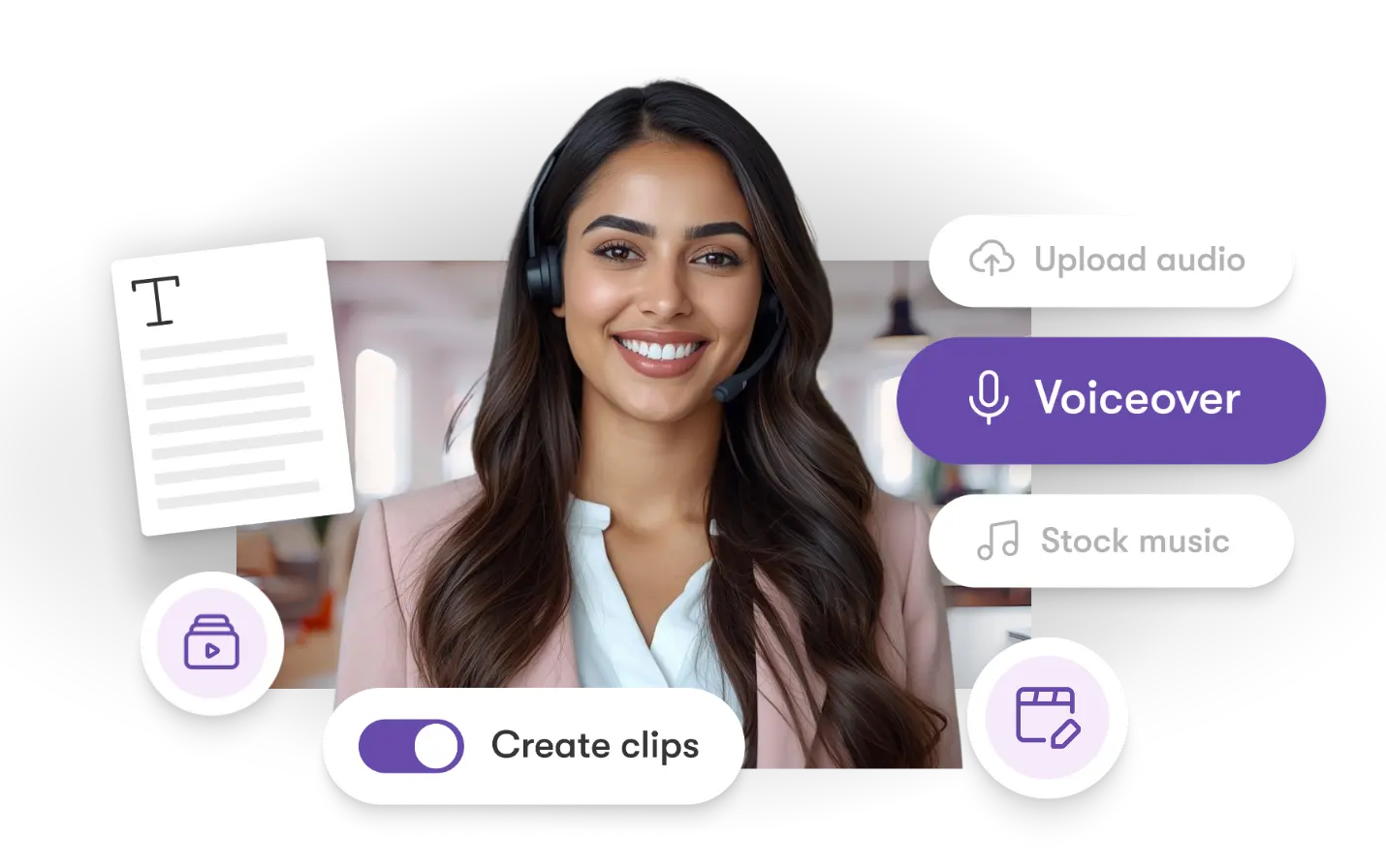
Create YouTube videos quickly and easily. When editing feels slow or overwhelming, AI Studio solves the problem by generating scenes, visuals, captions, and voiceovers automatically—perfect for creators who want consistent, high-quality content.
Rated 4.7/5 on Capterra
-
URL to Video
-
Audio to Video
-
AI Avatar Generator
-
AI Video Editor
-
PPT to Video
-
Image to Video
Text to Video Generator
Turn text, prompts, scripts, articles, and blog posts into videos using Gen AI visuals, AI avatars, captions, and realistic AI voices.
URL to Video
Audio to Video
AI Avatar Generator
AI Video Editor
PPT to Video
Image to Video






Trusted by over 20,000 companies of all sizes
Making YouTube videos takes time—scripting, editing, sourcing visuals, captioning, and creating thumbnails. Many creators feel overwhelmed before they even finish their first video. YouTube Video Maker fixes this by using AI Studio to automate the hardest steps. Turn text or prompts into full videos, generate visuals using AI, add voiceovers, and assemble everything in a streamlined editor built for YouTube-ready content.


YouTube demands consistent output, but manual editing slows creators down. AI Studio removes that barrier by generating visuals, rewriting scripts, producing subtitles, and adding voice narration automatically. You can convert text to video, regenerate images, update pacing, and export polished videos designed for YouTube—all without complex editing skills.
What You Can Create for YouTube
Explore the powerful AI features that help you produce YouTube videos fast.

Text-to-Video Tools
Turn scripts and prompts into full video scenes automatically.

AI Voice Narration
Add natural voiceovers that match your tone and style.

Brand Kit Tools
Apply consistent fonts, colors, and graphic styling across your channel.

AI Image Generator
Create custom visuals for video segments and thumbnails.

Captions & Subtitles
Generate accurate, time-synced YouTube-ready captions.

HD YouTube Export
Export videos in YouTube-optimized HD formats.
Each of these features ensures your idea evolves into a polished video workflow that aligns with your goals and platform strategy.
Add your script or idea. AI Studio generates scenes, narration, captions, and visuals automatically. Edit pacing, regenerate images, and export in the perfect format for YouTube.


Customize voiceovers, transitions, captions, fonts, and pacing. Apply your brand kit, regenerate visuals with prompts, and fine-tune your script or scenes for different video styles—from explainers to tutorials to commentaries.
How to Use YouTube Video Maker in 4 Steps
Step 1
Add Your Script or Prompt
Enter your text or idea into AI Studio.


Step 2
Generate the Video
AI converts your content into scenes, narration, and visuals.
Step 3
Customize Your Edit
Refine visuals, pacing, narration, and captions.


Step 4
Export for YouTube
Download your final video in a YouTube-ready format.
Use multilingual scripts. AI Studio generates captions, narration, and visuals tailored for global YouTube audiences.


Export suitable formats for long-form videos, Shorts, tutorials, reviews, explainers, and more. Fully compatible with Make, Zapier, and Chrome extension workflows.
Reasons to Use YouTube Video Maker
Use Cases for YouTube Video Maker

Marketing Campaigns:
Generate explainer videos or product teasers from your campaign concepts instantly.

Educational Tutorials
Turn lesson ideas into complete teaching videos with narration and visuals.

Corporate Training
Convert internal communication topics into polished instructional videos.
Social Media Content
Create short-form videos tailored for brand awareness and audience engagement.
Get Started with YouTube Video Maker
Create YouTube videos faster than ever. Turn text and ideas into polished videos instantly with AI Studio.
In partnership with










YouTube Video Maker FAQs
What is a YouTube video maker?
It’s an AI-powered tool that creates YouTube-ready videos from scripts, prompts, or images.
Can it convert text into YouTube videos?
Yes. AI Studio generates scenes, narration, and visuals automatically.
Can it create visuals and thumbnails?
Absolutely. Use the AI image generator to create custom visuals and thumbnails.
Does it support multiple languages?
Yes. AI Studio provides multilingual captions and voiceovers.
Can I try the YouTube Video Maker for free?
Yes, the free trial allows you to test YouTube creation features.
Are the videos royalty-free?
Yes. All AI-generated videos can be used commercially.




SOC 2 & GDPR compliant
OPE0072201
Copyright 2026 Pictory.ai - Privacy Policy / Terms of Service / Acceptable Use Policy / Copyright Policy / Sitemap


