

Loved by Creators Worldwide | Rated 4.7/5 on G2
Link to Video Maker
Paste a link and turn the page content into a video you can edit and share.
Rated 4.7/5 on Capterra
-
URL to Video
-
Audio to Video
-
AI Avatar Generator
-
AI Video Editor
-
PPT to Video
-
Image to Video
Text to Video Generator
Turn text, prompts, scripts, articles, and blog posts into videos using Gen AI visuals, AI avatars, captions, and realistic AI voices.
URL to Video
Audio to Video
AI Avatar Generator
AI Video Editor
PPT to Video
Image to Video






Trusted by over 20,000 companies of all sizes
Many creators and marketers want to repurpose articles or web pages into videos without rewriting the content. Pictory helps by extracting the key text from a link and turning it into a draft video. You can update the text, choose visuals, adjust pacing, or add narration in a few clicks.


Turning a full article or webpage into a video manually takes time. Pictory does the heavy lifting by identifying the core text, organizing it into short segments, and placing it into a video format. You can refine the message, visuals, and timing to match your style or the platform you’re publishing on.
Tools That Support Link-Based Video Creation
Features designed to turn webpage content into usable video quickly.

Link Import
Paste a link and extract the main text automatically.

Layout Options
Layouts help present the extracted text clearly on screen.

Narration Options
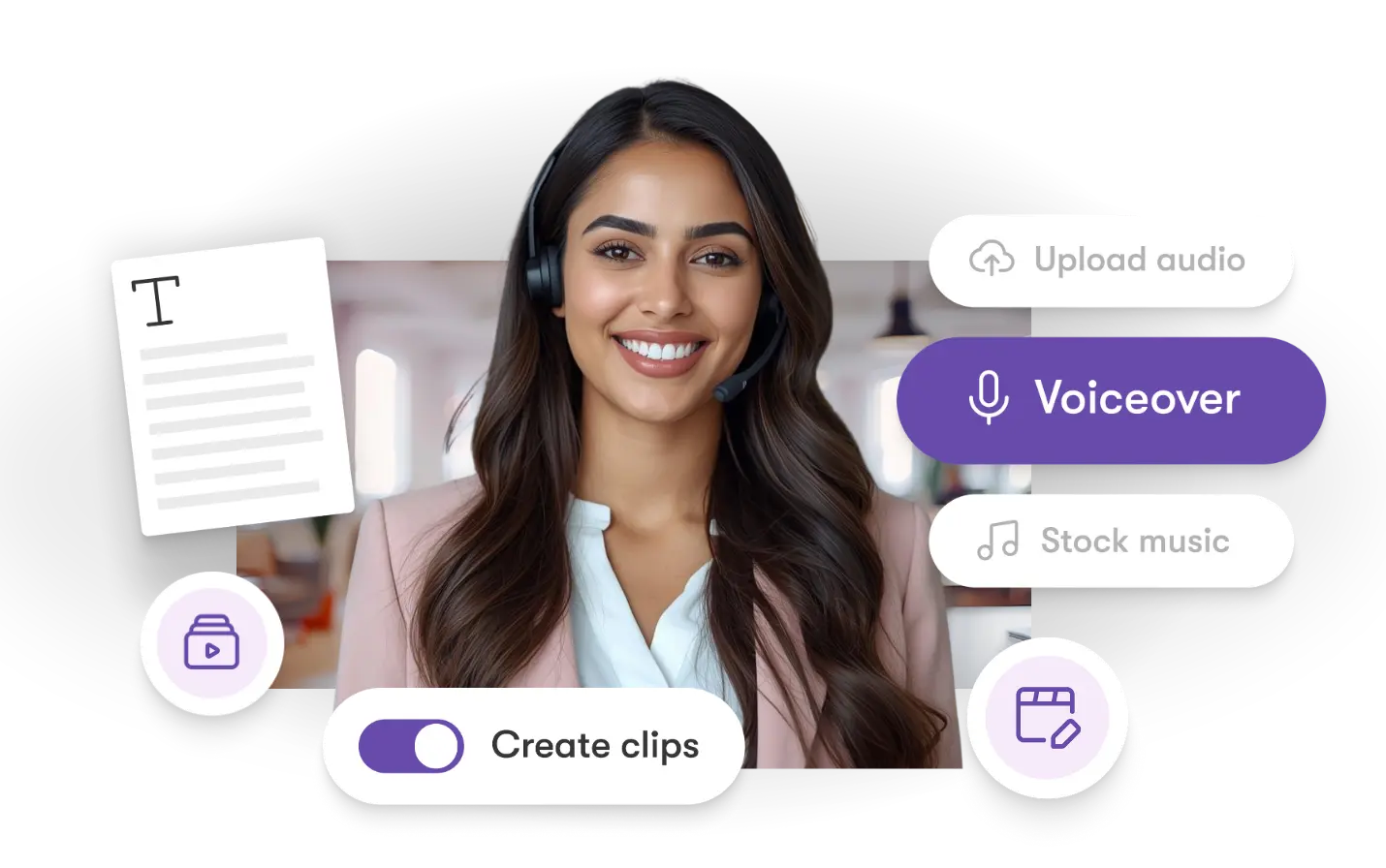
Add narration with AI voices or upload your own audio.

Caption Generation
Text from the page becomes captions inside the video.

Visual Suggestions
Pictory recommends visuals based on the page content.

Multi-Format Export
Export vertical, square, or widescreen videos.
Each of these features ensures your idea evolves into a professional video workflow that aligns with your goals and platform strategy.
Paste your link and Pictory pulls out the main points. A draft video is created automatically, and you can refine the visuals, text, pacing, or narration before exporting. Ideal for repurposing blogs, articles, or landing pages.


Edit extracted text, adjust timing, switch layouts, change visuals, or add narration. This helps match the video to your brand or preferred format.
How to Convert a Link Into a Video
Step 1
Paste Your Link
Add the URL of your article or webpage.


Step 2
Generate a Draft
Pictory extracts the key text and creates a video draft.
Step 3
Refine the Video
Update the text, visuals, pacing, or narration.


Step 4
Export Your Video
Download your finished video in HD.
Add captions or narration in multiple languages as needed.


Export for TikTok, Instagram, YouTube, LinkedIn, blogs, newsletters, and landing pages. Works with Make, Zapier, and Chrome workflows.
Why People Choose This Link Tool
Use Cases for Link to Video Maker

Marketing Campaigns:
Generate explainer videos or product teasers from your campaign concepts instantly.

Educational Tutorials
Turn lesson ideas into complete teaching videos with narration and visuals.

Corporate Training
Convert internal communication topics into polished instructional videos.
Social Media Content
Create short-form videos tailored for brand awareness and audience engagement.
Get Started with the Link to Video Maker
Turn any link into a simple video you can edit, customize, and share.
In partnership with










Link to Video Maker FAQs
What types of links can I convert?
Blogs, articles, landing pages, and most publicly accessible web pages.
Do I need editing experience?
No. Pictory extracts the text and prepares a first version for you.
Can I edit the extracted text?
Yes. You can rewrite, shorten, or expand any part.
Can I change visuals and layouts?
Yes. You can update visuals, switch layouts, and adjust captions.
Is there a free trial?
Yes. You can create and export videos during the free trial.
What formats can I export?
Export vertical, square, or widescreen videos.




SOC 2 & GDPR compliant
Copyright 2026 Pictory.ai - Privacy Policy / Terms of Service / Copyright Policy / Sitemap


