Login

ENTERPRISE READY 4.7 Capterra

Nova Canvas Image Model

Generate lifelike images of people inside your Pictory project at 4 credits per image. Pictory's image model for realistic faces, expressions, and human subjects.

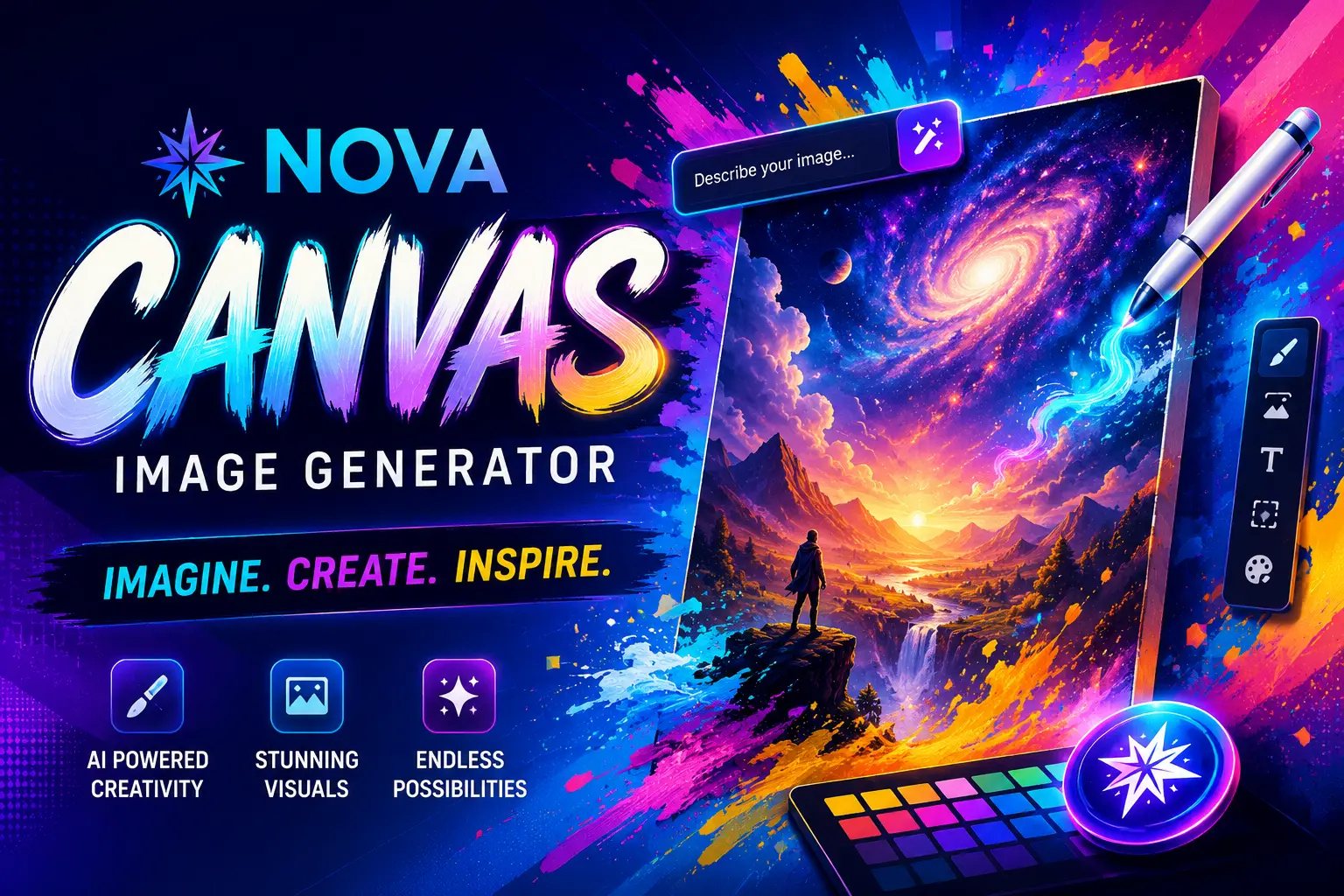
Nova Canvas Image Generator

Trusted by over 20,000 companies of all sizes


Why creators pick Nova Canvas

Nova Canvas is Pictory's model for people. When a scene needs a face that actually holds up — an expression that reads as genuine, a human subject you'd believe is real if you saw them in a video — this is the model built for that job. It's the one to reach for on testimonial visuals, where a stiff or uncanny face kills credibility fast, and for character work where the same person needs to look consistent across shots. Any time a video lives or dies on whether the person in it feels real, Nova Canvas is what carries that weight.

How to generate an image with Nova Canvas

Step 1

Open AI Studio from any scene

Inside the video editor, open the Visuals tab and select AI Studio. You'll see a prompt box, a model picker, and style options.

Step 2

Describe your person and pick Nova Canvas

Type what you want to see: age, expression, setting, wardrobe. Pick your style, aspect ratio, and Nova Canvas as the model. Nova Canvas responds to specific human detail, so name the mood and posture you want.

Step 3

Add it to your storyboard

Preview the result, then add it to your current scene, save it to your library, or download it. Regenerate as many times as you want.

What Nova Canvas is built for

Nova Canvas is the image model built for scenes with people in them. It lives inside Pictory's AI Studio, so you can describe a person, a face, or a human subject, generate the image, and drop it into a video project without leaving the editor. At 4 credits per image, Nova Canvas is priced in the middle of Pictory's image lineup, and it's the only model tuned specifically for lifelike human realism. Use it for testimonial cards, character shots, portrait visuals, and any scene where you need a person who reads as real, not a stock avatar.

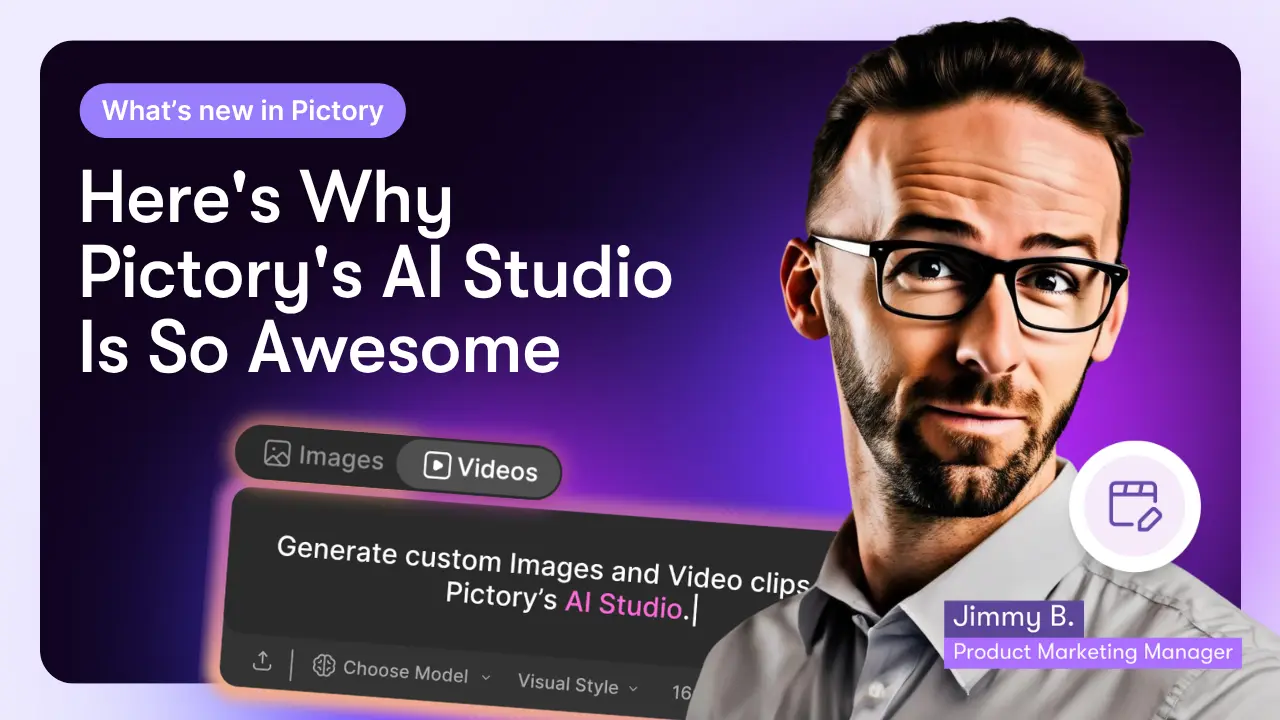
Here's Why Pictory's AI Studio Is So Awesome

What Nova Canvas is built for

Lifelike faces, expressions, and human subjects

Most image models struggle with faces. Nova Canvas is built for them. It produces realistic expressions, natural skin, and human proportions that hold up under a viewer's attention. That makes it the right pick for testimonial visuals, character storytelling, and any scene where a person has to sell the moment.

Six styles, 16:9 canvas, human-focused

Nova Canvas supports the same six built-in styles as Pictory's other image models: Photorealistic, Artistic, Cartoon, Minimalist, Vintage, and Futuristic. Photorealistic is where Nova Canvas earns its keep, but the same face can carry through an artistic or cartoon version of the scene if that's what your video calls for.

Go from image to finished video in one place

Every image you generate lands inside your project. Add it to a scene, layer it under captions, or pair it with a voiceover from Pictory's AI voice library. Then finish the video with your brand kit: your logo, your colors, your fonts. No switching tabs, no re-uploading.

Frequently asked questions


What is Nova Canvas in Pictory?

Nova Canvas is one of the five AI image models inside Pictory's AI Studio. It's tuned for lifelike human realism at 4 credits per image. Use it when your scene needs a realistic face, a human character, or a person who has to read as real, not a stock avatar.
How much does Nova Canvas cost per image?

Nova Canvas costs 4 credits per image, which puts it in the middle of Pictory's image lineup. Flux (0.6 credits) and Seedream (2 credits) sit below it, and Nano Banana Pro (14 credits) sits above.

What is Nova Canvas best for?

Nova Canvas is the model to pick when your image features a person. Testimonial visuals, character storytelling, portrait shots, and any scene where a lifelike face or expression has to carry the moment. It's the only model in Pictory's lineup tuned specifically for realistic humans.

What aspect ratios does Nova Canvas support?

Nova Canvas generates images in 16:9, which fits landscape video projects out of the box. If you're building a vertical or square video, you can crop or reposition the generated image inside Pictory's video editor.

Can I edit or animate images made with Nova Canvas?

Yes. Every generated image has an 'Edit with AI' menu. You can edit the image with a text prompt or animate it into a short video clip. You can also save it to your library, reuse the prompt on another scene, or download the file.

Is Nova Canvas free to try?

You can try Nova Canvas on Pictory's free plan. Starting a free trial takes under a minute and doesn't require a credit card. Paid plans include a monthly credit balance that covers Nova Canvas and the four other image models.

case studies

Companies that trust Pictory to scale their video creation

"Pictory is the easiest, most efficient way to get from an idea in text to multimedia imagery on the screen. It’s the critical component to get us out of death by PowerPoint”
Jason Hoss, Founder & CEO
Case Study
“Pictory helps us consistently deliver the high-quality videos we’re known for—content we’re proud of and our clients are proud to use. They always get a five-star response.”
Curtis Whitfill, VP of Continuing Education
Case Study
"82% of our 10,000+ partners keep coming back to our training videos even though they aren't mandatory courses. That's how we know the content's working."
David Landsberger, Director of Partner Enablement
Case Study
“It increased subscriber growth by 78% and cut my video creation time from a couple of hours to a few minutes. It's been a godsend.”
Christian Wentz: Owner
Case Study
“Through Pictory videos, leads up by 500% – video production costs are down 90%.”
Andrew Reid, Founder
Case Study
“We only launched our new app a few months ago — and already have over 500 subscribers. People come back regularly to watch more videos made with Pictory.”
Dr. Yuri Kotik: Founder
Case Study

The #1 AI video platform for business Enterprises Teams

Start generating with Nova Canvas today

No credit card, no lock-in. Open Pictory and try your first prompt. Try Pictory free at app.pictory.ai/signup

Limited Offer: 40% Off Pro Annual + 2X AI Credits

Limited Offer: 40% Off Pro Annual
+ 2X AI Credits