

Loved by Creators Worldwide | Rated 4.7/5 on G2
Text to Image
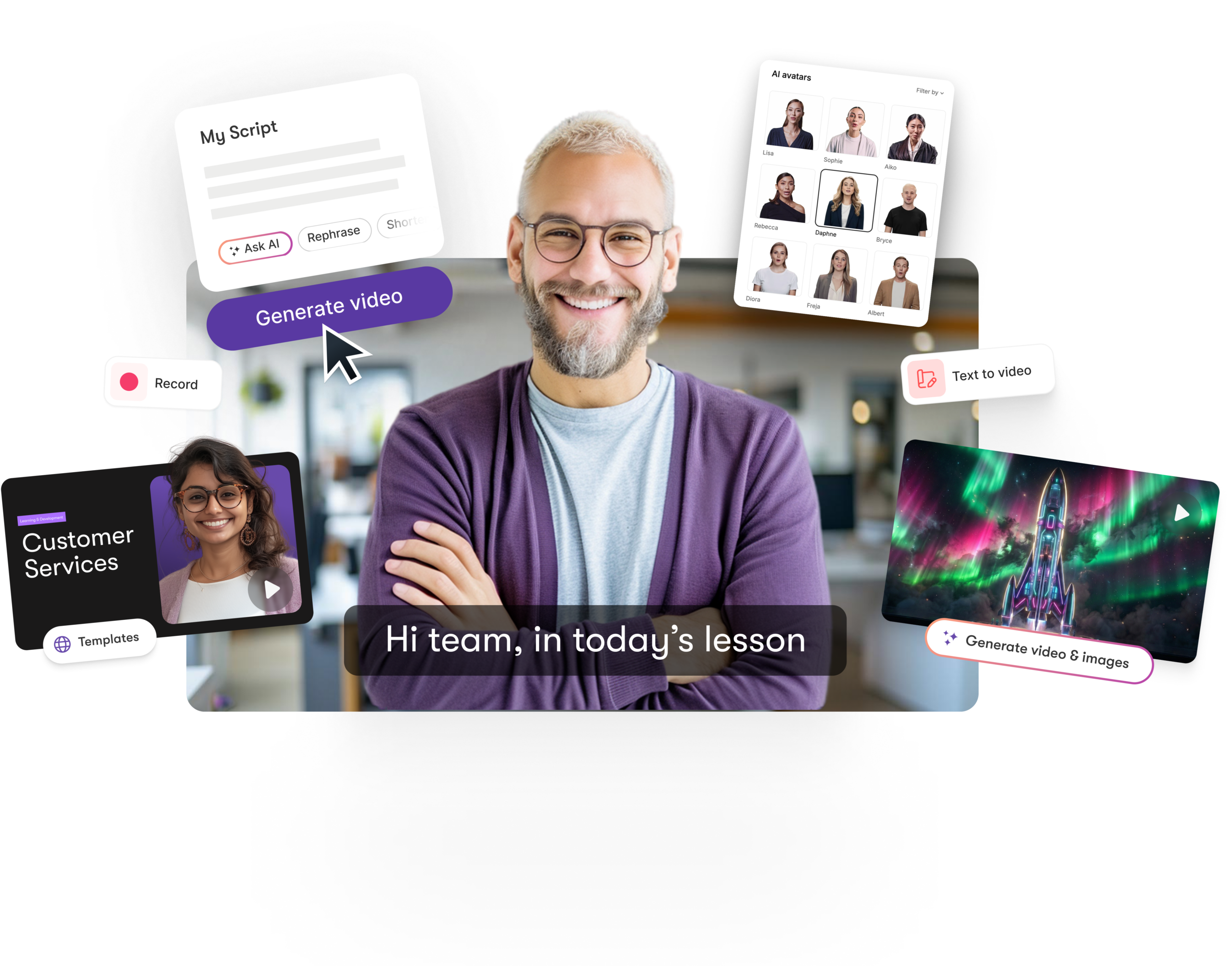
Transform your imagination into visuals in seconds. With Text to Image, users can generate unique AI visuals directly inside the Visuals Tab through AI Studio. Simply type a descriptive prompt, and the system creates high-quality images or short video clips that perfectly match your script, brand, or story style. Ideal for creators who need fast, professional visuals without stock limitations.
Rated 4.7/5 on Capterra
-
URL to Video
-
Audio to Video
-
AI Avatar Generator
-
AI Video Editor
-
PPT to Video
-
Image to Video
Text to Video Generator
Turn text, prompts, scripts, articles, and blog posts into videos using Gen AI visuals, AI avatars, captions, and realistic AI voices.
URL to Video
Audio to Video
AI Avatar Generator
AI Video Editor
PPT to Video
Image to Video






Trusted by over 20,000 companies of all sizes
Text to Image is an advanced AI visual generator built into the Visuals Tab. It converts written prompts into images or motion visuals that can be instantly added to video scenes. Whether you’re producing tutorials, ads, explainers, or social content, AI Studio empowers you to generate visuals that match your concept precisely — helping creators avoid repetitive stock media and produce distinctive, branded visuals faster.


Text to Image unlocks a new level of creative freedom. Instead of searching endless libraries, you can describe what you need, and AI creates it instantly. This feature reduces production time, ensures on-brand visuals, and supports original storytelling for any niche. Generate multiple variations of a single prompt, fine-tune outputs for tone or setting, and add generated visuals directly into your video timeline. It’s the fastest way to produce visual content that feels unique, cohesive, and entirely your own.
Key Features of Text to Image
Explore the innovative AI capabilities that power Text to Image inside the Visuals Tab. These features help creators move from concept to creation faster than ever before.

Prompt-Based Image Creation
Generate visuals instantly from descriptive text prompts in AI Studio.

Direct Scene Integration
Add generated visuals straight into your storyboard or video editor scenes.

Save to Library
Store your generated visuals in your personal library for reuse in future projects.

Style Customization
Choose from visual styles such as cinematic, minimalist, bold, or illustrative to match your project tone.

Image and Video Modes
Switch between static image and short video generation modes for dynamic visual effects.

Visual Search Enhancement
Combine AI Studio outputs with the Visuals Tab library search to expand creative options instantly.
Each of these features ensures your idea evolves into a polished video workflow that aligns with your goals and platform strategy.
Creating visuals is now as easy as typing a sentence. In the Visuals Tab, open AI Studio, enter a detailed prompt describing your scene or visual need, and choose between “Image” or “Video.” The AI generates results in seconds, which you can preview, edit, or add directly into your project storyboard. It’s intuitive, responsive, and perfectly designed for creators who need professional visuals fast.


Every visual you generate can be adjusted for brand alignment and artistic tone. Choose aspect ratios, color styles, or design filters that fit your brand identity. Apply your brand kit to ensure consistency across all scenes. You can also regenerate visuals using refined prompts for sharper results or use AI’s variations to experiment with different aesthetics until your content looks exactly right.
How to Use Text to Image in 4 Easy Steps
Step 1
Open AI Studio
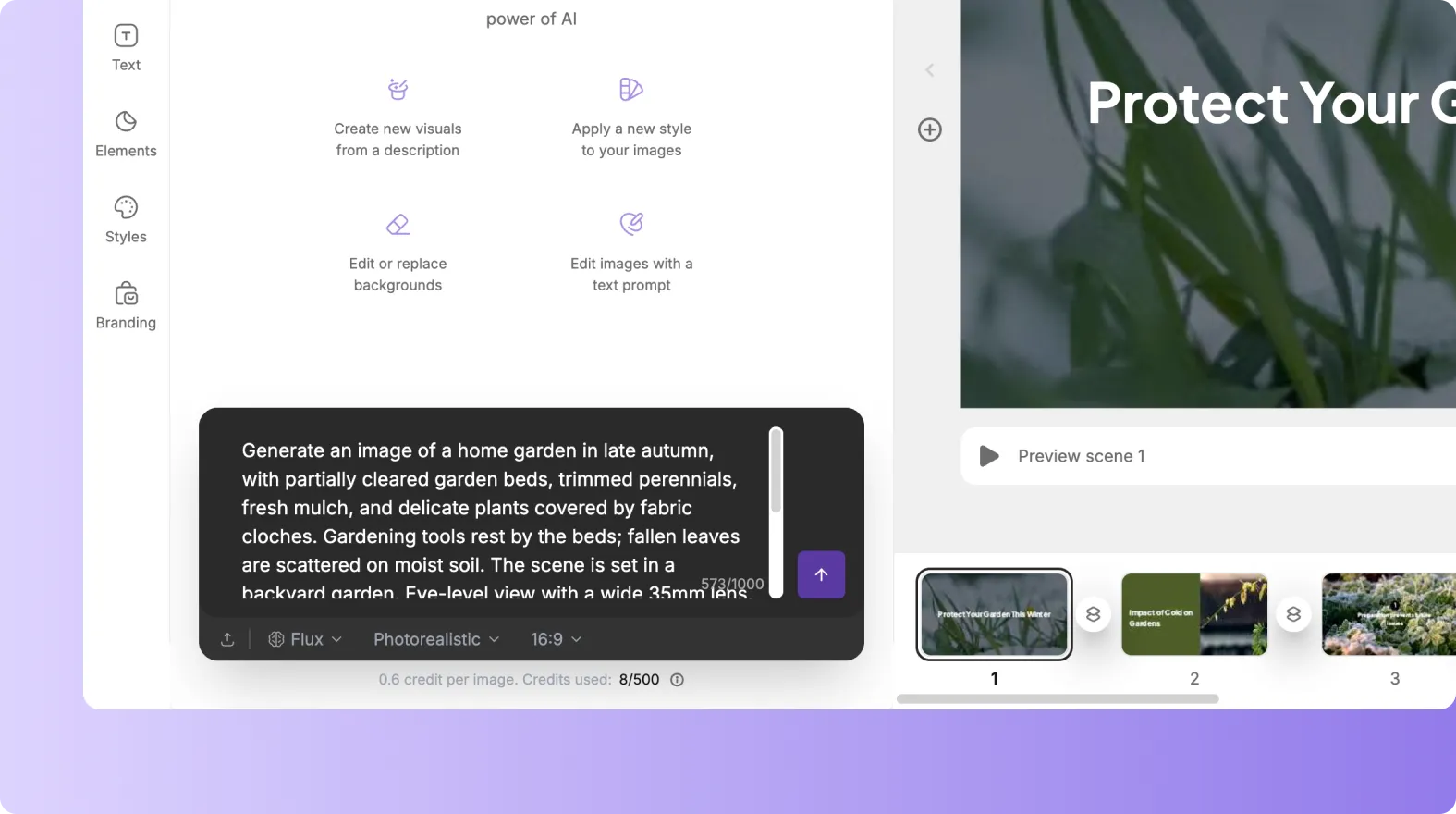
In the Visuals Tab, access AI Studio and select the Text to Image option to begin creating.
Step 2
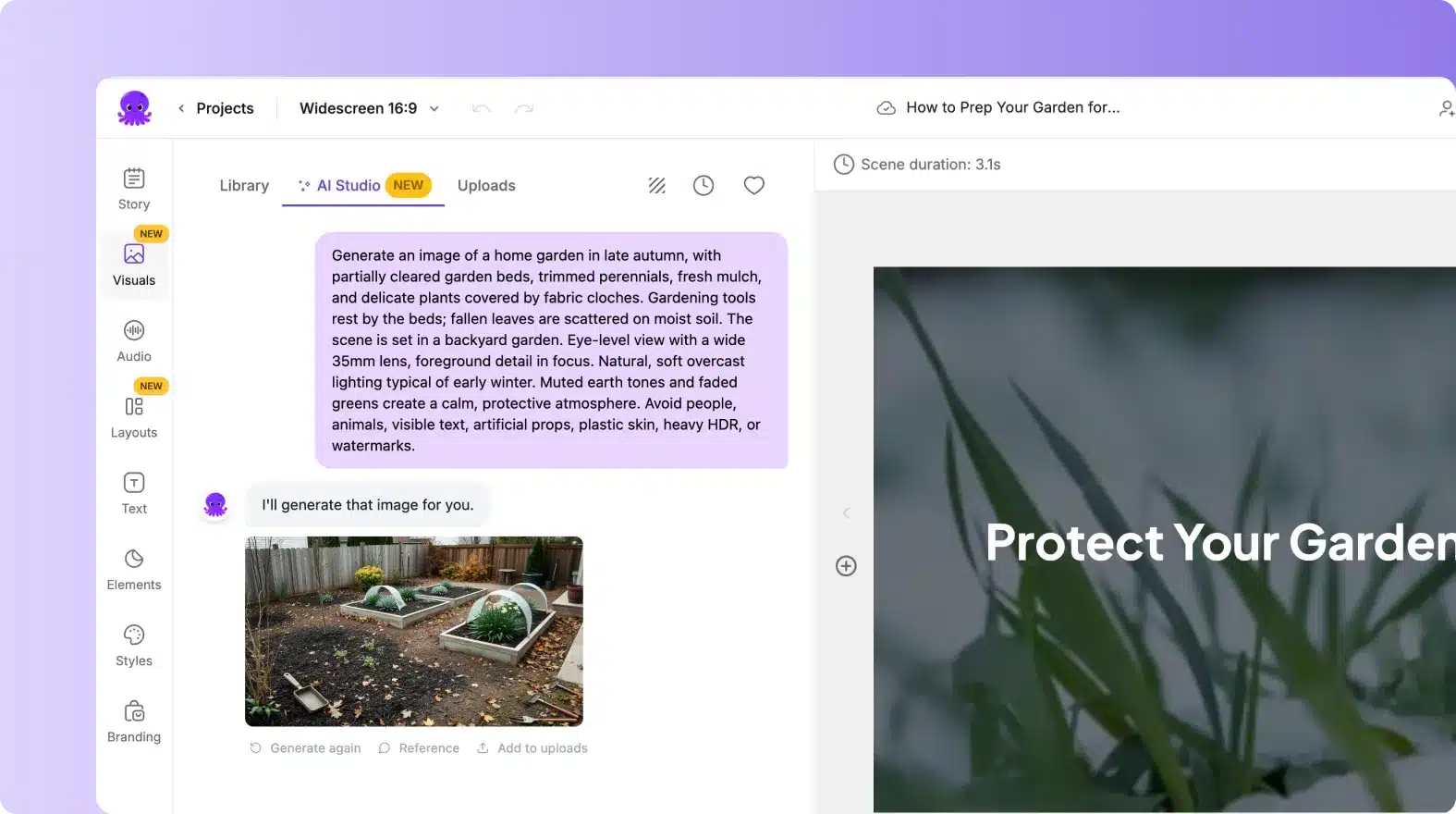
Enter Your Prompt
Describe your visual idea in natural language — specify mood, objects, or style for the best results.
Step 3
Generate and Preview
AI instantly creates multiple visual options; preview them directly in your editor for selection.

Step 4
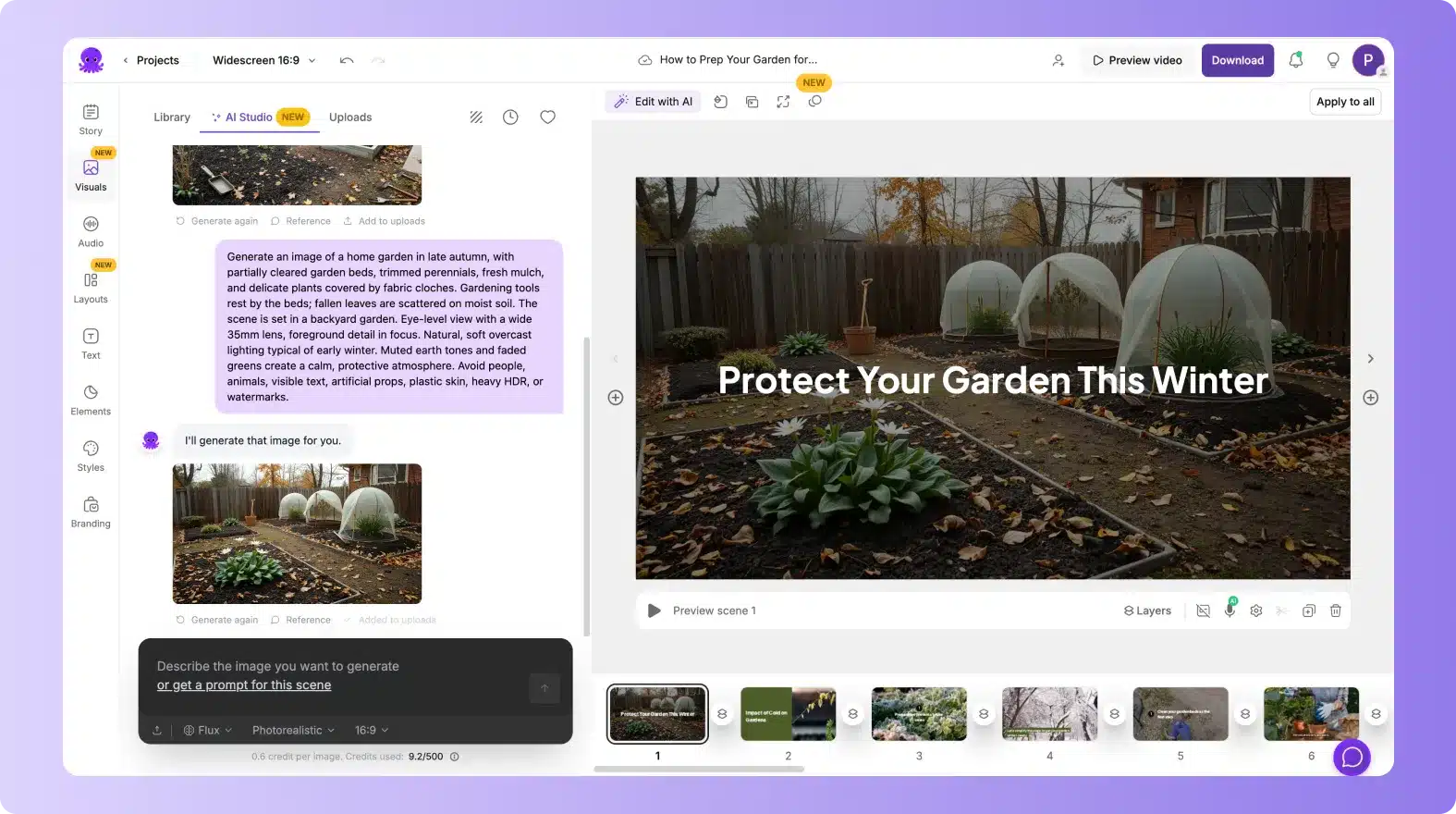
Add to Scene
Insert your chosen image or video clip into your project and adjust it using your editing tools.
Text to Image supports multiple languages, allowing global creators to generate visuals using localized prompts. Whether you’re producing regional content or international campaigns, AI Studio adapts to language nuances to ensure every generated image reflects your market’s tone, culture, and context — helping your videos resonate with audiences worldwide.


Generated visuals from Text to Image can be used seamlessly across all major video formats and channels. From 16:9 YouTube content to 9:16 Reels and TikToks, AI Studio ensures visuals scale perfectly. Exports work across browser-based tools, Chrome extensions, and connected platforms, giving teams flexibility to collaborate and distribute projects efficiently.
Reasons to Use Text to Image
Use Cases for Text to Image

Marketing Campaigns:
Generate explainer videos or product teasers from your campaign concepts instantly.

Educational Tutorials
Turn lesson ideas into complete teaching videos with narration and visuals.

Corporate Training
Convert internal communication topics into polished instructional videos.
Social Media Content
Create short-form videos tailored for brand awareness and audience engagement.
Get Started with Text to Image
Bring your ideas to life visually. Open AI Studio in the Visuals Tab, type your prompt, and create professional-grade visuals in seconds. Start generating now.
In partnership with










Text to Image FAQs
What is the Text to Image feature?
Text to Image is a built-in AI generator that transforms written prompts into high-quality visuals within the Visuals Tab’s AI Studio.
How does Text to Image work?
You enter a text prompt, select a style or aspect ratio, and AI generates unique visuals that can be directly added to your project scenes.
Can I use Text to Image for videos?
Yes. The AI Studio includes a mode for creating short, looping video visuals in addition to static images.
Are generated visuals copyright-free?
Yes. All AI-generated visuals are royalty-free and safe for commercial or personal use in your video projects.
Can I refine or regenerate images?
Absolutely. You can adjust prompts or choose variations to get visuals that best match your vision or brand style.
Does Text to Image support multilingual prompts?
Yes. You can input prompts in multiple languages, and AI will interpret them to produce localized, culturally accurate visuals.



SOC 2 & GDPR compliant
Copyright 2026 Pictory.ai - Privacy Policy / Terms of Service / Copyright Policy / Sitemap


