

Loved by Creators Worldwide | Rated 4.7/5 on G2
AI Text to Speech
Convert written text into lifelike voiceovers in seconds. Choose from realistic AI voices, accents, and tones—all powered by AI Studio’s advanced text-to-speech engine.
Rated 4.7/5 on Capterra
-
URL to Video
-
Audio to Video
-
AI Avatar Generator
-
AI Video Editor
-
PPT to Video
-
Image to Video
Text to Video Generator
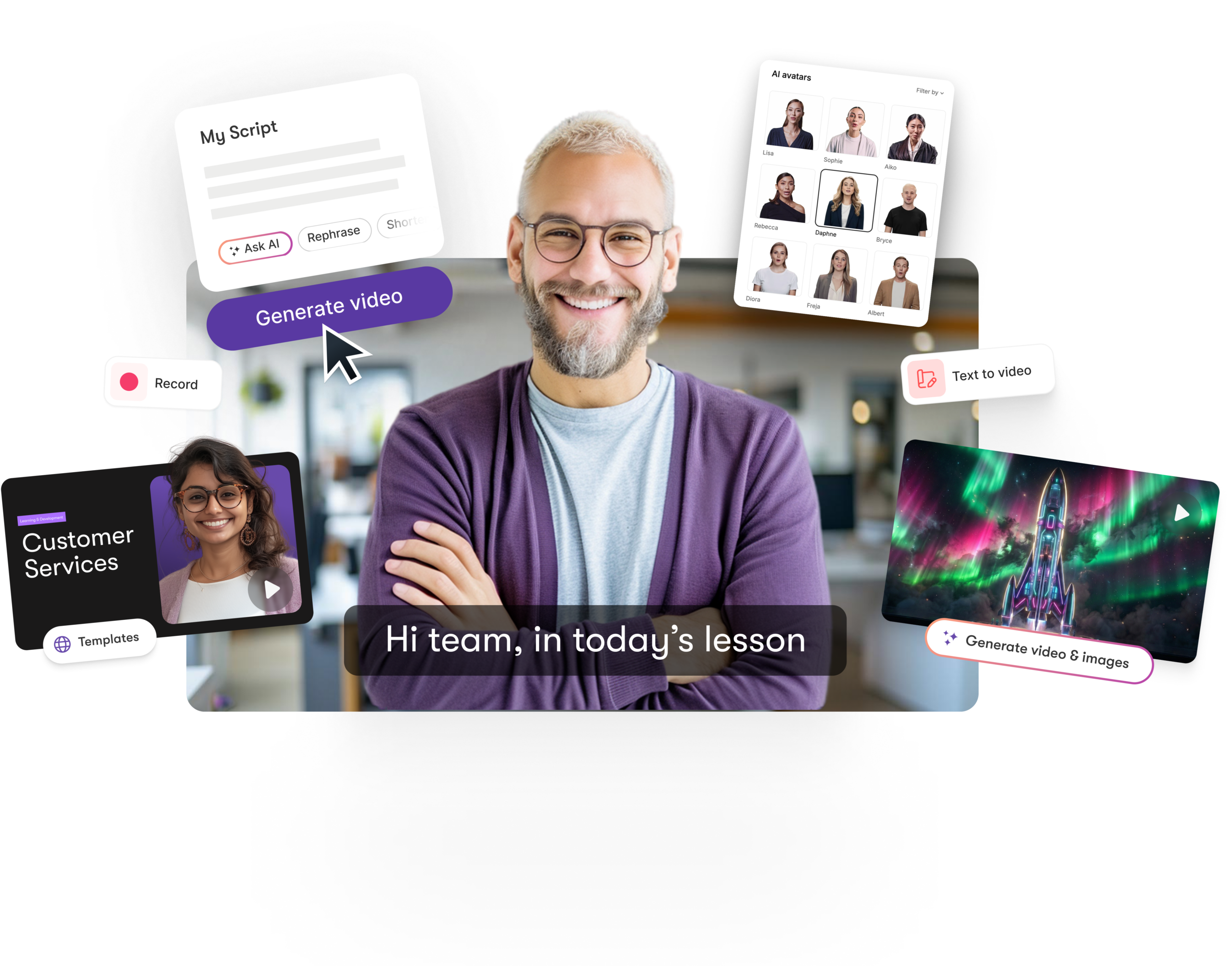
Turn text, prompts, scripts, articles, and blog posts into videos using Gen AI visuals, AI avatars, captions, and realistic AI voices.
URL to Video
Audio to Video
AI Avatar Generator
AI Video Editor
PPT to Video
Image to Video






Trusted by over 20,000 companies of all sizes
AI Text to Speech lets you instantly convert text into natural-sounding speech. Perfect for videos, podcasts, and marketing, it offers full control over tone, speed, and expression. Integrated with AI Studio, you can write or import scripts, preview voices, and generate professional narration automatically—all from one workspace.


Create studio-quality voiceovers instantly without recording equipment. Choose male or female voices in multiple languages and accents. Customize tone, pacing, and emotion for each project. Use AI Studio to refine your script and match the voice perfectly with visuals. Save time, maintain consistency, and scale your video or audio content production with ease.
Key Features of AI Text to Speech
Explore the features that make AI-powered voice generation fast, flexible, and professional.

Realistic AI Voices
Generate lifelike voices with natural pacing and intonation.

Multilingual Voice Library
Choose from multiple accents and languages.

Instant Preview
Listen and refine your AI voice before applying.

Tone & Emotion Control
Adjust delivery style to match your audience or message.

AI Studio Integration
Write, edit, and voice scripts seamlessly in one place.

High-Quality Audio Export
Download ready-to-use voiceovers in MP3 or WAV format.
Each of these features ensures your idea evolves into a polished video workflow that aligns with your goals and platform strategy.
Type or import your script into AI Studio, select your preferred voice, and generate your voiceover instantly. Adjust pitch, tone, or pacing and pair it with visuals for professional results in minutes.


Customize every voice to match your brand identity or storytelling style. Choose warm, energetic, or authoritative tones. Use AI Studio to regenerate sections or adjust delivery for emotional accuracy. Save voice settings for consistent use across multiple projects.
How to Use AI Text to Speech in 4 Easy Steps
Step 1
Enter or Generate Text
Type your text or create one using AI Studio’s script generator.


Step 2
Select a Voice
Choose from male or female voices, accents, and tones.
Step 3
Preview and Refine
Listen, adjust pacing or tone, and regenerate if needed.


Step 4
Export and Apply
Download or add the finished voiceover to your video instantly.
Produce localized narration with multilingual AI voices. Translate scripts automatically in AI Studio for regional versions that sound natural and fluent.


Export voiceovers for use across YouTube, podcasts, eLearning, and social platforms. Compatible with Make, Zapier, and Chrome extensions for automated workflows.
Reasons to Use AI Text to Speech
Use Cases for AI Text to Speech

Marketing Campaigns:
Generate explainer videos or product teasers from your campaign concepts instantly.

Educational Tutorials
Turn lesson ideas into complete teaching videos with narration and visuals.

Corporate Training
Convert internal communication topics into polished instructional videos.
Social Media Content
Create short-form videos tailored for brand awareness and audience engagement.
Get Started with AI Text to Speech
Turn text into professional voiceovers instantly. Create natural, expressive audio in AI Studio and elevate your content with human-like AI narration.
In partnership with










AI Text to Speech FAQs
What is AI Text to Speech?
It’s an AI-powered tool that converts text into realistic, expressive voiceovers in seconds.
How does AI Studio enhance the process?
You can generate, edit, and pair scripts with visuals or videos inside AI Studio.
Can I adjust voice tone and speed?
Yes. You can customize pacing, tone, and emotion for every project.
Does it support multiple languages?
Absolutely. Choose from a wide range of accents and languages.
Can I try it for free?
Yes, you can explore AI Text to Speech during your free trial in AI Studio.
Can I use it for commercial content?
Yes. All generated voiceovers are royalty-free and suitable for professional use.



SOC 2 & GDPR compliant
Copyright 2026 Pictory.ai - Privacy Policy / Terms of Service / Copyright Policy / Sitemap


