
"It’s the easiest, most efficient way to get from an idea in text to multimedia imagery on the screen.”
Founder & CEO
Case Study
ENTERPRISE READY ⭐ 4.7 Capterra
Use our powerful web app and API to scale videos–with brand consistency, custom AI visuals & avatars, and deeply personalized workflow automations for diverse video use cases
Trusted by over 20,000 companies of all sizes





Pictory for Enterprise
Pictory WebApp
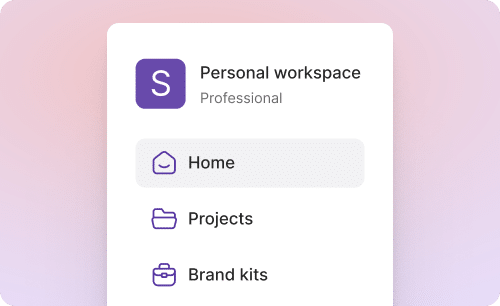
A secure, self-serve application that enables teams across the organization to create, update, and adapt video efficiently. Built to support high-volume usage, the web app allows non-technical users to produce video while maintaining consistency and control.
AI Studio

A built-in creation environment for generating custom images and video clips through prompts when stock assets fall short. AI Studio enables teams to describe what they need and create visuals on demand—directly within their video workflows.
API
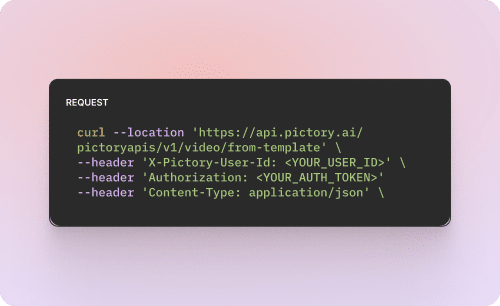
A robust API for automating video creation and personalization at scale. Integrates with existing systems and workflows to generate video programmatically across audiences, regions, and use cases.
As products evolve, policies shift, and regions localize. Pictory’s AI video creation lets teams update and repurpose training quickly—without re-recording or relying on scarce production resources.
The result is faster time to readiness, consistent learning across regions, and less burnout for L&D teams—without sacrificing quality or governance.
When every interaction can impact revenue, updates can’t wait for long production cycles.
Pictory lets enablement teams create and update sales training as fast as they can plan content, so critical learnings spread across the organization immediately.
The result is faster alignment, sharper conversations in the field, and higher sales effectiveness—because the right message reaches the right reps, at exactly the right time.
Turn existing source content—positioning docs, product pages, launch briefs, webinars, decks—into videos quickly, then iterate as the message evolves.
Repurpose one campaign into dozens of variants without starting from scratch or booking another shoot.
The result is, you ship faster, test more, stay consistent, and scale output without scaling budget or headcount.



Pictory fits into your existing workflows. Connect Zapier, Make, and Chrome extensions to automatically create videos from CRM updates, form submissions, or key events across your stack.
KEY FEATURES
Pictory gives enterprises a secure, scalable platform with the tools, support, and community to create, collaborate, and grow without limits.

Single Sign On
Support for Single Sign-On (SSO) using your existing identity provider—enabling secure, centralized access and simplified user management at enterprise scale.

AI Avatars and Custom AI visuals
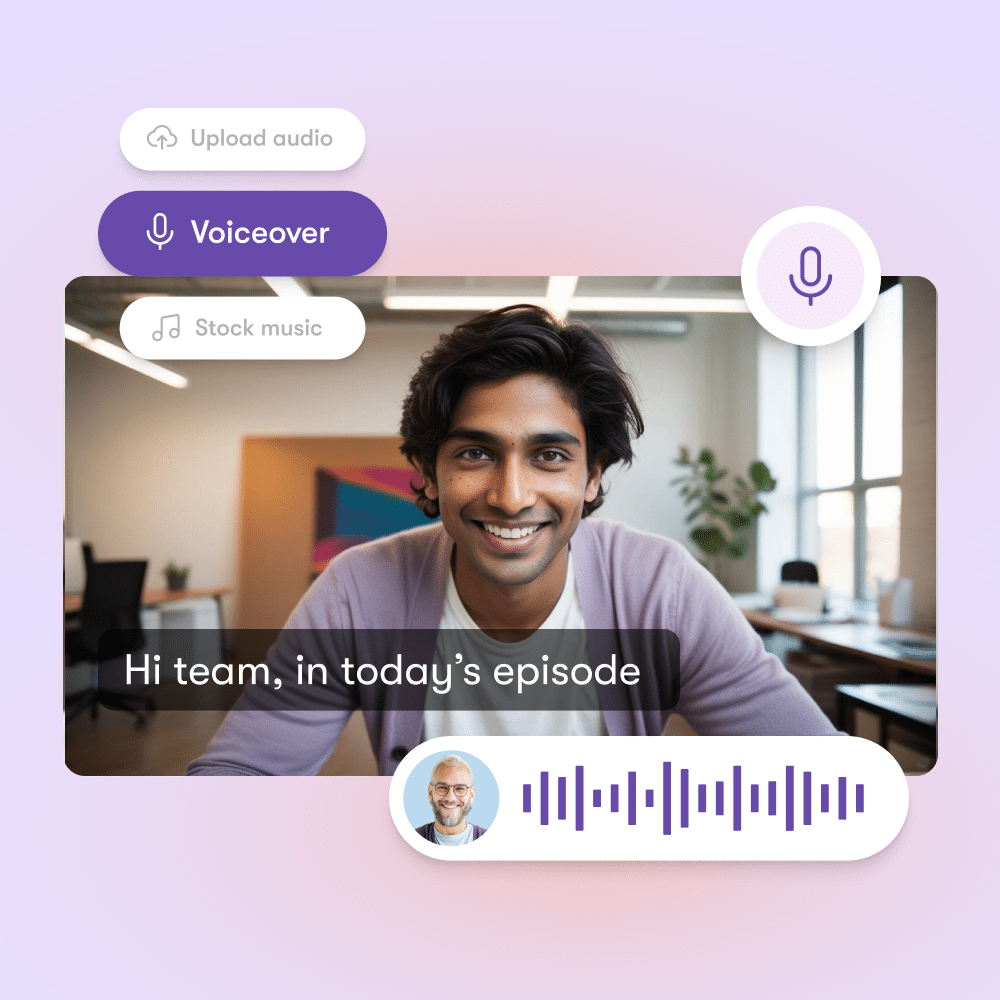
Built directly into video workflows, avatars help content feel more engaging and memorable—while staying easy to create and update. Avatars offer a consistent, professional way to show up on video without the friction of filming. Custom AI visuals let teams generate their own video clips or images when stock libraries aren’t enough.

Comprehensive Brand Kits
Centralized brand controls for fonts, colors, layouts, and visual standards ensure all video output adheres to brand and compliance requirements, regardless of creator or team.

Personalization at Scale
Support for creating video experiences tailored by role, region, account, or individual—without manual duplication. Personalization is applied consistently across training, enablement, marketing, and customer communications.
case studies


It is built for learning and development, sales enablement, marketing, and any team that needs to produce high volumes of video quickly while staying on brand and compliant.
You reduce production time, remove reliance on video specialists, and avoid re-recording when content changes. Teams can update videos as products, policies, and messaging evolve while maintaining governance and consistency.
The web app is a secure, self-serve environment where non-technical users can create and edit videos at scale. It supports high-volume usage while giving administrators control over access, branding, and standards.
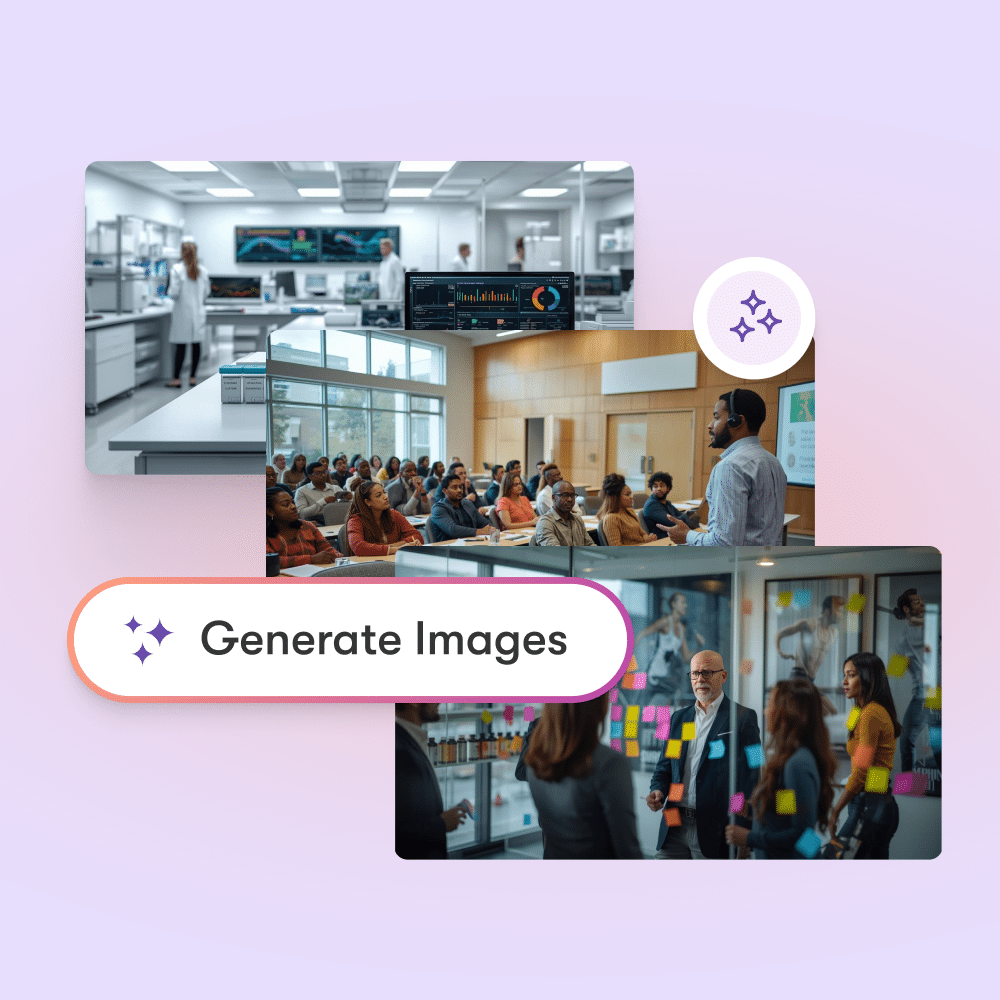
Pictory's AI Studio lets your team generate custom images and video clips using text prompts. You can create visuals on demand when stock footage does not fit, directly inside your video workflow.
The API allows you to automate video creation and personalization programmatically. You can integrate it with your existing systems to generate videos across regions, audiences, and use cases without manual effort.
Centralized brand kits control fonts, colors, layouts, and visual rules. Every video created across teams follows the same standards, which helps meet brand and compliance requirements.
Yes. You can personalize videos by role, region, account, or individual without duplicating work. Personalization applies consistently across training, sales, marketing, and customer communications.
Yes. AI avatars are built into the workflow so you can present content in a consistent, professional way without filming. Avatars are easy to update and help keep content engaging and memorable.
Pictory supports Single Sign-On using your existing identity provider. This enables centralized access management and enterprise-grade security across the platform.
Yes. Teams can localize, update, and distribute video across regions quickly. This helps ensure consistent messaging while adapting content to local needs.
You can turn training content into video fast, update it without re-recording, and distribute it consistently across regions. This shortens time to readiness and reduces workload without sacrificing quality.
Sales teams can create and update training and messaging as fast as plans change. This helps reps stay aligned and deliver the right message at the right time.
You can turn existing assets like decks, webinars, and product pages into videos, then create multiple variants from a single source. This lets you ship faster, test more, and scale without increasing budget or headcount.
You can speak to an expert or book a demo to see how Pictory fits your workflows, security requirements, and scale needs.
See how businesses like yours scale content creation and drive growth.
ENTERPRISE READY ⭐ 4.7 Capterra
Trainers and IDs don’t need specialized video editing skills to build good videos in 2026. Pictory AI can repurpose your existing training content into training videos that keep learners engaged and learnings retained.
Trusted by over 20,000 companies of all sizes
When you let Pictory create better videos with less time and effort, L&D teams steer clear of burnout, and learners get their needs metThe result is faster time to readiness, consistent learning across regions, and less burnout for L&D teams—without sacrificing quality or governance.
Sales Enablement
Sales & Partner Enablement teams see faster time to first sale and higher deal velocity among up to date reps
Operations & Compliance
Operations and Compliance Training teams see their team in compliance faster
Skills Training team
Skills Training teams see faster time to skill mastery and lower dangerous incidents

We know how much effort you put into designing intentional learning experiences, collaborating with managers, SMEs, and learners.
Pictory handles:
Start with what you already have:
• PowerPoint files
• Half-baked scripts
• Docs, URLs, or existing videos
Pictory turns messy inputs into a structured storyboard you can edit as easily as text.
Pictory uses:
• Your existing slides, images, and brand assets
• Relevant stock footage
• AI avatars — or a mix of all three
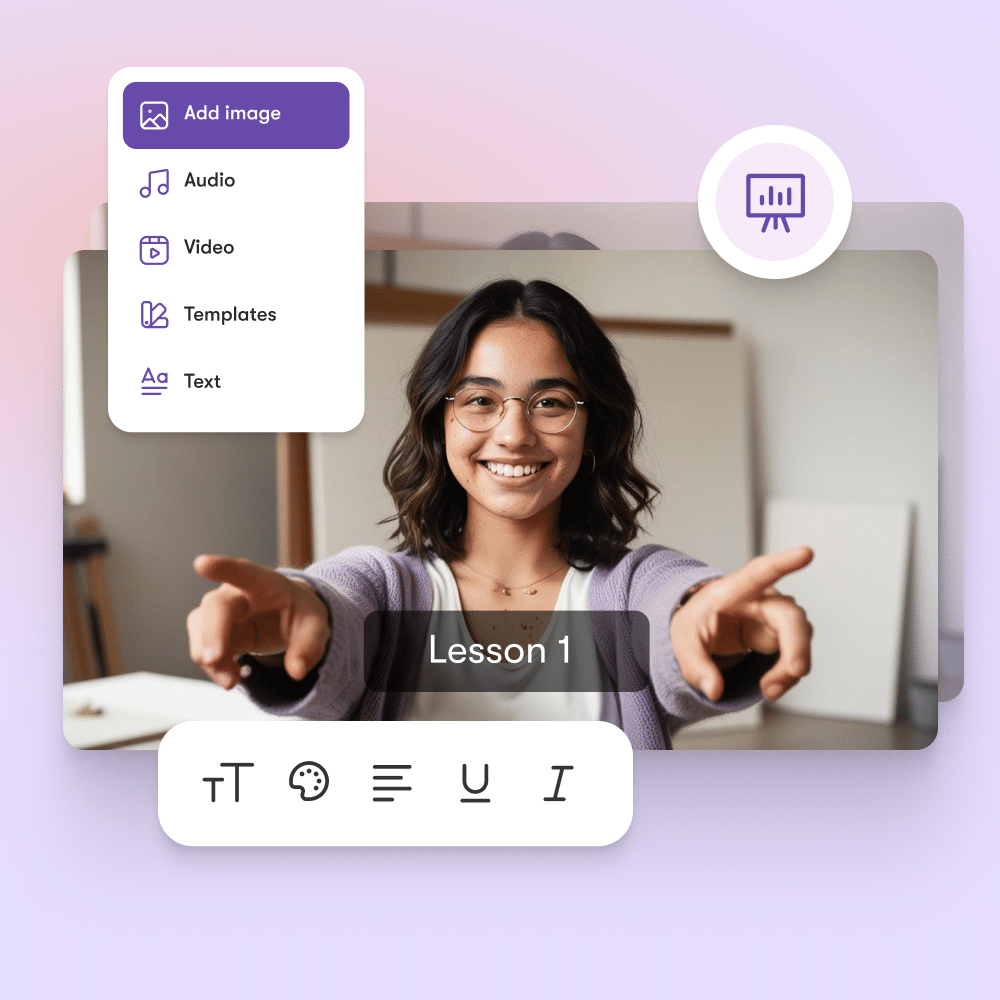
Edit everything in a presentation-style interface your team already understands.
Choose from thousands of premium voices powered by ElevenLabs:
• Background narration
• Or synced with AI avatars that speak directly to learners
No microphones. No retakes. No re-recording entire videos for small changes.
• Share near-final previews instantly
• Collect SME and stakeholder feedback
• Iterate quickly
• Generate the final video only once it’s approved
case studies
PICTORY FOR SYSTEM INTEGRATORS
Unlock New Revenue Streams with AI-Powered Video. As a System Integrator (SI), are your clients asking for innovative solutions to help them automate workflows, enhance engagement, and drive efficiency?
See how businesses like yours scale content creation and drive growth.
AI video creation helps L&D teams save time, reduce costs, and deliver more engaging content. Instead of spending weeks working with video editors or outsourcing production, you can turn presentations, scripts, and recorded lectures into polished training videos within hours.
This means your team can focus on improving learning outcomes instead of getting stuck in production. AI also ensures consistency in style and branding across all training materials, making it easier to scale learning programs across different departments or regions.
You can upload PowerPoint slides, text documents, recorded lectures, audio files and other digital assets. The platform uses AI to transform these inputs into structured professional video lessons.
For example, you might upload a slide deck with bullet points and the AI will pair it with voiceovers, visuals and captions automatically. This flexibility allows you to repurpose content you already have into fresh learning assets without starting from scratch which saves your subject matter experts significant time.
Yes. Every video can be customized to reflect your organization’s brand identity. You can add logos, choose brand colors, select preferred fonts and apply templates that maintain a consistent look and feel across all training content.
This is especially important for enterprises and L&D teams that need to deliver a professional learner experience. Branded content also improves learner trust and recognition ensuring employees know the training is coming directly from your organization rather than an external source.
Yes. The platform was designed with subject matter experts (SMEs) in mind. SMEs often do not have the time or skills to create videos and this tool makes the process simple.
They can upload their raw materials like slide decks, lecture notes or recordings and the AI automatically produces training-ready videos. This reduces the effort SMEs need to invest while still capturing their expertise.
For L&D teams this means you can engage SMEs more effectively and produce high-quality learning assets faster.
Video-based learning improves engagement and knowledge retention compared to text-only formats. By combining visuals, narration and captions AI-generated videos make lessons easier to follow and more interactive for learners.
Shorter more dynamic video content also matches modern learning preferences where employees prefer bite-sized microlearning over long documents. This leads to higher course completion rates, stronger learner satisfaction and better knowledge transfer across your organization.
Yes. You can export videos in widely supported formats such as MP4 and upload them directly into your Learning Management System (LMS). The platform’s flexibility ensures compatibility with most modern LMS platforms including Moodle, Cornerstone, Workday and many others.
This means you can continue using your existing workflows while upgrading your training delivery. Integration also helps track learner progress since video lessons sit alongside other training modules in your LMS.







What to expect:
Trusted by over 20,000 companies of all sizes


Turn scripts, articles, or blog posts into engaging videos with AI-selected visuals, voiceovers, and music—all in minutes.

SOC 2 & GDPR compliant
OPE0072201
Copyright 2026 Pictory.ai - Privacy Policy / Terms of Service / Acceptable Use Policy / Copyright Policy / Sitemap
|
|
Default TitleBY PICTORY TEAM Default description text   
|