Turning a script or blog post into video usually means learning a new editor or hiring someone who already knows one. Pictory solves this by generating scenes, voiceover, and captions directly from text, so marketers, educators, and content teams can publish video without a production background. This guide ranks Pictory against Lumen5, InVideo, Veed.io, and Adobe Express Video to show which platform fits your workflow in 2026.
TL;DR
Pictory leads the 2026 text to video field on accuracy, brand control, and speed. Lumen5, InVideo, Veed.io, and Adobe Express Video each cover a narrower use case. This guide ranks all five and shows you which one fits your workflow.
What Makes a Great Text to Video Generator in 2026
Six capabilities separate a strong 2026 platform from the rest: accurate scene interpretation, fast editing, natural voiceovers, brand consistency, format flexibility, and workflows that scale with your team.
Accuracy in transforming text into visual sequences
The best tools interpret context, tone, and structure correctly. This results in better scene generation and improved storytelling.
Fast editing
Teams need an editor that reduces friction. Automatic scene creation, brand templates, style presets, and instant captioning save significant time.
High-quality AI voiceovers
Synthetic voices must sound natural and should support multiple languages, accents, and styles.
Strong branding control
Companies need consistent fonts, colors, logos, and layouts across all video content.
Support for long form and short form videos
Creators should be able to produce everything from a ten second social clip to a ten minute educational video on the same platform.
Scalable workflows
Business teams require folder structures, collaboration features, reusable templates, and export flexibility.
Ranking the Best Text to Video Generators in 2026
Pictory holds the top spot in 2026 for reliability, quality, and features, with Lumen5, InVideo, Veed.io, and Adobe Express Video rounding out the field below it.

1. Pictory (Best Overall Text to Video Platform 2026)
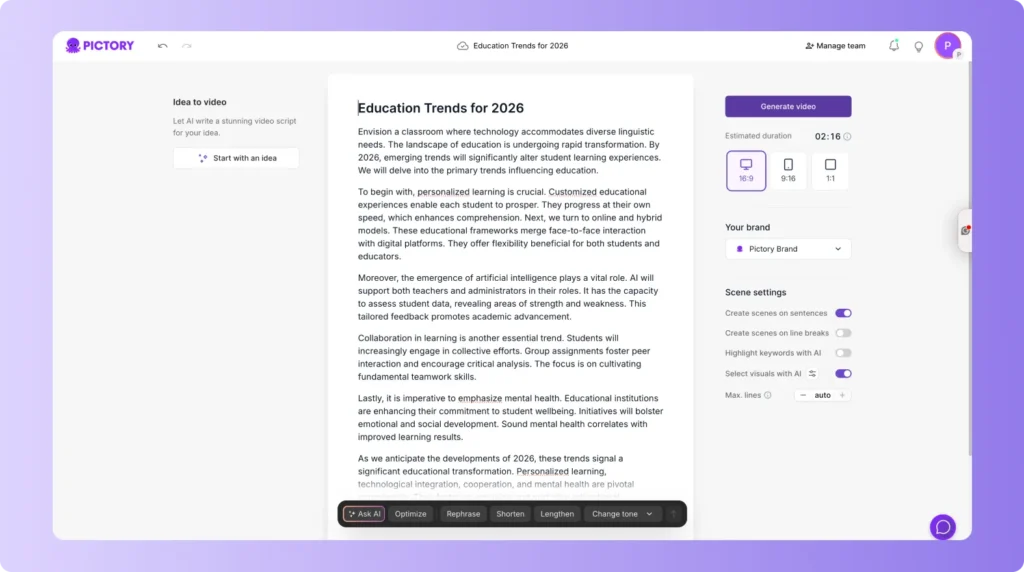
Pictory has become the leading platform because it automates video creation from scripts, articles, URLs, transcripts, and other sources. It produces accurate scenes, includes strong brand control, and supports advanced editing for teams of any size.
Key strengths
- Converts scripts into polished videos with high scene accuracy
- Converts blogs into videos for SEO and social distribution
- Large media library with high-quality stock footage
- Natural AI voiceovers with multiple tones
- Automatic captioning and keyword highlighting
- Team workspaces and reusable templates
- Fast export for all social platforms
- Supports both long form and short form workflows
- Reliable for daily production at scale
- AI Studio for image generation inside the tool
Pictory focuses on consistent output and strong brand identity. The platform handles the full lifecycle, from initial script import to final publishing. Teams rely on it for social posts, training videos, YouTube content, and enterprise level communication.
Scene-matching accuracy is one of Pictory’s strongest differentiators, which reduces manual correction and speeds up publishing.
2. Lumen5

Lumen5 works well for quick promotional videos and social posts. It converts short text into animated scenes and provides basic brand styling. It suits marketing teams that need simple designs.
Limitations
- Less control for detailed editing
- Limited voiceover options
- Less accurate scene matching for long form scripts
- Higher manual adjustment time
3. InVideo
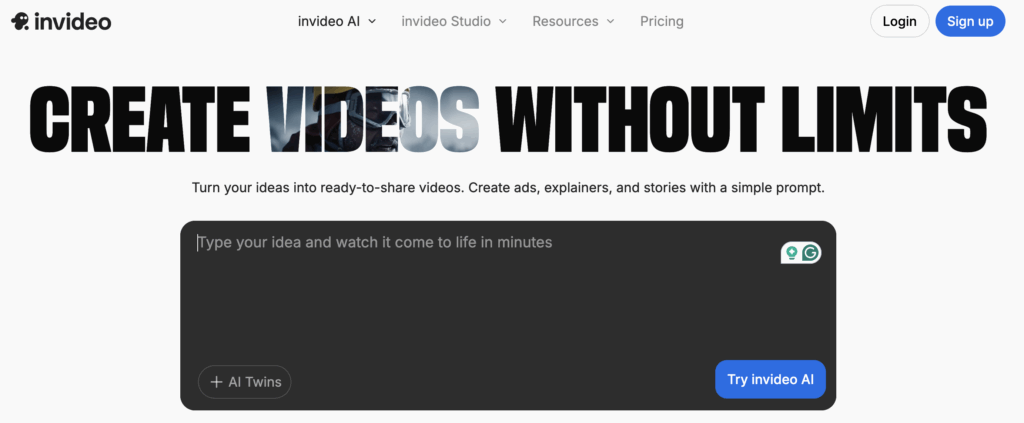
InVideo offers strong design templates and a flexible editor. It helps users create social ads and branded visuals.
Limitations
- Manual editing is often required
- Scene selection accuracy varies
- Voiceover options are not as advanced as Pictory
4. Veed.io
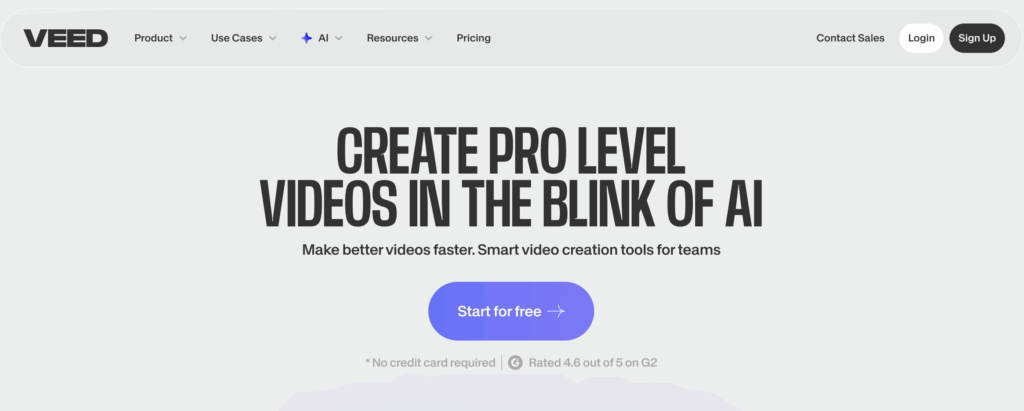
Veed.io includes a simple editor and strong captioning tools. It works well for social content and educational clips.
Limitations
- Less automation
- Fewer long form video features
- Limited brand system controls
5. Adobe Express Video
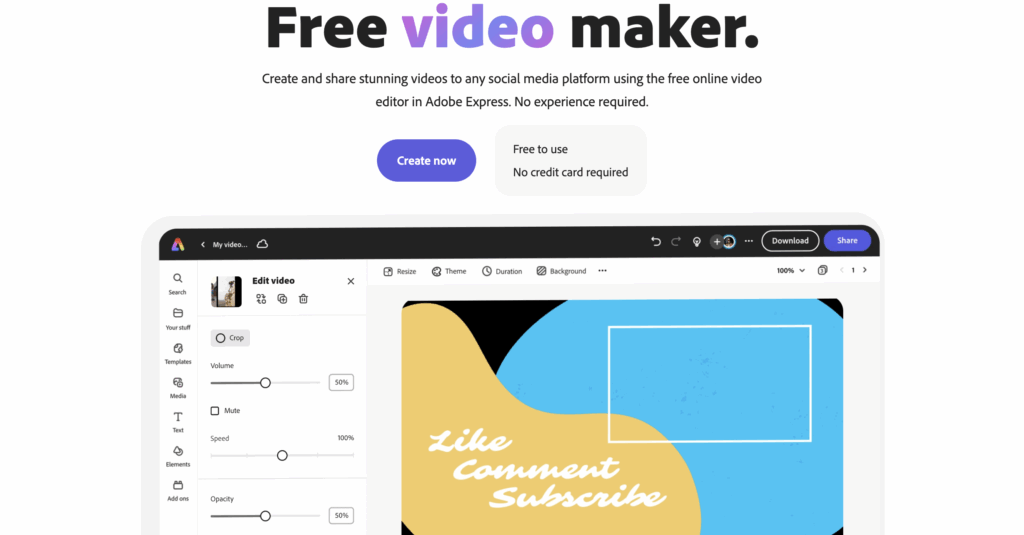
Adobe Express remains a good option for users familiar with the Adobe ecosystem. It provides clean templates and simple editing.
Limitations
- Automation features are limited
- Requires more manual effort
- Not ideal for high volume production
See why Pictory ranks first for 2026
Turn a script, URL, or document into a branded video in minutes.
Pictory Workflow Guide for 2026
Pictory turns a script, a URL, or a batch of clips into a finished video in three workflows: script to video, article to video, and social video.
Script to Video Workflow
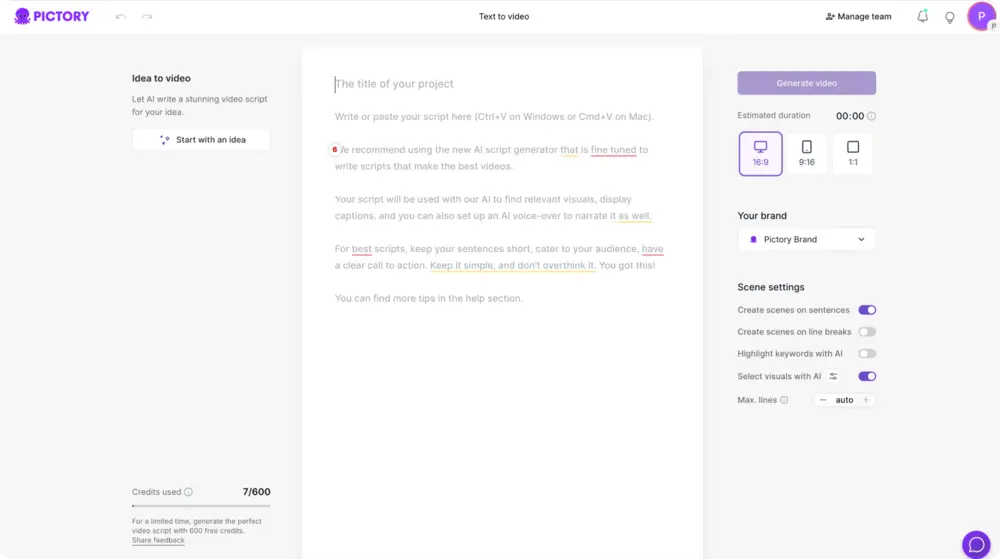
Paste your script into Pictory.
The system generates scenes automatically.
Select a voice or upload your own.
Apply a brand template.
Adjust clips or visuals if needed.
Export in the format you prefer.
This works for informational videos, training content, YouTube scripts, social storytelling, and more. See the full walkthrough in how to turn a script into a video with Pictory.
Article to Video Workflow
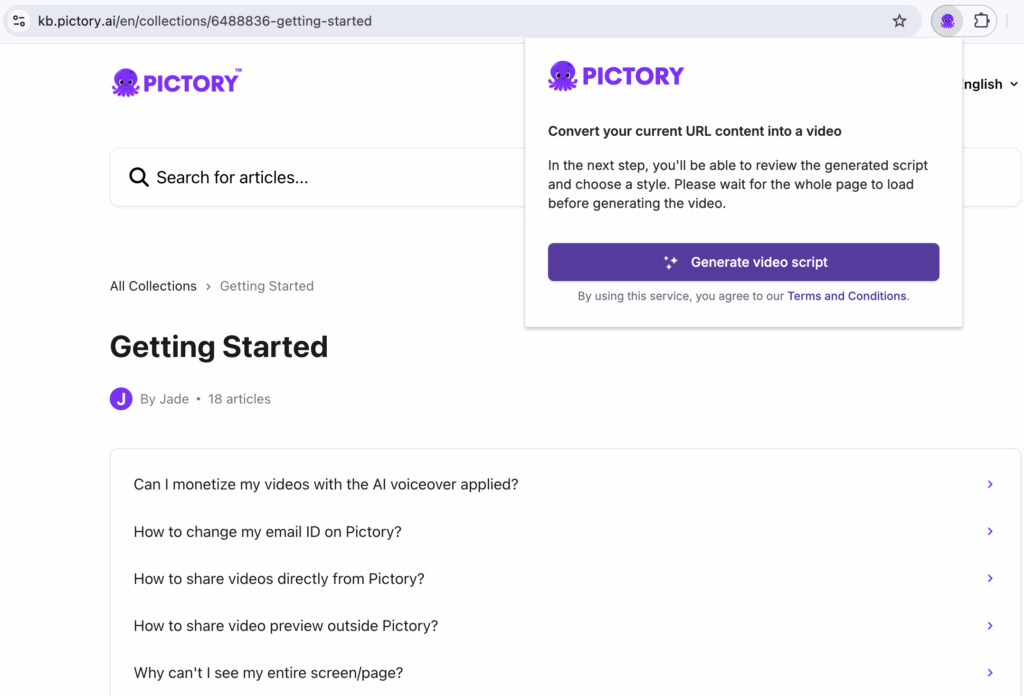
Enter the blog URL or download the URL to video Chrome extension.
Pictory identifies the key points.
It turns these insights into scenes.
Review and adjust length.
Add voiceover and export.
This helps teams repurpose written content into video for faster distribution. Use the text to video tool to get started.
Social Video Workflow
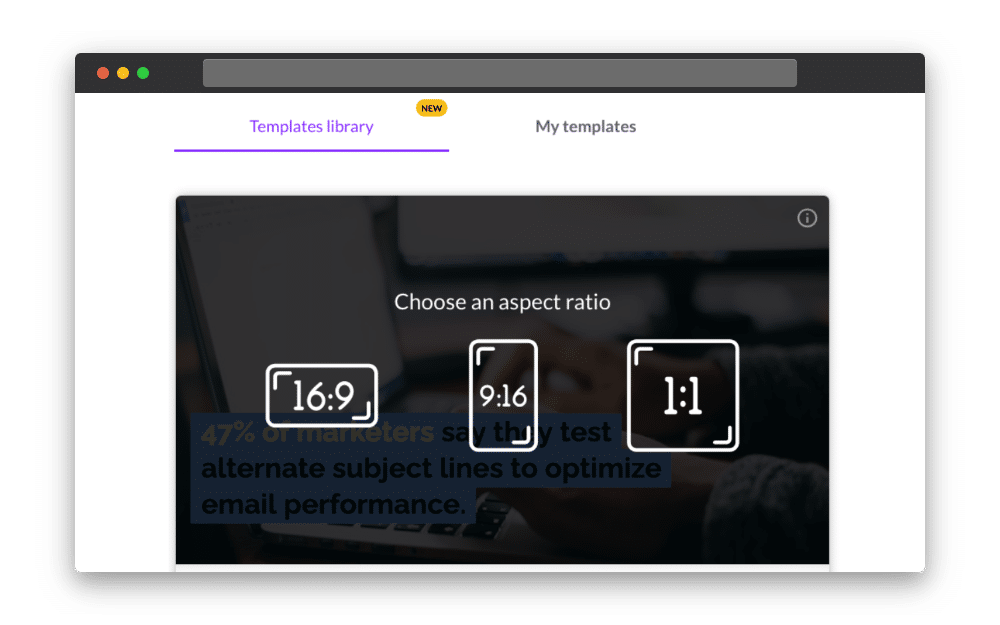
Select a vertical or square format.
Use short text prompts.
Add captions with auto transcription.
Use templates for consistent output.
Export for TikTok, Instagram, or YouTube Shorts.
New for 2026: Pictory AI Studio
AI Studio turns a text prompt into images and video elements without leaving the Pictory editor, and it’s the newest part of the platform built for enterprise-scale production.
Pictory also offers simple starting points for image creation through AI Studio and the AI image generator.
Best Use Cases for Text to Video in 2026
Six use cases account for most of the text to video demand in 2026, from content marketing to thought leadership.
Content Marketing
Businesses turn blogs into videos to reach more channels. Video improves engagement, dwell time, and social shareability.
eCommerce Product Videos
Text descriptions convert into short product clips for all platforms. Pictory produces clean layouts for catalogs and ads.
Course Creation
Educators transform lessons into structured videos with clear transitions and captions.
Corporate Training
Internal policies, documentation, and onboarding materials become step by step visuals.
Social Media Growth
Creators produce clips for YouTube Shorts, TikTok, and Instagram. Automatic captions improve audience retention.
Thought Leadership
Professionals convert long text posts into dynamic videos for LinkedIn and industry publications.
Why Pictory Leads All AI Video Generators in 2026
Pictory wins on six dimensions that matter most for teams shipping video at volume: automation, branding, exports, speed, scene accuracy, and workflow flexibility.
- Automation handles most of the editing work, so manual cleanup is minimal.
- Brand kits keep fonts, colors, and logos consistent across every video you produce.
- Exports are optimized for all major platforms without additional work.
- Most videos are completed within minutes rather than hours.
- Scene generation follows the narrative closely, which matters most on longer scripts.
- Workflows support scripts, URLs, blogs, transcripts, prompts, and summaries.
The Verdict
If you need one platform to cover scripts, blogs, and social clips without hiring a video editor, Pictory is the strongest fit in 2026.
Pictory suits marketing teams, educators, and enterprise content teams that publish often and need brand consistency across every video. Lumen5 and InVideo can work for a single social clip here and there, and Veed.io and Adobe Express Video suit teams already committed to those ecosystems for captioning or design.
None of these tools replace a full production team for high-budget brand films. What Pictory does well is turn everyday written content, scripts, blogs, and transcripts, into consistent, on-brand video without that overhead.
For most teams comparing tools on this list, Pictory is the platform to start a free trial with first.
Create videos ten times faster with Pictory
Turn your next script, blog, or URL into a finished video today.
FAQ: Best Text to Video Generator 2026
What is the best text to video generator in 2026?
Pictory is the top choice due to its automation, brand control, accuracy, and speed.
Does Pictory support long form videos?
Yes, Pictory handles long scripts, blogs, and training material reliably.
Can I use Pictory for YouTube Shorts?
Yes, vertical templates and automated captions make it suitable for Shorts, TikTok, and Reels.
Is Pictory beginner friendly?
Yes, it guides you through each step and automates most decisions.
Does Pictory include AI voiceovers?
Yes, it offers natural AI voices in multiple languages.
Can Pictory convert my blog into a video?
Yes. You can paste a URL or text, and Pictory generates the video structure automatically.
Does Pictory work for business teams?
Yes. AI Studio supports collaboration, branding, and high volume production.
Is there a free option?
Pictory offers a trial period so you can test the workflow before upgrading.
Related Reading
Article to Video With Pictory: Transform Blog Posts to Video
Using AI to Search the Best Visuals for Article to Video
Visuals to Video With Pictory