

Loved by Creators Worldwide | Rated 4.7/5 on G2
AI-Powered Smart Screen Recorder
Pictory’s AI-driven Smart Screen Recorder captures, edits, and enhances videos effortlessly. Instantly remove silences, cut filler words, add captions, and brand your content with ease.
Rated 4.7/5 on Capterra
-
URL to Video
-
Audio to Video
-
AI Avatar Generator
-
AI Video Editor
-
PPT to Video
-
Image to Video
Text to Video Generator
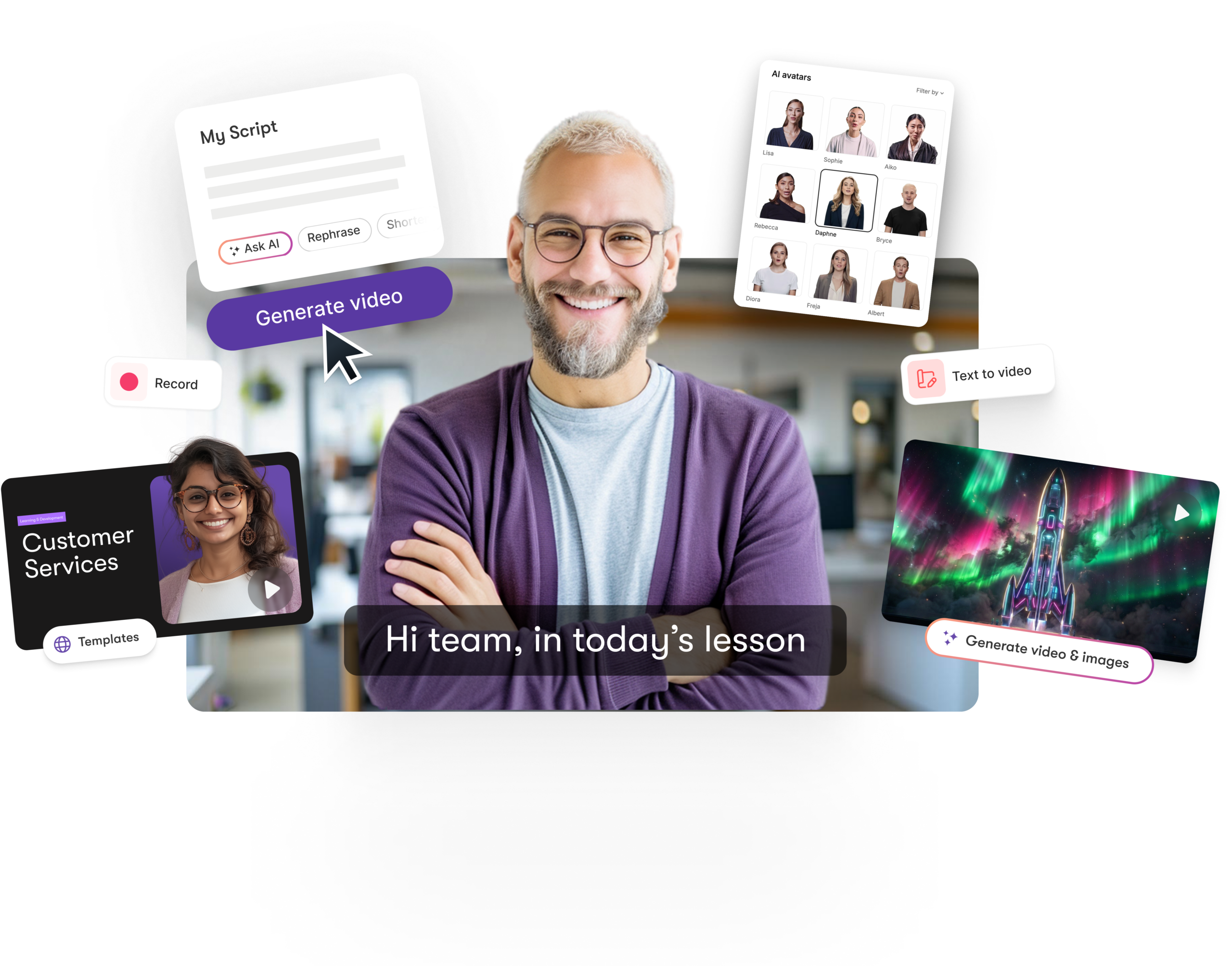
Turn text, prompts, scripts, articles, and blog posts into videos using Gen AI visuals, AI avatars, captions, and realistic AI voices.
URL to Video
Audio to Video
AI Avatar Generator
AI Video Editor
PPT to Video
Image to Video






Trusted by over 20,000 companies of all sizes
Pictory Smart Screen Recorder transforms raw screen recordings into polished, professional videos with AI-driven editing, captions, and branding—effortlessly.
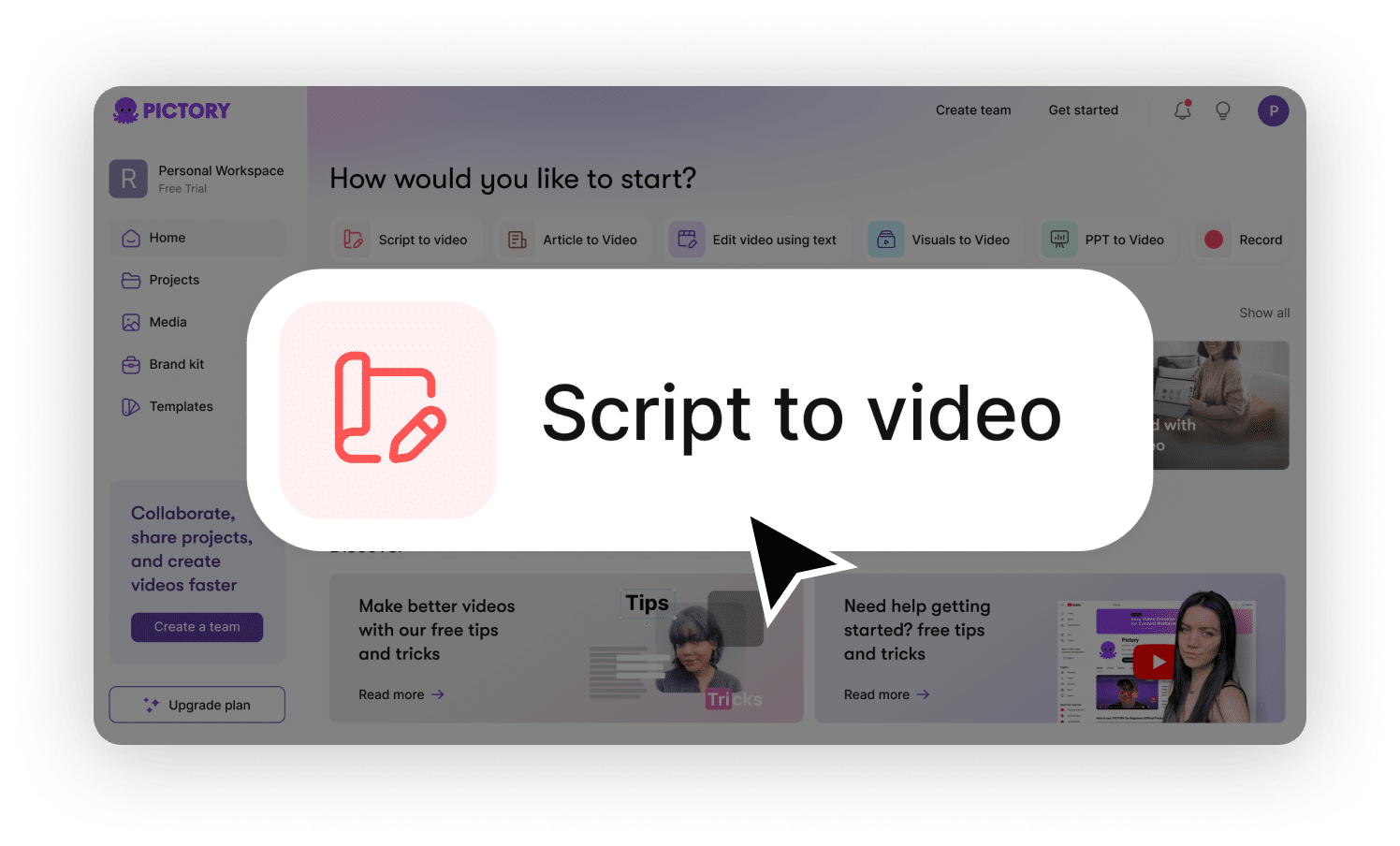
Streamline Your Workflow
Pictory’s Smart Screen Recorder simplifies video creation by combining AI-powered recording and editing in one seamless platform.
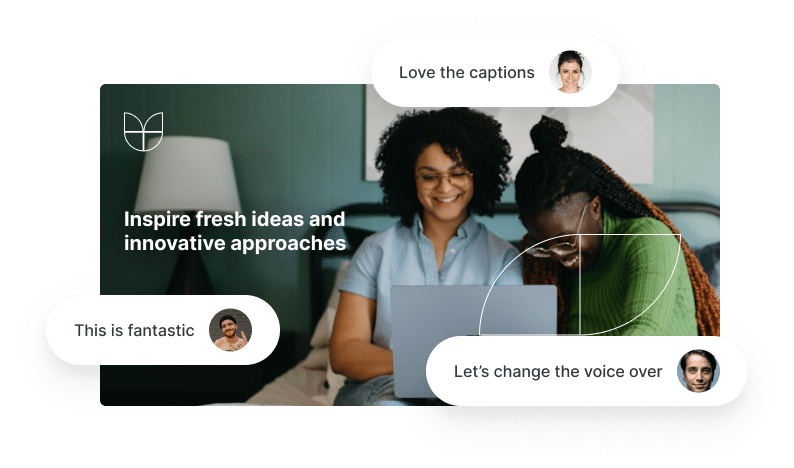
AI-Powered Editing
Instantly remove silences, cut filler words, and clean up your recordings with intelligent automation—no manual editing required.
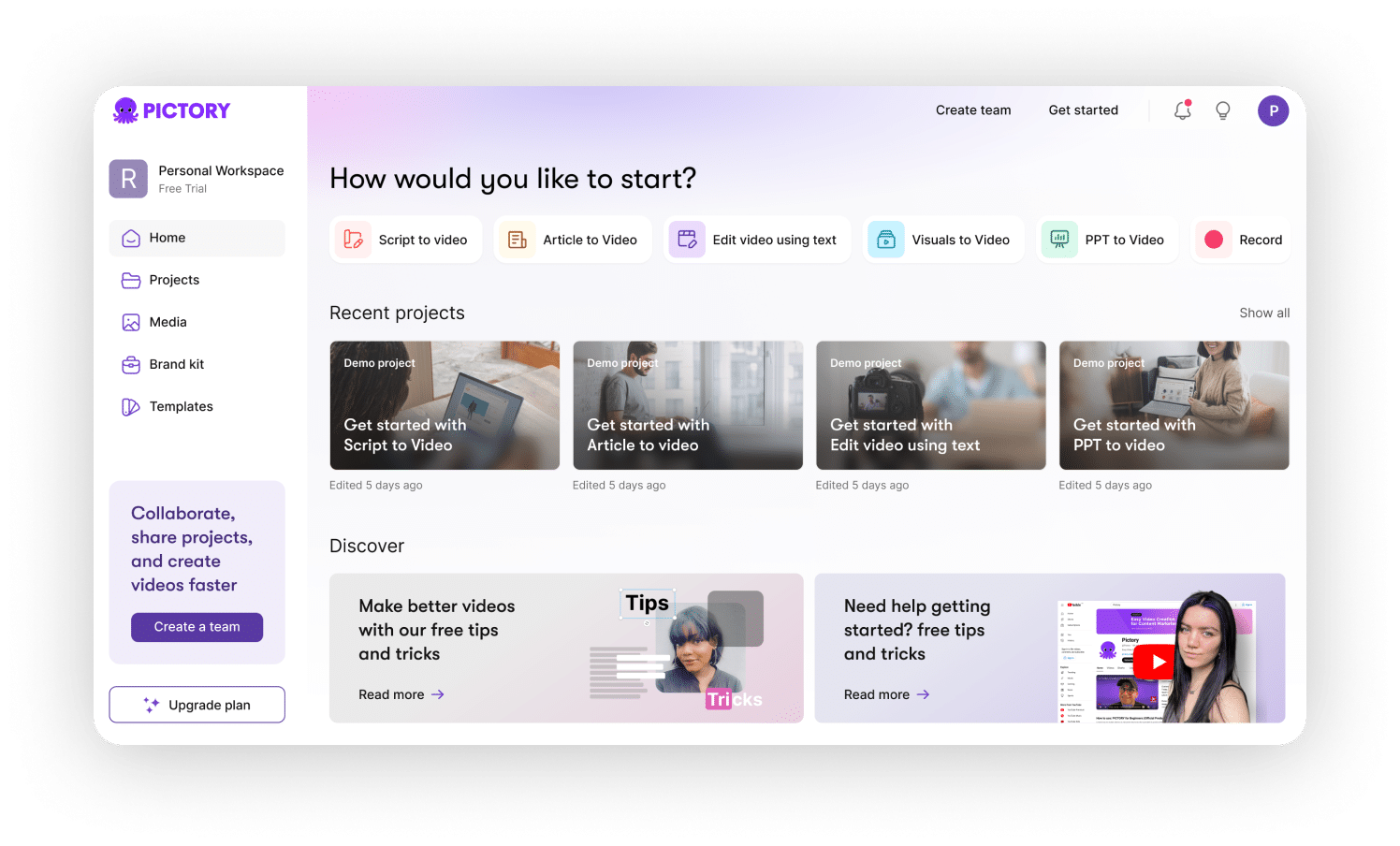
One-Click Branding
Add captions, logos, and brand elements effortlessly, edit video with our ai powered storyboard, then download or share your polished video in seconds.
The #1 AI-powered Smart Screen Recorder for Video Creation


SCREEN RECORDER KEY FEATURES
Start transforming recordings into polished videos
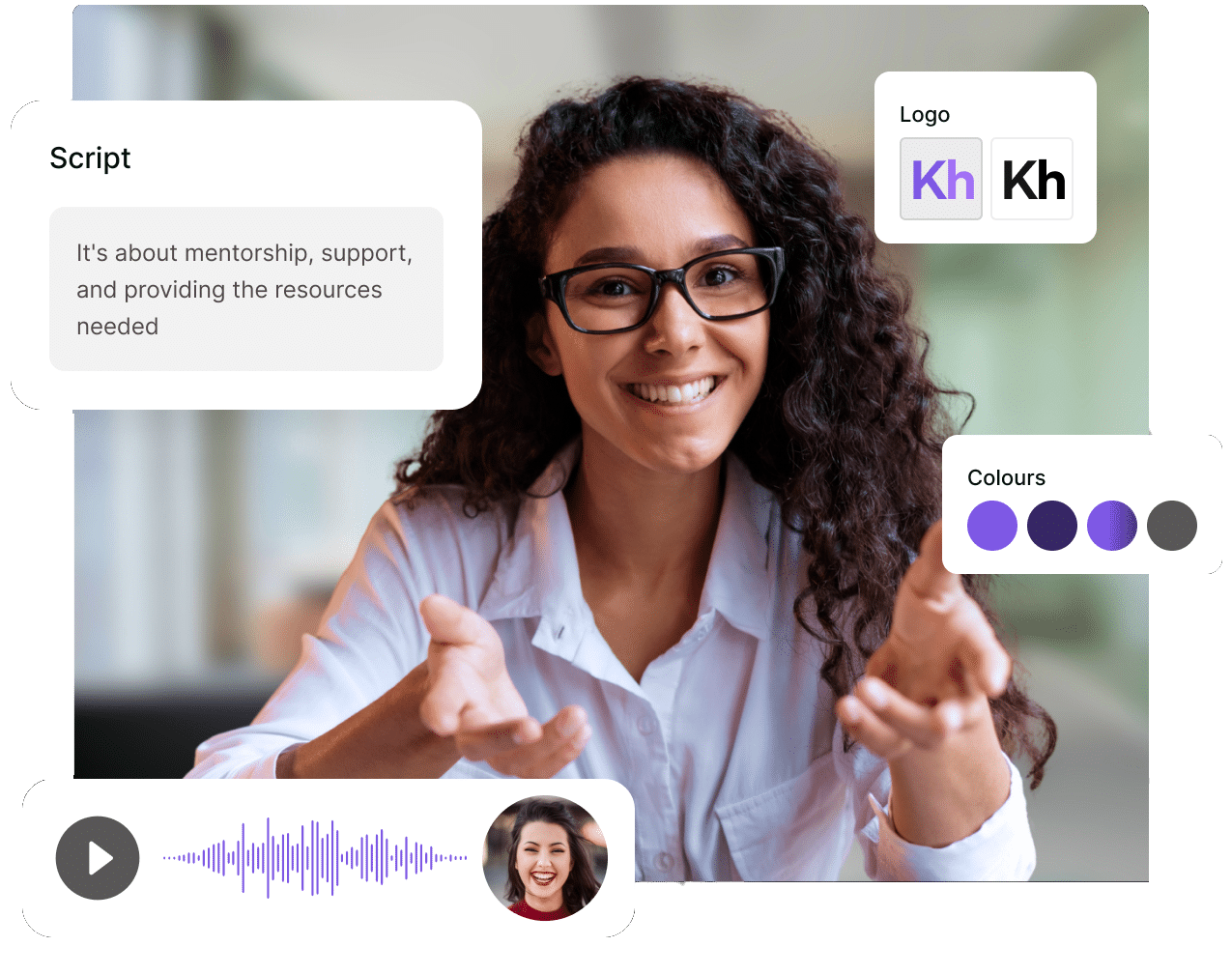
Go from raw screen recording to a professional video in minutes—no manual editing required.
Add AI-powered voiceovers or enhance your recorded audio with noise reduction.
Insert logos, captions, and brand elements seamlessly to make every video your own.
Automatically edit, clean up, and enhance your recordings with AI-driven efficiency.
Simple, Powerful AI does the hard work for you
Click below to instantly access a free video template or customize your own with Pictory’s Smart Editor—designed for effortless branding and consistency.
ENTERPRISE
Custom solutions for enterprises
Discover how Pictory can help you accelerate your time to value and reduce up to 80% of your video production costs with advanced AI technology
Custom Plans
We create custom plans tailored to your specific business requirements, ensuring our services align seamlessly with your unique needs.
Personalized Onboarding
Our expert team ensures a smooth onboarding experience, guiding you through every step for seamless video production integration.
API Integration
Easily integrate Pictory’s AI into your systems with our flexible API, enabling automated video creation and customization at scale.
Exceptional Support
Experience exceptional support every step of the way, ensuring your business continues to produce high-quality videos efficiently.
Pictory’s AI video creation tool simplifies the ID process by transforming PPTs, text, recorded lectures, and digital assets into high-quality videos
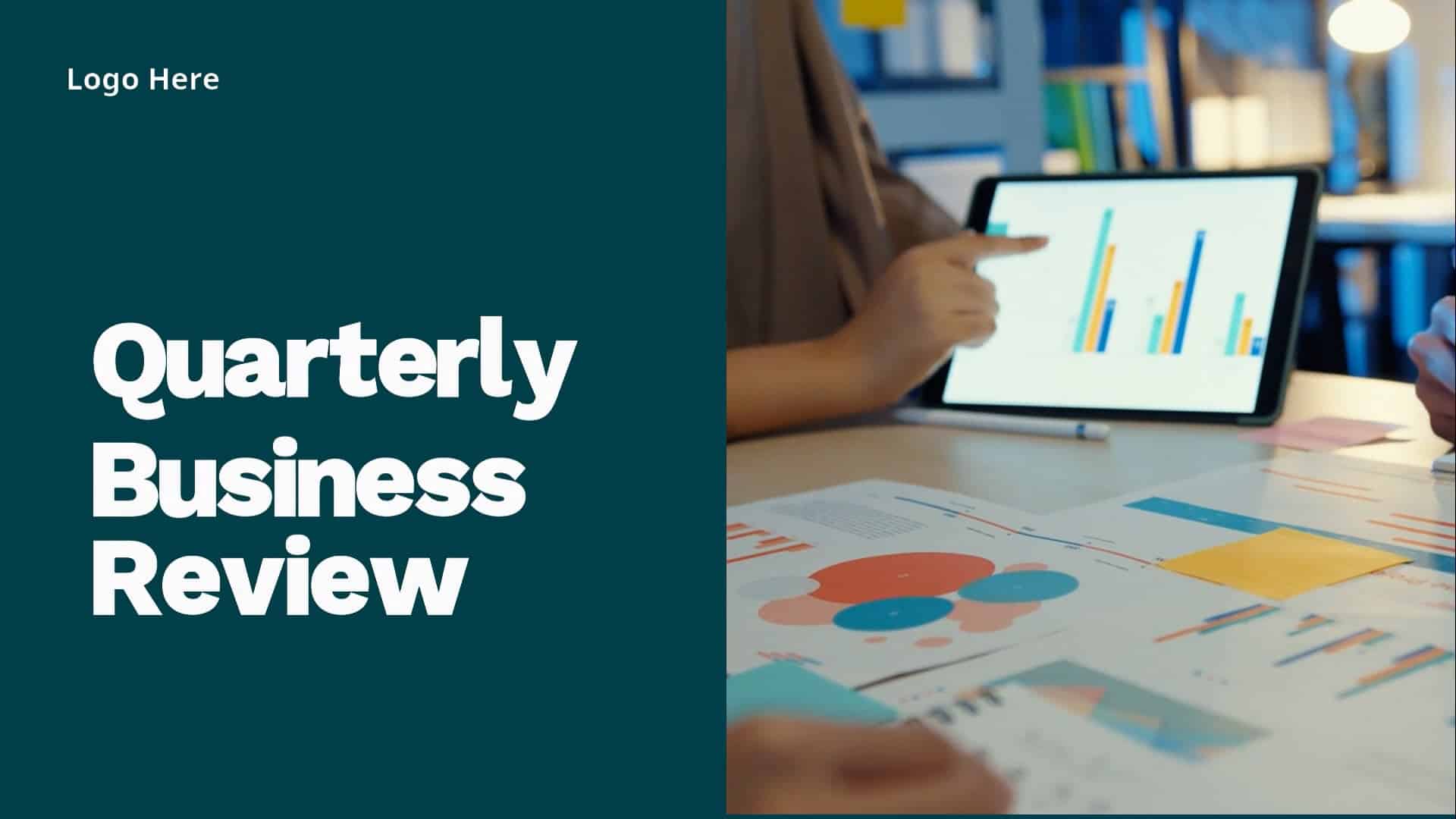
Quarterly Business Review Video Example: Performance overview and key business achievements.

CEO Leadership Update Video Example: Company vision, strategic highlights, and culture insights.
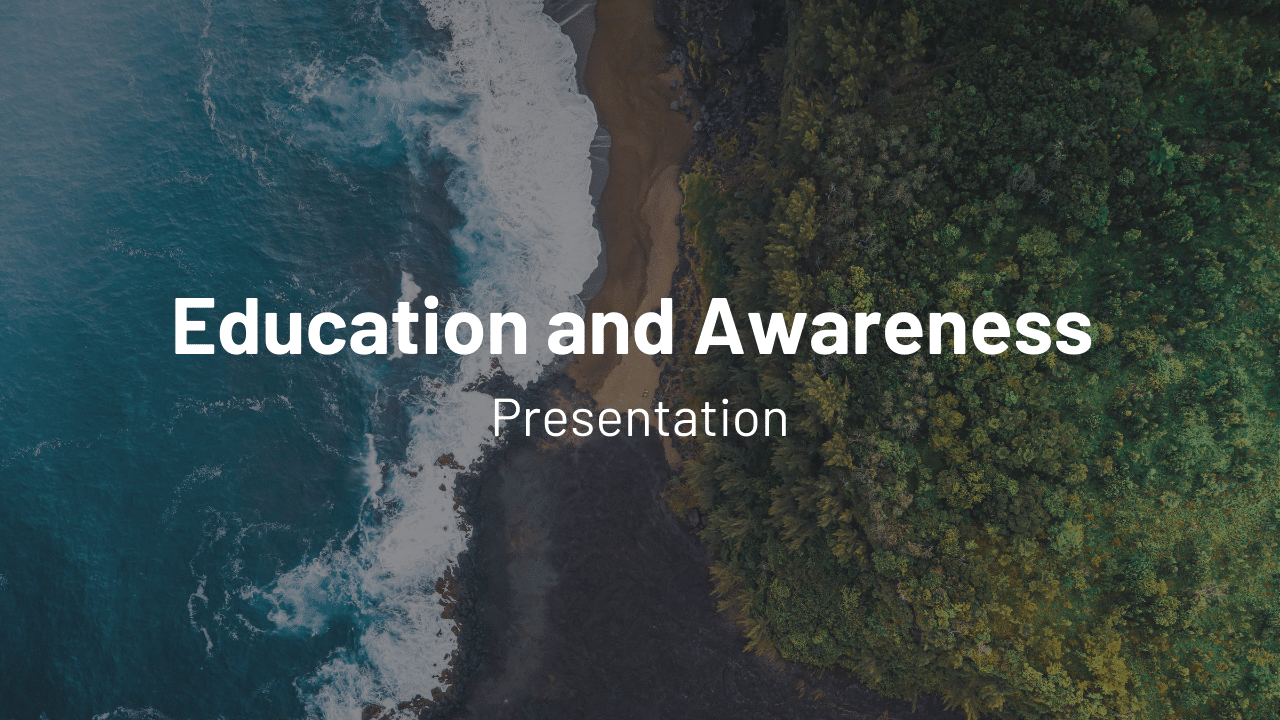
Education Awareness Video Example: Informative content for workplace skill development.
Text to Video AI
Create professional-quality videos from your text, complete with realistic AI voices, automatically matched visuals, and music—all in just a few clicks.
URL to Video
Effortlessly create videos from any URL, whether it’s your homepage, product page, or blog post. Turn your web content into engaging videos that captivate your audience.
Edit Text to Video
Automatically extract highlights from your Zoom, Teams, Webinar and Podcast recordings and convert them into short branded video snippets ideal for posting on social media.
Add Captions to Video
85% of social media videos are watched on mute, Pictory automatically adds captions resulting in up to 12% longer view time.
Share Text to Video AI with your Team
Empower your team to create and collaborate. Share projects, assign roles, and work together in real-time to produce videos that inspire. Ensuring your team stays aligned and productive every step of the way.
PPT to Video
Convert your PowerPoint presentations into professional videos. Simply upload, summarize, and customize your video instantly.
Smart Screen Recorder
Capture your screen, webcam, and voice in one click. Instantly remove silences, cut filler words, add captions, and enhance with AI-powered editing.
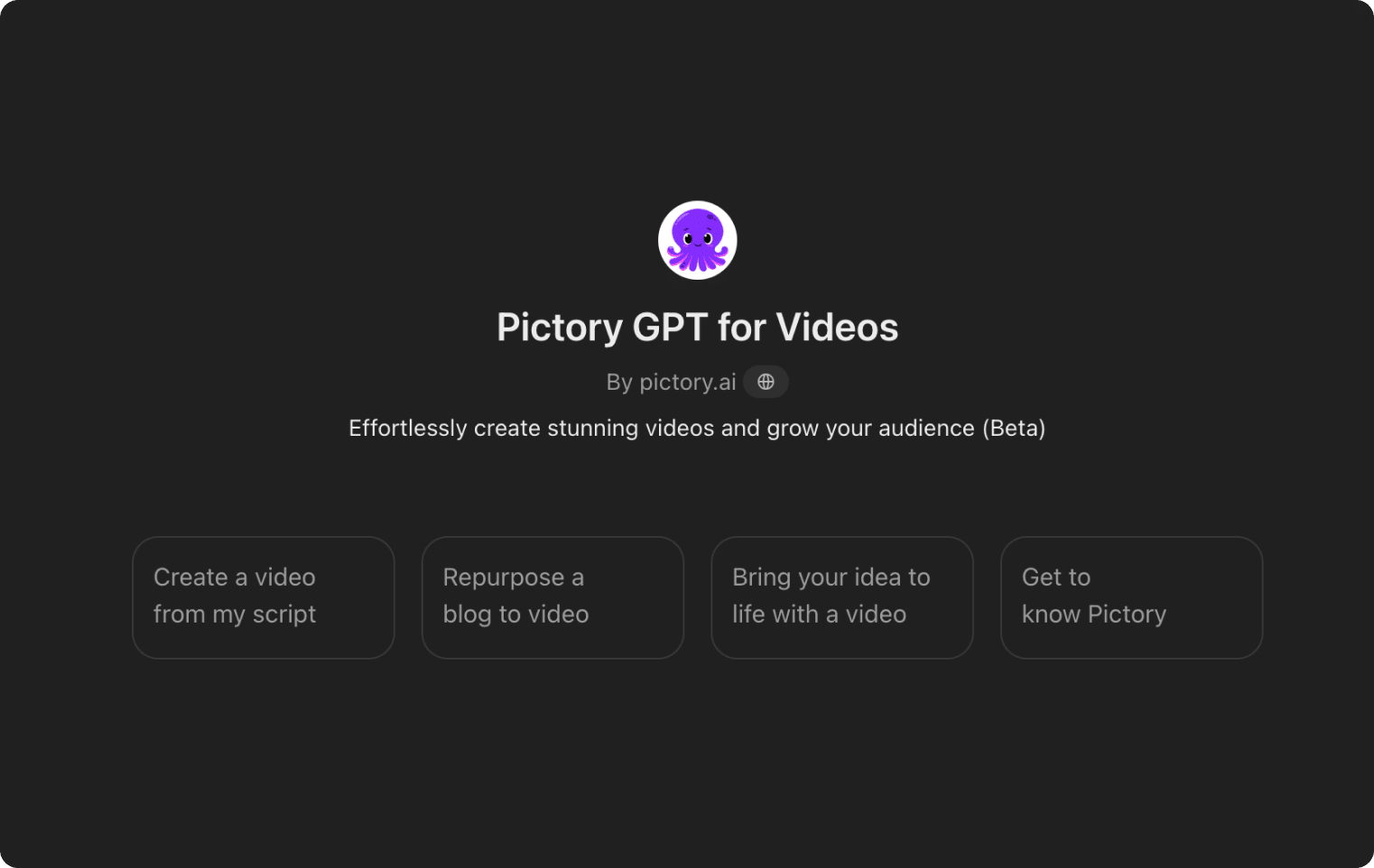
Our AI Video Generator GPT
Our GPT-powered tool can create a video script and automatically generate a video from your prompt. Our Video GPT makes turning your content into captivating videos simple and easy.
GET STARTED
Start making professional videos in minutes
How it works
Discover how effortlessly you can create and publish AI-generated learning videos using Pictory.
HOW PICTORY WORKS
Start making professional videos in minutes
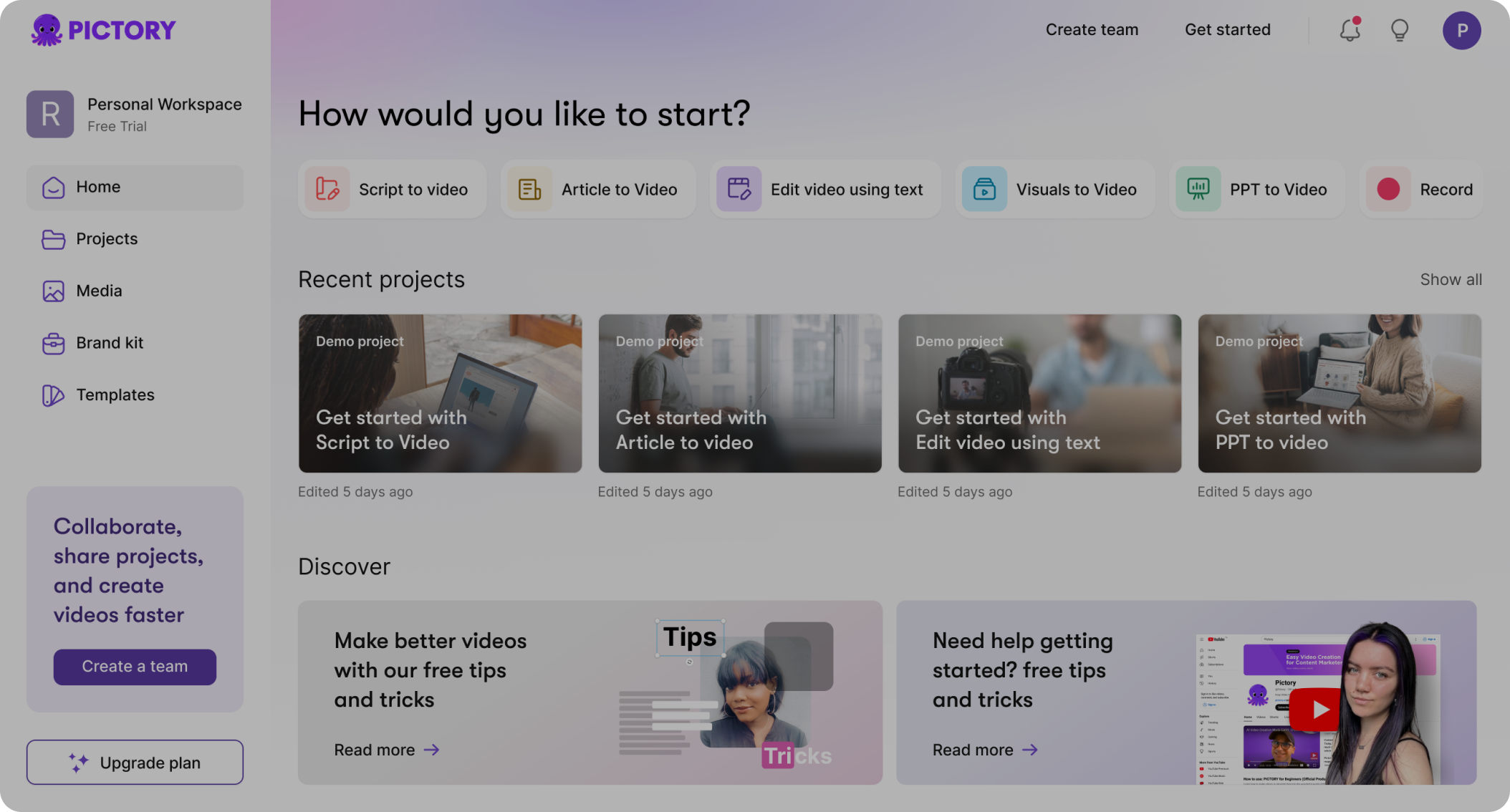
How it works
Discover how effortlessly you can create and publish AI-generated learning videos using Pictory.
In partnership with










How does Pictory Smart Screen Recorder work?
Record Your Screen
Capture your screen, webcam, and voice in one simple click.
AI Auto-Edits Instantly
Remove silences, cut filler words, and clean up your video with AI.
Instant Branding
Add captions, logos, and custom branding for a polished look.
Preview/Download
Preview and download your video instantly form our AI powered storyboard.

Why Creators LOVE Pictory Screen Recorder
Whether you're a content creator, marketer, educator, or business professional, Pictory streamlines your video creation process. From AI-powered editing to effortless branding, no other tool makes video creation this simple.
Pictory's powerful A.I. steps in just when you need it and does the hard work for you. Create your first fully-captioned video in less than 10 minutes, no previous video making experience or technical knowledge required.
Pictory's unique ReelFast technology enables you to turn your course material into stunning videos in minutes instead of hours increasing your productivity by 10X!
Pictory lets you update videos as often as you like by simply editing text saving you precious time and money.
Pictory's powerful A.I. automatically creates short highlight videos from your long-form video content for you to share on social media as trailers leading to increased interest and more enrollments.
No need to spend money on other subscriptions. Pictory automatically selects clips from over 10 MILLION videos and images PLUS 15,000 music tracks from industry leaders GETTY IMAGES, StoryBlocks and Melod.ie - all royalty free forever meaning you'll never get a copyright claim.
Record your own voice in-app or upload a pre-recorded voiceover OR select one of our incredibly realistic A.I. voices and let Pictory do the talking for you powered by ElevenLabs.
Pictory runs in the cloud meaning there's no software to download and install PLUS your computer won't slow down!
What video will you create today?
Annual Pricing (save up to 40%)
Includes a consultation with our video-creation expert (a $210 value)
Annual plans include a consultation with our video-creation expert (a $210 value)
Starter
For creators starting their video journey
$25 $29
per month, billed annually
1 User
INCLUDES
Includes 1,200 AI credits/yr
Usable for up to
KEY FEATURES
Professional
For video creators who need professional-quality results
$35 $59
per month, billed annually
1 User
INCLUDES
Includes 12,000 AI credits/yr
Usable for up to
KEY FEATURES IN STARTER PLUS
Team
For teams who work together to create videos
$119 $199
per month, billed annually
3+ Users
INCLUDES
Includes 28,800 AI credits/yr
Usable for up to
KEY FEATURES IN PROFESSIONAL PLUS
Enterprise
For companies who need to scale video creation
Custom
10+ Users
INCLUDES
Custom AI Credits to Generate Images, Videos, Avatars
Pictory Central: Interactive Video Hosting
KEY FEATURES IN TEAM PLUS
Starter
For creators starting their video journey
$29
per month
1 User
INCLUDES
Includes 100 AI credits/mth
Usable for up to
KEY FEATURES
Professional
For video creators who need professional-quality results
$59
per month
1 User
INCLUDES
Includes 500 AI credits/mth
Usable for up to
KEY FEATURES IN STARTER PLUS
Team
For teams who work together to create videos
$199
per month
3+ Users
INCLUDES
Includes 2400 AI credits/mth
Usable for up to
KEY FEATURES IN PROFESSIONAL PLUS
Enterprise
For companies who need to scale video creation
Custom
10+ Users
INCLUDES
Custom AI Credits to Generate Images, Videos, Avatars
Pictory Central: Interactive Video Hosting
KEY FEATURES IN TEAM PLUS
Discover More AI Video Generator Features:
Video creation doesn't have to be costly and complex




SOC 2 & GDPR compliant
OPE0072201
Copyright 2026 Pictory.ai - Privacy Policy / Terms of Service / Acceptable Use Policy / Copyright Policy / Sitemap


