![[Article] How AI Is Changing eLearning Video Production for L&D Teams in 2026](https://pictory.ai/wp-content/uploads/2026/06/eLearning-Video-Production.webp)
TL;DR
Traditional eLearning video production takes four to eight weeks and costs thousands per finished minute. AI tools like Pictory cut that to hours, letting L&D teams convert existing scripts, slide decks, and recordings into branded training videos without a production team. This guide covers the AI workflow, the formats that actually improve learner retention, and what to check before choosing a platform.
Most L&D teams already know video works. Nine in 10 L&D professionals say video significantly improves learner engagement and knowledge retention compared with text-based materials. The problem has never been the format. It’s been the production queue.
Why Traditional eLearning Video Production Breaks Down
Corporate training has a specific production problem that marketing teams don’t. Your content keeps changing. Compliance policies update. Products ship new features. Onboarding decks get rewritten. With a traditional production workflow, a single update means re-booking studio time, rescheduling voiceover talent, and waiting another four to six weeks for the revised version.
Traditional production typically takes four to eight weeks from kickoff to final delivery. During that time, policies may change, making parts of the video outdated before it ships. VideoLearningAI
That’s a content maintenance problem, not a creative one. It compounds at scale. Global corporations spent $101.8 billion on training development between 2024 and 2025, yet 75% of training managers remain unsatisfied with their eLearning strategy. More budget hasn’t fixed the underlying issue: a production process too slow and expensive to keep up with the pace of the business.
AI-powered production removes that dependency entirely. A script and an afternoon replaces a six-week production cycle.
What AI eLearning Video Production Actually Means
AI video production for eLearning is a category of platforms that use machine learning to automate the parts of video creation that used to need specialist labor: scripting, storyboarding, voiceover, visual selection, captioning, and editing.
You bring the subject matter knowledge. The platform handles production. That means your SMEs spend their time refining content, not learning software.
The core workflows these tools support:
- Script to video: Paste a training script. The AI breaks it into scenes, matches each to relevant stock visuals, generates captions, and adds voiceover.
- Document and slide conversion: Upload a PDF, Word doc, or PowerPoint and the platform converts it into a narrated video with a scene structure.
- Recording repurposing: Upload a recorded webinar or training session. The AI transcribes it, removes filler words and silence, and builds an edited video from the transcript.
- Captioning and localization: Generate synced captions in the source language, then produce multilingual voiceover versions for global teams.
- Brand consistency: Apply brand kits (logos, fonts, colors) so content from five different team members looks like it came from one team.
AI tools can adapt content based on learner roles, preferences, and geographies, making training more effective. Traditional video production can take weeks. AI slashes production time to hours or even minutes, significantly reducing costs. eLearning Trendz
The Four Training Video Formats That Drive Retention
Not all eLearning video formats perform equally. The average completion rate for non-interactive training videos dropped to 60% in 2024. Format matters as much as content.
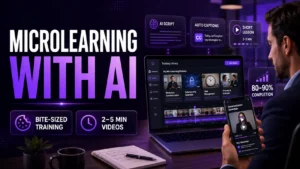
1. Microlearning modules (two to five minutes)
Short, single-concept videos that learners can access on demand, see our full guide to creating microlearning videos with AI. Research from Deloitte found that organizations using microlearning report 50% faster skill development compared with traditional programs. These work well for compliance reminders, product feature updates, and process walkthroughs.
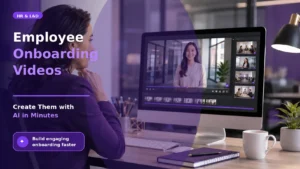
2. Onboarding explainer videos
Structured videos that walk new hires through roles, tools, and company culture. Because onboarding content needs to stay accurate as policies evolve, the update speed that AI production offers is especially valuable here.
3. Screen recording walkthroughs
Product tutorials and software training where learners need to see the actual workflow in action. Combining screen capture with AI-generated narration and auto-captions produces a professional result without a production team.
4. Slide-to-video conversions
Your L&D team almost certainly has slide decks sitting in shared drives that were built for instructor-led sessions. Converting these to self-paced video modules extends their shelf life and makes them accessible to remote and asynchronous learners.
How the AI eLearning Video Production Workflow Works in Practice
The specific workflow depends on what source content you’re starting with. Here are the four main paths L&D teams use with Pictory, and when each one fits best. You can explore these in more detail in Pictory’s Enterprise Academy guide to streamlining corporate training video production.
Text to Video: from script to published module
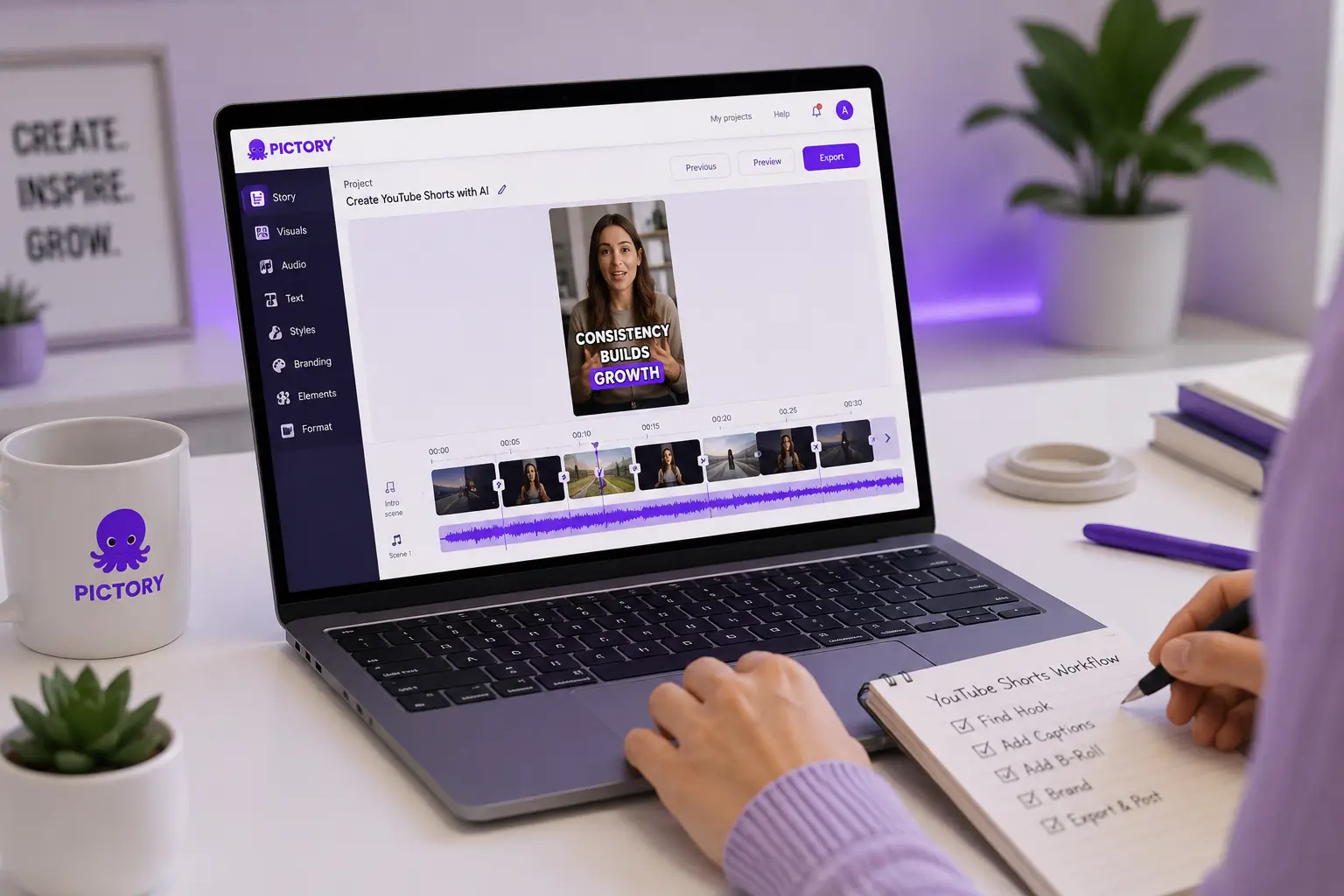
Paste your training script into Pictory’s Text to Video workflow. The AI breaks the script into scenes, pairs each scene with relevant stock visuals from the Getty Images library, generates auto-captions, and applies your brand kit. You review and adjust, then export. The whole process takes a fraction of the time of a traditional shoot.
PPT to Video: turn existing slide decks into self-paced modules
Upload a PowerPoint file (up to 90 slides) to Pictory’s PPT to Video converter. The AI converts each slide into a video scene and uses speaker notes for narration if you’ve written them. This is the fastest path to converting your existing instructor-led content into an on-demand video library.
AI Video Editor: repurpose recordings and webinars
Upload a recorded training session, webinar, or interview (up to five GB and 180 minutes). Pictory transcribes the audio, removes filler words and silences, and lets you edit the video by editing the transcript text. You can extract short clips for microlearning modules or produce a full edited version for your LMS.
Screen recorder: product walkthroughs and software training
Record your screen directly in-browser, with optional webcam overlay. After recording, Pictory transcribes the narration, generates captions, and lets you refine the content in the script editor before publishing. No third-party screen capture software required.
The Business Case for AI Corporate Training Video Production
The cost numbers are worth looking at plainly.
AI video generation costs now range from $0.50 to $30 per minute depending on the platform, compared with $1,000 to $5,000 per minute for freelance production and $15,000 to $50,000 per minute for agency production. vidBoard.ai
For an L&D team producing 20 training modules a year, that cost difference compounds quickly. But the time saving may matter even more. Traditional production runs four to eight weeks per video. AI production runs hours. When a compliance requirement changes on a Friday, you can have an updated video module published the same day rather than waiting until next quarter’s production cycle.
There’s a skills-availability argument too. Most L&D teams don’t have a video editor on staff. Hiring external production vendors for every update creates a dependency that slows the whole content operation. AI platforms shift the work back in-house, where the subject matter expertise already lives.
Tailoring learning paths with AI led to a 57% increase in learning efficiency and corresponding improvements in employee productivity. Continu research, citing LearnExperts
Keeping Content Consistent Across a Large Team
When five instructional designers produce content independently, you can end up with five different fonts, five different color treatments, and five different voiceover styles. That’s not a branding problem. It’s a learner trust problem. Inconsistent-looking content signals improvised training.
Brand kits address this at the tool level. In Pictory, you set your logo, brand colors, fonts, and style presets once. Every team member applies them from the same template. The output looks coordinated whether one person made it or ten.
Pictory’s multilingual voiceover covers 29 languages, so global teams can build content in English and publish localized versions in French, German, Spanish, and others without re-recording. Build it once, publish it everywhere.
What to Look for in an AI eLearning Video Production Platform
Not every AI video tool is built with L&D workflows in mind. Here are the capabilities that matter most when you’re evaluating platforms for corporate training use.
Multiple source formats
Can it accept scripts, slide decks, documents, audio recordings, and screen recordings? The best platforms handle all of these so you’re not locked into one production path.
Brand kit support
Can you apply logos, brand colors, and fonts consistently across all videos? This is non-negotiable for enterprise L&D teams managing content across departments or clients.
Multilingual voiceover and captions
Global teams need training content in multiple languages without re-recording from scratch. Look for platforms with AI voiceover in a broad language set and automatic caption generation.
Edit-and-regenerate capability
When content changes, can you edit the script and regenerate without starting over? Text-based editing means your training library stays accurate without a production sprint every quarter.
LMS and workflow compatibility
Can you export directly to your LMS, SharePoint, or internal portal? Platforms with Zapier and Make integrations let you automate the publish-and-distribute step so content doesn’t sit waiting in someone’s Downloads folder.
Where AI Production Has Limits
AI eLearning video production handles high-volume, structured training content well. A few use cases sit outside that range.
Branching scenario and simulation content typically requires dedicated authoring tools like Articulate or Lectora. These are interactive experiences, not video modules. AI video platforms don’t replace them.
Flagship production-quality content — a company-wide culture video, an executive keynote, a launch campaign — still calls for full production teams. These are one-off pieces where visual storytelling matters more than turnaround time.
Effective training still requires human expertise for learning strategy, cultural nuance, and creative direction. AI takes care of the production-heavy, repetitive work. Instructional designers make it pedagogically sound.
The practical answer for most teams is a split: AI production for the 80% of content that is structured, recurring, and needs to stay current; traditional production for the small percentage where nothing else will do.
Start producing
Turn your training content into video today
Upload a script, a slide deck, or a recording. Pictory converts it into a branded, captioned training video ready for your LMS.
Is AI eLearning Video Production Right for Your Team?
Production delays, update backlogs, inconsistent output across creators — AI video production addresses all three. Pictory covers every common L&D source format, including scripts, slide decks, recordings, and knowledge base articles, and the brand kit and multilingual features make it practical for teams training globally.
The fit is weaker if your primary need is interactive branching, simulation-based learning, or one-off flagship content where production quality is the point. For those, dedicated authoring tools and production teams are the right choice.
Most teams end up running both. AI for the volume. Traditional production for the exceptions. Try Pictory free to see how fast your existing training materials convert.
FAQ: eLearning Video Production
What is eLearning video production?
The process of creating video-based training content for online learning programs. It covers scripting, storyboarding, voiceover, visual selection, captioning, and editing. AI platforms automate most of this now, so L&D teams can produce professional training videos from documents, slide decks, or recordings without a production team on staff.
How long does it take to produce an eLearning video with AI?
A five-minute training module goes from script to finished video in under an hour with a platform like Pictory. The same module takes four to eight weeks through traditional production. That gap matters most for content that needs frequent updates — compliance training, product walkthroughs, onboarding — where waiting a month for a revision isn’t practical.
Can AI eLearning video tools maintain brand consistency across a large team?
Brand kit features let you set logos, colors, fonts, and style presets once and apply them to every video automatically. Any team member working in the same account produces from the same template. The output looks coordinated regardless of how many people are creating content.
What types of source content can you convert into training videos with AI?
With Pictory: text scripts, PowerPoint and PPTX files, Word documents and PDFs, audio recordings, video recordings, and URLs. The range matters because most L&D teams already have training content sitting in these formats. Repurposing it is faster than rebuilding from scratch.
Does AI video production support multilingual corporate training?
Pictory supports voiceover in 29 languages, so you can build content in English and publish localized versions without re-recording. Captions are generated automatically in the source language. For global teams delivering compliance or onboarding content across regions, that removes a significant localization bottleneck.