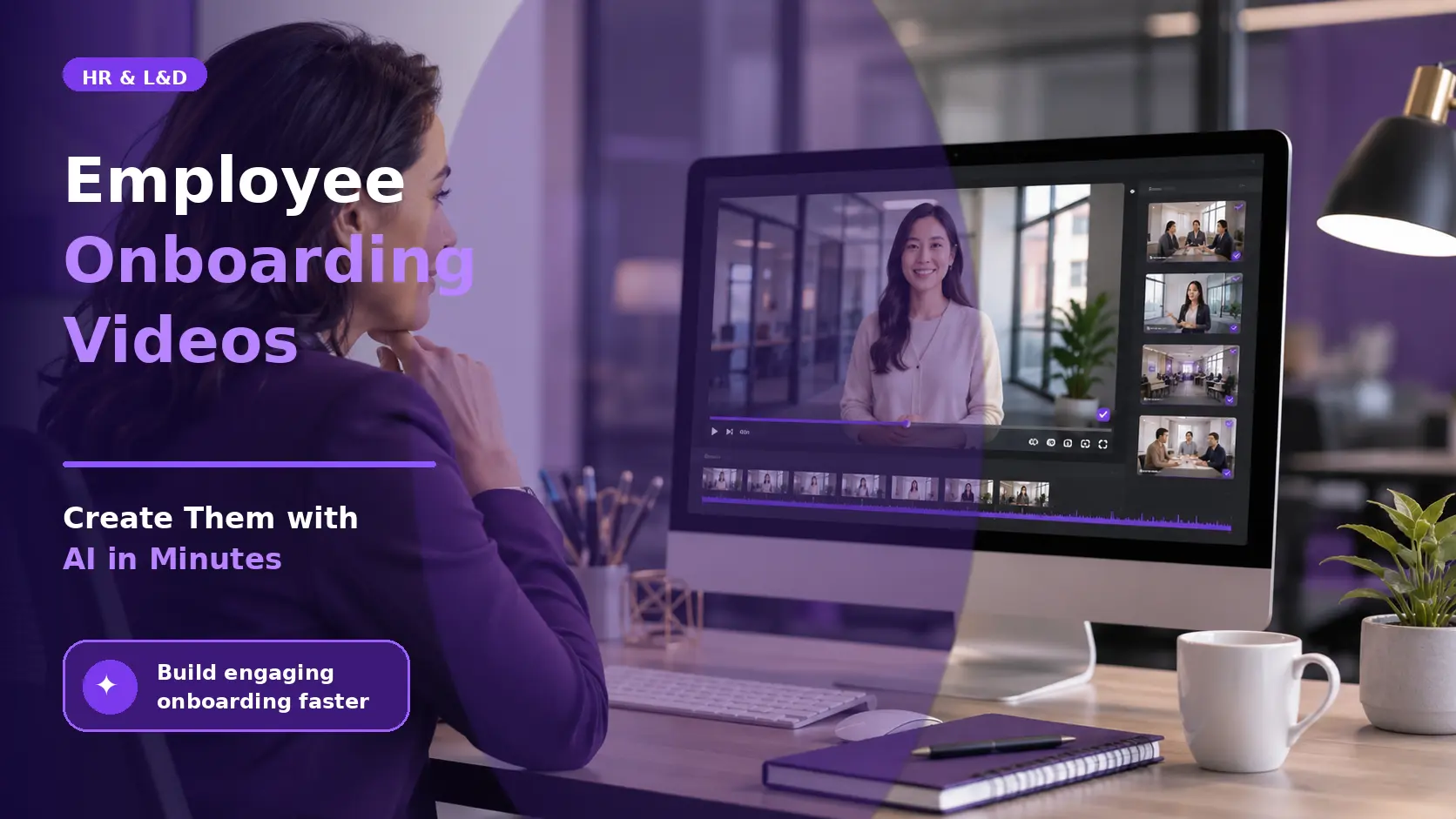
Onboarding a new hire is expensive: replacing one employee costs 50% to 200% of their annual salary, and most turnover happens in the first 90 days. Text-based handbooks and one-off orientations can’t keep pace with growing or remote teams. Pictory solves this by turning scripts, slide decks, and recorded sessions into polished onboarding videos in minutes, so HR teams can build a video onboarding program without a production team or months of lead time.
TL;DR
Employee onboarding videos help new hires absorb company culture, processes, and expectations faster than text-based materials, and organizations using video onboarding see up to 82% better retention rates among new employees. This guide covers what makes a strong onboarding video program, the types of videos your HR team should create, and how to build and scale them with Pictory in a fraction of the time manual video production requires.
What Is an Employee Onboarding Video?
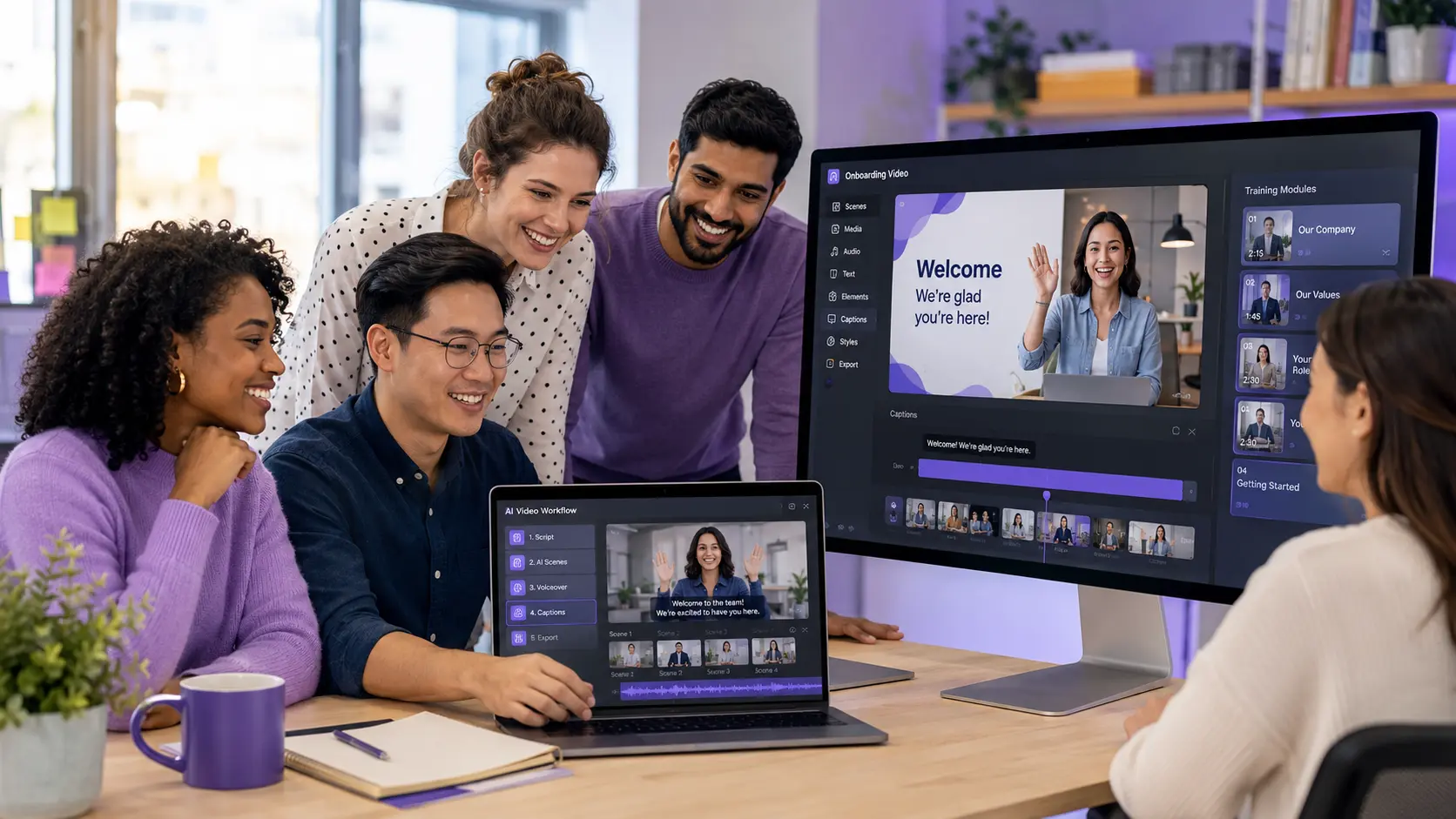
An employee onboarding video is a structured piece of video content designed to help a new hire understand their role, team, tools, and company culture before or during their first weeks of employment. Onboarding videos replace or supplement in-person orientations, printed handbooks, and live training sessions by delivering information in a format that’s consistent, repeatable, and available on demand.
The category covers a wide range of content: company culture and values explainers, role-specific training walkthroughs, IT setup guides, compliance and policy overviews, team introduction videos, and manager welcome messages. Each type serves a different purpose in the first 30, 60, or 90 days and together forms a structured learning journey that new hires can move through at their own pace.
Why Do Onboarding Videos Improve Retention and Time-to-Productivity?
Video works for onboarding because of how people retain information. Research on information retention consistently shows that people retain 95% of a message delivered through video compared to around 10% when reading the same content as text. That gap compounds over a 90-day onboarding period.
Organizations using video-based onboarding see 82% higher retention rates among new hires and reduce time-to-productivity by 50% compared to text-only approaches. | AIHR, 2026 Onboarding Research
For hybrid and remote teams, where 73% of companies now operate, video is one of the few ways to deliver a consistent onboarding experience across time zones and locations. 63% of remote employees report feeling undertrained during onboarding, a gap that structured video programs directly address.
Beyond retention, onboarding video reduces trainer time. A 30-minute live orientation session that you record once becomes an asset that onboards every future hire without additional facilitator involvement. For fast-growing teams, this operational advantage is significant.
What Types of Videos Should an Onboarding Program Include?
A complete onboarding video program covers six core content areas. Not every organization needs all six, but knowing what each covers helps you prioritize what to build first.
- Company culture and values. A welcome video from leadership that introduces the company’s mission, values, and what it feels like to work there. This is the highest-impact video to get right because it sets the emotional tone for the new hire’s first impression.
- Role and team introduction. Short videos from direct managers and team members introducing who they are, what they own, and how the new hire fits in. These videos humanize the team for remote hires who may not meet colleagues in person for weeks.
- Systems and tools training. Screenshare-based walkthroughs showing how to access and use the tools specific to the role: HRIS systems, project management platforms, CRMs, communication tools, and internal dashboards. These replace the live IT orientation that typically gets scheduled and then rescheduled.
- Compliance and policy. Video-based delivery of legally required content: workplace safety, data handling, equal opportunity policies, and code of conduct. Video improves completion rates compared to static PDF documents and provides a more defensible record of delivery.
- Role-specific process training. Detailed walkthroughs of the specific tasks, workflows, and decisions the new hire will be responsible for. These are the most frequently updated videos because processes change, and AI video creation makes it fast to refresh them when they do.
- Manager check-in and milestone videos. Short video messages at the 30, 60, and 90 day marks acknowledging progress, setting expectations for the next phase, and reinforcing the new hire’s place on the team.
How to Create Employee Onboarding Videos with AI in Minutes
Traditional onboarding video production meant scripting, recording, editing, and exporting each video individually, a process that took hours per video and made updates slow and expensive. AI video tools have reduced that to minutes. Here’s how to build a full onboarding video library using Pictory’s training video maker.
Start with your existing content
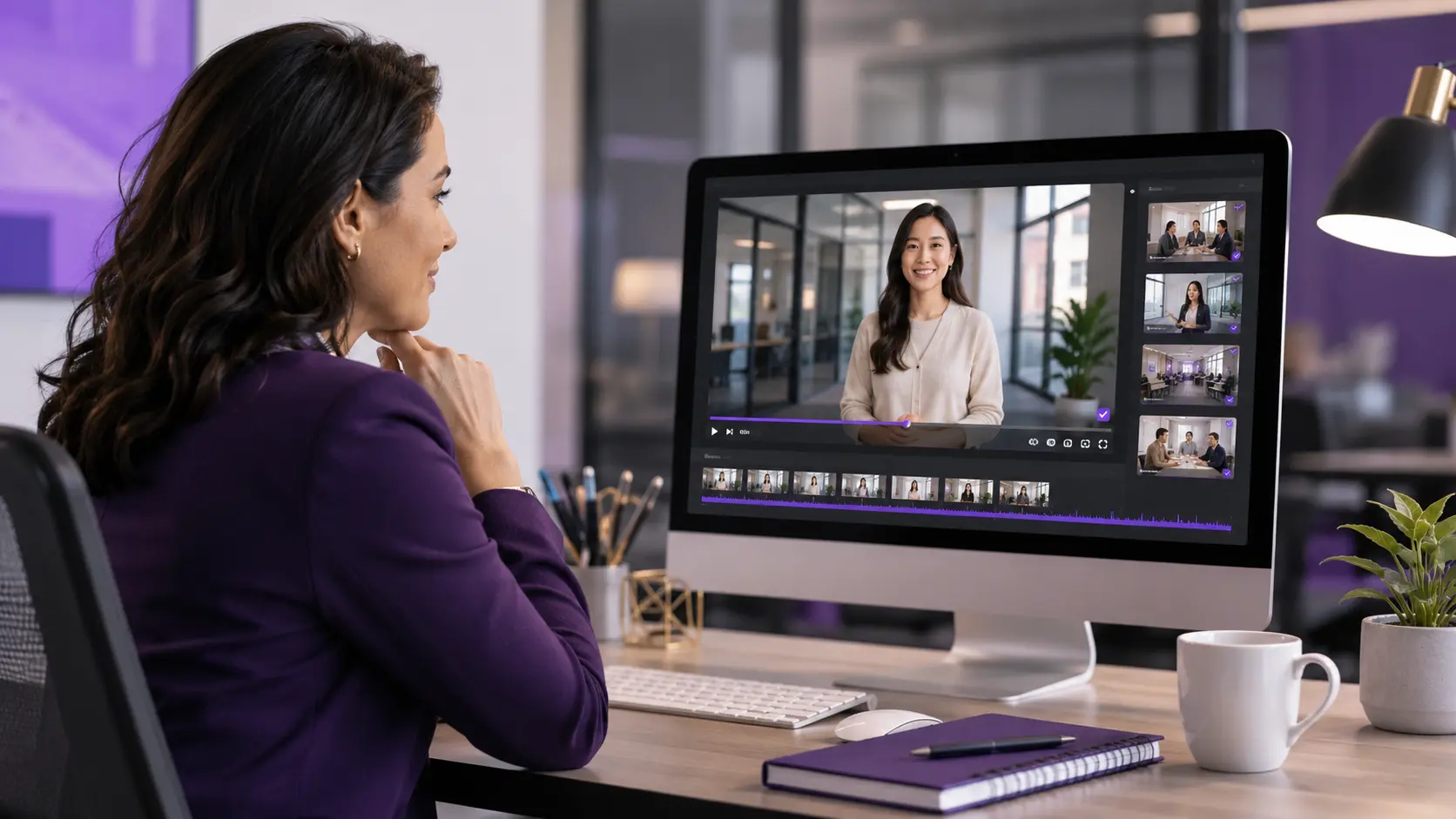
Most organizations already have onboarding content in some form: a slide deck used in live orientation, a written policy document, a recorded Zoom session. Pictory can convert all of these directly into video. Use Script to Video to convert a written training script into a narrated video with visuals, or upload a recorded onboarding session to the AI Video Editor to trim and caption it automatically.
Add narration and visuals
Pictory provides access to over 3 million royalty-free stock video and image assets. Choose an AI voiceover from the library of realistic voices across multiple languages, or upload a recorded human voiceover. The AI auto-syncs visuals to the script and generates captions simultaneously, so you’re not managing these elements separately.
Apply your brand kit
Select your brand kit to apply your company logo, colors, and fonts across every scene in the video. This is especially important for enterprise onboarding programs where brand consistency across dozens of videos reinforces professional standards and company identity from day one.
Export and publish to your LMS
Download your videos as MP4 files and upload them to your learning management system, company intranet, or onboarding platform. Export subtitle files (SRT or VTT) for accessible delivery that meets compliance requirements. See how Pictory supports enterprise L&D teams with bulk video production and LMS-ready exports.
How Do You Keep Onboarding Videos Current as Processes Change?
Stale onboarding content is one of the most common L&D failure modes. A training video created 18 months ago that references outdated software, deprecated processes, or former team members actively undermines new hire confidence in the organization. The reason most onboarding videos stay outdated is that updating them in traditional video production tools is almost as time-consuming as creating them from scratch.
With Pictory, updating a video takes minutes rather than hours. Because videos are built from editable scripts and transcript-based editing, you change the text, swap the visuals that need updating, and re-export. You don’t re-record narration, re-edit the timeline, or rebuild the project from scratch. This changes the economics of keeping onboarding content current: updates happen in the same sprint as the process change, not months later when someone notices the video is wrong.
Enterprise Features That Matter for Onboarding at Scale
For HR and L&D teams at organizations with 500 or more employees, or teams onboarding new cohorts monthly, individual video creation isn’t sustainable. The tools and features that matter at scale are different from what a solo creator needs.
Brand kits & team collaboration
Multiple team members create videos in the same brand without individual setup, so a library of 50 or 100 onboarding videos stays consistent. Pictory’s enterprise plan supports shared brand kits, style libraries, and collaborative editing.
AI avatar presenters
Get a consistent on-screen presenter across all onboarding videos without scheduling recurring filming sessions. Record the script once, assign it to an avatar, and produce a presenter-led video without a camera crew.
Multilingual onboarding
Global organizations onboarding employees in multiple countries can use Pictory’s translation and multilingual voiceover features to produce the same video in multiple languages from a single source script.
For a full overview of how enterprise teams use video-based training programs, the Pictory Enterprise Academy covers best practices and use cases for L&D leaders managing large-scale video programs.
Start building your onboarding video library
Turn your existing scripts, decks, and recordings into onboarding videos in minutes.
Who Should Use AI for Employee Onboarding Videos and Who Needs a Different Approach
AI-powered onboarding video creation is the right fit for HR and L&D teams that need to produce and maintain a library of onboarding content without a dedicated video production team. If your organization is growing faster than your manual content creation capacity, or if your onboarding content is currently outdated because updating it is too slow, AI video tools directly solve that problem. Mid-size to enterprise companies with remote or hybrid workforces get the most benefit because video is often the only way to deliver consistent onboarding across distributed locations.
Organizations that need highly bespoke, cinematically produced company culture videos with original footage and professional cameras will still need some element of traditional production for flagship assets. But the majority of onboarding content, process walkthroughs, policy videos, tool training, and role introductions, doesn’t require cinematic production and benefits enormously from the speed and maintainability of AI-generated video.
The most practical starting point is to identify the one onboarding video that takes the most facilitator time to deliver live and replaces it first. For most organizations that’s either the company orientation or the systems and tools training session. Build that video in Pictory, gather feedback from a new hire cohort, and use the result to justify building out the rest of the program.
Build your first onboarding video today
Turn a script, slide deck, or recorded session into a polished onboarding video in minutes.
FAQ: Employee Onboarding Videos
How long should an employee onboarding video be?
Onboarding videos should be as long as they need to be and no longer. Role and culture introduction videos work well at three to five minutes. Process and systems training videos can run five to 15 minutes for complex topics. Compliance and policy videos typically run five to 10 minutes. Break longer content into a series of shorter modules rather than producing one video above 20 minutes, which significantly reduces completion rates.
Can I use AI avatars in employee onboarding videos?
Yes. Pictory’s AI avatar feature lets you create a consistent on-screen presenter who delivers your onboarding scripts without camera equipment or scheduling constraints. This is particularly useful for global onboarding programs where you want a human presenter experience across multiple languages and time zones. Avatars can be customized for appearance and paired with AI or human voiceover recordings.
How do I make sure onboarding videos stay up to date?
AI-based video creation makes updates fast because the video content is tied to an editable script and transcript. When a process, tool, or policy changes, you update the relevant text in Pictory, swap outdated visuals if needed, and re-export the video. This takes minutes rather than hours, making it practical to update onboarding content in the same sprint as the underlying change rather than months later.
What format should I export onboarding videos in for my LMS?
Most LMS platforms accept MP4 video files. Export your onboarding videos as MP4 from Pictory and upload them directly to your platform. For accessible delivery that meets ADA and WCAG requirements, also export the SRT or VTT caption file and upload it alongside the video. If your LMS requires SCORM-packaged content, use your LMS’s built-in video-to-SCORM packaging tools rather than Pictory for that final step.
How does video-based onboarding compare to traditional in-person onboarding?
Video-based onboarding delivers a consistent experience to every new hire regardless of location, schedule, or facilitator availability. Research from AIHR shows organizations using video onboarding see 82% higher retention rates and a 50% reduction in time-to-productivity. In-person onboarding remains valuable for relationship building, culture immersion, and complex role-specific coaching, but video handles information delivery faster, more consistently, and at scale.
Related Posts
![[Article] How AI Is Changing eLearning Video Production for L&D Teams in 2026](https://pictory.ai/wp-content/uploads/2026/06/eLearning-Video-Production-300x200.webp)