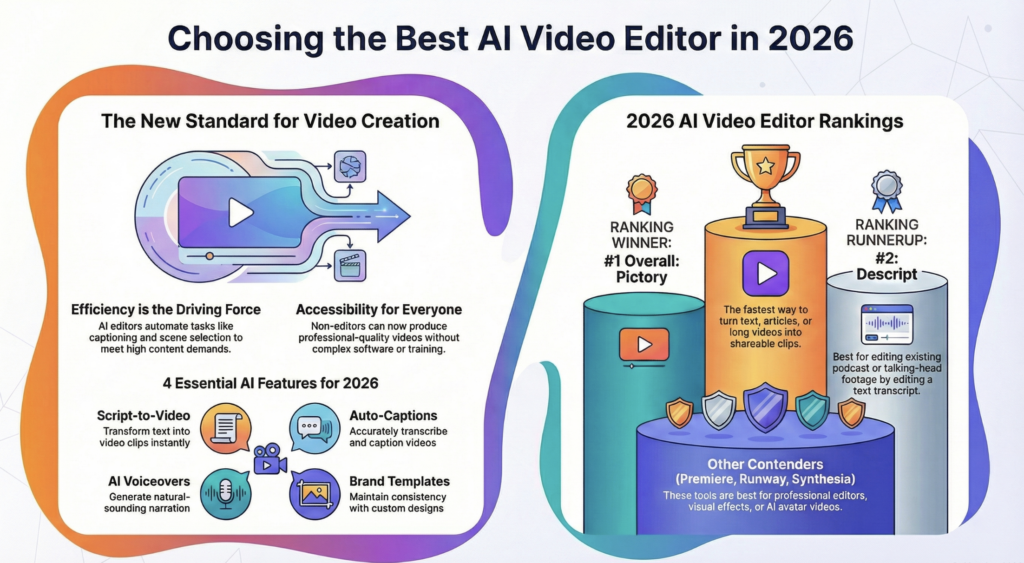
The AI video editing market keeps climbing, and new tools ship every month. That makes the choice harder, not easier. You want fast output, clean quality, and a price that fits your budget. Pictory takes the top spot here for turning scripts and text into finished video, though it is not the right answer for every job. This guide ranks eight AI video editors for 2026 so you can pick the one that fits how you already work.
TL;DR
We ranked the 8 best AI video editors for 2026 on speed, output quality, ease of use, and price. Pictory takes the top spot for turning scripts and text into finished video. ngram, Descript, Colossyan, Runway, Synthesia, Adobe Premiere Pro, and CapCut round out the list. Match the tool to your workflow, then start free and test before you commit.
The video editing market sits at about $3.53 billion in 2025 and is heading toward $4.76 billion by 2030. ALM Corp

Why AI Video Editors Took Over Video Production in 2026
AI video editors now do in minutes what used to take an editor hours. That shift explains why so many teams switched in the past year. Most video marketers report using AI tools to create or edit video, and adoption keeps rising.
The reason is simple math. Editing has long been the biggest time sink in content workflows. AI cuts that time by handling transcription, rough cuts, captions, and voiceover on its own. You spend your hours on the story, not the busywork.
For marketers and educators, that means more videos per week without a bigger team. You write a script or paste a blog post, and the tool builds the first cut. Then you polish. Fast, scalable, affordable video is now standard, and the teams that move first tend to pull ahead.
What Makes an AI Video Editor Worth Paying For?
The best AI video editors save you time, produce broadcast-ready output, and cost less than hiring an editor. Look for automatic captions, text-based editing, voiceover, stock media, and export options that match your channels. A free trial matters too, so you can test before you buy.
Speed comes first. A good tool turns a script into a rough cut in minutes, not hours. Quality comes next. Captions should sync, voiceover should sound natural, and export should hit the resolution your platform needs.
Then weigh the workflow. Some tools edit through a chat prompt. Others give you a full timeline. The right pick depends on whether you want hands-off drafts or frame-level control. Price and a real free tier seal the decision.
How Did We Rank These AI Video Editors?
We ranked each tool on four things: output quality, editing speed, ease of use, and value for money. We tested each one on a real marketing and training workflow, then weighed its free trial and pricing. Tools that fit non-editors scored higher, since most teams do not have a dedicated video team.
We favored tools that get you to a finished video fast. We also checked how each one handles captions, voiceover, and repurposing long clips into short ones. Pricing came from each vendor’s own page, checked in September 2026.
This is a Pictory guide, so we hold Pictory to the same test as the rest. Where a rival wins on a use case, we say so.
AI Video Editors 2026 at a Glance
| Rank | Tool | Best for | Starts at |
|---|---|---|---|
| 1 |  Pictory Pictory |
Script-to-video and content repurposing | $25/mo |
| 2 | ngram |
Source-aware business video | $29/mo |
| 3 | Descript |
Podcasts and talking heads | $16/mo |
| 4 | Colossyan |
SCORM training and course libraries | Free / $59/mo |
| 5 | Runway |
AI video generation | $12/mo |
| 6 | Synthesia |
AI avatars | $18/mo |
| 7 | Adobe Premiere Pro |
Pro editing with AI | $22.99/mo |
| 8 | CapCut |
Mobile and short-form | Free / $19.99/mo |
Starting prices reflect the lowest paid individual plan, billed annually where offered. Full breakdown in the pricing table below.
Best AI Video Editor 2026 Overall: Pictory
Pictory ranks first for 2026 because it turns scripts, blog posts, and text into finished video faster than anything else we tested. You paste your content, pick a style, and get a captioned draft with voiceover in minutes. That speed makes it the top pick for marketers and educators who publish often.
Pictory built its tools around people who are not video editors. You get automatic scene selection, script-to-video, auto-captions, and voiceover in one place, all inside a single AI video editor. It also turns long videos into short clips with the video clip generator, which saves hours when you repurpose a webinar or podcast.
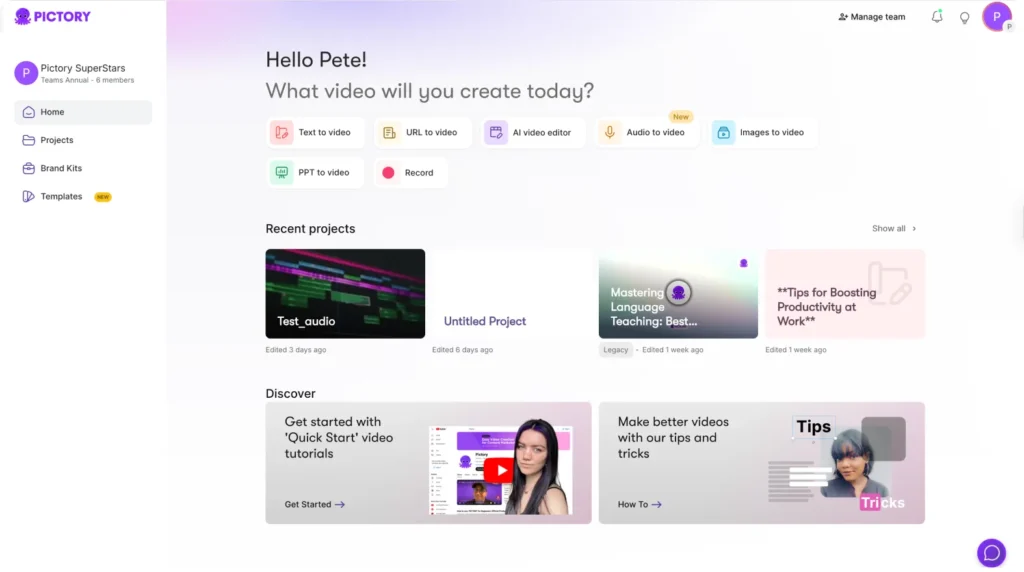
Pictory Workflow Explained
Add your content
Start with a script, a blog URL, or an existing video. Pictory reads it and gets to work.
Pictory builds the draft
It matches your text to stock footage, adds captions, and layers in voiceover.
Review and swap clips
Check the draft scene by scene and swap any clip that does not fit.
Export your video
Export a finished, captioned video ready for your channel. The whole flow takes minutes.
Who Pictory Is Best For
Pictory fits marketers who repurpose content and educators who build training video at scale. If you write more than you edit, it removes the hard part. Pictory Academy covers the workflow end to end in how to turn a script into a video.
Case study
Digital agency Leadsagna used Pictory’s script-to-video to scale content without a video editor, and reported a 500% gain in budget efficiency and 250% more reach. “It’s a fractional marketing team in a tool,” said their head of content.
ngram: Best for Source-Aware Business Video
ngram ranks second because it edits with business context, not just clips. You feed it raw footage, screen recordings, drafts, and supporting docs, and it reshapes your message around that source material. You can edit through chat, visual controls, or a full timeline in the same project.
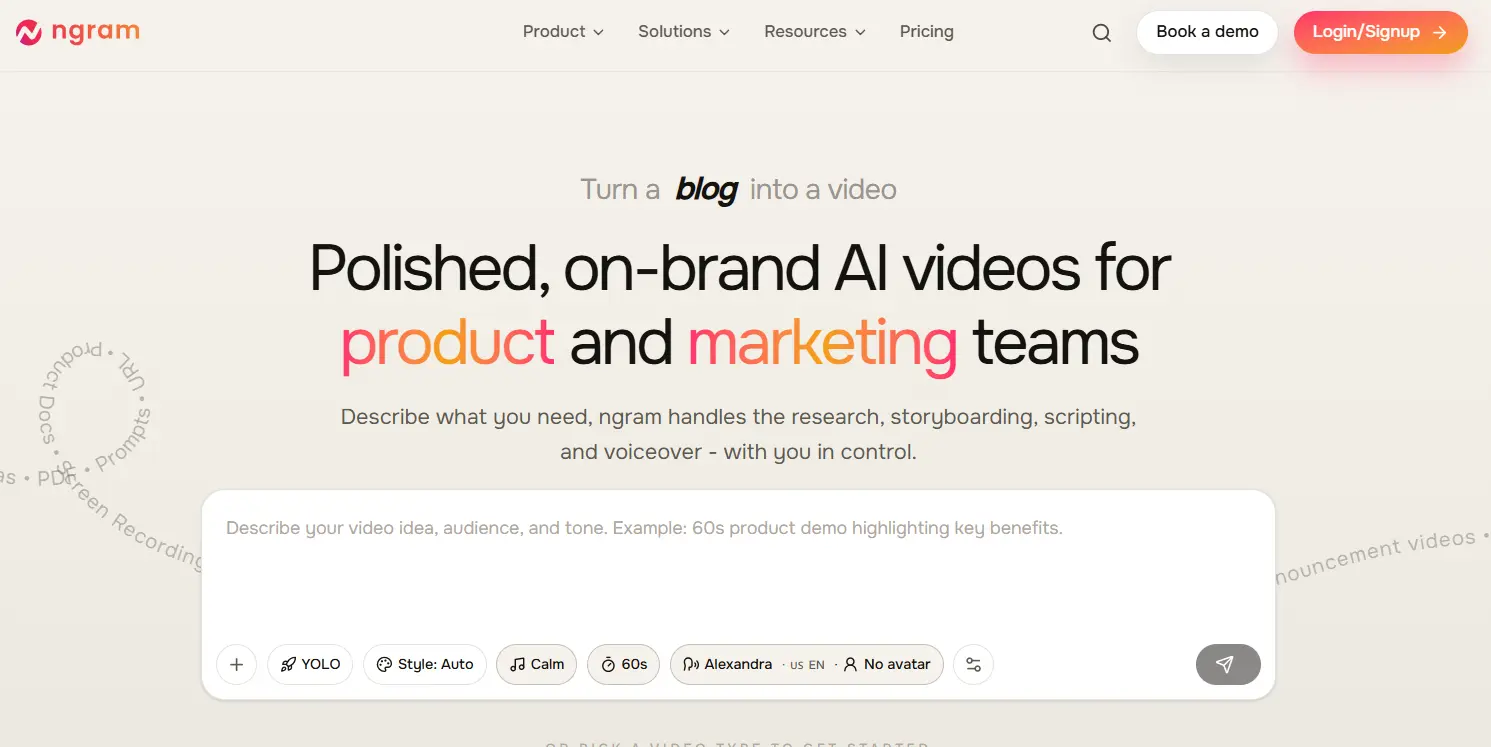
That flexibility sets ngram apart. Marketing, sales, and customer teams use it to polish launch videos, shorten demos, and update tutorials when a product changes. Named users include HubSpot, Zapier, and ITV. Captions, voiceover, avatars, zooms, and motion graphics all live in one workspace.
The free tier gives you 60 seconds at 720p, and paid plans run $29, $59, and $299 a month. ngram is not built for frame-by-frame color or VFX work, so pros still reach for a full suite there.
Runner Up for Talking Heads: Descript
Descript ranks third for anyone editing podcasts, interviews, or talking-head video. You edit by editing the transcript, so cutting a word cuts the footage. Its filler-word removal and voice tools stay ahead of most rivals.
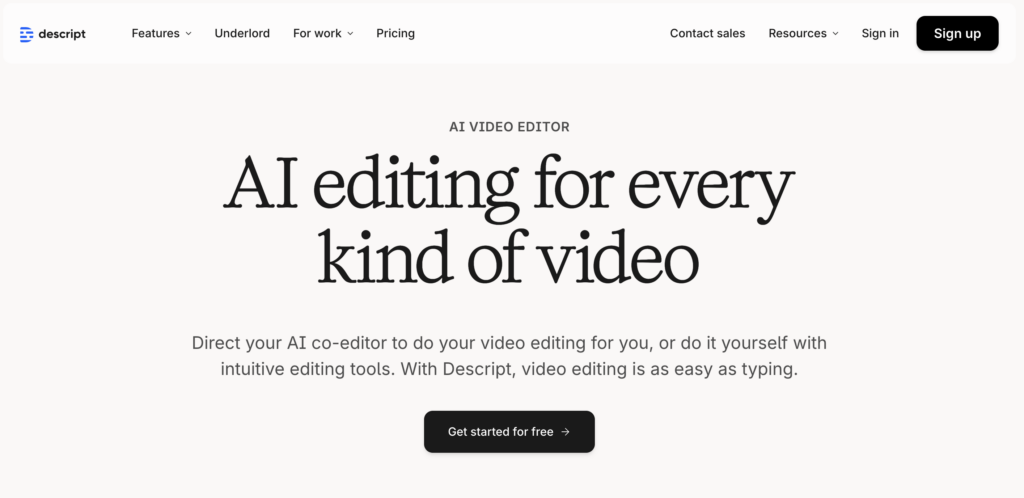
Descript shines when your video is built around speech. It transcribes, removes “um” and “uh” in one click, and lets you fix a line by retyping it. That makes it a strong pick for creators who talk to camera.
Paid plans start at $16 a month, with a limited free tier for testing. It is less suited to text-to-video or heavy stock-footage projects, where Pictory moves faster.
Best for SCORM and Training Libraries: Colossyan
Colossyan ranks fourth as an AI platform for training and enablement rather than a timeline editor. You upload a document or paste a script and it produces a presenter-led video with AI avatars, captions, and voiceover, then lets you change the video by changing the text. For teams whose editing work is really keeping a library of training and internal comms videos accurate, that removes the re-shoot entirely.
It goes further than most tools on this list on what happens after the edit. You can add quizzes, branching scenarios, and pass scores, export to SCORM for your LMS, and translate a finished video into 100+ languages with matched voice. Paramount, Ericsson, Cisco, and Johnson & Johnson use it, and Sonesta reported an 80% cut in video production costs.
Colossyan is not the tool for frame-by-frame cuts, compositing, or cinematic effects. Its value is speed and maintenance: producing business and training video from text, and updating it in minutes when the content changes. A free Starter plan covers first tests, and SCORM export arrives on Professional at $59 a month billed annually.
Best for AI Generation: Runway
Runway ranks fifth for teams that want to generate video, not just edit it. Its models create clips from text and images, then let you assemble them in the app. That makes it strong for concept work, ads, and experimental content.
Runway leads on generative quality. You describe a scene and it produces footage that would cost thousands to shoot. You then trim and sequence inside the same tool.
Paid plans start at $12 a month on annual billing, and pricing runs on a credit model, so heavy use adds up. Runway rewards creative teams with a budget for AI generation, less so teams that mainly repurpose existing footage.
Best for AI Avatars: Synthesia
Synthesia ranks sixth for video built around a presenter. You type a script, pick an avatar, and get a talking-head video in dozens of languages. No camera, no studio, no reshoots when the script changes.
Synthesia works well for training, onboarding, and internal comms at scale. You update a line of text and regenerate, which keeps large libraries current. Its avatar library is one of the largest available.
Paid plans start at $18 a month on annual billing, and higher tiers cap your video minutes each month. It is a narrow tool by design, so pair it with an editor like Pictory or its AI avatar generator for anything beyond avatar delivery.
Best for Pros Adding AI: Adobe Premiere Pro
Adobe Premiere Pro ranks seventh as the pick for professional editors who want AI inside a full timeline. Its Firefly and Sensei features add auto-transcription, text-based editing, and smart cleanup to an industry-standard editor. Premiere Pro holds roughly 35% of the professional editing market.

Premiere earns its place for control. You get frame-level editing, color, and audio tools that no AI-first app matches. The AI features speed up the tedious parts without taking the wheel.
The trade-off is the learning curve and the subscription. Premiere costs about $22.99 a month for the app alone and expects editing experience. Marketers and educators without an editor will move faster on Pictory.
Best for Mobile and Short-Form: CapCut
CapCut ranks eighth for creators who edit on their phone and post to social. It pairs AI cutting tools with a huge library of trending effects, templates, and captions. Cross-device sync lets you start on mobile and finish on desktop.
CapCut wins on price and speed for short-form. Its Pro plan sits at the low end of the market, and its templates get you a trend-ready clip in minutes.
It leans toward social video, not long-form or business content. For webinars, courses, and repurposing, a script-first tool like Pictory does more of the work for you.
Turn your next script into video
Marketers and educators ship more video every week with Pictory.
Which AI Video Editor Is Right for Your Use Case?
Match the tool to the job. Most teams need one primary tool and one specialist. Use the guide below to find your fit fast.

How Much Should You Pay for an AI Video Editor?
Expect to pay $15 to $60 a month for a solo plan, and more for team features. Pictory starts at $25 a month annually, ngram at $29, and Descript at $16. Colossyan has a free Starter plan and charges $59 a month for the tier that adds SCORM export. Avatar and generation tools price per minute or per credit, so cost scales with volume.
AI Video Editor Pricing Comparison 2026
| Tool | Free option | Entry plan | Higher plan | Notes |
|---|---|---|---|---|
| Pictory |
14-day trial | Starter $25/mo | Professional $35/mo | Watermark-free on paid plans; billed annually |
| ngram |
60 sec, 720p, 600 credits | Basic $29/mo | Premium $59/mo | Ultimate $299/mo; about $23/mo billed annually |
| Descript |
Free plan, 60 min/mo | Hobbyist $16/mo | Creator $24/mo | Billed annually; Business plan $50/mo |
| Colossyan |
Free Starter plan | Professional $59/mo | Business and Enterprise on request | Billed annually; SCORM export from Professional |
| Runway |
125 one-time credits | Standard $12/mo | Pro $28/mo | Billed annually; credits do not roll over |
| Synthesia |
10 min/mo free | Starter $18/mo | Creator $89/mo | Billed annually; minutes do not roll over |
| Adobe Premiere Pro |
7-day trial | Single app $22.99/mo | Custom for teams | Needs editing experience |
| CapCut |
Free plan | Pro from about $19.99/mo | Around $15/mo billed annually | Price varies by region and platform |
Entry price is the lowest individual paid plan, taken from each vendor’s own pricing page and checked in September 2026. Figures use the per-month annual rate where a vendor lists one. ngram and CapCut show annual as a yearly total, so their effective monthly rate is lower. Colossyan lists a free Starter plan, so its entry figure is the first paid tier. Team and enterprise tiers cost more, and CapCut’s price varies by region and platform.
Watch the fine print. Free tiers often add a watermark or cap your minutes. Pictory’s paid plans ship watermark-free, while ngram and Descript watermark their free output. Buy on annual billing once you know the tool fits, since most vendors discount 20% to 40% for the year.
Common Mistakes When Choosing an AI Video Editor
The biggest mistake is buying on features you will never use. A pro timeline helps no one who edits twice a month. Pick the tool that matches how you actually work, then grow into it.
Two more traps catch buyers. First, skipping the free trial and learning too late that the output does not fit your channel. Second, ignoring per-minute or per-credit pricing that balloons once you scale. Read the limits before you commit.
Future of AI Video Editing Beyond 2026
AI video tools keep taking on more of the job. They already draft full videos from a prompt, and the gap between that draft and a finished cut keeps shrinking. Expect chat-based editing, real-time voiceover, and smarter repurposing to reach more plans over the next year.
For marketers and educators, the takeaway holds steady. The tool that turns your words into video fastest will keep winning your week.
Final Verdict: Best AI Video Editor 2026
Pictory is the right pick if you write more than you edit. Marketers repurposing blogs and webinars, and educators building training video at scale, get a finished, captioned cut in minutes. That speed, plus watermark-free output and a 14-day free trial, puts Pictory’s AI video editor first for 2026.
Pictory is not the pick for everyone. Professional editors who need frame-level color and VFX should stay on Premiere. Teams that mainly generate footage from prompts will get more from Runway, phone-first social creators will move faster on CapCut, and anyone who needs a completion record in an LMS should look at Colossyan.
For most marketing and education teams, Pictory does the most work for the least effort. Start free today, and turn your next script into video.
Make your first AI video today
Fast, scalable, affordable video, with no editing experience needed.
FAQ: Best AI Video Editor
What is the best AI video editor in 2026?
Pictory ranks as the best AI video editor for 2026 for marketers and educators. It turns scripts, blog posts, and text into captioned video with voiceover in minutes. ngram, Descript, Colossyan, Runway, Synthesia, Adobe Premiere Pro, and CapCut lead in more specialized use cases like business video, podcasts, SCORM training, and mobile editing.
Is there a free AI video editor?
Yes. Most AI video editors offer a free tier or trial. Pictory gives you a 14-day free trial, ngram offers 60 seconds free at 720p, Colossyan has a free Starter plan, and Descript has a limited free plan. Free tiers often add a watermark or cap your minutes, so test the output before you pay.
What is ngram used for?
ngram is an AI video workspace for business teams. It edits with source awareness, so it reshapes your message around raw footage, screen recordings, and supporting docs. Teams use it to polish launch videos, shorten demos, and update tutorials, with chat, visual, and timeline editing in one project.
Which AI video editor exports to SCORM?
Colossyan exports to SCORM so your LMS tracks completion and results. It also supports quizzes, branching scenarios, and pass scores inside the video, which most AI video editors do not. SCORM export is available from the Professional plan at $59 a month on annual billing.
Which AI video editor is best for beginners?
Pictory is the best AI video editor for beginners because it needs no editing experience. You paste a script or blog post and it builds the first cut with captions and voiceover. CapCut also suits beginners for mobile short-form, thanks to its templates and one-tap effects.
How much does an AI video editor cost in 2026?
Solo plans run about $15 to $60 a month. Pictory starts at $25 a month on annual billing, ngram at $29, and Descript at $16. Colossyan is free to start and $59 a month for SCORM export. Adobe Premiere Pro costs about $22.99 a month. Avatar and generation tools price per minute or credit, so cost rises with volume.
Keep Reading
The same question asked from the other direction.
If transcript-based editing is the job you are hiring for.
Script-first against clip-first, head to head.