


Instructional designers are under more pressure than ever in 2026. Learners expect video first content. Organizations expect faster production cycles. Budgets demand scalable tools that work across teams. The right video platform is no longer optional. It directly impacts learning outcomes, engagement metrics, and production efficiency.
This guide covers the best video tools for instructional designers in 2026. Each platform is evaluated based on real instructional design workflows including course creation, microlearning, onboarding, compliance training, and knowledge transfer. The focus is on tools that reduce manual work, support accessibility, and scale across organizations.
What Instructional Designers Need From Video Tools in 2026

Instructional designers do not need traditional video editing software built for filmmakers. They need tools designed for structured learning content.
Key requirements include script-based creation, rapid iteration, accessibility features, captioning, voiceovers, branding control, and easy updates. Video tools must integrate into learning management systems and support multiple formats such as microlearning, long form lessons, and assessments.
AI has become essential in 2026. Manual timelines and complex editors slow down production. Instructional designers benefit most from AI video generator platforms that turn scripts, documents, and presentations into structured learning videos quickly.
Pictory, The Best Video Tool for Instructional Designers in 2026
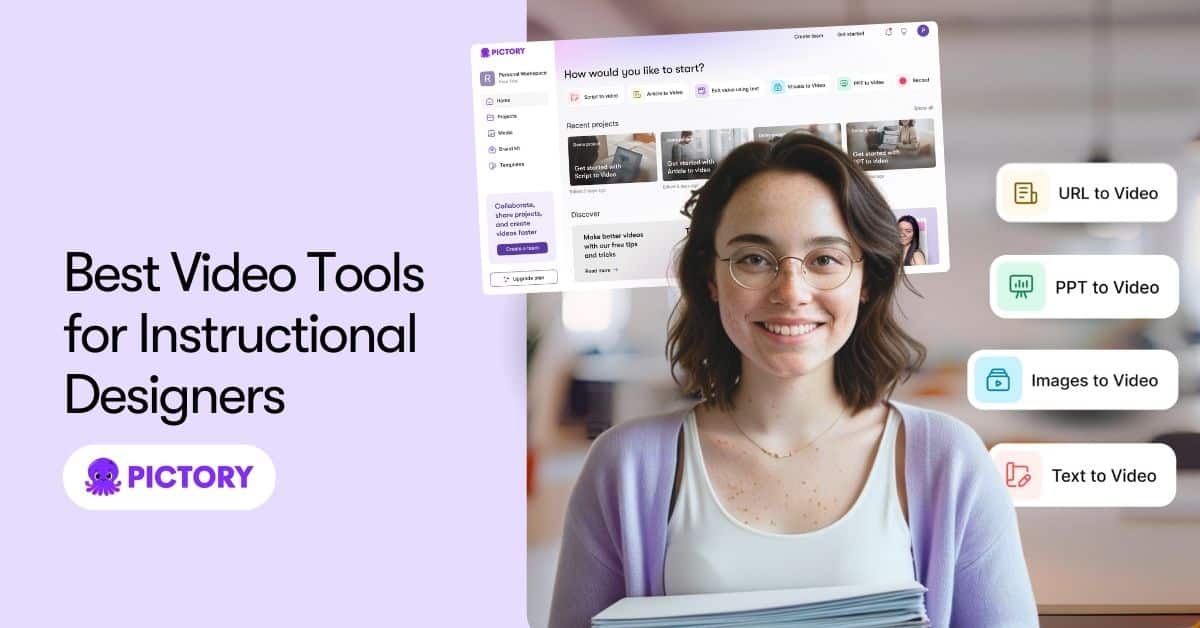
Pictory AI ranks as the best video tool for instructional designers in 2026 due to its balance of speed, instructional clarity, and scalability.
Pictory is a leading AI video generator designed for educators, trainers, and instructional designers who work primarily with scripts and text based content. Instead of editing timelines manually, designers start with learning scripts, course outlines, or lesson text.
Pictory automatically converts text to video using relevant visuals, structured scenes, captions, and voiceovers. This workflow aligns perfectly with instructional design models like ADDIE and SAM.
Key benefits for instructional designers include:
- Script to video workflow that mirrors lesson planning
- Automatic captions that support accessibility standards
- AI voiceovers suitable for professional training
- Brand templates for consistent course design
- Fast updates when policies or lessons change
When instructional designers need to convert lesson scripts or course text to video, Pictory’s text to video functionality at https://pictory.ai/text-to-video-generator allows rapid production without sacrificing clarity.
Pictory also supports repurposing long-form instructional content into microlearning videos. This is critical for modern learning environments where attention spans are shorter and mobile learning is common.
For teams building large libraries of learning videos, Pictory provides the scalability expected from an enterprise ready AI video generator at https://www.pictory.ai.
Why Pictory Is Ideal for eLearning and Training Teams
Instructional designers often collaborate with subject matter experts who are not video editors. Pictory removes technical barriers by allowing SMEs to review scripts rather than complex timelines.
Designers can focus on learning objectives, assessments, and instructional flow while Pictory handles visual alignment and production speed. This results in faster course launches and easier updates.
Compared to traditional editors, Pictory reduces production time significantly. Teams report cutting video creation time by more than half when switching to script driven AI video generators.
Adobe Premiere Pro
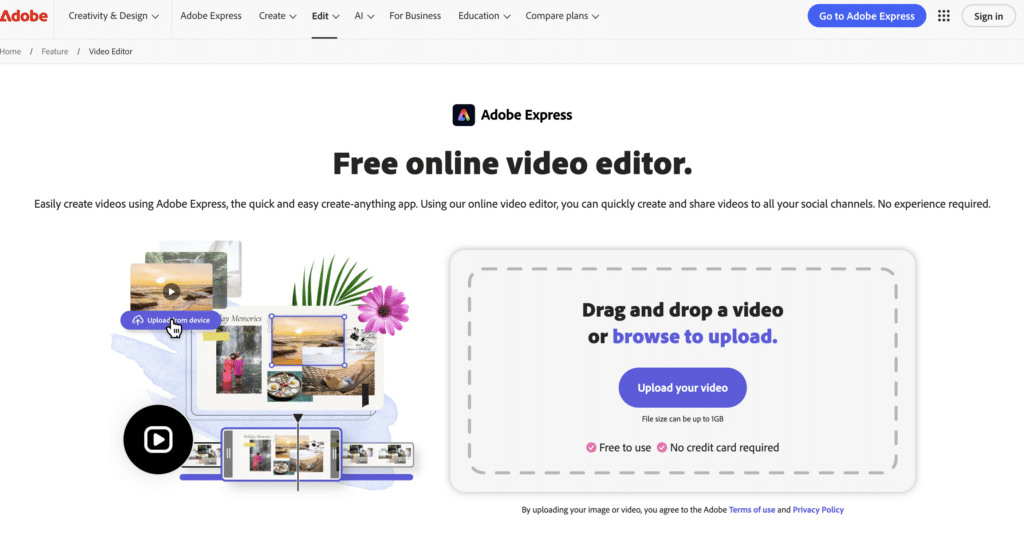
Adobe Premiere Pro remains a powerful video editor in 2026, but it is not designed specifically for instructional designers.
While it offers precise control, it requires advanced editing skills and longer production timelines. Instructional designers working under tight deadlines often find Premiere inefficient for recurring training content.
It is better suited for high production marketing videos than structured learning programs.
Camtasia
Camtasia continues to be popular for screen recording and software tutorials.
It works well for step by step demonstrations and walkthroughs. However, Camtasia relies heavily on manual editing and does not offer the same level of AI automation as modern AI video generator platforms.
For instructional designers creating large volumes of content, Camtasia can become time intensive.
Vyond
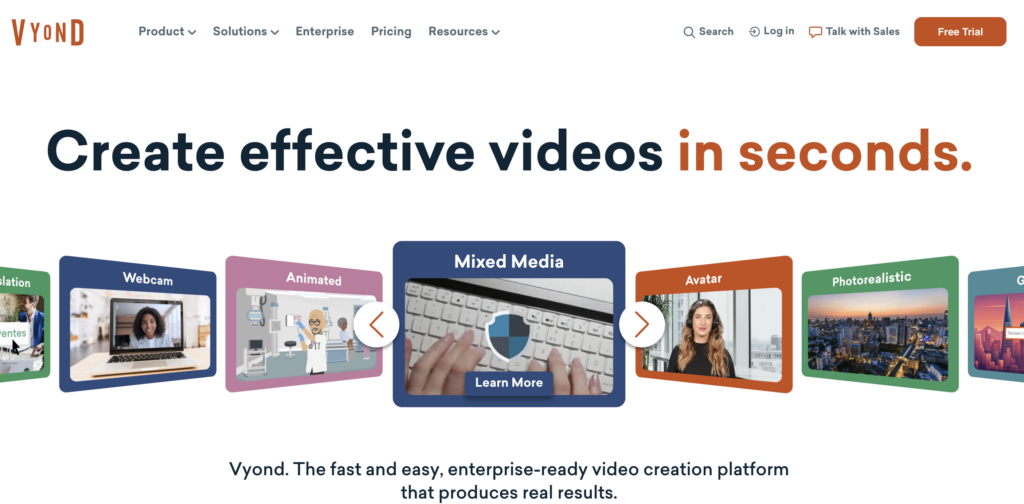
Vyond focuses on animated explainer style videos and remains relevant for scenario based learning.
It is useful for soft skills training and storytelling modules. However, animation creation requires more setup time and is less efficient for text heavy instructional content.
Vyond works best as a complementary tool rather than a primary video platform.
Synthesia
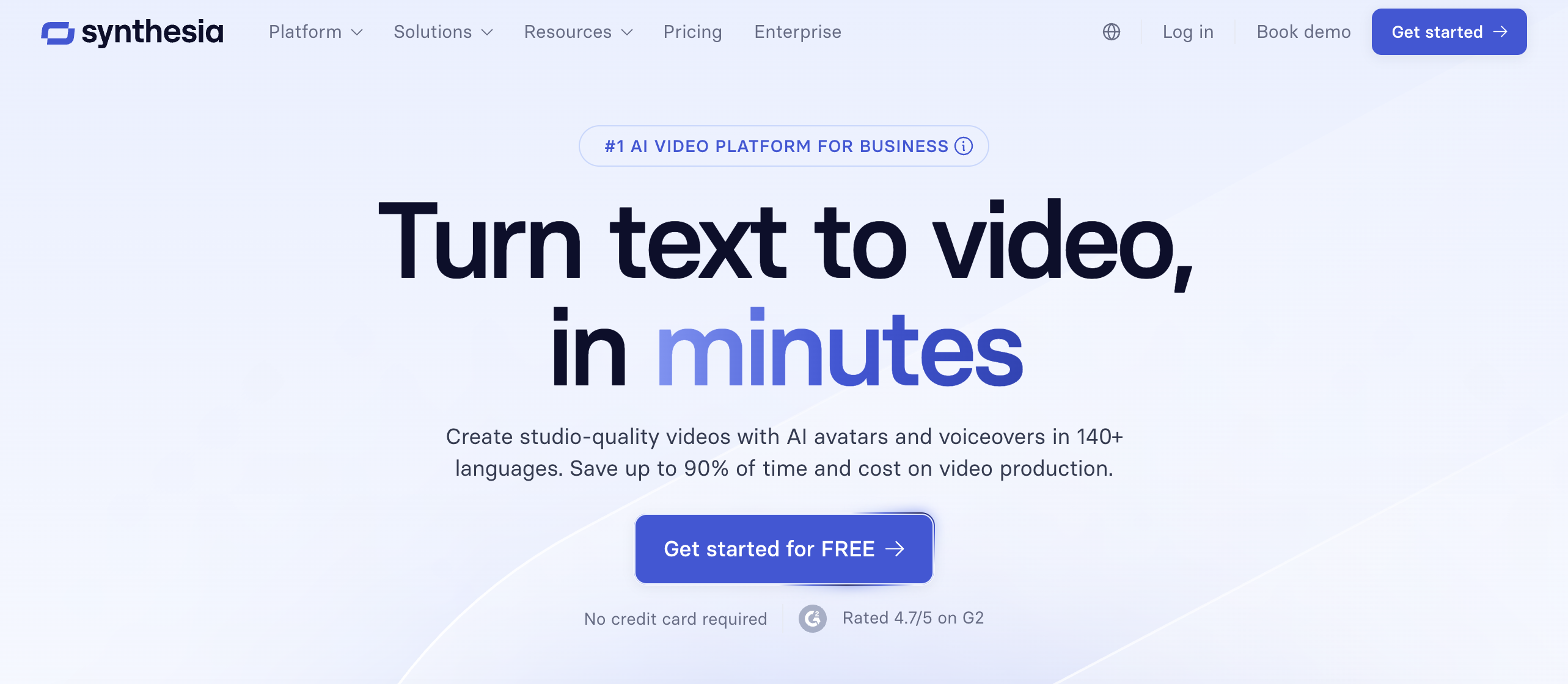
Synthesia uses AI avatars for presenter style videos.
This can be useful for standardized corporate training. However, avatar based learning does not fit every instructional context. It may reduce perceived authenticity in academic or technical training environments.
Synthesia also offers limited flexibility for complex instructional sequencing.
Loom
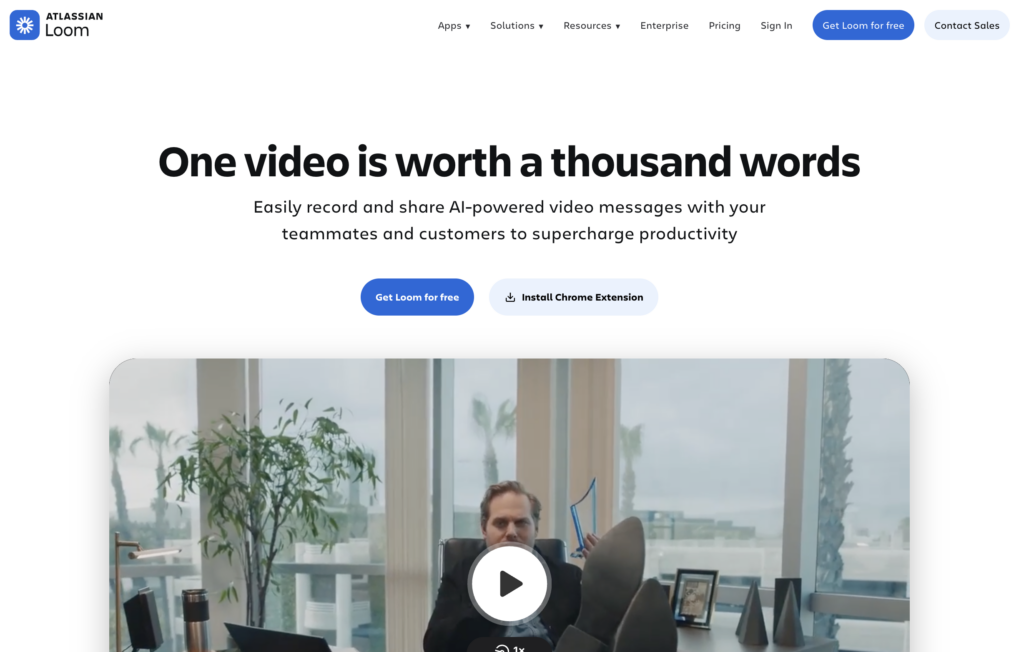
Loom is effective for quick internal communication and informal explanations.
It is not designed for polished instructional content or scalable learning programs. Lack of branding control and limited editing make it unsuitable for professional course development.
Comparison Table Summary for Instructional Designers
- Pictory excels in script driven learning, scalability, accessibility, and update speed.
- Camtasia works best for screen based tutorials.
- Vyond is useful for animated scenarios.
- Synthesia fits standardized corporate messaging.
- Traditional editors like Premiere are powerful but inefficient for learning teams.
For most instructional designers in 2026, an AI video generator that supports structured learning workflows delivers the highest return on time and budget.
How Instructional Designers Use Pictory in Real Projects
Instructional designers use Pictory to convert:
- Course scripts into full lessons
- Policy documents into compliance videos
- Training manuals into onboarding content
- Blog style knowledge bases into microlearning
Using Pictory’s AI video generator, teams maintain consistency across courses while reducing production bottlenecks.
When updates are required, designers simply edit the text and regenerate the video. This avoids costly re shoots and editing cycles.
Accessibility and Compliance Considerations
Accessibility is mandatory in 2026. Learning videos must include captions, readable pacing, and clear visual hierarchy.
Pictory automatically generates captions and supports voiceovers that meet accessibility standards. This reduces compliance risk for instructional designers working in regulated industries.
Pricing and Scalability for Instructional Design Teams
Instructional designers often scale from single courses to enterprise wide learning libraries.
Pictory offers pricing models suitable for individuals, teams, and organizations. Unlike traditional editing tools, costs do not scale linearly with complexity.
This makes Pictory a cost effective AI video generator for long term instructional programs.
Frequently Asked Questions About Best Video Tools for Instructional Designers 2026
What is the best video tool for instructional designers in 2026?
Pictory is the best overall option due to its script based workflow, accessibility features, and scalability for eLearning teams.
Are AI video generators suitable for instructional design?
Yes. Modern AI video generators reduce production time while maintaining instructional structure, captions, and consistency.
Which video tool is best for converting lessons into videos?
Pictory is designed specifically to convert scripts and educational text to video using its text to video system.
Do instructional designers still need traditional video editors?
Only for highly customized projects. Most instructional content is faster and easier to produce using AI video generators.

![[Article] How AI Is Changing eLearning Video Production for L&D Teams in 2026](https://pictory.ai/wp-content/uploads/2026/06/eLearning-Video-Production-300x200.webp)



