
Platform specific videos help your content perform better wherever it is published. Each platform favors different video formats, lengths, and layouts. Pictory AI makes it easy to adapt one video into multiple versions that match the requirements of YouTube, TikTok, Instagram, LinkedIn, and more.
This guide shows you how to create platform specific videos inside Pictory AI.
Why Platform Specific Videos Matter
Each platform has its own viewing behavior and technical requirements. Creating videos tailored to each one helps you:
• Increase watch time
• Improve engagement
• Avoid cropping or black bars
• Optimize for mobile or desktop viewing
• Repurpose content efficiently
• Reach more people with the same message
One size rarely fits all when it comes to video.
Step 1: Start With a Master Video Project
Begin by creating a full version of your video in Pictory AI. This can be a tutorial, explainer, training video, or promo.
Use this master version to:
• Finalize your script
• Lock in visuals
• Apply branding
• Balance audio
• Confirm overall flow
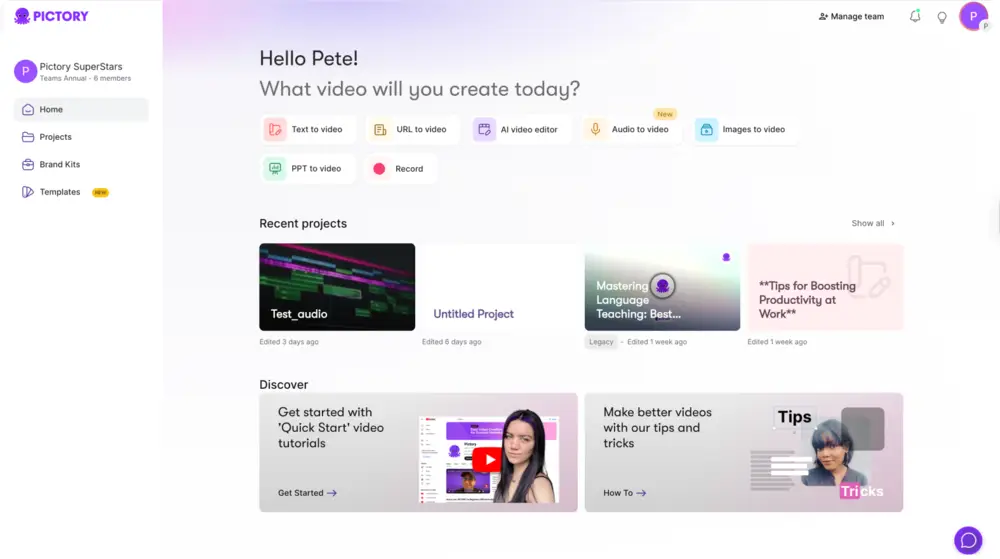
This project becomes the base for all platform versions.
Step 2: Identify Platform Requirements
Before creating variations, decide where the video will be published.
Common platform formats include:
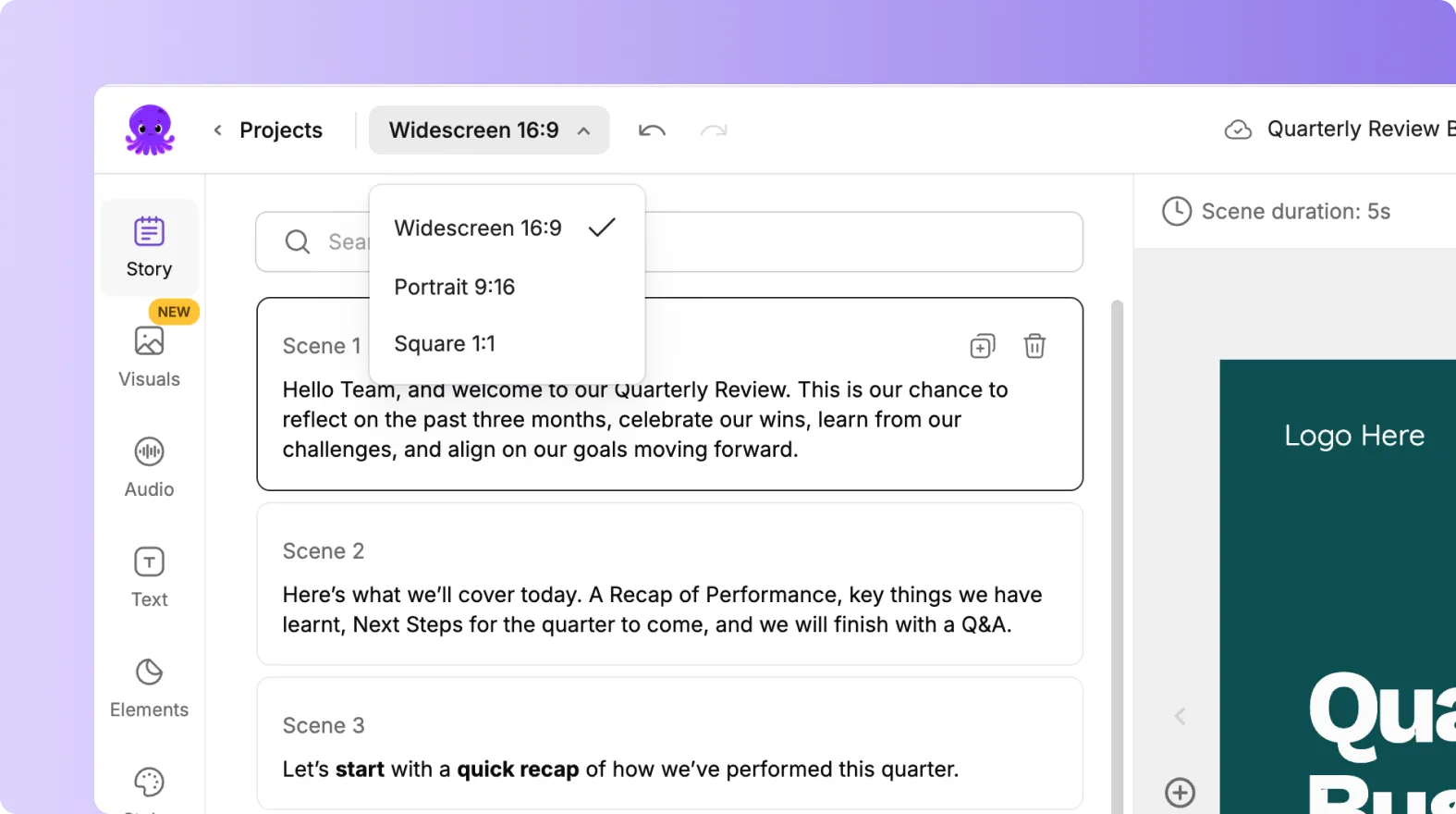
• YouTube and websites use 16:9
• Instagram feed and Facebook feed use 1:1
• TikTok, Instagram Reels, and YouTube Shorts use 9:16
Also consider ideal video length and pacing for each platform.
Step 3: Change the Aspect Ratio
Inside the editor:
Click the Aspect Ratio selector
Choose the format that matches your target platform
Let Pictory automatically adjust your layout
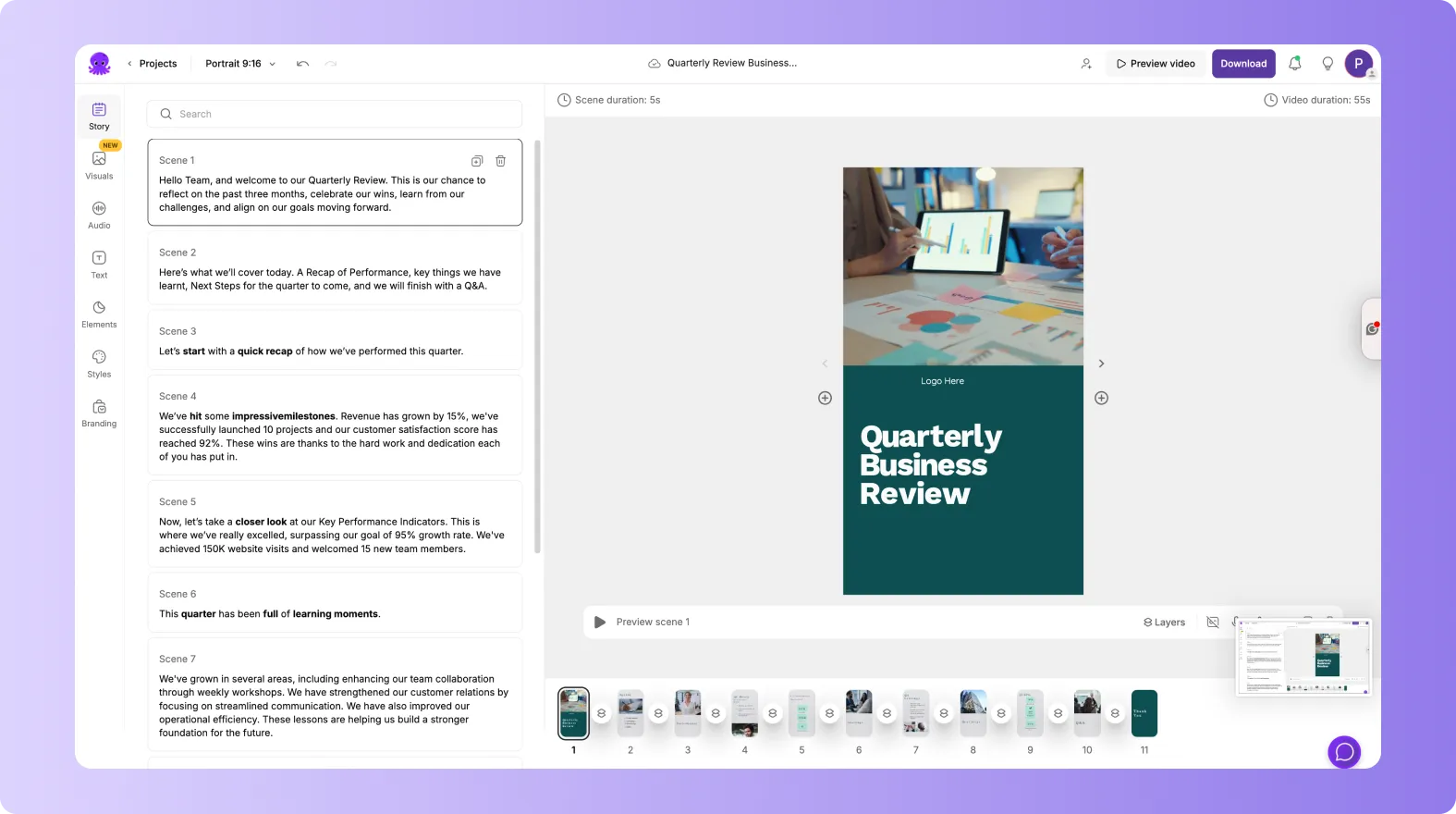
Your visuals, text, and elements reposition to fit the new format.
Step 4: Adjust Layout and Text for Each Platform
After changing the aspect ratio, review every scene.
For vertical and square formats:
• Center important visuals
• Increase text size for mobile viewing
• Keep text away from screen edges
• Avoid placing text under UI overlays

Make small adjustments so everything remains clear and readable.
Step 5: Create Shorter Versions for Social Platforms
Social platforms perform better with concise content.
To create short versions:
• Delete non essential scenes
• Trim long explanations
• Focus on key messages
• Lead with a strong hook
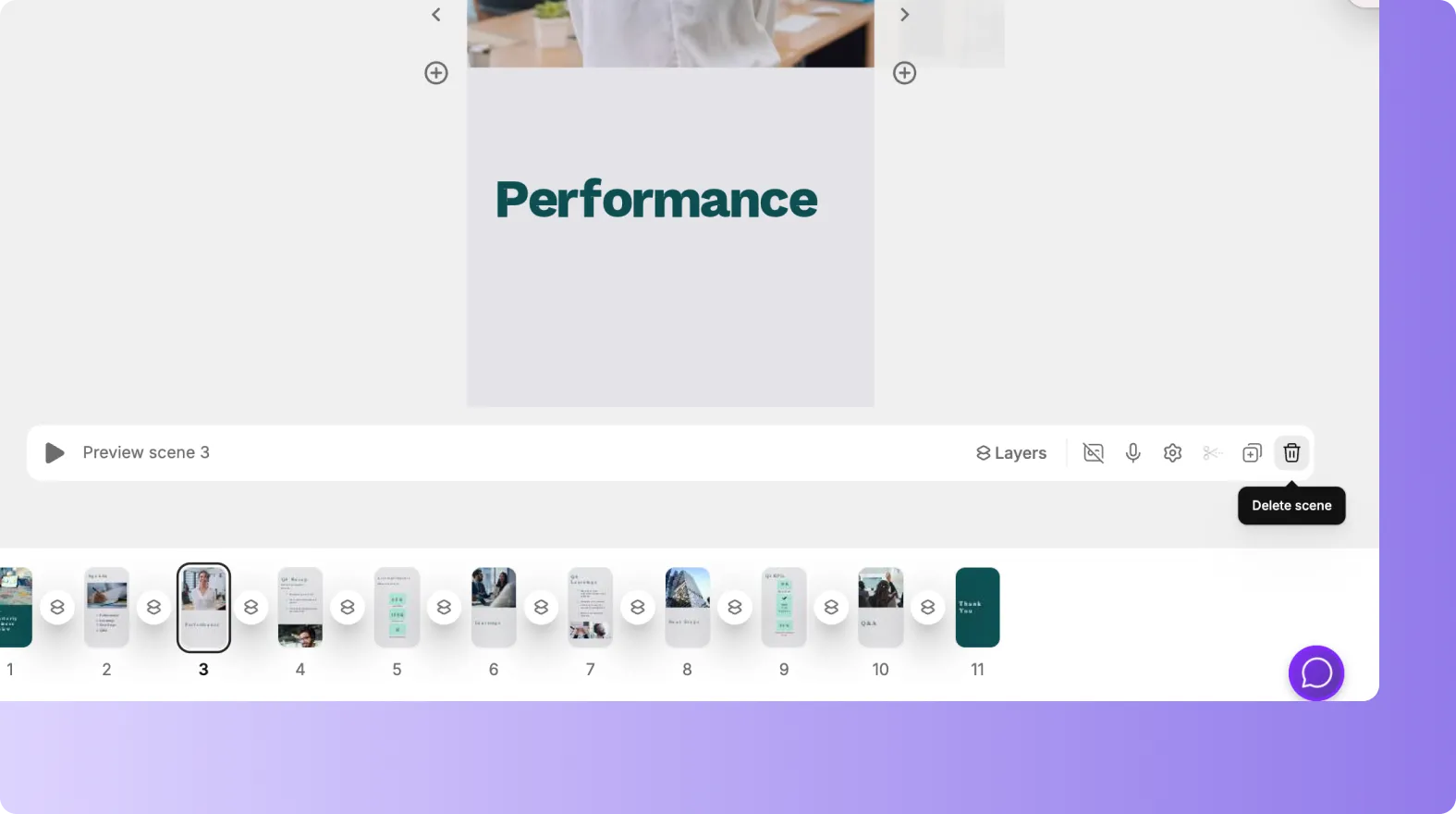
You can duplicate your project and shorten it without affecting the original.
Step 6: Optimize Subtitles for Silent Viewing
Many platforms autoplay videos without sound.
To optimize for silent viewers:
• Enable subtitles
• Increase subtitle size
• Use high contrast colors
• Place subtitles in a safe viewing area
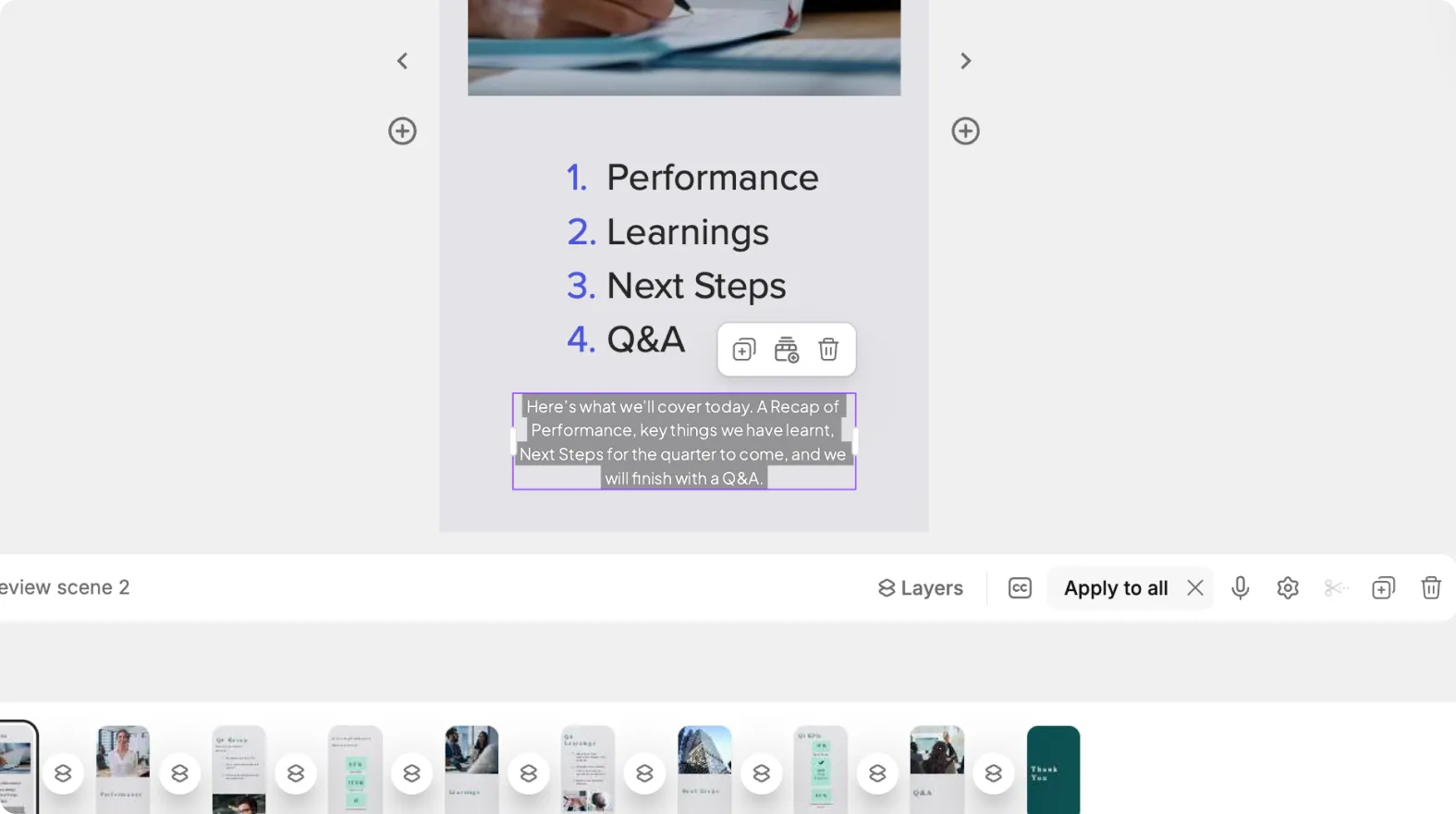
Subtitles improve accessibility and engagement across platforms.
Step 7: Customize Visual Style Per Platform
Different platforms favor different visual styles.
Examples:
• Clean and professional for LinkedIn
• Bold and fast paced for TikTok
• Polished and branded for YouTube
• Informative and clear for training platforms
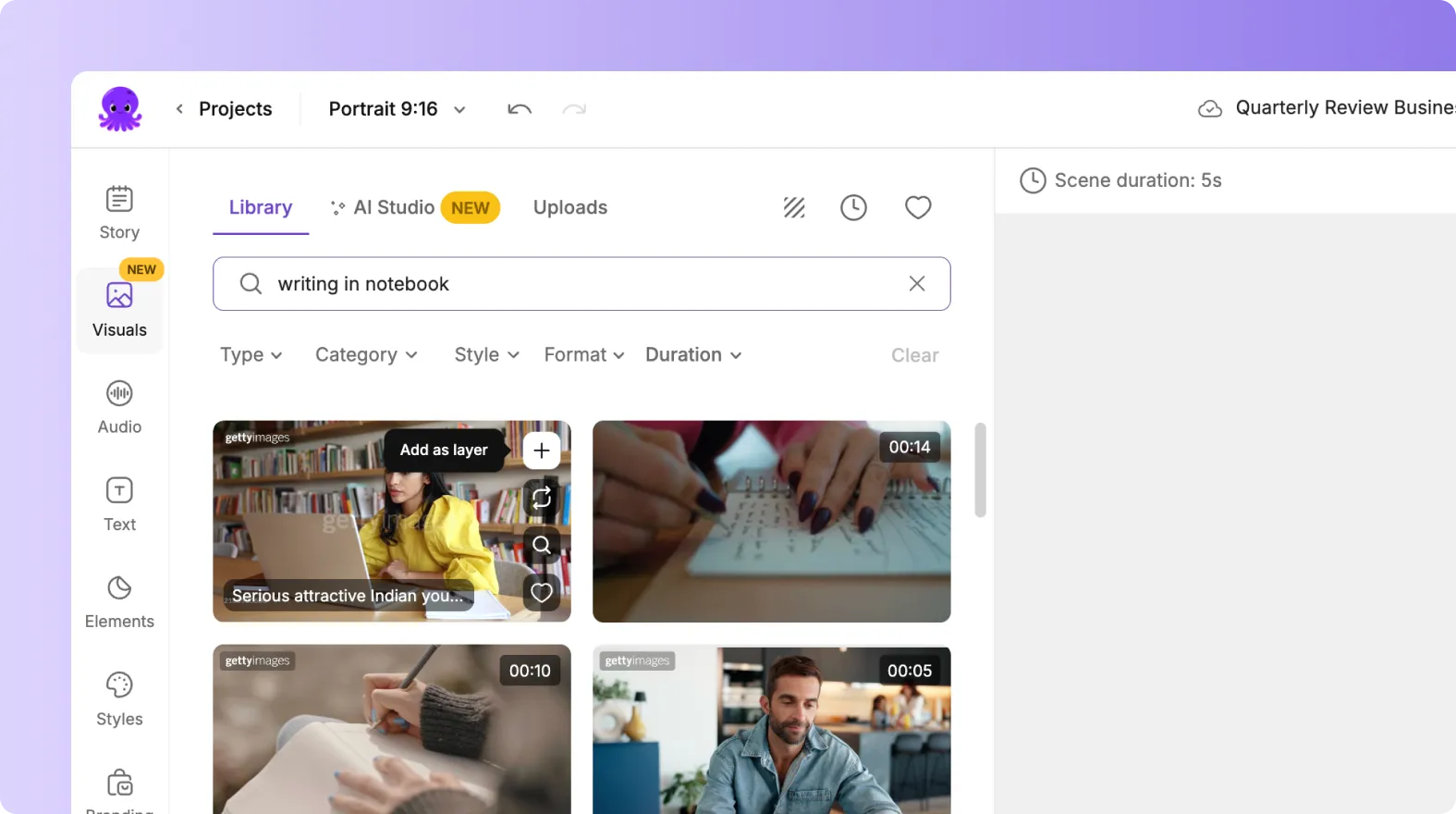
You can adjust styles, animations, and layouts to match audience expectations.
Step 8: Export in the Correct Format
Export each version separately.
Choose:
• Correct aspect ratio
• Appropriate resolution
• Burned in subtitles if needed
Your videos are now ready to upload to each platform.
Create High Performing Platform Specific Videos With Pictory AI
Pictory AI makes it easy to adapt one video into many platform specific versions. By adjusting aspect ratios, layouts, length, and subtitles, you can optimize your content for every channel without starting over. This approach saves time and helps your videos perform better everywhere they are published.
Start creating platform specific videos today using Pictory AI.


