4.6/5rated on G2
Turn slides, recordings, and documents into course videos
Pictory helps professors and instructional designers repurpose slides, recordings, and documents into course-ready video lessons.
Trusted by over 20,000 teams and institutions worldwide.





What is an AI course video creator?
An AI course video creator turns slides, lecture recordings and documents into narrated, captioned course videos that faculty edit as text. Pictory does this for higher education: it builds the scenes, adds a voiceover and captions, and keeps your institution’s brand on every video.
Pictory helps faculty, student success and learning technology teams turn the slides, recordings and documents they already have into course videos, without learning a video editor.
 Course video
Certified for enterprise-grade security and global compliance
ISO 27001 and SOC 2 certified, with Single Sign-On through your identity provider.
For higher education teams
Give faculty, student success, and learning technology teams a faster way to create videos
 Online and hybrid courses
Lessons students can rewatch
Faculty can turn existing course material into clear learning videos students can rewatch between classes.
- Student onboarding
Welcome and orientation videos
Student success teams build welcome and orientation videos so new students know what to expect before day one.
- Captions and SCORM
Captions and an LMS-ready package
Learning technology teams add captions and, through Pictory Central, SCORM export for the LMS.



Why Pictory
Loved by creators, trusted by enterprise teams
From solo creators to global marketing teams.
4.6 / 5
Average rating on G2, plus Capterra’s Best Ease of Use award for 2025.
20,000+
companies and institutions creating video with Pictory.
ISO 27001
and SOC 2 certified, GDPR compliant, ready for enterprise security reviews

 GDPR



Proof
Help learning teams produce more video with less editing time
Pictory makes it easy to produce high quality video at scale. Here are the outcomes institutions value most.
80%
voluntary training completion rate
AppDirect
$1500
monthly savings in video creation costs
Online Super Tutors
7x
faster video creation time
Golden Business Group LLC
Your course design process
Pictory works with your course design process, not against it
Course design already means juggling faculty, CTEs, outside subject matter experts, and students. Pictory fits into that process instead of adding another tool to manage.
Part 01
AI scripts from existing course files
Pictory turns messy inputs into a structured storyboard you can edit as easily as text. Start with what faculty already have:
- PowerPoint files: Pictory analyzes the text and visual content to form the basis of your lecture storyboard. PPT and PPTX files up to 90 slides or 50 MB work, and speaker notes can be the narration.
- Rough outlines or partial scripts: take initial concepts and use them as the foundation. Pictory will structure and visualize even fragmented course ideas.
- Docs, web page links or recordings: add a document, a web page link, or upload an existing recording. Pictory analyzes the content, pulls out the key points, and turns it into an editable storyboard.
Part 02
Relevant visuals without the hunt
Pictory combines elements from three sources to create an editable presentation style video interface your faculty already understands:
- Existing slides, images and institutional brand assets from your source material, including logos, diagrams, and course photos.
- Relevant stock footage and video clips: AI selects and integrates contextually appropriate stock video and images from our extensive library for visual appeal and depth.
- Custom AI visuals and avatars: professional, customizable avatars and prompt-based AI-generated visuals serve as on-screen presenters with natural-sounding voices.



Part 03
Professional voiceovers, no studio required
Choose from 170+ AI voices in 29+ languages.
- Background narration: generate clear, consistently paced voiceovers for asynchronous lessons.
- Lifelike AI avatars: avatars present your lesson in a personal, familiar way.
- No microphones required: skip the expensive equipment and the studio time.
- Zero retakes: automatic audio generation saves faculty hours.


Course videos by use
Course videos for every kind of class
Video for higher education starts with the material you already have. Pictory handles the course video production, from slides, recordings and documents to narrated, captioned lessons, and Pictory Central hosts them for your LMS as a university video platform.
Lecture videos from slides
Turn a PowerPoint into a narrated lecture video. PPT to Video turns slide text into editable scenes and can use your speaker notes as the narration.
PPT to videoFlipped and online classes
Give students the lesson before class, or run a course fully online. Edit the text of a scene and the voice and captions follow.
Education professionalsCourse creators and instructional designers
Build course modules from outlines, documents and recordings, with a brand kit for a consistent look. See also instructional designers.
Course creatorsStudy and revision videos
Turn lecture notes and slides into short revision videos students can rewatch. Summarize Video can shorten a long recording to a video of 30 seconds to 5 minutes.
AI video for educationWelcome and orientation videos
Student success teams build welcome and orientation videos from a deck or a handbook, so new students know what to expect before day one.
Updates and languages
Update and translate your course videos
Update a course without re-recording
Edit the text of the scene that changed and generate the video again. The voice and captions follow. Duplicate the project before a big change, and refresh a module each term.
Courses in more than one language
Pictory has AI voices in 29+ languages, and translation from English into other languages. Add captions to every version.
 Lesson 5
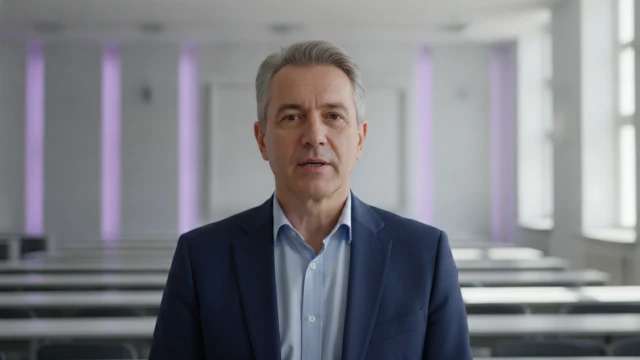 English
Pictory Central
Pictory Central for lecture videos
Part of the Enterprise plan
Add chapters, AI-generated quiz questions and call-to-action buttons to a lecture video. Students jump to the topic they need and check their understanding as they go. Export it as SCORM for your LMS or share a link. Available on the Enterprise plan.
- Automatic chapters
- AI quiz questions you review and edit
- Call-to-action buttons
- SCORM export or a shareable link



Brand and team control for your institution
A brand kit holds your logo, colors, fonts, text styles, music, voices and avatars, and Pictory can generate one from your website address. On the Teams plan, for three or more users, brand kits and projects are shared across the team.
- Brand kits made from a website address
- Shared brand kits and projects on the Teams plan
- The same look in every course
 N
Case studies
Teams that scaled video with Pictory

“Pictory is the easiest, most efficient way to get from an idea in text to multimedia imagery on the screen. It’s the critical component to get us out of death by PowerPoint.”
Read the Whirlybird Labs case study“Pictory helps us consistently deliver the high-quality videos we’re known for, content we’re proud of and our clients are proud to use. They always get a five-star response.”
Read the VRC case study“82% of our 10,000+ partners keep coming back to our training videos even though they aren’t mandatory courses. That’s how we know the content’s working.”
Read the AppDirect case study“It increased subscriber growth by 78% and cut my video creation time from a couple of hours to a few minutes. It’s been a godsend.”
Read the NetRock case study“Through Pictory videos, leads up by 500%, video production costs are down 90%.”
Read the Online Super Tutors case study“We only launched our new app a few months ago and already have over 500 subscribers. People come back regularly to watch more videos made with Pictory.”
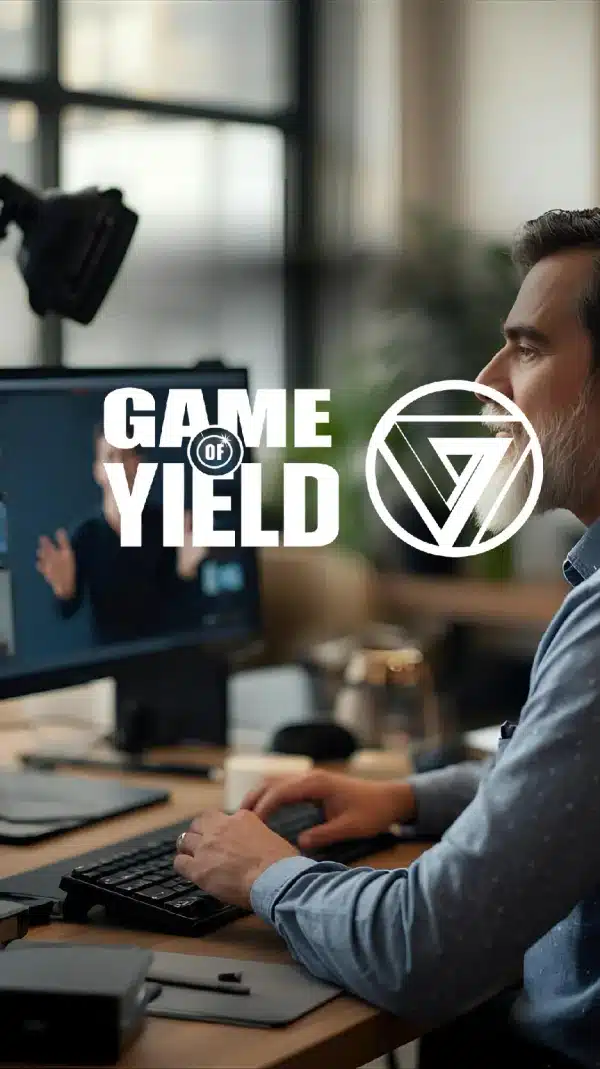
Read the Game of Yield case study

Interactive tour
Tour the PowerPoint-to-Video workflow yourself
Go from raw lecture slides to a polished, quiz-ready course video in minutes. PPT to Video takes PPT and PPTX files up to 90 slides or 50 MB, can use your speaker notes as the narration, and turns slide text into editable scenes.
Book your 30-minute Pictory demo
How it works
- Understand how Pictory works for your faculty and courses
- Get custom pricing for institution-wide plans
- Discover success stories from peer institutions
Trusted by over 20,000 companies of all sizes


AI video creation helps digital learning teams save time and deliver more engaging course content. Instead of spending weeks working with media teams or outsourcing production, you can turn lecture slides, notes, and recordings into course videos within hours. AI also keeps style and branding consistent across all course materials, so programs scale more easily across departments or campuses.
You can upload a PowerPoint (PPT or PPTX, up to 90 slides or 50 MB), a PDF or document (up to 50 MB, ideally under 50 pages), a script or text, and audio files or recordings. You can also paste a web page link, or a YouTube or Instagram video link, into URL to Video. Pictory turns them into structured, editable video lessons with narration, visuals and captions.
Yes. Every video can reflect your institution’s brand identity. You can add logos, choose brand colors and fonts, and apply brand kits that keep a consistent look and feel across all course content. Pictory can also generate a brand kit from your website address.
Yes. Professors often do not have the time or editing skills to create video. They can upload raw materials like slide decks, lecture notes, or recordings, and Pictory builds a course video that you can review and edit as text. This reduces the effort faculty need to invest while still capturing their expertise.
Pictory turns source material into a structured video with narration, on-screen text and captions, and short lessons are easy to rewatch. With Pictory Central you can add chapters and quiz questions, so students jump to the topic they need and check their understanding as they go.
Yes. Download an MP4 or copy a shareable link into any LMS that accepts video. For SCORM export, hosting and quizzes, use Pictory Central, which is part of the Enterprise plan. The SCORM package plugs into your LMS.
Yes. Every video can have auto-generated captions that you can edit for accuracy. Captions are part of the video you export and publish. See the caption generator.
Yes. Pictory has AI voices in 29+ languages, and you can translate a project from English into other languages. Captions can be added to every version. See the video translator.
A recorded lecture is a single long take. Pictory turns source material into a structured video with scene breaks, on-screen text, captions and consistent branding, and you can add quizzes and chapters through Pictory Central.
Yes. Edit the text of the scene that changed and generate the video again. The voice and the captions follow the text, and you can duplicate the project before a big change.
Yes, through Pictory Central, which is part of the Enterprise plan. It also hosts your video, adds automatic chapters and AI-generated quiz questions you review and edit, and publishes by link or embed. Book a demo to see it.
No. Pictory makes course video from slides, documents and recordings you already have. It is not a tool for capturing live lectures, and it is not an LMS.
Yes. Pictory supports SSO with SAML or OIDC and providers such as Okta, Microsoft Entra ID and Google, on the Enterprise and Teams plans. Our team sets it up for you.
Enterprise and institution-wide pricing is custom. Book a demo and our team will go through the plan that fits your institution. The plans from $25 a month, billed annually, are self-serve and are on the pricing page. See Pictory for Enterprise, or Pictory for learning and development for corporate training.
Yes. The free trial includes 300 credits for 14 days, with no credit card required. Videos downloaded on the free trial are watermarked.