
PICTORY VIDEO TRANSLATION
Translate Videos From English to Tamil
Turn an English video into a Tamil version with a natural Tamil voiceover, accurate subtitles and a script you can edit line by line. Pictory transcribes, translates and rebuilds your video in the browser — no dubbing studio, no re-shoot, no editing timeline.
Rated 4.7/5 on Capterra






Trusted by over 20,000 companies of all sizes
Tamil is spoken by around 80 million people and holds official status in an unusual number of places for its size: the Indian state of Tamil Nadu and the union territory of Puducherry, plus Sri Lanka and Singapore, with recognised minority status in Malaysia and South Africa. It also has one of the longest unbroken literary traditions of any living language, stretching back more than two thousand years. That history creates the one thing you need to get right. Tamil is strongly diglossic: the literary form used in writing, news and formal speech is genuinely distinct from the colloquial form people actually speak, not merely more formal. Machine translation tends to produce the literary register by default, which is correct for a policy document and sounds stilted the moment it is read aloud in a conversational video. Reviewing the translated transcript with that in mind matters more here than in most languages.
KEY FEATURES
Everything your Tamil version needs
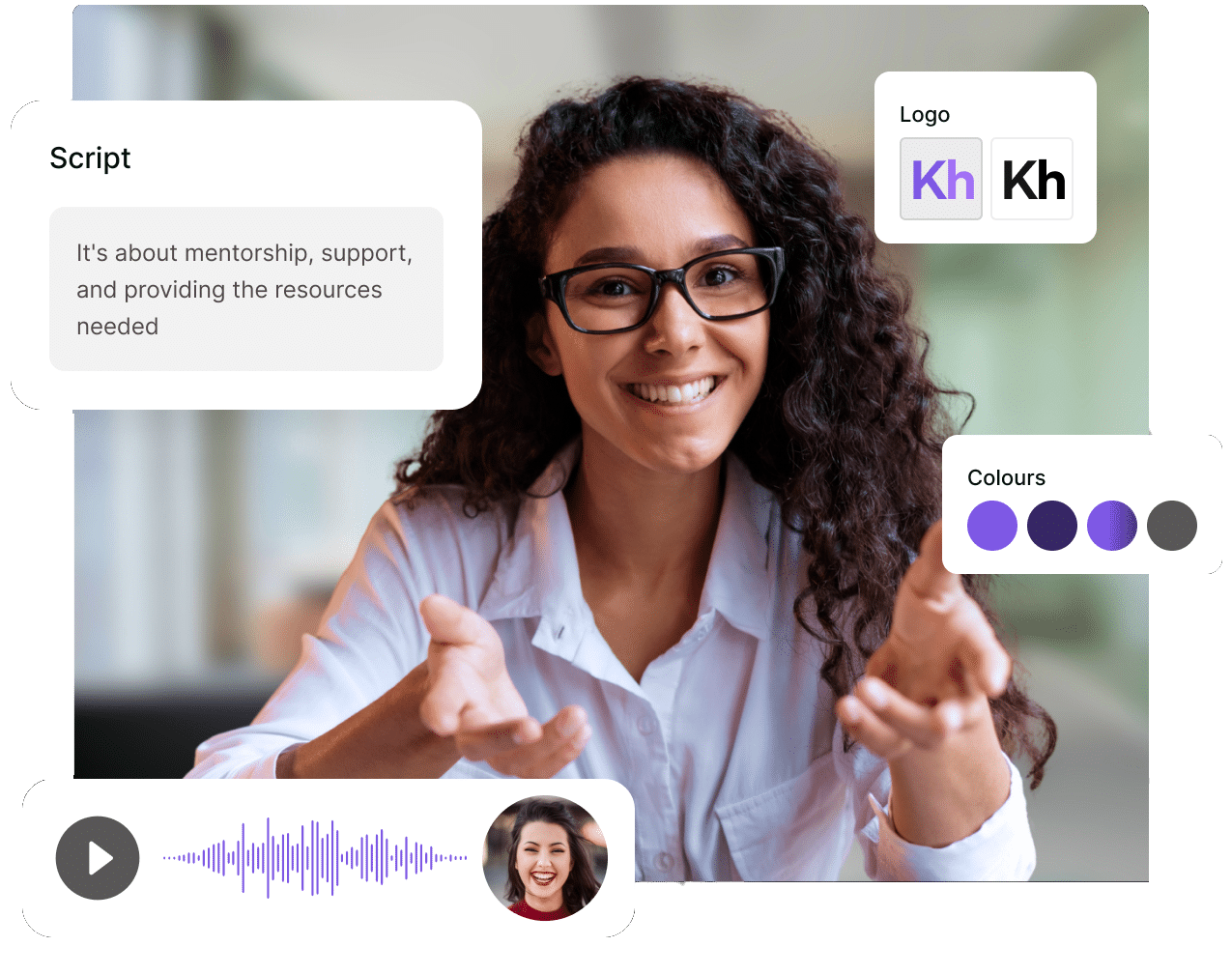
Tamil script attaches vowel signs around its consonants and needs more vertical space than Latin text, and Tamil's agglutinative grammar stacks suffixes into long single words that cannot break mid-word in a caption. Pictory lets you set maximum lines per caption, rephrase anything that will not wrap, and adjust caption size so nothing clips at the frame edge.
The translated script is editable text, not a locked output. Fix a product name, move a line from literary Tamil toward the way people actually speak, or shorten a long suffixed word that overruns its scene — then regenerate. Voiceover and captions update around your edit. Apply a brand kit and your Tamil version carries the same logo, colors, fonts and intro as the English original.
For a more detailed guide to how our translate function works, see our Academy articles. Translating a finished video into multiple languages walks through the whole flow. Translating a script with AI shows how to rewrite your script in the target language first, then generate the video from there.
Step 1
Upload or create your English video
Add a video or audio file, paste a URL, or start from a script or document. Pictory transcribes the English audio automatically.
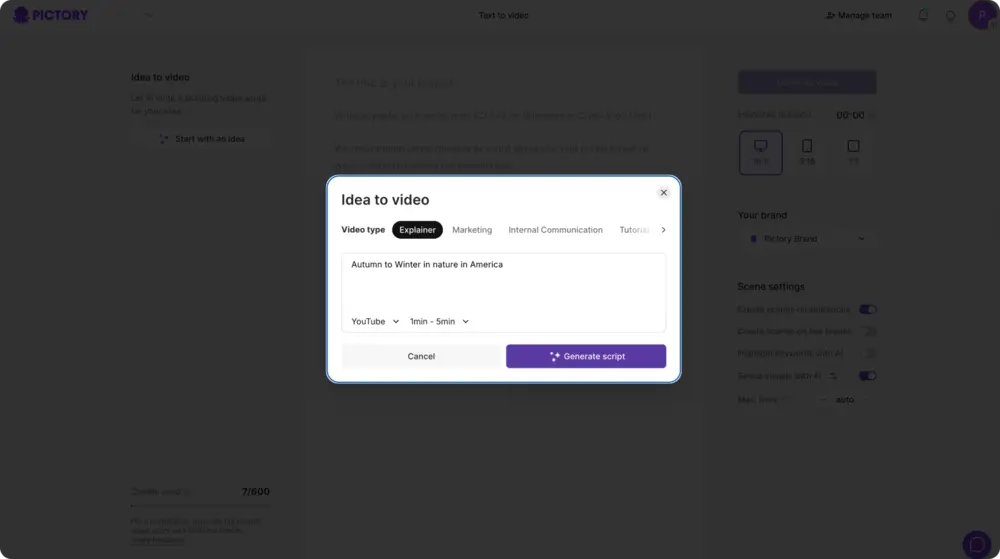
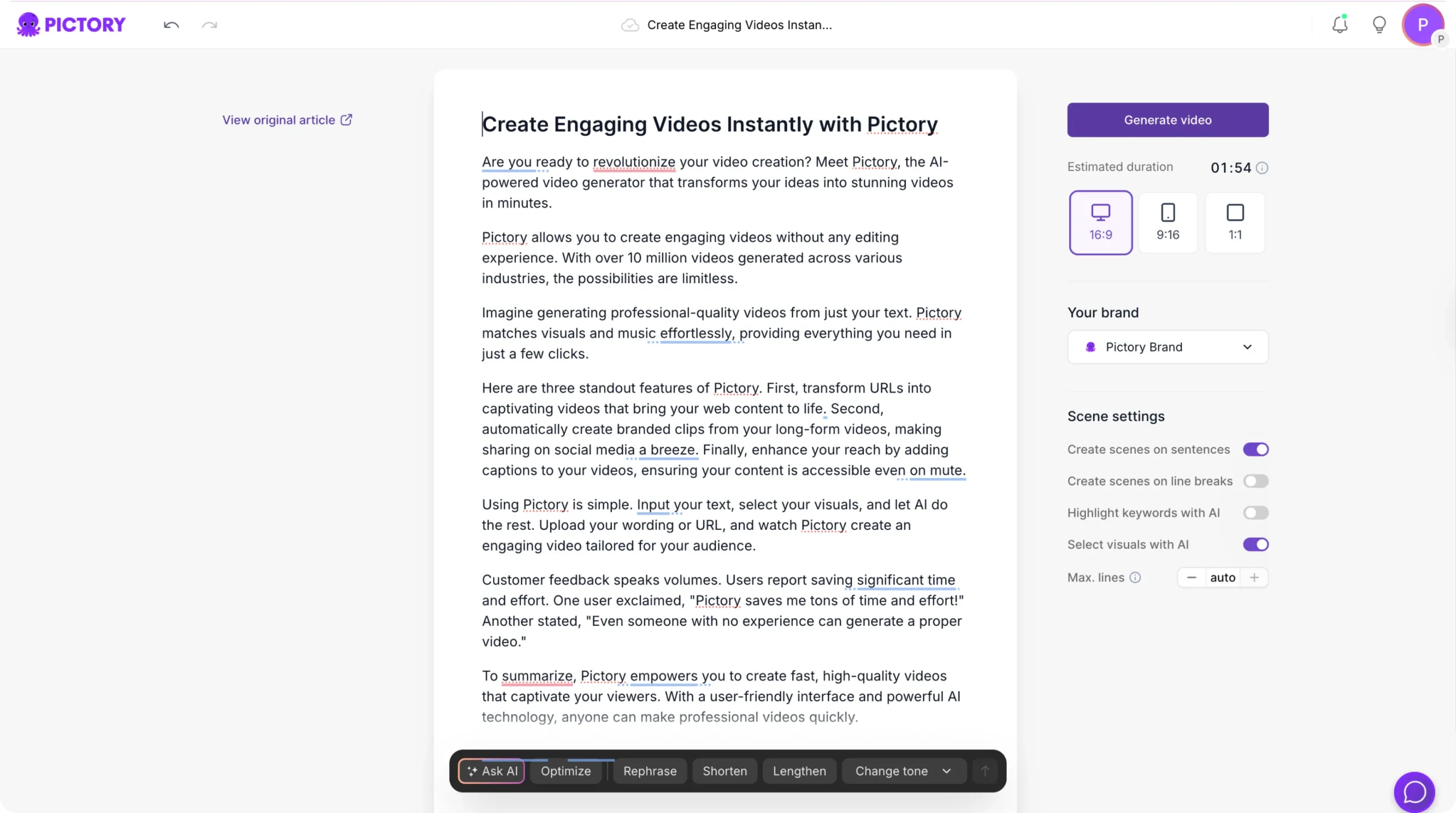
Step 2
Translate the script to Tamil
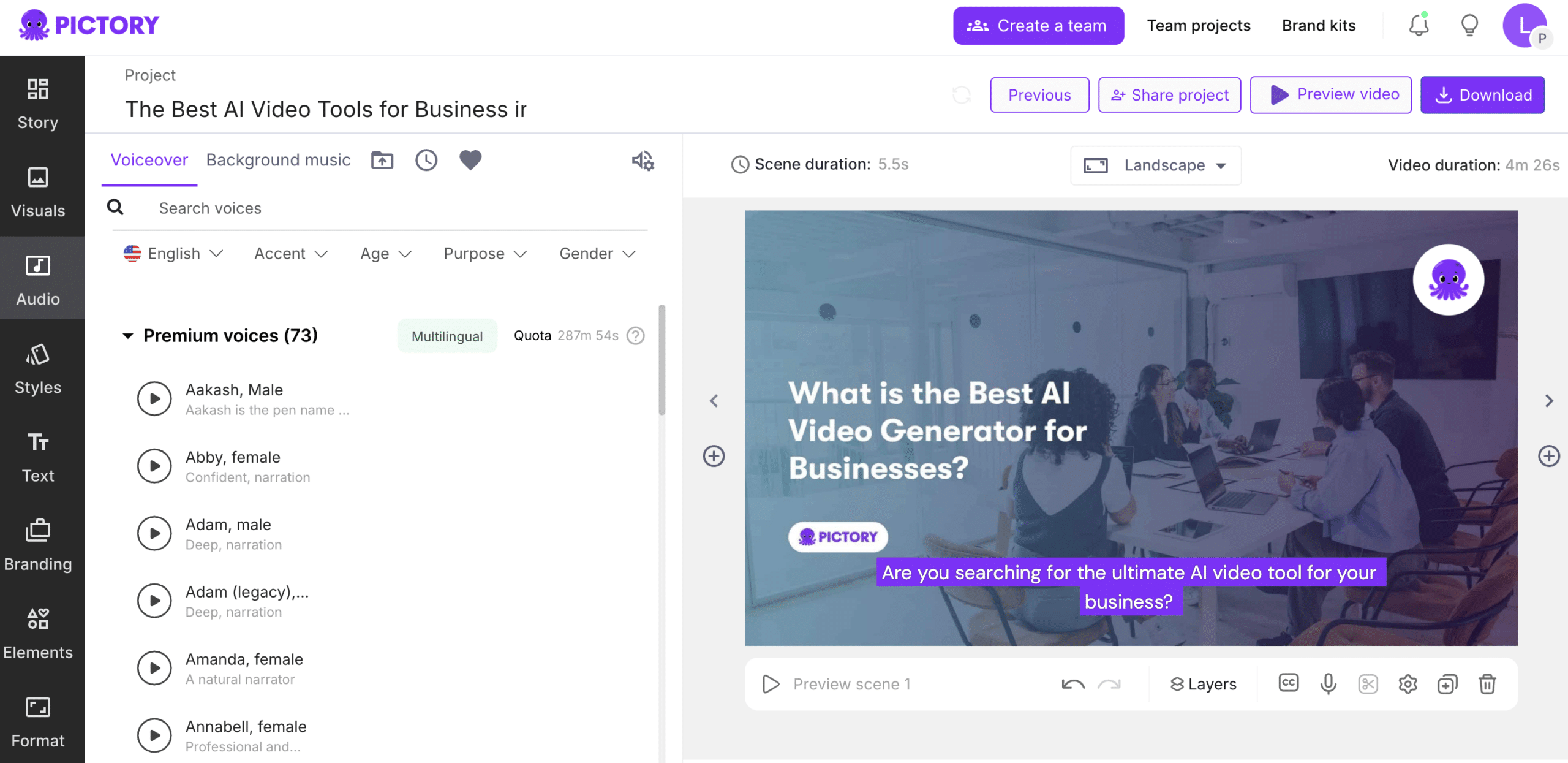
Translate the transcript into Tamil and review it as editable text. Adjust register, lock brand terms, and tighten any line that runs long.
Step 3
Add a Tamil voice and subtitles
Select a Tamil AI voice or apply your voice clone, then generate matching Tamil subtitles and style them to your brand.
Step 4
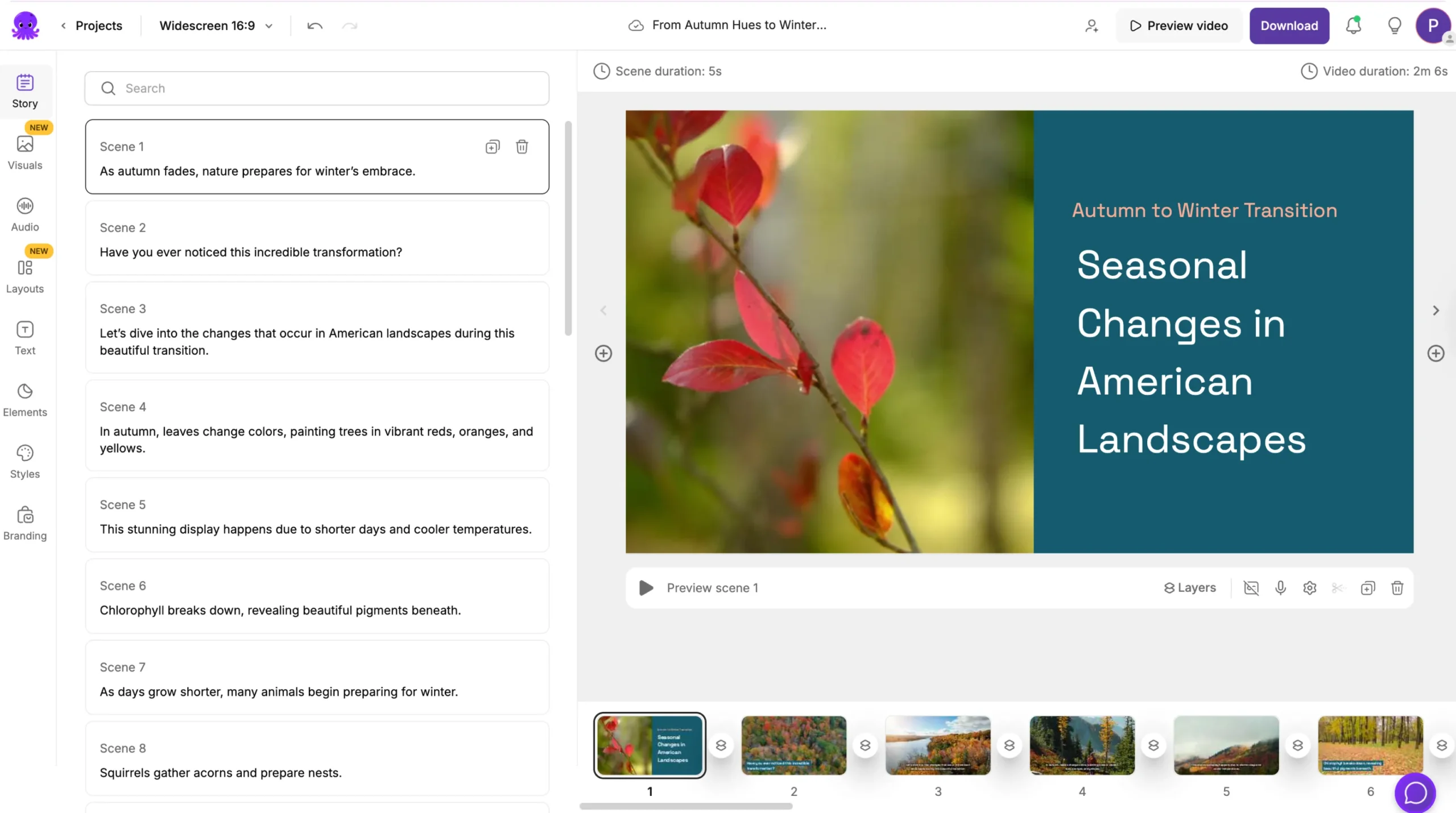
Preview and export
Check timing across the whole video, then download your Tamil cut and subtitle file, ready for YouTube, LinkedIn or your LMS.
Who translates English video to Tamil

Training and L&D teams
Deliver onboarding and compliance video to Tamil-speaking staff across Tamil Nadu, Sri Lanka, Singapore and Malaysia from a single English master.

Course creators
Reach Tamil-speaking learners in a language with a large audience and comparatively little online course material relative to its speaker base.

Marketing and agency teams
Localize campaign video for Tamil audiences in South India and across Southeast Asia from one master asset, on brand.
Translate video into 18 languages
More than just a Video Translator
Explore Pictory's enhanced AI Video editing and video generation software, click below to explore all of the incredible features.
-
URL to Video
-
Audio to Video
-
AI Avatar Generator
-
AI Video Editor
-
PPT to Video
-
Image to Video
Text to Video Generator
Turn text, prompts, scripts, articles, and blog posts into videos using Gen AI visuals, AI avatars, captions, and realistic AI voices.
URL to Video
Audio to Video
AI Avatar Generator
AI Video Editor
PPT to Video
Image to Video
Publish your video in Tamil today
Upload once, translate to Tamil, and reach audiences across South India, Sri Lanka, Singapore and the global diaspora — without a studio, a translator or a second shoot.
In partnership with










Frequently Asked Questions
How do I translate a video from English to Tamil?
Upload your English video to Pictory, let it transcribe the audio, translate the transcript into Tamil, then choose a Tamil AI voice and generate matching subtitles. Review the Tamil text before you export, then download the video and subtitle file.
Should I use literary or spoken Tamil?
It depends on the content, and the gap between them is wide. Literary Tamil suits policy, compliance and formal instructional video, but read aloud in a conversational marketing piece it sounds stiff. Machine translation defaults toward the literary register, so review the transcript and loosen it deliberately where the content calls for that.
Does Pictory handle Sri Lankan and Singaporean Tamil?
You can adapt the translated script for any Tamil-speaking market by editing the transcript before you generate. Indian Tamil and Sri Lankan Tamil differ noticeably in pronunciation and vocabulary, and Singapore and Malaysia have their own everyday usage, so adjust rather than assuming one version travels everywhere.
Will the Tamil version keep my own voice?
Yes. Create a voice clone from your own recordings and apply it to the translated script, and the Tamil version is narrated in your voice rather than a stock one. Voice clones are multilingual, so the same clone works across every language you publish in.
How accurate is the English to Tamil translation?
Accuracy is strong when the source audio is clean and clearly paced, and the translation is fully editable before you render. Review the Tamil transcript, correct brand names or technical terms, and the voiceover and captions regenerate around your edits.
Can I translate a Tamil video back into English?
Yes — the workflow runs in both directions from the same upload. Pictory transcribes the Tamil audio, translates it to English, and generates an English voiceover and subtitles the same way.



SOC 2 & GDPR compliant
OPE0072201
Copyright 2026 Pictory.ai - Privacy Policy / Terms of Service / NSFW / Copyright Policy / Sitemap


