TL;DR
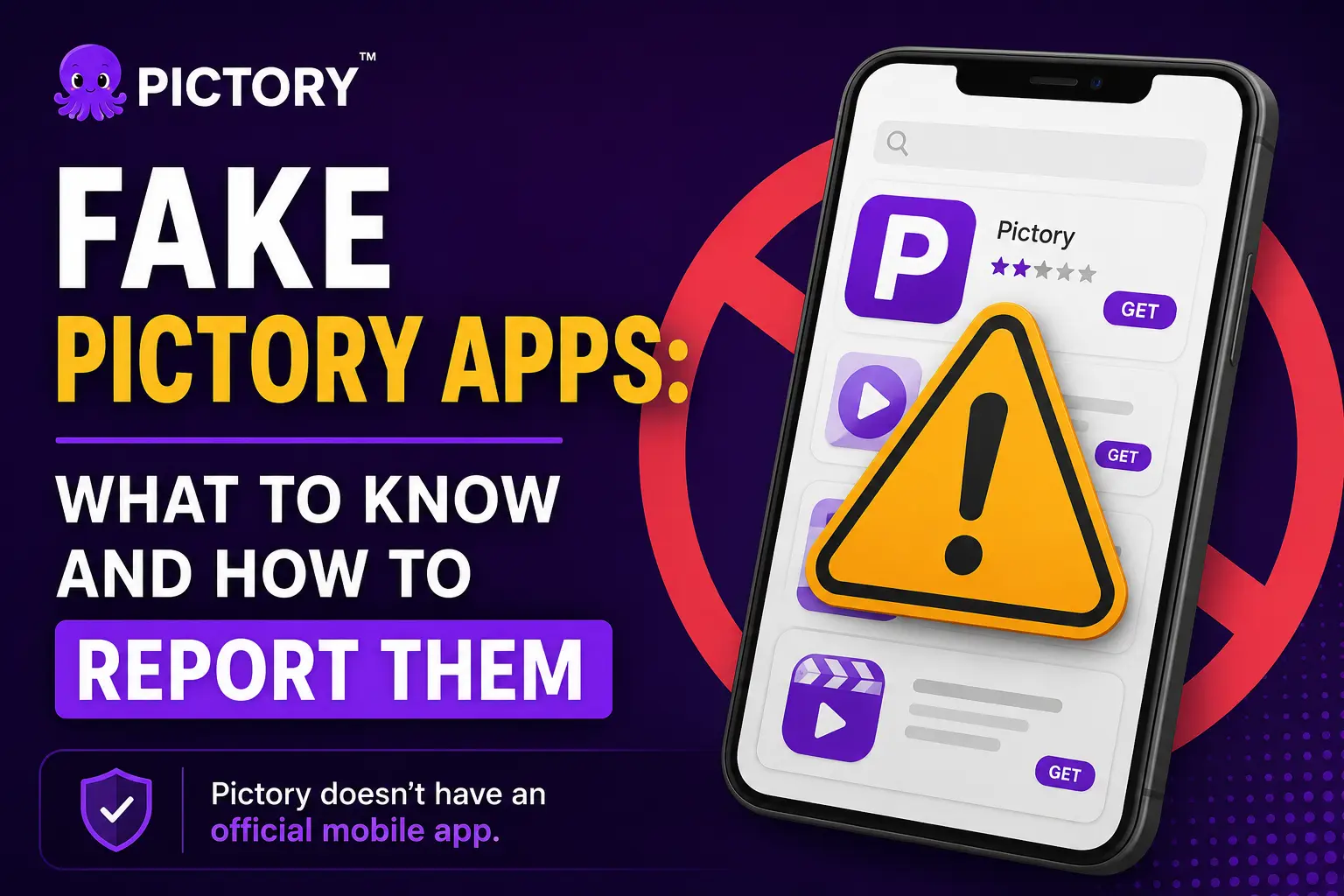
Pictory doesn’t have an official mobile app. Fake apps impersonating Pictory exist in the Apple App Store and Google Play. These apps aren’t affiliated with Pictory and have charged users for non-functional subscriptions. If you’ve downloaded one, report it to Apple or Google and request a refund. The real Pictory is only at pictory.ai and app.pictory.ai, where you can start a video on mobile in a chat with Pickford and finish it on desktop.
If you searched for a Pictory app and found one in the App Store or Google Play, stop before you download it. Pictory doesn’t have an official mobile app, and the apps using the Pictory name in those stores aren’t from us. They’re impersonators, and several users have already reported being charged subscription fees for apps that don’t work.
This article explains what’s happening, how to identify a fake Pictory app, what to do if you’ve been affected, and how to report these listings to Apple and Google.
There is no official Pictory app in any app store
Pictory is a web-based AI video creation platform. It runs in your browser on desktop, mobile, and tablet, through app.pictory.ai. There’s no iOS app and no Android app. Pictory hasn’t published any app in the Apple App Store or Google Play Store.
⚠️ This is an active scam affecting real users
We’ve confirmed that apps using names such as “PicTook” and “Picstory” appear in the App Store using language and branding designed to mislead users into thinking they’re the real Pictory. User reviews confirm these apps charge subscription fees and don’t function. These aren’t Pictory products.
Fake AI tool apps are a growing problem across the industry. DoubleVerify reported in 2025 that fraudulent iOS apps had tripled compared to the prior five-year average, with AI-branded apps being a primary target category. Pictory is one of many legitimate platforms being impersonated this way.
How to identify a fake Pictory app
A few things to check before downloading any app that claims to be Pictory:
Check the developer name
The official Pictory company name is Pictory Corp. If the developer listed in the app store isn’t Pictory Corp or pictory.ai, the app isn’t ours.
Check the privacy policy and support links
Legitimate apps link to the company’s actual website. If the privacy policy points to an unknown domain, not pictory.ai, you’re looking at a fake.
Read the reviews carefully
Fake apps often have a mix of suspiciously uniform five-star reviews and real users reporting they were scammed. Look for patterns like identical phrasing across reviews, and pay attention to the one- and two-star reviews, where actual user experiences tend to be documented.
Verify at pictory.ai first
Before downloading any app that claims to be Pictory, check pictory.ai/app. If an official app exists, we’ll announce it there. If the page says there’s no official app, any app store listing is fake.
What to do if you’ve already downloaded a fake Pictory app
Step 1: Delete the app immediately
On iPhone, press and hold the app icon and select Remove App. On Android, press and hold the icon and drag it to Uninstall, or go to Settings, Apps, and uninstall from there.
Step 2: Cancel any subscription
On iPhone, go to Settings, your name, Subscriptions. Find the fake app in the list and tap Cancel Subscription.
On Android, open the Google Play Store, tap your profile icon, go to Payments and Subscriptions, Subscriptions, and cancel the relevant one.
Step 3: Request a refund
On iPhone, go to reportaproblem.apple.com, find the purchase, and select “I didn’t mean to purchase this” or “This subscription isn’t working.” Apple typically issues refunds for fraudulent or non-functional app purchases.
On Android, open the Google Play Store, tap your profile icon, go to Order History, find the purchase, and tap Request a Refund. Google Play offers refunds within 48 hours of purchase, and longer windows for fraud cases.
Step 4: Report the app
This part matters: reporting these apps helps get them removed and protects other users.
To report a fake Pictory app on Apple App Store:
Go to apple.com/legal/internet-services/itunes/appstorenotices and fill in the trademark complaint form. Select “Trademark” as the issue type and include the app name and URL.
To report a fake Pictory app on Google Play:
Go to support.google.com/legal/troubleshooter/1114905 and complete the Google trademark complaint form. You can also open the fake app’s Google Play listing, scroll to the bottom, and tap Flag as inappropriate.
How to access the real Pictory on your phone
You don’t need an app to use Pictory on mobile. Open your mobile browser, go to app.pictory.ai, and sign in with your account.
On mobile, tap Create video with Pickford to start a chat-based flow. You describe the video you want, answer a few tappable questions (length, aspect ratio, voiceover, theme), review the script, and Pictory builds a preview. Tap Copy preview link to share the draft with your team.
When you’re ready to fine-tune scenes and export the final watermark-free MP4, open the same project on desktop at app.pictory.ai. The desktop editor gives you Text to Video, URL to Video, PPT to Video, Doc to Video, Audio to Video, the AI Video Editor, brand kits, AI avatars, voiceovers, and every other tool in the Pictory studio. See the full step-by-step mobile guide.
What Pictory is doing about this
We’re actively pursuing trademark enforcement against apps that use the Pictory name without authorization. Trademark infringement is one of the grounds on which Apple and Google can remove or rename an app, and we’re using those channels. We’ve also filed reports through Apple’s App Store content dispute process and Google’s trademark complaint system.
We know this is disruptive for users who encounter these apps before we can get them removed. The fastest thing you can do to help is report every fake Pictory listing you find using the links above. The more reports Apple and Google receive, the faster they act.
In the meantime, the safest approach is straightforward: if you want Pictory, go to pictory.ai. That’s the only place the real Pictory lives. Try Pictory free, no credit card required.
Use the real Pictory, right now, in your browser
No download. No app store. No risk of a fake subscription charge.
Frequently Asked Questions