
AI avatars for video
AI Avatar Generator
Pick a presenter and paste your script. The avatar speaks your words in the finished video, with the captions in sync. Nobody has to step in front of a camera.
- A gallery of ready-made presenters
- Outfit looks for every avatar
- Your own avatar from a few minutes of footage
- 170+ AI voices in 29+ languages
4.6/5Trusted by over 20,000 teams and institutions worldwide.






What is an AI avatar generator?
An AI avatar generator puts a digital presenter in your video. Pick an avatar and paste a script, and the avatar speaks your words on screen, with no filming. Pictory’s AI avatar generator adds the voice, the captions and the scenes around the presenter.
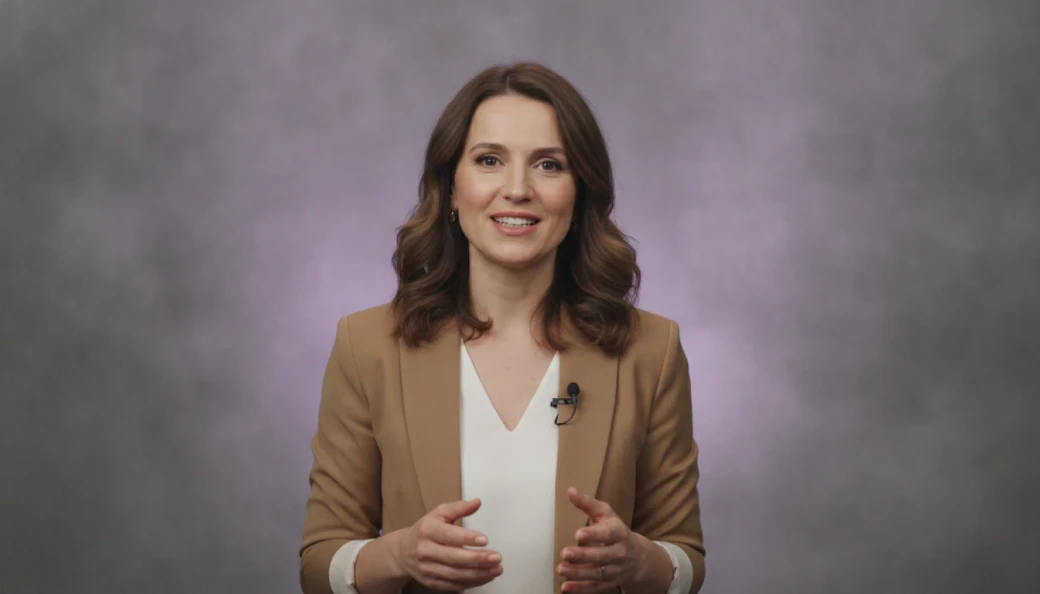
Make an AI avatar your presenter. Choose from a gallery of ready-made presenters, change the outfit and place the avatar anywhere in the scene. Or create a custom AI avatar of yourself from a few minutes of footage.
It suits an AI presenter video of any kind: training, product explainers, sales messages and social posts. It runs in your browser like an AI avatar app, with 170+ voices in 29+ languages.

Onboarding script320 words · 6 scenes
Avatar addedSpeaks every scene · captions on
Your source, any format
Give your avatar something to say.
Bring any format.
Start from an idea, a script, a link or slides. The avatar presents whatever you make.
Idea to Video
One sentence in. Script and scenes out.
Script to Video
Paste it and keep every word, or let AI tighten it up.
Text to Video
Paste any text and get a finished video.
URL to Video
Drop in a link. Pictory turns the page into a video script.
PPT to Video
Your slides and notes, narrated and on screen.
PDF to Video
Turn reports and guides into videos people actually finish.
Audio to Video
Give podcasts visuals and captions for YouTube.
Images to Video
Upload photos and clips. Get a story back.
Screen Recorder
Record, then edit it like a document.
How it works
How to make an AI avatar video
To make an AI avatar video, open a project in Pictory and go to the Avatars tab. Pick a presenter and a look, and the avatar speaks your script scene by scene. Set its position and size, then download. A ready-made avatar uses 15 credits per 30 seconds of video.
Start a video
Paste a script, or open any project you have already made.
Pick your avatar
Open the Avatars tab, filter the gallery and choose a presenter and an outfit.
Check the voice
A voice is applied for you. Change it in the Audio tab, in 170+ voices.
Place it and download
Set the shape, position and size, preview the video, then download.





Features
AI avatar features: presenters, looks and your own avatar
Presenters
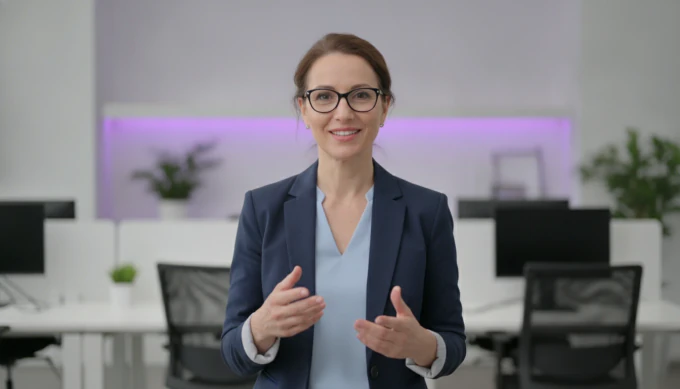
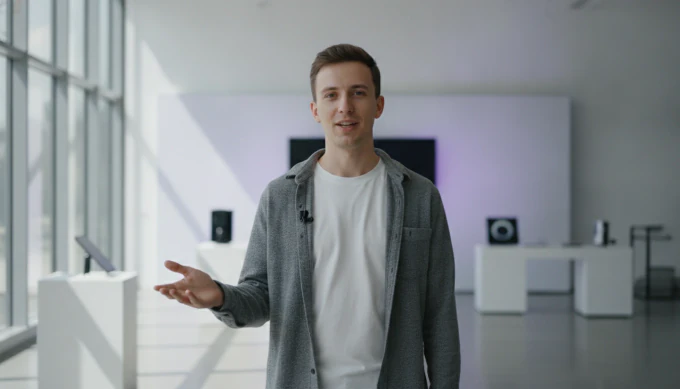
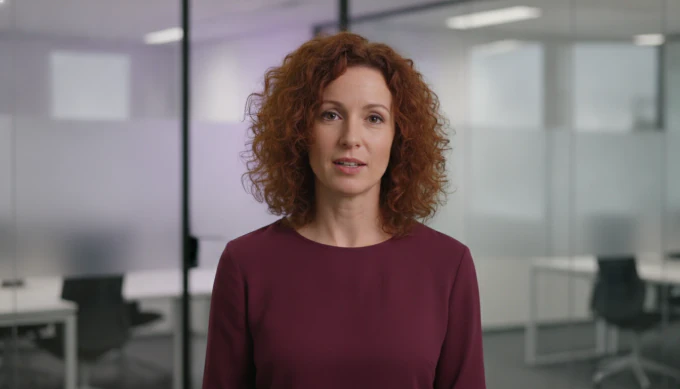
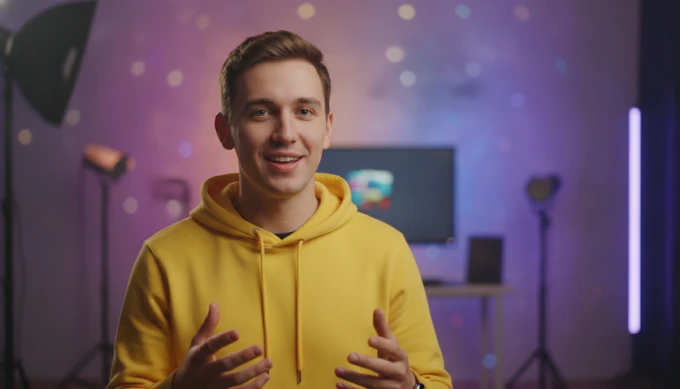
A gallery of ready-made AI presenters
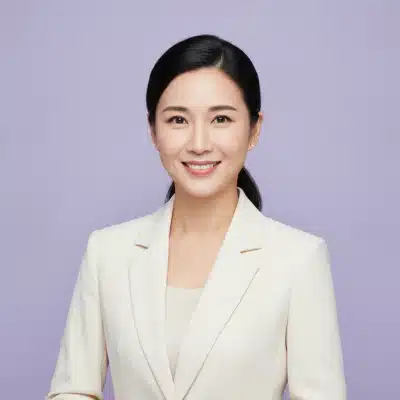
Browse the avatar gallery and filter it by male or female. The avatar you pick speaks the script of every scene, and you can show or hide it scene by scene.
- Ready-made presenters, male and female
- Show or hide the avatar in any scene
- Use a different avatar in each scene
Your own avatar
A custom AI avatar that looks like you
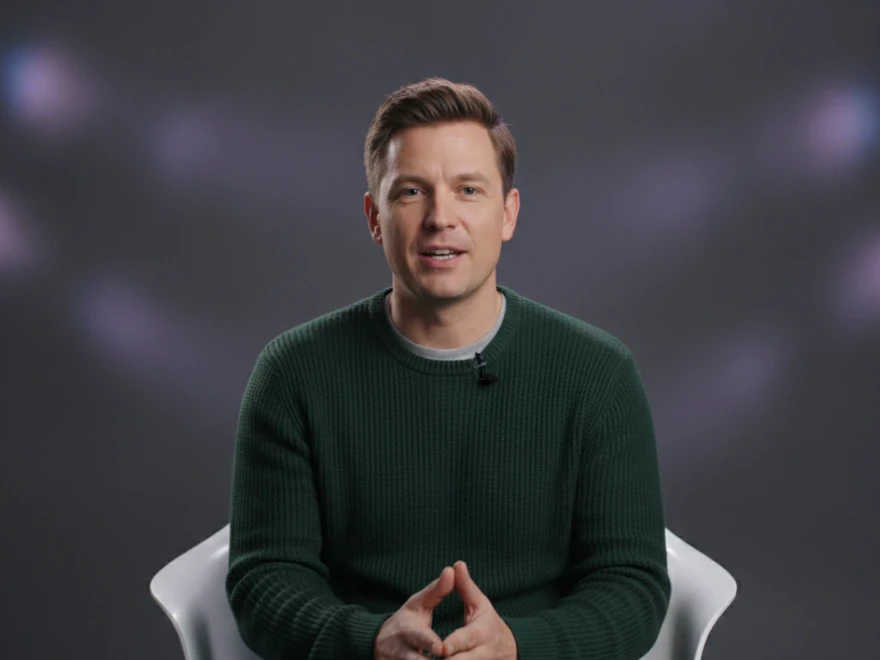
Record or upload a few minutes of footage, give your consent, and Pictory creates an avatar of you with a matching voice. Then every script you write is presented by you.
- 2 to 5 minutes of well-lit footage, looking at the camera
- Record in the browser or upload a clip
- Share your avatar with your team
Recording · 2:14
Avatar readyLooks and sounds like you
Looks and placement
Outfit looks and full control of placement
Each avatar comes with outfit looks. Show it in a circle or full frame, set the background and outline in your brand colors, and place it on a 9-point grid in small, medium or large.
- Outfit looks for each avatar
- Circle or original shape, in your colors
- Apply to all scenes in one click
Three ways in
Which AI avatar tool is right for you?
Pictory has one avatar gallery and three ways in. To build a whole video around a presenter, use the AI avatar video generator. To turn text or audio into a speaking presenter, use the AI talking avatar. To try avatars before you pay, start with the free AI avatar generator.
More AI video features
Your complete AI video generation tool
AI avatars
Add a talking presenter, or a digital twin of you.
Captions
Accurate, synced captions in your brand style.
Translation
Captions and voiceover for every market.
Text editing
Edit the transcript to edit the video.
Team workspaces
Share projects and brand kits with your team.
API
Generate branded videos from your own product.



AI Studio
Create any image or video you need with generative AI
The latest image and video models, built into the editor. Generate it, then drop it straight into your scene.

Generate and edit images
Describe it, or edit an existing image with a prompt.

Keep characters consistent
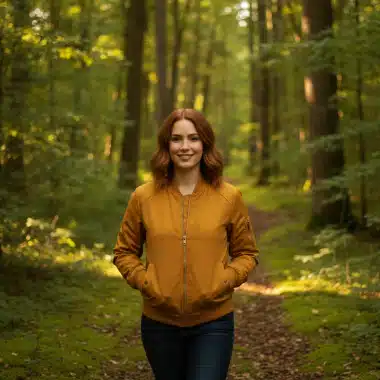
Use reference images to keep the same person or product in every scene.

Create video clips with sound
Generate clips with audio. Yes, characters can talk.

Extend any clip
Keep any clip going with a new prompt, even one you uploaded.
 ✓
✓Get four options at once
Generate up to four versions and keep the best one.
Stay on brand
Bring in your brand from a website, a document or a logo, and it is applied to every scene.







 ✓
✓
Choose your model
Pick a model for stills or 5 to 10-second clips.
Also in AI Studio: Nano Banana Lite for images and Omni Flash for video.
Use cases
Who is using AI avatars?
 Training and L&D
AI avatars for training videos
One presenter across every module, and no studio day to book.
- Product
AI presenter videos for product explainers
Put a face on the walkthrough and update it whenever the product changes.
- Sales
Sales messages with an AI avatar
Write the follow-up once and send it as a short presenter video.
Why Pictory
Loved by creators, trusted by enterprise teams
From solo creators to global training teams. Read the case studies
4.6 / 5
Average rating on G2, plus Capterra’s Best Ease of Use award for 2025.
20,000+
companies and institutions creating video with Pictory.
SOC 2
and GDPR compliant, ready for enterprise security reviews

 GDPR
GDPR






Case studies
Teams that scaled video with Pictory

“Pictory is the easiest, most efficient way to get from an idea in text to multimedia imagery on the screen. It’s the critical component to get us out of death by PowerPoint.”
Read the Whirlybird Labs case study“Pictory helps us consistently deliver the high-quality videos we’re known for, content we’re proud of and our clients are proud to use. They always get a five-star response.”
Read the VRC case study“82% of our 10,000+ partners keep coming back to our training videos even though they aren’t mandatory courses. That’s how we know the content’s working.”
Read the AppDirect case study“It increased subscriber growth by 78% and cut my video creation time from a couple of hours to a few minutes. It’s been a godsend.”
Read the NetRock case study“Through Pictory videos, leads up by 500%, video production costs are down 90%.”
Read the Online Super Tutors case study“We only launched our new app a few months ago and already have over 500 subscribers. People come back regularly to watch more videos made with Pictory.”
Read the Game of Yield case study

Compare
AI avatars vs. filming a presenter
One two-minute presenter video, made two ways.
| Step | With Pictory | Filming a presenter |
|---|---|---|
| The presenter | Pick one from the gallery | Book a presenter, or step in front of the camera |
| Recording | The avatar speaks your script | Set up camera, lights and sound, then film |
| Changing a line | Edit the text and download again | Film that part again |
| Another language | Pick a voice in one of 29+ languages | Film it again with another speaker |
| Captions | Automatic and timed to the voice | Added afterwards in an editor |
| Your branding | One brand kit on every video | Set up again in every edit |
| Formats for each channel | Choose 16:9, 9:16 or 1:1 per version | Re-edit each version |
Video API
Make video at scale from your own product
Send text, links or slides to the Pictory API and get branded videos back, automatically.
POST /v1/video/storyboard
{
  "videoName": "q3-update",
  "scenes": [{ "text": "Q3 in 90 seconds..." }]
}Enterprise
Enterprise video at scale
Custom plans, onboarding and support for company-wide rollouts.
- SOC 2 and GDPR compliant
- Custom plans and personalized onboarding
- Shared brand kits and team workspaces
- Dedicated support
Yes. Pictory’s free trial includes 300 AI credits, enough for about 10 minutes of video with a ready-made avatar. The free AI avatar generator page shows how to start.
The gallery has more than 20 ready-made presenters, male and female, and each comes with outfit looks. You can also add custom avatars of your own.
Yes. Record or upload 2 to 5 minutes of unedited footage: well lit, a solid background, looking at the camera and speaking naturally. Give your consent, and Pictory creates your avatar with a matching voice. Custom avatars are on the Pro, Teams and Enterprise plans.
A ready-made avatar uses 15 AI credits for every 30 seconds of video. A custom avatar of yourself uses 35. The editor shows the total before you download, and creating a custom avatar is free.
Yes. Pick an outfit look, show the avatar in a circle or full frame, and place it on a 9-point grid in small, medium or large. Apply to all copies the settings to every scene.
Yes. Change the avatar’s voice in the Audio tab and choose from 170+ AI voices in 29+ languages. The avatar speaks each scene in the voice you pick.
Yes. Paste your script into Pictory, pick an avatar and a voice is applied with it. The avatar speaks each scene of the script, and captions are added automatically.
Pictory has all three in one place: AI avatars, a video editor and automatic captions. Add a presenter in the Avatars tab, edit any scene, and the captions are timed to the voice. It is rated 4.6 out of 5 on G2.
Not Just an AI Avatar Generator
Explore our AI Generative Tools and Other Features


