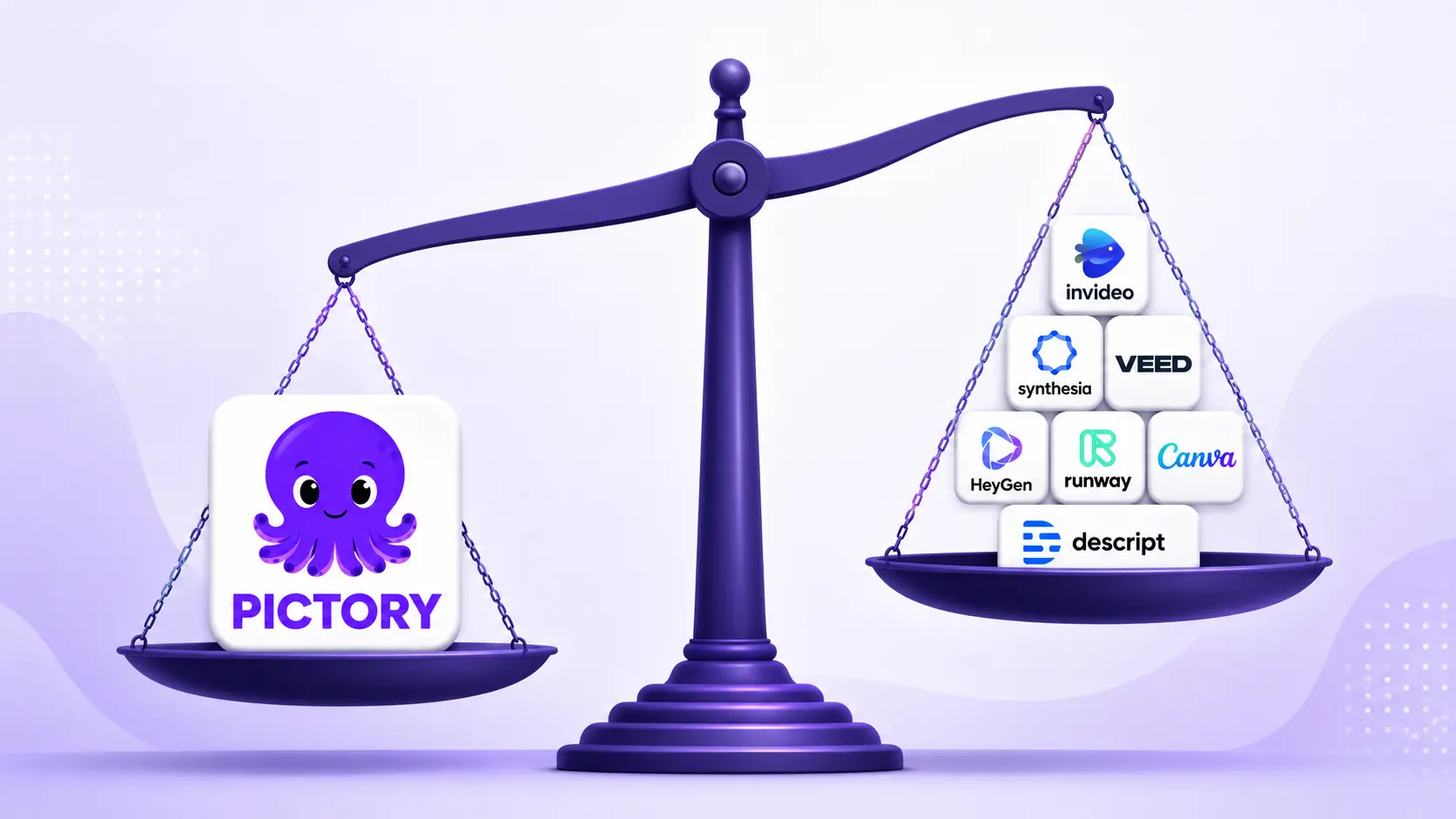
Picking the right ai video maker means matching the tool to what you’re starting from, not just comparing feature lists. Pictory is built for exactly one job: turning scripts, blogs, and URLs you already have into a finished video with voiceover and captions. This guide compares Pictory against seven other AI video makers, Synthesia, HeyGen, Runway, Google Veo, Canva, InVideo, and Descript, on speed, price, and output, so you can pick the right one for your workflow.
TL;DR
This post compares eight AI video maker tools for 2026: Pictory, Synthesia, HeyGen, Runway, Google Veo (Flow), Canva, InVideo, and Descript. You’ll see what each one does best, roughly what it costs, and who it fits. Pictory leads for turning scripts, blogs, and URLs into finished video with voiceover and captions. Pick the tool that matches your input and budget, then try it free.
What is an AI video maker?
An AI video maker is software that turns text, audio, or existing footage into a finished video without manual editing. It writes or follows a script, picks matching visuals, adds voiceover and captions, and exports a video in minutes instead of hours.
Most tools fall into one of three camps. Repurposing tools, like an ai video maker built to turn blogs, scripts, or URLs into video, avatar tools that put a digital presenter on screen, and generative tools that create entirely new clips from a text prompt. Knowing which camp a tool belongs to matters more than any single feature list, because it decides what you can feed the tool and what comes out.
How to choose an AI video maker
The right choice depends on what you start with and how much control you need over the final cut. Weigh these five factors before you commit to a plan.
- Input type: Do you start from a script, a blog post, a slide deck, raw footage, or nothing at all? Some tools only work well from one starting point.
- Speed: A quick social clip needs a tool that renders in minutes. A training series needs one that handles long-form content without breaking.
- Editing depth: Some tools give you a full timeline editor. Others hand you a locked template with limited changes.
- Brand control: Look for custom fonts, colors, logos, and reusable brand kits so every video looks like it came from your team.
- Price: Free plans vary widely in export limits, watermarks, and video length caps, so check the fine print before you scale up.
Video keeps paying off for marketers who get these fundamentals right. Eighty-two percent of marketers say video gives them good return on investment in 2026, and short-form video now leads the pack. Short-form video is the format marketers credit most for ROI, at 49 percent, which is why speed and repurposing matter as much as visual polish.
The 8 best AI video makers in 2026
Here’s how the eight most-used tools stack up, starting with the pick built for repurposing.
Pictory
Pictory is an ai video editor and creator built around one job: turning content you already have into finished video. Feed it a script, a blog URL, a document, or an audio file, and it builds a video with stock footage, voiceover, and captions attached. Best for: marketers and educators repurposing existing content into video at volume. Price: a free plan plus paid tiers; see current pricing for exact limits.
Synthesia
Synthesia puts a lifelike AI presenter in front of a script, no camera or studio needed. Best for: corporate training and internal communications that need a consistent human presenter. Price: a free demo, with paid plans scaling by minutes and seats.
HeyGen
HeyGen focuses on avatar variety and language reach, with more than 700 avatars and over 175 languages for dubbing and localization. Best for: global teams producing avatar videos in multiple languages fast. Price: a free trial, then credit-based paid plans.
Runway
Runway is a generative video tool built for creative control over new footage, not repurposing text. Best for: filmmakers and designers who want fine control over generated b-roll and effects. Price: a free tier with 125 credits, a Standard plan around $12 a month, and a Pro plan around $28 a month.
Google Veo (Flow)
Google’s Veo model, accessed through Flow, generates video clips from text or image prompts and is often described as an all-rounder among generative video tools. Best for: teams already in the Google ecosystem who want strong general-purpose clip generation. Price: bundled with Google AI subscription plans.
Canva
Canva’s video tools sit inside its broader design platform, with AI features layered onto templates. Best for: small teams who already design in Canva and want quick social videos without a new tool. Price: a free plan, with paid Pro tiers.
InVideo
InVideo pairs a large template library with AI script and voice tools, aimed at marketing and social content. Best for: teams that want templated marketing videos without starting from a blank canvas. Price: a free plan, with paid tiers for longer exports and more assets.
Descript
Descript edits video by editing a text transcript, which makes cutting and rearranging footage fast. Best for: podcasters and creators editing raw recordings rather than generating new footage. Price: a free plan, with paid tiers unlocking longer projects and more features.
| Tool | Best for | Starting price / free option |
|---|---|---|
| Pictory | Repurposing scripts, blogs, and URLs into video | Free plan; paid tiers (see pricing) |
| Synthesia | Corporate training with an avatar presenter | Free demo; paid plans by minutes |
| HeyGen | Multilingual avatar videos at scale | Free trial; credit-based paid plans |
| Runway | Generative clips and creative b-roll | Free (125 credits); ~$12/mo Standard |
| Google Veo (Flow) | All-round text-to-video generation | Bundled with Google AI plans |
| Canva | Quick social videos from templates | Free plan; paid Pro tier |
| InVideo | Templated marketing videos | Free plan; paid tiers |
| Descript | Editing video like a text document | Free plan; paid tiers |
Which AI video maker is right for you?
The right pick depends on your starting input and your goal, not one overall winner. Choose a repurposing tool if you start with scripts, blogs, or URLs. Choose an avatar tool for training and L&D. Choose a generative tool for original b-roll. Choose a template editor for quick social clips.
How much does an AI video maker cost?
Most tools follow a similar pattern: a limited free plan to test the workflow, then paid tiers priced by minutes, credits, or seats. Runway lays out its tiers clearly, with a free tier offering 125 credits, a Standard plan near $12 a month, and a Pro plan near $28 a month. Avatar tools like Synthesia and HeyGen typically price by minutes generated, which adds up fast for long training libraries.
Pictory offers a free plan alongside paid tiers built for regular content production, so you can test the repurposing workflow before committing. Check Pictory’s pricing page for current plan details and limits, since tool pricing shifts often enough that a fixed number here would go stale fast.
Turn your next blog post into a video
Paste a script, blog, or URL into Pictory and get a finished video with voiceover and captions.
Where does Pictory fit best?
Pictory’s edge sits in the gap most generative and avatar tools leave open: turning content you’ve already written into video, without starting from a blank prompt. Paste in a script, drop in a blog URL with the URL to video workflow, or upload a document, and Pictory builds a full video around it, complete with voiceover and synced captions.
That matters because most teams don’t have a stack of raw footage waiting to be edited. They have blog posts, webinar recordings, PDFs, and old scripts sitting in a folder. Pictory’s content repurposing workflow takes that backlog and turns it into publishable video, which is why marketers who post daily and educators building course libraries lean on it over a generative tool built for one-off clips.
Pictory also includes an AI avatar generator for teams that want a presenter on screen alongside repurposed content, so you’re not stuck choosing between one workflow and the other. If you want to compare avatar-first options directly, the guide to the best AI avatar generators for 2026 covers it in full.
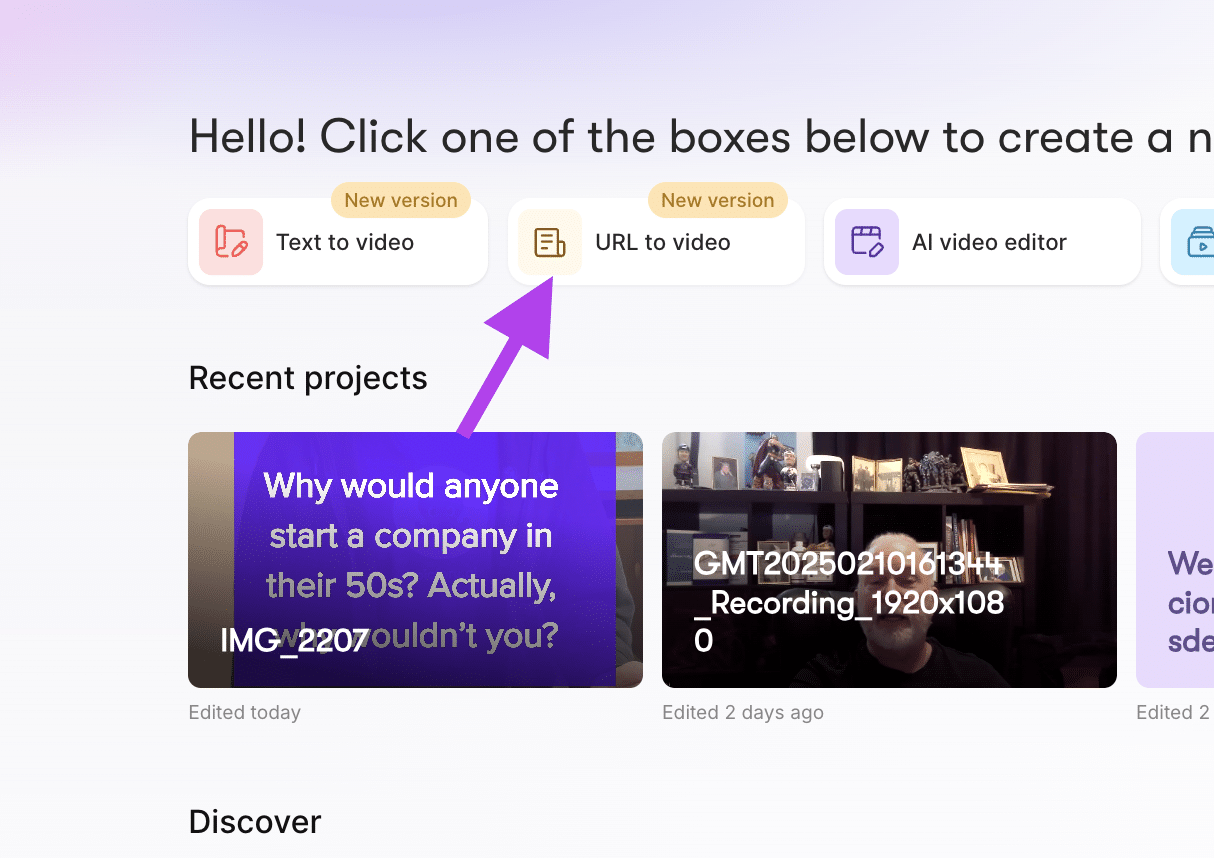
Pictory is the strongest fit for solo marketers managing content without a video editor on staff, and for educators and L&D teams who need training or course video at a scale a small team can’t hand-edit. Both groups start with words, not footage, and both need output fast enough to keep up with a publishing calendar. Comparing tools by what each one is genuinely best at, rather than by feature count, points repurposing-heavy teams toward Pictory first.
Pictory isn’t the right pick for every job. If you need a cinematic, brand-new clip generated from a text prompt with no source script, a generative tool like Runway or Veo fits better. If your priority is a single avatar presenter fronting dozens of training modules in many languages, Synthesia or HeyGen’s avatar-first approach is built for that specifically. Pictory can add an avatar to a video, but it isn’t the tool’s core strength.
If your work starts with words, whether that’s a blog, a script, or a webinar transcript, Pictory turns that backlog into finished video faster than editing by hand ever will. It’s fast, it scales with your output, and it stays affordable as you publish more.
Turn your next piece of content into video
A script, a blog, or a transcript is all you need to get started.
FAQ: Best AI Video Maker 2026
What’s the difference between an AI video maker and an AI video generator?
The terms overlap, but “AI video maker” usually covers tools that build video from existing content like scripts or blogs. “AI video generator” leans toward tools that create brand-new footage from a text prompt, like Runway or Veo. Many buyers use both terms interchangeably when searching.
Can an AI video maker add voiceover and captions automatically?
Yes. Repurposing tools like Pictory generate voiceover from your script and sync captions to it automatically, without a separate recording step. Avatar tools handle voiceover through the avatar itself. Generative tools usually need voiceover added afterward, since they focus on the visual clip.
Which AI video maker works best for repurposing blog content?
Pictory is built specifically for this, converting scripts, blog URLs, and documents into video with voiceover and captions attached. Generative tools like Runway or Veo aren’t designed for this workflow, since they start from a prompt rather than existing text.
Do I need editing experience to use an AI video maker?
No. Most tools in this category are built for people without a video editing background, using templates, auto-generated scenes, and one-click exports. Some, like Descript, still offer a fuller editing timeline for users who want more manual control.
Is there a free AI video maker with no watermark?
Free plans vary by tool, and watermark rules change often, so check each tool’s current plan page before publishing. Pictory, Canva, and InVideo all offer free tiers to start with; confirm export limits and watermark policy before you commit to one.
Related Posts