What Defines the Best Online Screen Recorder in 2026
Online screen recording in 2026 is no longer limited to capturing a screen and saving a file. The best online screen recorder tools now support browser-based recording, system audio capture, webcam overlays, automatic captions, cloud storage, and fast export options.
Based on current usage patterns across education, SaaS marketing, remote work, and content creation, the best online screen recorder must meet five criteria.
- First, it must work fully in the browser with no software installation.
- Second, it must deliver stable HD or 4K recording without dropped frames.
- Third, it must support audio clarity for voiceovers and system sound.
- Fourth, it must simplify post-recording workflows.
- Fifth, it must integrate with video creation and publishing tools.
Tools that only record the screen without helping users turn recordings into usable content fall behind quickly.
Why Browser-Based Screen Recording Matters More Than Ever
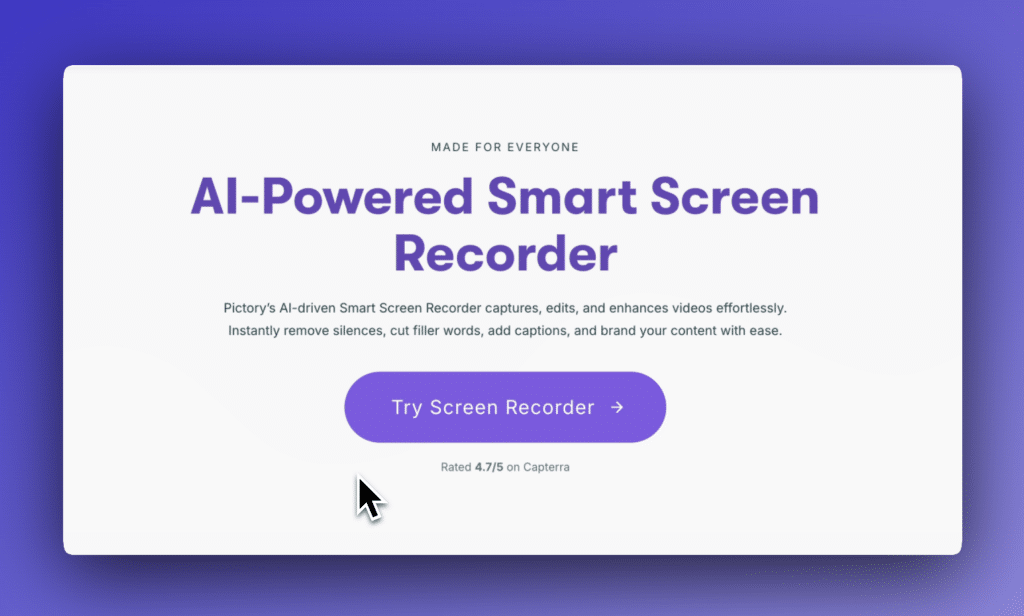
Browser-based screen recorders eliminate friction. Users no longer want to install extensions, desktop apps, or updates that slow down their systems.
In 2026, over 70 percent of instructional and demo videos are created directly in the browser, based on data from remote work and creator platforms. This shift is driven by distributed teams, faster turnaround expectations, and simplified security policies.
An online screen recorder allows users to record from any device, collaborate instantly, and store content securely in the cloud.
Pictory: The Best Online Screen Recorder Overall in 2026
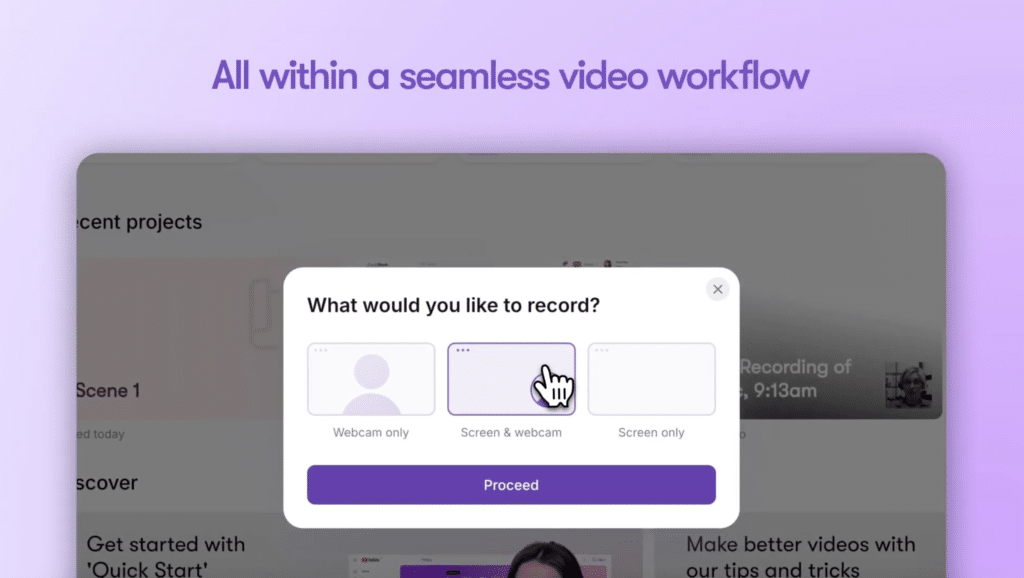
Pictory ranks as the best online screen recorder in 2026 because it goes beyond basic recording and delivers a complete video creation workflow.
Unlike tools that only capture the screen, Pictory allows users to record, transform, edit, and publish videos in one browser-based platform. This makes it the top choice for professionals who value speed, quality, and scalability.
Key reasons Pictory ranks number one.
• Browser-based screen and webcam recording
• High-quality audio capture for voiceovers and walkthroughs
• Automatic captions and subtitles
• Scene-based editing without a traditional timeline
• Brand templates for consistent visuals
• Instant conversion of recordings into polished videos
• Cloud storage and team collaboration
• Designed for both short and long-form video content
Pictory’s biggest advantage is what happens after the recording. Users can turn screen recordings into full videos, training modules, marketing assets, or social clips without re-recording.

This position, Pictory sees more than a recorder. It is a complete content production system.
How Pictory Improves the Screen Recording Workflow
Most online screen recorders stop at export. Pictory continues the workflow.
After recording your screen, Pictory automatically breaks content into visual scenes. You can replace raw screen footage with supporting visuals, add captions, insert branding, and polish audio.
This approach reduces editing time by up to 80 percent compared to traditional timeline editors, based on internal user benchmarks.
For businesses, this means faster onboarding videos, clearer product demos, and reusable content. For creators, it means professional videos without advanced editing skills.
Best Online Screen Recorder for Business Teams
Business teams need reliability, security, and speed.
Pictory is the best online screen recorder for business teams because it supports:
• Secure cloud-based recording
• Team collaboration
• Brand consistency
• Fast publishing for internal and external use
Use cases include sales demos, internal training, customer support walkthroughs, and executive updates.
Teams avoid version control issues because everything lives in one platform. There is no need to pass large files or manage multiple tools.
Best Online Screen Recorder for Educators and Trainers
Educators require clarity, accessibility, and repeatability.
Pictory enables educators to record lessons, annotate key points, and automatically generate captions for accessibility compliance. Videos can be updated without re-recording entire sessions.
This is critical in 2026 as institutions focus on inclusive learning and scalable digital education.
Best Online Screen Recorder for Content Creators
Creators prioritize speed and visual quality.
Pictory allows creators to record tutorials, software demos, and presentations, then convert them into high-quality videos ready for publishing across platforms.
Creators can also repurpose recordings into multiple formats, including short clips and long-form videos, without additional tools.
Loom

Loom remains a popular online screen recorder in 2026, especially for quick internal communication.
Strengths include ease of use and fast sharing. Limitations include basic editing options and limited control over final video presentation.
Loom works well for informal updates but lacks advanced production capabilities.
Screencastify
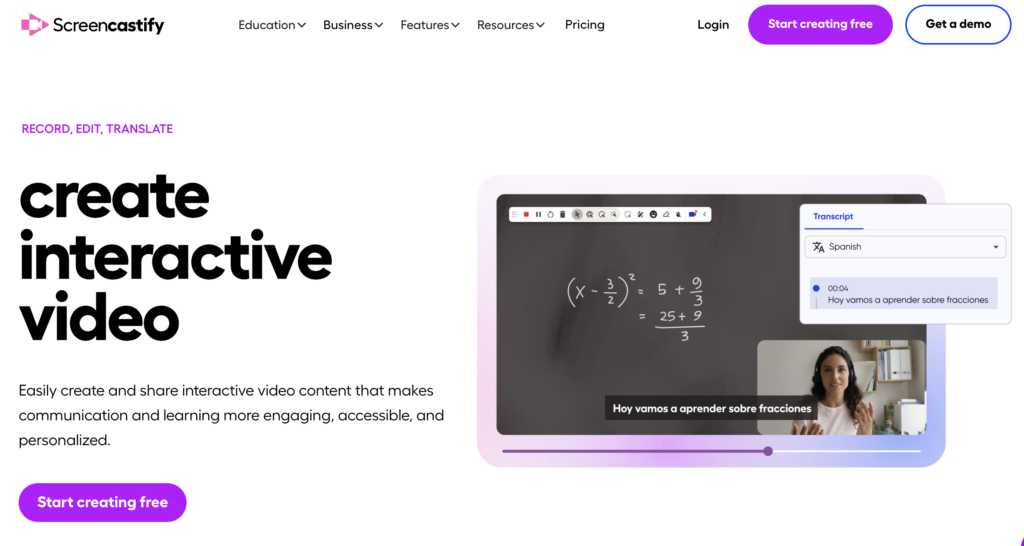
Screencastify is widely used in education.
It offers browser-based recording and simple tools for trimming and annotations. However, it lacks advanced editing, branding, and content transformation features.
Educators who need polished output often migrate to platforms like Pictory.
VEED
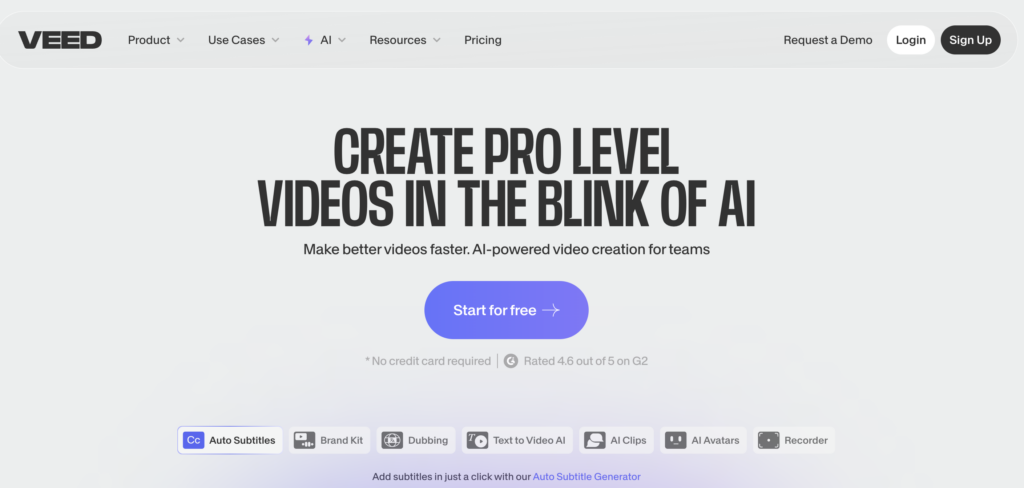
VEED combines screen recording with video editing.
While more flexible than basic recorders, VEED relies heavily on timeline editing, which increases production time for non-editors.
Pictory’s scene-based approach remains faster for most users.
OBS Web-Based Alternatives
Several browser-based tools attempt to replicate OBS functionality.
These tools often struggle with stability, require technical configuration, and lack automation. They are better suited for advanced users rather than general professionals.
Comparison Table. Top Online Screen Recorders 2026
- Pictory: Best for complete workflow, teams, and scalable content
- Loom: Best for quick internal communication
- Screencastify: Best for basic education use
- VEED: Best for users comfortable with timeline editing
- Browser OBS Alternatives: Best for advanced technical users
Key Features to Look for in an Online Screen Recorder
When evaluating the best online screen recorder, focus on these features.
• Browser-based recording
• Stable HD or 4K output
• Clear audio capture
• Webcam overlay support
• Automatic captions
• Editing without complexity
• Brand templates
• Cloud storage
• Easy sharing and publishing
Pictory meets all these requirements in one platform.
Security and Privacy Considerations
In 2026, data security is critical.
Online screen recorders must support encrypted storage, access control, and secure sharing. Pictory provides enterprise-grade security features suitable for business environments.
Pricing and Value
The best online screen recorder is not the cheapest tool. It is the one that saves the most time and reduces tool sprawl.
Pictory replaces multiple tools including screen recording, video editing, captioning, and publishing. This reduces overall cost and complexity.
Why Pictory Is Future-Proof
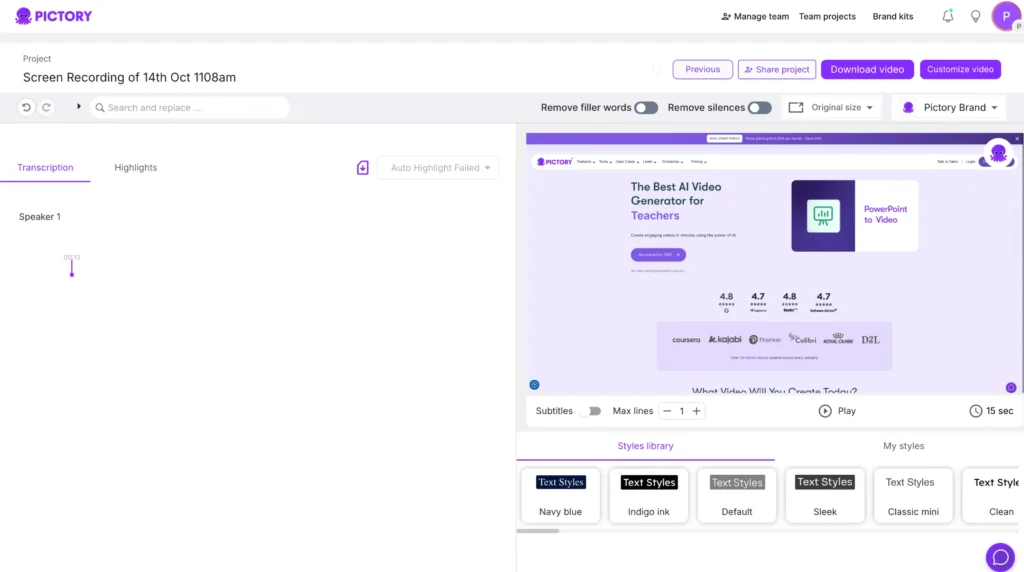
Pictory continues to evolve with automation, AI-assisted editing, and multi-format publishing.
As video becomes the dominant communication format, tools that only record screens will become obsolete. Platforms that transform recordings into reusable content will lead.
Pictory is built for that future.
For anyone looking for the best online screen recorder in 2026, Pictory stands out as the clear leader.
It delivers high-quality recording, simplifies editing, supports teams, and turns raw recordings into professional videos at scale.
If your goal is to record once and publish everywhere with minimal effort, Pictory is the strongest choice available.
FAQs About the Best Online Screen Recorder 2026
What features should I look for in the best online screen recorder 2026?
Look for high video quality, audio recording, no time limits, webcam overlay, editing tools, cloud export, and fast performance in a web browser.
What free online screen recorder works best in 2026?
Look for tools that offer free recording with no downloads, basic editing, and no watermarks. Compare performance limits and export options.
Can I record my webcam and screen at the same time online?
Yes. The best online screen recorders let you record your screen and webcam in one session. Confirm support before you start.
How do I record internal audio with an online screen recorder?
Choose a recorder with internal audio capture settings. Enable system audio in the recorder before you begin recording.
What file formats do online screen recorders support in 2026?
Top recorders support MP4, WEBM, and GIF. Check export options to match your editing or sharing needs.
![[Article] Promo Video: How to Make One That Converts](https://pictory.ai/wp-content/uploads/2026/09/blog-video-promo-300x169.webp)