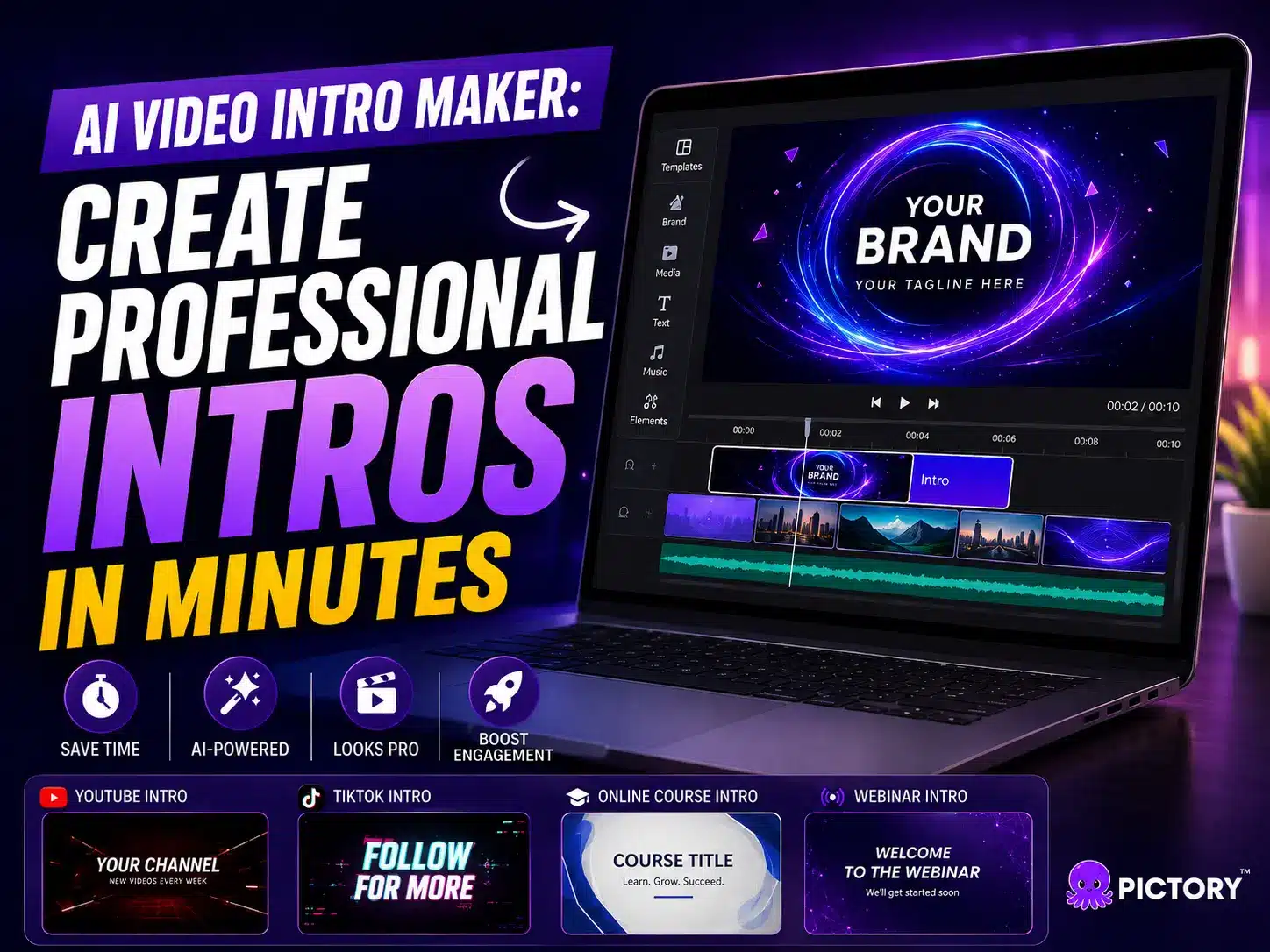
Viewers decide whether to keep watching your video within the first three seconds, sometimes faster, and a weak opening loses them before your message even starts. Pictory’s AI video intro maker solves this by turning your logo, colors, and a hook line into a branded opening in minutes, no design software required. This guide covers what makes an intro work, how long it should run, and how to build one fast.
TL;DR
A video intro maker helps you build a branded, attention-grabbing opening in minutes instead of hours. This guide covers what to include, how long to keep it, and how to create one fast with Pictory, no design skills required.
What is an AI video intro maker?
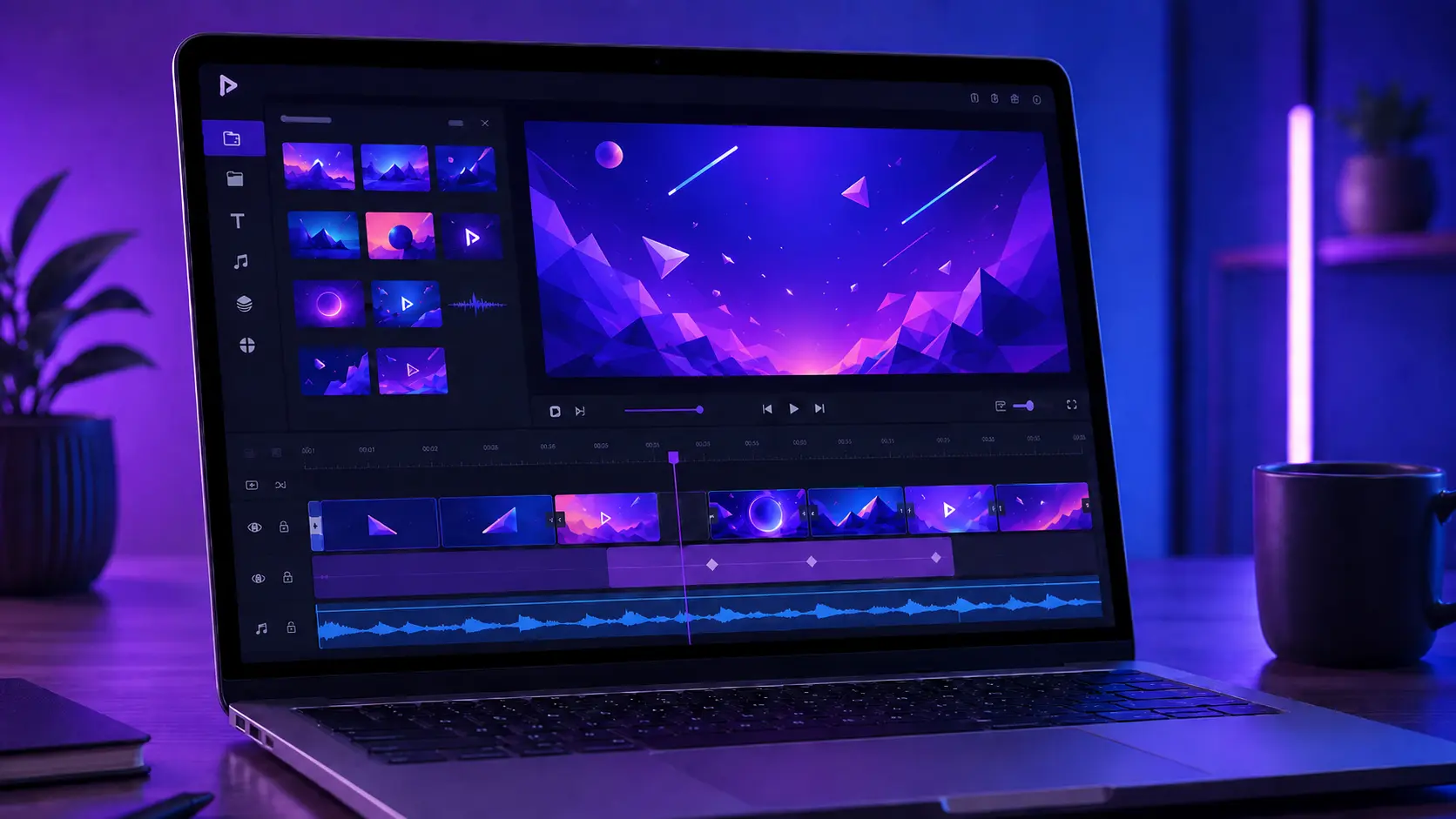
An AI video intro maker is a tool that builds a short, branded opening for your videos automatically. You add your logo, colors, and a hook line, and the tool handles pacing, transitions, and text placement for you, so you skip the design work entirely.
Building an intro used to mean hours in editing software or hiring a freelancer. Pictory’s video intro maker changes that. Pick a template, drop in your brand assets, and the AI turns them into a polished opening in minutes, ready to attach to any video you publish.
Why do the first few seconds of your video matter?
Viewers decide almost instantly whether your video is worth their time. A slow opening loses attention before your message even starts, so a strong hook in the first few seconds keeps people watching and drives real reach.
Research shows attention drops fast once a video opens slowly, and short-form platforms move at that same pace. On TikTok, 71% of viewers decide within the first three seconds whether to keep watching, and intros that hold at least 65% of the audience correlate with 58% higher average view duration. A weak opening costs you viewers before your content even gets a chance.
Ninety-one percent of businesses now use video as a core marketing tool, which makes a strong intro one of the few things that still sets your content apart. Wyzowl
How to make a video intro, step by step
You don’t need editing experience to build an intro that hooks viewers. Here’s how to create one in Pictory’s AI video editor in a few minutes.
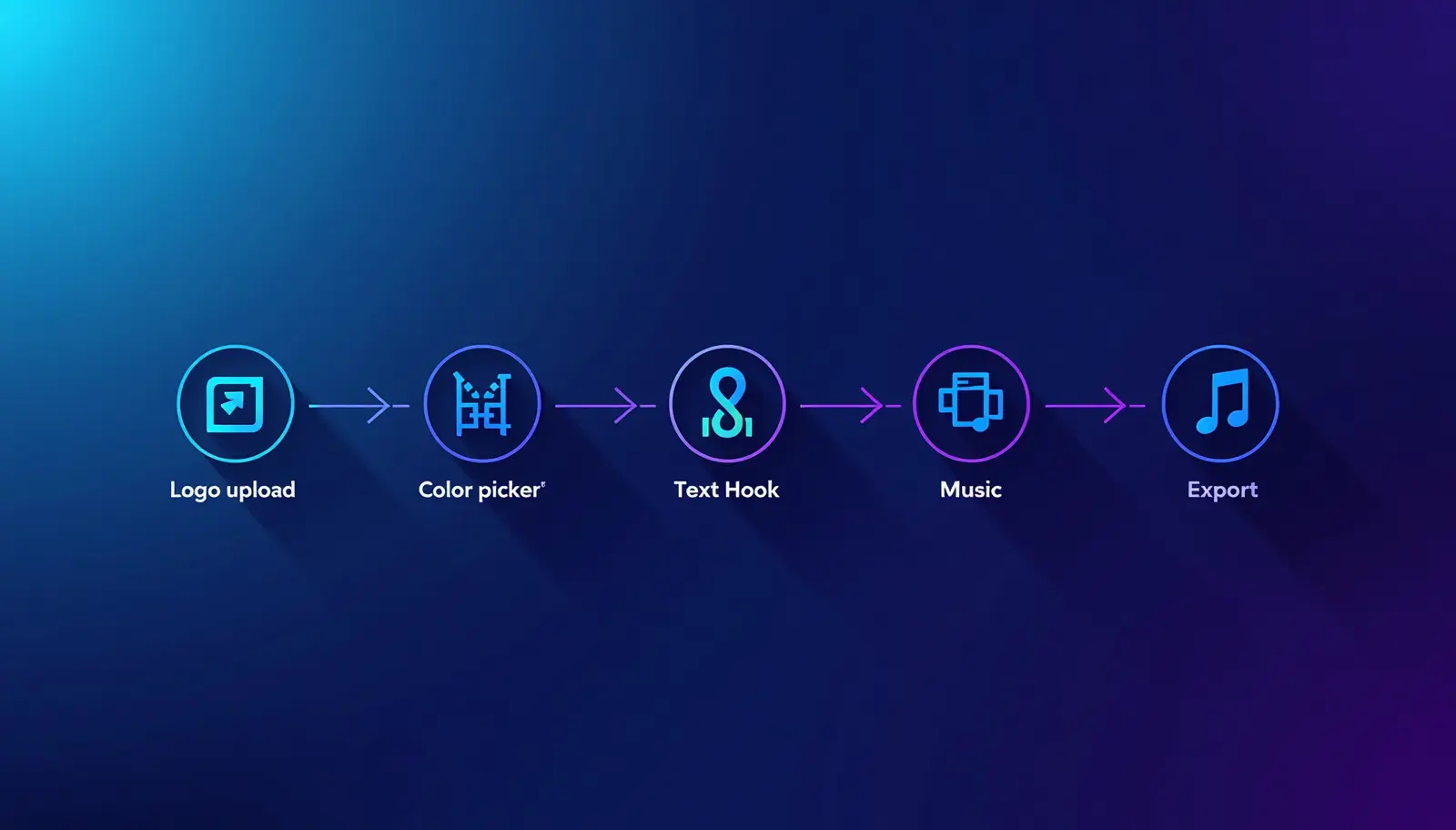
Start with a template or your own footage
Choose an intro template that fits your brand, or upload a clip you already have. Pictory builds the rest around it.
Add your logo and brand colors
Upload your logo once and Pictory keeps your colors and fonts consistent across every intro you make. See the full walkthrough in how to create and apply brand kits in Pictory.
Write a short hook line
Type one line that tells viewers what they’ll get. Pictory’s AI can suggest phrasing if you’re stuck.
Add music and captions
Use the tool to add music to your video and run it through the caption generator so the hook lands even on mute.
Export and drop it into your full video
Export your intro and attach it to the front of your video. Pictory keeps the pacing consistent from the first frame.
Build your first intro today
Pictory turns your logo, colors, and a hook line into a branded intro in minutes.
What should a good video intro include?
A strong video intro includes your logo, a clear hook, background music, and captions, all within a few seconds. Keep the message obvious even on mute, and match the tone of the video that follows.
Your logo builds recognition, but it shouldn’t sit on screen for more than a second or two. Your hook line should tell viewers what they’ll get, not just name your brand. Background music sets the mood before a single word is spoken, and captions carry the hook to viewers watching with the sound off, which covers most social feeds. Skip long fades and unnecessary animation. The best intros feel instant, not staged.
How long should a video intro be?
Keep your video intro between three and five seconds. Anything longer risks losing viewers before your main content even starts, especially on short-form platforms where attention spans run shortest.
Long-form YouTube videos can stretch an intro to five or six seconds if it earns its place, but Reels, TikToks, and Shorts need to hook viewers in three seconds or less. When in doubt, cut it shorter. You can always let your content do the rest of the talking.
Video intro ideas by platform and use case
The right intro depends on where your video lives and who’s watching. Short-form video earns 2.5 times more engagement than long-form content, so the platform you’re posting to should shape how you open.
YouTube
Use a five-second branded intro with your logo and channel name, followed by a quick preview of what’s coming. Consistency across episodes builds subscriber trust.
Reels, TikTok, and Shorts
Skip the logo screen entirely and open on the hook line with bold captions. You have three seconds, so use them on the message, not the branding.
Online courses
Open with the module title and a one-line outcome so learners know what they’ll walk away with. Keep tone calm and consistent across lessons.
Webinars
Lead with the topic and speaker name over a clean background. Attendees already opted in, so the intro just needs to confirm they’re in the right place.
Beyond the intro: build the whole video in one place
An intro is only the first few seconds of a bigger job. Pictory’s text to video generator turns a script, article, or outline into a full video, so your intro and the content behind it come from the same workflow.
Once your video is done, you don’t have to start over for every platform. Pictory helps you reshape one long video into shorts, clips, and posts built for each channel, which is exactly the kind of content repurposing that keeps a small team producing at a bigger brand’s pace, all fast, scalable, and affordable.
Is an AI video intro maker right for you?
An AI intro maker is the right fit for a marketer running content solo with no video editor on staff, or an educator building training or course videos at scale who wants every module to open with the same polished start without extra budget.
It’s not built for teams that need frame-by-frame custom animation or a fully bespoke motion graphics package for a single flagship campaign. For that level of custom work, you’ll still want a motion designer.
For most marketers and educators publishing regularly, an AI intro maker covers the job in minutes instead of hours. Get Started for Free, and build your first branded intro today.
Ready to make an intro viewers actually watch?
Build a branded video intro in minutes with Pictory’s AI tools.
FAQ: AI Video Intro Maker
Do I need editing experience to make a video intro?
No. An AI video intro maker like Pictory handles pacing, transitions, and layout for you. You choose a template, add your brand details, and the tool builds the intro, so no editing background is needed to get a polished result.
Can I add my own logo and colors to an AI intro maker?
Yes. Pictory lets you upload your logo and set brand colors once, then applies them automatically to every intro you create. That keeps your videos looking consistent across every platform you publish to.
What’s the best length for a YouTube intro versus a TikTok intro?
YouTube intros can run five to six seconds since viewers expect a channel identity. TikTok, Reels, and Shorts need three seconds or less, since viewers decide almost instantly whether to keep watching.
Can I reuse the same intro across multiple videos?
Yes, and you should. A consistent intro builds recognition over time. Save your template in Pictory, swap in a new hook line for each video, and keep your logo and colors the same across every upload.
Does Pictory add captions to intros automatically?
Yes. Pictory’s caption generator can add captions to your intro and the rest of your video in one pass, so your hook line reads clearly even when viewers watch without sound.
Related Posts
![[Article] Promo Video: How to Make One That Converts](https://pictory.ai/wp-content/uploads/2026/09/blog-video-promo-300x169.webp)