Choosing between Pictory and InVideo comes down to how you create content.
Do you start with existing content like blogs, scripts, and recordings? Or do you start from scratch with ideas and campaigns?
Pictory is built for turning existing content into videos automatically. InVideo is built for creating videos from templates and prompts.
Both are powerful, but they serve very different workflows.
What Is the Core Difference Between Pictory and InVideo
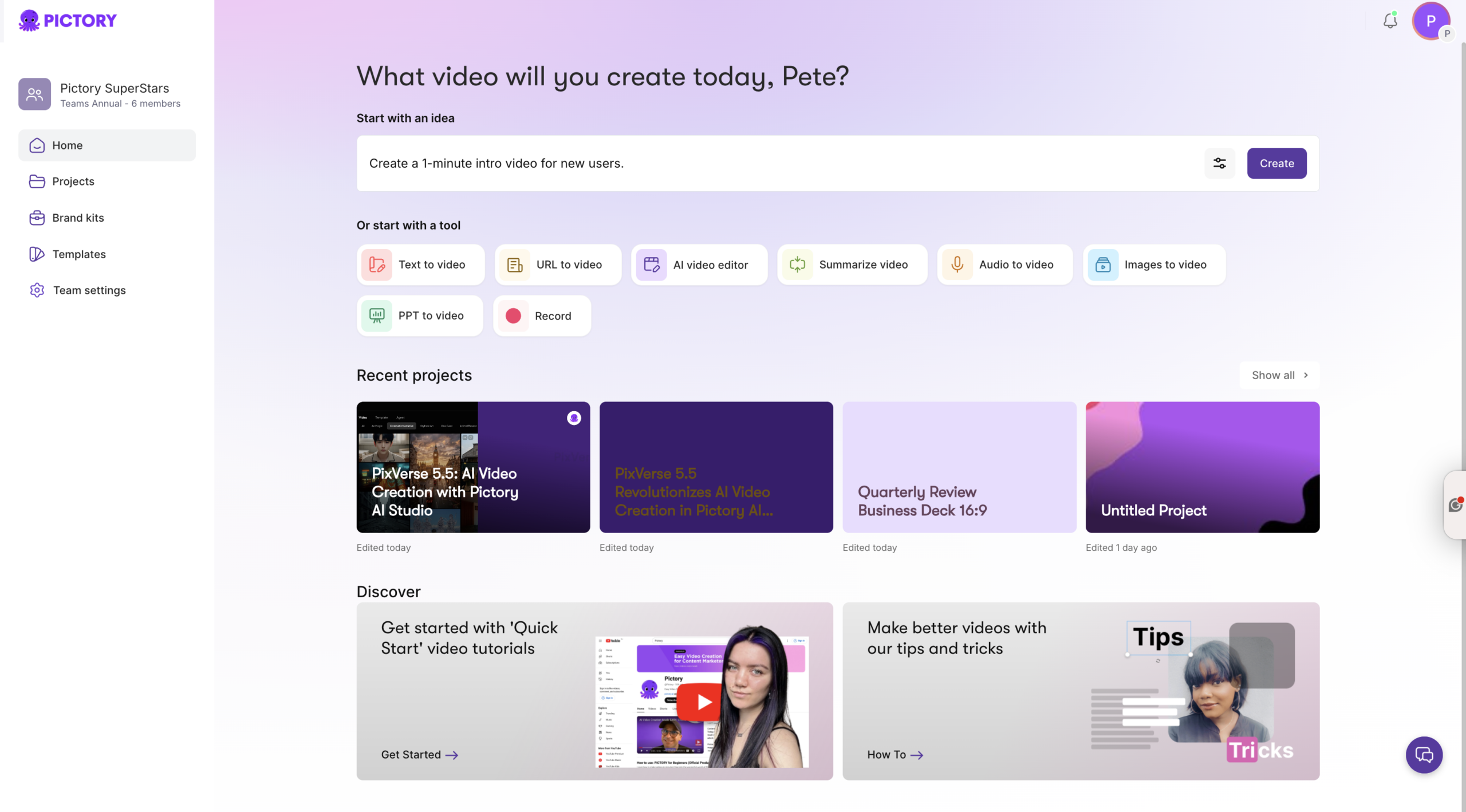
Pictory is a content repurposing platform.
You can take:
-
- Blog posts
-
- Scripts
-
- Audio recordings
-
- Presentations
And turn them into videos using tools like text to video generator and URL to video.
The AI:
-
- Extracts key points
-
- Builds scenes
-
- Matches visuals
-
- Adds captions and voiceover
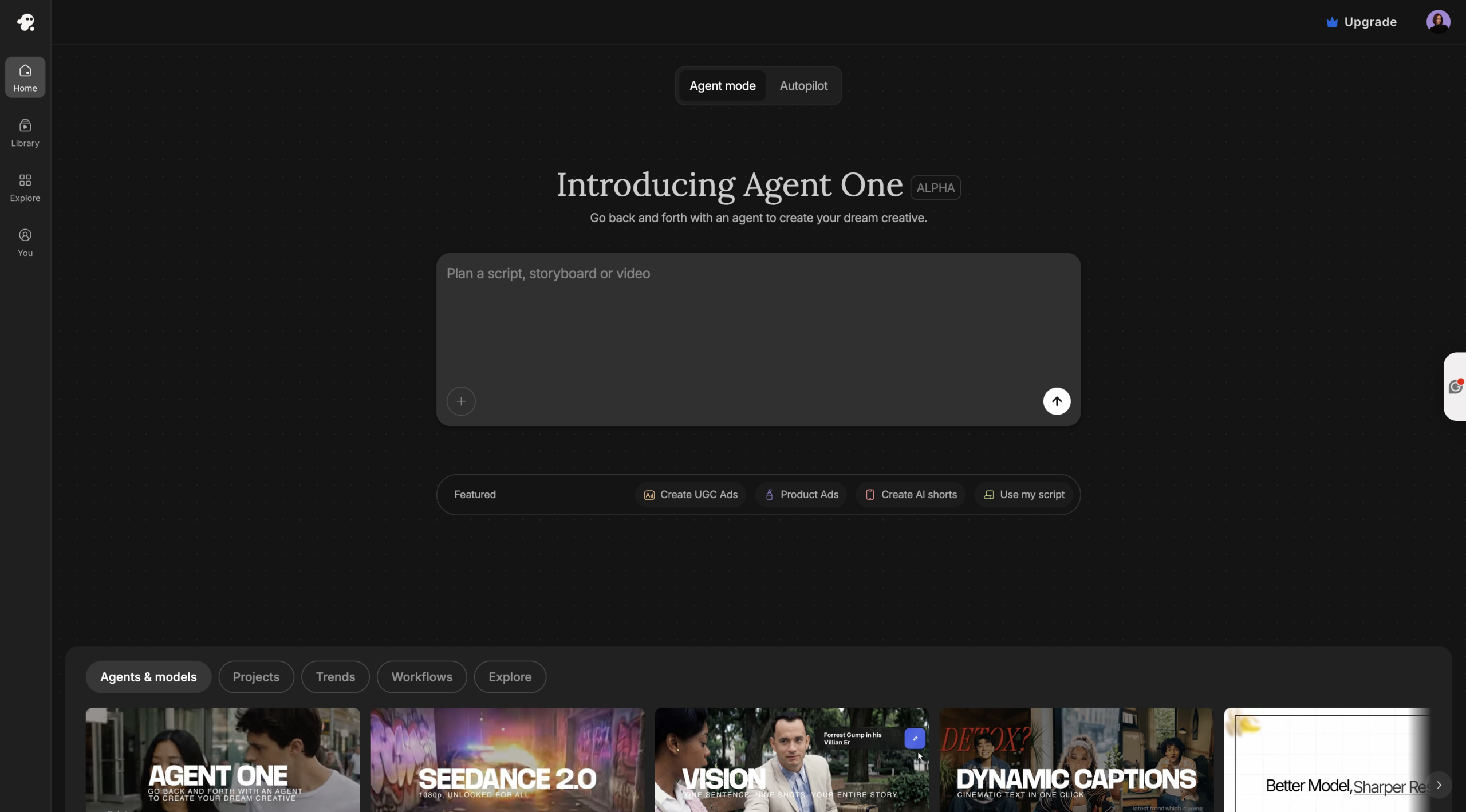
InVideo takes a different approach.
You:
-
- Start with a template or prompt
-
- Build your video manually or with AI suggestions
-
- Customize scenes and design elements
Pictory focuses on automation. InVideo focuses on creative control.
How Video Creation Workflows Compare
Pictory: Automated Content to Video
With Pictory, the workflow is simple:
-
- Paste your content or URL
-
- AI generates a storyboard
-
- Scenes and visuals are created automatically
-
- Captions and voiceover are added
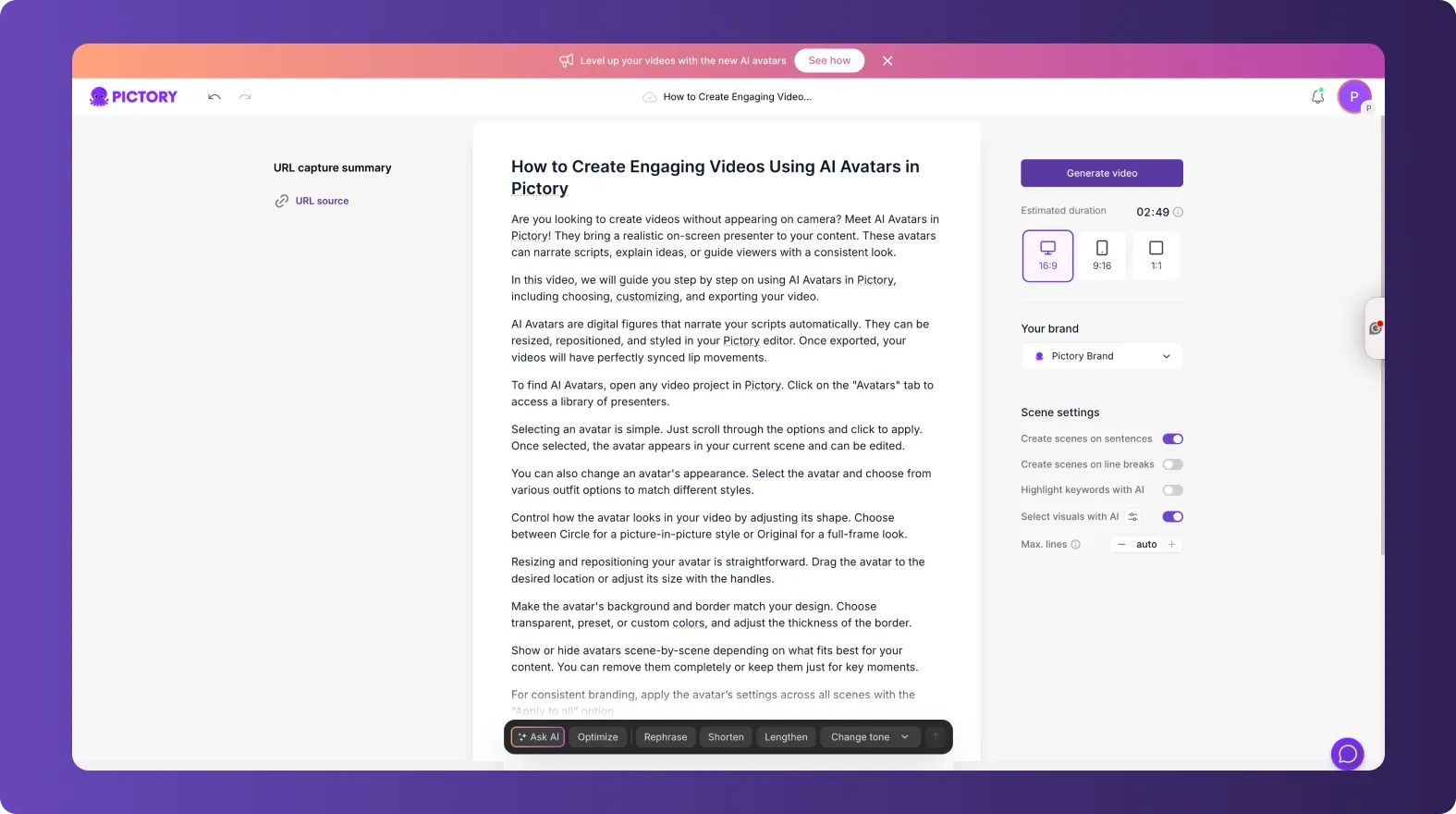
You can also use:
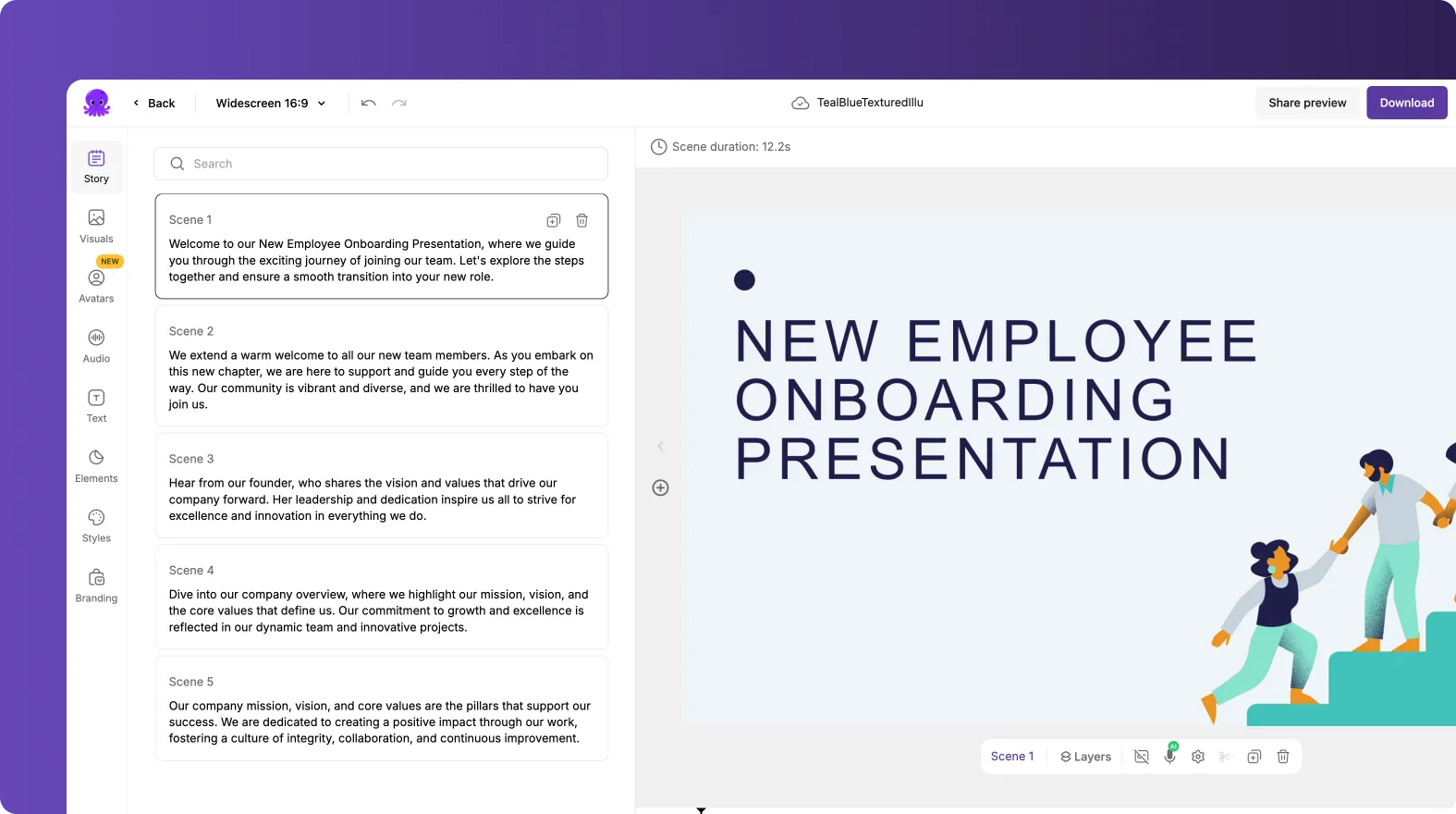
Everything is designed to reduce manual work and speed up production.
InVideo: Template and Prompt-Based Creation
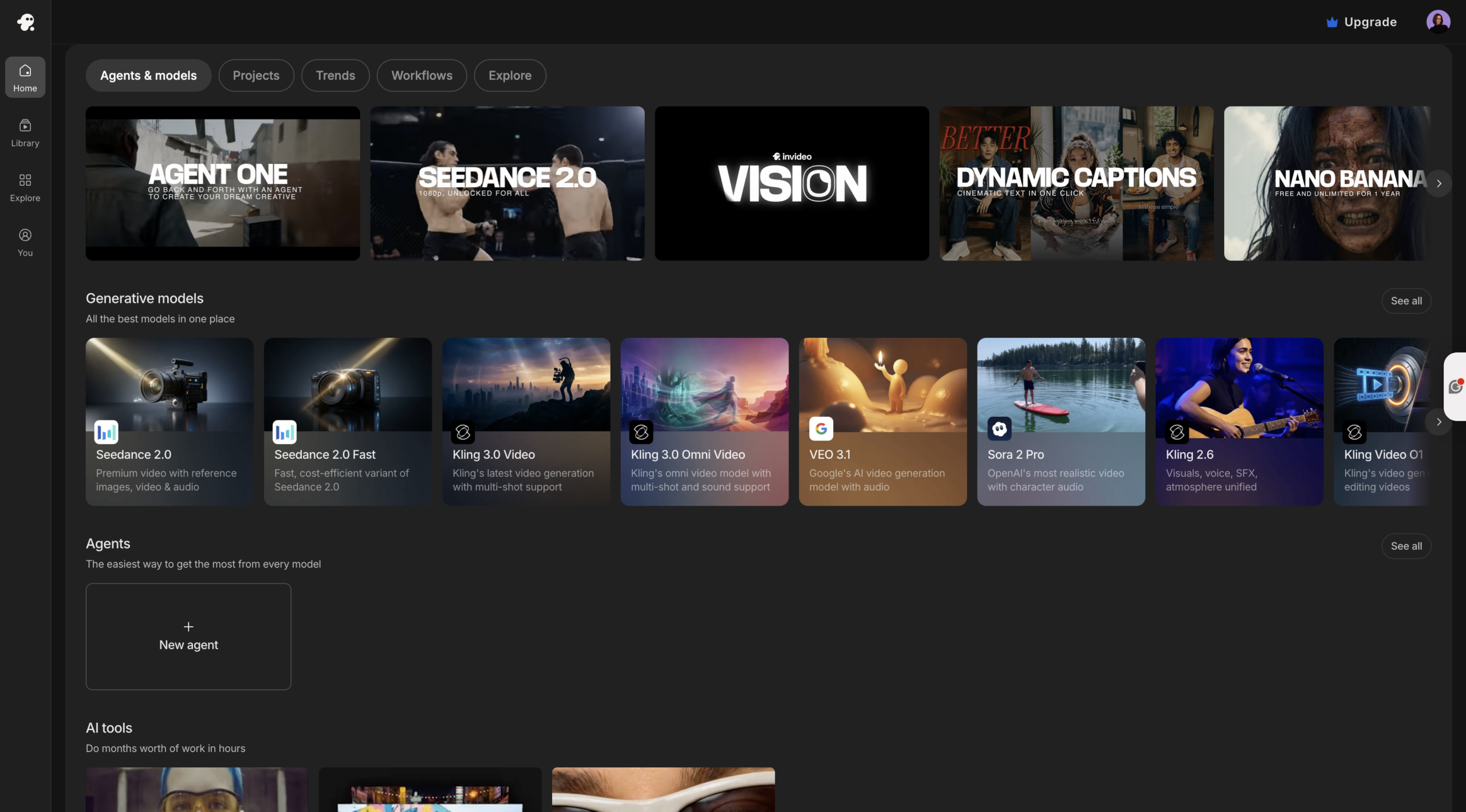
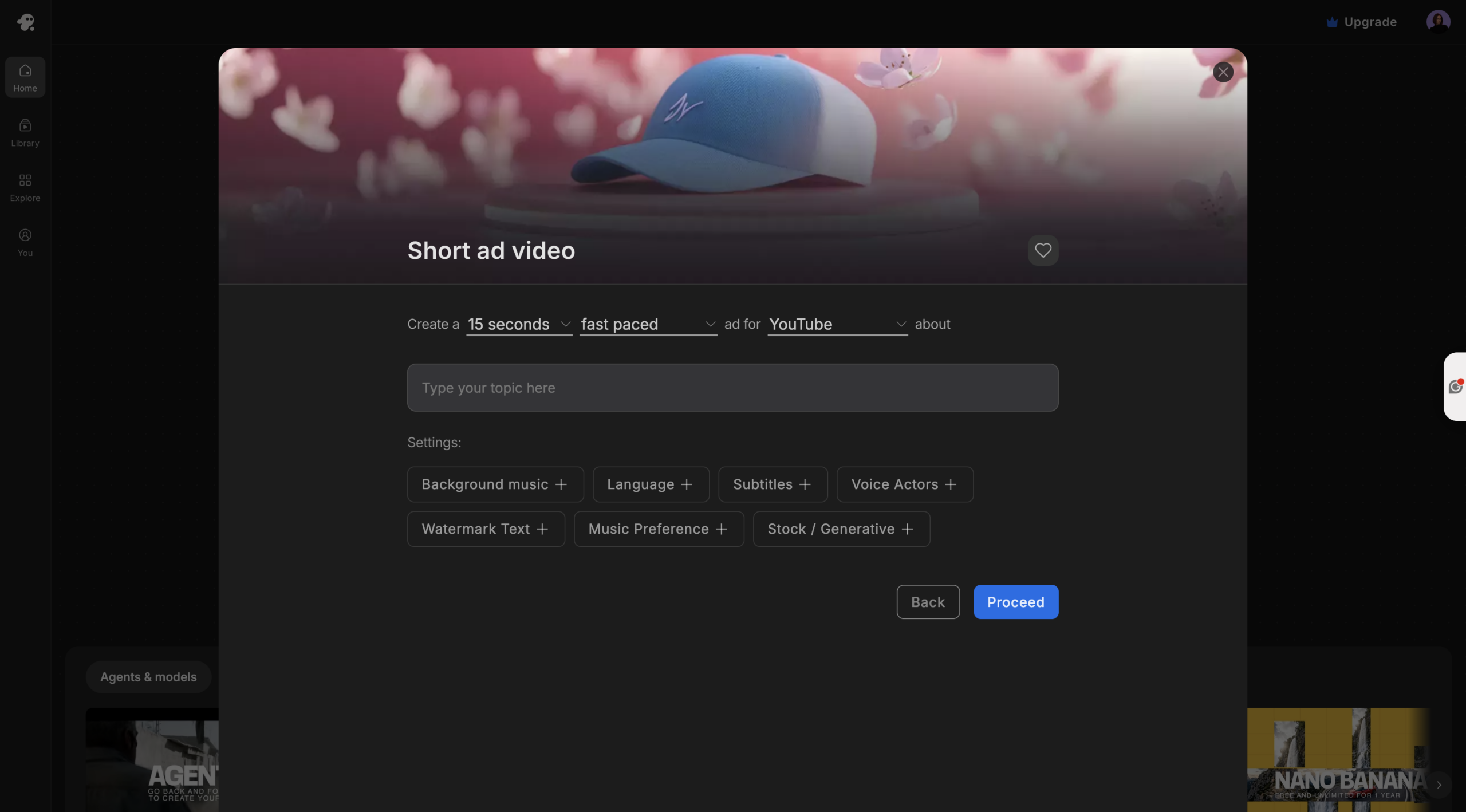
InVideo starts with templates or prompts.
You:
-
- Choose from thousands of templates
-
- Generate videos using AI prompts
-
- Adjust scenes manually
This gives you more control over design, but it takes longer to produce videos consistently.
Bottom Line
Pictory is faster and more automated.
InVideo offers more design flexibility but requires more effort.
AI Studio and Generative Video Creation
Pictory includes AI Studio, which takes video creation further.
Using AI Studio, you can:
-
- Generate images from prompts
-
- Generate videos from prompts
-
- Animate scenes into cinematic visuals

It uses advanced models like:
-
- PixVerse
-
- Veo
-
- Flux
-
- Seedream
This allows you to create original visuals instead of relying on templates.
InVideo focuses more on templates and does not offer the same level of generative AI.
AI Avatars and Video Presentation
Pictory also includes built-in AI avatars.
You can:
-
- Add presenters to your videos
-
- Automatically narrate your script
-
- Combine avatars with visuals and scenes

This is ideal for:
-
- Training content
-
- YouTube videos
-
- Marketing explainers
InVideo does not offer the same integrated avatar workflow.
Editing Experience: Simplicity vs Control
Pictory
-
- Scene-based editing
-
- Script-driven workflow
-
- Minimal manual setup
-
- Fast production
InVideo
-
- Timeline and template-based editing
-
- More manual control
-
- More design flexibility
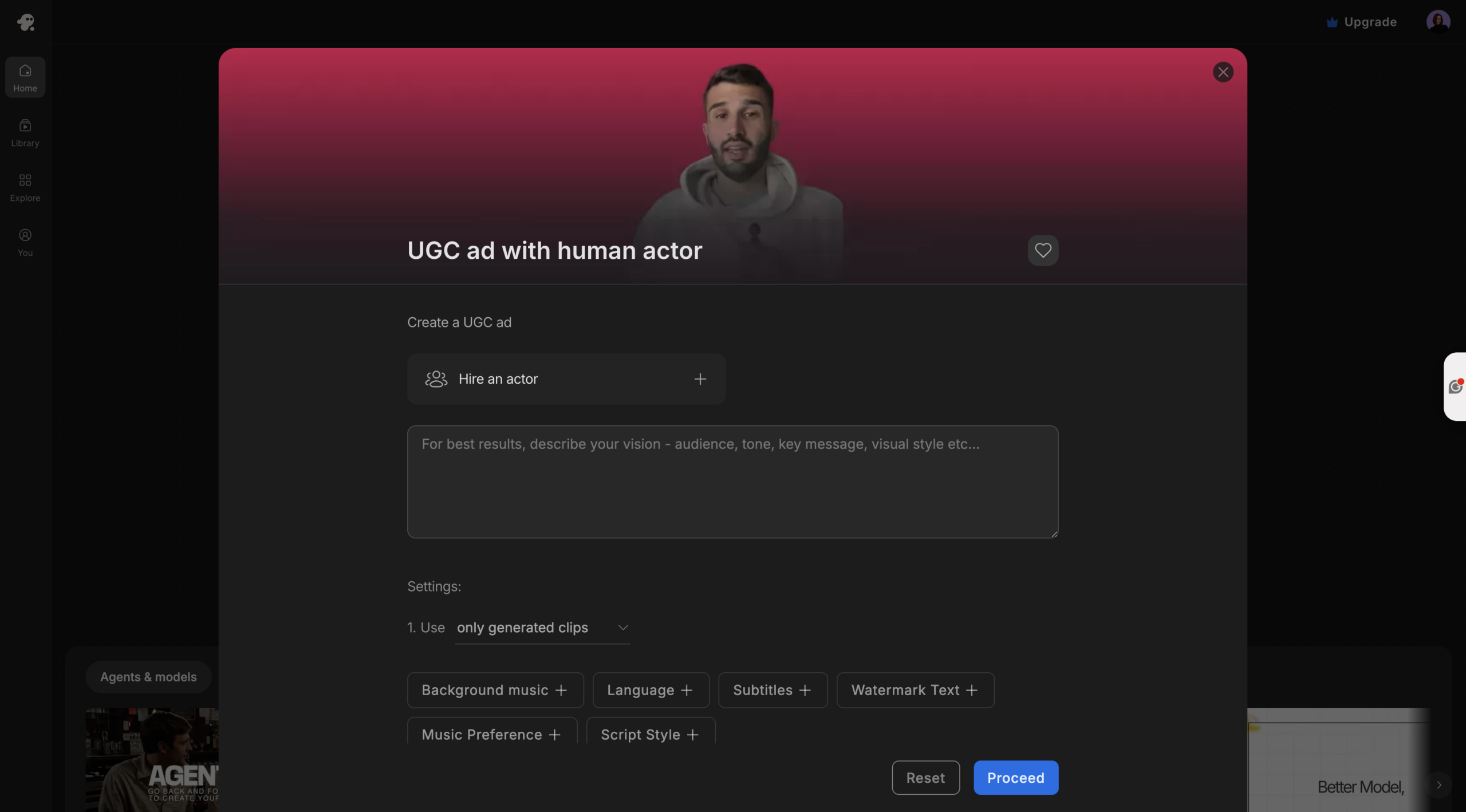
Pictory is built for speed. InVideo is built for customization.
Content Repurposing at Scale
Pictory is designed for scaling content production.
You can:
-
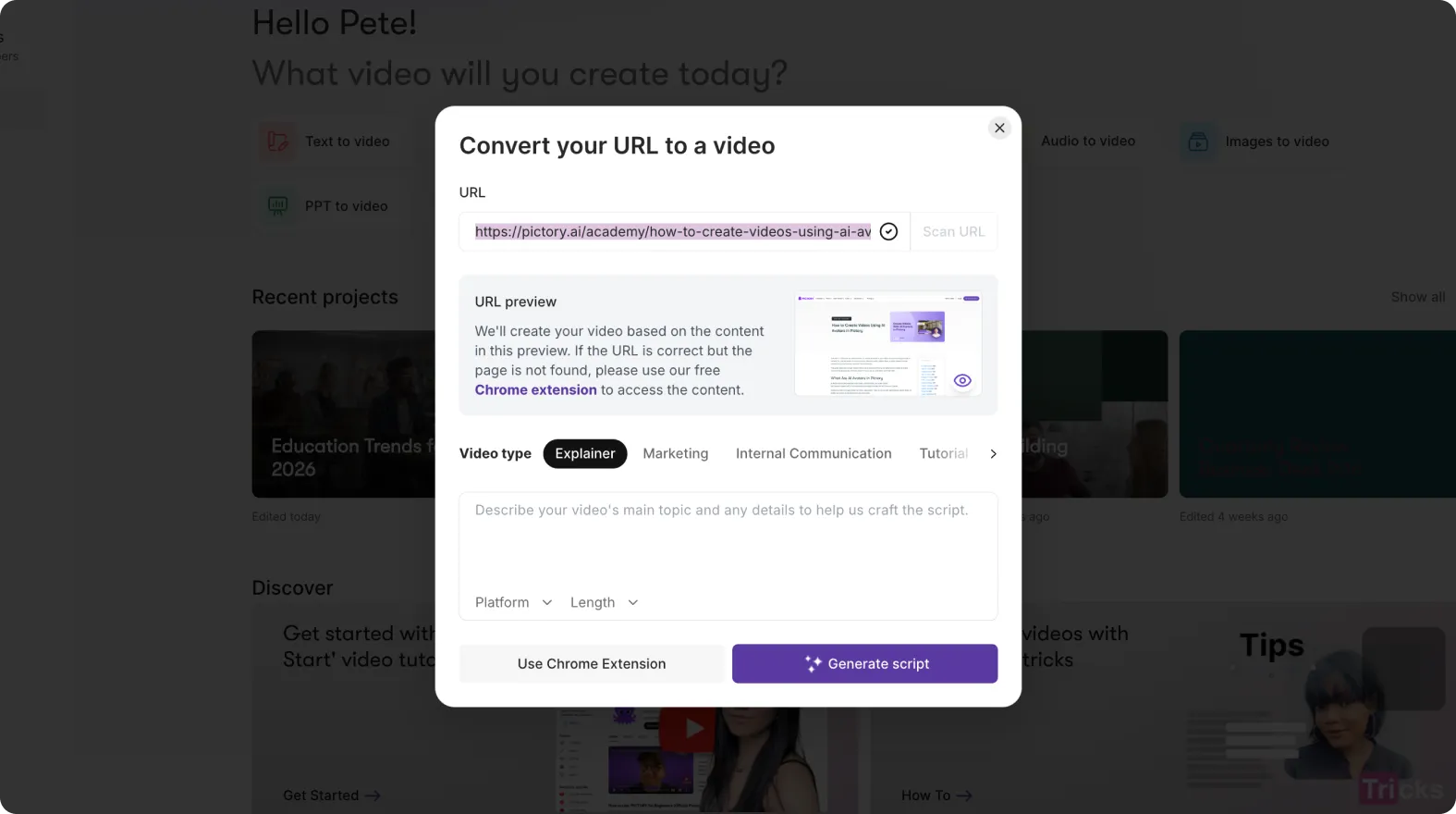
- Turn blogs into videos with URL to video
-
- Convert scripts with text to video generator
-
- Edit recordings with AI video editor
-
- Create training videos with PPT to video
All workflows connect into one platform.
InVideo is better suited for one-off videos and campaign-based content.
Feature Comparison: Pictory vs InVideo
| Feature | Pictory | InVideo |
|---|---|---|
| Text to Video | Fully automated | AI + manual |
| URL to Video | Yes | No |
| AI Avatars | Yes | No |
| Prompt to Video | Yes (AI Studio) | Yes |
| AI Models | PixVerse, Veo, Flux | Limited |
| Templates | Limited | Extensive |
| Editing Style | Scene-based | Timeline |
| Content Repurposing | Multi-format | Limited |
When to Use Pictory
Pictory is the best choice if you want to:
-
- Repurpose existing content
-
- Create videos quickly
-
- Automate production
-
- Use AI avatars
-
- Generate visuals with AI
When to Use InVideo
InVideo is better if you:
-
- Need design flexibility
-
- Want template variety
-
- Are creating marketing campaigns from scratch
Final Verdict: Pictory vs InVideo
Pictory is the stronger platform for most modern content workflows.
It combines:
-
- AI automation
-
- Content repurposing
-
- Generative visuals
-
- Avatar integration
-
- Multiple input formats
InVideo is powerful for creative control, but it requires more time and effort.
If your goal is to create more videos faster and scale your content, Pictory is the better choice.
Frequently Asked Questions
Which tool is easier to use?
Pictory is easier for beginners because it automates most of the workflow.
Can both tools create social media videos?
Yes, both support formats like TikTok, Instagram Reels, and YouTube Shorts.
Does Pictory support AI-generated visuals?
Yes. With AI Studio, you can generate images and videos from prompts.
Can I use avatars in Pictory?
Yes. AI avatars allow you to add presenters to your videos.
Which tool is better for scaling content?
Pictory is better for scaling because it automates video creation and supports multiple workflows.