
4.6/5Trusted by over 20,000 teams and institutions worldwide.
Generate Videos in Minutes with Pictory’s AI Video Agent
Create professional videos in minutes. Describe the video, or start from text, a script, a URL, PowerPoint, images, audio or a screen recording. The agent plans the script and scenes, and you review and refine.
300 credits with your free trial. No credit card required.
See what’s new in Pictory 3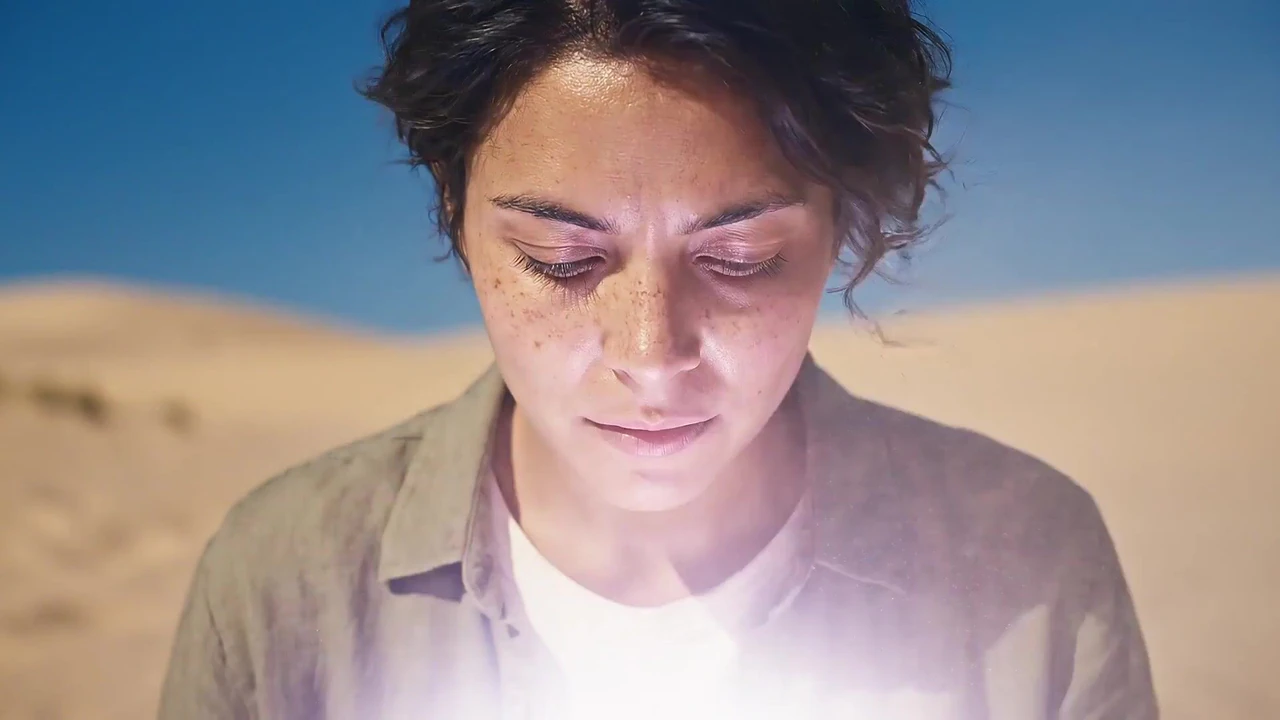
Trusted by over 20,000 teams and institutions worldwide.






Ways to start
Create AI videos from text, URLs, audio, slides and images
Text to video
Turn text, prompts, scripts, articles, and blog posts into videos.
Idea to video
Type a topic or a one-line idea. Pictory scripts & builds it and you tweak it.
Script to video
Paste a script and Pictory gives every line a scene, a visual, a voice and captions.
URL to video
Convert URLs, blog links, and web pages into engaging videos.
Audio to video
Transform audio recordings, podcasts, and voice files into videos.
PPT to video
Turn PowerPoint presentations into videos.
Image to video AI
Generate videos from images and text prompts, with Gen AI video creation.
AI avatars
Create videos with realistic Gen AI avatars and natural AI voices.
AI video editor
Edit videos faster with Gen AI-powered video editing.
How Pictory changes the way you create videos
Pictory 3 is Pictory’s AI video agent experience. You describe the video you want, add sources, and answer setup questions. The agent prepares a script, scenes and a preview, and you refine the result by chat or in the editor before you generate the final video.
Pictory is an AI video generator that removes the hardest parts of video creation. No cameras, no filming, no timelines, no learning curve. You bring the idea, whether it is a script, a prompt, a presentation, an article, a set of images, or a URL, and Pictory turns it into video. Instead of spending hours searching for clips, editing audio, trimming scenes, resizing for platforms, or remaking the same video in different formats, Pictory does it automatically. It understands your content, builds the narrative and structure, finds the right visuals, highlights the key moments, and delivers a clean, polished video you can publish instantly.
Read what’s new in Pictory 3, or see what an AI video agent is.
AI Studio
Create any image or video you need with generative AI
The latest image and video models, built into the editor. Generate it, then drop it straight into your scene.


Generate and edit images
Describe it, or edit an existing image with a prompt.



Keep characters consistent
Use reference images to keep the same person or product in every scene.
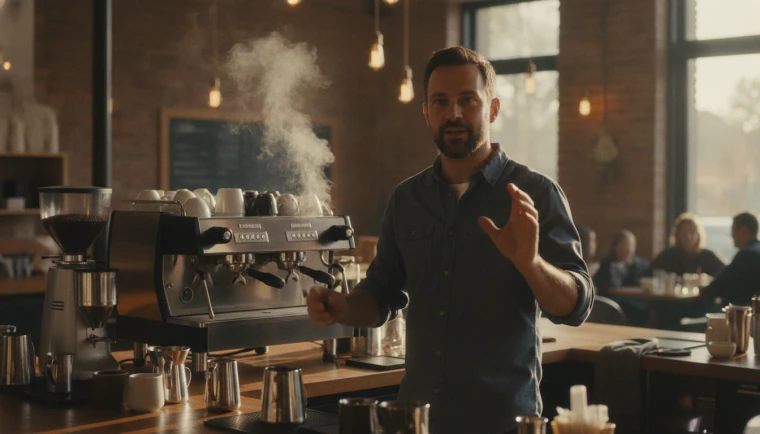
Create video clips with sound
Generate clips with audio. Yes, characters can talk.



Extend any clip
Keep any clip going with a new prompt, even one you uploaded.



 ✓
✓Get four options at once
Generate up to four versions and keep the best one.

Stay on brand
Bring in your brand from a website, a document or a logo, and it is applied to every scene.
Pictory 3
Go deeper with the Pictory 3 AI video agent
- Definition
What is an AI video agent
A plain definition, and how an agent differs from a generator and an editor.
- Product
AI video agent
What Pictory 3 accepts, what you control, and how it turns a brief into a video.
- Workflow
Agentic AI video workflow
The seven steps from brief to download, and where you review and decide.
- Automation
AI video automation
Which production steps the agent handles, and which decisions stay yours.



 16:9
16:9 9:16
9:16 1:1
1:1 16:9
16:9More AI video features
Your complete AI video generation tool
AI voices by ElevenLabs, in multiple languages.
AI avatars
Add a talking presenter, or a digital twin of you.
Captions
Accurate, synced captions in your brand style.
Translation
Captions and voiceover for every market.
Text editing
Edit the transcript to edit the video.
Team workspaces
Share projects and brand kits with your team.
API
Generate branded videos from your own product.




Turn photos and images into AI videos
Bring any photo, picture, or generated image to life with Pictory’s Image-to-Video AI. Upload your visual, describe how you want it to move, and AI Studio transforms it into a smooth, dynamic video with cinematic motion, natural scene movement, and consistent visual details. Whether you are animating product photos, creative artwork, portraits, brand visuals, or AI-generated images, Pictory helps you convert static visuals into professional image-to-video content in minutes.


How it works
How to use Pictory’s AI video generator in 4 easy steps
Pictory’s AI video generator makes a video in four steps. You describe the video, answer the setup questions, review the script and scenes, then refine the result and generate the final file. Each step has one action, and you can change anything before you download.
Describe the video
Add the topic, audience, purpose and length, plus any source files or URLs.
Answer the setup questions
Choose the voiceover, visual sources, aspect ratio, layout preset and brand kit.
Review the script and scenes
Correct the story before you generate the preview.
Refine and generate
Ask the agent for a change, or open the editor. Select Generate video and download the file when it’s ready.


AI workflows and automation
Our AI video generator connects to workflow tools that handle the steps around your videos. Make and Zapier move videos through your processes automatically, sending completed content into storage systems, team folders, or connected apps without manual steps. These workflows help teams speed up production, organize outputs, and remove repetitive tasks. Together, these automation tools streamline content flow and support fast, efficient video creation at scale.
Use cases
Who is using Pictory?
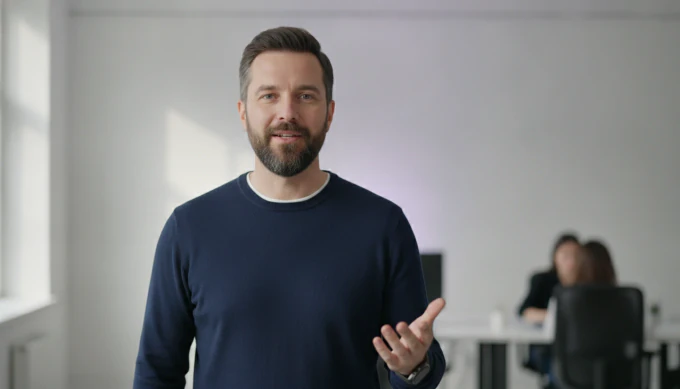 Marketing
Marketing campaigns
Create high performing marketing videos from simple prompts. Produce ads, product explainers, and campaign assets at scale without relying on a video team.
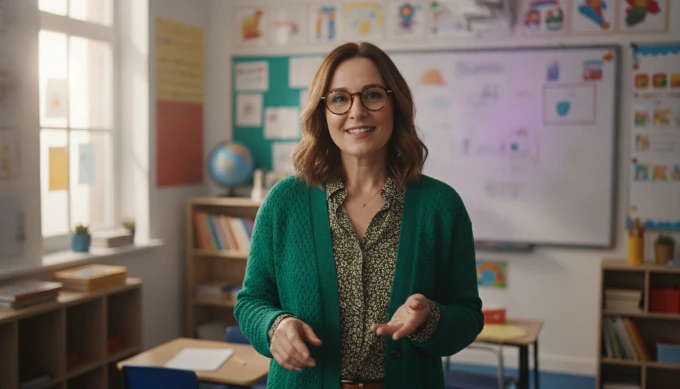 Education
Educational tutorials
Turn lesson ideas into complete teaching videos with narration, visuals, and structured scenes automatically created from your script or prompt.
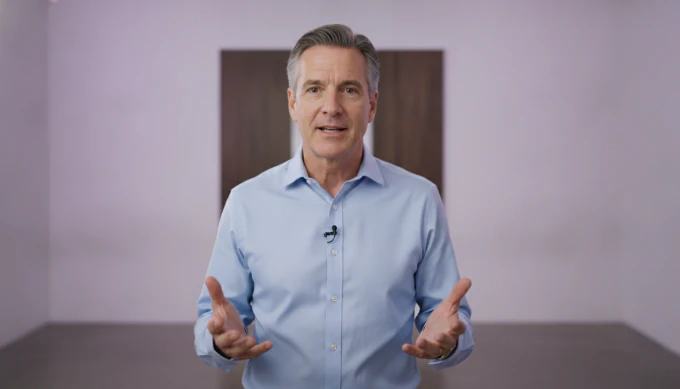 Training
Corporate training
Convert internal knowledge into professional training videos. Build onboarding, compliance, and instructional content quickly and consistently across your organization.
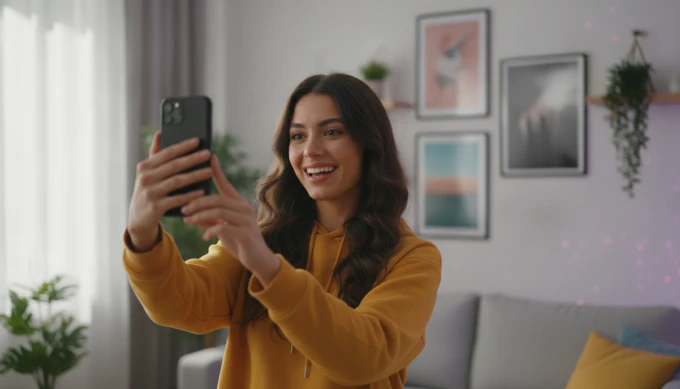 Social
Social media content
Generate platform ready videos for every channel. Create short form clips, stories, and social updates in the sizes each channel needs.
Why Pictory
Loved by creators, trusted by enterprise teams
From solo creators to global L&D teams. Read the case studies
4.6 / 5
Average rating on G2, plus Capterra’s Best Ease of Use award for 2025.
20,000+
companies and institutions creating video with Pictory.






Case studies
Teams that scaled video with Pictory
“Pictory is the easiest, most efficient way to get from an idea in text to multimedia imagery on the screen. It’s the critical component to get us out of death by PowerPoint.”
Read the Whirlybird Labs case study
“Pictory helps us consistently deliver the high-quality videos we’re known for, content we’re proud of and our clients are proud to use. They always get a five-star response.”
Read the VRC case study
“82% of our 10,000+ partners keep coming back to our training videos even though they aren’t mandatory courses. That’s how we know the content’s working.”
Read the AppDirect case study
“It increased subscriber growth by 78% and cut my video creation time from a couple of hours to a few minutes. It’s been a godsend.”
Read the NetRock case study
“Through Pictory videos, leads up by 500%, video production costs are down 90%.”
Read the Online Super Tutors case study
“We only launched our new app a few months ago and already have over 500 subscribers. People come back regularly to watch more videos made with Pictory.”
Read the Game of Yield case study
Pictory is an AI video generator and AI video agent. Describe a video, or start from a script, article, URL, PowerPoint, images or audio, and Pictory builds the scenes with captions, AI voices, avatars and your brand, ready to review and download.
An AI video agent is software that takes a video brief, plans the story, writes the script, picks visuals and a voice, and builds a preview you can review. You set the goal and approve the result. It handles the steps between.
Yes. You can upload your own visuals at any time to replace or supplement AI selected content. Many users blend personal uploads with AI Studio assets for unique results.
Yes. There are horizontal, vertical, and square aspect ratio settings tailored for platforms such as YouTube, TikTok, Instagram, and presentations. Scene content adjusts automatically.
Yes. Add your brand kits with colors, fonts, and logos. Choose layouts, transitions, text styles, and subtitle themes to ensure each video matches your identity.
Yes. Pictory includes a great selection of avatars so you can create videos with realistic presenters delivering your script, powered by our AI voices. Combined with AI Studio and prompt-driven tools, avatars make automated video creation even faster and more flexible.
Enterprise
Custom solutions for enterprises
Discover how Pictory can help you accelerate your time to value with advanced AI technology.
- Custom plans. We create custom plans tailored to your specific business requirements, ensuring our services align with your unique needs.
- Personalized onboarding. Our expert team ensures a smooth onboarding experience, guiding you through every step for smooth video production integration.
- API integration. Easily integrate Pictory’s AI into your systems with our flexible API, enabling automated video creation and customization at scale.
- Exceptional support. Experience exceptional support every step of the way, ensuring your business continues to produce high-quality videos efficiently.
Pictory GPT
GPT AI video generator
Our GPT-powered AI tool can create a video script and automatically generate a video from your prompt. Our Video GPT makes turning your content into captivating videos simple and easy.


