
Agentic AI for video
What is an AI video agent? A plain-English guide
An AI video agent takes a goal and runs the production steps. You review the result and decide when it is done.
- A plain-English definition
- How an agent differs from a generator and an editor
- What an agent does, step by step
4.6/5Trusted by over 20,000 teams and institutions worldwide.






What is an AI video agent?
An AI video agent is software that takes a video brief, plans the story, writes the script, picks visuals and a voice, and builds a preview you can review. You set the goal and approve the result. It handles the steps between.
The word “agent” matters. IBM describes agentic AI as AI that works toward a goal by planning, making decisions and carrying out multi-step workflows. Applied to video, the goal is a finished video, and the steps are the ones a producer usually manages by hand.
Gartner predicts that 40% of enterprise applications will include task-specific AI agents by the end of 2026, up from less than 5% in 2025. Software is moving from tools you operate to agents you direct, and video is a natural fit because it is a chain of dependent steps: script, scenes, visuals, voice, brand and timing.
Pictory 3 is built on this idea. Read about its AI video agent, or follow the agentic AI video workflow step by step.
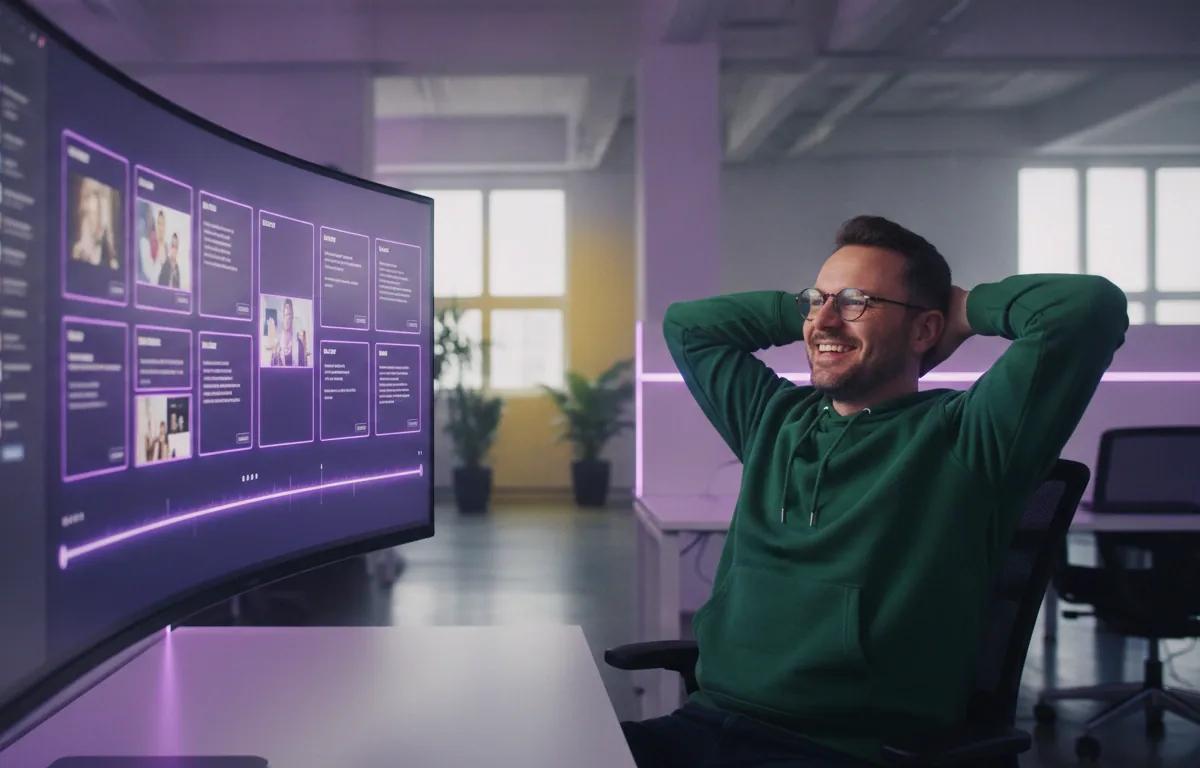
Preview readyReview it before you generate
Compare
AI video agent vs. AI video generator vs. video editor
A generator turns a prompt into a clip or a draft. An editor gives you controls to build and change a video yourself. An AI video agent sits above both: it takes a goal, completes the production steps, and lets you steer by conversation or by editing directly.
| Compare | Video generator | Video editor | AI video agent |
|---|---|---|---|
| You provide | A prompt | Footage, media and every decision | A goal, plus any source content |
| The tool does | Produces a clip or draft from the prompt | Applies the changes you make | Plans, scripts, picks visuals and a voice, and builds a preview |
| Who drives the steps | You, prompt by prompt | You, edit by edit | The agent proposes; you approve and redirect |
| Fits when | You need a single asset | You want hands-on control of every frame | You want a complete first video without assembling each part |
How it works
What does an AI video agent do?
An AI video agent works in a loop. You set the goal, the agent plans the story, writes the script and builds a draft, and you review it. The agent revises when you ask, and you decide when the video is done.
- YouBriefSet the goal: describe the video and add any source content.
- AgentPlanReads your brief and sources, then proposes a structure with scenes.
- AgentBuildWrites the script, proposes visuals, applies your voice and brand choices, and builds a preview.
- YouReviewCheck the script and the preview, and correct facts, names and numbers against your source.
- AgentRefineTakes focused requests, like “replace the visual in scene 3,” and updates the video.
More AI video features
Your complete AI video generation tool
AI avatars
Add a talking presenter, or a digital twin of you.
Captions
Accurate, synced captions in your brand style.
Translation
Captions and voiceover for every market.
Text editing
Edit the transcript to edit the video.
Team workspaces
Share projects and brand kits with your team.
Brand kits
Your logo, fonts and colors on every video.




AI Studio
Create any image or video you need with generative AI
The latest image and video models, built into the editor. Open Visuals, then AI Studio, describe it, and drop it straight into your scene.

Generate and edit images
Describe it, or edit an existing image with a prompt.

Keep characters consistent
Use reference images to keep the same person or product in every scene.

Create video clips with sound
Generate clips with audio. Yes, characters can talk.

Extend any clip
Keep any clip going with a new prompt, even one you uploaded.
 ✓
✓Get four options at once
Generate up to four versions and keep the best one.
Stay on brand
Bring in your brand from a website, a document or a logo, and it is applied to every scene.











 ✓
✓
Choose your model
Pick a model for stills or 5 to 10-second clips.
Also in AI Studio: Nano Banana Lite for images and Omni Flash for video.
Use cases
Who is using an AI video agent?
 Support
Help article to how-to video
A support team turns a help article into a step-by-step how-to video.
- Sales enablement
Call-prep checklist to onboarding video
A sales enablement lead turns a call-prep checklist into an onboarding video.
- Presentations
Slide deck to narrated video
A department head turns a slide deck into a narrated video for the whole team.
Why Pictory
Loved by creators, trusted by enterprise teams
From solo YouTubers to global L&D teams. Read the case studies
4.6 / 5
Average rating on G2, plus Capterra’s Best Ease of Use award for 2025.
20,000+
companies and institutions creating video with Pictory.
SOC 2
and GDPR compliant, ready for enterprise security reviews

 GDPR
GDPR






Case studies
Teams that scaled video with Pictory

“Pictory is the easiest, most efficient way to get from an idea in text to multimedia imagery on the screen. It’s the critical component to get us out of death by PowerPoint.”
Read the Whirlybird Labs case study“Pictory helps us consistently deliver the high-quality videos we’re known for, content we’re proud of and our clients are proud to use. They always get a five-star response.”
Read the VRC case study“82% of our 10,000+ partners keep coming back to our training videos even though they aren’t mandatory courses. That’s how we know the content’s working.”
Read the AppDirect case study“It increased subscriber growth by 78% and cut my video creation time from a couple of hours to a few minutes. It’s been a godsend.”
Read the NetRock case study“Through Pictory videos, leads up by 500%, video production costs are down 90%.”
Read the Online Super Tutors case study“We only launched our new app a few months ago and already have over 500 subscribers. People come back regularly to watch more videos made with Pictory.”
Read the Game of Yield case study


A video generator produces a clip or draft from a prompt, and you drive each step with more prompts. An AI video agent takes a broader goal, completes several production steps in sequence, and returns a script, scenes and a preview for you to review and refine.
No. An editor gives you controls and waits for you to use them. An agent does the production steps from your brief. In Pictory 3 you get both: the agent builds the first version, and you can ask it for changes by chat or open the editor for direct control.
Generative AI creates content, such as text, images or video, in response to a prompt. Agentic AI works toward a goal across several steps: it plans, makes decisions and carries out the steps, and people stay involved for approvals and judgment calls. An AI video agent applies the second idea to video.
An AI video agent plans the story, writes the script, picks visuals and a voice, and builds a preview from your brief. It then takes focused requests, such as replacing the visual in one scene, and updates the video. You review each stage and decide when to generate the final file.
Yes. In Pictory 3 you choose the setup options, review the script and each scene before the preview, ask the agent for focused changes, and edit directly in the editor. The downloadable file is only created when you select Generate video.
You can start from an idea, an approved script, a web page URL, documents, a PowerPoint deck or an audio recording. You can also record or upload a video and edit it by transcript.
You describe the video you want, answer setup questions, and review the script and scenes the agent prepares. The agent then creates a preview. You refine it by chat or in the editor, then generate the final video to download. The full flow is on the agentic AI video workflow page.
Not Just a Definition
Keep going with the Pictory 3 AI video agent


