TL;DR
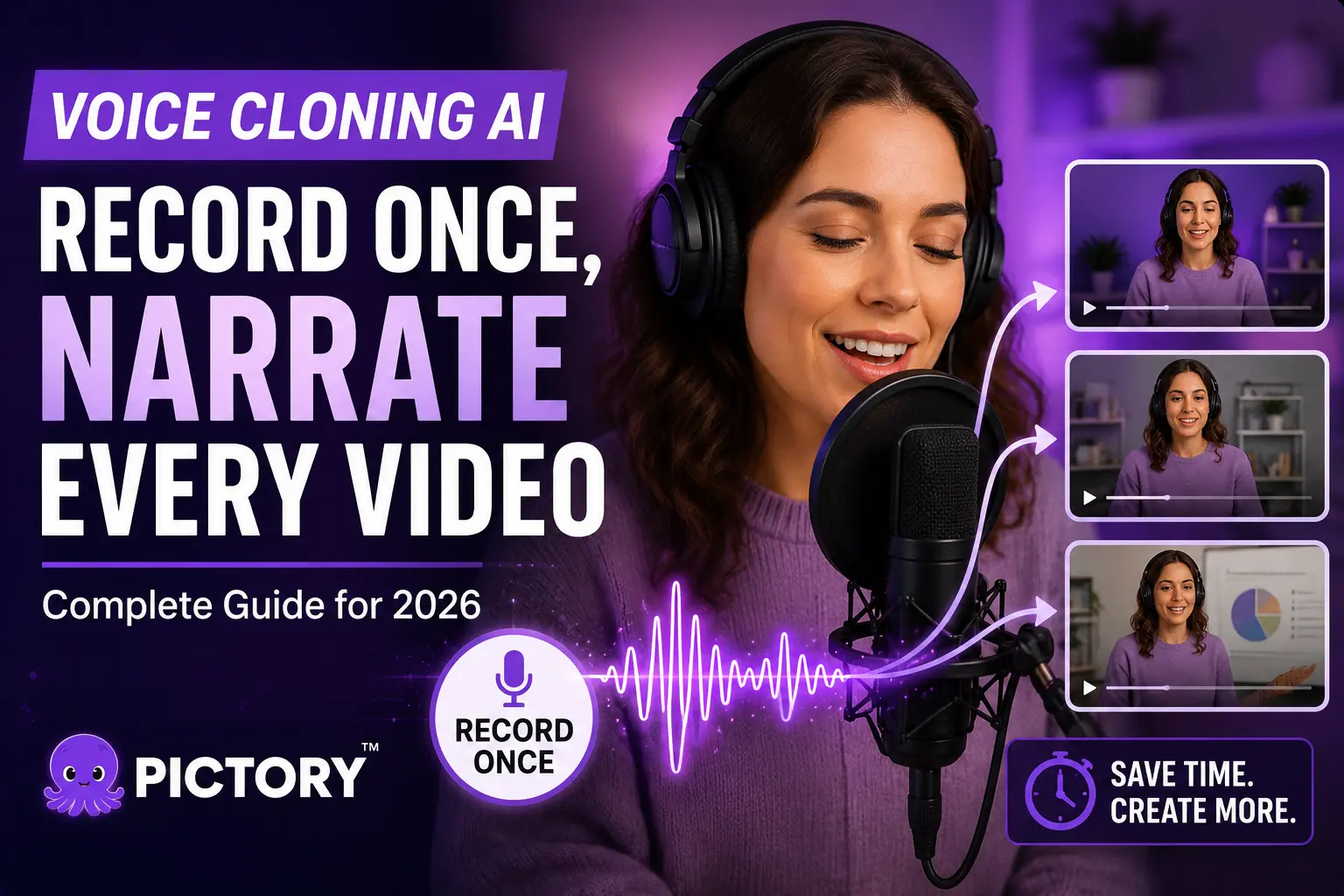
Voice cloning AI lets you record your voice once and generate unlimited narration from text, no mic required for every video. This guide covers how voice cloning works, how to clone your voice inside Pictory using the ElevenLabs integration, tips for getting the best results, and what to watch out for ethically. If you create marketing videos, training content, or social clips at scale, this is the workflow that saves you the most time.
Recording a fresh voiceover for every video you publish is slow, inconsistent, and quietly eating hours you don’t have. Voice cloning AI solves that: record your voice once, and your AI clone narrates every script you write from then on. In 2026, the technology is good enough that most viewers can’t tell the difference, and Pictory brings it into the same platform where you build your video.
What Is Voice Cloning AI?
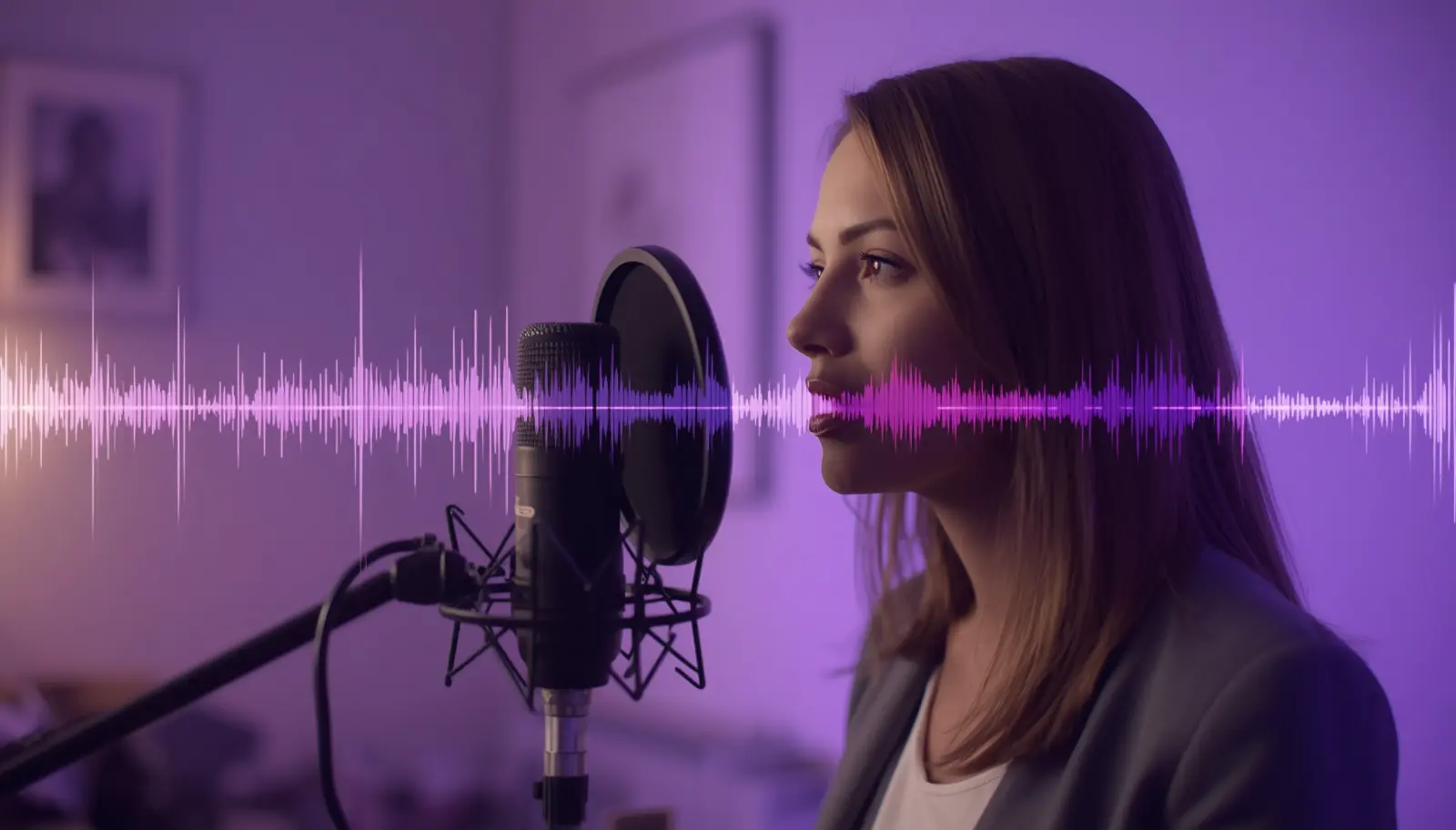
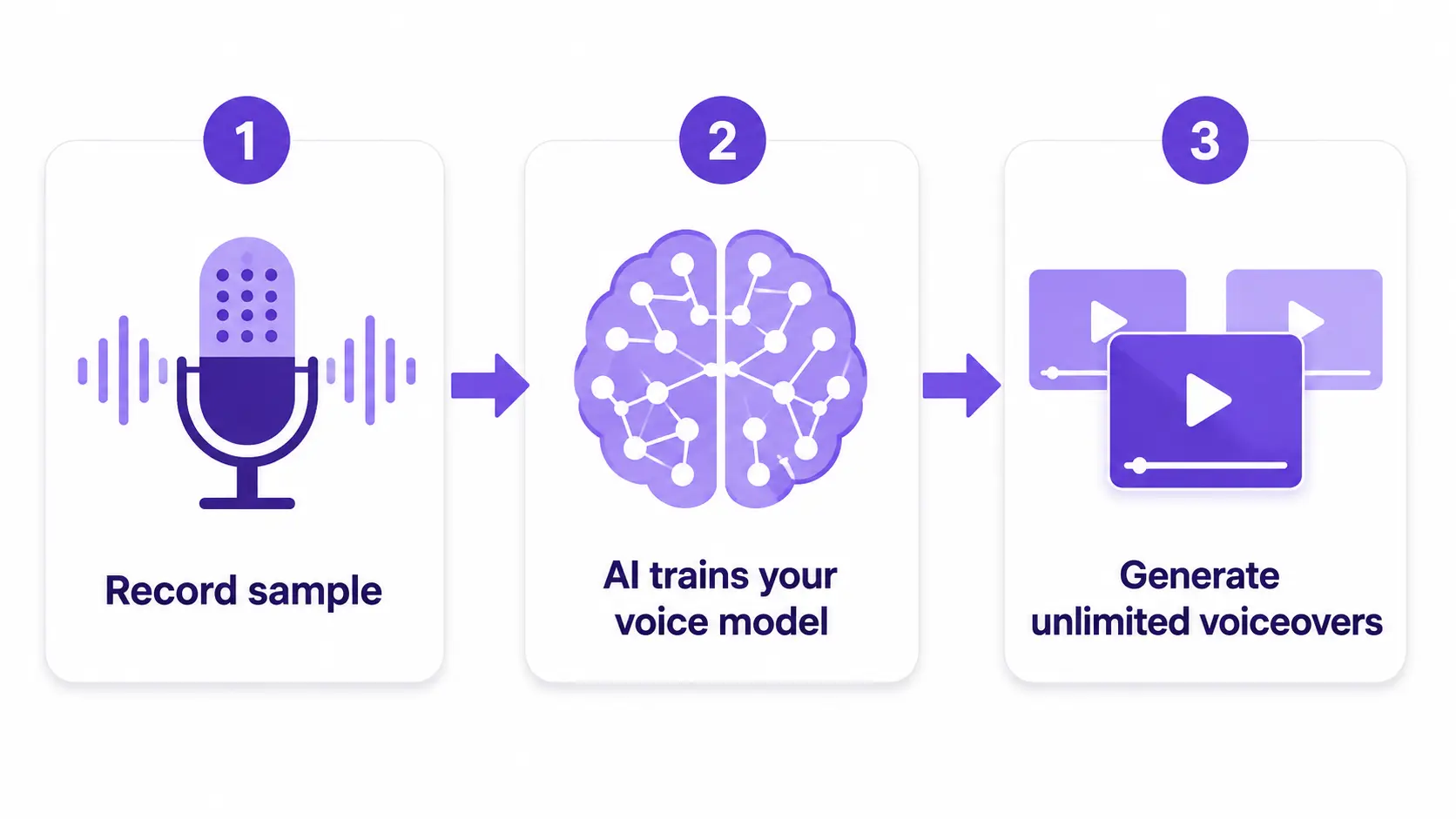
Voice cloning AI creates a digital replica of your voice from a short audio sample. Once trained, the model generates new speech in your voice from any text you type, capturing your tone, pacing, accent, and natural inflection. You type the script; the AI speaks it in your voice.
Modern voice cloning tools use deep learning to analyse the patterns that make your voice unique. Research from ElevenLabs shows that instant voice cloning now requires as little as one to five minutes of clear audio to produce a clone that sounds natural to most listeners. Professional-grade models trained on longer samples can be near-identical to the original speaker under normal listening conditions.
For content creators and marketing teams, this changes the biggest bottleneck in video production: recording time. Write a script this morning and have a narrated video ready by lunch, all in your own voice.
Why Clone Your Voice for Video?
The case for voice cloning runs through three practical advantages: speed, consistency, and scale.
Record once, narrate everything
A single 30-to-60-second voice sample is enough to generate narration for every video you’ll ever publish. No mic setup, no retakes, no editing raw audio.
Sound the same across every video
A cloned voice doesn’t have a bad day, a cold, or a noisy background. Your brand voice stays consistent whether you’re publishing one video or 100.
Reach new audiences in new languages
Many voice cloning tools, including the ElevenLabs engine inside Pictory, support multilingual output. Generate multilingual voiceovers in your cloned voice without recording a single word in that language.
How Does Voice Cloning AI Work?
Voice cloning AI works by training a neural network on samples of your voice. The model learns the acoustic features that define how you sound: your pitch range, speaking rate, breath patterns, and the emotional cues in your delivery. Once trained, it applies those features to any new text input, generating audio that sounds like you said it.
There are two main approaches:
Instant cloning uses a short sample (typically 30 seconds to five minutes) and produces a usable voice model within minutes. The output is good for most content creation needs.
Professional cloning uses longer, higher-quality recordings and produces studio-grade results. The output can be near-identical to your real voice, which makes it suitable for long-form content, audiobooks, and enterprise communications.
Pictory accesses both options through its ElevenLabs integration, which you can add to any Pictory plan. ElevenLabs supports output in over 32 languages and is one of the most widely used voice AI platforms in production workflows today. You can set up your voice clone directly from the Pictory voice clone page.
How to Clone Your Voice in Pictory: Step by Step
Pictory’s voice cloning runs through the ElevenLabs add-on. Once it’s active on your account, the process is quick. For the full walkthrough with screenshots, see the Pictory Academy guide to creating voice and avatar clones. Here’s the process at a glance:
Add the ElevenLabs add-on to your Pictory plan
From your account settings, select the ElevenLabs add-on. Confirm the purchase and the integration activates on your account immediately.
Record a clear voice sample
Record yourself reading a short script in a quiet room. Aim for at least 30 seconds of clean audio, no background music, echo, or noise. A USB microphone or a good phone recording works well for instant cloning. Professional cloning benefits from a higher-quality setup and a few minutes of audio.
Upload your sample and create your voice clone
Inside the ElevenLabs section of your Pictory account, upload your audio file and follow the prompts to train your voice model. ElevenLabs processes the recording and returns your voice clone, ready to use.
Select your cloned voice in the Pictory editor
Open any video project in Pictory. Go to the Audio tab in the left sidebar and open the Voiceover section. Your cloned voice appears alongside Pictory’s library of AI voices. Select it, preview it, and apply it to your scenes.
Generate narration from your script
Pictory reads the text in each scene and generates your narration automatically. It syncs the audio to scene timing, so you don’t have to do any manual alignment. Adjust voiceover and music volume in the Audio tab to get the balance right.
Preview and download
Click Preview video to check how your cloned voice sounds across all scenes. When you’re happy with it, download your finished video. Your voice clone stays saved and ready to use on every future project.
Tips for Getting a Better Voice Clone
The quality of your voice clone depends almost entirely on the quality of your recording. A few habits that actually move the needle:
Record in a quiet, treated space. Hard surfaces cause echo. A wardrobe, a carpeted room, or recording under a duvet produces cleaner results than an empty room with tiled floors.
Speak at your natural content pace. Don’t slow down or enunciate unnaturally for the sample. Your clone will adopt the pacing of the sample, so speak the way you’d actually narrate a video.
Read varied content. A diverse sample, different sentence lengths, some questions, some statements, gives the model more to work with and produces more natural-sounding output.
Write conversational scripts. AI voices perform best with natural language. Short sentences, contractions, and everyday phrasing all help the output feel less robotic.
Cloned voices need as little as a 30-second sample for instant cloning, but a few minutes of clean audio produces output that’s near-identical to the original speaker according to ElevenLabs’ professional cloning benchmarks.
Can You Combine a Voice Clone with an AI Avatar?
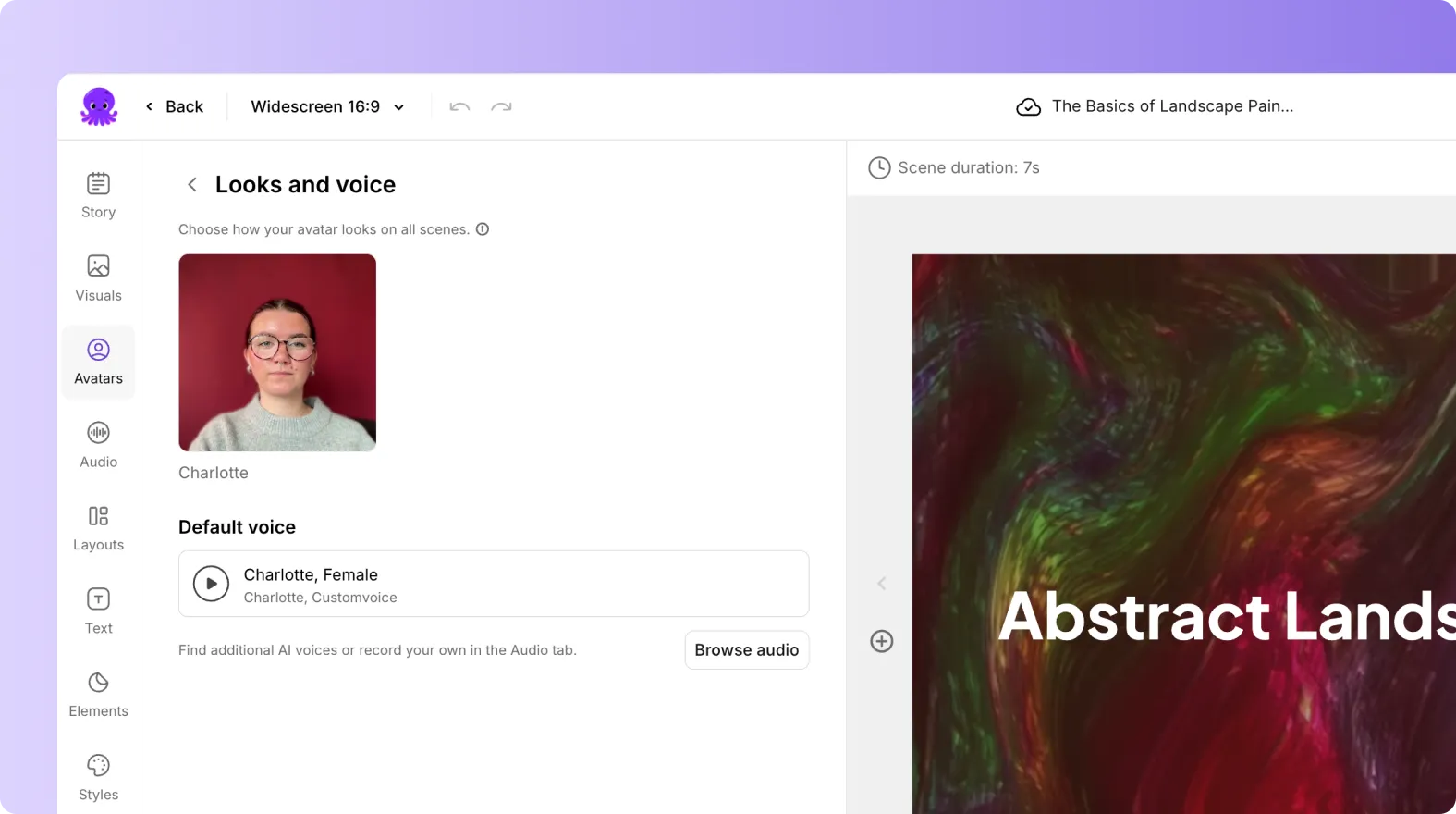
Yes, and it’s one of the more useful combinations for on-camera video at scale. Pictory lets you pair a voice clone with an AI avatar so the presenter on screen speaks in your cloned voice, automatically synced with lip movement on export.
You can choose from Pictory’s AI avatar library, use a custom AI avatar, or create one from a photo. Once you add an avatar to your scenes and apply your cloned voice through the Audio tab, Pictory handles the lip-sync rendering at export. The result looks like a real presenter delivering your script in your voice, without stepping in front of a camera. The Academy guide to voice and avatar clones shows the full setup process.
This works well for training videos, explainer content, and any situation where you want a consistent human presence in your video but can’t or don’t want to film yourself every time.
What Are the Ethical Rules Around Voice Cloning?
Voice cloning is legal and unproblematic when you clone your own voice. Cloning someone else’s voice requires their explicit consent, and using a cloned voice to impersonate, deceive, or create misleading content is both unethical and illegal in most jurisdictions.
A few practices to build into your workflow:
Label AI-generated content where appropriate. Platforms like YouTube recommend disclosing AI narration in monetized or sponsored content. Transparency builds trust with your audience.
Get written consent before cloning a colleague’s voice. If you’re producing training videos featuring a subject matter expert who’d rather not record repeatedly, a signed consent agreement is good practice, and required by most platforms’ terms of service.
Check the platform’s terms. ElevenLabs verifies voice ownership before processing a clone and applies SOC 2 and GDPR controls to protect your data. Your voice model is never used to train shared AI systems without your consent.
Used responsibly, voice cloning is a legitimate production tool. The guardrails that reputable platforms put in place are there to prevent misuse while keeping creative professionals productive.
Is Voice Cloning AI Right for You?
Voice cloning makes the most sense when you publish video regularly, want a consistent presenter voice, or need to localise content across languages. If you’re creating a handful of one-off videos a year, a standard AI voice from Pictory’s library is probably enough. If you’re a marketer running a content calendar, an L&D professional producing training modules at scale, or a social media manager publishing multiple clips a week, the time saving is real.
It’s less suited to content that needs heavy emotional range in the narration. AI voices have improved a lot, but nuanced emotional performance still benefits from a real recording. If your content frequently changes topic or tone, review generated audio carefully to make sure the pacing matches the mood of each video.
For most content teams publishing at volume, Pictory’s combination of voice cloning, a full Script to Video workflow, Brand Kits, and an integrated video clip generator covers everything in one place, with no need to stitch together separate audio tools.
Clone your voice and build your next video today
Pictory brings voice cloning, AI visuals, and brand-ready video editing into one platform.
FAQ: Voice Cloning AI
What is voice cloning AI?
Voice cloning AI creates a digital replica of your voice from a short audio sample. You upload a recording of yourself speaking, the AI trains a voice model, and you can then generate narration in your voice by typing text, no further recording required. The technology uses deep learning to capture pitch, tone, pacing, and the natural qualities of your speech.
How much audio do I need to clone my voice?
For instant voice cloning, you need around 30 seconds to five minutes of clear, noise-free audio. For professional-grade cloning, a few minutes of high-quality recording produces better results. Audio quality matters more than length. A clean 60-second clip will outperform a noisy five-minute one every time.
Is voice cloning legal?
Cloning your own voice is legal and widely used in content creation, podcasting, and video production. Cloning someone else’s voice requires their explicit consent. Using a cloned voice to impersonate, deceive, or create misleading content is illegal in most jurisdictions. Reputable platforms like ElevenLabs verify voice ownership before processing and apply data protection controls.
Can I use my cloned voice in Pictory for multilingual videos?
Yes. Pictory’s ElevenLabs integration supports multilingual output, so your cloned voice can narrate scripts in languages you don’t actually speak. Type the script in the target language and the AI generates audio in your voice in that language. This is a practical way to expand reach without additional recording sessions. See Pictory’s multilingual voiceover guide for step-by-step instructions.
Does Pictory save my voice clone for future projects?
Yes. Once your voice clone is created through the ElevenLabs integration, it’s saved to your account and available in the Voiceover section of the Audio tab for every future project. You don’t need to re-upload or retrain. Select your clone and apply it to any video you build in Pictory.
Ready to record once and publish everywhere?
Try Pictory free and see how fast video production feels when your voice does the work.
![[Article] Promo Video: How to Make One That Converts](https://pictory.ai/wp-content/uploads/2026/09/blog-video-promo-300x169.webp)