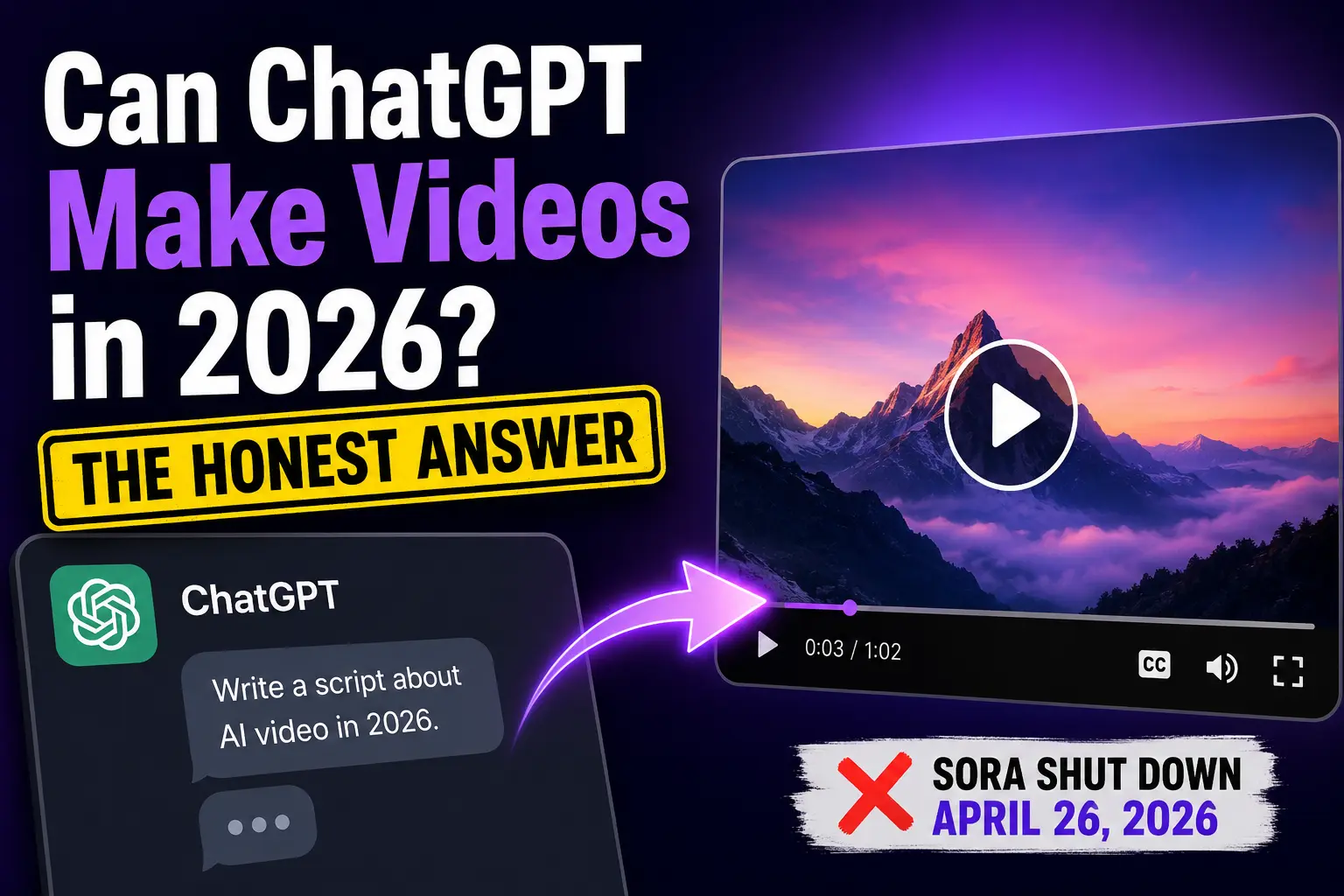
You’ve been using ChatGPT for scripts, emails, and outlines. Now you want to know if it can make the video too. The short answer, as of mid-2026, is no. ChatGPT never rendered video itself, and OpenAI shut down its dedicated video model Sora in April. Here’s what ChatGPT can still do for your video workflow, what changed, and how to turn a ChatGPT script into a finished video in Pictory without editing skills.
TL;DR
ChatGPT can’t make videos in 2026. OpenAI shut down its video model, Sora, in April 2026, and the Sora API winds down in September. ChatGPT can still write scripts, captions, and prompts, but you need a dedicated AI video tool to turn that script into a finished video. Pictory’s Script to Video and its Pictory GPT plugin are the closest workflow to “ChatGPT makes the video for you.”
Can ChatGPT make videos in 2026?
No, ChatGPT cannot make videos on its own in 2026. ChatGPT is a text-and-image assistant. It writes, plans, and generates still images, but it does not render video. What ChatGPT is very good at is the pre-production work: scripts, hooks, captions, storyboards, scene descriptions, voiceover prompts, and video titles.
For a short window in late 2025, OpenAI’s video model Sora was accessible through ChatGPT Plus and Pro accounts. That option is gone. OpenAI announced the Sora shutdown on March 24, 2026, and per reporting on the sunset, the web and app closed on April 26, 2026, with the Sora API winding down on September 24, 2026.
So the real 2026 workflow looks like this: use ChatGPT for the writing, and hand the script off to an AI video tool that produces the finished video with visuals, voiceover, captions, and branding. Pictory is one of the tools built for that handoff.
What happened to Sora, OpenAI’s video generator?
Sora was OpenAI’s text-to-video model, first previewed in February 2024 and launched to consumers as a standalone app on September 30, 2025. Sora 2 introduced synchronized audio and a TikTok-style social feed with a “cameos” feature. It pulled a million downloads in five days.
Six months later, OpenAI shut it down. According to an honest 2026 breakdown of the timeline, the sunset was announced on March 24, 2026, the consumer surfaces closed on April 26, and the Sora API is scheduled to close on September 24, 2026. Reporting in the days after the announcement cited operating costs, a collapsed Disney partnership, mounting copyright concerns, and a broader pivot ahead of OpenAI’s IPO.
Sora web and app: closed April 26, 2026. Sora API: closes September 24, 2026. As of mid-2026, no OpenAI video product is available to consumers. Source: TechJournal
The result: any tutorial that promises “make videos in ChatGPT with Sora” is out of date. The video capability has moved to third-party tools that receive a ChatGPT script and do the actual production.
What ChatGPT can still do for video creation
Video pre-production is where ChatGPT genuinely earns its place in your workflow. It handles the writing tasks that used to eat 30 to 60 minutes and returns them in under five. That’s real time back if you publish weekly.
Write and refine scripts
Give ChatGPT your topic, audience, tone, platform, and target length. Ask for a strong hook. Refine.
Draft storyboards and scene lists
Ask ChatGPT to break the script into scenes with a suggested visual, on-screen text, and duration per scene.
Write captions and social copy
Turn a long-form video into short caption cards, YouTube descriptions, or LinkedIn hook lines.
Build prompts for AI voice, image, or video tools
Ask ChatGPT to write specific prompts for your AI voiceover, avatar, or image generator. It’s a natural prompt engineer.
How to write a video script with ChatGPT
The quality of the script ChatGPT returns depends almost entirely on the prompt you give it. Vague prompts produce generic output. Specific prompts produce scripts you can use with minimal editing. For a full prompt library, see Pictory’s guide to video script prompts, or the Academy guide to Pictory’s own AI Script Generator if you’d rather skip ChatGPT entirely. Here’s the five-step approach that works most of the time.
Give ChatGPT the five inputs
Topic, audience, tone, platform, and length. All five in the first prompt. Example: “Write a one-minute LinkedIn video script for B2B marketers about repurposing webinars into short clips. Tone: helpful, direct, no hype.”
Ask for a hook opener
Request three different hook options for the first 3-5 seconds. Pick the strongest one and ask ChatGPT to rewrite the rest of the script around it.
Request scene-by-scene structure
Ask ChatGPT to split the script into scenes, one to two sentences each. This maps cleanly onto how tools like Pictory build storyboards.
Refine tone and pacing
Read the script out loud. Ask ChatGPT to shorten anything that stumbles. Watch for filler words and rewrite generic openers.
Cut to fit the target duration
Ask ChatGPT to trim the script to your exact target length: 30 seconds, 60 seconds, or 90 seconds. Rule of thumb: 150 words per minute of finished video.
From ChatGPT script to finished video: the workflow that ships
Once you have the script, the video-making tool takes over. Pictory’s Script to Video workflow was built for this exact handoff. Copy your ChatGPT script, paste it into Pictory, and the AI splits the text into scenes, pulls matching visuals from a library of 10 million-plus clips and images, generates an AI voiceover from 170+ voices, and adds captions. Your brand kit applies logos, fonts, and colors automatically. No API key or integration required.
The workflow has real limits worth knowing. ChatGPT doesn’t know your brand voice, your customer, or your product the way a subject-matter expert does. The script that comes back is a strong first draft, not a finished one. Pasting it into Pictory without review usually means more editing inside the video editor, not less. Take five minutes to check the draft first.
The Pictory GPT plugin: making videos from inside ChatGPT
If you want the closest thing to “ChatGPT makes the video for you,” the answer is a plugin. Search Pictory GPT For Video in the Explore section of ChatGPT (available on ChatGPT Plus). Start a chat, describe the video you want, and the plugin returns a draft script. Type “yes” to accept, and the script is sent to Pictory to generate a video with matching stock footage, an AI voiceover, subtitles, and background music. See the Pictory GPT plugin in action.
A short prompt template that works: “Create a 60-second video for [audience] about [topic]. Tone [tone]. Include a strong opening hook.” The plugin fills in the P.A.O framework (Purpose, Audience, Outcome), returns a draft, and hands off to Pictory when you approve. From there you can refine in Pictory’s ChatGPT video generator workflow or download and post.
Try turning your next ChatGPT script into a video
Paste your script, pick a voice and aspect ratio, and export a branded video in minutes.
What ChatGPT can’t do for video (and why that’s fine)
Being honest about what ChatGPT doesn’t do saves you from building a workflow on something that isn’t there. Four things sit outside its scope in 2026.
- Rendering a finished video. ChatGPT doesn’t produce video files. A separate AI video tool handles that step.
- Knowing your brand voice out of the box. You need to paste your voice guidelines, sample copy, or a style brief for it to sound like you.
- Fact-checking your industry claims. Verify statistics and product details yourself. ChatGPT will confidently invent things.
- Producing voiceover. Text-to-speech lives in tools like Pictory, ElevenLabs, or Descript. ChatGPT hands off the words.
None of this is a knock on ChatGPT. It’s the difference between a writer and a production team. You wouldn’t ask your copywriter to run the camera, and you shouldn’t ask ChatGPT to render your finished video. Pair it with the right tool and both parts get better.
The 2026 verdict: use ChatGPT as your writer, not your renderer
This workflow fits you if you’re a marketer, educator, or small team already using ChatGPT for content and looking to add video without adding editing skills. You’ll cut script-writing time from an hour to under five minutes and produce a first draft in the same session.
It’s less useful if your videos are personality-driven talking heads that live or die on delivery. ChatGPT doesn’t know your on-camera voice, and no plugin will produce that for you. In those cases, ChatGPT still helps with the outline, but the recording is on you.
The recommendation: keep ChatGPT open for the script, and use Pictory or the Pictory GPT plugin for the video. Free trials cover both, so you can test the full workflow on a real script before you commit.
Turn a ChatGPT script into a video today
Fast, scalable, affordable video creation from any script you already have.
FAQ: Can ChatGPT Make Videos
Can ChatGPT make videos in 2026?
No. ChatGPT is a text and image tool and cannot render video. OpenAI’s video model Sora was shut down on April 26, 2026, with the Sora API discontinued on September 24, 2026. ChatGPT can still write scripts, captions, and prompts, but you need a dedicated AI video tool like Pictory to produce the finished video.
Is there a ChatGPT video generator?
Not directly. ChatGPT briefly integrated OpenAI’s Sora before OpenAI discontinued the product in 2026. Today, the closest option is a plugin like Pictory GPT For Video inside ChatGPT’s Explore panel, which passes your ChatGPT script to Pictory’s ChatGPT video creator to produce a video with visuals, voiceover, and captions.
How do I use ChatGPT to make a YouTube video?
Ask ChatGPT to write your script by giving it your topic, audience, tone, and video length. Refine the hook and pacing. Paste the finished script into an AI video tool such as Pictory’s Script to Video, which turns your script into a video with stock visuals, AI voiceover, captions, and your brand kit. Export in 16:9 for YouTube.
What’s the best AI video tool to pair with ChatGPT?
For marketers repurposing scripts into short-form videos, Pictory is the strongest pairing because you can paste a ChatGPT script into Script to Video and produce a branded, captioned video in minutes. For talking-head avatar videos, Synthesia and HeyGen are strong. For pure cinematic clips, Runway and Google Veo lead the market.
Can ChatGPT edit videos?
No. ChatGPT can’t open, cut, or edit video files. It can help you plan edits by generating scene lists, timing suggestions, and shot descriptions. To actually edit, use an AI video editor. Pictory’s AI Video Editor lets you edit by editing the transcript, which fits a ChatGPT-driven workflow cleanly.
Keep reading
Writing scripts with ChatGPT, then producing them in Pictory.
Prompt templates for every type of video script.
Making a video without leaving the ChatGPT window.
![[Article] Promo Video: How to Make One That Converts](https://pictory.ai/wp-content/uploads/2026/09/blog-video-promo-300x169.webp)