

Loved by Creators Worldwide | Rated 4.8/5 on G2
AI Video Editor
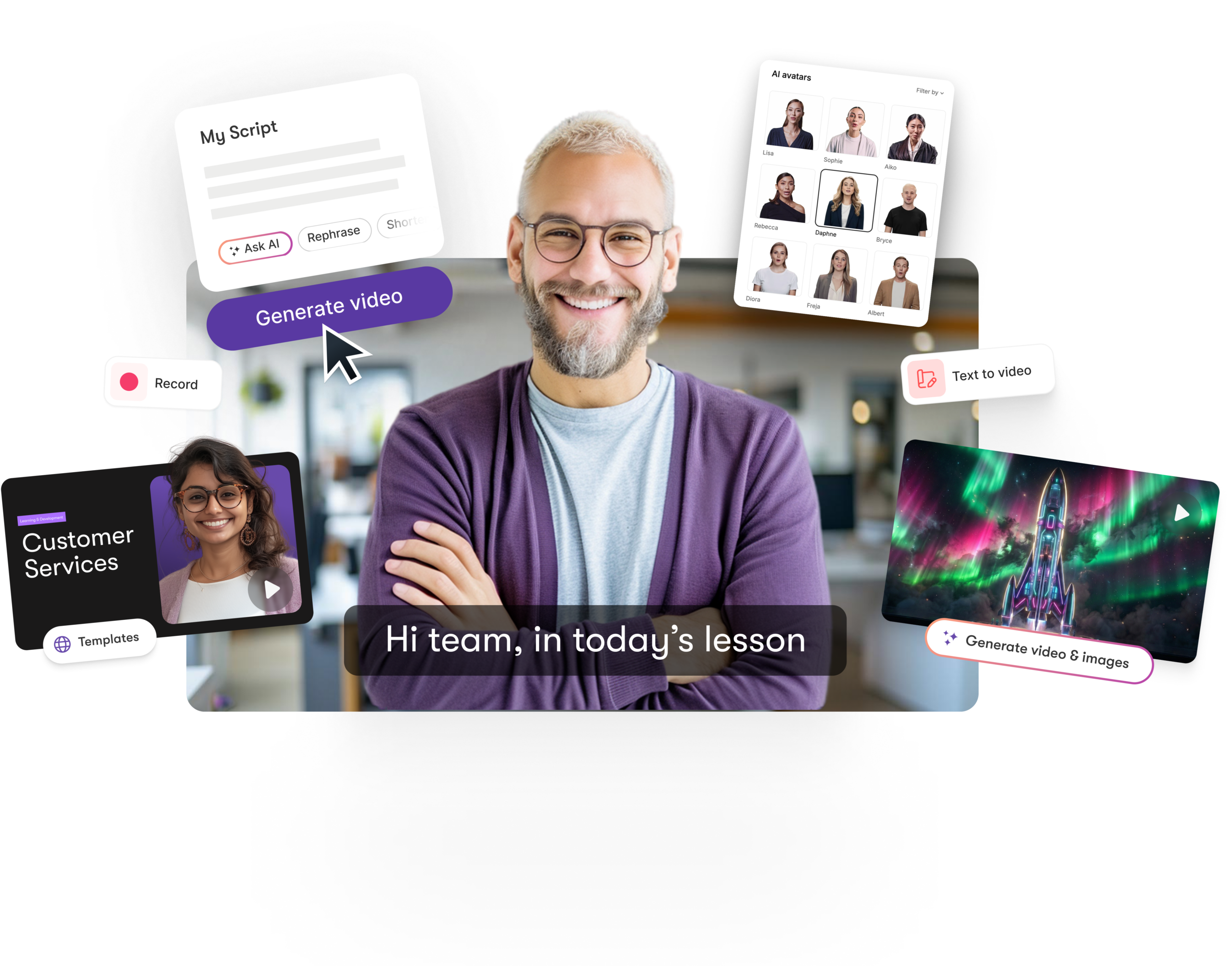
Edit videos in minutes with Pictory's AI-powered automation. Enhance your own footage, or just describe your idea and let Pictory generate the script, scenes, and visuals for you.
Rated 4.8/5 on Capterra





Trusted by over 20,000 companies of all sizes
Key Features of Pictory's AI Video Editor
Explore the AI-driven tools that will help you edit, enhance, rebrand and do all the things in one place to streamline editing, automation, and creativity. No expertise required.
Edit Video using Text
Remove words from the auto-generated transcript and Pictory will edit the video for you.
Auto B-Roll from AI Studio
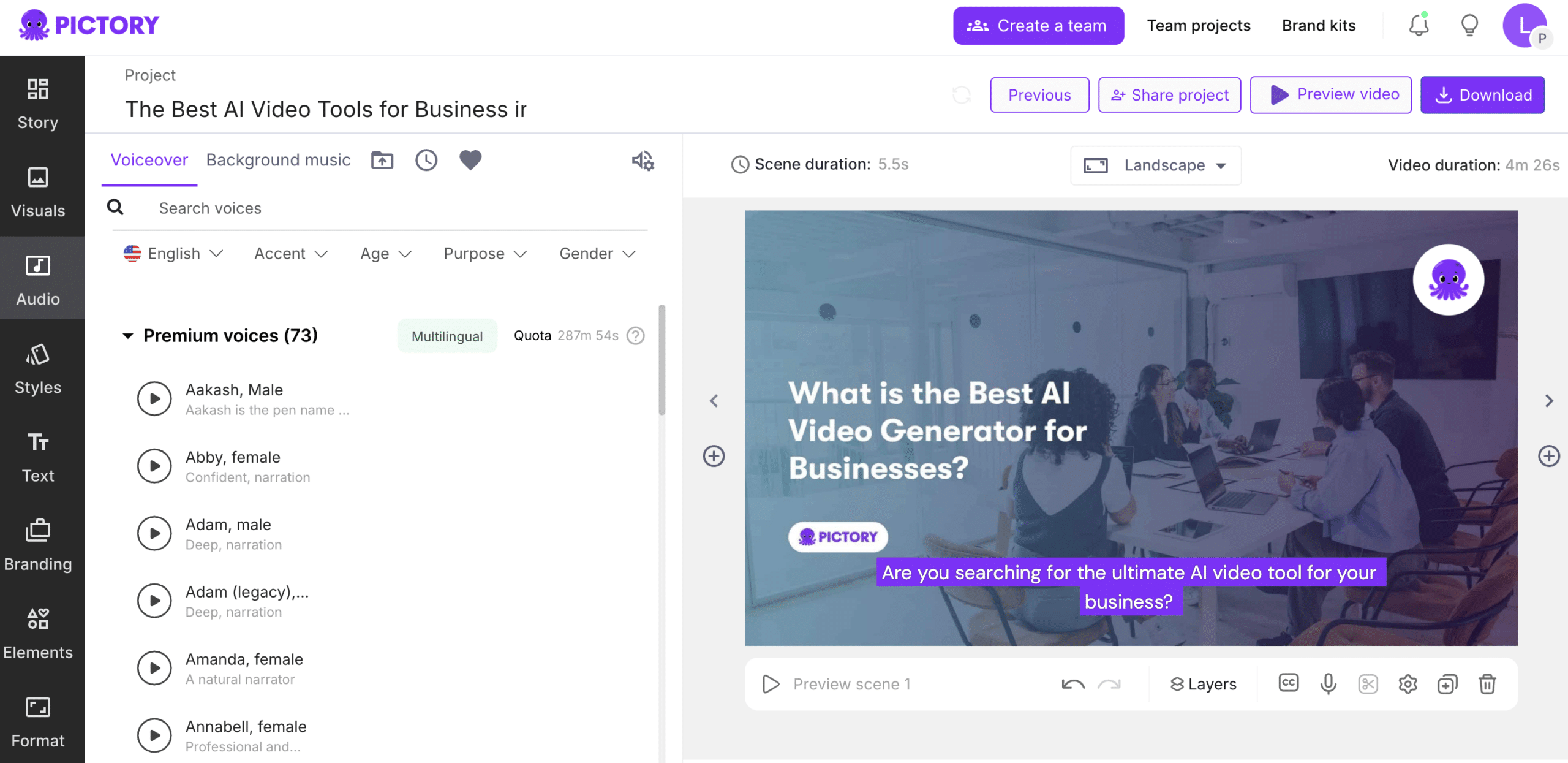
Generate AI images and videos with Flux, Nano Banana, or Veo directly inside a scene — no separate app.
Smart Scene Detection
Automatically break down video into editable scenes using AI.
Voice & Caption Automation
Create accurate captions and AI voiceovers in seconds.
Remove Filler Words & Silences
Automatically detect and clean up "um," "uh," and dead air automatically before you even start editing.
Auto Resize Your Video
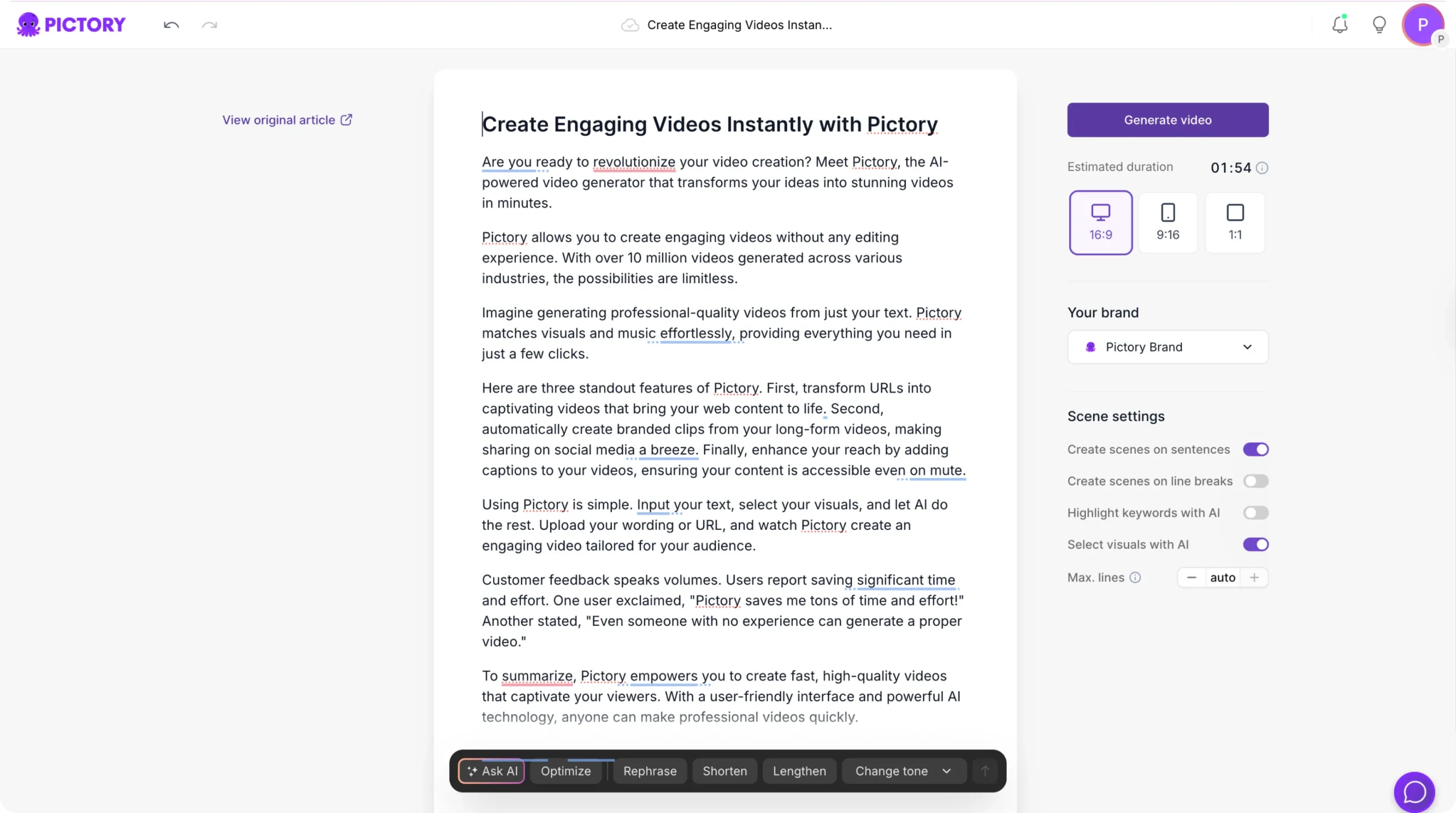
Switch between 16:9, 9:16, and 1:1 without rebuilding your video.
AI Studio Visuals
Generate or replace visuals using text or prompt-based AI tools.
Collaborative Editing
Share projects, assets, and brand kits with your team securely.
Edit with AI - Simple Commands
Skip the timeline. Tell Pictory what you want and it edits for you — rephrase a line, shorten a scene, change the tone, or swap a visual, all through Ask AI. No dragging clips, no manual trims.
Brand Kit Integration
Apply your logos, fonts, and colors consistently across projects.
Text Animation Controls
Add entry and exit effects like Fade or Typewriter to on-screen text.
Auto-Highlight Key Moments
AI flags the most important lines in your transcript so you can build clips faster.
Each of these features will ensure you have the right tools to edit and create videos for your marketing, training or educational requirements.
USE CASES
From Content Creators to Education Professionals. Here are how businesses use our AI Video Editor
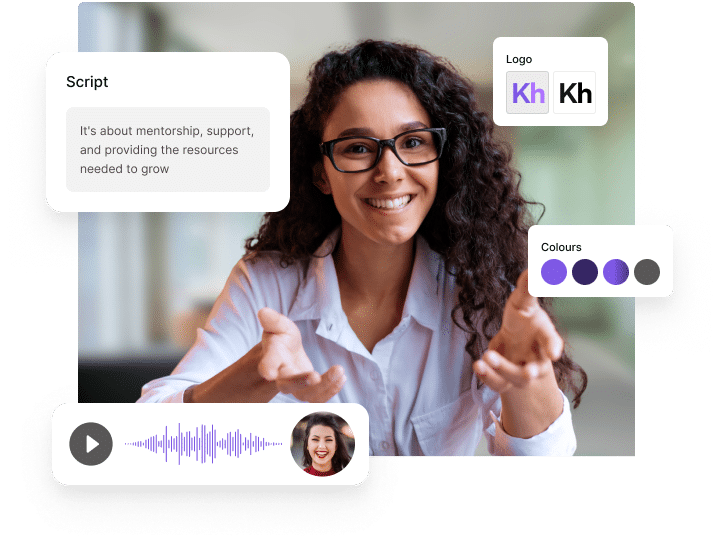
L&D teams use Pictory's AI video editor to turn existing training decks, SOPs, and onboarding docs into polished video modules at scale - without a production team. Auto-generated captions, multilingual voiceovers, and brand-consistent templates make it easy to roll out compliance and onboarding content across a global workforce.
Trainers use Pictory to turn lesson plans, slide decks, and recorded sessions into structured video courses with AI avatars presenting the material — no camera or studio required. Edit with simple text commands to update content as your curriculum evolves, without re-recording from scratch.
Content creators use Pictory's AI video editor to edit faster with automatic scene detection, captions, and AI-generated B-roll — turning raw footage or a script into publish-ready video without manual timeline work. Text-based editing means revisions take minutes, not hours, so you can post more often without burning out.
Educators and course creators use Pictory to turn lesson content, textbooks, or slides into engaging instructional videos with AI avatars and auto-generated captions for accessibility. Multilingual voiceovers make it easy to reach students in their preferred language without recording multiple versions.
YouTubers use Pictory's AI video editor to cut long-form footage into shorts, auto-generate captions for accessibility and watch time, and remove filler words and dead air before publishing. Reframe one video into 16:9, 9:16, and 1:1 automatically instead of manually re-editing for Shorts, Reels, and TikTok.
Podcasters use Pictory to turn raw audio or video recordings into shareable video content - auto-transcribing episodes, removing filler words and silences, and generating clip-worthy highlights for social. Add captions and branded visuals to turn an audio-only show into a video podcast without extra recording.
Pictory is more than just an AI Video Editor
Pictory is the complete video generation solution:
-
URL to Video
-
Audio to Video
-
AI Avatar Generator
-
AI Video Editor
-
PPT to Video
-
Image to Video
Text to Video Generator
Turn text, prompts, scripts, articles, and blog posts into videos using Gen AI visuals, AI avatars, captions, and realistic AI voices.
URL to Video
Audio to Video
AI Avatar Generator
AI Video Editor
PPT to Video
Image to Video
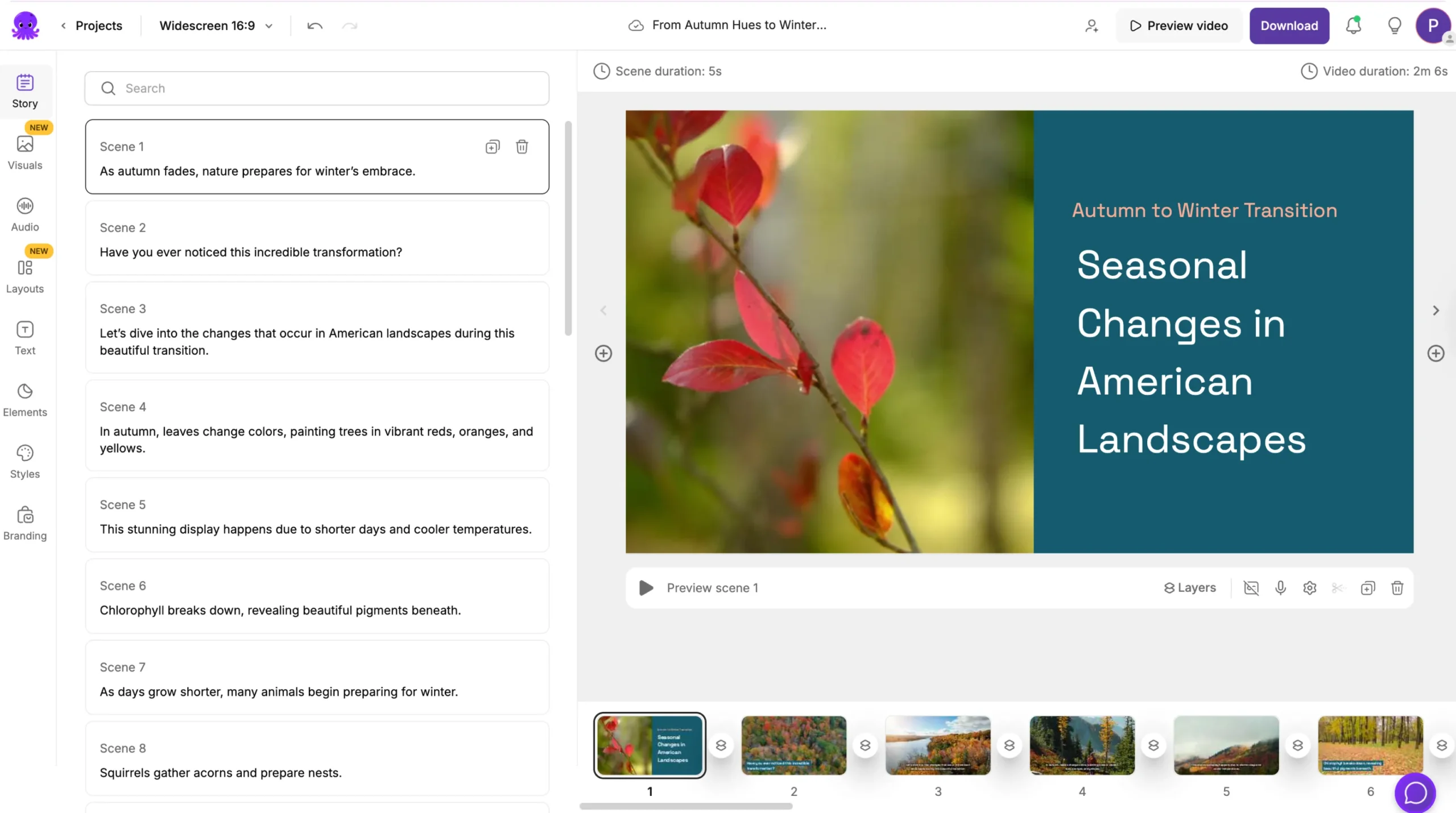
The AI Video Editor is your all-in-one workspace for intelligent video creation. It takes the pain out of video editing. It blends automation with manual control, letting you generate visuals, scenes, and captions through AI while maintaining creative flexibility. Use our AI engine to do high level editing and our manual controls for the fine tuning.
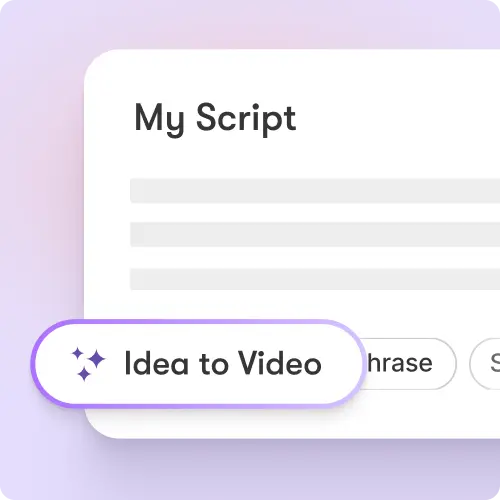
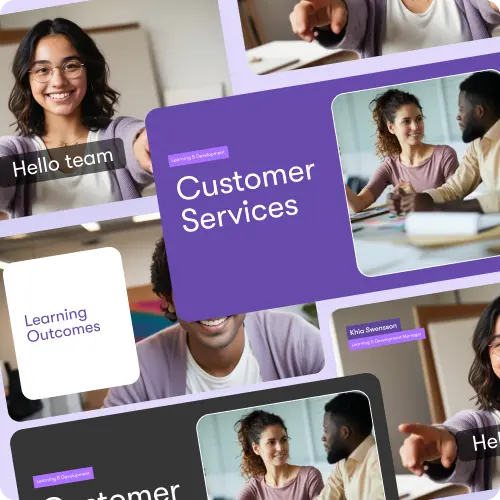
You will work smarter and not harder. Save time and money, while producing professional and highly engaging content. Features like automatically detect scenes, captions, and voiceovers with AI, with the addition of being about to generate visuals from text will help streamline your video creation. Produce studio-quality results in minutes without complex editing software.
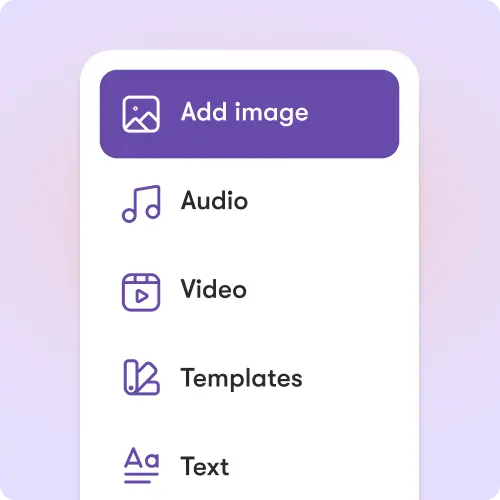
Customize the editing interface and output to fit your workflow. Choose aspect ratios, animation styles, and themes. Use brand kits to ensure every video matches your visual identity. Refine AI-generated visuals directly through AI Studio for complete creative alignment.
How to Use AI Video Editor in 4 Easy Steps
Step 1
Upload or Generate Video
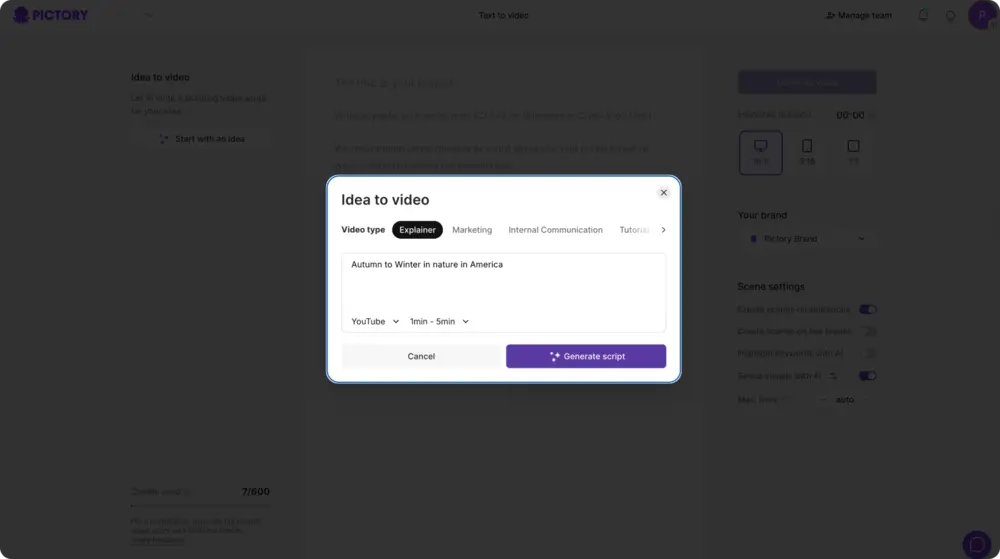
Import your clip or generate one with Text to Video or AI Studio.
Step 2
Auto Scene Detection
Let AI identify, segment, and label scenes automatically.
Step 3
Edit & Enhance
Modify visuals, apply brand kits, and fine-tune captions or effects.
Step 4
Preview & Export
Review your edited video and export it in your chosen format.
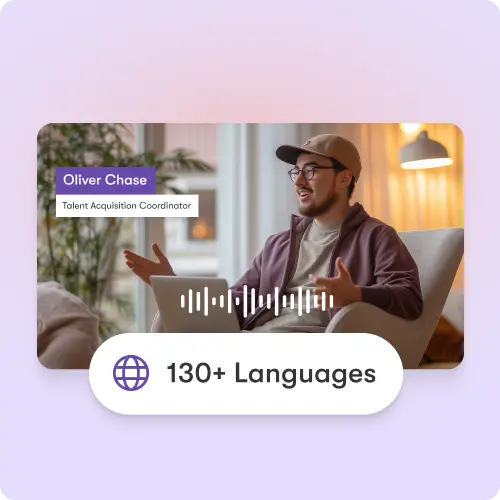
Produce localized edits with multilingual captions and voiceovers. Adjust visuals and text via AI Studio to suit different audiences or markets.
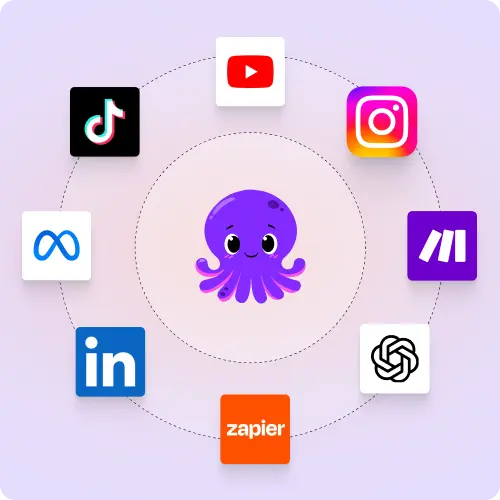
Export finished videos optimized for YouTube, Instagram, TikTok, and LinkedIn. Integrate seamlessly through Make, Zapier, and Chrome extensions for quick distribution.
Reasons to Use AI Video Editor
AI Video Editor FAQs
What is an AI Video Editor?
It’s an intelligent editing platform that uses AI to automate and enhance every stage of video creation.
How do I edit a video using text commands in Pictory?
In the app you have many features to be able to edit using text commands here are some how to guides:
Can Pictory remove filler words and silences automatically?
Pictory can remove filler words at the click of a button, and can also remove long pauses. Here is the instructional guide on how to do it.
How does AI help with editing?
AI automatically detects scenes, captions, and voiceovers, speeding up complex tasks without sacrificing quality.
Can I generate visuals in the editor?
Yes. AI Studio lets you create or replace visuals directly from text or prompts.
Does it support brand customization?
Absolutely. You can apply brand kits, logos, and fonts for consistent styling.
Can multiple users edit the same project?
Yes. You can share projects and collaborate on edits in real time.
What's the difference between Pictory's AI Video Editor and a text-to-video generator?
Pictory's text to video generator is one feature inside our incredible AI video editor. With text to video generator - you can create whole video presentations from a text prompt OR from a script / article. You also can generate moving video clips from text with generators like VEO and Pixverse. Pictory's AI Video Editor includes you these feature but also all of the other features listed above like auto captions, B-roll, timeline editing, smart scene deletion, access to stock videos and images, and much much more.
What video formats can I export?
Export in MP4, MOV, and other universal formats for social and web use. You can generate these in all sizes also 16:9, 9:16 and 1:1.
Get Started with AI Video Editor
Edit faster with AI-powered tools. Automate complex edits, customize with brand kits, and generate visuals directly inside your online video editor.
In partnership with











SOC 2 & GDPR compliant
Copyright 2026 Pictory.ai - Privacy Policy / Terms of Service / Copyright Policy / Sitemap


