





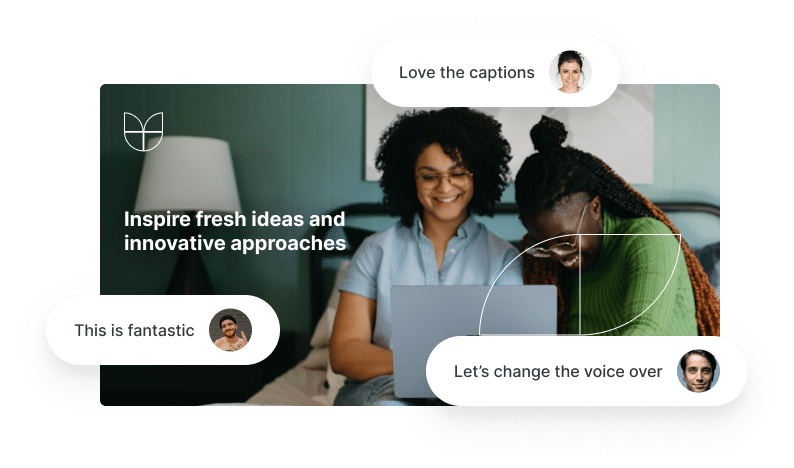




Harness the power of AI and amazing video creation tools to grow your audience while saving you time!
Harness the power of AI and amazing video creation tools to grow your audience while saving you time!


Loved by Creators Worldwide | Rated 4.7/5 on G2
Rated 4.7/5 on Capterra
Turn text, prompts, scripts, articles, and blog posts into videos using Gen AI visuals, AI avatars, captions, and realistic AI voices.






Trusted by over 20,000 companies of all sizes
Generating videos from scratch is slow and requires editing skills many creators, marketers, and educators don’t have. Our Text to Video Generator removes these barriers by turning your words into complete videos instantly. AI Studio analyzes your prompt or scene and generates visuals using text to video models. You can build individual scenes using text to video AI plus narration and captions automatically. It brings advanced AI video creation into a single workspace, letting you produce content at the speed of ideas.


Most teams waste hours editing timelines, sourcing visuals, or rewriting scripts. Text to Video generation solves this by automating the entire process inside AI Studio. You enter text, and the system converts it into structured scenes, high-quality visuals, and natural voiceovers. You can regenerate images, rewrite sections, convert text to video instantly, and produce branded, consistent content faster. This is a true problem–solution workflow built for modern creators.
AI avatars are digital presenters that appear directly inside video scenes and narrate your content using an AI voice. They allow creators and teams to add a consistent, professional visual presence to videos without using a camera or microphone. Avatars are applied as an editable layer inside the video editor and can be styled, positioned, shown, or hidden per scene.
Explore the AI-powered text to video generator tools that turn text into polished video content.

Our text to video generator converts your prompts into structured, sequenced scenes.

Add natural AI narration in multiple tones and languages.

Apply fonts, colors, and layouts that match your identity.

Generate visuals using text to image and prompt to image models.

Create accurate, time-synced subtitles automatically.

Download polished videos ready for any platform.
Add your prompt and let AI Studio generate videos and images for your scenes. Refine pacing, regenerate images, or update sections instantly using AI-powered editing. Export in HD and share anywhere.


Adjust visuals, regenerate scenes, change voiceovers, update captions, or rewrite script segments using AI Studio. Apply your brand kit for consistent fonts, colors, and layouts. Create multiple versions for campaigns or social channels.
Enter your script, outline, or idea into to start your journey.


Our text to video generator converts text into video, generating visuals in seconds.
Adjust scenes, regenerate video, or change voiceovers.


Download in HD for publishing across platforms.
Our text to video generator can use multilingual scripts or prompts. AI Studio adapts visuals, captions, and voiceovers for different regions based on your scene text, giving you global-ready content in minutes.


Export formats optimized for YouTube, Instagram, TikTok, LinkedIn, websites, LMS platforms, and more. Compatible with Make, Zapier, and Chrome workflows for automation.

Marketing Campaigns:
Generate explainer videos or product teasers from your campaign concepts instantly.

Educational Tutorials
Turn lesson ideas into complete teaching videos with narration and visuals.

Corporate Training
Convert internal communication topics into polished instructional videos.
Social Media Content
Create short-form videos tailored for brand awareness and audience engagement.
Convert text into video instantly. Create scenes, visuals, and narration using AI Studio’s advanced text-to-video technology.










Pictory’s AI Text to Video Generator makes it easy to transform any script, article, or prompt into a professional-quality video in minutes. Simply enter your text or upload content, and our AI automatically matches it with the most relevant visuals, background music, and narration to bring your story to life. Designed for marketers, educators, creators, and business teams, Pictory helps you produce stunning videos for any platform without spending hours in complex editing software — all with no editing skills needed.
Bring your ideas to life with realistic AI voiceovers powered by ElevenLabs, available in 29+ languages and accents, and tap into a vast 18 million+ stock library of videos, images, and music. Customize every project with your logo, brand colors, and fonts, then export in the right format for YouTube, TikTok, Instagram, LinkedIn, Facebook, and X (Twitter). From short clips to polished explainers, Pictory makes video creation effortless.
Stop struggling to start from scratch. With Pictory’s AI Script to Video Generator, just enter your idea, choose a style, and instantly get a polished, ready-to-use script. It writes engaging video scripts for YouTube, TikTok, Instagram, LinkedIn, Facebook, X (Twitter) and more — perfect for marketers, educators, and creators who need content fast.
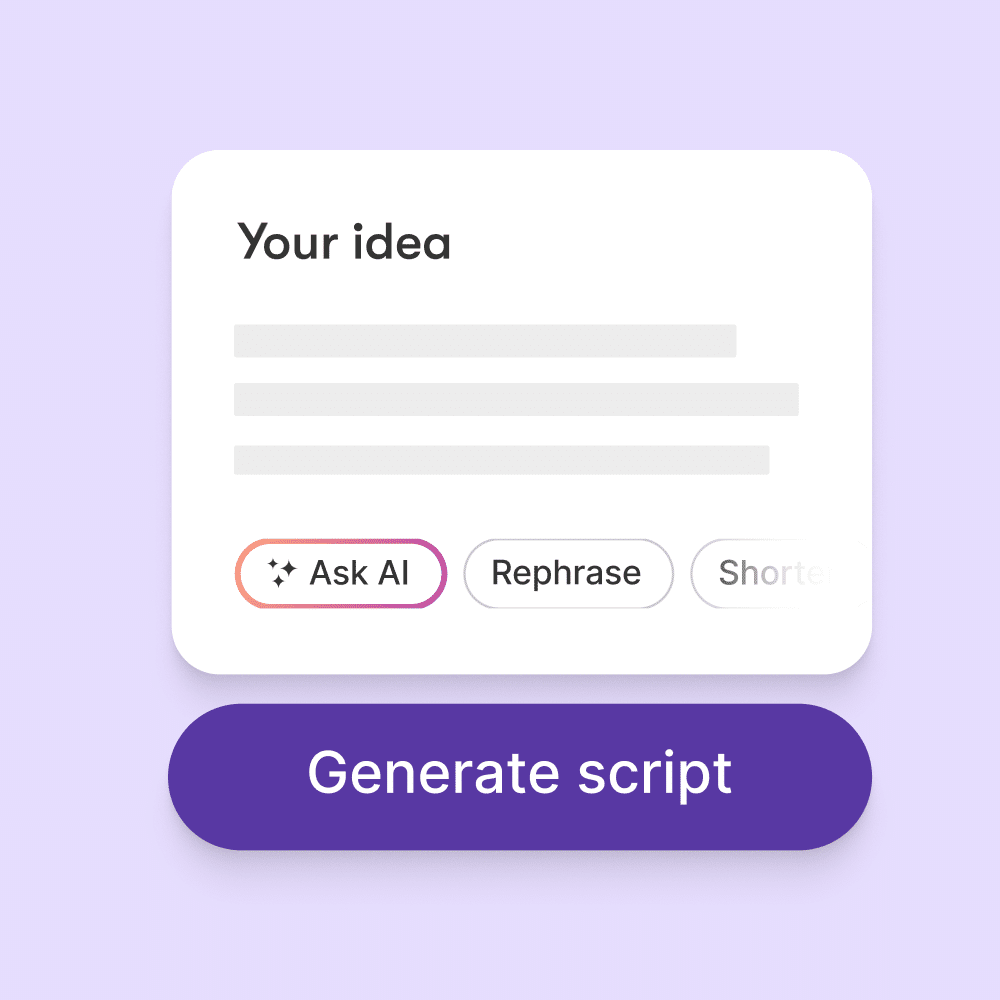



Easily convert text into video, URLs to video and PowerPoint slides, into video content into professional, branded videos using Pictory’s powerful Text-to-Video API. Whether you need automated video creation at scale or personalized video messages, Pictory makes it simple.
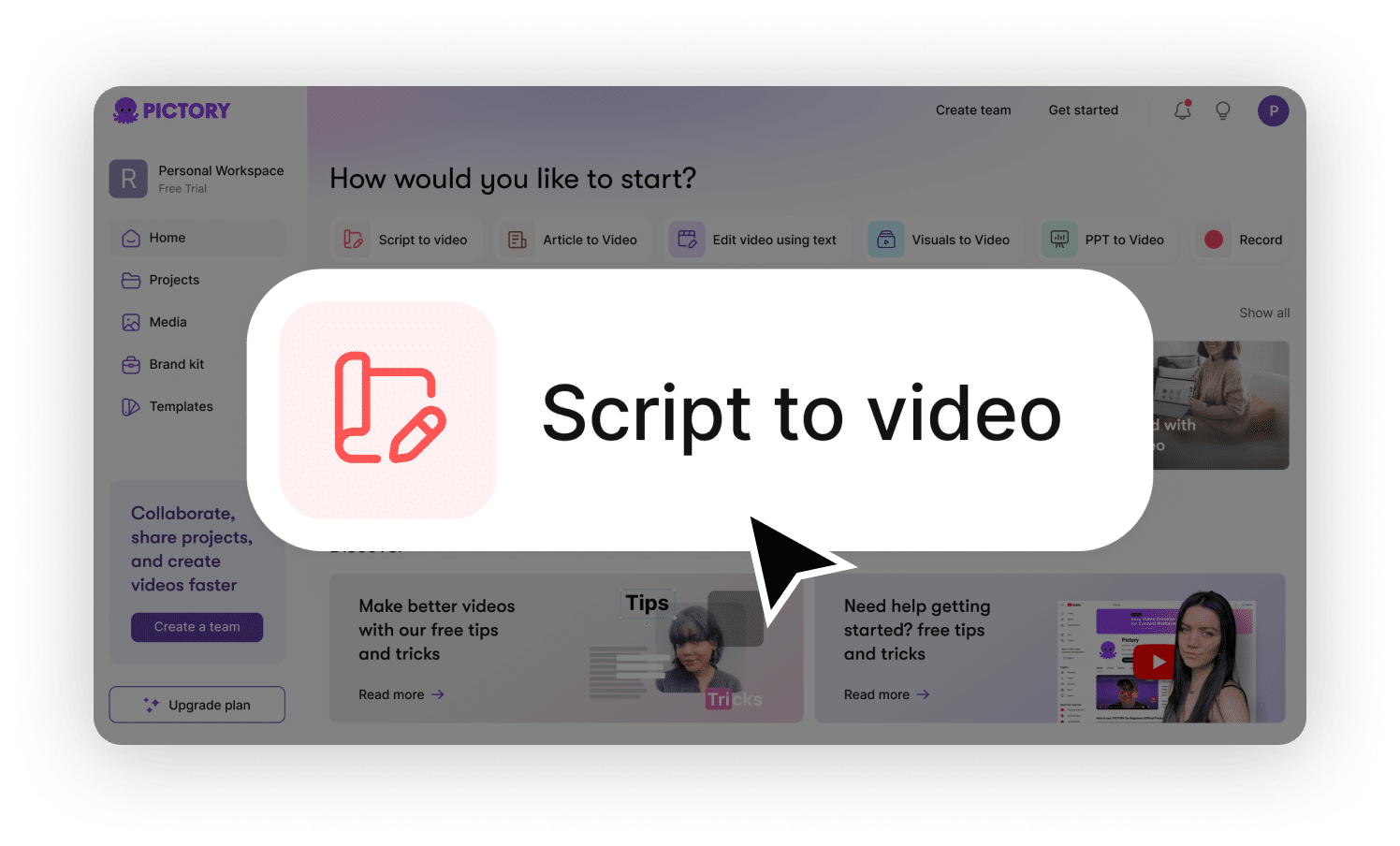
You can use your own script OR with our text to video generator, you don't need a script, we will generate the script for you.
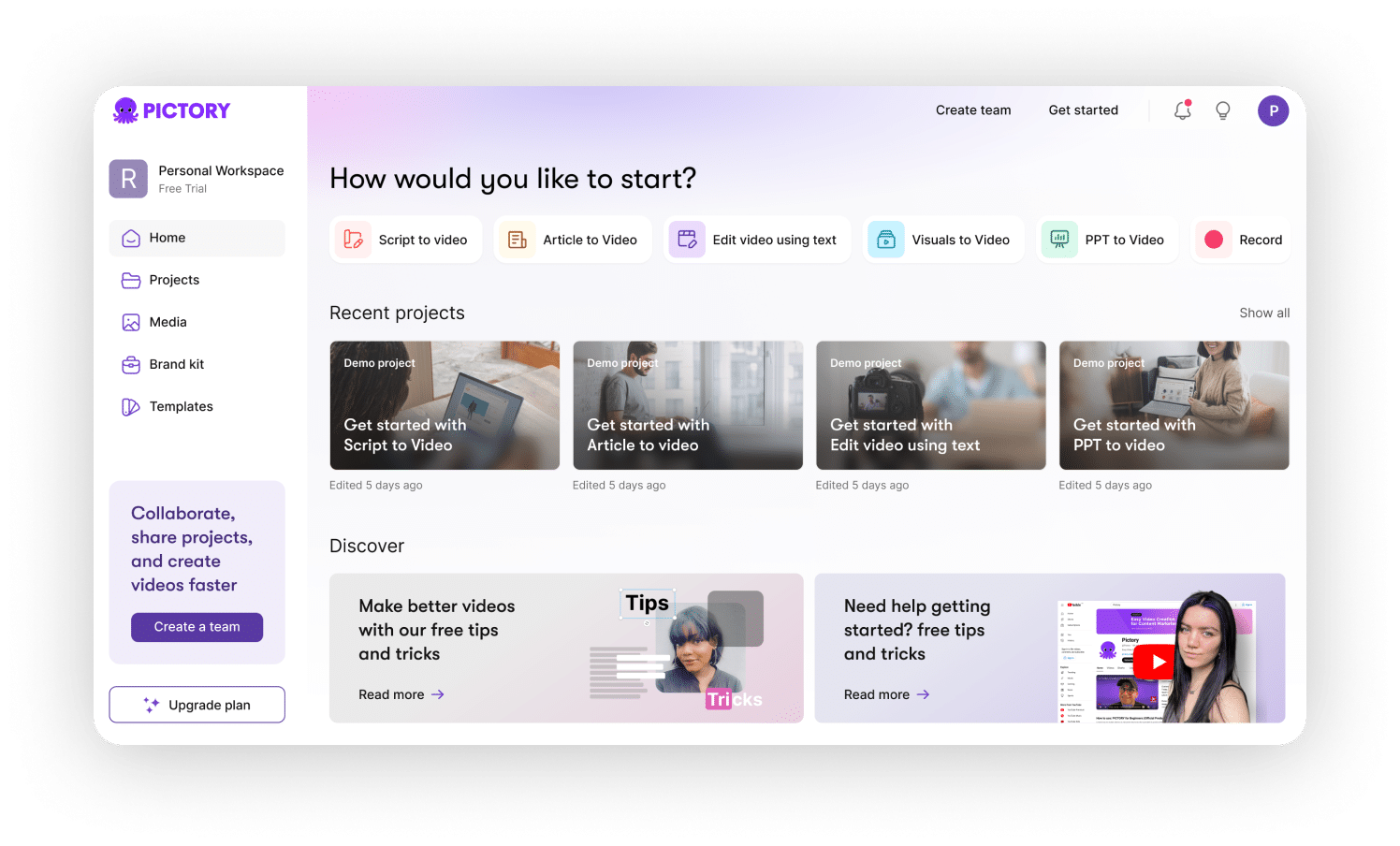
You can add your branding, backing music, choice your ai voice and many other options before you generate your incredible video.
Pictory’s AI text to video creation tool simplifies the process by transforming PPTs, text, recorded lectures, and digital assets into high-quality videos. Check out our use cases below to see how text to video generation can help your business.
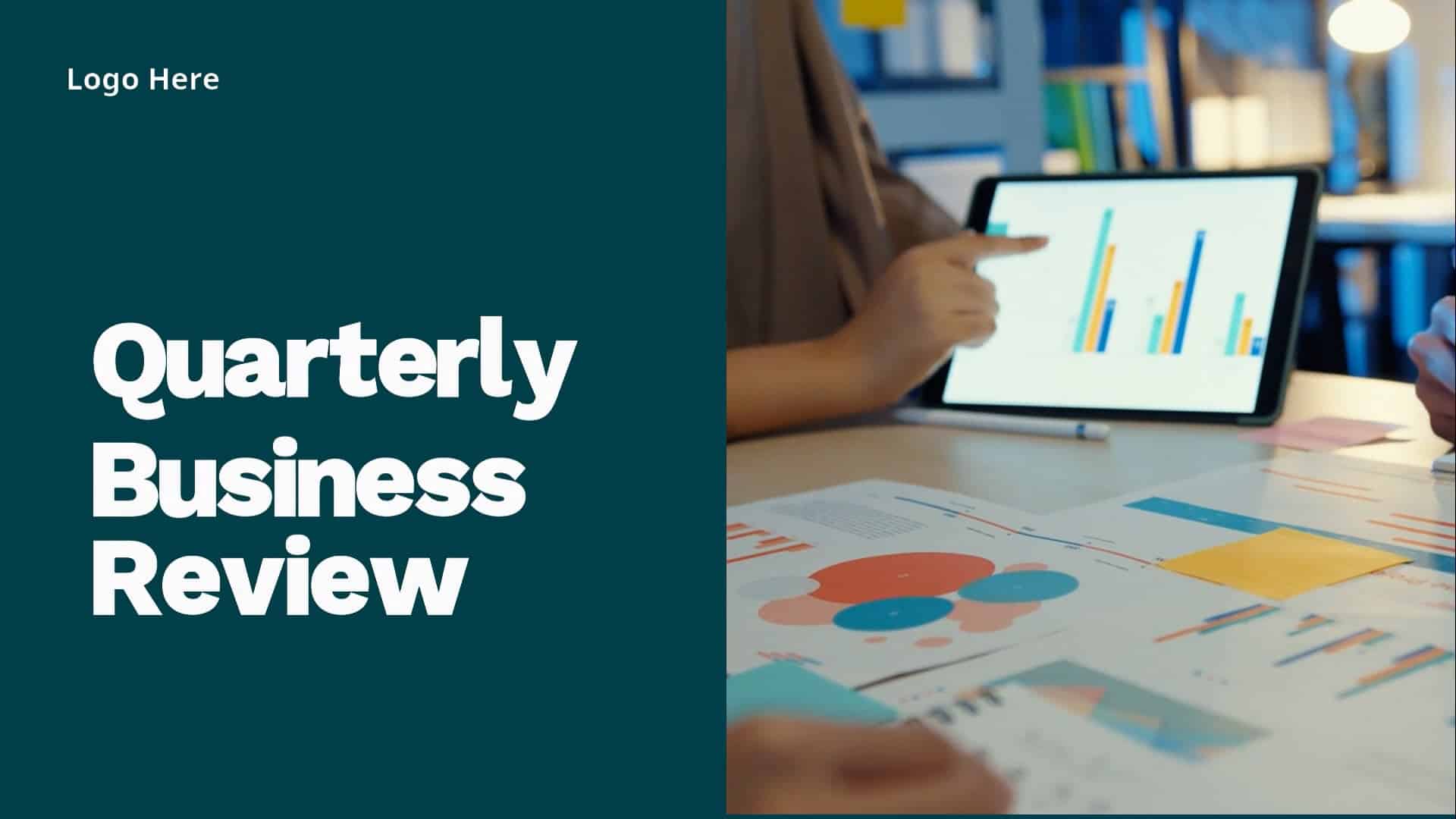
Quarterly Business Review Video Example: Performance overview and key business achievements.

CEO Leadership Update Video Example: Company vision, strategic highlights, and culture insights.
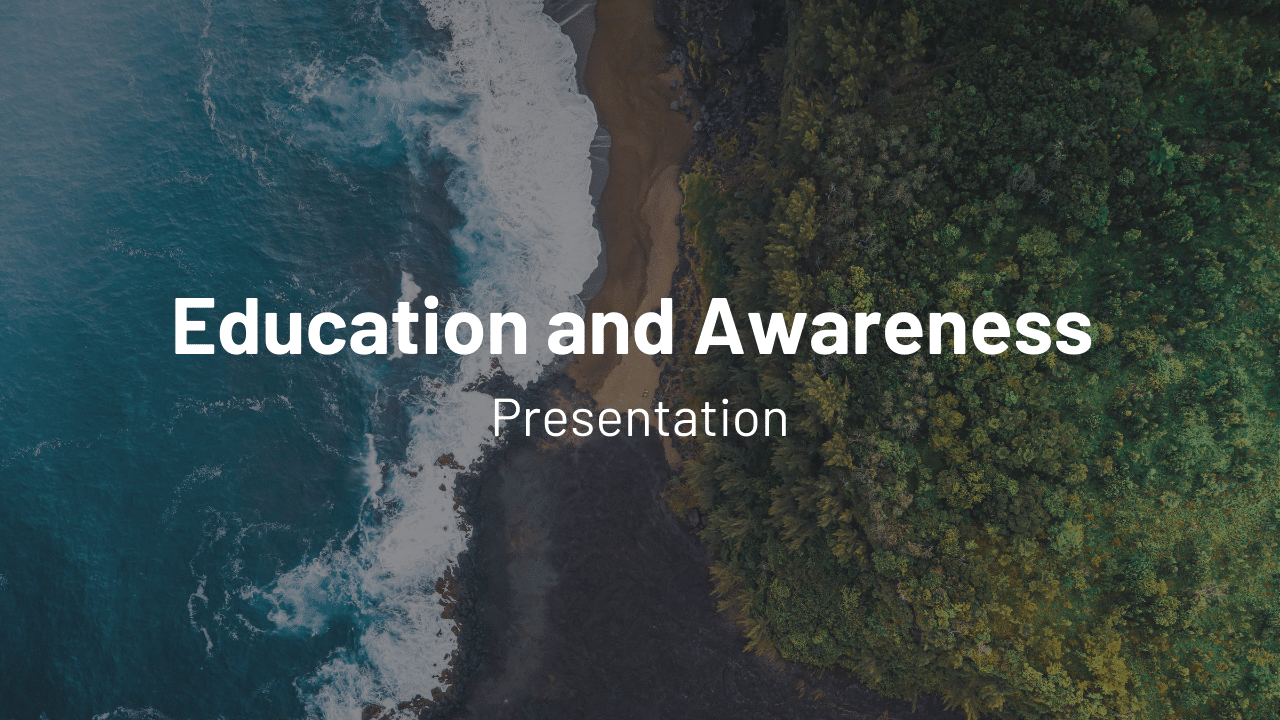
Education Awareness Video Example: Informative content for workplace skill development.
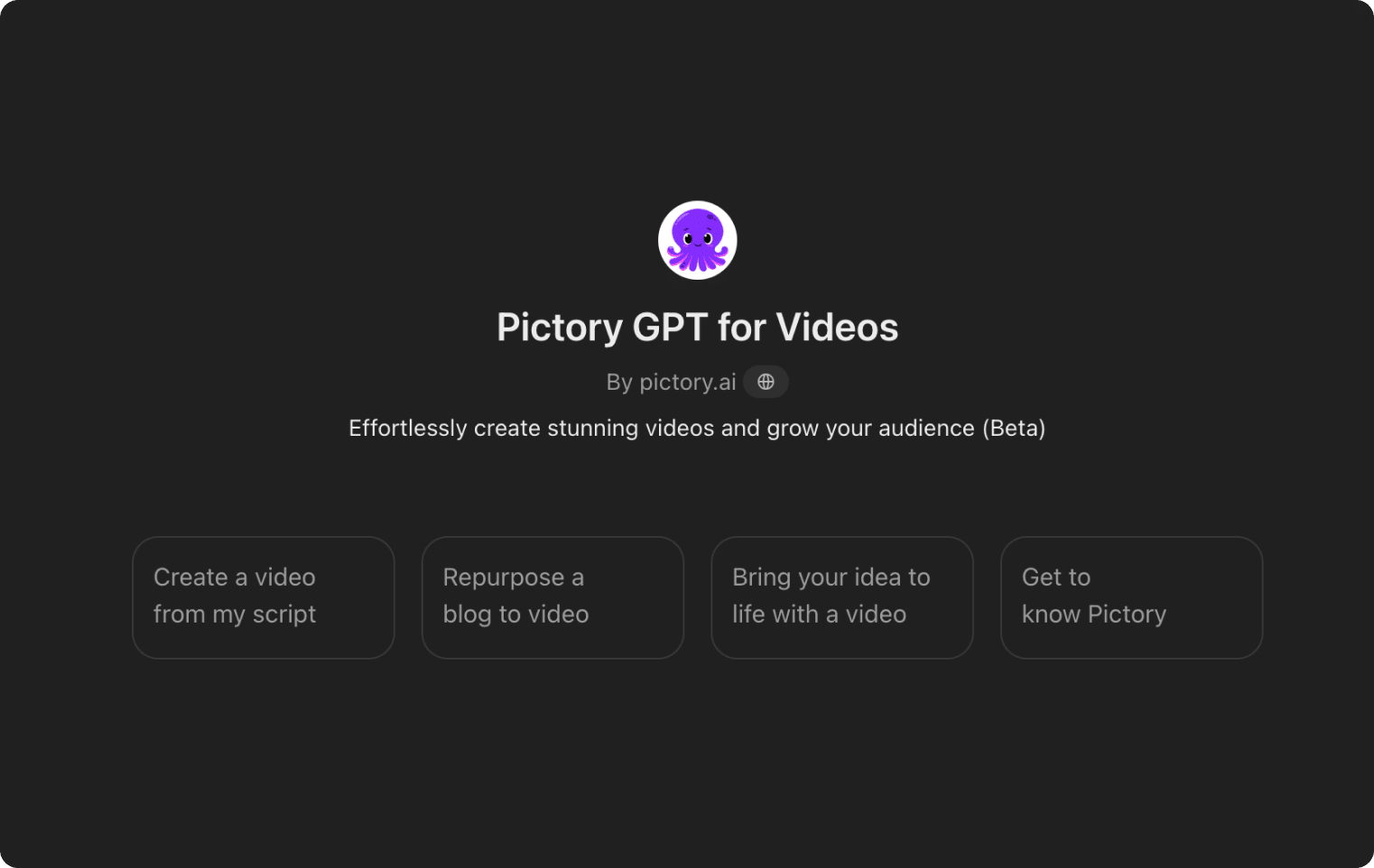
Our GPT-powered tool can create a video script and automatically generate a video from your prompt. Our Video GPT makes turning your text into captivating videos simple and easy. Click the link below to go check it out on the Open AI GPT store.
ENTERPRISE
Custom solutions for enterprises
Discover how Pictory can help you accelerate your time to value and reduce up to 80% of your video production costs with advanced AI technology
Custom Plans
We create custom plans tailored to your specific business requirements, ensuring our services align seamlessly with your unique needs.
Personalized Onboarding
Our expert team ensures a smooth onboarding experience, guiding you through every step for seamless video production integration.
API Integration
Easily integrate Pictory’s AI into your systems with our flexible API, enabling automated video creation and customization at scale.
Exceptional Support
Experience exceptional support every step of the way, ensuring your business continues to produce high-quality videos efficiently.
Pictory is the most loved AI video generation software on the world’s biggest and most reliable software marketplaces.


It’s an AI system that converts text, prompts, or scripts into full videos using AI Studio.
It generates visuals, captions, voiceovers, and scenes automatically using text-to-video and prompt-to-image models.
Yes. Edit visuals, regenerate scenes, or rewrite sections instantly.
Absolutely. AI Studio generates multilingual subtitles and narration.
Yes, you can explore all features during your free trial.
Yes. All generated content is cleared for commercial use.




SOC 2 & GDPR compliant
OPE0072201
Copyright 2026 Pictory.ai - Privacy Policy / Terms of Service / NSFW / Copyright Policy / Sitemap
|
|
Default TitleBY PICTORY TEAM Default description text   
|