

Sharing projects allows you to collaborate, gather feedback, or hand off work to teammates and clients. Pictory AI gives you simple tools to share your videos securely so others can view, edit, or review your content depending on the permissions you choose.
This guide shows you how to share projects with others inside Pictory AI.
Why Sharing Projects Is Important
Sharing projects helps you:
• Collaborate with teammates
• Request feedback or approval
• Let clients review drafts
• Allow others to continue editing
• Keep everyone aligned on content
• Speed up production workflows
Sharing is an essential part of team based video creation.
Step 1: Open the Project You Want to Share
Start by opening the project inside the Pictory editor or project dashboard. Make sure the latest version is saved before sharing.
Step 2: Click the Share Button
At the top of your project screen, click Share. A sharing panel will appear with your available sharing options.
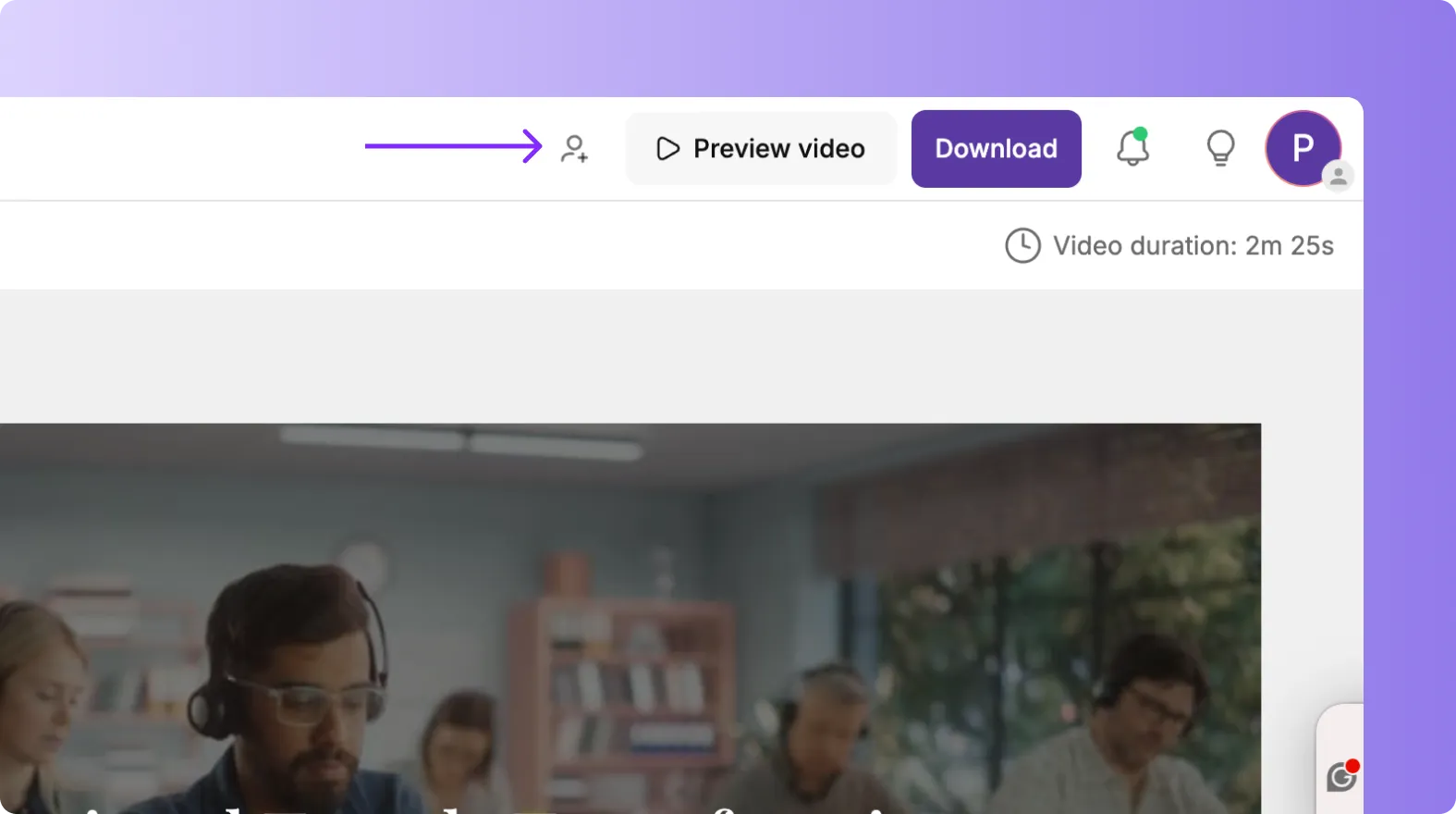
These options depend on whether you are using an individual or team plan.
Step 3: Choose Who You Want to Share With
Enter the email address of the person you want to share the project with. You can add one or multiple people.
Sharing works well for:
• Editors
• Reviewers
• Clients
• Team members
• Stakeholders
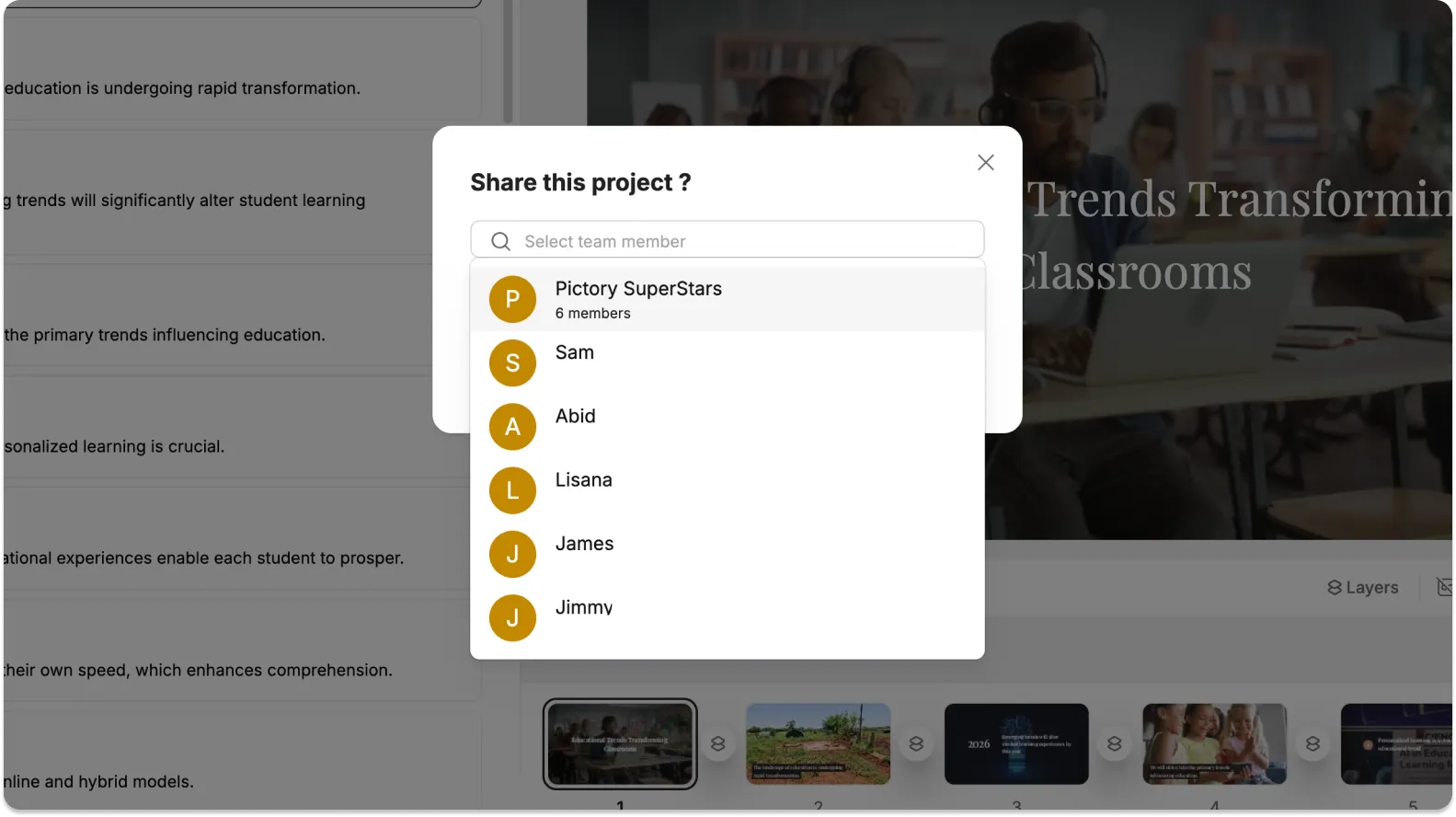
Everyone you share with will receive access instantly.
Step 5: Send the Project
Click Send or Share to complete the process.
The recipient will receive an email notification with a link to the project.
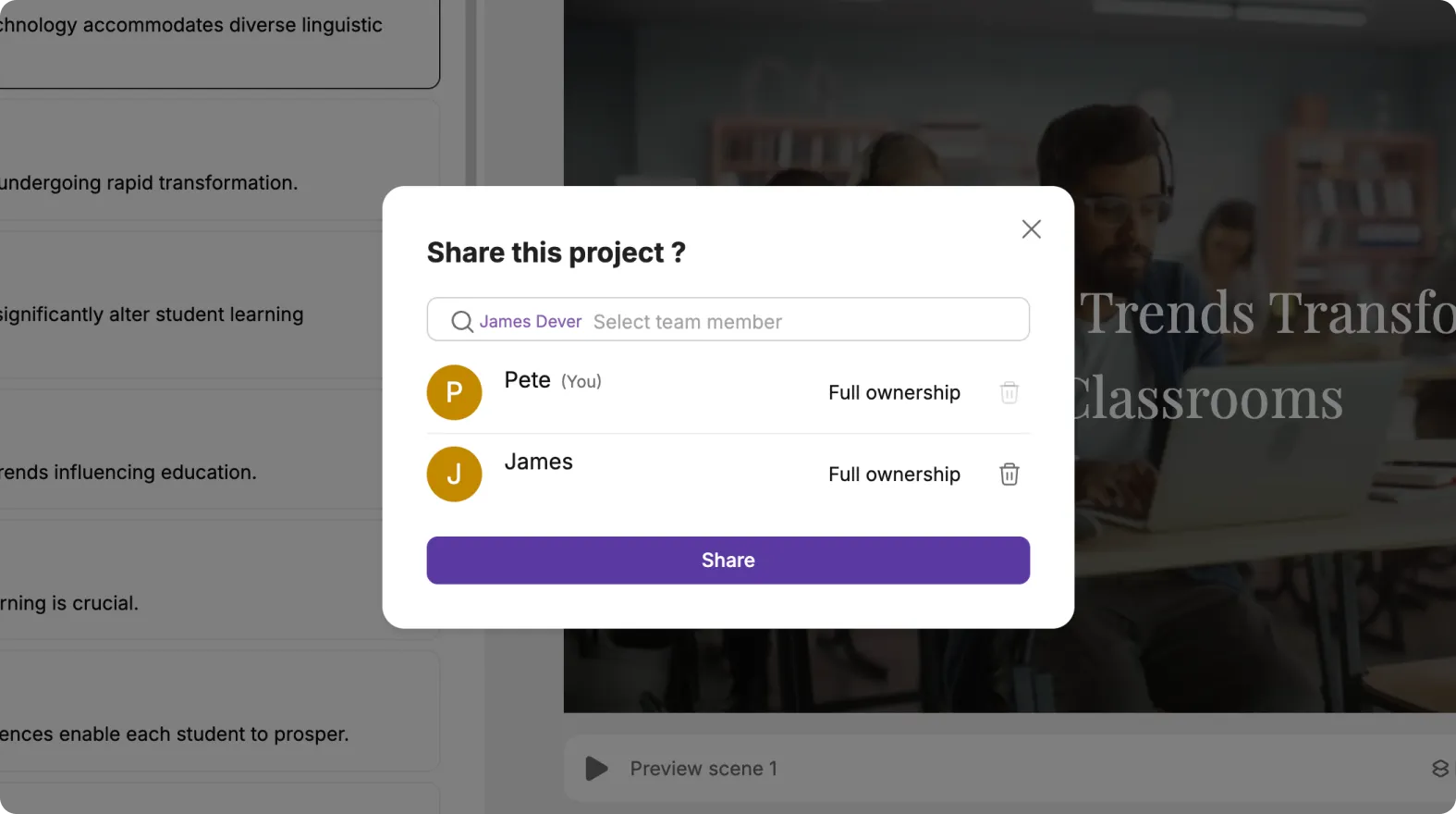
They can access it immediately based on the permissions you set.
Step 6: Share Projects Across Your Team Workspace
If you are using a team plan:
• Projects can be shared automatically within the team workspace
• Each team member can open shared projects
• Brand Kits, templates, and assets remain consistent
• You can assign editing responsibilities
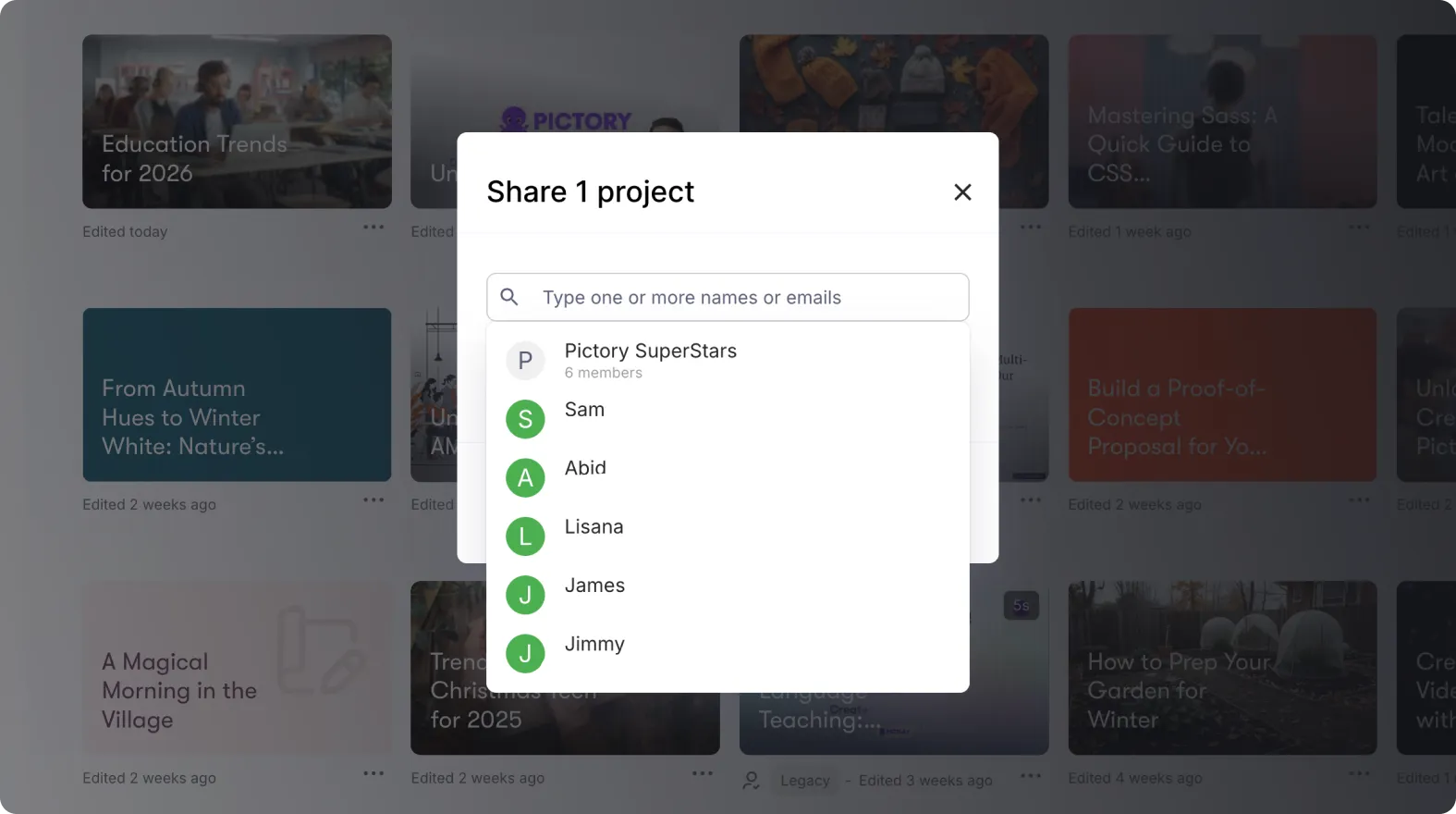
This helps teams work together more efficiently.
Step 7: Use Shared Projects for Review and Approval Workflows
Sharing projects is useful for:
• Getting quick feedback
• Approvals from managers or clients
• Quality checks before exporting
• Content updates from subject matter experts
Shared links keep everyone working on the same version.
Share Your Work Easily Using Pictory AI
Sharing projects makes collaboration simple. You can give teammates, reviewers, and clients the access they need without losing control of your content. Whether you are producing marketing videos, training materials, or social content, sharing projects helps you move faster and work more effectively with others.
Start sharing your Pictory projects today to streamline your editing workflow.


