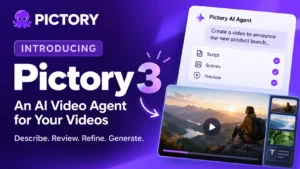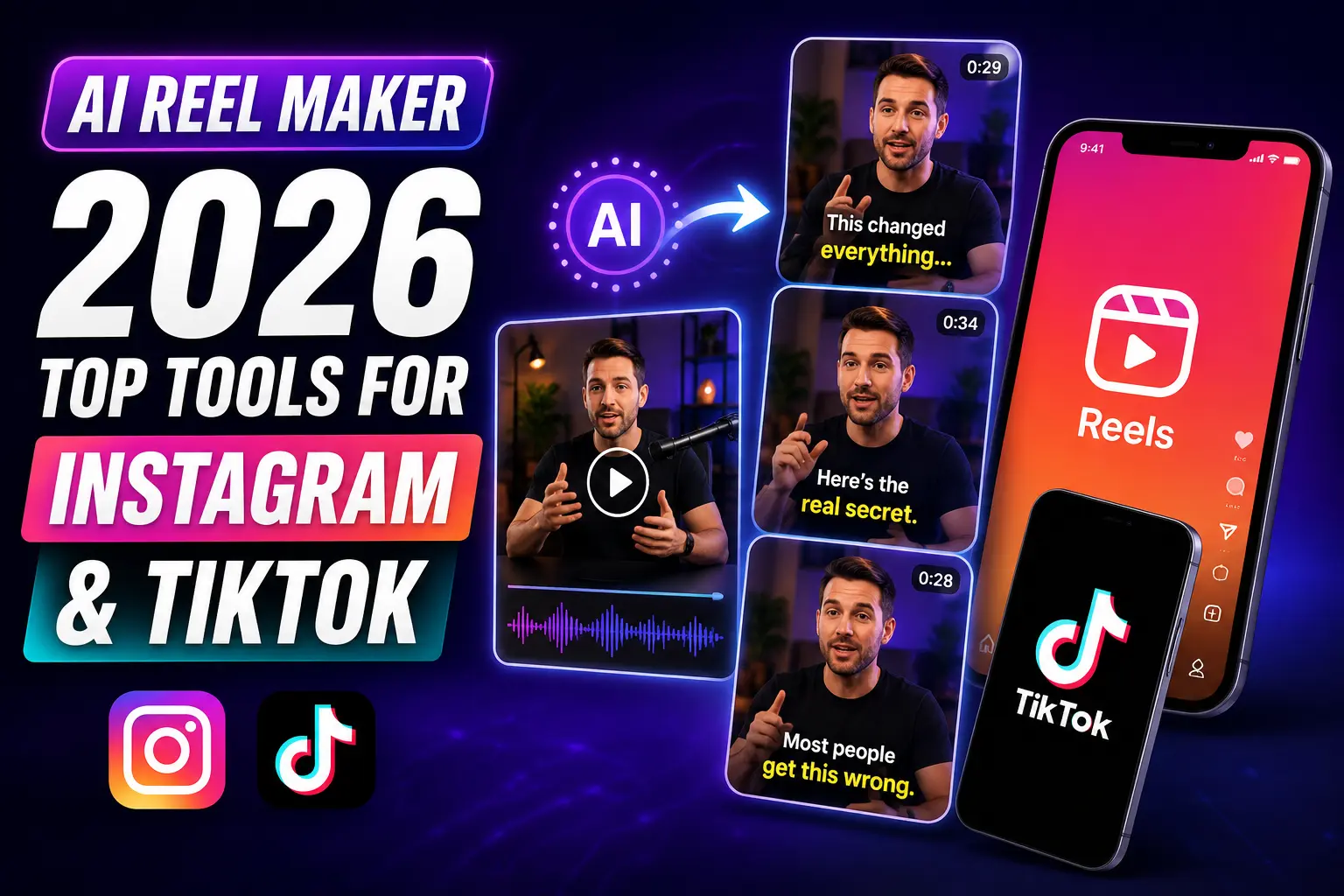
Instagram Reels now drive the highest organic reach of any post format on the platform, but manually cutting, captioning, and resizing video for two platforms eats hours most marketers and creators don’t have. Pictory’s Highlights & Clips feature solves that: upload a long recording, and the AI finds the best moments, cuts them into reels, and captions them automatically. This guide compares the top AI reel makers in 2026 and shows you how it works.
TL;DR
An AI reel maker takes your existing long-form content, a webinar, a podcast, a recorded interview, and automatically cuts it into short clips sized for Instagram Reels, TikTok, and YouTube Shorts. This guide compares the top tools in 2026, explains what each does best, and walks you through how Pictory’s Highlights & Clips feature turns one hour of video into a week of social content in minutes.
What Is an AI Reel Maker?
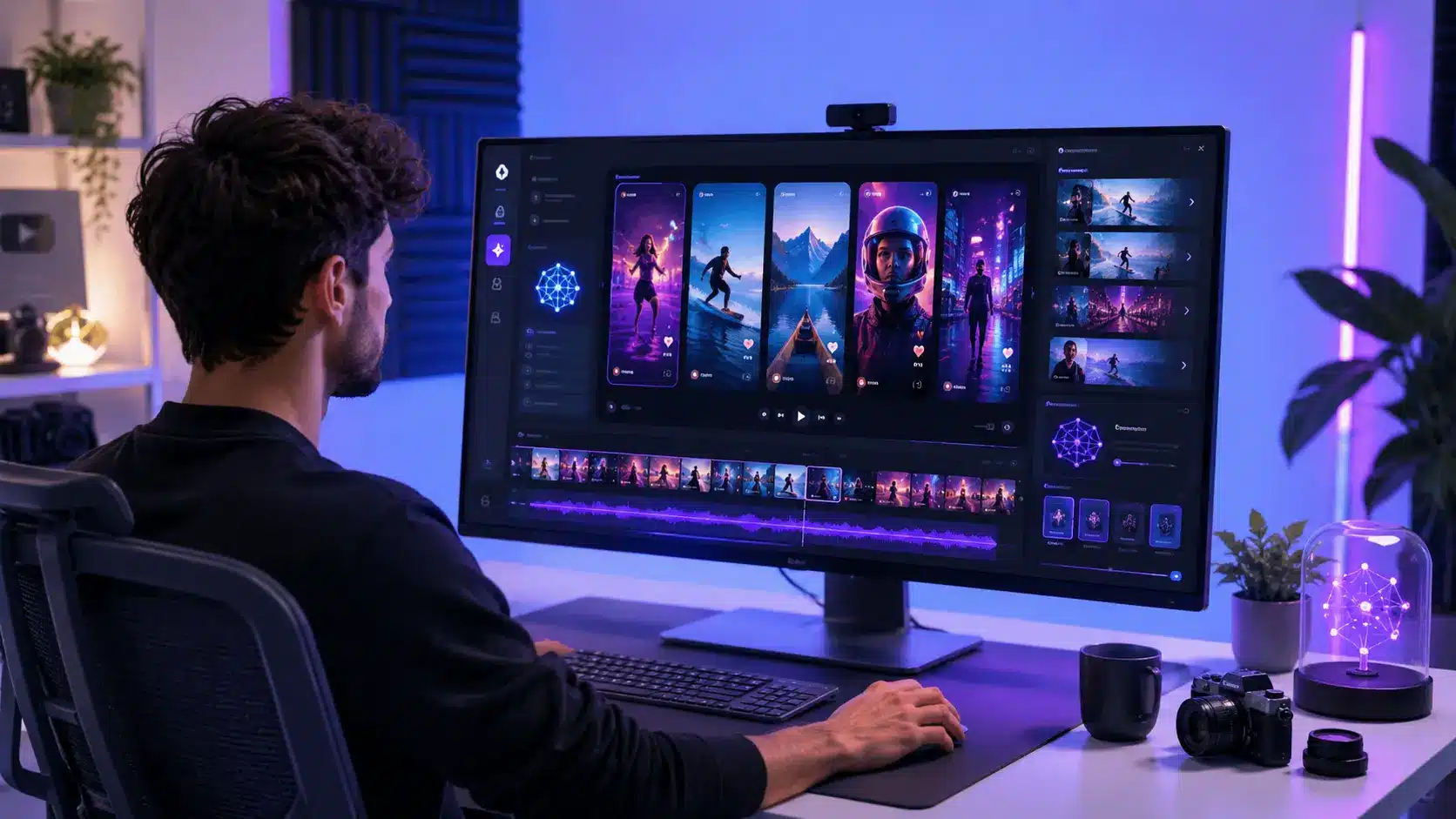
An AI reel maker is a tool that automates the creation of short-form vertical video for platforms like Instagram Reels, TikTok, and YouTube Shorts. It works in two main ways: generating a reel from scratch using a text prompt or script, or clipping a reel from existing footage by identifying the best moments in a longer video.
The second type is more valuable for most content marketers. If you record weekly webinars, publish podcast episodes, or host long-form YouTube videos, an AI reel maker scans that content, identifies the most engaging segments, and packages them as short vertical clips ready to post. You get a consistent stream of social content without extra recording time or manual editing.
How Do AI Reel Makers Create Clips Automatically?
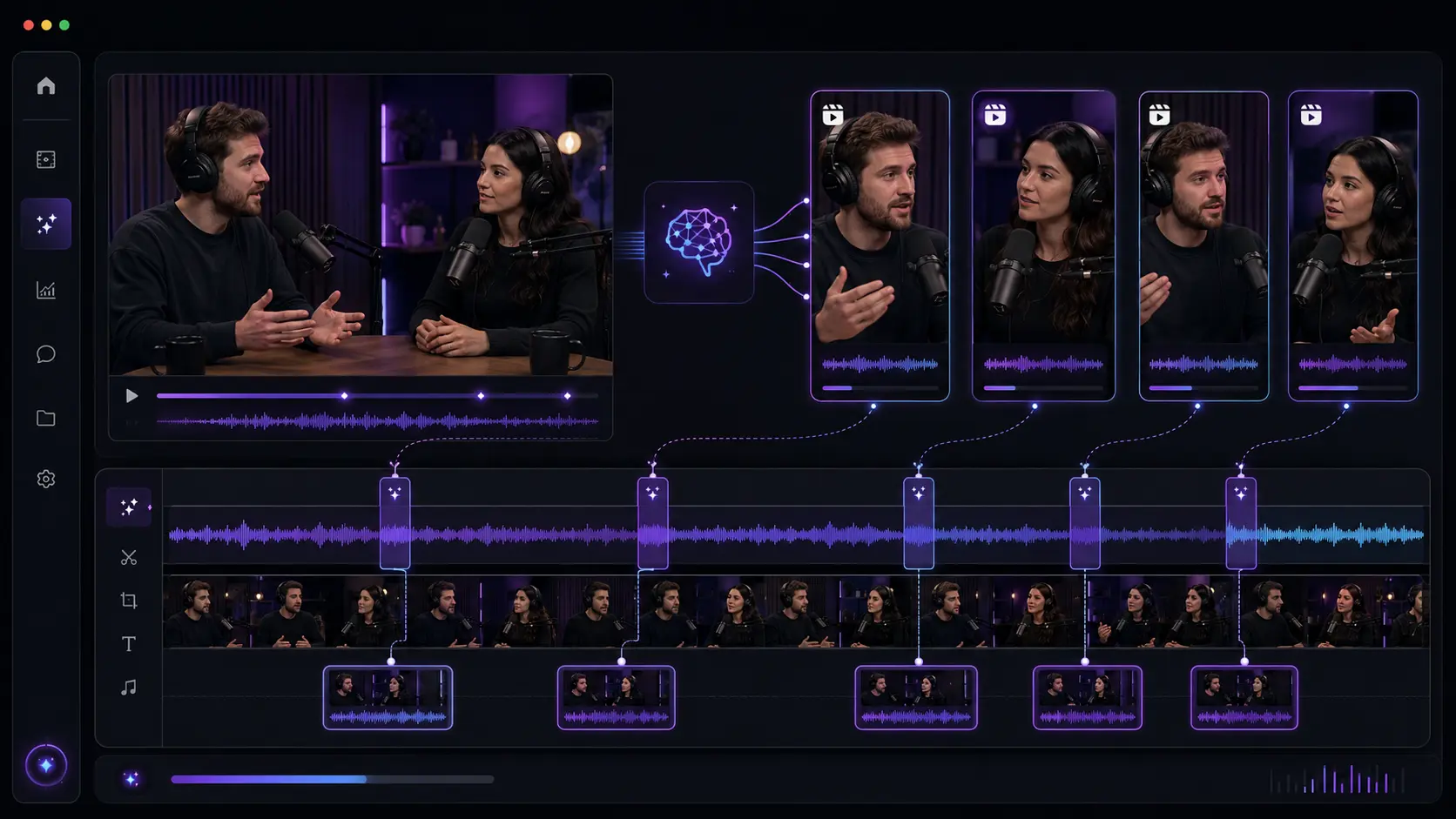
AI reel makers analyze your video transcript and audio to find high-value moments: quotable statements, topic transitions, strong hooks, and audience questions. They score each segment based on clarity, relevance, and engagement potential, then cut, reformat, and caption the selected clips without manual input.
The AI doesn’t splice random segments. Good tools use natural language processing to find moments that make sense as standalone content. They detect emphasis, applause, or questions in the audio to surface clips that resonate. Then they reframe the video from widescreen to vertical (9:16) and generate captions so the clip is watchable with the sound off. Pictory’s Highlights & Clips tool handles this entire process inside one workflow: upload a long video, review the AI’s suggested clips, customize as needed, and download reels sized and captioned for each platform.
Most AI reel makers complete this in under five minutes for a one-hour video. Manual editing of the same material typically takes one to four hours.
Top AI Reel Makers in 2026: Compared
The AI reel maker market has matured quickly. Here’s how the leading tools stack up for social media teams and content marketers.
Pictory: Branded Reels from Long-Form Content
Pictory is built for marketers and teams who want to repurpose existing long-form content into short clips at scale. Upload a webinar, podcast, or YouTube video and the AI scans the transcript to surface the most impactful segments. You review a list of suggested clips with timestamps, confirm or adjust selections, and download multiple reels in the right format for each platform.
The standout advantage is brand consistency. Apply a brand kit and every clip inherits your logo, fonts, colors, and caption style automatically. One brand kit handles an entire batch of clips in one click. Pictory also auto-adds captions to every reel, which matters because 85% of social video is watched without sound. For teams managing multiple brands or clients, the combination of bulk clip extraction and automatic branding is a genuine time-saver.
Best for: Marketing teams, agencies, and L&D professionals repurposing webinars, podcasts, and recorded video into branded social clips.
InVideo: Script to Reel
InVideo takes a generative approach. Rather than extracting clips from existing footage, it builds reels from a text prompt or script by assembling stock clips, AI voiceover, and automated editing. Type a topic or paste a script and InVideo produces a draft reel. This suits teams that don’t have source footage and need to produce reel volume from written content quickly.
Best for: Marketers who need high-volume reel content from scripts and ideas rather than existing video assets.
OpusClip: Clip Scoring and Virality Ranking
OpusClip focuses on clip extraction with a twist: it scores each clip using a “virality score” based on hook strength, pacing, and emotional cues. The score helps you prioritize which clips to post first without reviewing every suggestion manually. Useful for creators publishing high volumes and wanting data to guide posting decisions.
Best for: Creators who want AI to rank clips by estimated performance before deciding what to publish.
CapCut: Editing for Trend-Driven Content
CapCut remains the default editing tool for trend-driven short-form content. Its 2026 version includes AI auto-captions, smart crop for vertical reformatting, long-to-short conversion, and trend-aware templates. It requires more manual input than the extraction tools above, but for creators who want granular control over the final edit, it’s the strongest free option available.
Best for: Individual creators comfortable with hands-on editing who want trend templates and powerful AI-assisted tools at no cost.
HeyGen: AI Avatar-Led Reels
HeyGen sits in a different category: it creates presenter-led reels using an AI avatar delivering your script in 175+ languages. If your reels need a talking-head presenter but you don’t want on-camera talent, HeyGen fills that gap. It’s not a clip extraction tool, but for always-on video content at scale, it solves a specific production problem well.
Best for: Sales teams and brands building presenter-led video content without on-camera talent.
How to Create Instagram Reels from Long-Form Video with Pictory
Here’s the step-by-step workflow for turning a webinar or podcast into a batch of reels using Pictory’s Highlights & Clips feature. For a full video walkthrough, visit the Highlights & Clips Academy guide.
Upload your video
Open your Pictory dashboard and select Highlights & Clips. Upload your video file (up to 5 GB, up to 180 minutes) or paste a YouTube URL. Pictory begins transcribing automatically on upload.
Review AI-suggested clips
Pictory surfaces its recommended clips in a list with timestamps and transcript excerpts. Review each one, deselect segments that don’t fit, and add any moments the AI missed by clicking directly in the transcript. You stay in control of the final selection.
Apply your brand kit
Select your brand kit from the Branding panel. Logo, fonts, colors, and caption styling apply across every clip at once. This is where Pictory’s social media video workflow saves the most time for teams managing multiple brands.
Set the aspect ratio
Choose 9:16 for Instagram Reels, TikTok, and YouTube Shorts. Pictory reformats each clip automatically and uses AI smart crop to keep the main subject centered in the vertical frame.
Download and distribute
Download your clips as MP4 files with captions burned in. Post directly to your platforms or schedule through your publishing tool. One recording can produce anywhere from five to 20 usable clips depending on the content length and density.
What Makes a Reel Perform Well in 2026?
The hook in the first two seconds determines whether a viewer swipes or keeps watching. Buffer’s 2026 Instagram Reels benchmarks confirm that hook strength, caption readability, topic relevance, and posting consistency matter more than production quality.
A median 4.3% engagement rate is achievable with a strong opening, regardless of how polished the rest of the clip is. | Buffer, 2026 Instagram Reels Benchmarks
AI reel makers help with extraction, formatting, and captioning. The editorial judgment still belongs to the creator. When reviewing AI-suggested clips, ask: does the opening line of this clip make someone stop scrolling? If not, find a clip that opens stronger or trim to start at a more compelling moment. The tools do the heavy lifting. The hook decision is yours.
Caption style also drives more performance than most teams expect. Auto-captioned videos with high contrast between text and background consistently outperform uncaptioned clips across every platform, because the majority of mobile viewers watch video without sound.
See what your last recording is hiding
Upload a webinar or podcast and let Pictory surface the clips worth posting.
Which AI Reel Maker Is Right for You?
Pictory is the right fit for marketing teams, content agencies, and L&D professionals who already produce long-form video and want a reliable way to repurpose it into branded social clips at scale. If your team records weekly webinars, publishes podcasts, or runs customer interviews on video, Pictory turns that archive into a continuous source of social content without adding recording or editing workload. The brand kit system makes it particularly strong for agencies running multiple client accounts. See how Pictory’s tools support social media managers handling high content volumes.
InVideo is the stronger choice when you’re starting from scripts or ideas rather than existing footage. OpusClip suits creators who want performance-ranked clip lists to guide their posting strategy. CapCut is the best free editor for creators who enjoy direct control and want access to trend-based templates. HeyGen occupies a separate category for teams that need AI presenter-led reels without on-camera recording.
The fastest way to see whether Pictory fits your workflow is to upload your last webinar or podcast recording and see what the AI surfaces. Most teams find eight to 15 usable clips from a single one-hour session, which covers a full week of daily social posts.
Turn your next recording into a week of reels
Upload a webinar or podcast and let Pictory find the clips worth posting.
FAQ: AI Reel Maker
What is the best AI reel maker for Instagram in 2026?
The best AI reel maker depends on your workflow. For repurposing existing long-form video into branded clips, Pictory’s Highlights & Clips feature is the strongest option because it handles extraction, captioning, and brand styling automatically. For building reels from scratch using scripts or prompts, InVideo is the most capable tool for volume content generation without source footage.
How long does it take to make a reel with an AI reel maker?
AI reel makers process a one-hour video in under five minutes. Total time from upload to downloading finished clips, including reviewing and approving the AI’s suggestions, is typically 10 to 20 minutes. Creating the same content manually through traditional editing usually takes one to four hours for an equivalent batch of clips.
Do AI reel makers automatically add captions?
Yes. Most AI reel makers, including Pictory, generate captions automatically using speech recognition. Pictory targets over 95% accuracy on clear audio and lets you correct errors in a transcript editor before downloading. Captions are burned into the video by default so they’re visible on every platform without the viewer enabling them separately.
Can I make TikTok and YouTube Shorts from the same clip?
Yes. Exporting in 9:16 aspect ratio produces a clip that works for TikTok, Instagram Reels, and YouTube Shorts simultaneously. You create the clips once and post across all three platforms. Some tools, including Pictory, also let you export 1:1 square versions from the same session for Instagram feed posts.
Is Pictory free to use as an AI reel maker?
Pictory offers a free trial with no credit card required. Paid plans include a set number of video exports per month and scale up for agencies and larger teams. Check the Pictory pricing page to find the plan that matches your monthly clip volume and team size.
Related Posts