


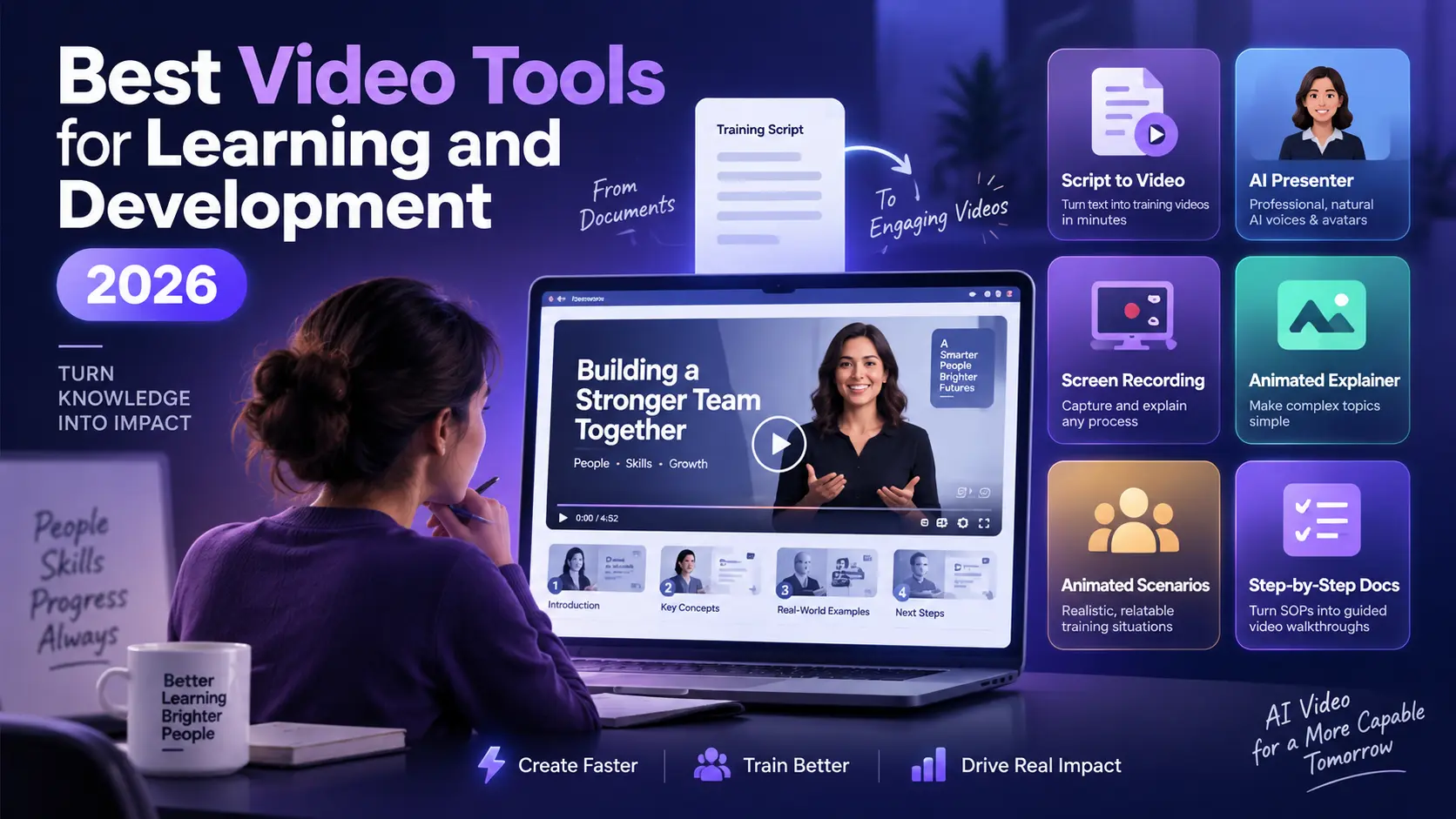
Your training backlog grows faster than your team can film. The best video tools for learning and development in 2026 fix that gap. They turn scripts, slides, and documents you already own into finished training video, so you scale learning content without a studio or an editor. Pictory sits at the top of that list for text-led teams, but it is not the right answer for every format. Here’s how the top eight compare, and which one fits your team.
TL;DR
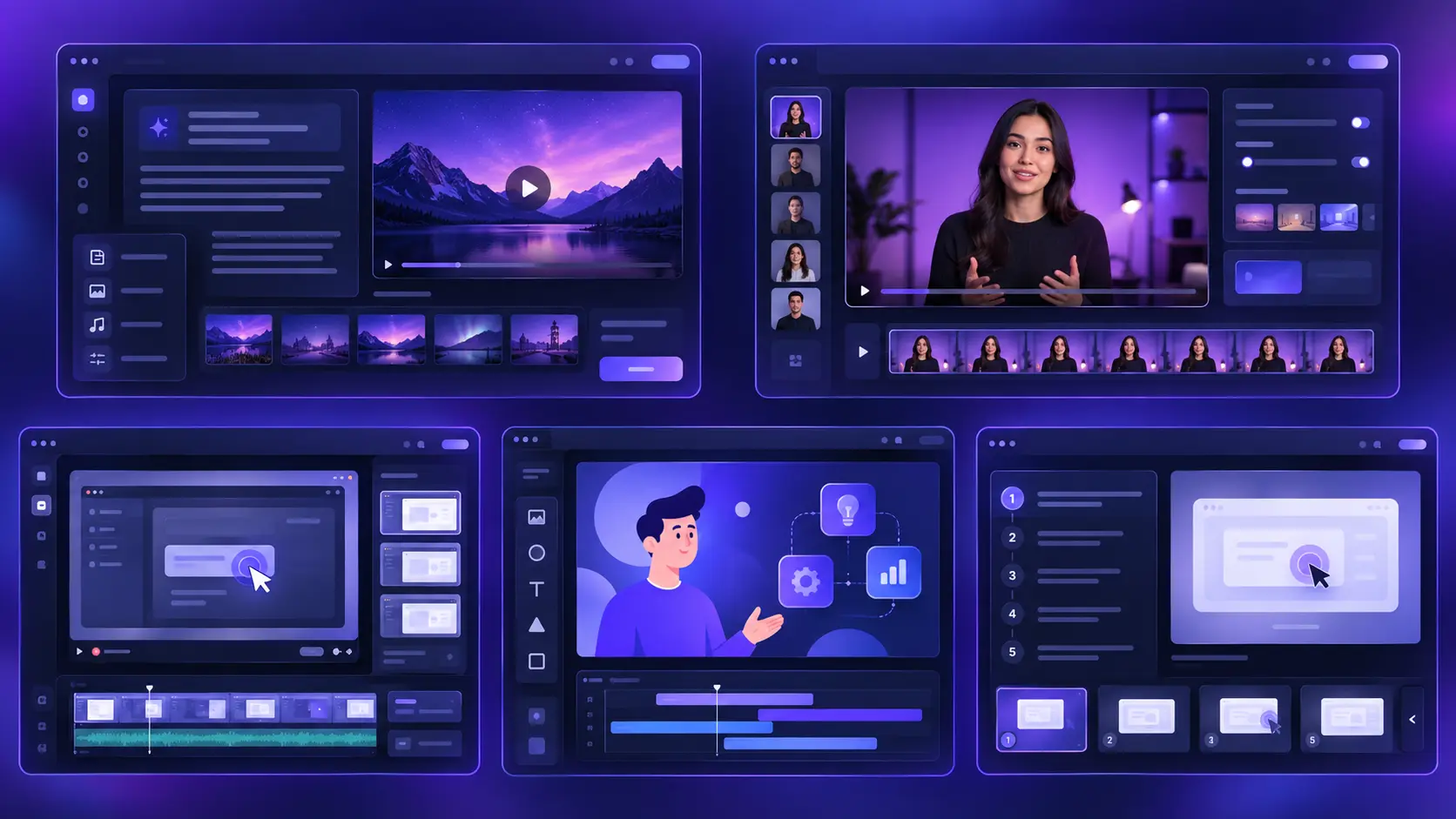
The best video tool for your learning team depends on your content. Pictory turns scripts and documents into training videos at scale. Knowlify makes animated explainers from your docs. Colossyan builds interactive courses with quizzes and SCORM export. ngram builds structured lessons from mixed source material. Synthesia builds avatar-led courses. Camtasia records software walkthroughs. Vyond animates scenarios. Guidde documents step-by-step processes. This guide ranks all eight by use case, so you pick the right fit before you start a trial.
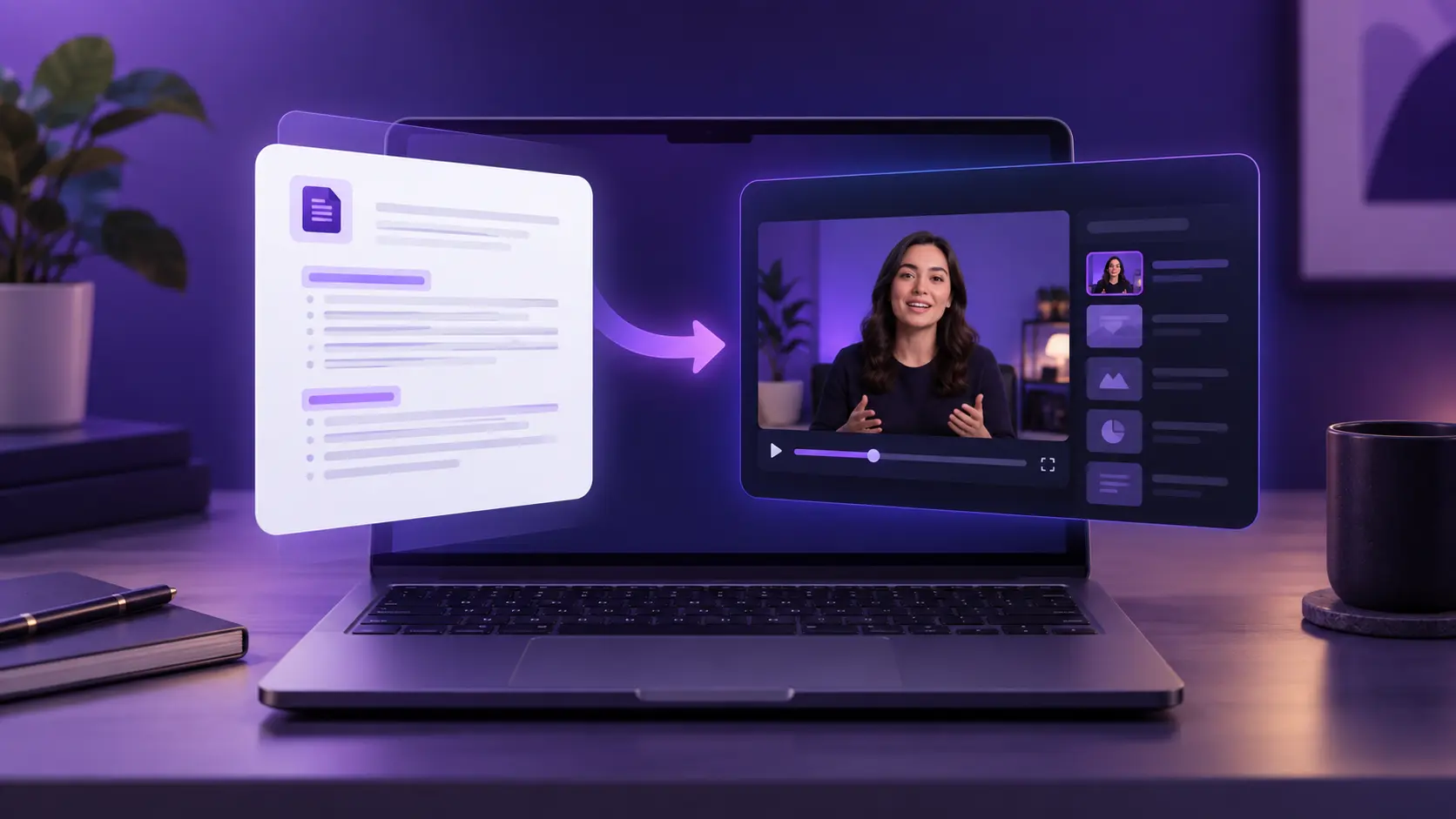
What should L&D teams look for in a video tool in 2026?
L&D teams should look for speed, brand consistency, accessibility, scale, and ease of use. The right tool turns raw content into finished video fast, keeps every course on-brand, and needs no editing background. Those five criteria separate a real training platform from a basic recorder.
Speed matters most. When a policy or product changes, your training has to change with it. A tool that rebuilds a module in minutes keeps your content current. One that needs a re-shoot leaves it stale.
Consistency comes next. Every video should carry the same fonts, colors, and voice, whether your team makes 5 courses or 500. Brand controls and templates hold that line for you.
Accessibility drives completion. Captions, voiceover, and clear visuals help learners finish. That reflects how people prefer to learn: most would rather watch a short video than read a manual, which is why video sits at the center of modern training.
Scale and ease of use round it out. Your subject experts should build video without waiting on a designer. When anyone on the team can create, output grows across every department.
One more thing to check: how the tool handles updates. Training content dates fast. A tool that lets you swap a line, re-render, and republish in minutes keeps your library accurate. If a small edit means rebuilding the whole video, your content falls behind the moment a process changes.
How AI changed training video production this year
AI turned training video from a project into a task. You write a script or upload a document, and the tool builds visuals, captions, and voiceover automatically. What used to take a crew and a week now takes one person an afternoon.
The cost shift is the headline. Traditional instructional video runs around $1,000 to $3,000 for every finished minute once you count filming, editing, and revisions. AI tools cut that to a fraction, and updates cost almost nothing.
More than half of L&D teams now use AI to generate video content. Research.com, Video Training Statistics 2026
Adoption followed the savings, and the number keeps climbing as tools improve. An AI video generator has moved from novelty to standard kit.
The payoff reaches retention, not just budget. Companies that invest in learning keep people longer: 94% of employees say they’d stay at an employer that supports their growth. More training, made faster, means a workforce that sticks around.
There’s a format shift too. AI made short-form training practical, and short modules finish better. Learners complete a focused five-minute lesson far more often than a 30-minute course, so teams now break big topics into bite-sized video. AI tools make that split cheap, because each clip costs minutes to produce instead of days.
The 8 best video tools for learning and development in 2026
Here are the top eight tools, ranked by how well they serve real L&D work. Each fills a different need, so read for the use case that matches your content, not just the ranking.
Pictory: turn text into training video
Paste a script, drop in a document, or share a link, and Pictory builds the scenes, captions, and voiceover for you.
Pictory: best overall for turning text into training video
Pictory tops the list because it turns the content you already own into finished video. You paste a script, drop in a document, or share a link, and it builds the scenes, captions, and voiceover for you. That fits L&D teams who write a lot and film little.
The workflow is the draw. You can turn a script into a training video in minutes, or convert existing decks with the PPT to Video tool. Pictory Academy walks both through, step by step, in how to turn a script into a video and how to convert a PowerPoint into a video. It’s built for learning and development teams who need volume at a low cost. The tagline holds up here: fast, scalable, affordable.
Editing stays light too. Captions generate automatically, the voiceover reads your script in a natural voice, and brand colors and fonts apply across every module. When a policy changes, you edit the text and re-render, so your library never drifts out of date. Its limit is scope. Pictory isn’t a frame-by-frame editor for cinematic brand films, and it works best when your source is text.
Knowlify: documents into animated explainers
Upload a doc, and Knowlify drafts a script, animates the visuals, and adds voiceover.
Knowlify: best for turning documents into animated explainers
Knowlify converts documents, blog posts, and ideas into narrated, animated explainer videos. You upload a file, and it drafts a script, animates the visuals, and adds voiceover. That fits L&D teams sitting on dense policy docs and compliance material they need to make watchable. Its own line sums up the pitch: your employees don’t read your content.
It has a second gear too. Alongside the self-serve tool, Knowlify runs a done-for-you service where its team produces the videos for you in a few days. That helps when you lack the hours to build in-house. The tradeoffs are style, price, and range. The animated explainer look doesn’t suit every topic, pricing isn’t public, and Pictory covers a wider mix of inputs, from URLs and slide decks to your own footage, on a self-serve plan you can start today.
Colossyan: training video your LMS can track
Upload a document or paste a script and get a presenter-led course with quizzes, branching, and SCORM export.
Colossyan: best for interactive, SCORM-ready training
Colossyan is an AI platform for training and enablement. You upload a document or paste a script, pick a presenter, and it builds a video-led course with AI avatars in over 100 languages. What sets it apart for L&D is what happens after the video: you can add quizzes, branching scenarios, and pass scores, then export to SCORM so your LMS tracks completion and results. Teams at Paramount, Ericsson, Cisco, and Johnson & Johnson use it to keep large training libraries current, and Sonesta cut 80% of its video production costs after moving to it.
Maintenance is the other draw. When a policy changes you edit the text and re-render, so a 40-module library does not go stale, and one-click translation covers 100+ languages without a separate production run per region. Colossyan is not a timeline editor and it is not built for cinematic b-roll. If your training needs a presenter, a quiz, and a completion record in the LMS, it covers the whole job in one place.
ngram: script and storyboard before render
Feed it docs, decks, screenshots, or raw recordings, and review the script and storyboard before anything renders.
ngram: best for building structured lessons from mixed source material
ngram turns training documents, URLs, PPTX or PDF decks, screenshots, screen recordings, and raw video into structured lessons. It creates the script and storyboard before rendering, which gives learning teams a clear review point for steps, claims, and sequencing before production begins. For regulated training, that review gate is the interesting part: you catch a wrong step at the storyboard stage instead of after the voiceover is recorded.
For software training, ngram can smooth cursor movement, emphasize clicks, trim dead air, add step labels and transitions, isolate speech from background noise, or replace the original narration. Teams can then revise narration scene by scene, regenerate a single scene, or work directly in the timeline and on-canvas editor.
Brand kits and content guardrails help standardize logos, colors, fonts, motion, tone, approved phrases, and calls to action. Automatic captions, AI voiceover, multilingual variants, team workspaces, shared assets, share links, and embeds support repeatable training programs across distributed teams. The tradeoff is that the storyboard step adds a stage to the workflow. If you want a finished draft from a script in one pass, Pictory gets there faster.
Synthesia: AI presenter-led lessons
Type a script, pick an avatar, and get a talking-head course in dozens of languages.
Synthesia: best for AI avatar-led courses
Synthesia builds courses around AI presenters. You type a script, pick an avatar, and it delivers a talking-head lesson in dozens of languages. That suits onboarding and compliance training where a consistent presenter adds a human feel.
The tradeoff is style. Avatar delivery can feel formal, and some learners still prefer a real person on screen. If your courses lean on a presenter rather than screen recordings or B-roll, Synthesia earns a look. Pictory’s own AI avatar generator covers this need too, alongside its text-to-video core.
Camtasia: screen recording and walkthroughs
Capture your screen, add callouts, and export polished software tutorials.
Camtasia: best for screen recording and software training
Camtasia records your screen and turns it into polished tutorials. For software training, IT walkthroughs, and any lesson that shows a workflow, it’s a reliable pick. You capture the action, add callouts, and export a clean guide.
It asks more of you, though. Camtasia is an editor, not an automator, so you build each video by hand. That gives you control but costs time. Teams making many short how-to clips each week may find the manual pace slow.
Vyond: animated scenario training
Stage soft-skills and compliance scenarios with animated characters, no actors needed.
Vyond: best for animated scenario training
Vyond creates animated videos for soft-skills and scenario-based learning. When you need to show a difficult customer call or a workplace situation, animation lets you stage it without actors. Characters and scenes bring the lesson to life.
Animation carries a learning curve. Building custom scenes takes practice, and the cartoon style doesn’t suit every brand or topic. For compliance drama and behavior training, though, Vyond does what live footage can’t.
Guidde: step-by-step how-to videos
Click through a task once, and Guidde turns those steps into a narrated how-to guide.
Guidde: best for step-by-step process documentation
Guidde captures a process as you click through it, then turns those steps into a narrated how-to video. For SOPs, tool onboarding, and quick reference guides, it removes the writing work. You do the task once, and Guidde documents it.
Its focus is also its ceiling. Guidde excels at step-by-step capture but isn’t built for full courses, animation, or scripted lessons. Pair it with a broader tool when your training goes past process docs.
Turn your training docs into video
Fast, scalable, affordable video for every course and module.
Which video tool fits your training use case?
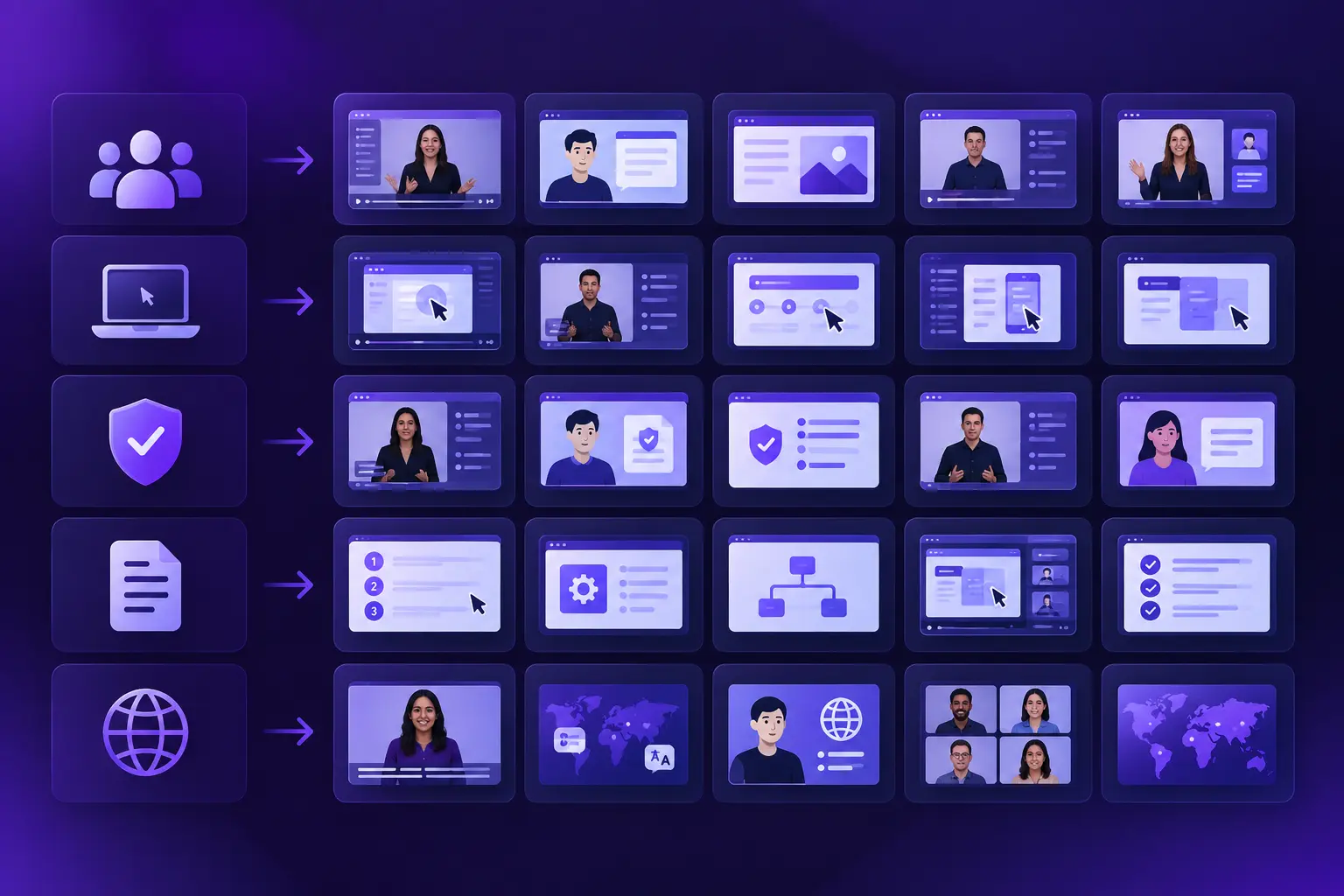
Match the tool to the job. Text-heavy training content points to Pictory. Document-to-explainer work points to Knowlify. Courses that need a quiz and an LMS completion record point to Colossyan. Mixed source material that needs a review gate points to ngram. Presenter-led courses point to Synthesia. Software walkthroughs point to Camtasia. Scenario training points to Vyond. Process documentation points to Guidde. Most teams end up using two, one broad and one specialist.
Here’s the quick map:
- Onboarding and course libraries: Pictory for scale from scripts and docs, Synthesia for avatar delivery, Colossyan for interactive courses your LMS can track.
- Document-heavy and compliance training: Knowlify for turning policies and PDFs into animated explainers.
- Regulated content that needs sign-off: ngram for reviewing the script and storyboard before anything renders.
- Software and systems training: Camtasia for screen capture and callouts, ngram for cleaning up raw recordings.
- Soft skills and scenarios: Vyond for animated situations you can’t film.
- SOPs and quick how-tos: Guidde for click-and-capture documentation.
- Global teams: Pictory or Synthesia, both offer captions and multilingual voiceover for training in many languages.
How do you choose the right tool for your team?
Start with your content, not the feature list. Ask what you make most: scripts, screen recordings, or scenarios. The tool that automates your most common format saves you the most time. That answer alone narrows the field fast.
Then weigh team size and skill. If subject experts build training without a designer, pick a tool anyone can run. If you have a dedicated video person, a manual editor like Camtasia gives more control. Match the tool to the hands that use it.
Budget comes last, not first. Free trials let you test real output before you commit, so build one actual module in each tool you shortlist. The cost per finished video, not the sticker price, is the number that counts. A slightly pricier tool that triples your output is the cheaper choice.
Think about your existing content, too. If you already hold scripts, help docs, and slide decks, a tool that converts them saves you the hardest step. You’re not starting from a blank page. You’re turning material your team wrote months ago into video that finally gets watched.
One more factor: reach. If you train across regions, prioritize captions and multilingual voiceover from the start. Retrofitting language support later is harder than choosing a tool that has it built in.
Pictory security and compliance, verified in the Pictory Trust Center:
GDPR Compliant
ISO 27001 Certified
The verdict: who Pictory is and isn’t right for
Pictory fits L&D teams that write more than they film. If your training starts as scripts, documents, or slide decks, and you need volume without a studio, it turns that raw material into finished video fast. Solo trainers, lean learning teams, and educators who scale content on a tight budget get the most from it. The text-to-video generator and URL to video workflows keep output steady week after week.
It isn’t the tool for every job. If your training leans on detailed screen recordings, you’ll pair it with Camtasia. If you need animated characters acting out scenarios, Vyond does that better. If every module needs formal sign-off before it renders, ngram’s storyboard gate fits that process better than a one-pass draft. If your LMS has to record a pass score against each learner, Colossyan handles that end of it. Pictory automates text and media into video; it doesn’t replace a manual editor for cinematic brand films or frame-level control.
For most L&D teams, that tradeoff lands in Pictory’s favor. It covers the bulk of everyday training video, scales across departments, and costs a fraction of traditional production. Start with one script or one deck, watch the first draft build, then judge it against your calendar. Try Pictory free, no credit card required.
Build your first training video today
Turn a script, doc, or slide deck into a finished course in minutes.
FAQ: Video Tools for Learning and Development
What is the best video tool for learning and development in 2026?
It depends on your content. Pictory ranks best overall for turning scripts, documents, and slides into training video at scale. Knowlify leads for document-to-explainer videos, Colossyan for interactive SCORM-ready courses, ngram for structured lessons built from mixed source material, Synthesia for avatar courses, Camtasia for software walkthroughs, Vyond for animation, and Guidde for process docs. Match the tool to the format you make most.
Which training video tool exports to SCORM?
Colossyan exports to SCORM, so your LMS records completion and results against each learner. It also supports quizzes, branching scenarios, and pass scores inside the video itself. Most AI video tools stop at the MP4, so if an LMS completion record is a requirement, that narrows the shortlist quickly.
Can L&D teams use AI video tools without editing skills?
Yes. Tools like Pictory need no editing background. You add a script or document, and the platform builds the visuals, captions, and voiceover for you. That’s why more than half of L&D teams now use AI to create video, including people who have never touched an editor.
Are AI-generated training videos effective?
Yes, when they’re clear and well-structured. Learners retain more from short, focused video than from dense text, and most people prefer watching over reading to learn a task. Good visuals, captions, and a clear voiceover carry the lesson better than a slide-heavy manual.
How do AI video tools reduce training costs?
They cut filming and editing out of the process. Traditional instructional video runs $1,000 to $3,000 per finished minute, while AI tools produce it for a fraction and update it in minutes. You skip crews, re-shoots, and vendor fees, and you refresh content whenever it changes.
Can these tools support global teams?
Yes. Pictory and Synthesia both offer captions and multilingual voiceover, so one course reaches learners in many languages. Colossyan translates a finished course into 100+ languages in one click, and ngram produces multilingual variants as well. That matters because training people can follow in their own language sees higher completion, which keeps distributed teams aligned on the same standards.
Related reads
Build training videos in minutes, built for learning teams.
Delivery platforms, once you have picked an authoring tool.
Turn a written script into finished video, scene by scene.
Convert training decks into MP4 courses automatically.

![[Article] How AI Is Changing eLearning Video Production for L&D Teams in 2026](https://pictory.ai/wp-content/uploads/2026/06/eLearning-Video-Production-300x200.webp)
