


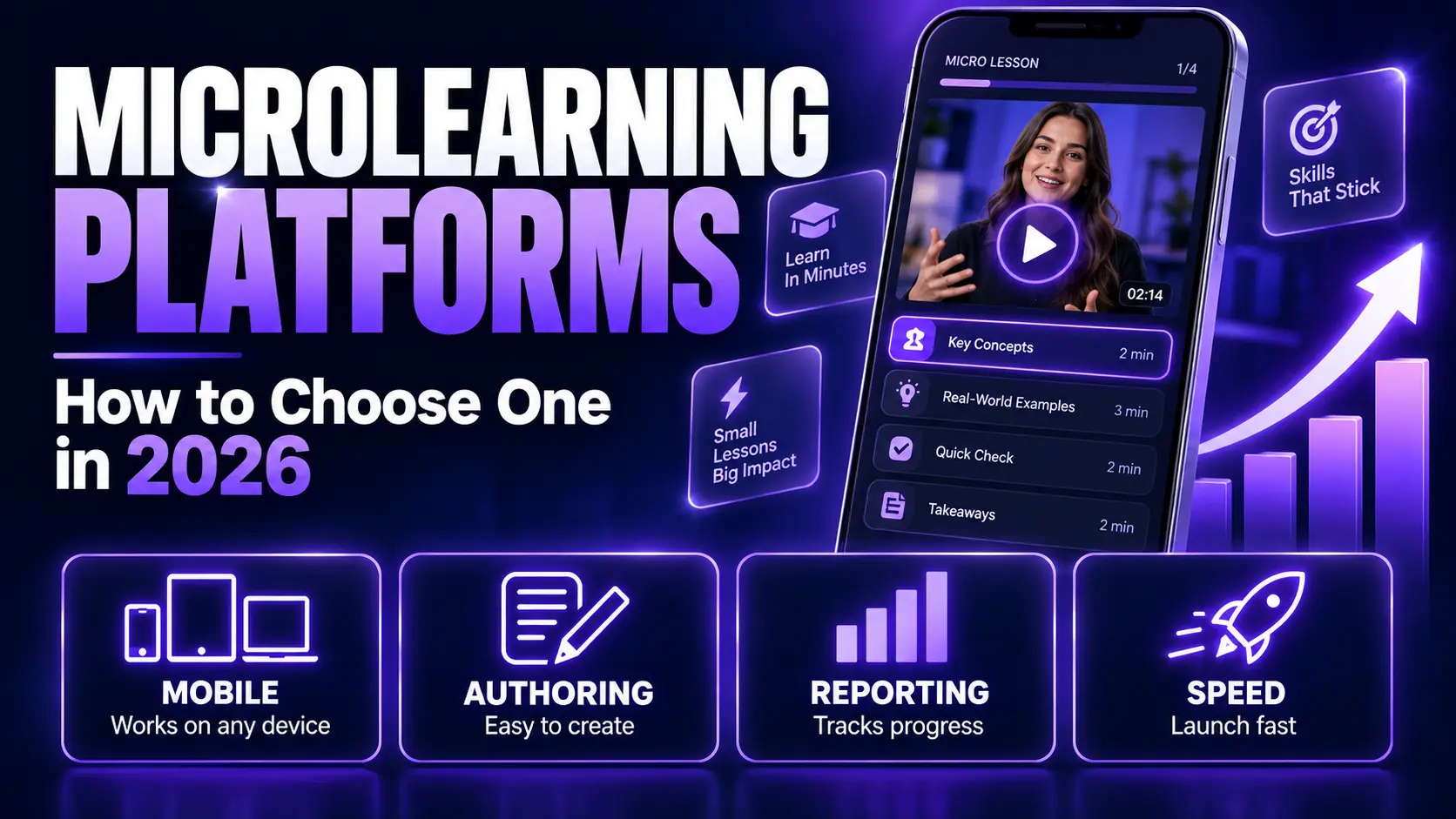
You’ve been asked to roll out training that people actually complete. Microlearning platforms promise that, and there are dozens of them. The differences between them are narrower than the marketing suggests, and the thing that decides whether your program works isn’t on any feature comparison page. It is whether you can actually produce the modules, which is the job Pictory does. Here’s how to shortlist without wasting a quarter.
TL;DR
Microlearning platforms deliver training in short modules employees finish on a phone. The differences that matter in a shortlist are how fast you can build a module, whether it works on mobile without a login, and whether it reports into the LMS you already run. Most platforms handle delivery well and authoring badly, which is where teams stall.

Microlearning Platforms Deliver Training in Modules Under 10 Minutes
A microlearning platform delivers short, single-objective training modules and reports on who completed them. Modules typically run three to 10 minutes and are built for a phone. Most combine three jobs: authoring the content, delivering it to learners, and reporting the results.
That bundle is where buyers get confused. A delivery platform pushes content to people and tracks completion. An authoring tool builds the content and exports it somewhere else. Some products do both, many do one well and the other adequately, and the pricing rarely makes clear which you’re buying.
Three delivery patterns cover the category. Standalone modules people work through on their own time. In-the-flow prompts that appear during a task. And spaced reinforcement that re-surfaces material on a schedule to fight forgetting. Decide which one your program needs before you look at a single product page.
What Should You Look For in a Microlearning Platform?
Six things: how fast you can build a module, whether it works on mobile without a login, SCORM or xAPI support, reporting depth, integration with your existing LMS or HRIS, and how the pricing scales. Everything else is a preference.
Two of those matter disproportionately depending on your size. Under 10 people in L&D, authoring speed decides everything, because the bottleneck is production capacity, not delivery. Above that, integration and reporting take over, because you’re answering to compliance and you need one source of completion data.
Two traps worth naming. First, check whether SCORM export is available on your plan rather than in the product, because several platforms gate it behind enterprise tiers. Second, if your people are deskless, “mobile-friendly” isn’t enough. Ask whether training reaches someone with no corporate email, on a shared device, with poor signal.
Most Modules Are Video, and That’s the Bottleneck
You can buy a platform this month and still have nothing to put in it. Delivery is a solved problem. Content production isn’t, and video is the format most microlearning modules use because it’s the one people finish.
This is where L&D teams stall. The platform is live, the integration works, and someone still has to turn a 40-slide compliance deck into eight short videos. Without a video team that job sits with whoever has time, which means it takes weeks and the rollout slips.
The way out is to stop making modules from scratch. You already have the raw material: decks, policy documents, recorded sessions. Turning those into narrated video is a conversion job, not a production job, and converting a PPT to video takes minutes. It’s the difference between shipping this month and shipping next quarter.
Which Microlearning Platforms Should You Shortlist?
Shortlist by delivery model, not by review score. Ratings across this category cluster so tightly that they tell you nothing. What separates these products is where learners access training and whether your data comes with you if you leave.
| Platform | Best for | Delivery model |
|---|---|---|
| Axonify | Large distributed workforces | Adaptive reinforcement |
| 7taps | Fast publishing, no login friction | Browser link |
| Qstream | Regulated, knowledge-critical teams | Spaced repetition |
| TalentCards | Card-based mobile learning | Native app, offline capable |
| eduMe | Deskless staff with no corporate email | SMS or QR access |
| TalentLMS | Lean teams wanting a full LMS | LMS with microlearning |
| LearnUpon | Multi-audience learning operations | LMS with microlearning |
| Articulate Rise 360 | Teams that own an LMS already | Authoring, SCORM export |
One name is missing from that table on purpose. EdApp became SC Training under SafetyCulture in 2024, and SafetyCulture retired the product entirely on 31 March 2026. Migration requests closed eleven days before that. Over a million learners across 70,000 organisations had to move.
Use it as a date stamp. Most comparison articles in this category still list SC Training, or EdApp, as something you can buy. If a shortlist recommends a platform that shut down five months ago, nothing else on the page has been checked either. Ask any vendor list you read when it was last verified, including this one.
Pictory isn’t an LMS and doesn’t belong in this table. It sits upstream, producing the video modules these platforms deliver.
How Much Do Microlearning Platforms Cost?
Three models, and they behave very differently as you grow. Per-learner pricing is predictable but scales with headcount. Per-admin or per-author pricing suits large audiences with a small content team. Flat licenses look attractive until you hit a seat ceiling mid-year.
Watch for active-learner credits. Some platforms bill on people who logged in rather than people enrolled, which makes forecasting difficult and can produce a bill nobody budgeted for after a big rollout.
Most vendors in this category quote instead of publishing. When you request pricing, ask three questions in the first email: what triggers a tier change, is SCORM export included on this plan, and what happens to our content and completion data if we leave. The answers separate the shortlist faster than a demo will.
How Do You Build Your First Module This Week?
Start from content you already have. Take one deck, one policy PDF, or one recorded session, convert it to a narrated video, and put it in front of 10 people. You’ll learn more from that than from three more vendor demos. Pictory Academy covers each source: turning a PowerPoint into a video, turning a PDF or Word document into a video, and cutting a recorded session into clips.
Pick one objective, not one topic
A module should teach one thing. If your source material covers two, that’s two modules, spaced apart.
Convert the source into video
Upload the deck or the PDF and let it become a narrated video with scenes, captions, and a voiceover. This is the step that used to take weeks.
Cut it to length
If you started from a recorded session, summarize it down to two or five minutes and strip the filler and silences instead of publishing the full recording.
Apply your brand kit
Colors, fonts, and logo set once, following how to create and apply brand kits. Every module after this one inherits the look, which is what makes a set of videos feel like a program.
Test it on 10 people before you buy anything
Completion and feedback from a small group tell you whether the format works in your organization. That evidence is worth more in a budget conversation than any vendor case study.
Build a training module this afternoon
Upload a deck or a document and get a narrated, captioned video back.
Verdict: How to Actually Choose
If your people are deskless, start with delivery. eduMe, 7taps and TalentCards each solve the access problem differently, and that constraint eliminates most of the market in one question. Pick the one whose access model matches how your staff actually work.
If your people are at desks and you already run an LMS, you may not need a microlearning platform at all. An authoring tool that exports SCORM into what you have avoids paying for a second system and a second set of completion records.
Either way, solve production before you sign anything. The most common failure in this category isn’t picking the wrong platform, it’s picking a good one and then having nothing to publish for two months. Build one module from material you already own, put it in front of a small group, and let that decide what you buy.
Stop waiting on video production
Decks, documents, and recordings into training modules, in one place.
FAQ: Microlearning Platforms
What is a microlearning platform?
A microlearning platform delivers short training modules to employees and reports on completion. Modules typically run three to 10 minutes and are built for mobile. Some include authoring tools, others expect you to bring finished content from a separate video or course builder.
How long should a microlearning module be?
Most run between three and 10 minutes, and single-objective modules sit at the shorter end. Length matters less than scope: one module should teach one thing. If you have two learning objectives, build two modules and space them apart.
Is microlearning better than traditional training?
It’s better suited to reinforcement, compliance refreshers, and just-in-time support. It’s a poor fit for complex skills that need practice and feedback. Most L&D teams run both, using microlearning to sustain knowledge between longer sessions rather than to replace them.
Do I need an LMS to run microlearning?
Not always. Some microlearning platforms handle delivery and reporting themselves. If you already run an LMS, look for SCORM or xAPI support so modules report into your existing records rather than creating a second source of completion data.
How do you make microlearning videos without a video team?
Start from content you already have. Turn a slide deck or a policy document into a narrated video, add captions and your brand colors, then export. Pictory does this in one workflow, which removes the production bottleneck most L&D teams hit after buying a platform.
Keep reading
The production half, in more detail than this page allows.
Authoring rather than delivery, for teams that already own an LMS.
Longer-form course content, once the short modules are working.

![[Article] How AI Is Changing eLearning Video Production for L&D Teams in 2026](https://pictory.ai/wp-content/uploads/2026/06/eLearning-Video-Production-300x200.webp)
