HR video maker
Make Onboarding Videos for New Hires in Minutes
Turn your handbook, policies and welcome message into short videos new hires can watch before day one, with a voice and captions.
- From a handbook, a policy or a deck
- A welcome video from your message
- Captions and translations for every hire
- Update a video when a policy changes
4.6/5Trusted by over 20,000 teams and institutions worldwide.





What is an employee onboarding video maker?
An employee onboarding video maker is a tool that turns onboarding material, such as handbooks, policies, slide decks and welcome messages, into videos for new hires. In Pictory you paste text or upload the file and get a narrated, captioned video you can edit and update.
Onboarding video software HR teams can run themselves. Employee onboarding videos usually wait for a film crew. With Pictory, HR turns the documents it already maintains into a welcome video, a company overview and short policy explainers, and keeps them current.
For longer courses and skills training, see the training video maker.

Employee handbookPDF uploaded
6 videosReady for day one
Ideas
Onboarding videos you can make
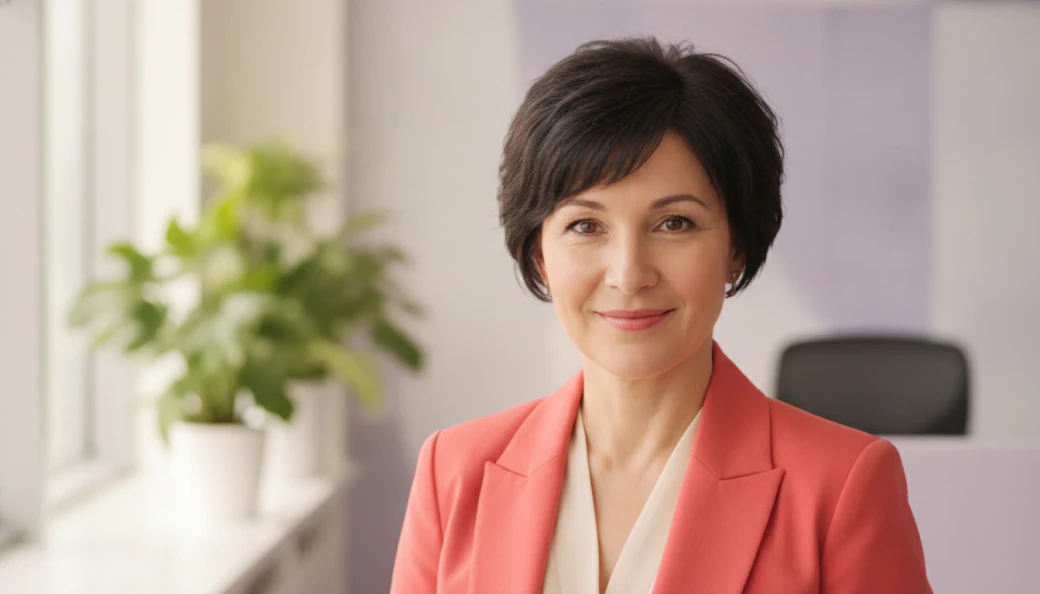
A welcome video for new employees from the CEO or the team, a company overview, policy and benefits explainers, a team introduction, a walkthrough of the tools they will use, and a first-week checklist. HR training videos for the topics every new hire needs come from the same documents.
Start with
Start from the documents you already have
The onboarding pack you already have is the script.
Doc to video
The handbook or a Word policy.
PDF to video
Benefits guides and policies.
PPT to video
The orientation deck.
URL to video
A policy page on your intranet.
How it works
How to make an onboarding video with AI
To make an onboarding video with AI, upload your handbook, deck or policy to Pictory, or paste your welcome script. Review the scenes it builds, add a voice, captions and your brand kit, then download the video or put it in Pictory Central for your LMS.
Add the material
A handbook, a deck, a policy or a script.
Review the scenes
Check the script and the visual in each scene.
Add a voice and captions
An AI voice, a presenter or your own recording.
Download or share
Export an MP4 in 16:9, 9:16 or 1:1, or share a link.


Current and consistent
Keep onboarding consistent and current
Updates
Update a video when a policy changes
Edit the script of the scene that changed and generate it again; nothing is filmed, so nothing is re-shot.
- Edit the script, regenerate
- The rest of the video stays
- One source of truth
Presenter
A friendly face for every new hire
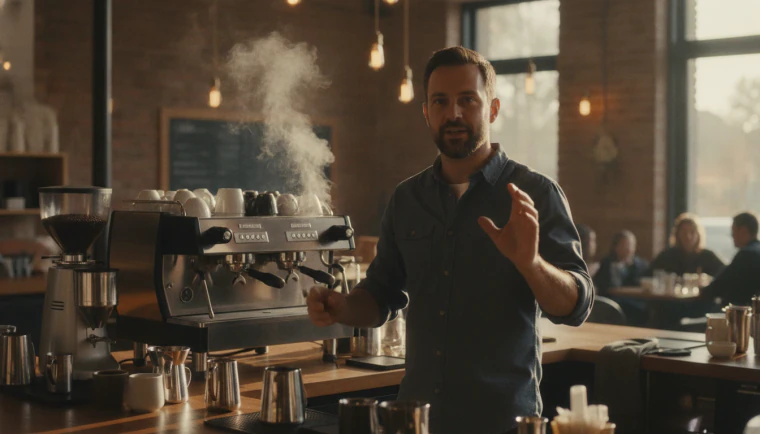
Add an AI avatar to present the welcome, or choose one of 170+ voices with the AI voice generator, or record your own.
- Ready-made or custom avatars
- 170+ AI voices
- Your own recording

PresenterWelcome video
CaptionsOn
Global hires
Onboarding in every language
Translate a finished video for new hires in other countries; each language becomes its own version.
- A version per language
- Captions translated
- One brand kit
Templates
Onboarding video templates
Pictory’s video templates include education ones (How To Micro Tutorial, Lesson Recap, Assignment Walkthrough) and customer support ones (User Guide and FAQ), each in landscape, mobile and square, which suit a tools walkthrough or a first-week explainer as an onboarding video template.
Customers too
Customer onboarding too
The same steps make a customer onboarding video: a welcome, a first-steps walkthrough and short how-tos for new customers. Record the product on screen and edit it as text, or start from your help center articles.
Company-wide
Rolling it out across a company
For a company-wide rollout, the Teams plan shares projects and brand kits across HR, and the enterprise plan adds Pictory Central, which hosts videos with chapters and quiz questions and exports SCORM for your LMS.
More AI video features
Your complete AI video generation tool
AI avatars
Add a talking presenter, or a digital twin of you.
Captions
Accurate, synced captions in your brand style.
Translation
Captions and voiceover for every market.
Text editing
Edit the transcript to edit the video.
Team workspaces
Share projects and brand kits with your team.
API
Generate branded videos from your own product.




AI Studio
Create any image or video you need with generative AI
The latest image and video models, built into the editor. Generate it, then drop it straight into your scene.

Generate and edit images
Describe it, or edit an existing image with a prompt.

Keep characters consistent
Use reference images to keep the same person or product in every scene.

Create video clips with sound
Generate clips with audio. Yes, characters can talk.

Extend any clip
Keep any clip going with a new prompt, even one you uploaded.
 ✓
Get four options at once
Generate up to four versions and keep the best one.
Stay on brand
Bring in your brand from a website, a document or a logo, and it is applied to every scene.











 ✓

Choose your model
Pick a model for stills or 5 to 10-second clips.
Also in AI Studio: Nano Banana Lite for images and Omni Flash for video.
Use cases
Who is using onboarding video makers?




Why Pictory
Loved by creators, trusted by enterprise teams
From solo creators to global marketing teams. Read the case studies
4.6 / 5
Average rating on G2, plus Capterra’s Best Ease of Use award for 2025.
20,000+
companies and institutions creating video with Pictory.
SOC 2
and GDPR compliant, ready for enterprise security reviews

 GDPR



Case studies
Teams that scaled video with Pictory

“Pictory is the easiest, most efficient way to get from an idea in text to multimedia imagery on the screen. It’s the critical component to get us out of death by PowerPoint.”
Read the Whirlybird Labs case study“Pictory helps us consistently deliver the high-quality videos we’re known for, content we’re proud of and our clients are proud to use. They always get a five-star response.”
Read the VRC case study“82% of our 10,000+ partners keep coming back to our training videos even though they aren’t mandatory courses. That’s how we know the content’s working.”
Read the AppDirect case study“It increased subscriber growth by 78% and cut my video creation time from a couple of hours to a few minutes. It’s been a godsend.”
Read the NetRock case study“Through Pictory videos, leads up by 500%, video production costs are down 90%.”
Read the Online Super Tutors case study“We only launched our new app a few months ago and already have over 500 subscribers. People come back regularly to watch more videos made with Pictory.”
Read the Game of Yield case study

Compare
Onboarding video maker vs. video editing software
One onboarding video, made two ways.
| Task | With Pictory | Traditional editing software |
|---|---|---|
| Starting point | The handbook, deck or policy you have | A shoot, or footage and a script |
| Policy changes | Edit the script and generate it again | Re-shoot or re-edit the video |
| Languages | Translate into a new version | Re-record for each language |
| Captions | Made from the script, timed to the voice | Added as a separate step |
From the blog
Latest guides for onboarding
New guides from the Pictory blog.
API and MCP
Build video into your own tools
Send text, links or slides to the Pictory API, or connect an AI agent through the Pictory MCP server, and get branded videos back.
POST /v1/video/storyboard
{
  "videoName": "q3-update",
  "scenes": [{ "text": "Q3 in 90 seconds..." }]
}For organizations
Pictory for HR and L&D teams
Bring video to every team, with one brand and the security reviews your company needs.
- Shared brand kits: logo, fonts and colors
- Pictory Central for interactive video, LMS use and SCORM export
- SOC 2 compliant and ISO 27001 certified
- Custom plans and dedicated support
Upload the handbook, policy or orientation deck to Pictory, or paste a welcome script. Review the scenes, add a voice and captions, apply your brand kit and download the video.
A warm welcome, who the company is and what it does, what the first week looks like, and who to ask for help. Keep it short: one or two minutes, with the detail in separate videos.
Yes. Upload the handbook as a PDF or Word file, or the deck as a .pptx, and Pictory turns it into narrated scenes. Long handbooks work well split into one video per topic.
Yes. Edit the script of the scene that changed and generate it again; the rest of the video stays as it is.
Yes. The video translator makes a new version of a video in each language you choose, with the script and captions translated.
Yes, through Pictory Central: it adds chapters and AI-generated quiz questions to a finished video and exports SCORM for your LMS. Pictory Central is part of Pictory’s enterprise solution.
Yes. The free trial includes 300 AI credits, and videos downloaded on it carry a watermark. Plans start at $25 a month, billed annually.
Not Just an Onboarding Video Maker
Explore our AI Generative Tools and Other Features