TL;DR
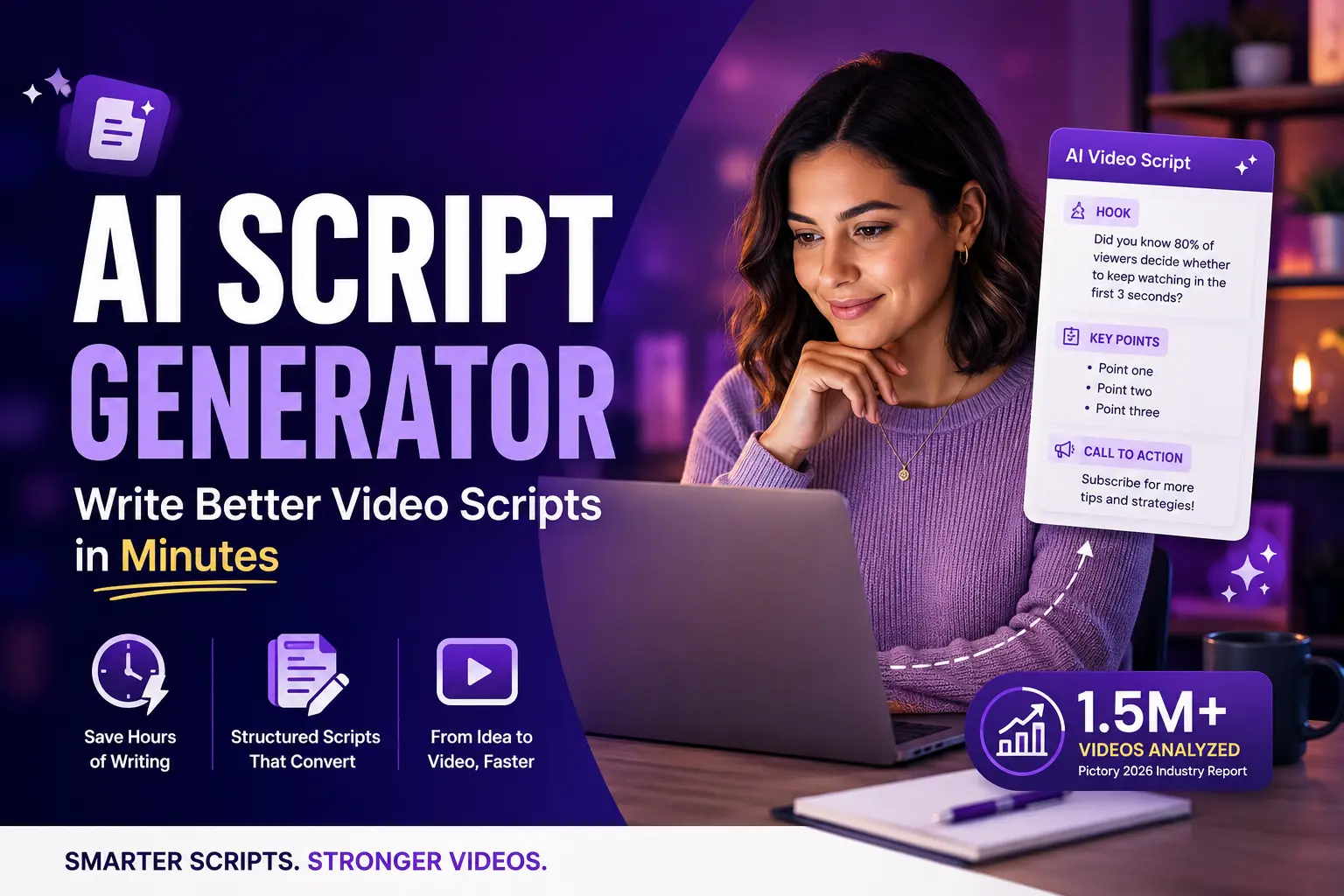
Analysis of more than 1.5 million videos on the Pictory platform shows professionals are now driving the next phase of AI video growth, and it starts with the script. An AI script generator turns a topic or prompt into a structured first draft in seconds: hook, key points, call to action. This post covers what these tools do, how to get a strong draft every time, and how Pictory takes you from idea to finished branded video without leaving the platform.
You know you need more video. The problem is the script. Staring at a blank page while deadlines close in is where most video projects stall. An AI script generator solves that: you enter a topic, set your tone and platform, and get a production-ready draft in seconds. Pictory’s 2026 State of the AI Video-Creation Industry Report, drawn from over 1.5 million videos, shows professionals, not hobbyists, are now driving the next phase of AI video growth. Scripting is where that shift starts.

What is an AI script generator?
An AI script generator uses natural language processing to turn a short input, a topic, a keyword, or a few bullet points, into a complete video script. It handles the three parts that slow most people down: the opening hook, the narrative arc, and the call to action. You get a structured first draft in seconds, then edit for brand voice and specific detail.
The best generators let you set your platform (YouTube, TikTok, LinkedIn), your tone (professional, conversational, sales-driven), and your video type (explainer, ad, tutorial). The script comes back already shaped for that context, which cuts editing time and removes the blank-page problem entirely.
“AI video creation is no longer a niche activity. We’re seeing professionals across industries adopt AI-powered workflows to create content faster, repurpose existing assets, and scale video production in ways that were previously impossible.” Vikram Chalana, Co-Founder and CEO, Pictory (2026 State of the AI Video-Creation Industry Report)
Why is writing a video script the bottleneck?
For teams without a dedicated copywriter or video producer, the script is where projects stall. You have the topic and the visuals in mind, but turning an idea into a structured narrative takes a different skill set from writing a blog post or a social caption.
Video scripts need a strong opening that lands in the first three seconds, a logical middle that holds attention, and a close that tells the viewer what to do next. Get any of those wrong and the finished video suffers, regardless of the editing quality. According to Pictory’s 2026 report, professional users repurpose existing content into video at nine times the rate of personal users, and content repurposing always starts with a script.
For digital marketers managing multiple channels and L&D teams producing training content at scale, a solid first draft in seconds, rather than hours, changes what’s actually possible in a week.
How to write a video script with AI in minutes
Getting a strong script from an AI generator comes down to the quality of your input. Follow these five steps and you’ll spend more time in the video editor and less time rewriting drafts. For a hands-on walkthrough inside Pictory, the Academy guide covers the full Idea to Video flow with screenshots.
Choose your platform and video type
A two-minute YouTube explainer needs a different structure from a 30-second TikTok ad. Set the platform, length, and format before you generate. This shapes the pacing, tone, and level of detail in the output.
Give the AI a focused topic, not a vague prompt
“Video marketing tips” produces a generic script. “Three ways a solo marketer can repurpose one webinar into five social clips” produces something you can actually use. Specific inputs mean less editing afterward.
Set your tone
Conversational works for social. Professional works for LinkedIn and B2B demos. Sales-driven works for product ads. Pick your tone before generating so the AI calibrates word choice and sentence rhythm from the start.
Review and refine the draft
AI gives you structure. You bring brand voice and product specifics it can’t know. Read the draft aloud, sharpen the hook if it’s generic, and adjust anything that doesn’t sound like you. One editing pass is usually all it takes.
Send the script straight to video
The most efficient tools connect your script directly to a video editor. Visuals are matched automatically, captions are generated, and your brand kit is applied before export. No copy-pasting between platforms, no rebuilding the scene from scratch.
What should you look for in an AI script generator?
Not every AI script tool is built the same way. Some produce standalone text you have to take somewhere else. Others connect directly to a video production workflow. Here’s what matters when you’re choosing one.

Platform and format awareness
The generator should adapt script length and structure to the platform you’re targeting. A LinkedIn post and a TikTok ad are written very differently, and a good tool knows that without you having to explain it.

In-context refinement controls
You should be able to rephrase, shorten, lengthen, or change the tone of any selected section without starting over. Ask AI controls on selected text are far more useful than a single regenerate button.

Script to video in one platform
The most efficient tools turn your finished script directly into a storyboard with matched visuals, voiceover, and captions. You shouldn’t need to copy your script into a separate video editor to produce the final asset.

Brand kit integration
For teams producing branded content at scale, the tool should apply your logo, fonts, and color palette to every video automatically. Manual formatting per project adds up fast.
How Pictory’s AI Script Generator works
Pictory’s AI Script Generator is built into the Text to Video workflow, so the script and the video live in the same place from the start. Here’s how it fits into a real production run.
From the Pictory home screen, select Text to Video, then choose Idea to Video. Enter your topic or a short prompt, pick your video type (explainer, ad, tutorial, testimonial, and more), set your platform, and choose your tone. Pictory generates a full script in seconds, complete with an introduction, main sections, and a closing call to action.
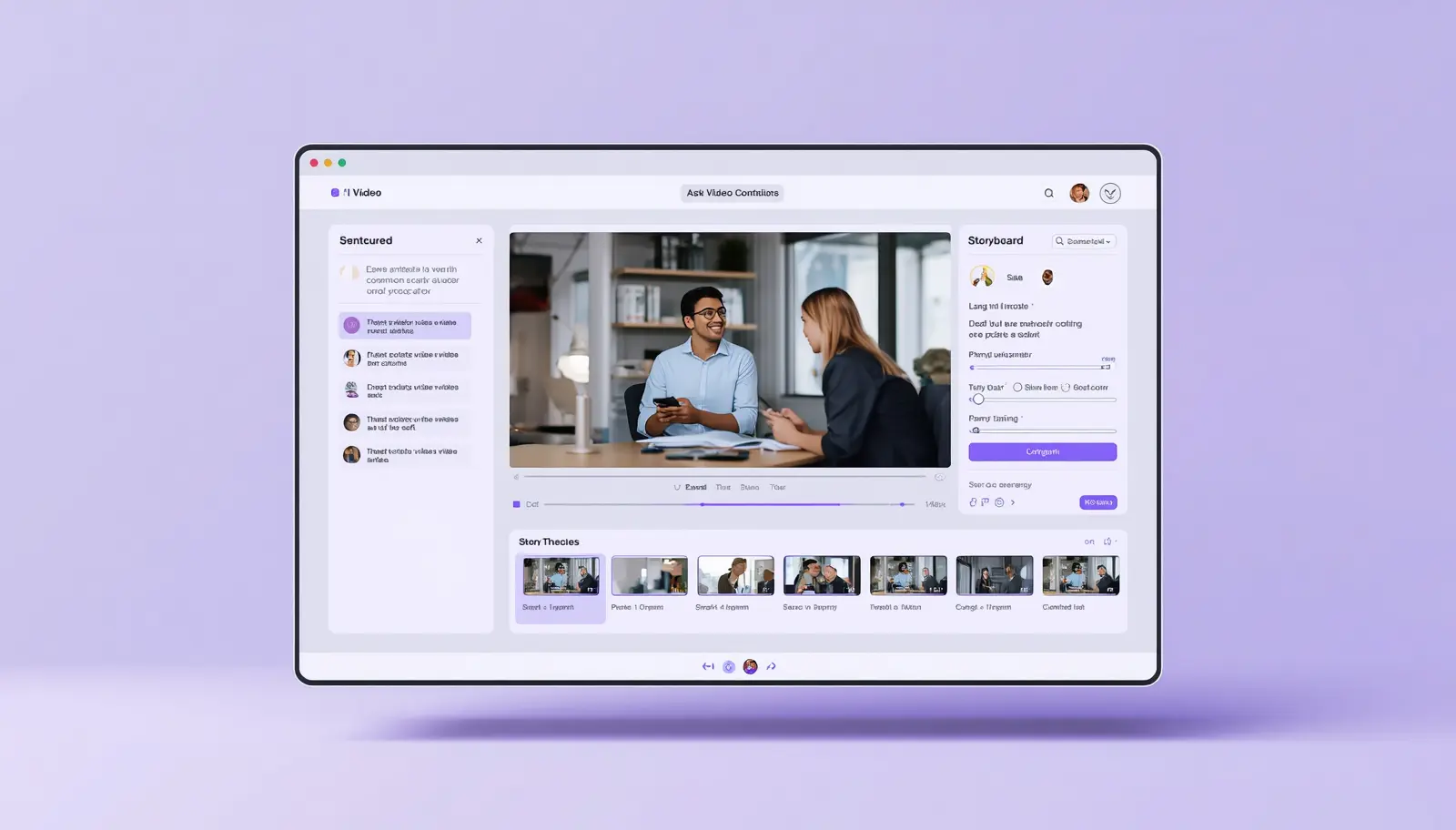
From there, refine anything with the Ask AI controls in the Script Editor: highlight a sentence and ask AI to shorten it, change the tone, or rephrase it. Once the script reads the way you want it, one click starts storyboard creation. Pictory breaks the script into scenes, matches each line with visuals from its Getty Images and Storyblocks library, generates captions, and opens the video editor for voiceover and branding.
Pictory’s script generator connects to every creation workflow on the platform, so you can start from whatever you have:
Paste or generate a script; AI builds the storyboard and matches visuals automatically.
Paste any URL and AI extracts the key points, scripting a video from existing web content.

Upload a podcast or recording; AI transcribes, scripting scenes from the spoken content.
Upload a PowerPoint; speaker notes become the script and slides become video scenes.
What types of video work best with an AI script generator?
AI script generators perform best for formats with a predictable structure. These are the video types where you’ll get the most from a generated first draft.
Explainer videos follow a clear problem-solution-outcome arc, which is exactly what AI handles well. You get a hook, a clear explanation, and a call to action without building the structure yourself.
Social media ads need a strong opening and a tight call to action. AI generators with platform targeting produce short, punchy scripts already shaped for the format you’re running.
Product demos and tutorials benefit from numbered steps and clear transitions, both of which AI organises automatically when you specify a tutorial format.
Webinar and podcast repurposing is where Pictory’s connected workflows add real value. If you already have longer content, URL to Video and Audio to Video extract and restructure the key points for you, turning existing assets into new short-form scripts without starting over. The Pictory Academy guide to creating marketing and ad videos covers how to match script type to video format for each use case.
Pictory’s 2026 report found that sales and marketing teams average 1.7-minute videos, while YouTube creators average 3.9 minutes. Knowing your target length before you prompt the AI produces a better-structured script from the first attempt.
Tips for getting better scripts from AI generators
A few habits separate teams that get strong first drafts from those that spend more time editing than they save.
Start with a goal, not just a topic. Tell the AI what you want the viewer to do at the end of the video: sign up, book a call, share the post. That shapes the call to action and the tone of the whole script.
Be specific about your audience. “Marketers at small businesses” produces a different script from “B2B SaaS marketers handling content alone without a video team.” The more precise your audience description, the more relevant the output.
Generate more than one version. Most tools let you regenerate with the same inputs. If the first draft’s hook doesn’t land, run it again. Two or three versions give you options to mix and match the strongest parts.
Keep each video focused on one idea. Scripts that try to cover too much lose viewer attention. If your topic is broad, break it into a series and let AI script each piece separately.
Read the draft aloud before sending it to video. AI-generated scripts can sound slightly formal on the page but awkward when spoken. A quick read-through catches anything that won’t land as voiceover.
Video now accounts for 82% of all internet traffic, and businesses that use AI in their production workflow report saving up to 80% of their time and budget.
How real teams use Pictory’s AI Script Generator
The results below come directly from Pictory customers across education, marketing, and professional services. Each one started with the same problem: too much video to produce, not enough time to script it manually.

Asia Pacific University
Higher Education · Malaysia · 20,000 students
Education
Before
Three days to three weeks per three to five minute instructional video, with multiple review cycles across lecturers and the digital learning team.
After
30 minutes per video. Lecturers now script and produce educational content independently, supporting 20,000 students across departments.
“To get one three to five minute video would take a minimum of three days. It could go up to three weeks… now we are only using half an hour.”
Jonathan, Asia Pacific University · Read full case study
Mark, Roya AI
Marketing Agency · Video production at scale
Agency
Before
Outsourcing each sales video cost $500 to $1,000. Production took several days per video, with hard costs of $300 to $400 and tight profit margins.
After
Near 100% profit margins. Videos produced in 30 minutes to one hour, in-house, with no outsourcing costs and first-attempt client approval on most projects.
Pat McKeown, Dam Easy Flood Barriers
Manufacturing & Distribution · 70 countries
Global
Before
Relying on 24-page PDFs and long documents that distributors in 70 countries weren’t reading. No affordable way to localise content by language or accent.
After
Scripts turned into two-minute branded videos in 20 to 30 minutes, localised with AI voiceovers for international distributors. PDF engagement replaced with video reach across 70 markets.
Ready to go from idea to video in minutes?
Write your script and produce your first branded video with Pictory’s AI Script Generator. No editing experience needed.
Is an AI script generator right for your team?
AI script generators work best for social media managers, marketers, and L&D teams who need consistent video output without a dedicated copywriter or video producer. If you’re managing content across multiple channels and video keeps getting pushed back because scripting takes too long, an AI generator removes that friction immediately. Teams with tight deadlines and high output targets will see the clearest return on time.
They’re not a replacement for strategy. AI gives you structure and a starting point. It won’t know about your latest product update, your brand’s specific positioning, or a customer story that would make the perfect hook. Those details still come from you. Treat the generated draft as a strong first draft you edit, not a finished script you publish without review. One pass is usually enough.
If you want to go from script to published video in a single workflow, Pictory is the strongest option for most teams. The AI Script Generator connects directly to the Text to Video suite, so your script becomes a storyboard, a captioned video, and a branded export without leaving the platform. For teams producing training content at scale, Script to Video handles the full production pipeline from a single input.
Write your first AI video script today
Pictory’s AI Script Generator is free to try. Go from topic to finished, branded video without any editing experience.
FAQ: AI Script Generator
What is an AI script generator?
An AI script generator uses natural language processing to turn a short input, such as a topic, keyword, or prompt, into a structured video script. It produces an opening hook, key talking points, and a call to action, giving you a production-ready first draft in seconds rather than hours.
How do I write a video script with AI?
Choose your platform and video type, enter a specific topic or prompt, set your tone, and generate. Review the draft, read it aloud to check it works as spoken narration, make any edits, then send it straight to your video editor. Pictory connects the script generator directly to the video production workflow so you don’t need to switch platforms.
Can I use an AI script generator for any type of video?
Yes. AI script generators work well for explainer videos, social media ads, product tutorials, webinar clips, training content, and brand videos. The best tools let you specify the format so the script is structured correctly for your video type, not just a generic block of text.
Does Pictory have a built-in AI script generator?
Yes. Pictory’s AI Script Generator is part of the Text to Video workflow under Idea to Video. You enter a topic, choose your video type, platform, and tone, and Pictory generates a full script in seconds. You can refine any part using Ask AI editing controls and then convert the script directly into a storyboard and branded video without leaving the platform.
What’s the difference between an AI script generator and a text to video tool?
An AI script generator produces the written script. A text to video tool takes that script and turns it into a video with visuals, captions, and audio. Pictory combines both in one workflow: the script generator creates your draft, and Script to Video converts it into a finished, exportable video with stock footage, voiceover, and your brand kit applied automatically.